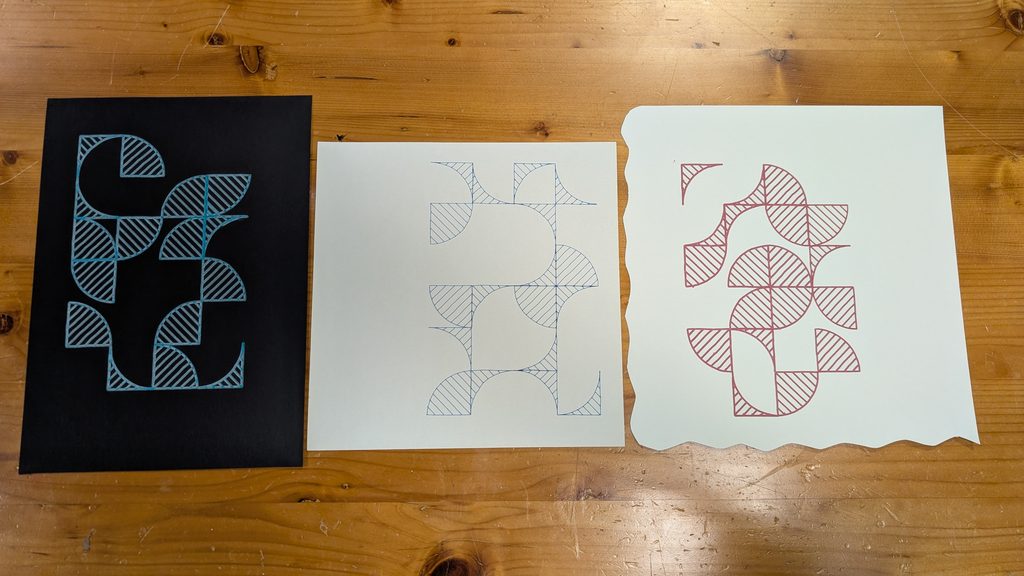
Concept:
The primary concept at play here is the idea of creating 70s retro-inspired designs with an exclusively modern system—including an element of chance to the mix.
My motivating drive for this concept was because this game I’m developing right now with my friends involves combining Frank Baum’s “The Wizard of Oz” novel with the setting of a cyberpunk world. I wanted to play with this theme of a vision of the future using material from the past.
Brainstorming: My Original Concept
I originally wanted to visualize the feeling of a strong, lingering sense of emptiness within—a common symptom of depression. I’ve spent the past year writing a fictional story about navigating depression, much of it reflecting my own lived experiences. To say the least, depression is a very personally important topic for me. I spent a good while pondering how I could best convey that—and one of the themes I found very conceptually intriguing was visually representing a “void.” To create the “void” within my drawing I originally wanted to use an old circular candle dust cover I had lying around; the idea would be to place it on the paper the pen plotter was working on. I initially retired this idea sinceI didn’t want to risk damaging the machine in any way but then I thought this physical barrier would add an extra dimension to the drawing process by actively hindering it. I thought that— afterall, this physical barrier is sure to cause a disruption—much like how symptoms of depression disrupt your day-to-day life. I went online and searched for PHQ9 textual responses and created a left-to-right gradient.
I ended up scrapping this completely because the candle dust cover obstruction thing wasn’t working as I expected, and I was overall just unhappy with the visual result.
Process: Designing on p5
Learning from my mistake during the laser cutting assignment, I made sure to include a noLoop() to make sure the vector only has one layer on export. I don’t know if that truly made any difference this time around but better to be safe than sorry.
The particular design language I was referencing is very Bauhaus-like. This is an example here of a design that featured a tile-like pattern I can recreate.

Originally I didn’t set the chance of each tile being a repeat of the previous orientation, or even the chance of it being empty. After the first few tests I recognized that I should manipulate the odds a little bit to make it look more interesting. I’m quite proud of how it turned out.
I must say, during this process where I was refreshing the generation to find something that looked aesthetically pleasing, I found it very amusing. I thought to myself this must be what self-proclaimed “AI artists” do all day with their midjourney-equivalent generative AI services—they just sit there and press restart until the computer poofs up something fun.
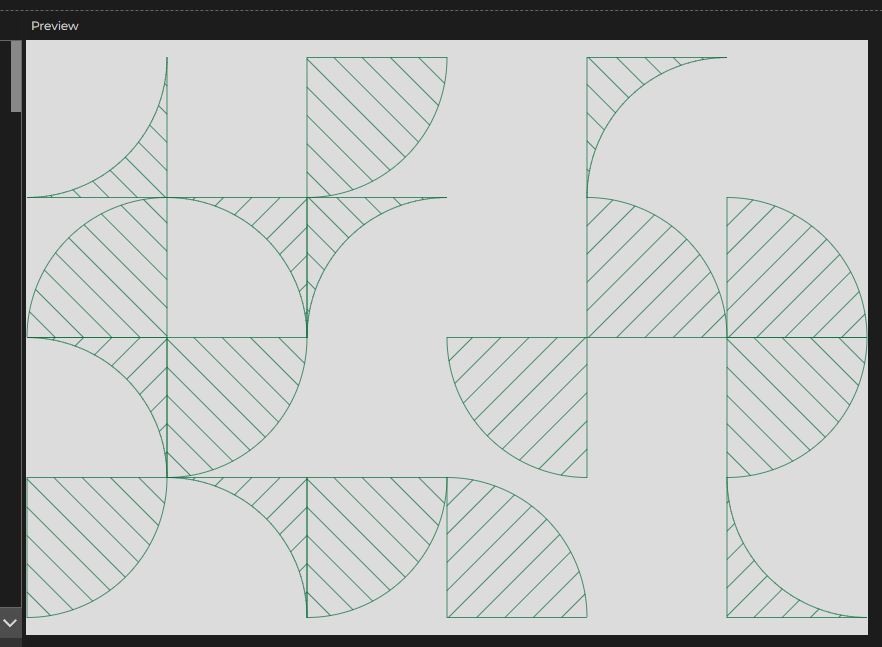
After receiving feedback from Professor Jack on Wednesday, I realized that I need to make the design more my own rather than just simply recreating it. I asked myself how I could make this design more interesting and I landed on creating another potential shape that could be included in the tile system. The second shape would be the inverse of the quarter circle shape—basically a square with the quarter circle cut out. You can see an example here:
Process: Pen Plotter
This step of the process was incredibly challenging because I continuously faced a “Connection Closed” error. This connection error seems to have meant the Arduino serial connection was severed somehow. It would usually happen around 3-4 minutes into the pen plotting process and reconnecting the Arduino would make the G-Code sender freeze and reset. Originally I suspected that perhaps my G-code file was too overwhelming in its size so I tried a different design with just the word ‘HELLO!” but it crashed before it even finished the letter E.
I tried isolating the issue by having Mariam plug in her Macbook into our pen plotter (successful) and having my Macbook plugged into Professor Jack’s pen plotter (unsuccessful); I also saw Marcos use the pen plotter just fine with his laptop so the only conclusion to make here was that it was something specific to my Macbook. I eventually figured out the USB-A dongle converter I borrowed from the IM lab was unstable and it worked perfectly when I used my own USB hub.
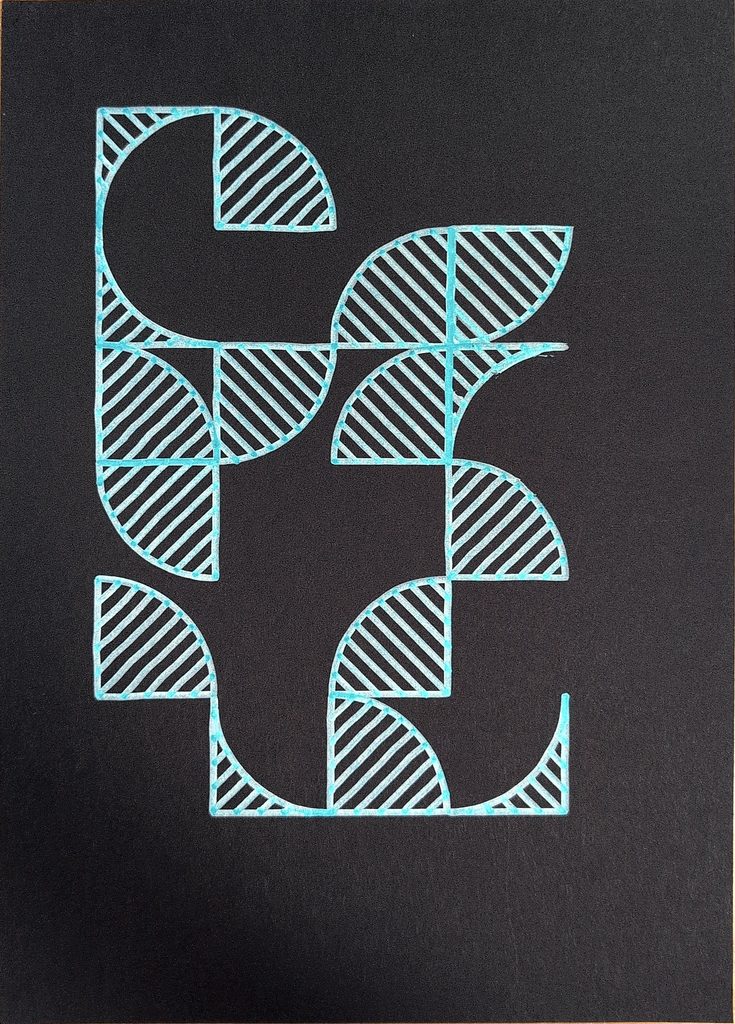
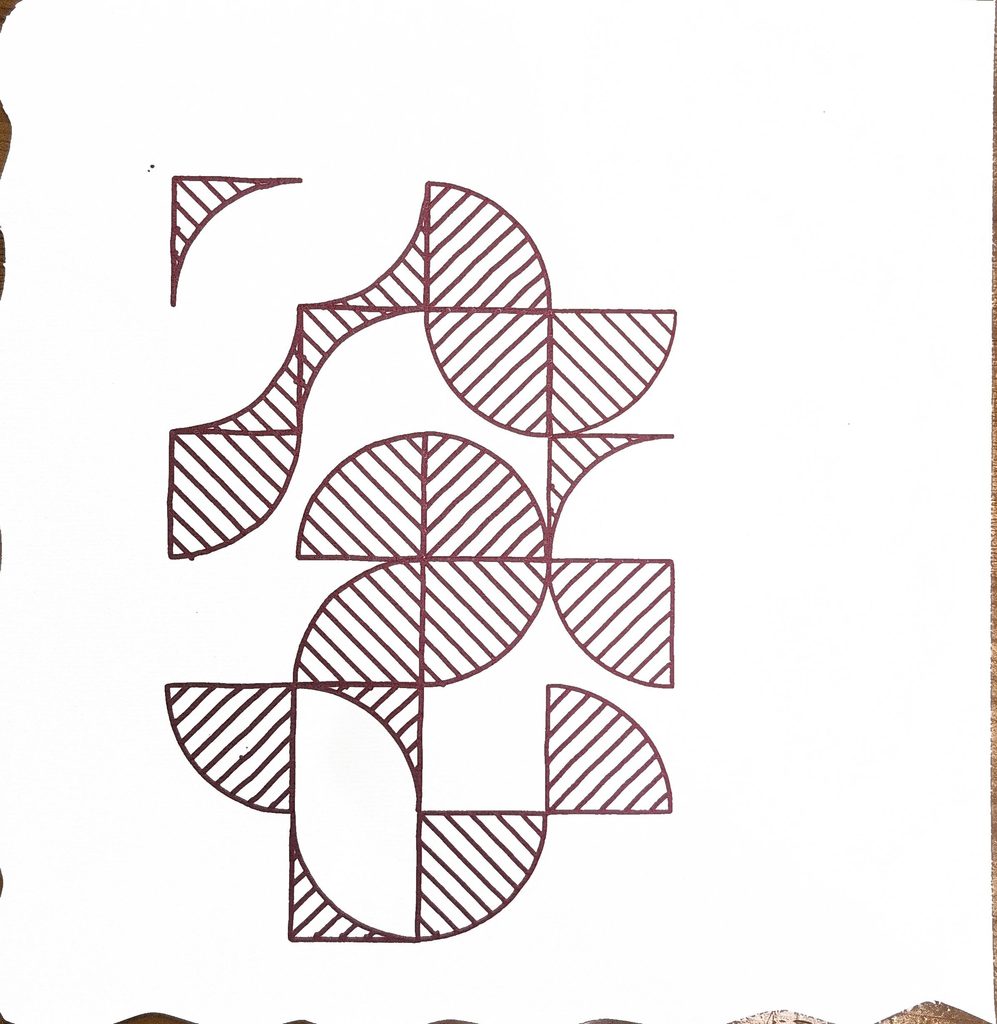
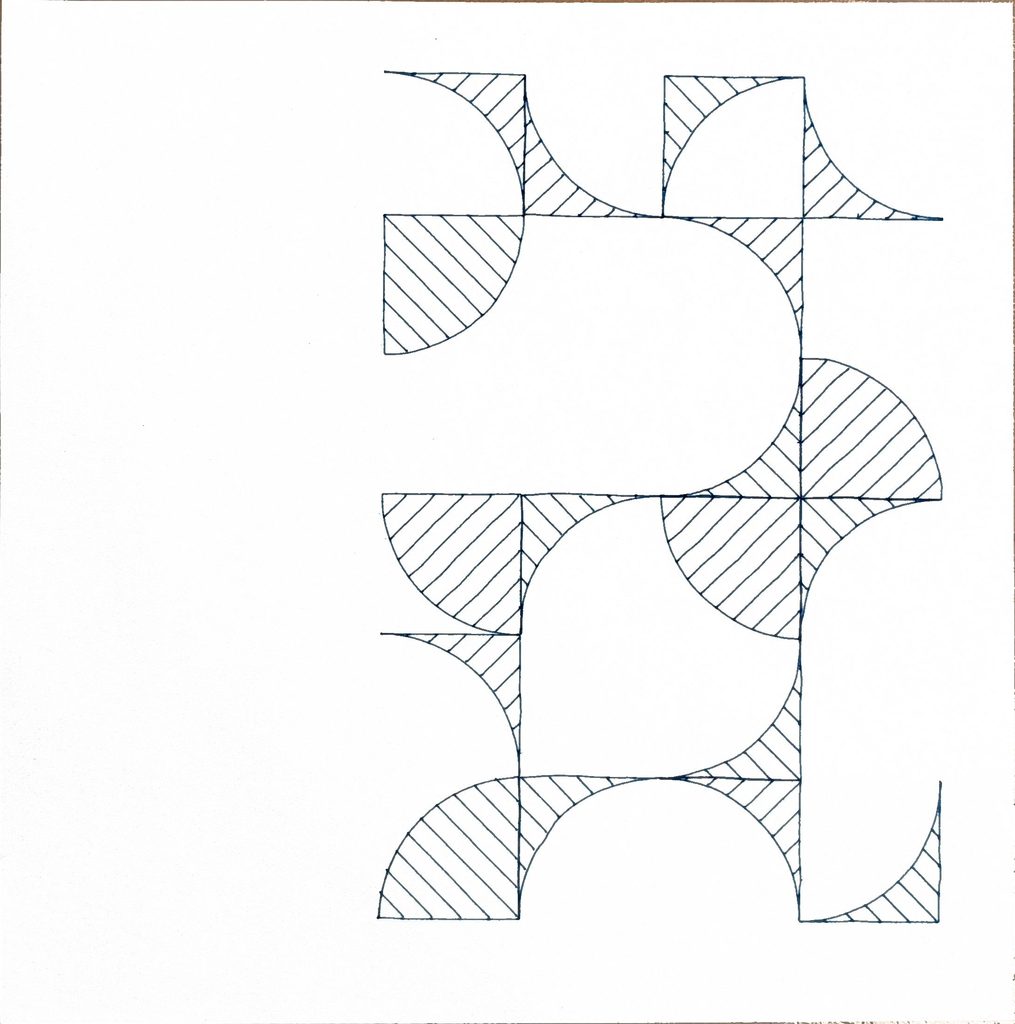
I think the final result turned out really great! Don’t think the photos capture it that great but I actually like them so much I’ve hung them up on my dorm wall.
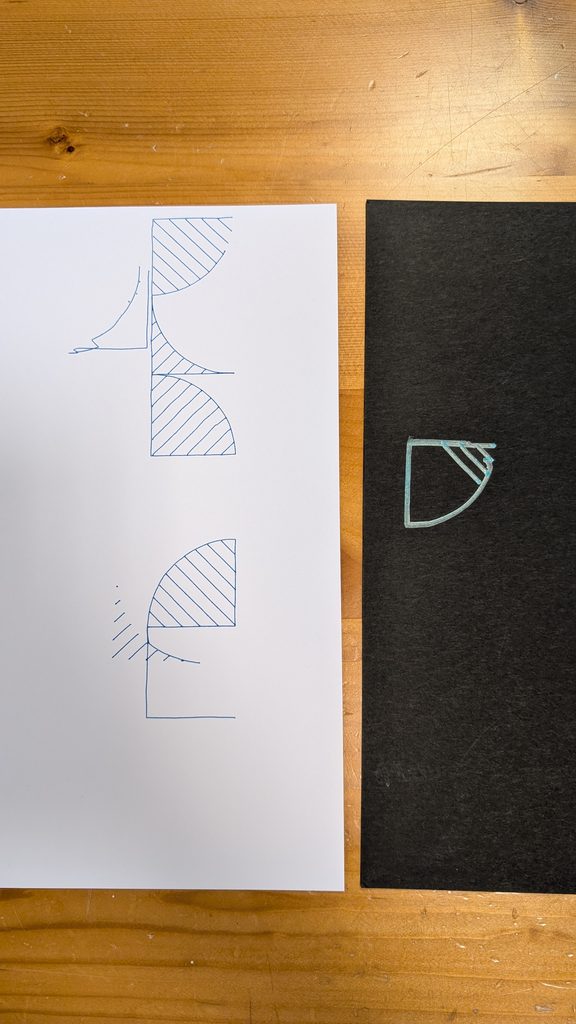
These were some of the experimental pieces I did; unfortunately I threw the rest away on Wednesday because I didn’t think to keep it for documentation.
I also want to recognize Marcos for being incredibly helpful in this process.