Introduction
Going into this I made a mistake in how I managed my time and energy. Joud and I had been struggling to get our pen plotter to work ever since we first plugged it in. Unfortunately, we were never able to fix it but in hindsight I should have asked my peers to use theirs or especially Professor Du to use his. In the end I ended up using Professor Du’s plotter which worked without issue. During our troubleshooting I hoped at every moment that it would work so that I could use it as much as I wanted to but it wasn’t meant to be. I hope to make my own pen plotter over the fall break.
After a brief discussion with Professor Du I realized I had to think more deeply about the concept this time. In previous years I would focus almost exclusively on the technique beginning to end. The result would therefore be less meaningful than it could have been.
Inspiration
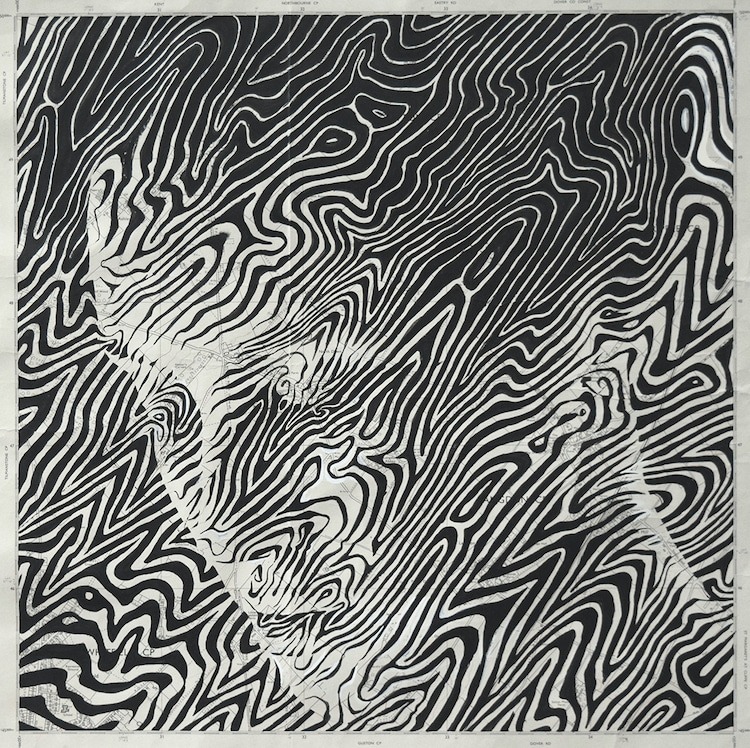
https://mymodernmet.com/map-art-ed-fairburn/
Seeing the picture of a topographic design overlayed someone caught my attention immediately. Amazingly the artist drew this by hand. Clearly they have an innate understanding of the curves and features of the human head that they could create this design and have it follow the natural curves and the thickness of some of the lines and frequency was done to create darker and brighter areas. I felt that this was something that could easily be made programmatically (foreshadowing) then created through a pen plotter.
I learned that the way to do this is through marching squares. I have used it in previous projects but haven’t looked into it very deeply and I only ever used it to create topographic lines but nothing more. Seeing the picture made me realize that I could use it for something more. I’ve been interested lately in depicting faces in interesting ways because as human beings we’re naturally programmed to see human faces even where there aren’t any.
Technical Implementation
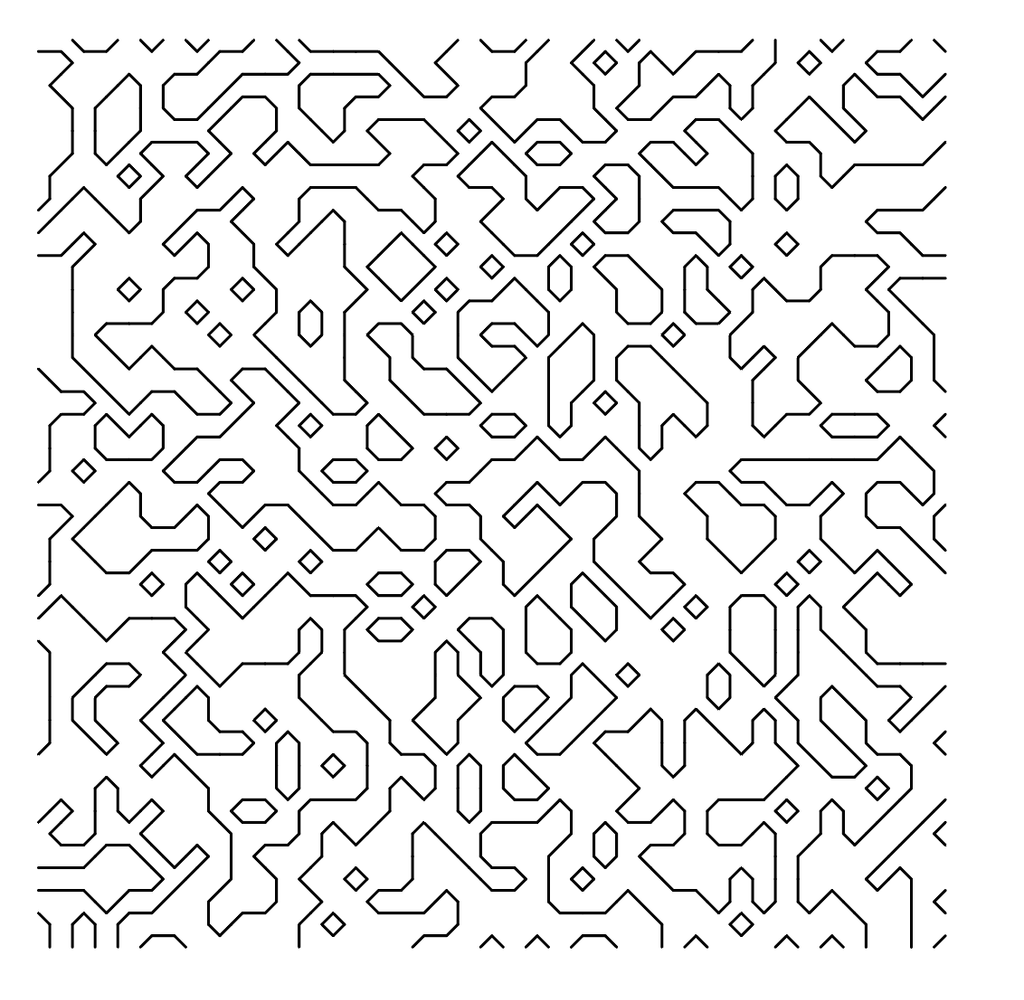
I followed a Coding Train video by Daniel Shiffman on Marching Squares (https://youtu.be/0ZONMNUKTfU?si=pRFAoJ2crTdrO4af) to finally understand marching squares rather than copying the code of others. I created a simple sketch and got something that worked
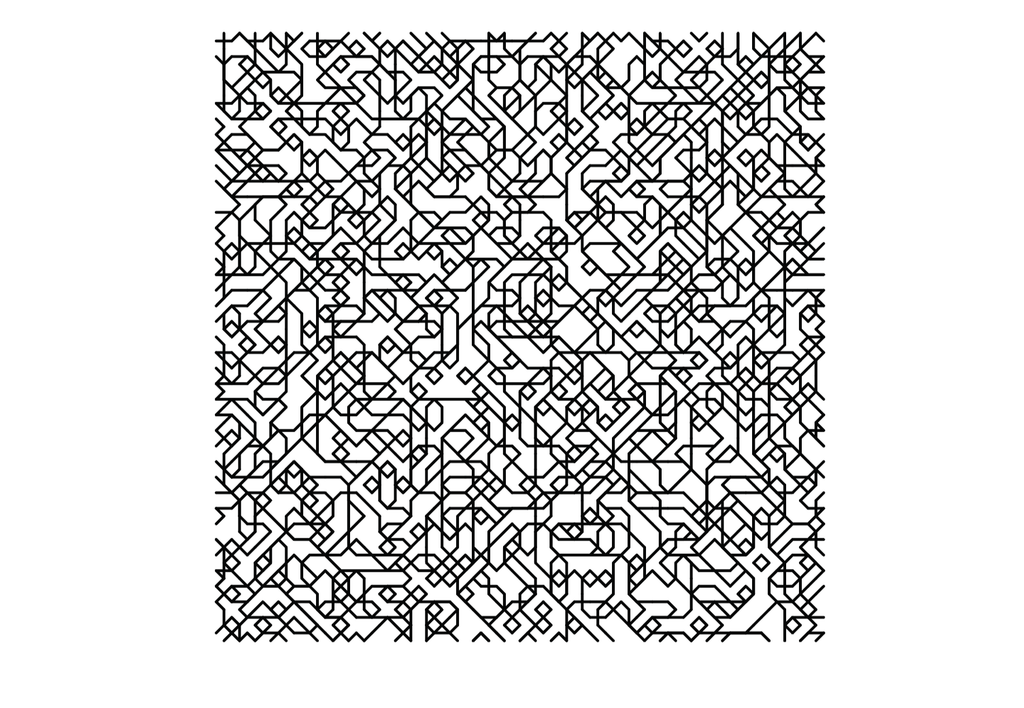
Also by accident I got this above. I accidentally put the code in the draw loop and commented out the background. I cant seem to find the original svg for when I got this effect but it’s the same look.
However, I decided not to do linear interpolation because I liked the angular design. And I decided to continue with it for now.
Why not try curved lines? Then try depth mapping to create a design like what we saw on the inspiration? Part of me still wishes I did but I couldn’t make the same mistake again; putting all my attention into one thing preventing myself from making the next step.
Some of my experiments (See more at the end)
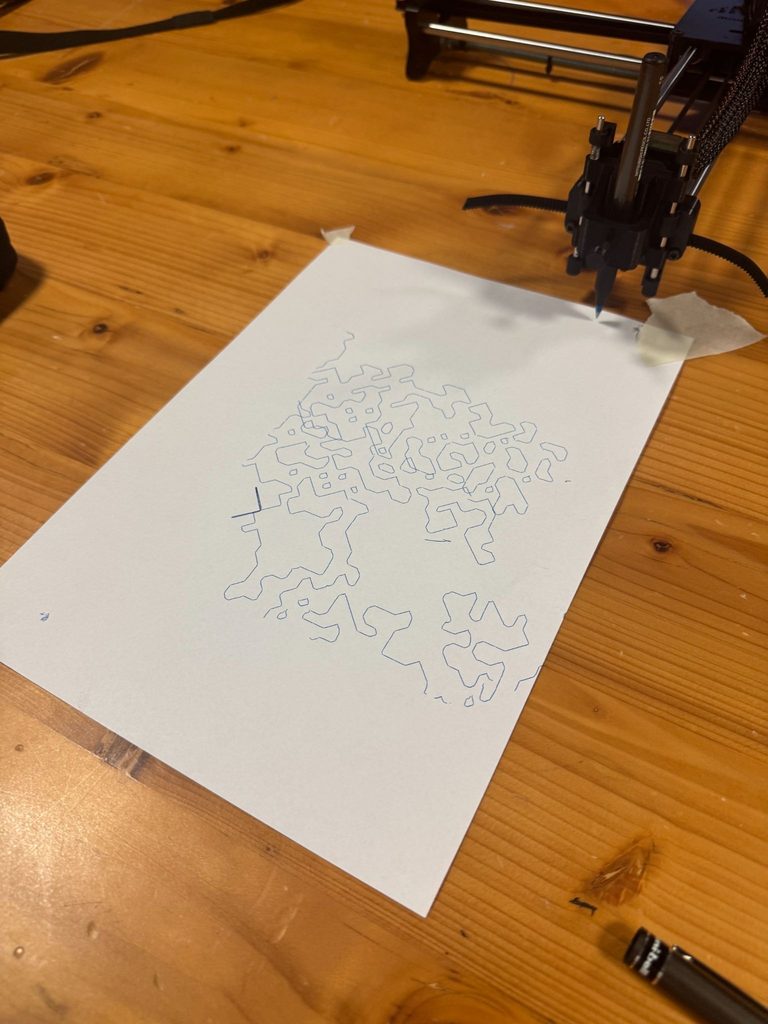
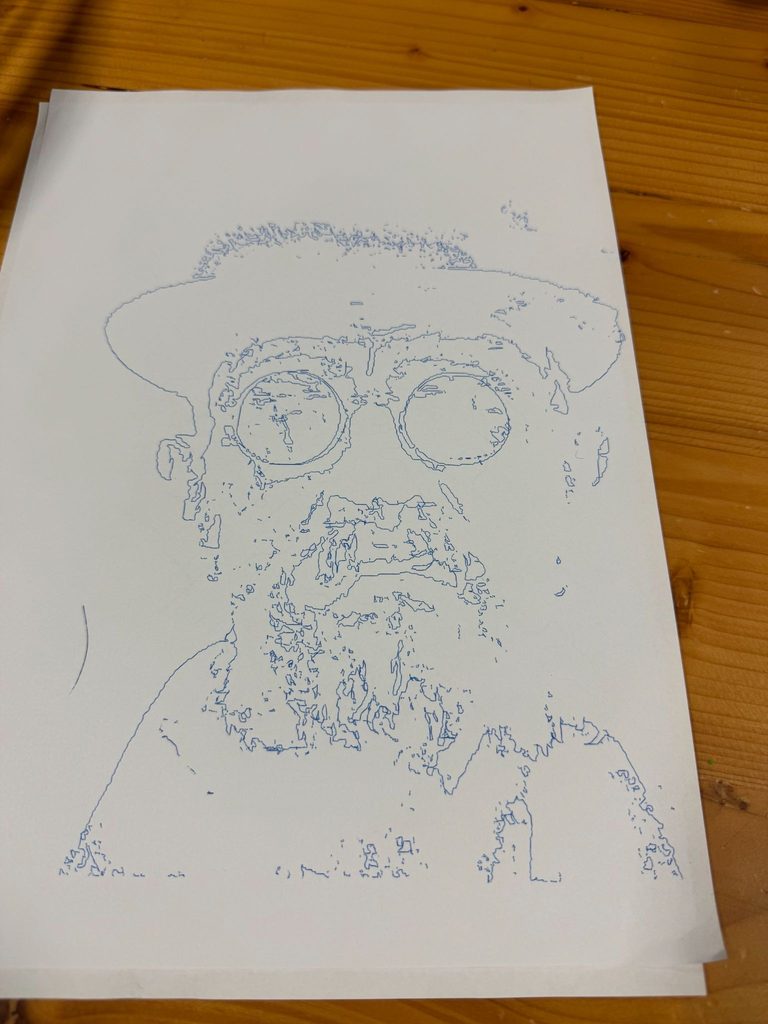
I went ahead and created some more or less random designs just to see how things would go. I learned to use vpype to optimize my drawings, and I became certain that I wanted to continue. I just needed to add crosshatching to improve the effect.
It was around this time that I had my discussion with the professor. At the end of it I realized what I would do next to make the final series of images.
I have some family pictures on my phone and some of my favorites are with me and my brother. Now that he’s in NYUAD with me I thought it would be fun to recreate some with the plotter. I would represent each of us with different colors. Whether others would like them I don’t know but within my family I know we would love to keep them maybe even hang them somewhere which was more than enough incentive for me.
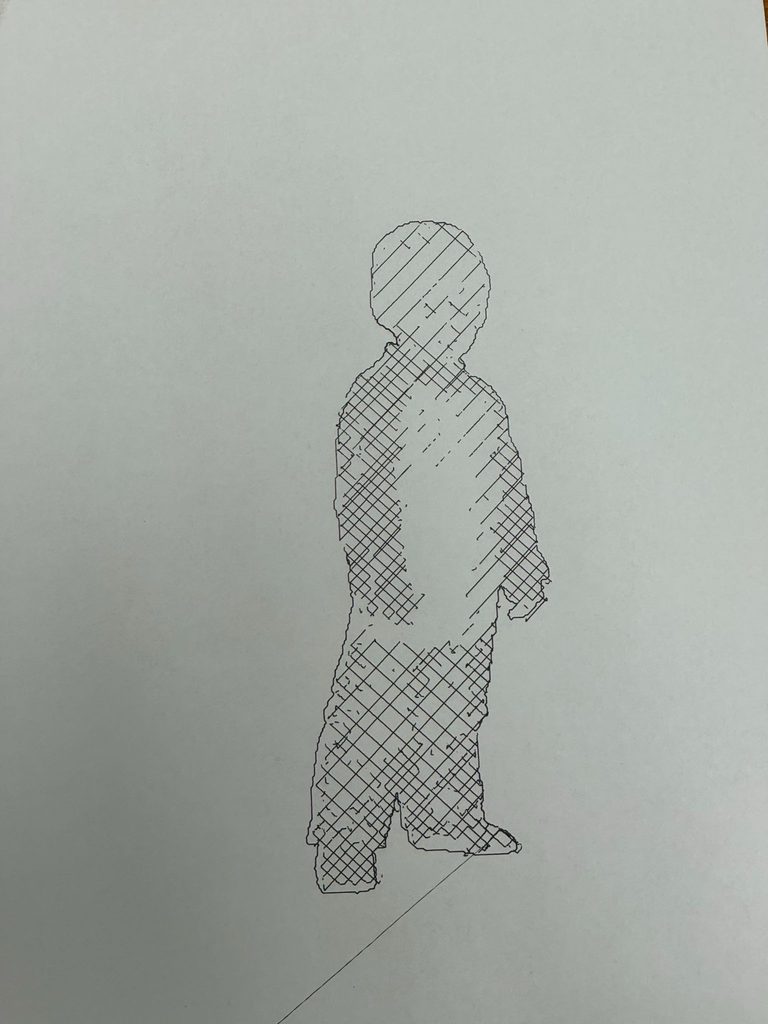
I took images that I liked and I used Illustrator to separate the subject from the background or other parts. After separating I could bring it into my program and edit the cross hatching and resolution since the same settings for the entire image produced mixed results. Then I would create separate Gcodes for each and have the pen overlap the drawings.
Final Result
For personal reasons I’m not going to upload the original family pictures online so you won’t be able to see the reference image for the pen plotter.
I don’t know what to name this series but the theme is our relationship as we’ve grown. I also switched from a normal A4 paper to card paper which was also A4. This was to prevent any warping of the paper from having a lot of ink close together.
Picture 1
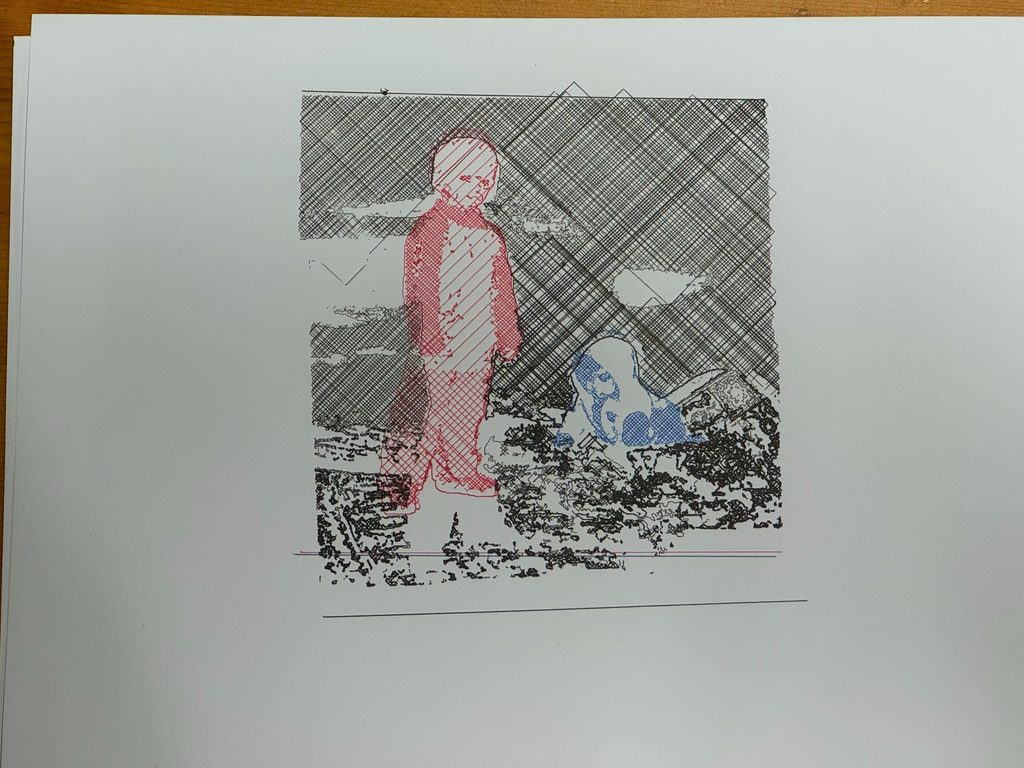
I’m in red, my brother is in blue. I chose these colors because those are the colors we were wearing in the original picture. Personally, red is my favorite color so that’s probably why I was wearing red.
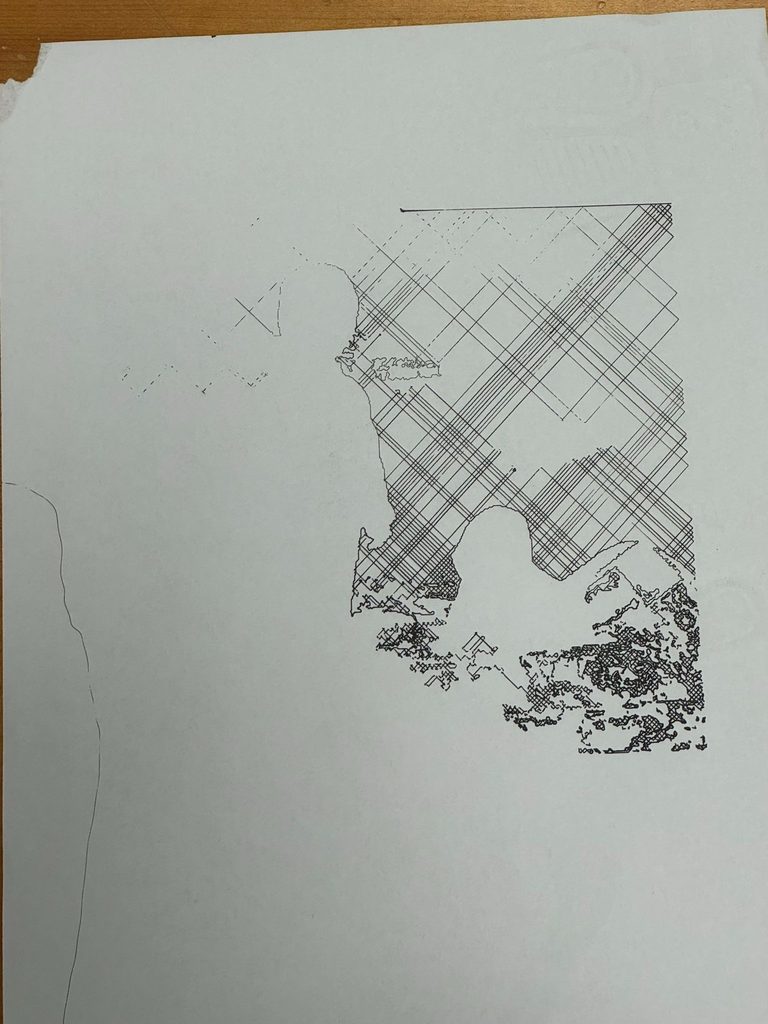
I tried to include the background but the plotter moved far too much and lost alignment. You can see what the alignment should look like based on the lines below the sketches. Moreover because of the density of the cross hatching it took WAY too long. I actually included the line after a couple failed attempts earlier but it draws that line at the end.
I’m not sure how to feel about the misalignment but it is certainly unique.
Picture 2
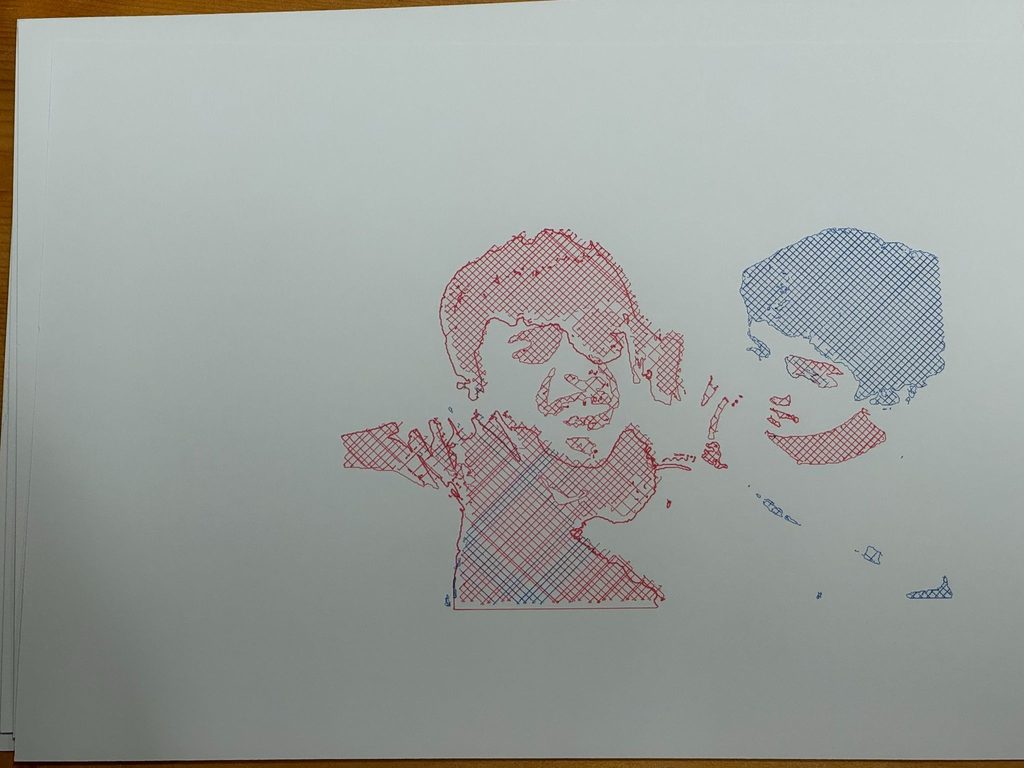
Having grown up we became closer to each other. Rather than limiting red to myself and blue to my brother I decided to mix it a bit more. I made the mistake of not swapping pens soon enough but regardless I think it’s an interesting result.
Picture 3
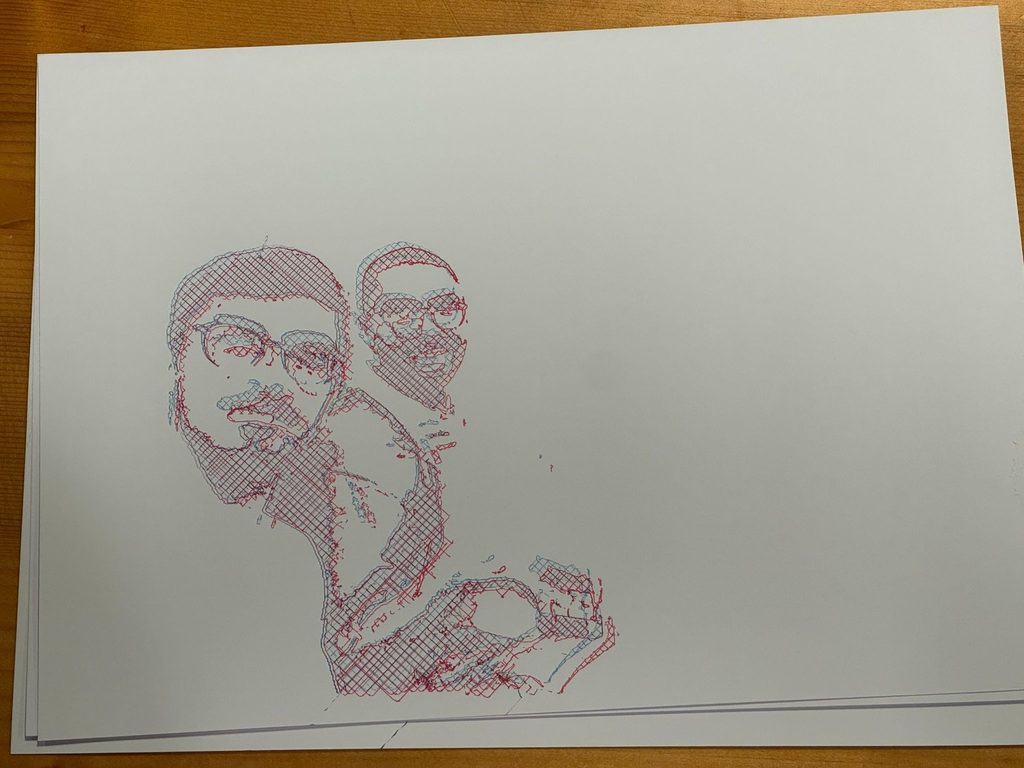
Most recently this summer we’ve travelled to London and this is one of the pictures we took together. I felt it only made sense to use both colors and it made this kind of 3D effect which I learned is called a 3D anaglyph. I did this by having the same Gcode but on the second pass I adjusted the plotter slightly so that the second pass would be slightly up and towards the left.
Overall I’m really happy with how the final images came out. I’m glad this time that I decided to do something different, something more personal, more meaningful to me.
Room for Improvement
Alignment
As previously mentioned the issue with the first picture with the background was the alignment. The pen moving up and down caused a lot of shaking. This was because when screwing in the pen I had to make it lower than it would be normally so that it could press on the page but when it would retract then come back down it would almost push against the page moving seamlessly placing the pen on the page. I tried to mitigate this by using my hand and a little bit of tape to keep thing in place but only so much is possible.
3D objects rather than just 2D: Images feel flat
In the future I would still love to try and make that marching squares effect on a 3D object this time rather than translating the brightness of pixels in an image to marching squares.
Pen switching
I believe it’s possible but I don’t know how: Having the plotter stop at certain points waiting for you to switch pens then you can press a button and have it continue. Again, I don’t know how to do this but in the future I think this would be a way of speeding up the process.
Additional Images during the process
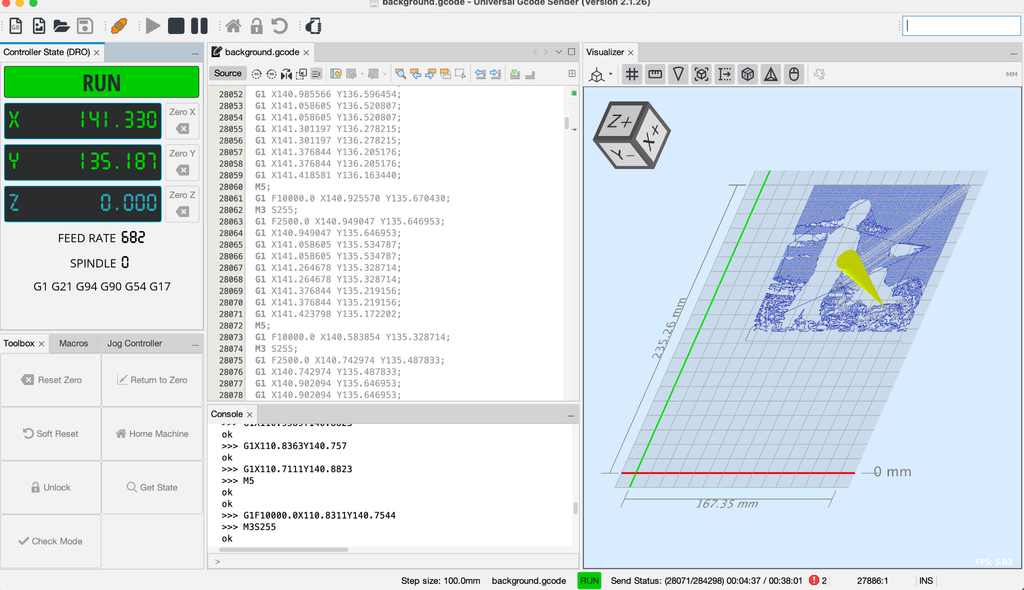
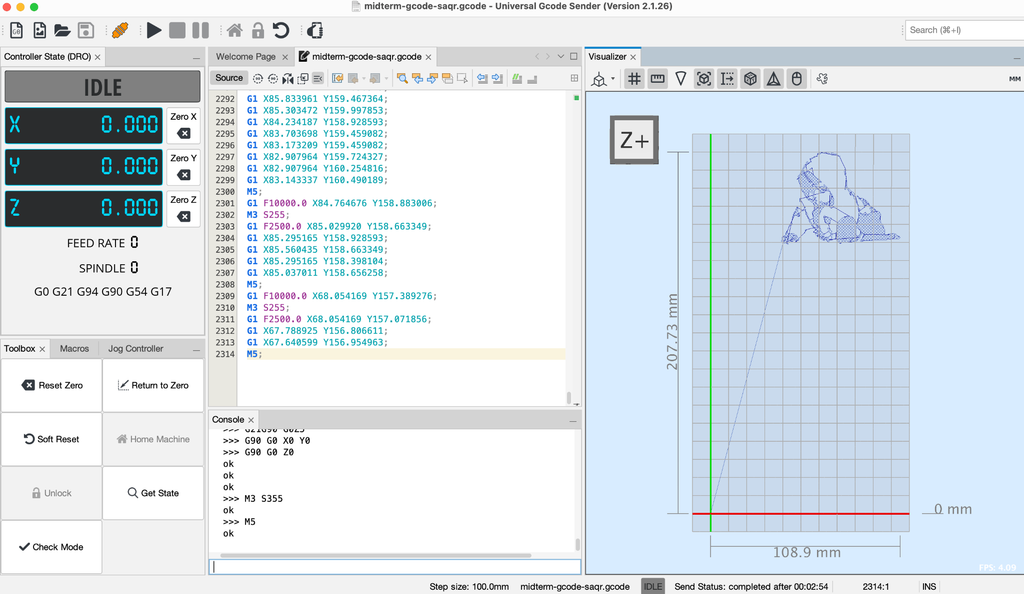
Before creating the first picture I plotted each element separately to get an estimate of how things should look afterwards.
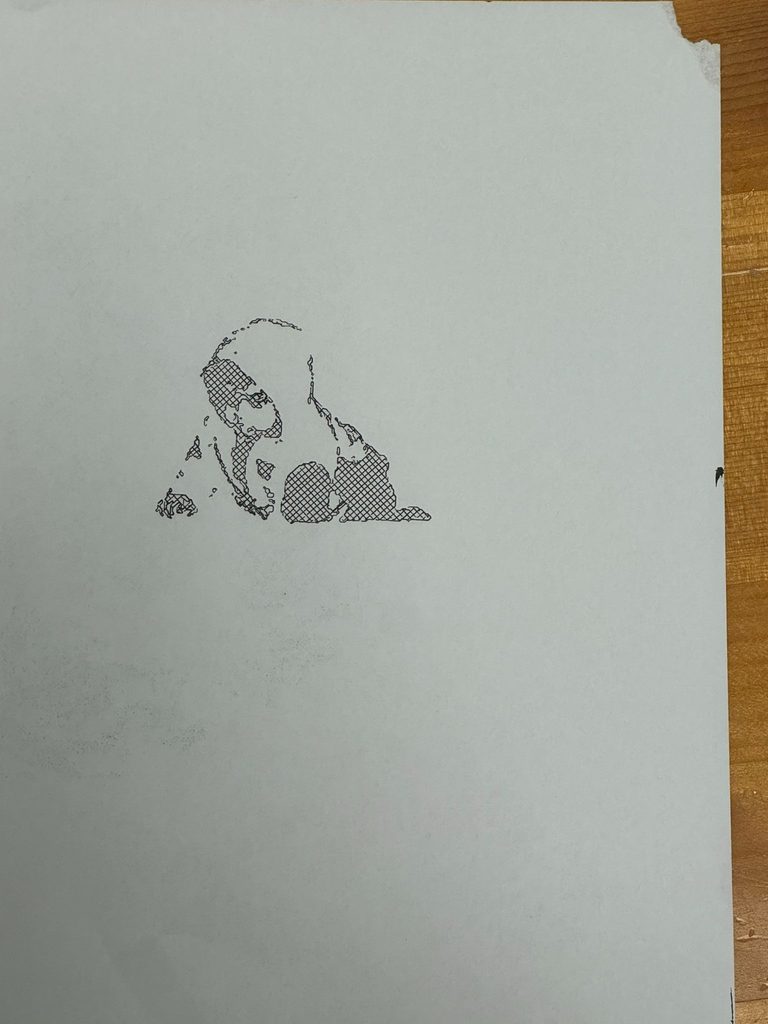
I saw a few of the iterations when we were working in the IM lab together and I think it turned out great!
I think it was a really neat idea to separate the vector into two different gcodes so you could work with multiple colors; it must’ve taken a lot of time but think its adds a lot