Introduction
Before I talk about what I made, I had some experience in 3D printing and modelling but only ever using Fusion Autodesk. I never made something programmatically. Most of the time I’ve made things that have some functional use of real life rather than purely aesthetics. I would have never known that you could use p5.js to create models which could be exported as STL’s or Obj’s.
Concept

https://www.istockphoto.com/photo/digital-dna-strand-representation-in-blue-with-particle-effects-gm2188060332-606604549
Credit goes to bymuratdeniz for the image.
For this project going into it I had the idea of doing something biological. I wasn’t sure what just yet, but one of my favorite ideas was to create a DNA strand like the ones you see online. I felt it was a shape which would be hard to create manually and using a 3D printer would be perfect. I don’t know whether they look like that in real life.
Implementation
Step 1
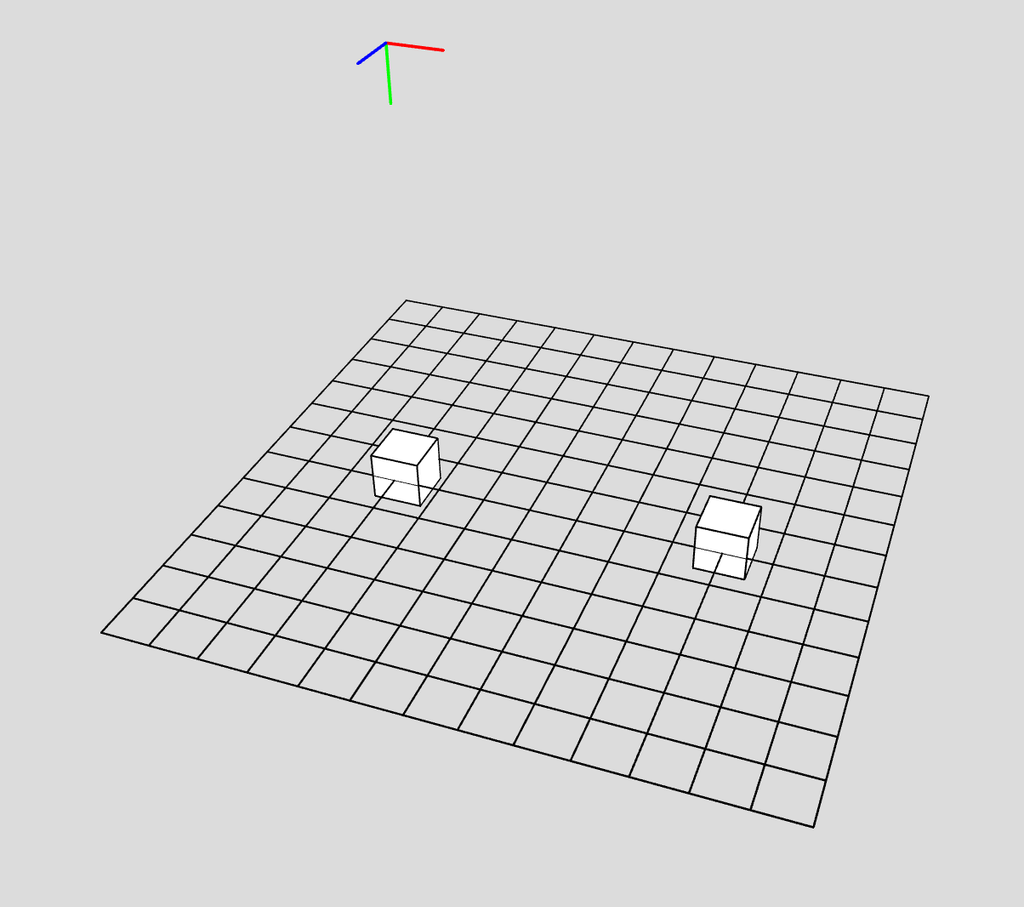
I started by creating two boxes with a gap in the middle. It took some getting used to having to use translate more often and starting from the center. I haven’t programmed in WEBGL in a while
Step 2
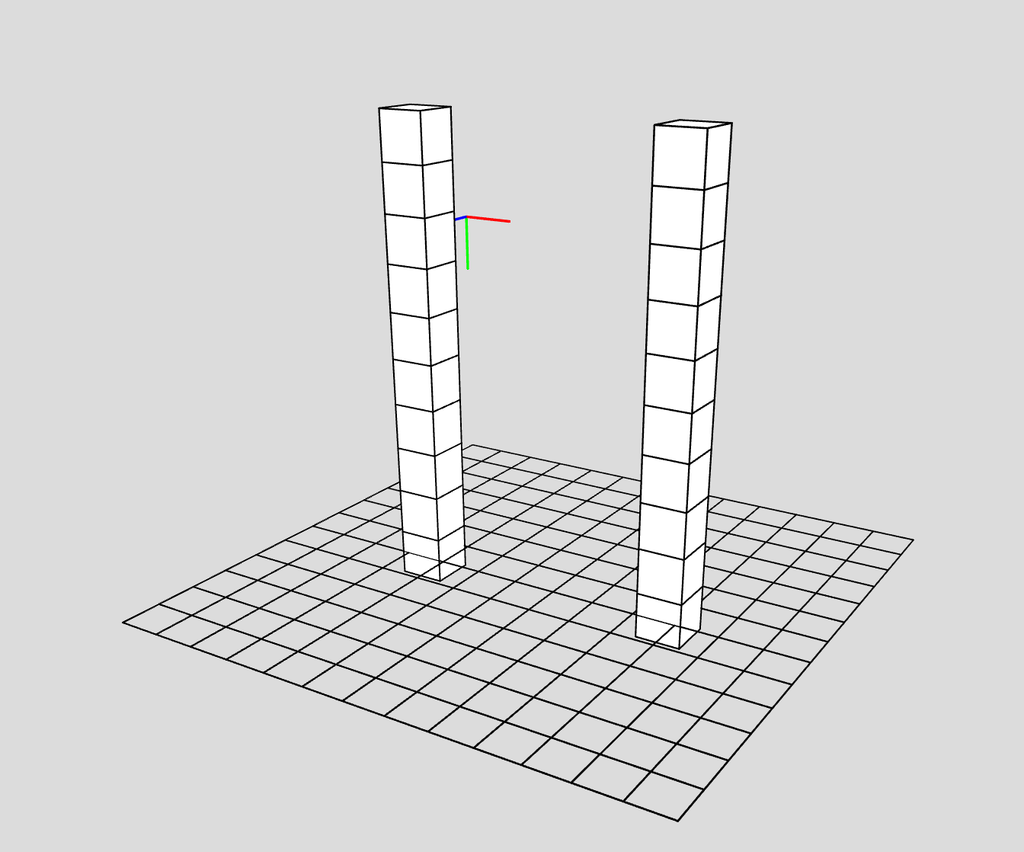
I then started by stacking them on top of each other. The way I did it I don’t think was what we had done in class exactly. Rather than decide the height and the height of each rows are mapped to be evenly spaced to fit in the height (which leaves gaps). I instead had each row stack on the previous one.
Step 3
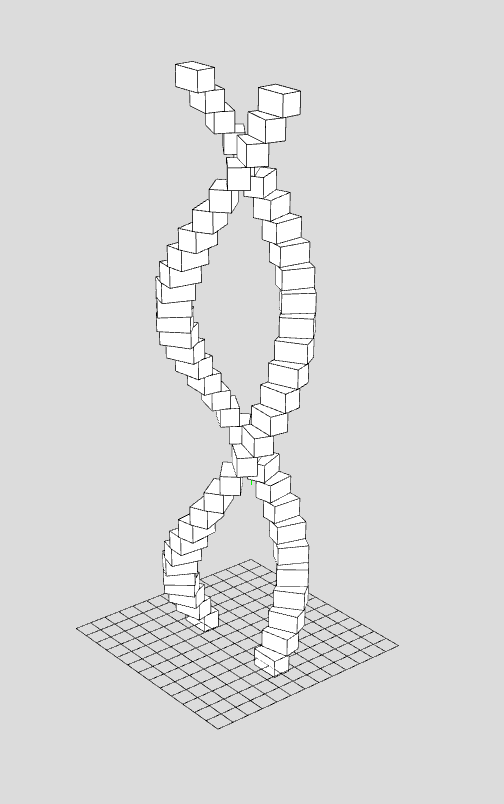
Then to program the rotation of each row I originally thought I may need to use a sin wave somehow and do some complicated math but it was far easier than that. I made a rotation variable which mapped the index (which goes from 0 to rows-1) to 0 to TWO_PI. I tried just PI at the beginning which made one twist of the strand which looked interesting but I wanted more.
Step 4
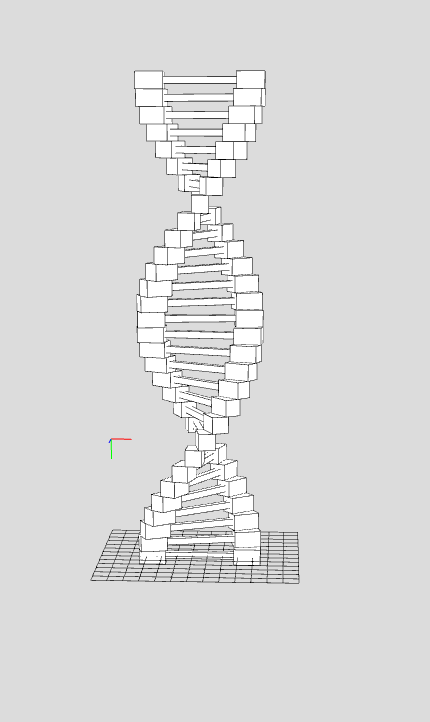
After creating the helical shape I had to create the line that connects across from one side to the other in each row. This was fairly straightforward, I created a box with a width that fits the gap. I originally thought I might have to center the box somehow but I forgot that the boxes are moved and translated from the center point and not from a corner like I got used to.
Step 5
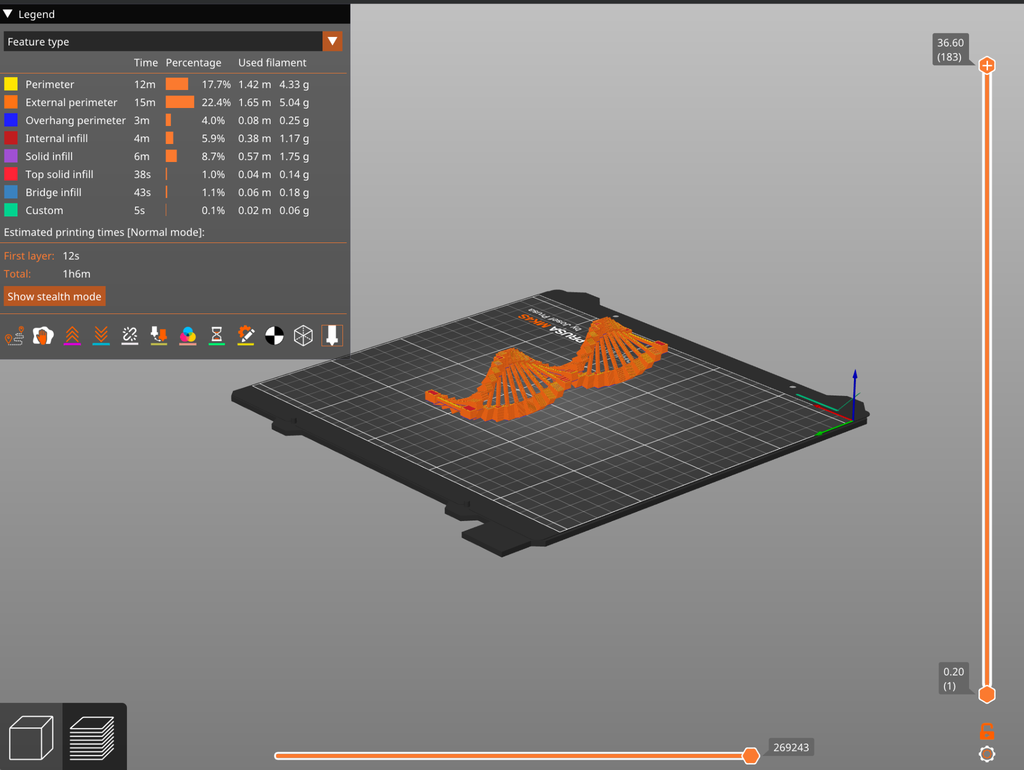
After this I made the function keypressed and had it such that when you press a key it saves the model. The reason I used keypressed was because I liked using orbitControl a lot and viewing the model from different angles, but that meant clicking the screen a lot. After saving the model I took it into PrusaSlicer. For whatever reason STL didn’t work so I had to use Obj.
End Product
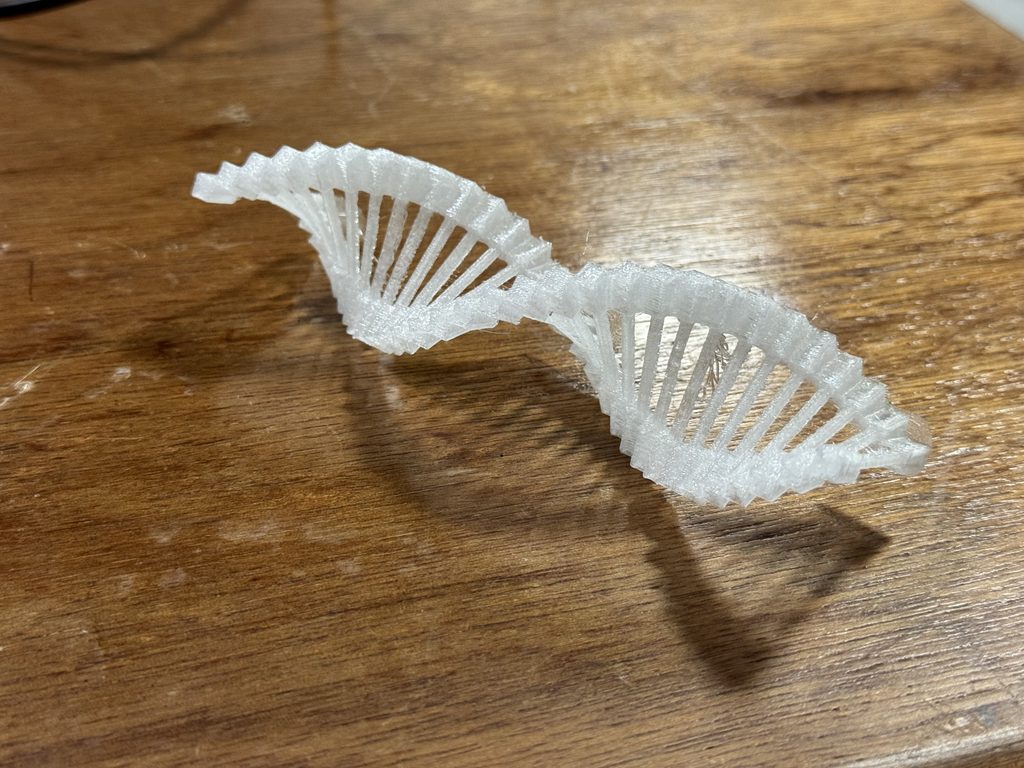
When putting the STL into PrusaSlicer I learned that it had to be placed on its side to have the lowest print time. I originally thought that there may be no difference. I can’t explain why exactly but I assume it’s partly because there didn’t need to be any support.
Conclusion
I’m happy with how everything turned out but in the future I would like to continue the biological theme. Maybe I’ll try something related to the brain next time. I was worried that because I was using boxes in WEBGL that it may not print well. I thought there may have to be smooth transitions but it came out feeling solid.
The filament I used wasn’t as good as I thought it might be. it’s a transparent filament but it looked foggy. I hoped that maybe it may look crystal clear or at least clearer than what it ended up being. I guess because some parts of the print are thicker than others. I would like to try other filaments in the future.
It’s nice to have a project that goes well the first time every so often but that’s probably a sign that I’m not experimenting enough. In the future I’d also like to create models that are thinner/slimmer and use other shapes than boxes.