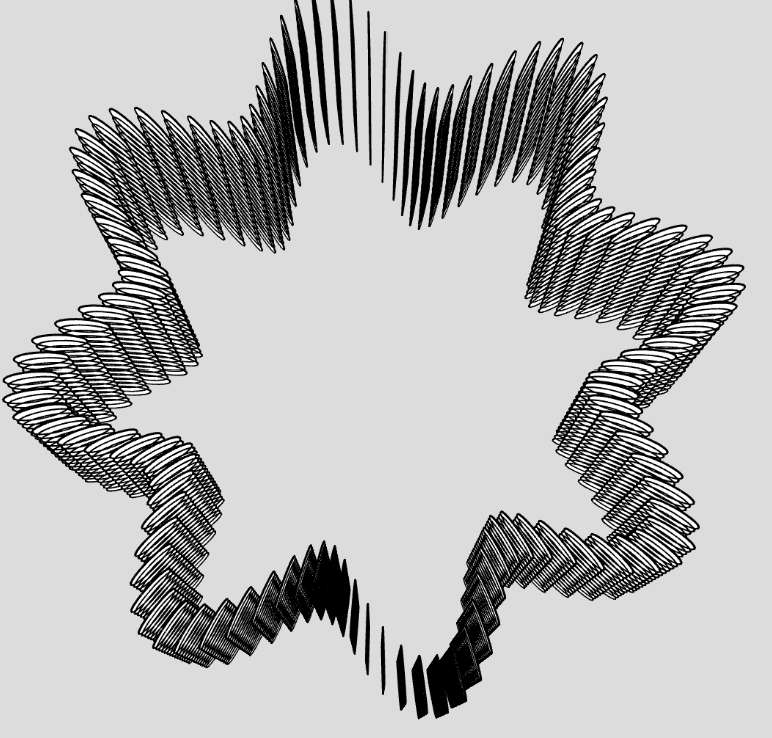
For this assignment, I played off with the ways WEBGL can make different cylindrical shapes with waves, twists and barrel-like structures. I started off with changing each and every one of the variables from the code that we had done in class. But the variable that worked the most was deleting the theta offset.
let outer = [], inner = [];
  for (let i = 0; i <= N; i++) {
    let theta = map(i, 0, N, 0, 360);
    let r = profile(v) + sin(K * theta + twist * v) * 2.2;
    let x = cos(theta), z = sin(theta);
    outer.push(createVector(r * x, y, r * z));
    let ri = r - wall;
    inner.push(createVector(ri * x, y, ri * z));
  }
The profile(V) function defines the radius of the shape at the very bottom and the top. The 3*(1-V) helps to pull in the radius by 3 units at the base and extruding it outwards at the top. The sin function helps in determining how many times the shape will pulsate by moving out and then coming back in. Or in other words that will give it a barrel shape
return 26 + 6 * sin(v * 160) - 3 * (1 - v);function outerR(theta, v) {//for the ridges
let r1 = sin(K * theta - twist * v);//twist clockwise
let r2 = sin(K * theta + twist * v);//twist anticlockwise
let weave = (r1 + r2) * 1.6;//put them together
return profile(v) + weave;
}To make the ridges twist, I again applied the sin function and added for the clockwise twist and subtracted for the anti clockwise twist. r1 and r2 are identical ridge patterns that twist in opposite directions as v increases. Summing them creates a weave look. 1.6 scales the depth of the weave texture.
The third image looks most different because I had decreased the scale depth and also tried changing the shape from box to triangles for smoother movements and curves. I figured the easiest way to draw the triangle would be by using the vertex function. In the build function, it draws each layer at a time. So what happens is that for every segment, it takes the previous point and the next point in terms of a and b and then sends it to the strip function. The function below draws the shape in the format of a triangle strip. and by giving each point a value of x, y and z. I took some help from this documentation on the p5.js reference page : Triangle Strip
function strip(a, b) {
  beginShape(TRIANGLE_STRIP);
  for (let i = 0; i <= N; i++) {
    vertex(a[i].x, a[i].y, a[i].z);
    vertex(b[i].x, b[i].y, b[i].z);
  }
  endShape();
}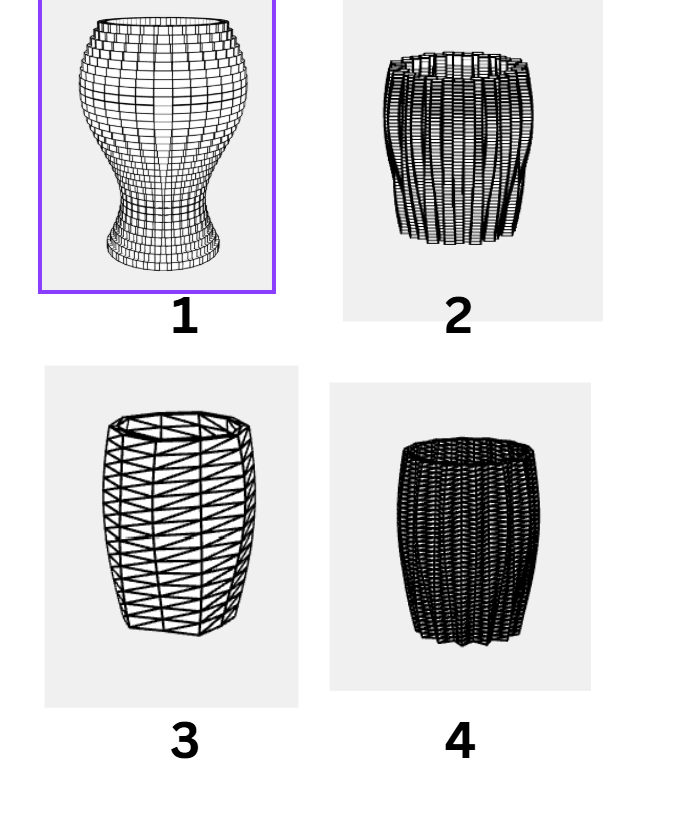
I also wanted to test how it would look like if I only kept one of the rings. Doing that added alot of simplicity to the shape. I decided what if the radius of the shape increased till 36 in the middle to see how it would look. It looked the exact same with only the sin function and no matter how many large number I kept adding there wasnt much difference. So i decided to mulpiply the result with the power ranging from 0.4 to 0.9, just below 1. The best result that I liked was at power 0.6
let belly = pow(sin(v * 160), 0.6);
return 14 + 22 * belly;
The rest of the code is pretty much the same. In the beginning I changed the shape of the object to a triangle so that the curves are a lot more smoother with getting the barrel kind of a shape. The below shows the different iterations and the final look after getting it printed.
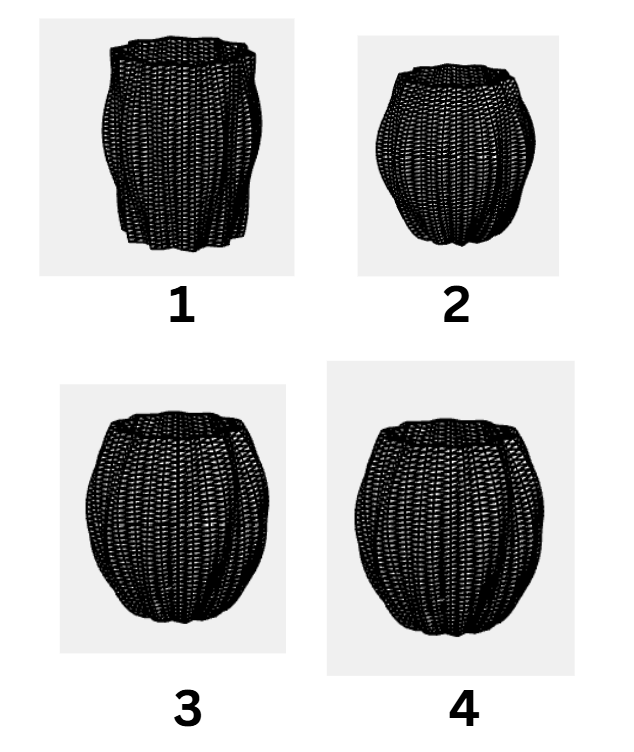
Below are how the final prints look like:
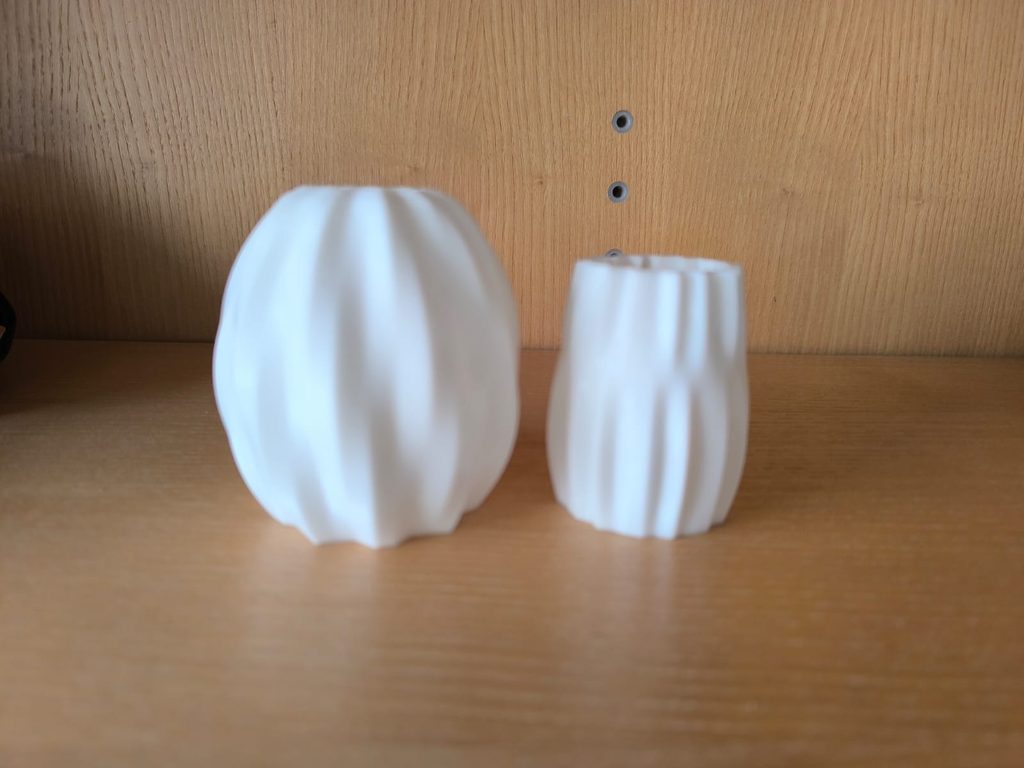
A very interesting thing that I noticed after I had downloaded the stl file and opened it in the Prusa for slicing is that the object was enormous. I wonder if this is because we have multiple layers, or if it is because of the box size that we initialize in p5.js for the drawing. But I’m glad that we have the option to scale the object down in Prusa and by doing so the prints came out all right.
I had initially planned to just have the above two objects as the final prints. (They also look very nice as my drom decor 🙂 ). But after Mondays class, I was wondering if I could make another one with the sin function in a shape of a flower. Not the map function because with the map the starting and ending points arent the same and the 3d printer wont be a big fan of that.
So I started off with having the y axis work in a very similar manner the way it was working for the above two prints. That is by building one layer at a time. The main changes that I made were in the x-axis where I added an angle variable that would rotate it around and the radius variable that would help it in getting the shape of the flower. This is very similar to what professor has taught us in class. And then it just drew it in the shape of the boxes.
function build() {
  for (let l = 0; l < layersNum; l++) {
    let y = map(l, 0, layersNum - 1, 0, 150);
    for (let i = 0; i < boxesNum; i++) {
      let angle = map(i, 0, boxesNum, 0, 360);
      let radius = map(sin(angle * 8), -1, 1, 100, 150); // flower logic
      push();
      rotateY(angle);
      translate(radius, y);
      box(10, 10, 25);
      pop();
    }
  }
}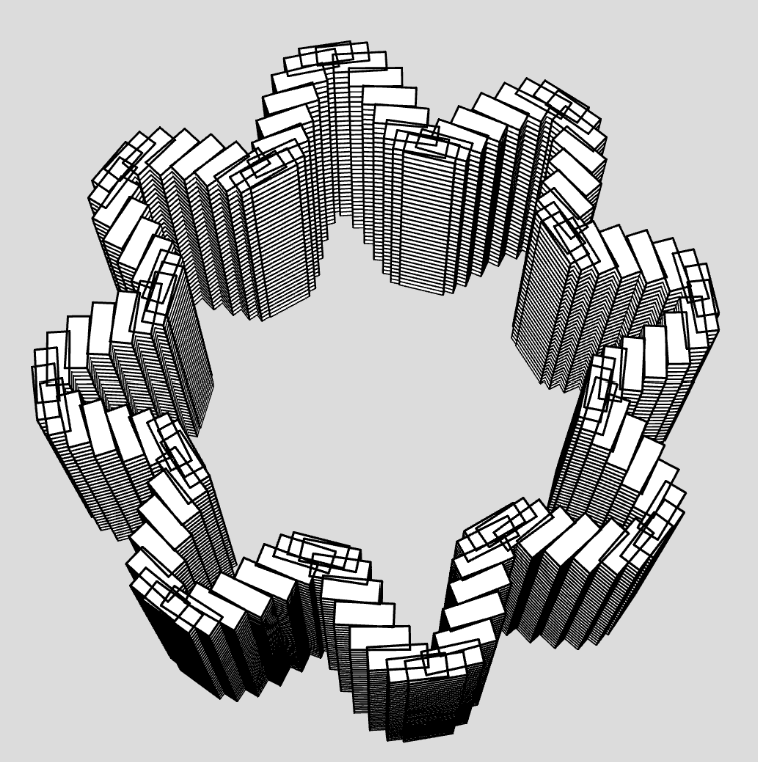
You see how in the above image since its made out of boxes, the curves aren’t very smooth, I wondered how it would look like if I changed it into ellipsoid. Very interestingly, it drew it from up to down with the layers not joined together. I wonder if it is because I was using the function in the wrong manner or the way the for loop was running. Because when I saw how its been drawn, I did start to doubt my own understanding of how these for loops build the figure.