Concept
So in Taiwanese/Han culture we welcome the Lunar New Year with “chun lian”, long pieces of bright red paper, on our door frames. I believe they’re officially called spring festival couplets in English but I’ve never called them that before; their purpose is to ward off misfortune and bring in good vibes for the upcoming year.
We write short poems/sayings on these long rectangular pieces of red paper with black or gold ink and usually put one or two next to our doors; however, there’s a few characters that we write on squares by themselves as well.
So ever since I moved out, I’ve forgotten to buy chunlian for the new year 3 years in a row. For this week I decided to create a laser-cut chunlian by myself; this way when Lunar New Year approaches, I’ll have a physical reminder to buy some chunlian this year and in the worst case scenario I’ll still have this.
Vector Design
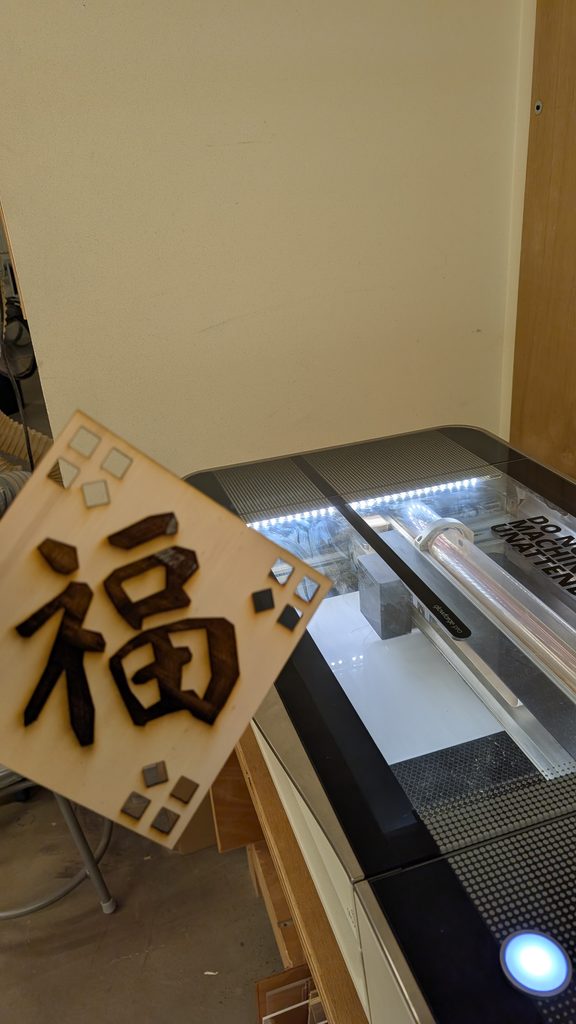
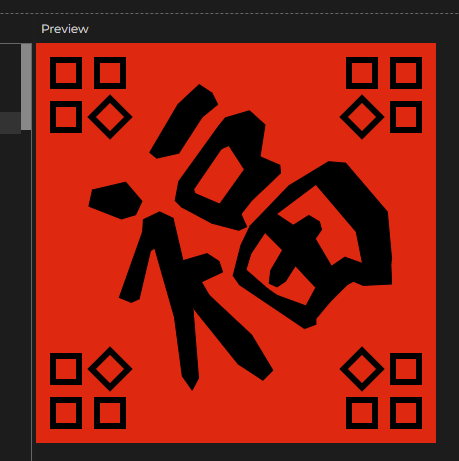
The specific character I wanted to create was 福, which signifies fortune and wellbeing. I think my life’s been lacking in the fortune and wellbeing department recently because of three continuous years of forgetting to ward off the bad spirits.
You can find my code in the embed sketch I attached; I don’t want to take up all the space here.
Photos of Final Fabricated Result
Process and challenges
So I knew this was going to be rather difficult even before I started but Chinese calligraphy is pretty hard to recreate using vector points. It was a bit frustrating to just draw it by memory I had a nice idea to load up a real calligraphy font with the text() function to put 福 there. I would then display the mouse position coordinates to draw using the beginShape() function.
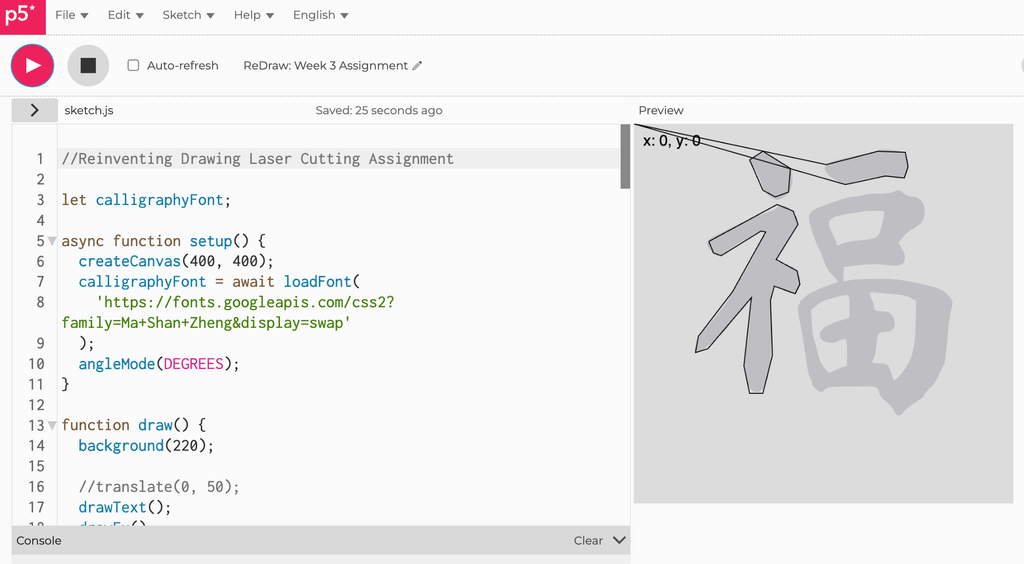
Once I had the character there in the center, I could decorate the negative space around it. While I was thinking of how to decorate it, I was inspired by the draggable windows file explorer handle on the bottom right corner. That’s how I got the ideas for the corner designs.
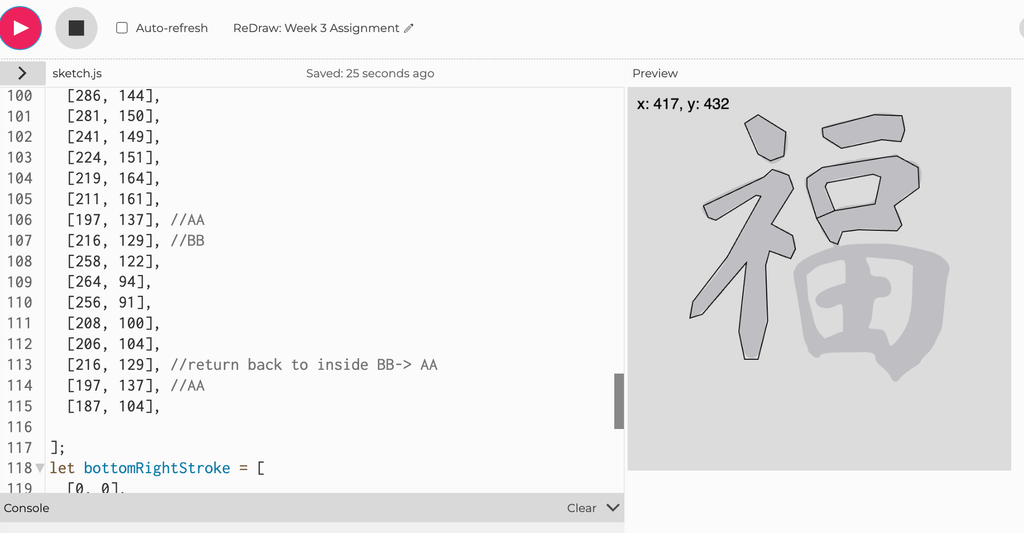
When I started doing the vector for the 口 (kǒu) stroke on the right hand side, I realized I’m going to have to do something tricky by “weaving” the vector outline inside the character because the character has negative space inside. I did the same thing again for 田 (tián) but thankfully in calligraphy form there’s only two “gaps” for me to weave in and out of.
Reflection on how laser fabrication shaped my computational design.
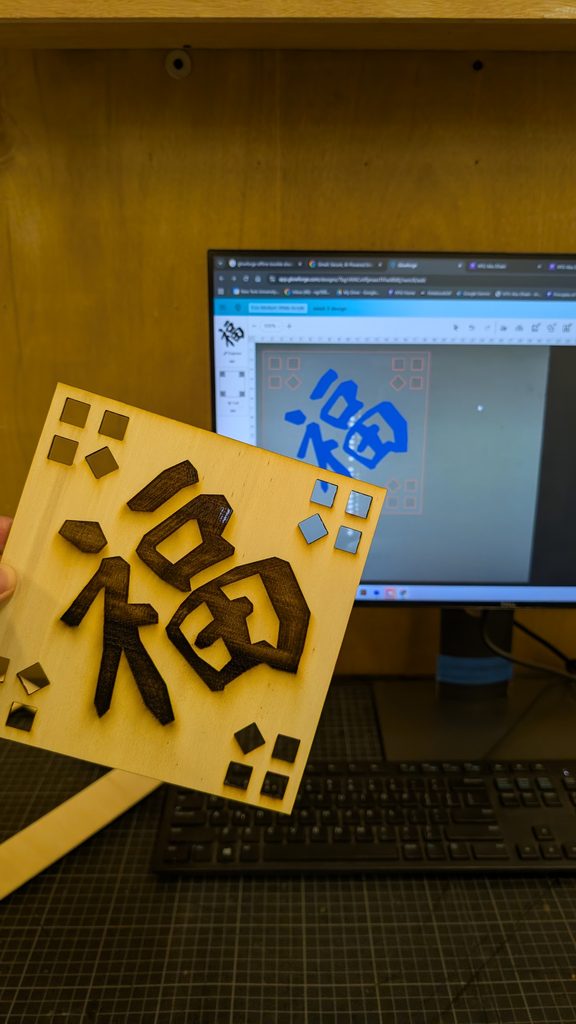
I was initially wary of the precision the laser cutting was capable of but I was told by my peers that they were surprised by how accurate and intricate the laser cutter was. However, a difficulty that remained for me was getting the character to look “flowy” like it was written using a calligraphy brush; I thought perhaps changing my function to use splineVertex() instead of vertex() would approach the effect I desired but it just looked kinda off.
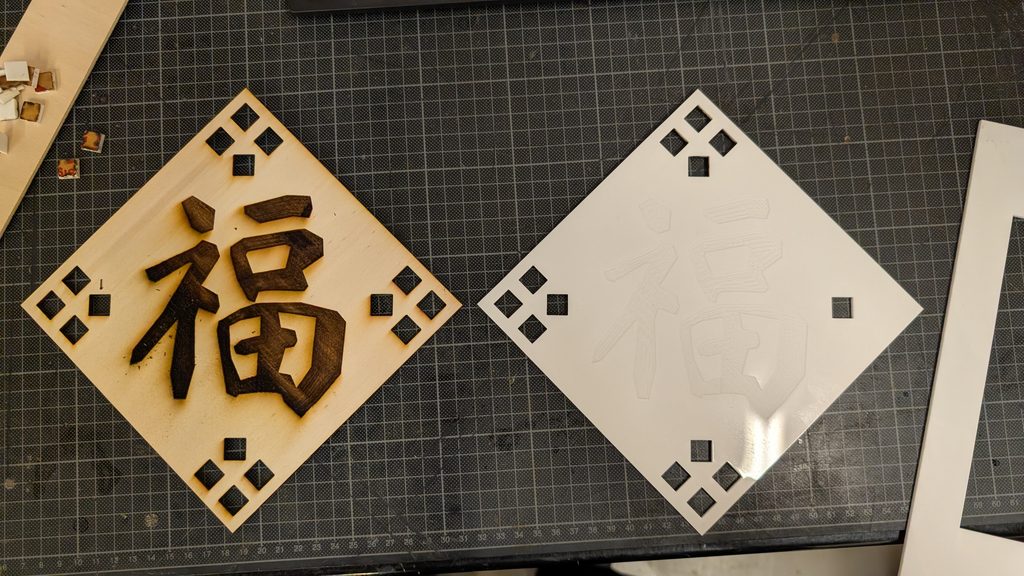
So as you can see, I ended up sticking with the hard vertices I started with, I think there’s a unique quality to it being a vector drawing I did point by point. I might actually hang it up somewhere once the laser cutter is operational again.
During the laser cutting process, Dustin realized that the reason why my laser cutting process was taking such a long time (nearly 40 minutes each) was because the vector file I had exported from p5.js had at least thirty “layers” so it would trace each cut over thirty times before moving onto the next one.
Since this was my first time laser cutting I thought all laser cutters are very thorough, let’s say; however, it turns out the vector file was just incredibly unoptimized. It’s completely unnoticeable until you reach the laser cutting software. My theory is that the svg export from p5.js didn’t take just one snapshot of the canvas but multiple frames based on draw() function’s framerate.
The engraving ended up very burnt and it cut very deeply into the plywood but I think it actually looks pretty good.