I am fond of video games, I play generally a lot of them and one of the genres I play the most is the First-Person Shooter genre. Due to this, and from experimenting with the algorithm we created in class, I wanted to modify it in order to be able to create randomly generated scenarios. These scenarios could theoretically work in a multiplayer map for players to battle each other.
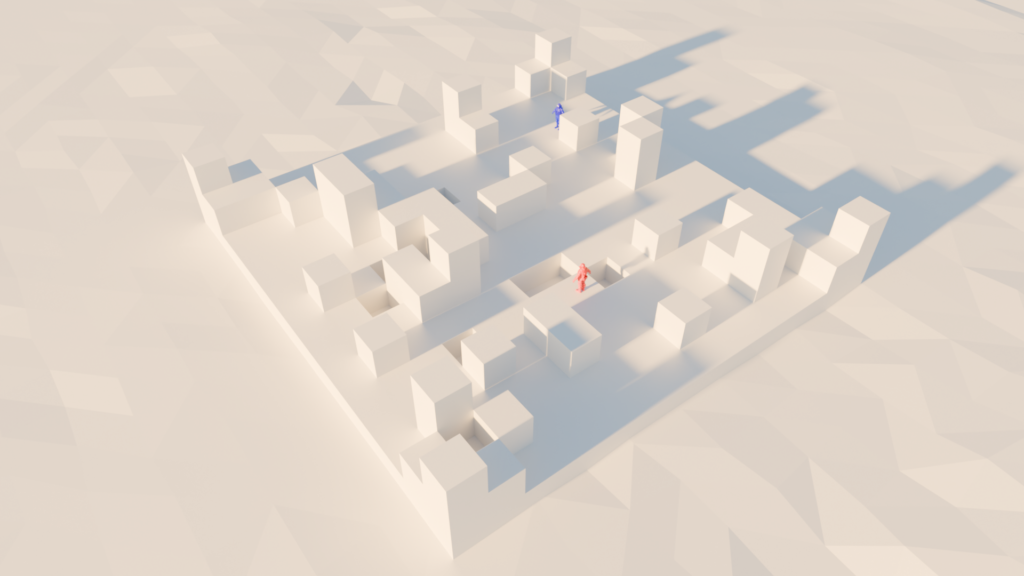
Render showcasing the .obj outputted from the p5js sketch and the imported into Blender using the Cycles Engine. The two characters that are there are just for showcases purposes for scale.
Inspiration
I was mainly inspired by some Counter Strike maps generated by the player base. For example, these are some of the maps that came into my mind when thinking about this idea:
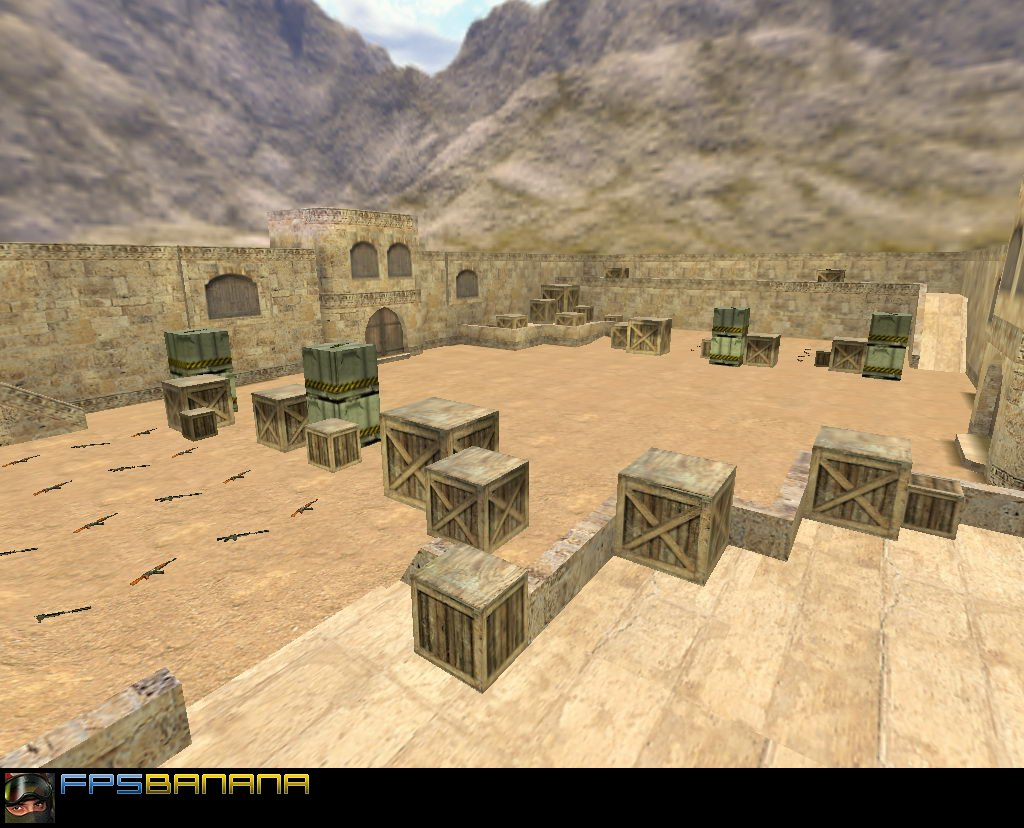
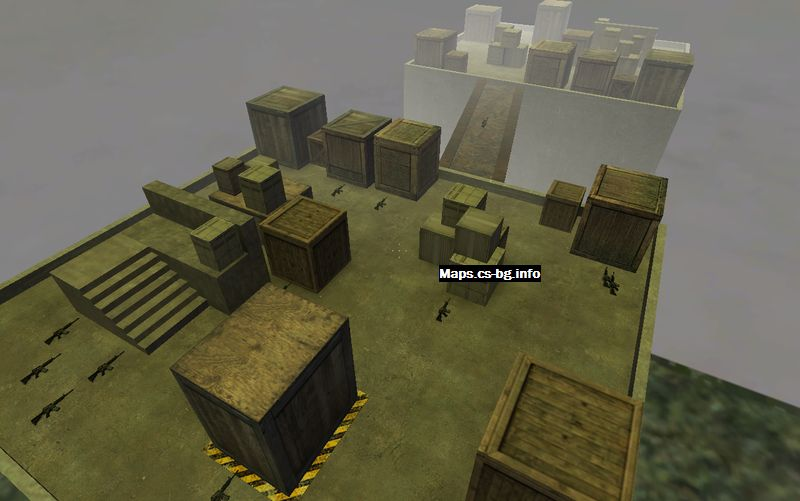
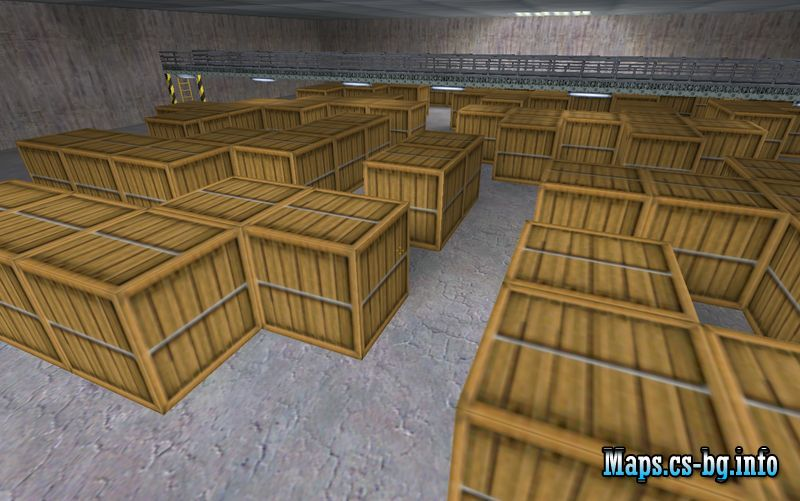
As you can see, there is an emerging pattern in some of these. They feature cover that are sometimes seemingly random, and certain patterns that could be easily translated into some algorithm.
The P5js Sketch and its explanation
Link to the sketch: https://editor.p5js.org/mdh8552/sketches/SLLx1hDnz
Note: While the logic is mine, Gen A.I. helped me program some technicalities.
Update as of September 28th, 2026: I purged some parts that were entirely made with A.I. as it was complicated for no reason.
My approach to coding this was the following:
- Do I mathematically know how to do this?
- Can I expand on what was taught in class?
- Can I expand on what was taught previously regarding randomness?
Especially, I did overestimate what kind of knowledge you require in order to actually make interesting designs in 3D. Sadly, I do not possess enough mathematical knowledge to make complicated designs, but at least I am able to think in 3D dimensions using boxes and for loops.
Now, regarding how the code works, basically, three main things are happening:
- The first for loop starts with the Y elevation, starting at a value of 0 (the floor).
- Then, the Z position is chosen to start, again at 0 (top left).
- Then, the for loop for the X position (the filling part) begins, starting at the initial Z position.
- This repeats until all the required boxes are finished.
There are variations in each part of the for loop. For example, when it starts to fill the boxes in step number 3, there is a chance that a box will not be generated and therefore, there will just be a blank space. However, these blank spaces are only generated when the Y value is 0 and the X and Z values are between 1 and the last number before the maximum number of boxes.
Also, when it starts to move to new elevations in the Y value, there are certain things happening. For example, at level Y=1, all the corners will have a generated shape. They will also generate a box within the range of 1 and the maximum number allowed inside X and Z. At Y=2, there is a chance that a box will generate only on the spots where a box was generated at Y=1. Not always, just a chance.
All of this then hopefully creates something that resembles the kinds of multiplayer maps that inspired me.
Also, if you want more explanation of the code, you can check the sketch. Most of the parts are commented.
Preparing for printing
After the code outputted the desired .obj (the one that is the same one as the render I did), I then started to prepare the file for 3D printing using PrusaSlicer.
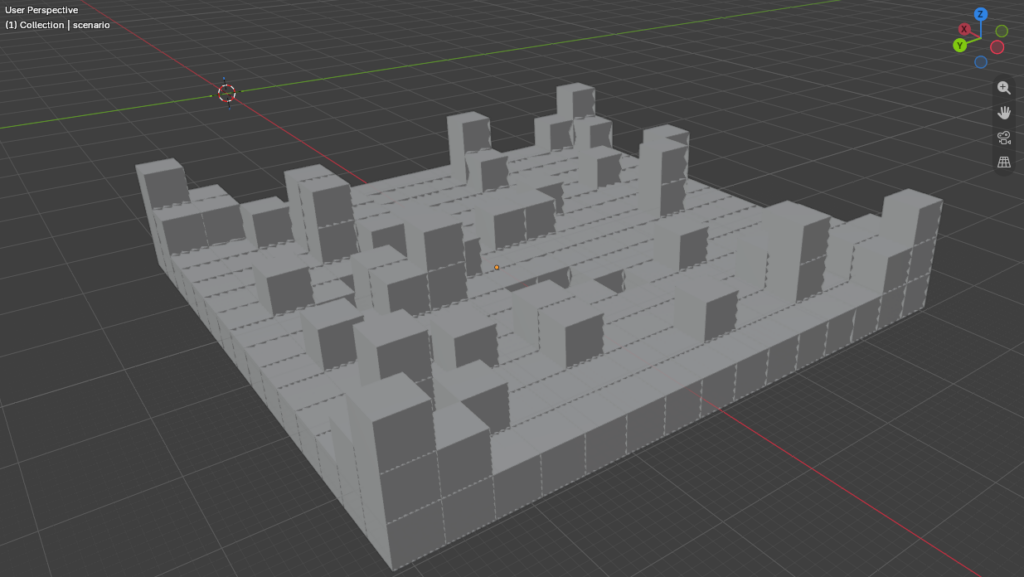
The .obj file exported without anything.
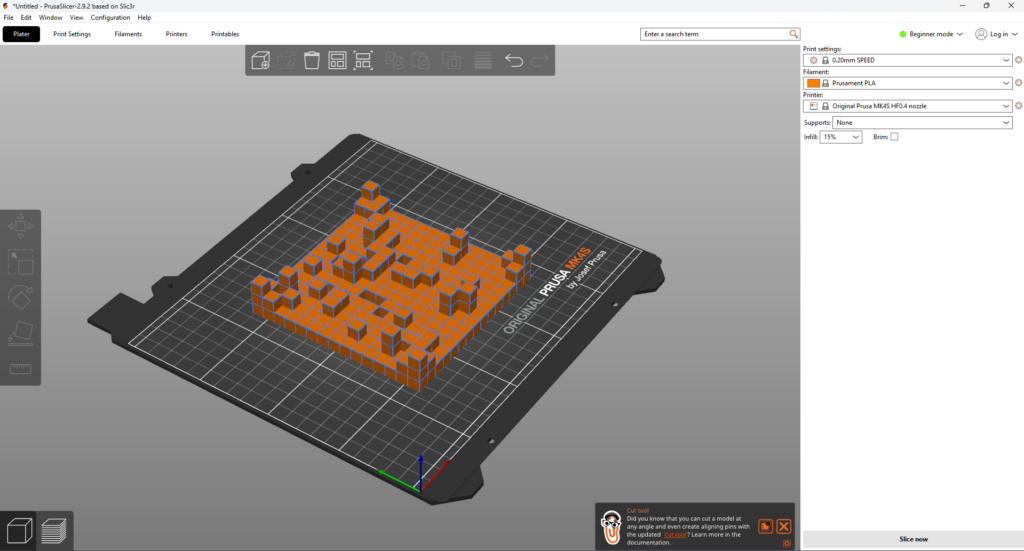
Preparing it in PrusaSlicer for 3D printing.
After getting the gcode ready, it was time to 3D print it, which showed the following result:
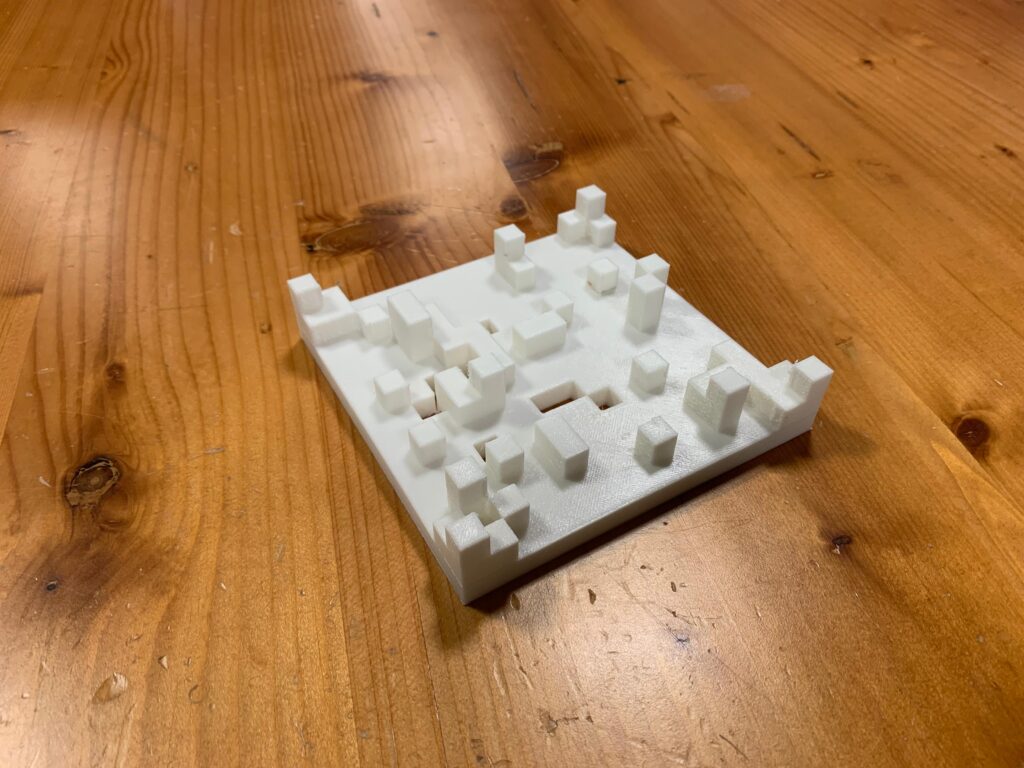
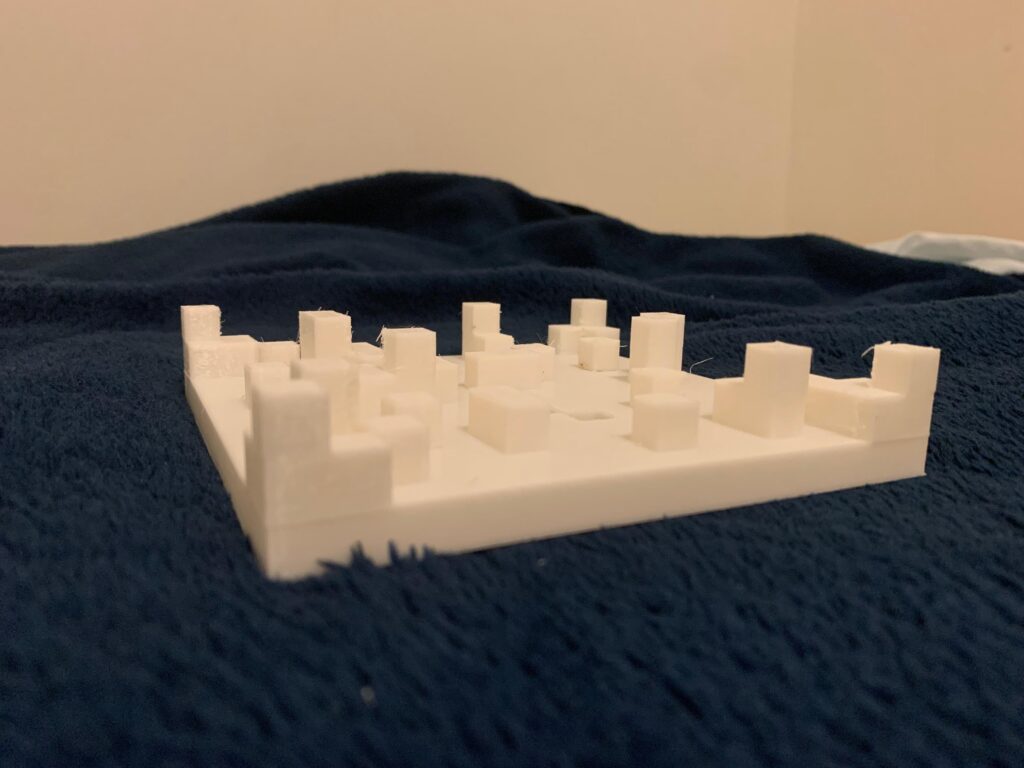
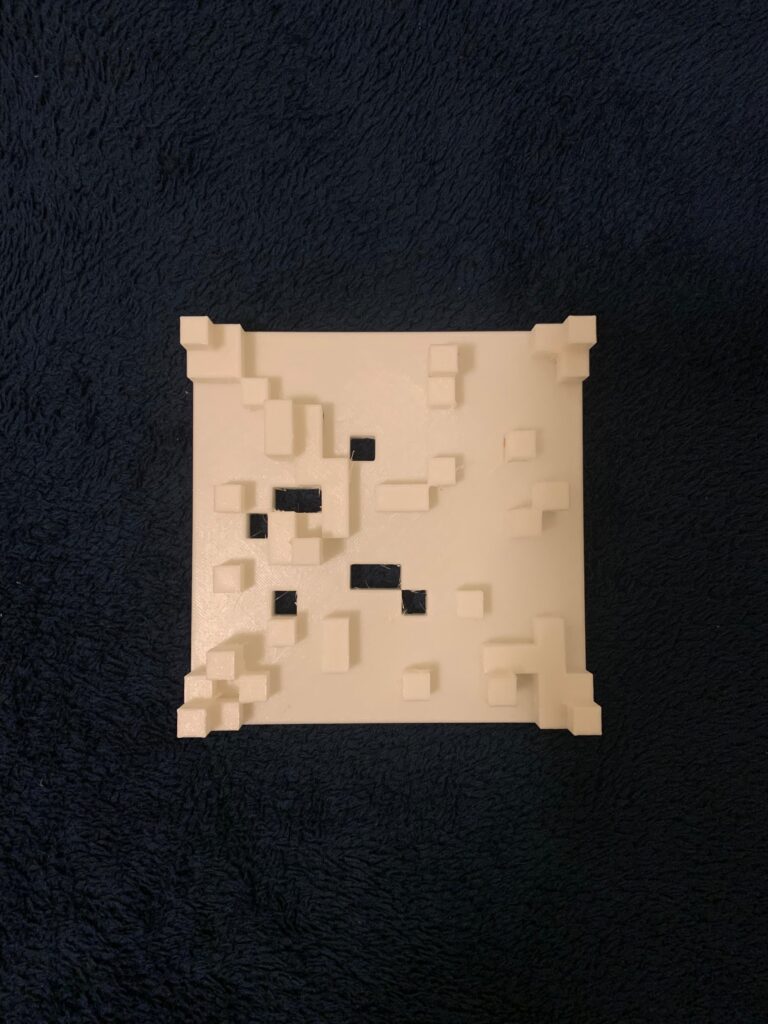
It is very similar to the render at least. The only thing missing would be the characters for scale.
Challenges?
At the moment, I believe the biggest challenge in this case was thinking of a 3D element that was not just some extrusion, but also not so complicated that I could not explain it given my limited math knowledge. Not only this, but I also had to think about the limitations of the 3D printer, as well as the time it could take to print something. I took all of these aspects into consideration when designing this, which is why I did not encounter any issues when printing, for example.
I believe that in order to make something more interesting, I would have to research it online. However, at the moment, this kind of algorithm is something I can safely explain.
Reflection
Making 3D designs in p5.js is actually very fun and interesting. At least, I believe it is more fun than making designs in 2D. There is more to it, and given what I just did for this project, it is actually possible to make some architectural designs later on with some random aspects to them. I have a special interest in architecture since I love making 3D levels or just general architectural designs.
Even though I am still not sure if this would be considered drawing, as in drawing random architecture, it still greatly changed my view of how I consider my 3D designs. There are limitations, at least on this machine, but there are still enough features and elements that make it fascinating.
Nevertheless, I have seen how my classmates have created complex designs on the 3D machine that seem to be actually feasible, such as some variations of the hourglass. However, again, for this time, I decided to play it safe within the limits of my knowledge.
I believe adding more elements to this design, such as triangles simulating stairs or random spheres, would have helped, but I did not think of it until now, sadly. Still, I believe I found a new niche that I am particularly interested in.
Extra
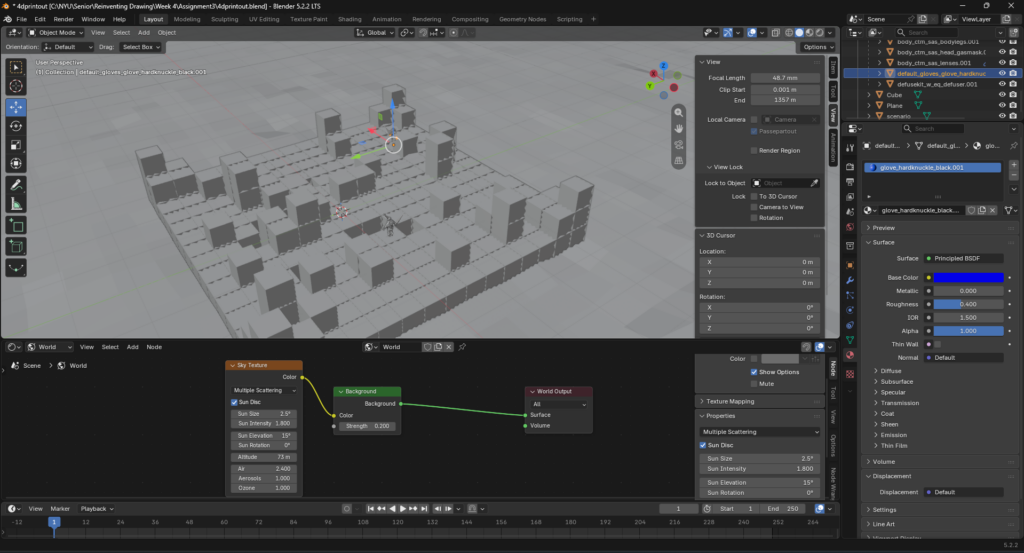
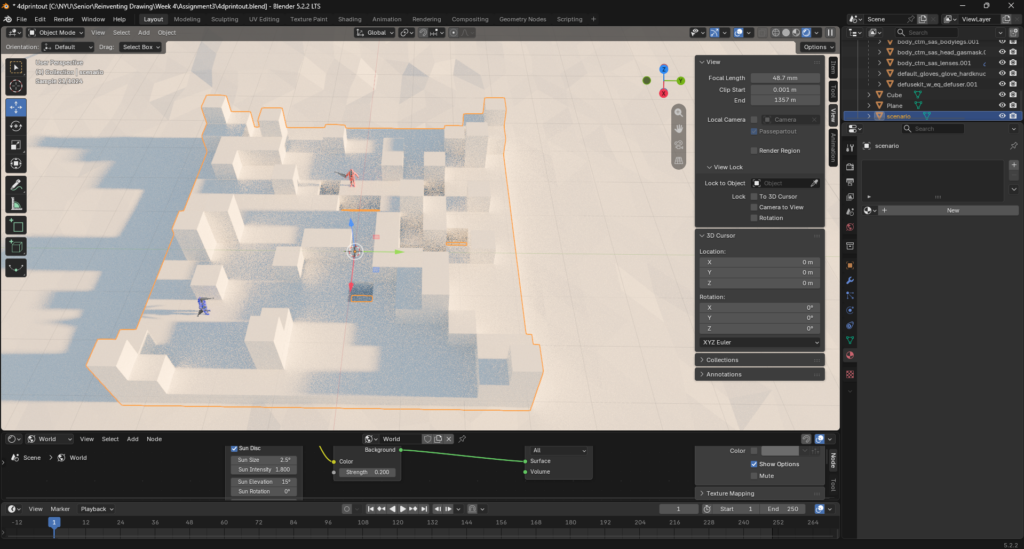
Here are random screenshots of the rendering process of the outputted .obj on Blender.
Credits
This is where I got the model of the people to showcase the scale: https://sketchfab.com/models/7f18aaccd0ee4694a36646101a12339e/embed