Inspiration and initial idea
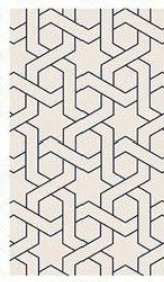
I took my initial inspiration from the image below. Some people classify it as the Moroccan geometric pattern while others consider it within the category of Islamic geometric pattern.
P5.js sketch
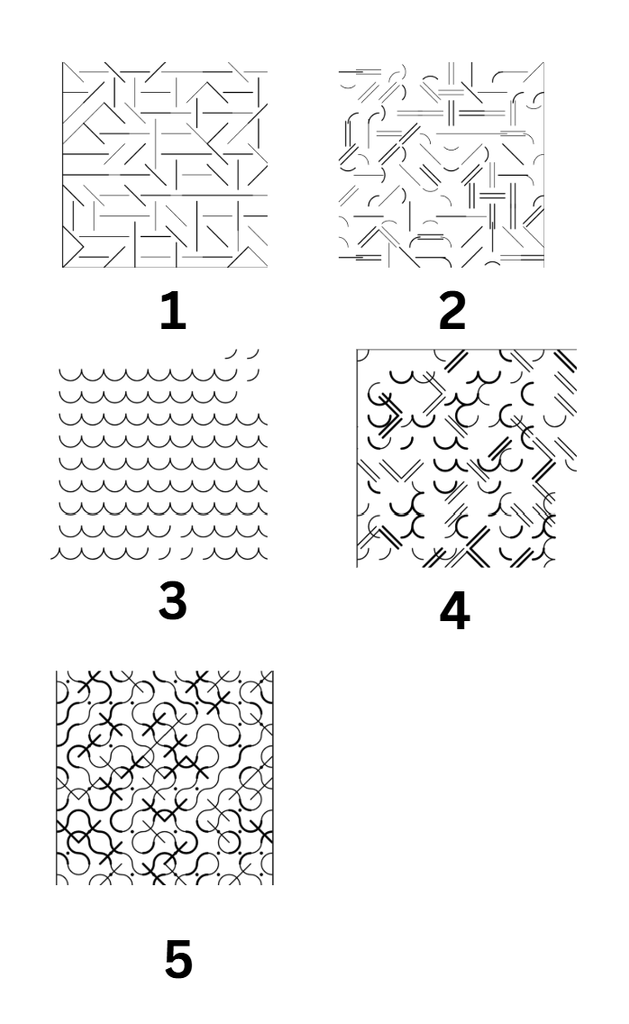
I started off by first playing with the angles on the lines by randomizing them and seeing how they looked. then I added some arcs with the lines and double lines at different stroke weights. I tried to see how it would all look in the case where I only added the arcs and then used that with the lines to make some kind of very random patterns. At this point I attached put all of the next to each other so that they make a random grid and then added lines and dots at random places to add some more diversity.
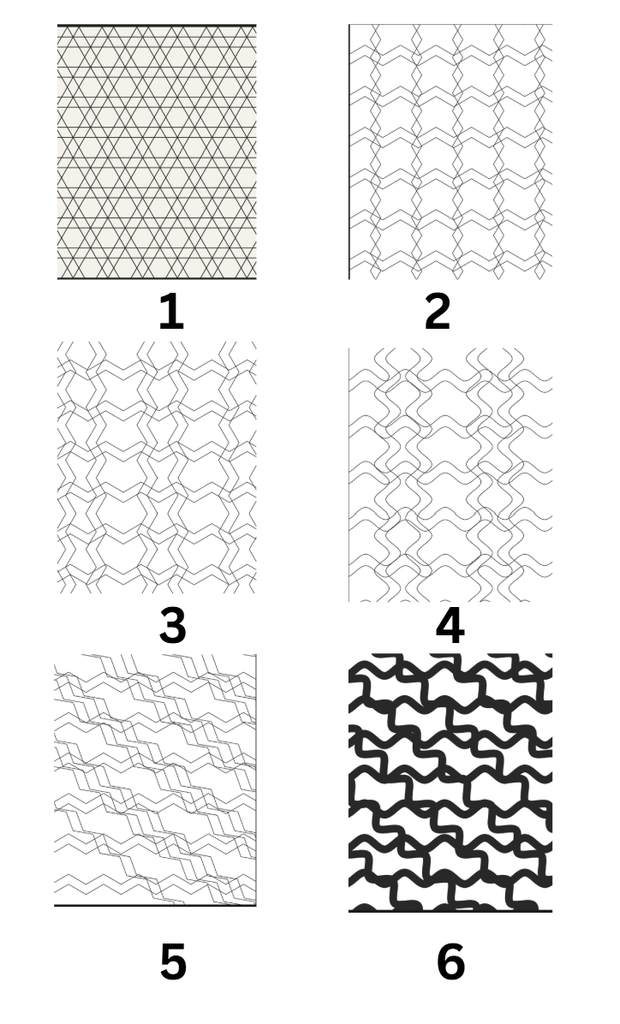
Now I decided what if I removed the element of randomness from my code and experiment with zigzag lines since that is the main element from my inspiration. In the very first image, you can see how there are horizontal lines and then lines going diagonal. This was achieved by drawing a repeating grid of 6-pointed starts. The code first figured the spacing between the star center (hexW, hexH) using hexagon geometry, hen it just looped through the columns and rows by placing the hexagon star at the middle. Every other row, it shifts a little sideways so that it looks like an interlocked honeycomb. The Drawstar() function drew the star by overlapping two triangles and rotating the second one at 60 degrees.
Since I wanted the lines to be zigzag on their own, I used the cos and sin function to make them wave line. If you look closely one verticle line faces left while the next one faces right. I was able to achieve this by using a vector direction concept. So whatever way the prev line was facing the next line would be multiplied by -1. The second one the very next line the direction concept was applied to, while since I was drawing double lines, I wanted the next two lines to be in the opposite direction. This was very had to achieve, because if I am using the if statement, how do I make it work on the every third and fourth line only. I was able to resolve this by using another variable that kept track of it and updated accordingly with the space between two lines. In the fourth trial, I tried making the zigzag lines into the curves by adding a new function that stored all of the points in an array first and then applied Bezier curve to it. In my inspiration the curved lines are going diagonal. In the first trail this was easy to achieve because the zigzag and curve logic wasn’t being applied. But now I played with angles and the starting point of the vertical lines. By making them to start drawing before the x axis, I got the diagonal curved lines. I tried playing with the stroke Weight here and removed the double line concept to see how it works. I think this was pretty successful.
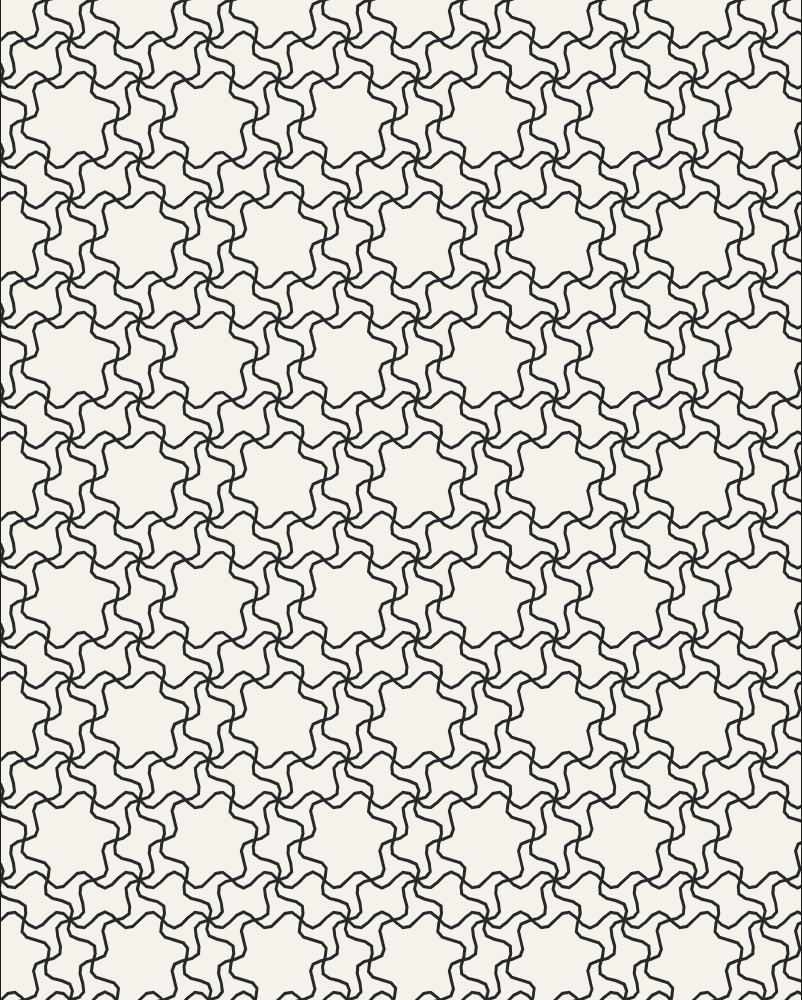
Finally, I combined this logic of zigzag diagonal lines into the very first trail where the lines were been drawn to make the hexagon. And the below is the final result.
You can see all of the codes here: p5.js Web Editor | trunchet tiles
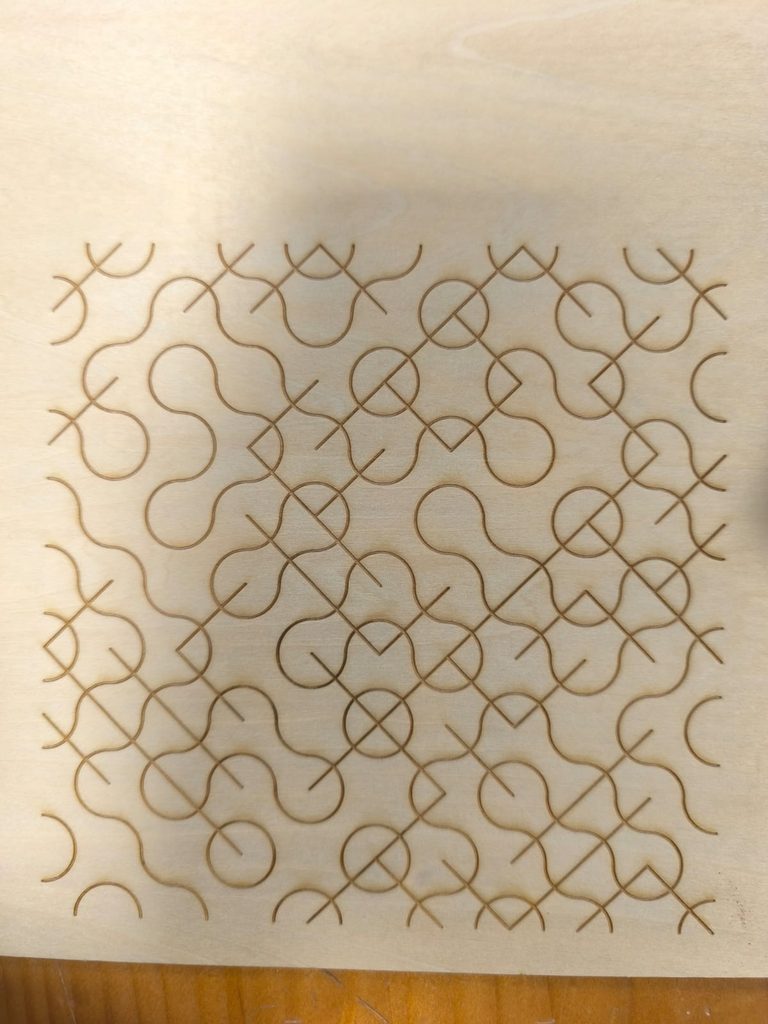
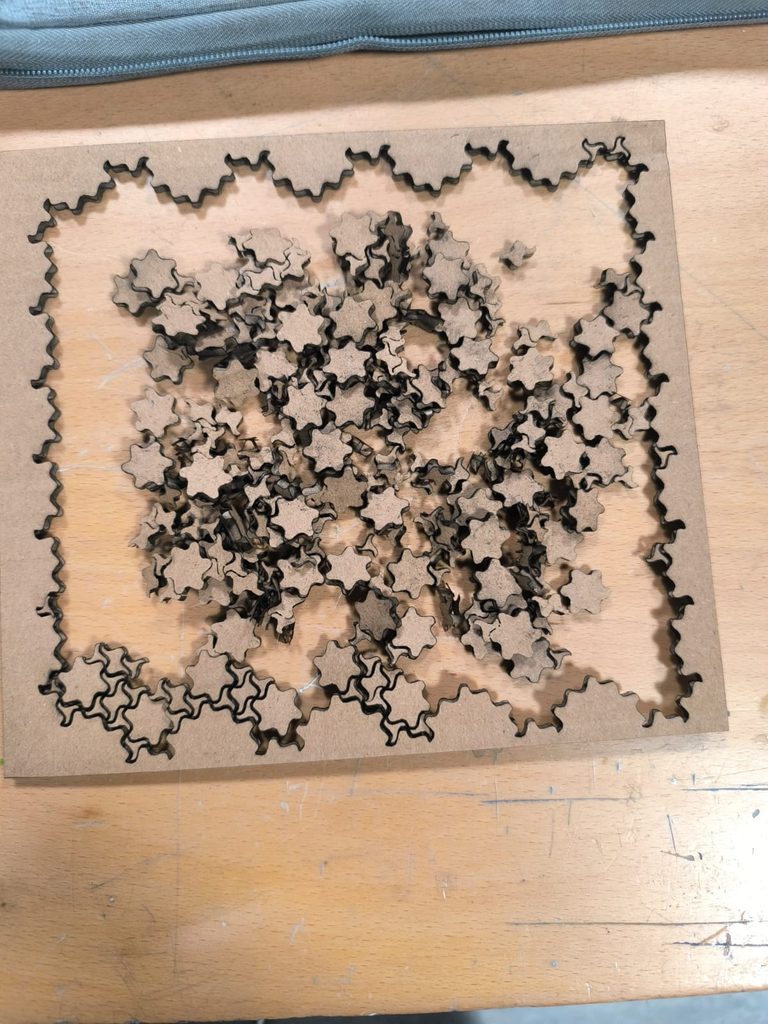
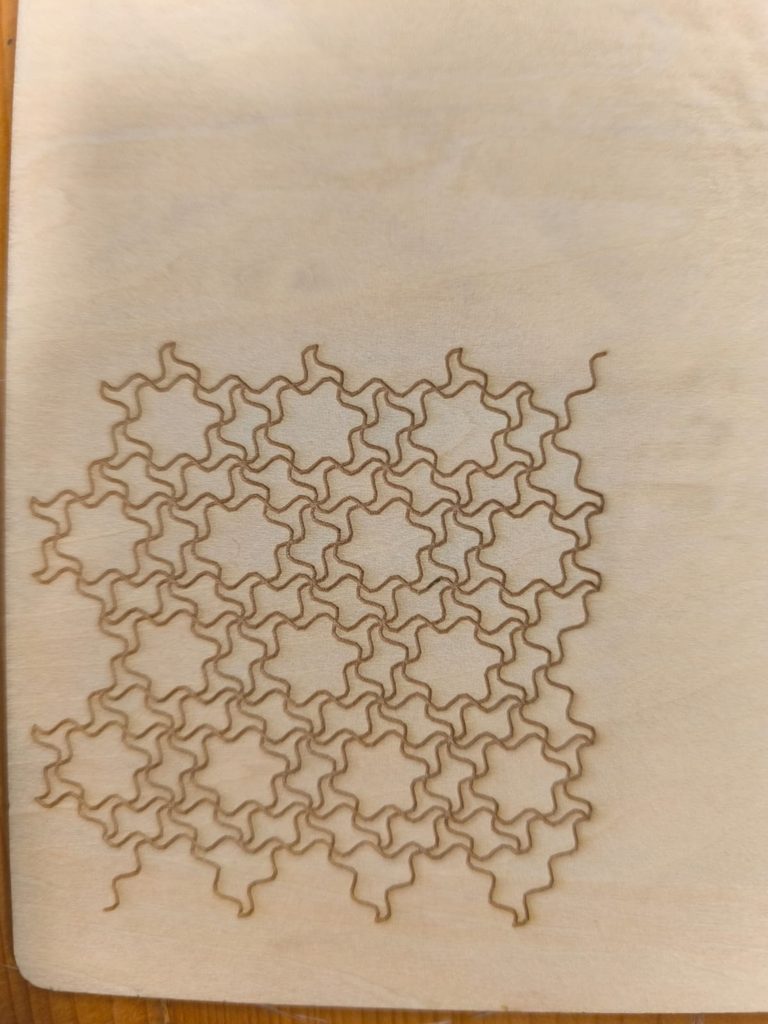
Laser cut
For the very first laser cut of the above image, the laser cut through it completely which resulted in the small pieces falling off. So, for the next two laser cuts that I did, instead of having the laser cut through it completely, it engraved the piece.