Photos/videos of the assembly process
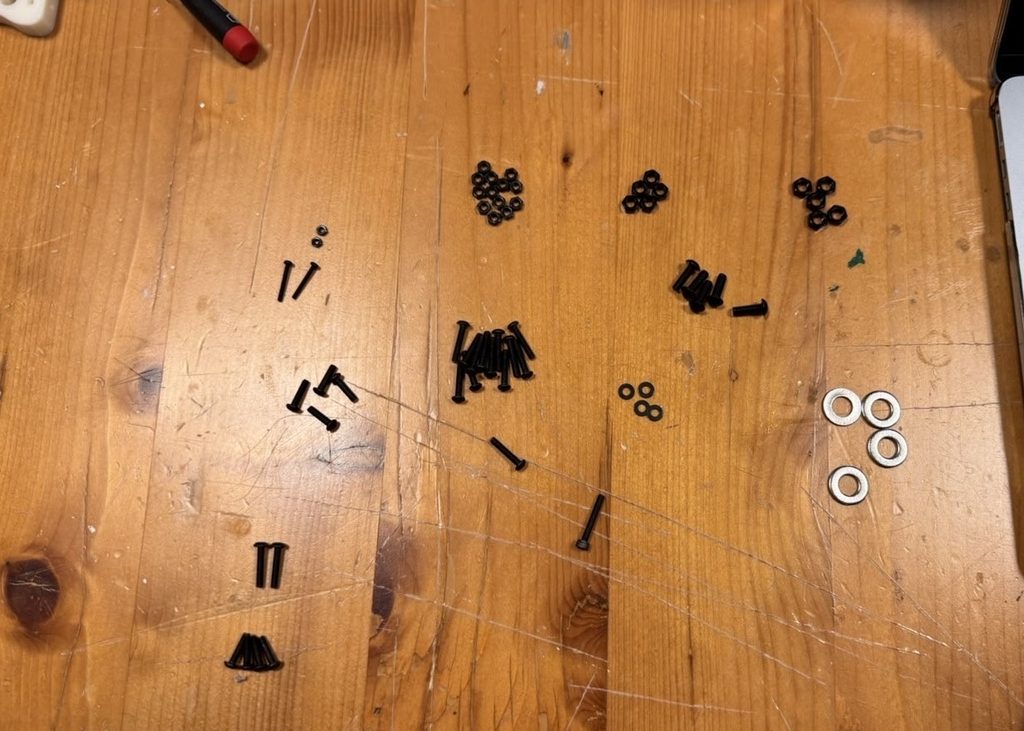
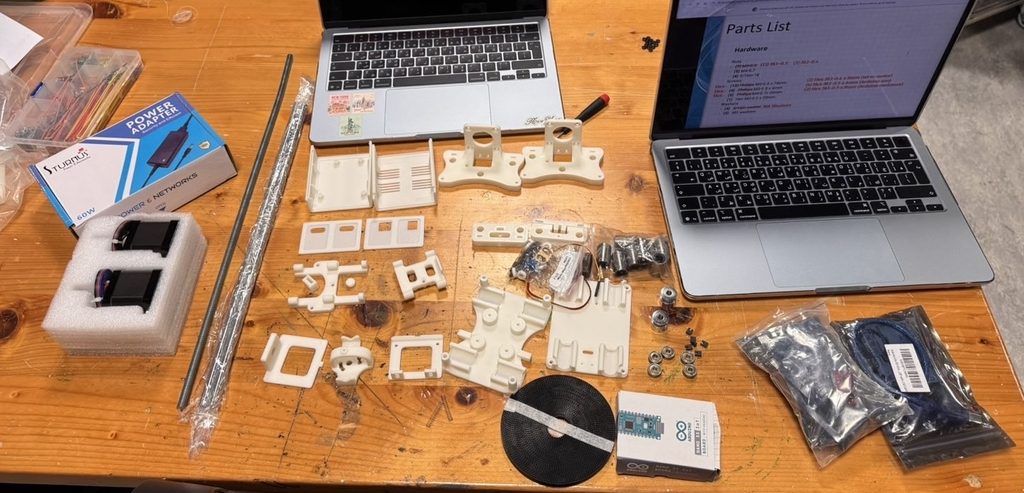
Step 1 – Collecting all parts for smoother assembly process
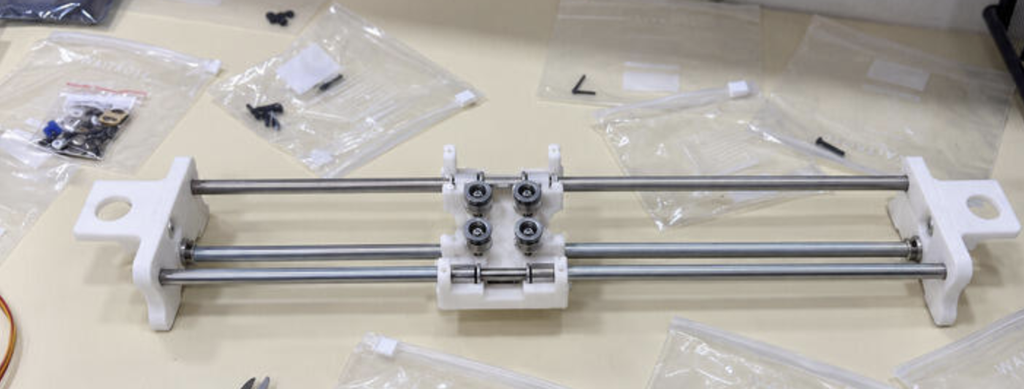
Step 2-Assembling X axis
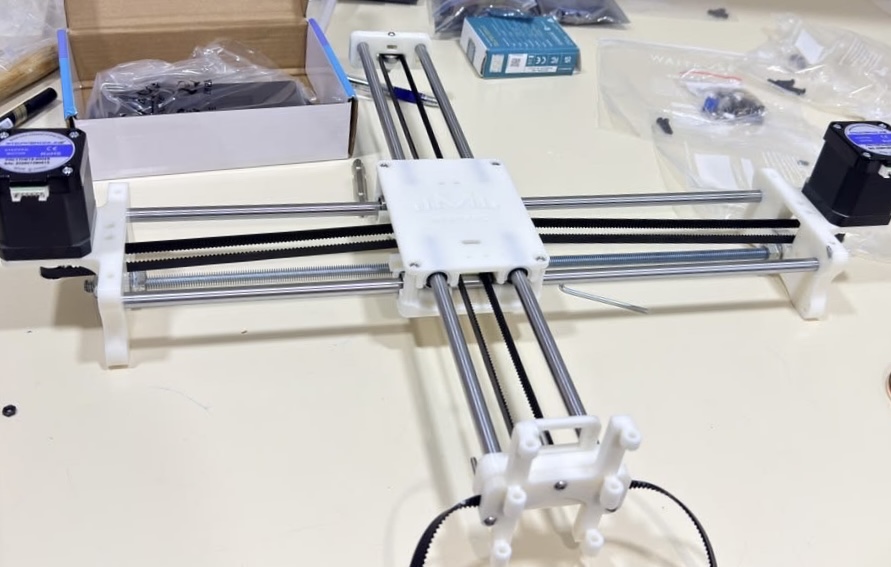
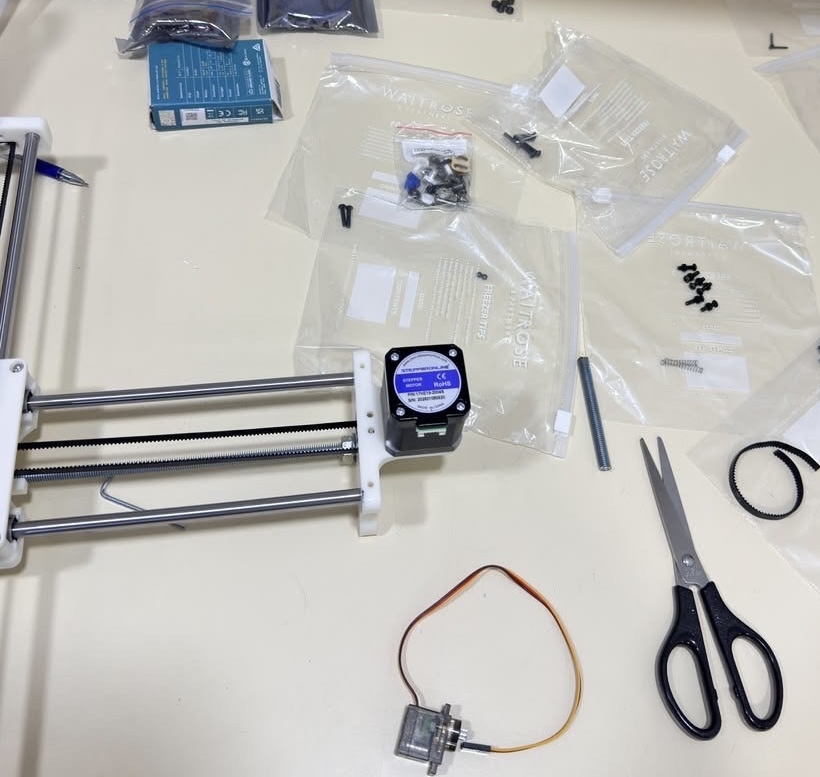
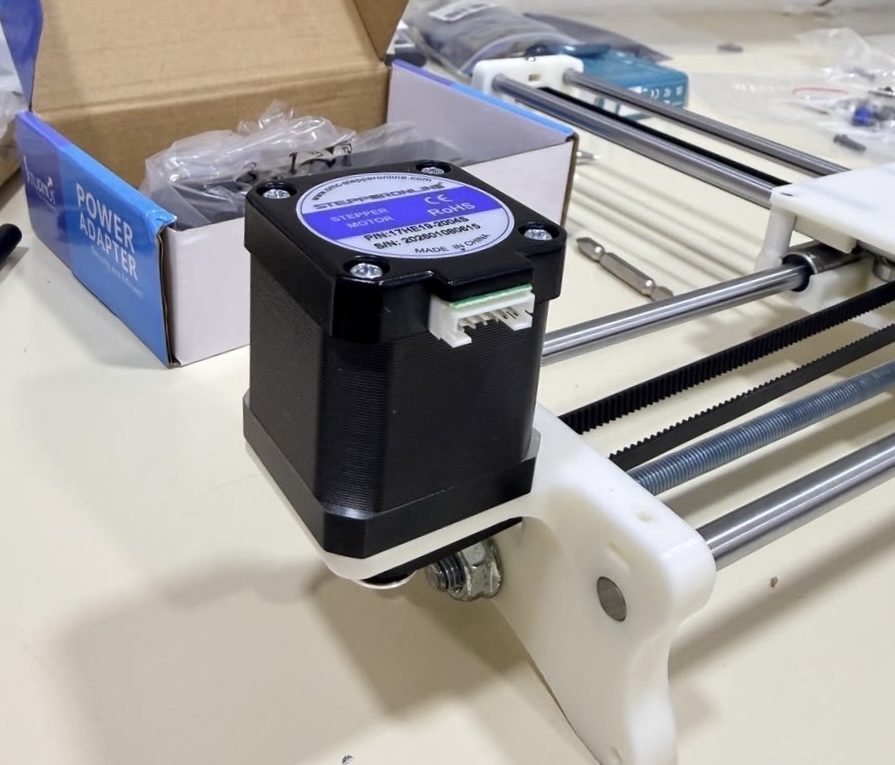
Step 3 – Attaching Y axis and looping belt
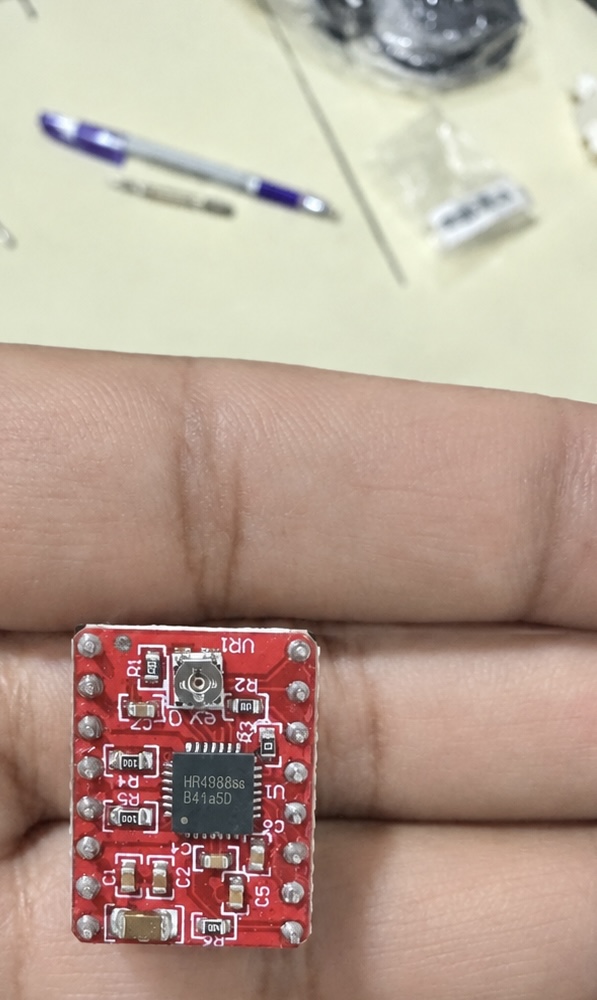
Step 4- Wiring and connecting Arduino to Pen Plotter
Photo of the completed assembly
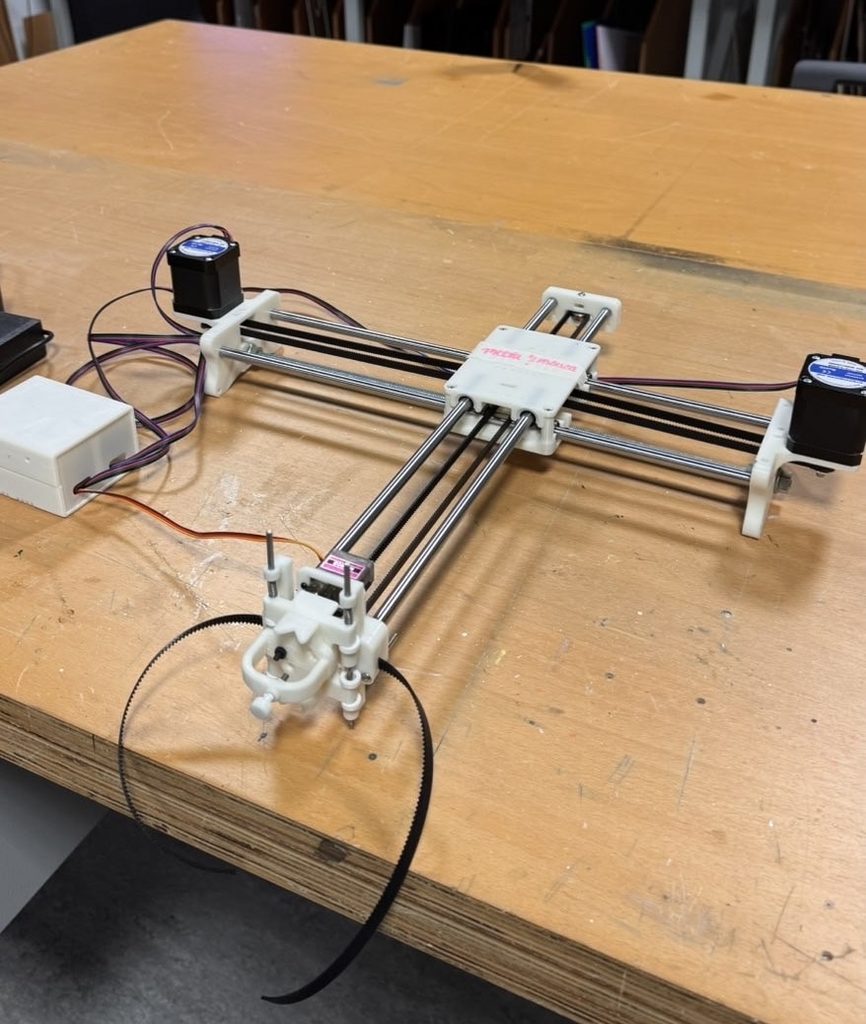
Video of the completed assembly
Problems encountered and how you addressed them
One of the main problems we encountered was assembling all the parts correctly. There were many small pieces, and some of the screws and bolts looked very similar, so it was easy to use the wrong one in the wrong place. To make the process easier, we laid out all the parts before starting and separated the screws, bolts, and other pieces into individual bags. This helped us stay organized and made it easier to know which parts we needed for each step. We also checked the fit of the pieces before tightening everything so we would not have to take the machine apart again.
Another problem we encountered was using the correct screws. Some screws were only the same size but different lengths. Keeping the different screws separated helped a lot because we could quickly see which ones were meant for each section.
We also had some difficulty with the belt alignment. The belts needed to be straight and tight enough for the pen plotter to move smoothly along the frame. At first, the belt was not sitting correctly, which could have caused uneven or unstable movement. We adjusted the belt a few times and checked how it moved across the rails until it was properly aligned. We also made sure it was not too loose or too tight, since both could affect the movement of the machine.
Overall, the assembly process involved a lot of trial and error. We sometimes had to remove a part and put it back together differently after realizing it was not positioned correctly. Working together helped because one of us could hold or align the parts while the other attached the screws. As we continued building, the process became easier because we understood how the different parts connected and how the movement of the pen plotter depended on everything being properly aligned.