Introduction
Going into this assignment felt intimidating. Looking at the PDF with the steps it seemed like it might be hard to follow. Moreover, there were a lot of 3D printed parts and it wasn’t clear at first what went where. It wasn’t easy, it did take a lot of time, but it was simpler than it seemed.
Assembly
Beginning
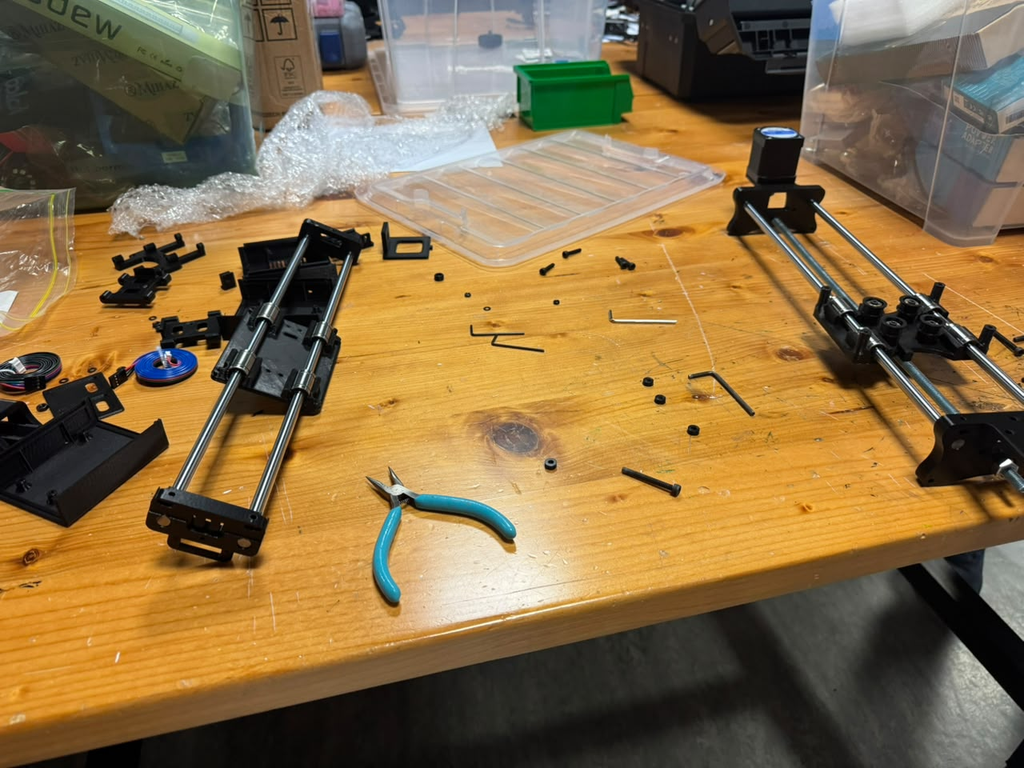
The beginning was fairly straightforward. The images on the PDF with the instructions were often more helpful than the worded instructions. However, it was useful to look back and see if we had the right screws with the right lengths so that we knew we were doing it right.
Installing the large rods, attaching the bearings, installing the servo motors. None of it was very difficult. It took some time but fortunately nothing went wrong during this part.
Halfway there
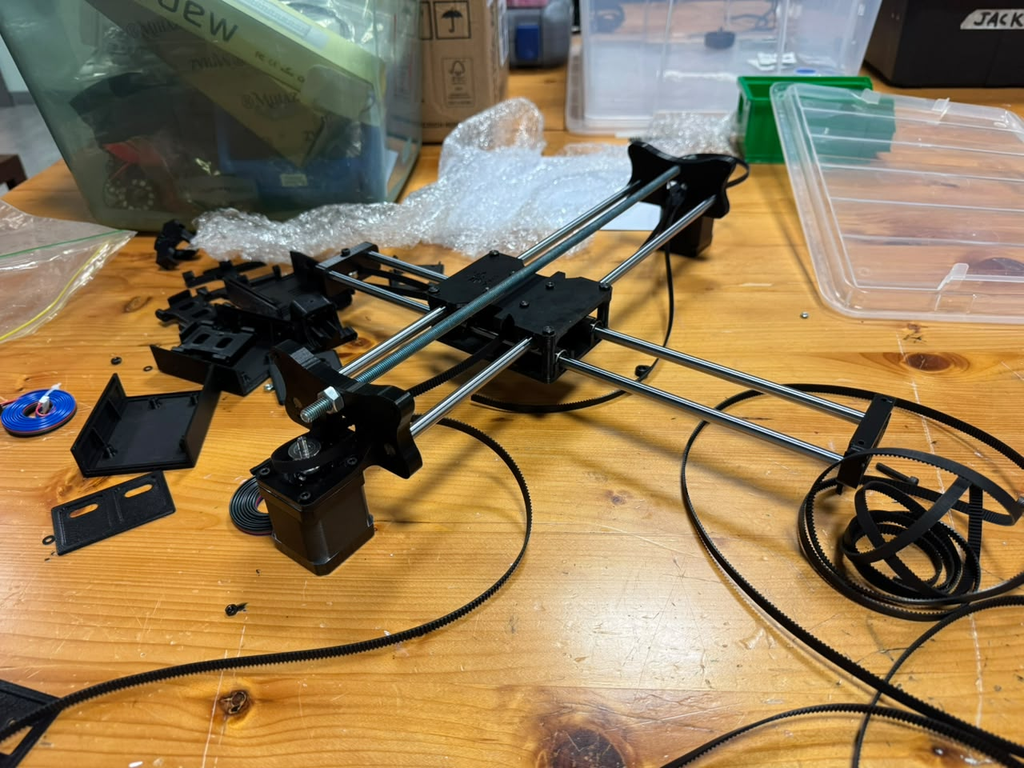
It was at this point that we had our first most frustrating part of this entire project: Assembling the y-axis. This was the first indication that some of the holes in the 3D printed parts were not correctly sized for the bolts. All of them were too small. Moreover, specifically for this part, there were plastic washers that we had to install as well.
The way we approached this was by first using one of the screws to tap each hole including the plastic washers. Then when first placing the screws into the top half we screwed the washers onto it. Only after that were we able to screw it in.
As we were screwing it in we realized that we were tightening the corners in the incorrect order. Tightening one corner too much than the others meant the plate would start to warp. I was glad that I realized this somewhat early and that the plate didn’t snap during this process. It took some time, and patience, to screw the plate down evenly.
Installing the belt, the z-axis, and the CNC shield
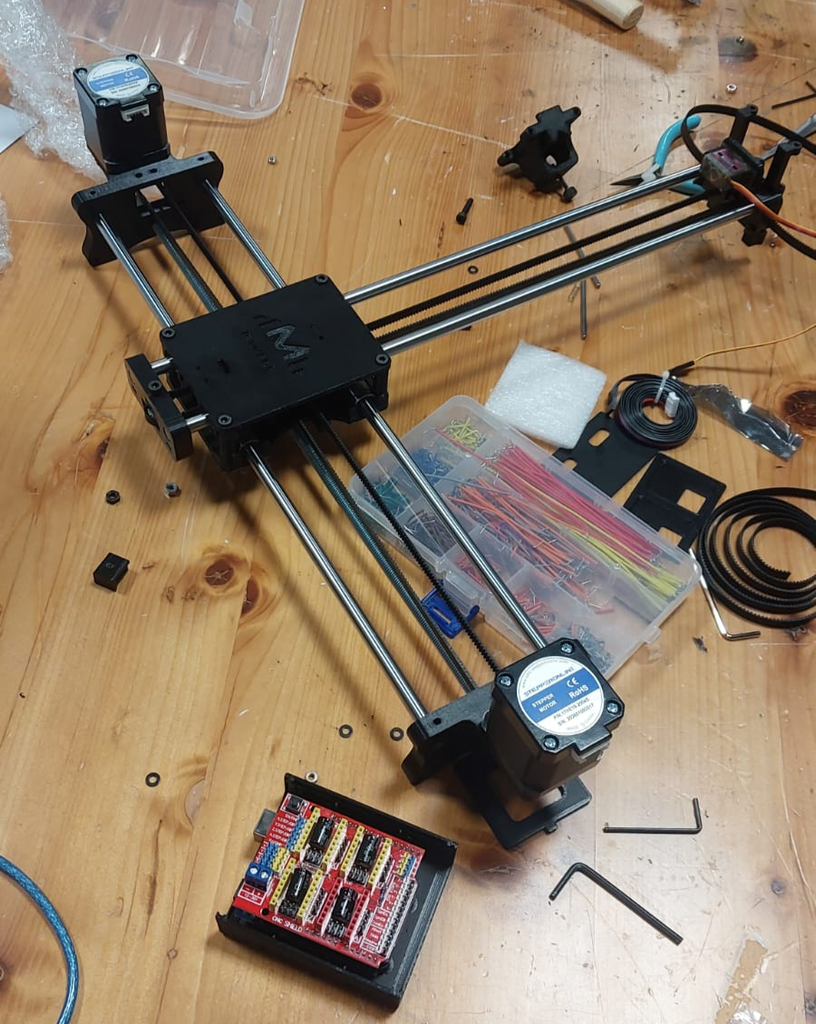
Installing the belt was the next most difficult part of this entire process. The professor had mentioned that most people find installing the belt to be the most difficult. I thought it wouldn’t be that hard. Fortunately, following the steps was simple. But, reaching through the middle to grab the belt was more irritating than I imagined. Irritating because: The belt was too long, reaching through the middle plates was difficult, and because the belt was long sometimes you’d get the orientation wrong and would only realize later on.
After this the other steps were straightforward. Installing the Arduino UNO then the CNC shield on top was perhaps the easiest part of this entire process, and installing the z-axis was also straightforward.
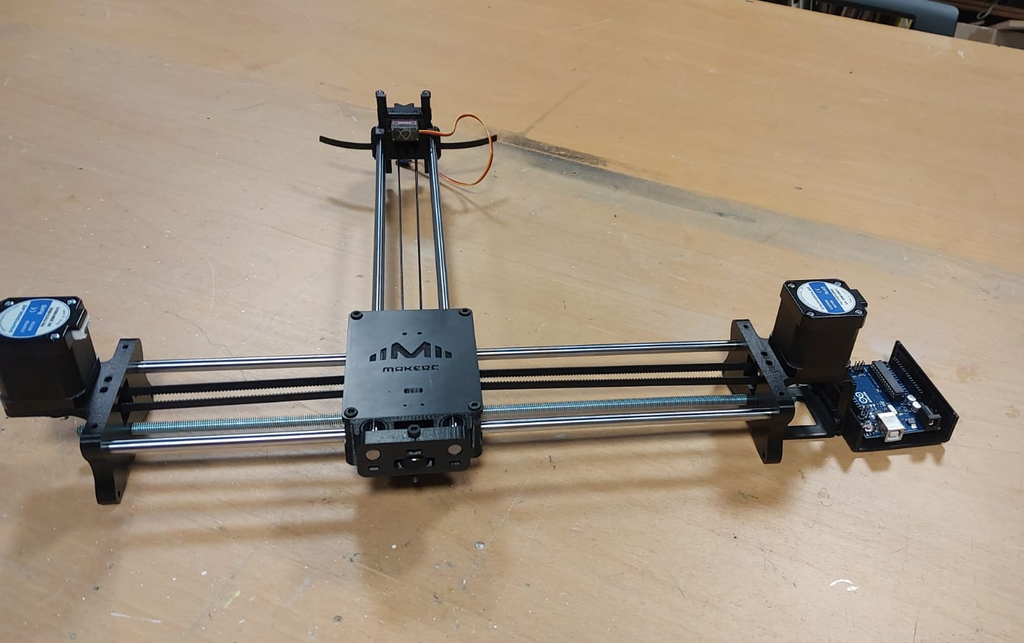
We had one problem early on and that was the linear rods for the z-axis. They were shorter than the ones in the images. It still seemed to work
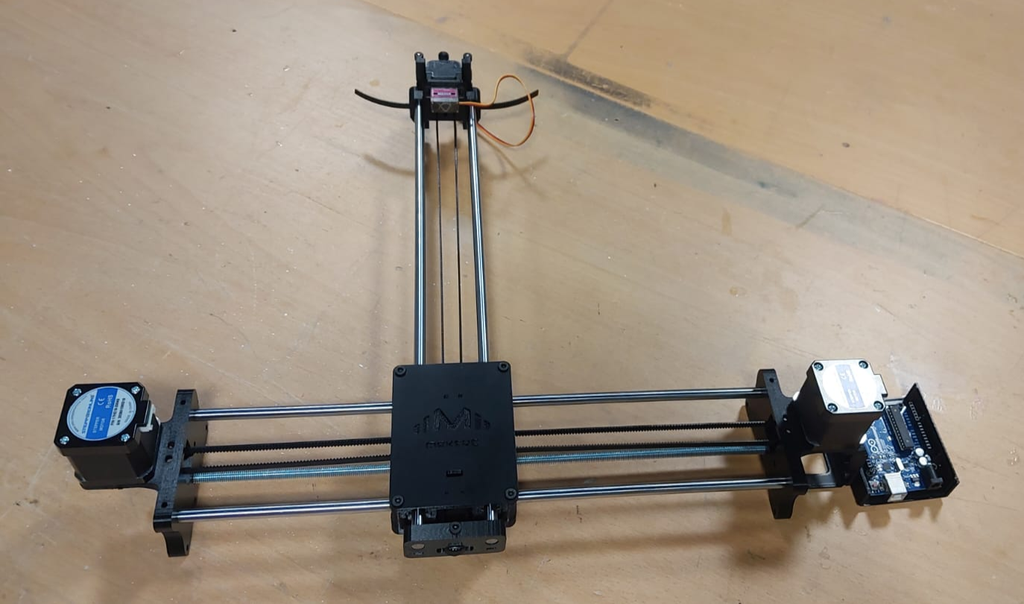
Completed Assembly
Problems Encountered
3D Printed Rods:
3D printed parts were not as smooth to work with when installing any kind of screws; for some parts, we needed to go through the part with a screwdriver so it is easier to insert the screw later on.
Belt installation:
As mentioned before it was difficult to pass the belt through the middle and to get the orientation right. This was largely due to the belt being so long. In hindsight, maybe we should have installed at least part of the belt through the middle before attaching the top plate.
Linear Rods:
By the time we reached installing the linear rods for the pen holder, the rods we found were shorter than expected.