Concept and inspiration
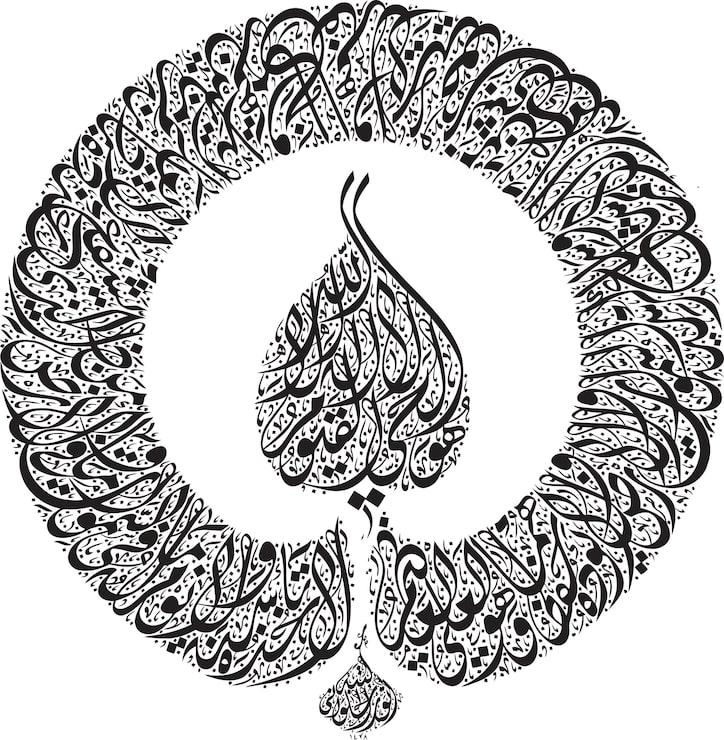
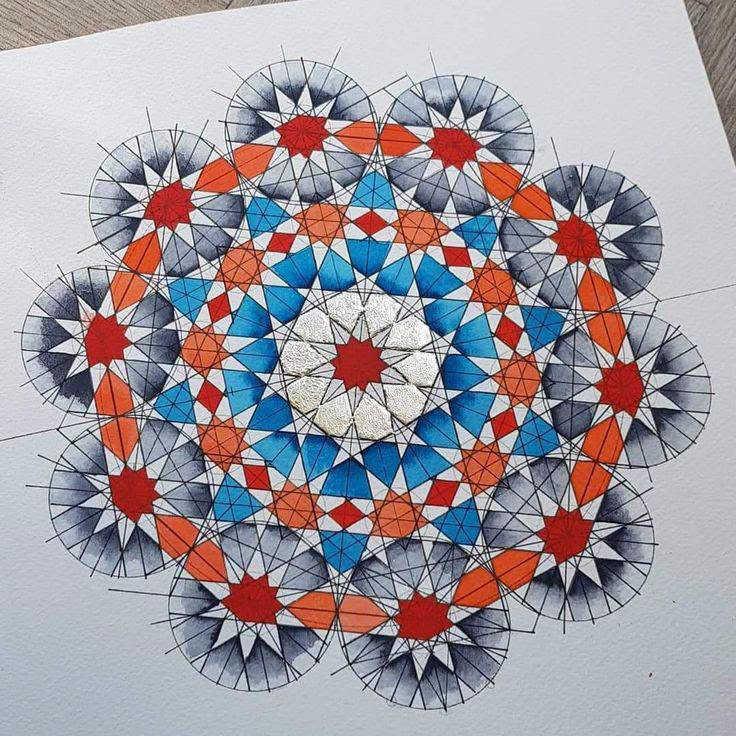
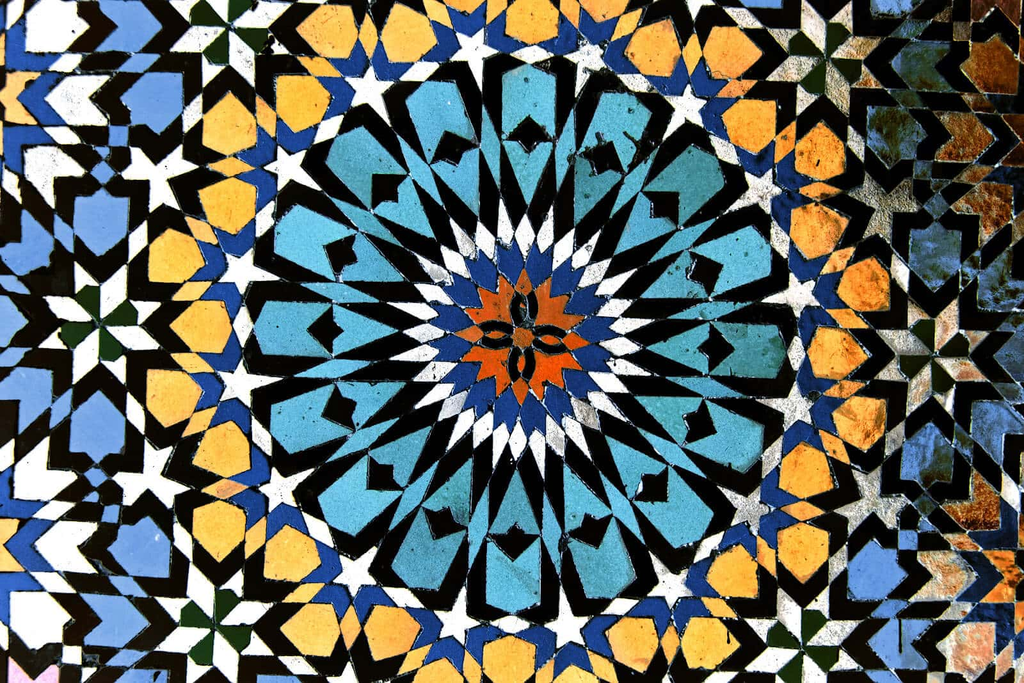
I thought a lot about what could be something to make this project about; I finally settled on two: Islamic geometric patterns and my passion for Arabic calligraphy.
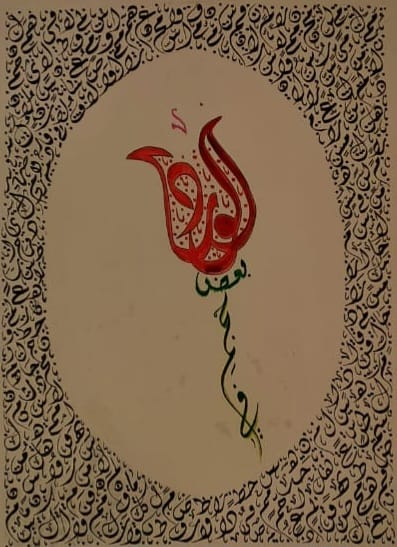
I started learning calligraphy since I was in 8th grade, and one thing about calligraphy, and specifically the Jali Diwani type, is the layering. We start by writing the words or sentence, then the short vowels, and then we start decorating with different decorative elements. My idea for the midterm was inspired by this technique. I wanted to make a drawing by layering different drawings on top of each other. Additionally, I also wanted to mix Islamic geometry and its rigid, symmetrical designs with the Jali Diwani’s artistic, flowing design.
Inspirations:
Calligraphy:
Islamic Geometric Patterns:
Code and Algorithm
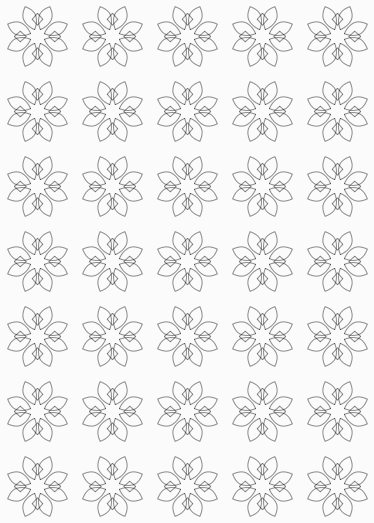
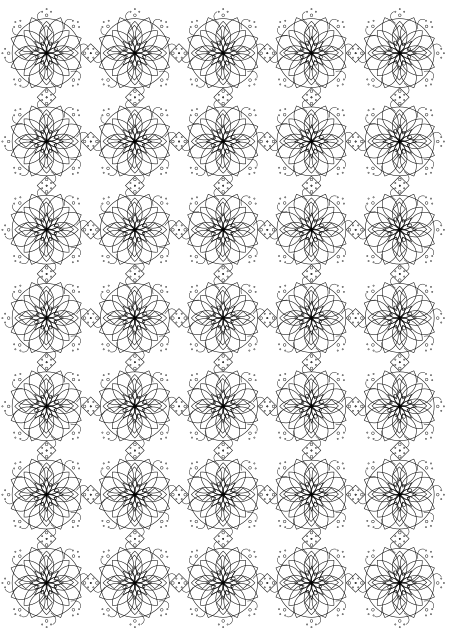
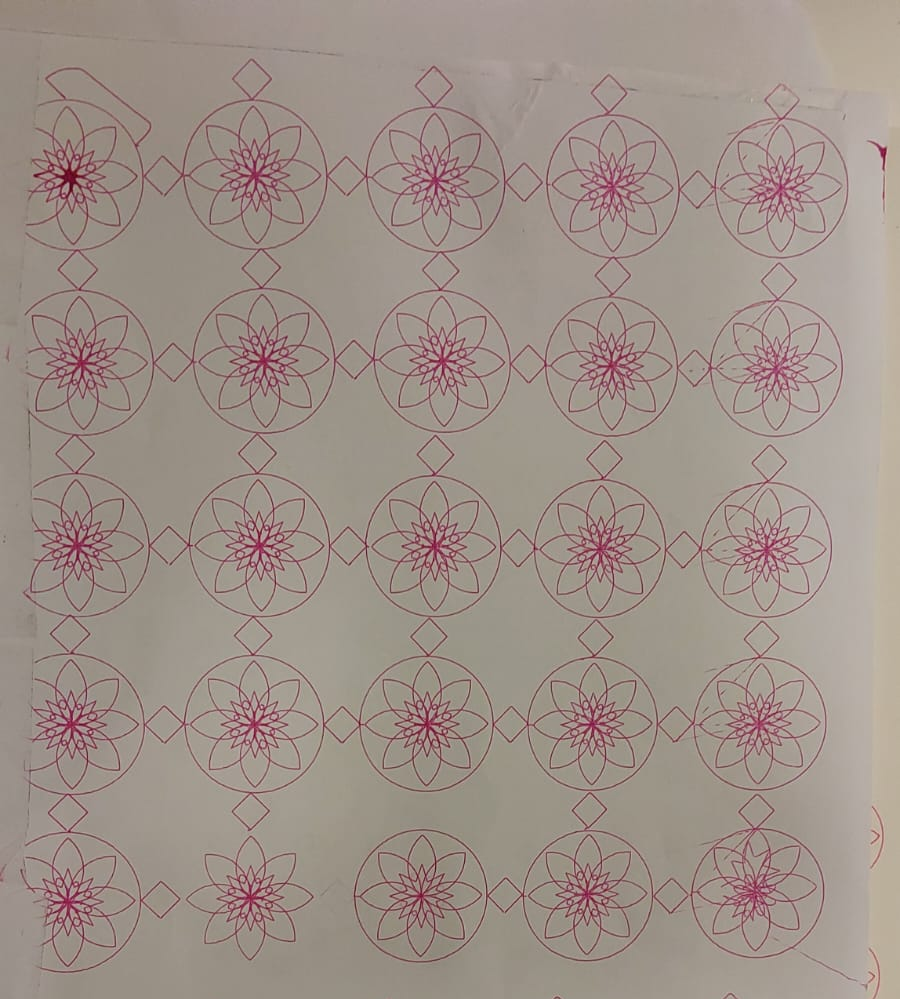
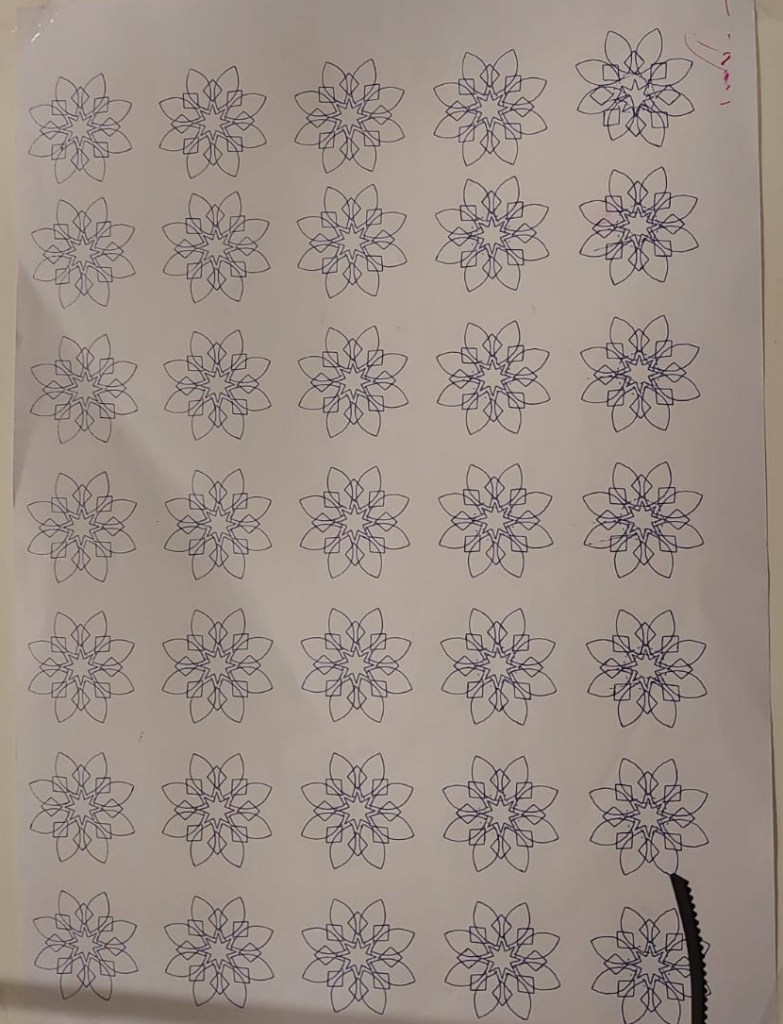
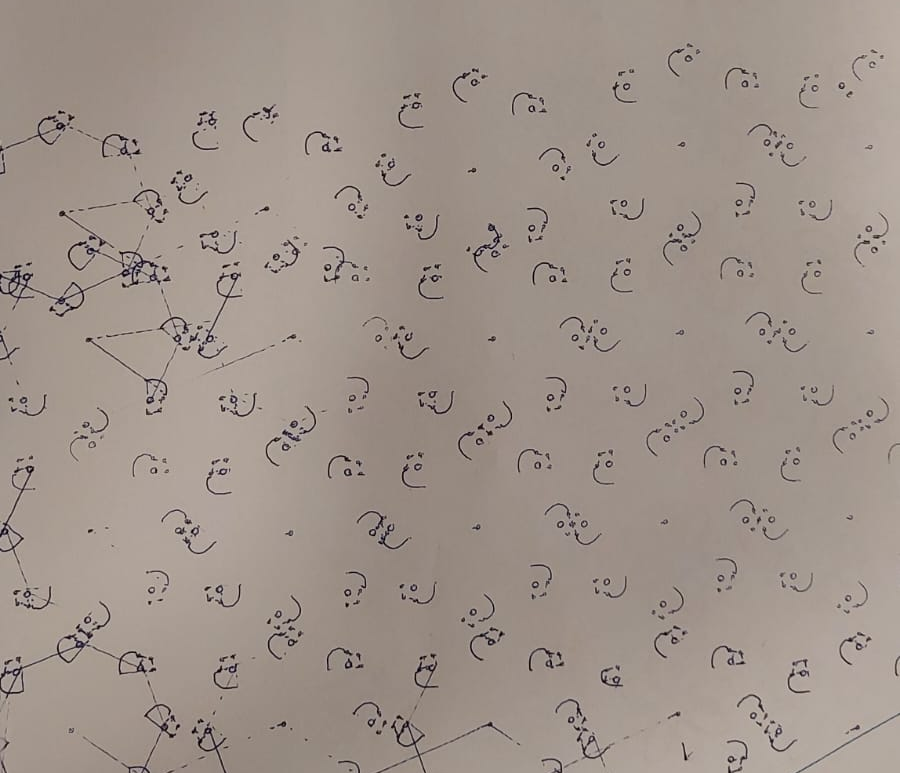
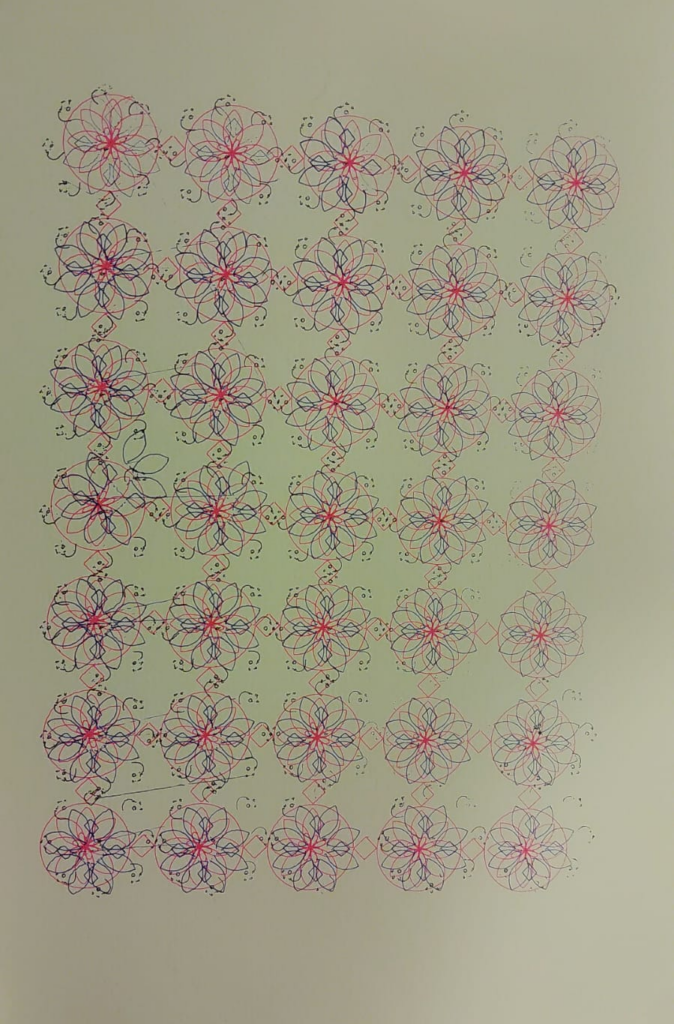
For the coding part, I used p5.js to create the designs by creating three separate layers, each with its own purpose. The first layer focuses on the eightfold rosettes and the main geometric structure, while the second adds more shapes and details to make the pattern more intricate. The third layer is different from the first two; it uses small circles and flowing lines inspired by Jali Diwani calligraphy to decorate the existing geometry without overwhelming it. I used loops, rotation, and mathematical rules to repeat the shapes across the page while keeping them aligned. By saving each layer as a separate file, I can place the drawings on top of each other and see how they combine into one composition. This approach also makes it easier to adjust individual layers and explore how the final design will look when drawn by the pen plotter.
Code outputs:
Layer 1: Base
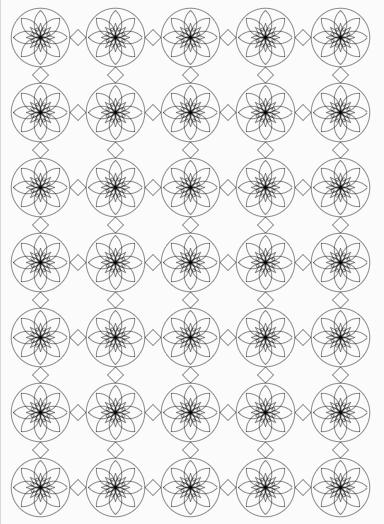
Layer 2: Additions
Layer 3: Final touches
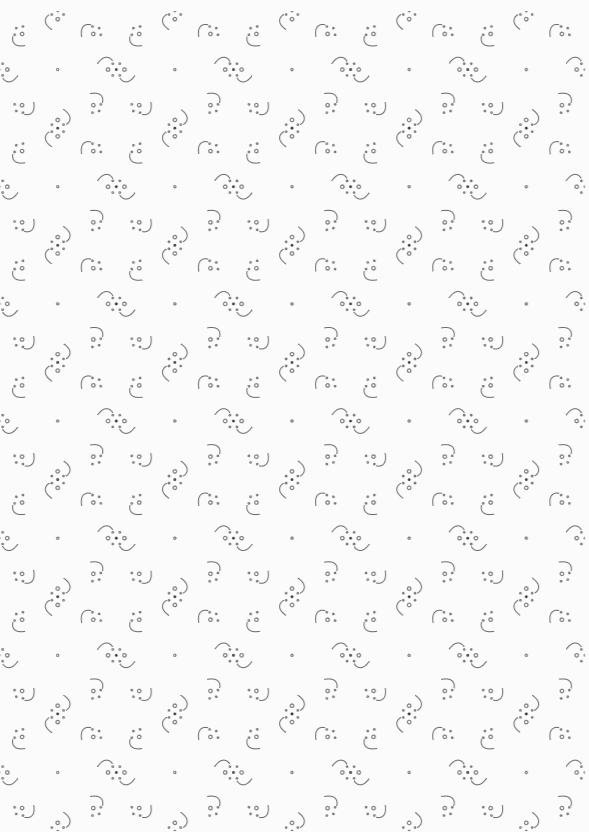
P5.js links:
https://editor.p5js.org/Joud_290/full/IvglpFPOZ
https://editor.p5js.org/Joud_290/full/eKW6_qDji
https://editor.p5js.org/Joud_290/full/InmCvDeha
Then, I tried to visualize the output in Inkscape to see how the three layers align together
Experimentation
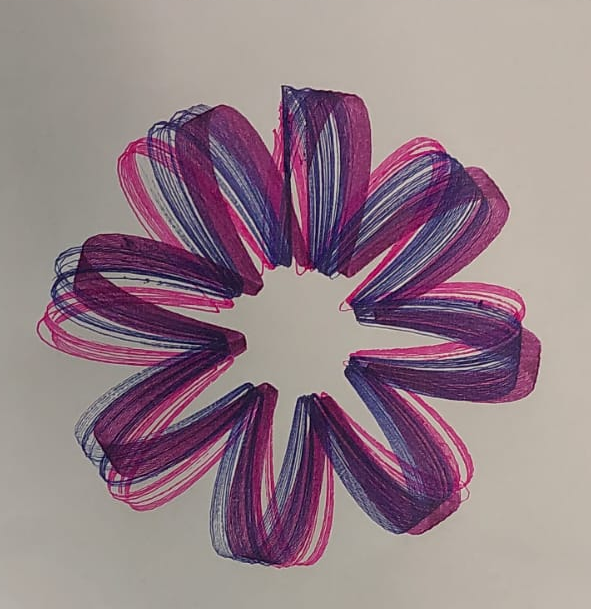
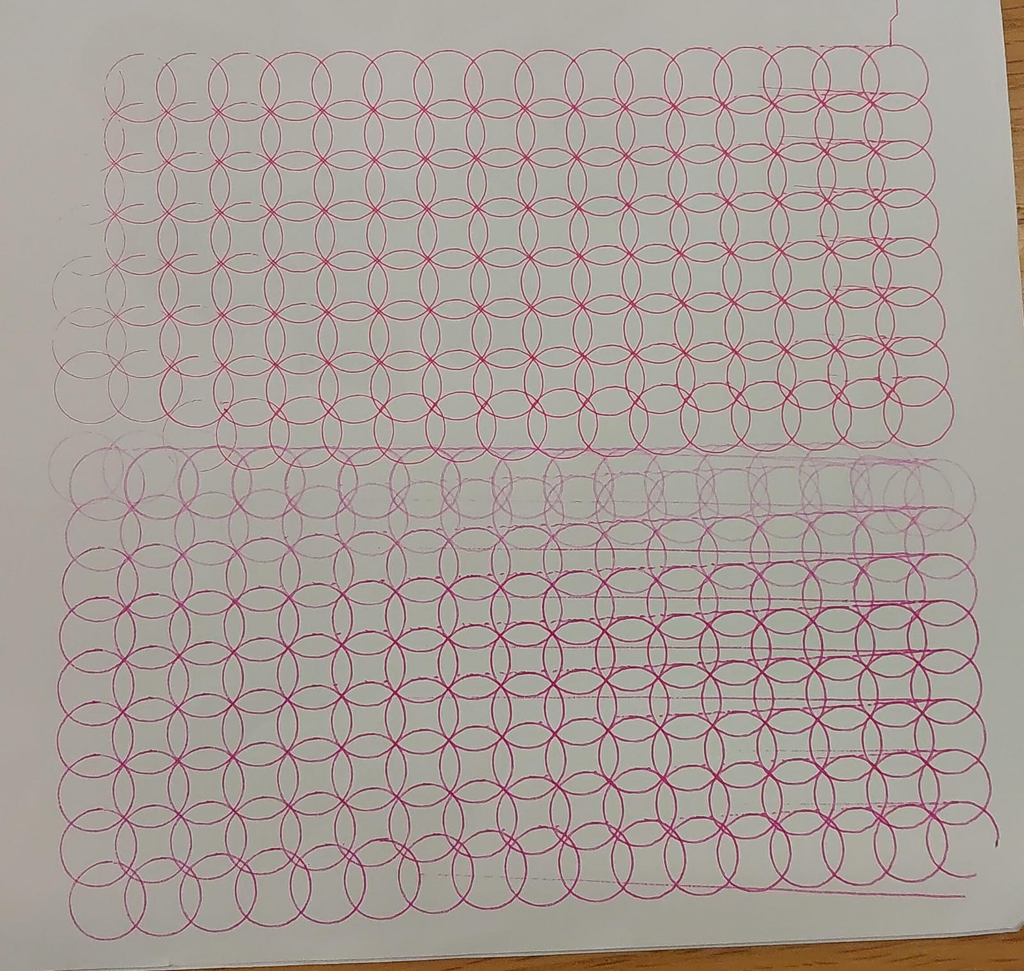
Since there was a lot of overlapping, I wanted to experiment with a drawing that had a lot of overlapping first to see how it would work on paper. So this was the first experiment with the pen plotter. I experimented using different colored pens.
Afterwards, I started experimenting with different kinds of simple tiling, as my idea is all about layering and tiling
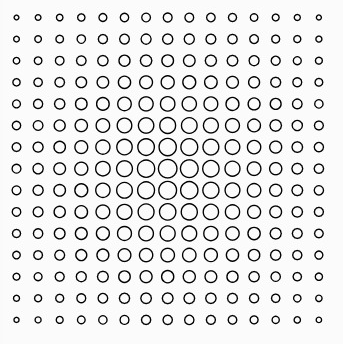
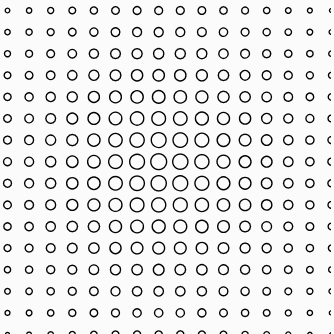
first with repeating circles:
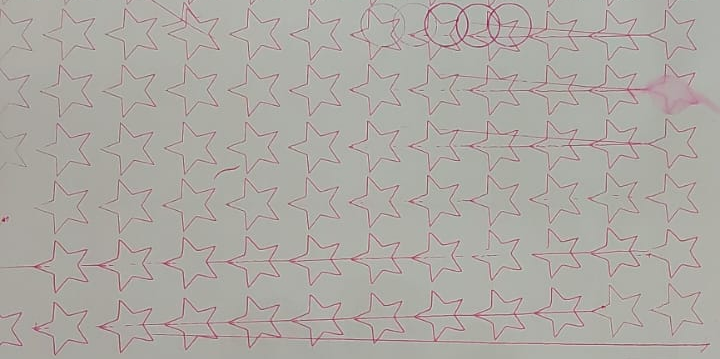
Another one was with five pointed stars
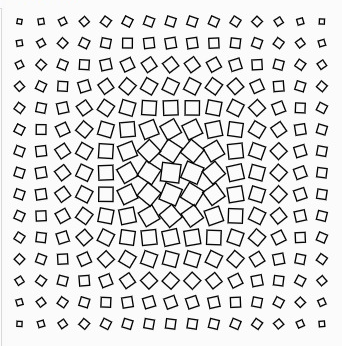
Then I tried to make more than one simple repeating shape, which will be similar to the final version of the project
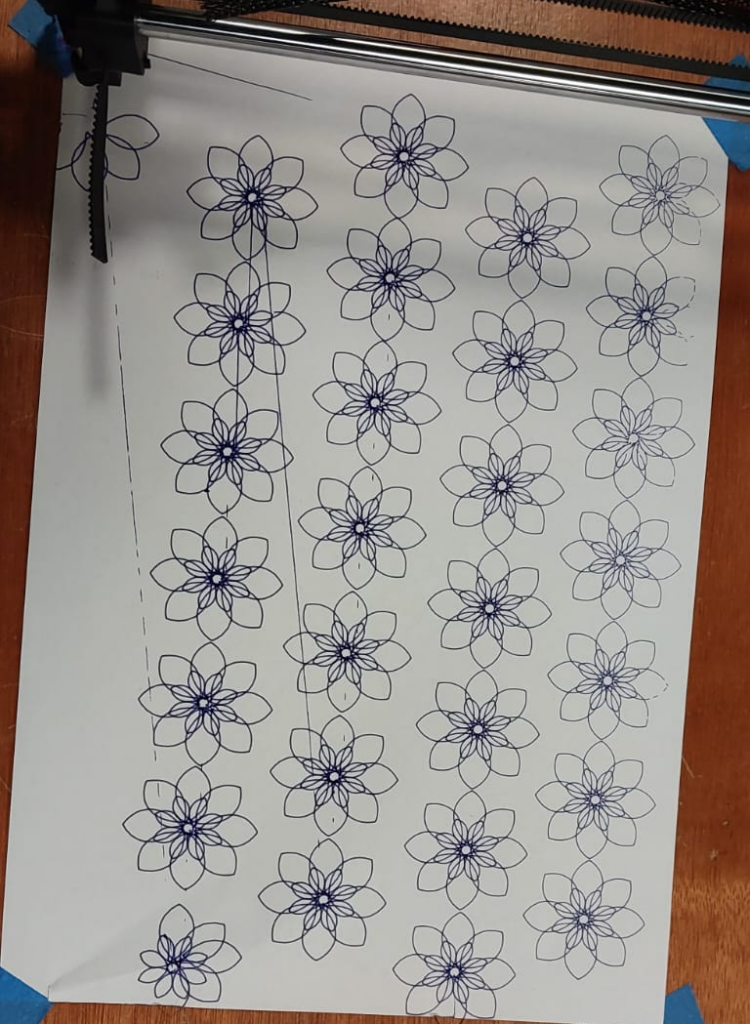
One thing about these experiments was that the pen plotter was not very stable when it came to lifting the pen off the paper; as shown in the pictures, it sometimes started marking the movement of the pen between the shapes as well.
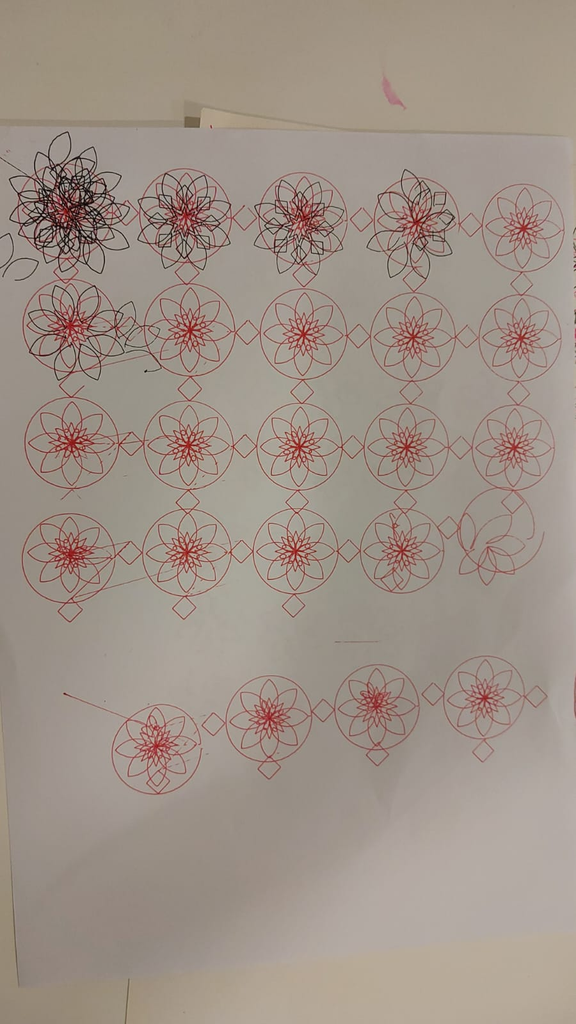
From the first experiment, I realized that A4 paper will not be the best to use for layering, so I started experimenting with thicker papers:
More experimentation:
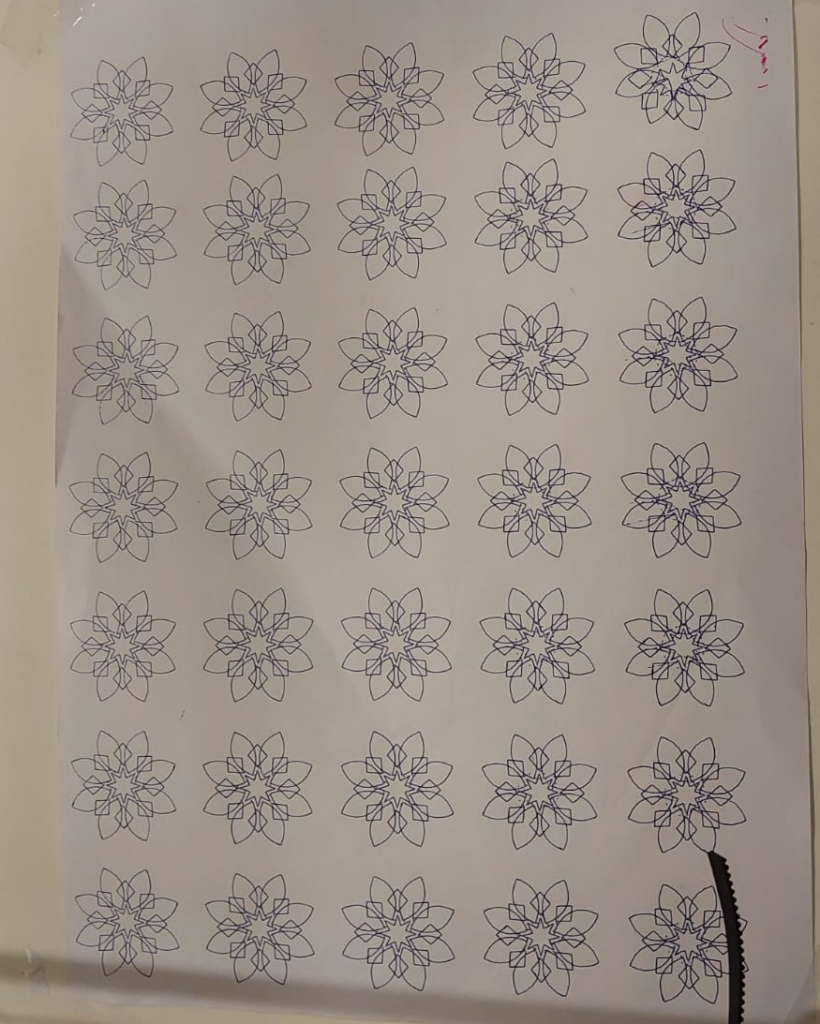
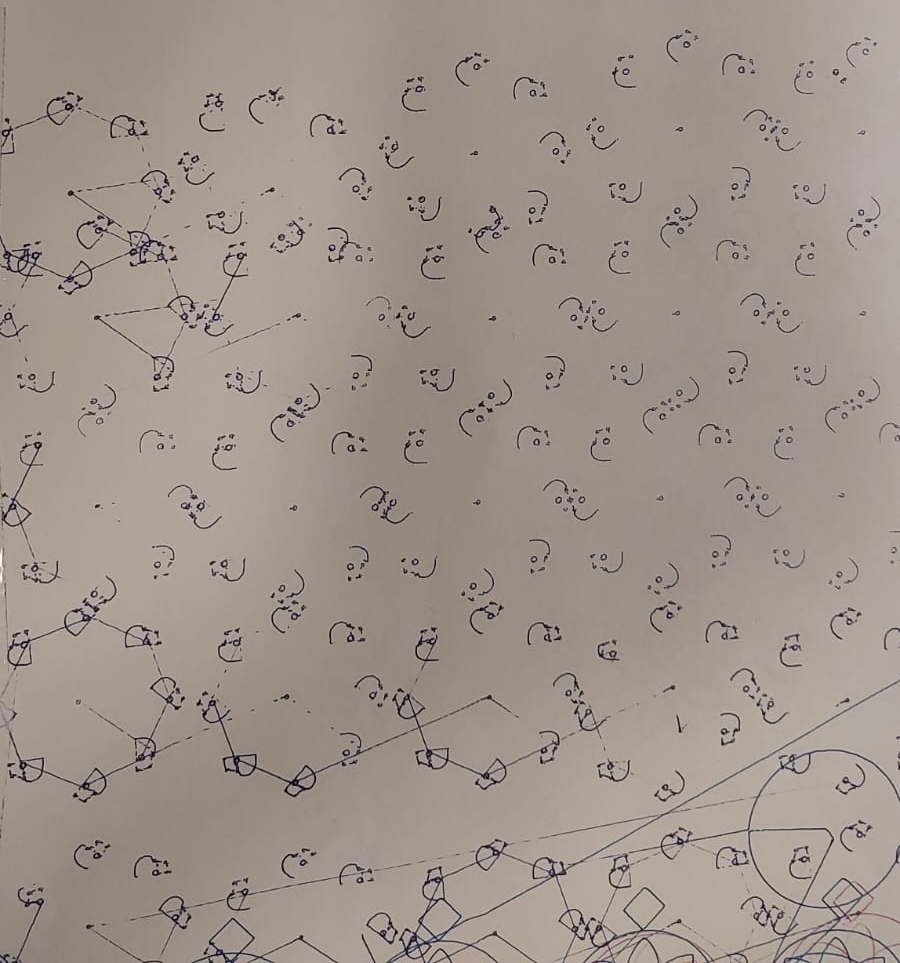
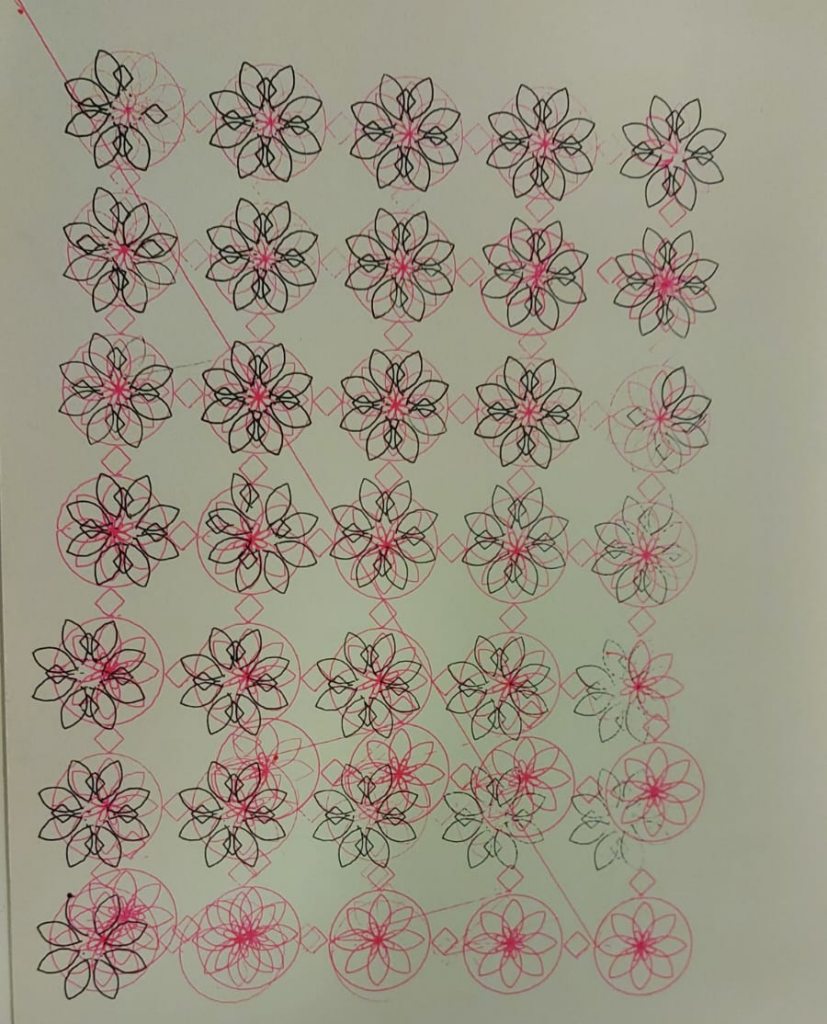
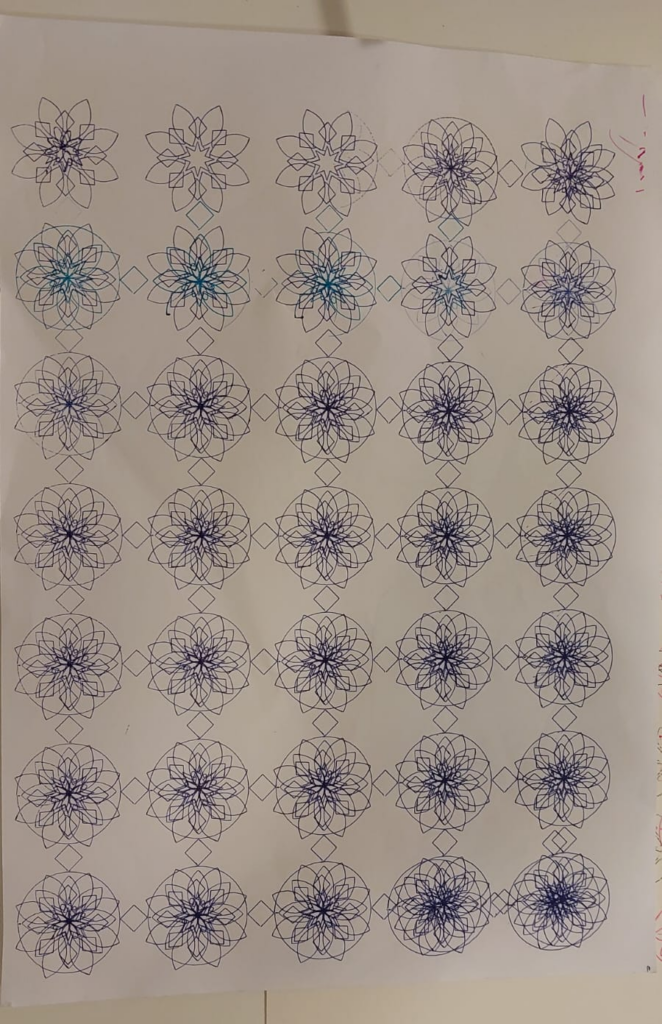
Final drawings
Layer 1:
Layer 2:
Layer 3:
Final combination:
Reflection
Throughout this project, I realized that creating a design digitally and actually drawing it using the pen plotter are two different things. One of the biggest challenges I faced was the pen plotter itself. During my first experiments, I noticed that the pen was not always lifting properly when moving between shapes, which caused unwanted lines to appear on the paper. This was especially noticeable in drawings with a lot of repeated shapes. Similarly, the pen sometimes was not on the paper while drawing, which made some parts of the drawings missing. Although these changes were not part of the original design, they made me realize how the machine’s behavior can affect the final result. I had to pay more attention to the spacing and alignment of my shapes, rather than only focusing on how the design looked on the screen.
Another important part of my experimentation was using different colored pens. I chose blue, black, and pink because I wanted each layer to be distinguishable while still working together as one composition. Blue and pink added contrast and made the overlapping lines more interesting. I also liked how the colors interacted when the lines crossed each other. Some overlapping areas appeared darker, creating an additional level of detail that was not noticeable in the digital version. This also helped me explore the contrast between the rigid symmetry of Islamic geometric patterns and the softer, flowing lines inspired by Jali Diwani calligraphy.
I also experimented with different types of paper. From my first trials, I realized that regular A4 printer paper was not the best choice for a drawing with so many overlapping lines. I decided to try thicker paper, which provided a more suitable surface for the repeated pen strokes and made the final drawing feel more substantial. The paper itself became an important part of the process, rather than just something to draw on.
Overall, I enjoyed seeing how a design created using simple coding rules could become something much more detailed when translated into a physical drawing. I also learned that the final result does not depend only on the code but also on the pen plotter, the pens, and the material being used. What I found most interesting was how the three layers gradually came together, similar to the process of Jali Diwani calligraphy that originally inspired my idea. If I were to develop this project further, I would experiment more with the placement of the decorative details and the order of the colored layers to see how they could change the final composition.