Concept
Coming into this project my understanding of using servos was limited. I had done some work in Desert Media Art early on in the class as part of an assignment and in Intro to Interactive Media but not much past that. Arduino however I was more than familiar with.
The goal for our project was primarily to learn how to use linkages and servos to draw. We were particularly interested in how to use slotted links and how that would affect the drawing. From what we learnt we planned to later implement it or that our newfound knowledge would ease making a pen-plotter later in this class.
Implementation
Before we could do any serious experiments we had to attach the servo to the plates. We struggled to find m2 screws that would fit in the gaps and keep the servos in place. We had to resort to using the second baseplate to wedge it in. It wasn’t perfect but it worked for the most part. Hopefully this didn’t cause too many problems.
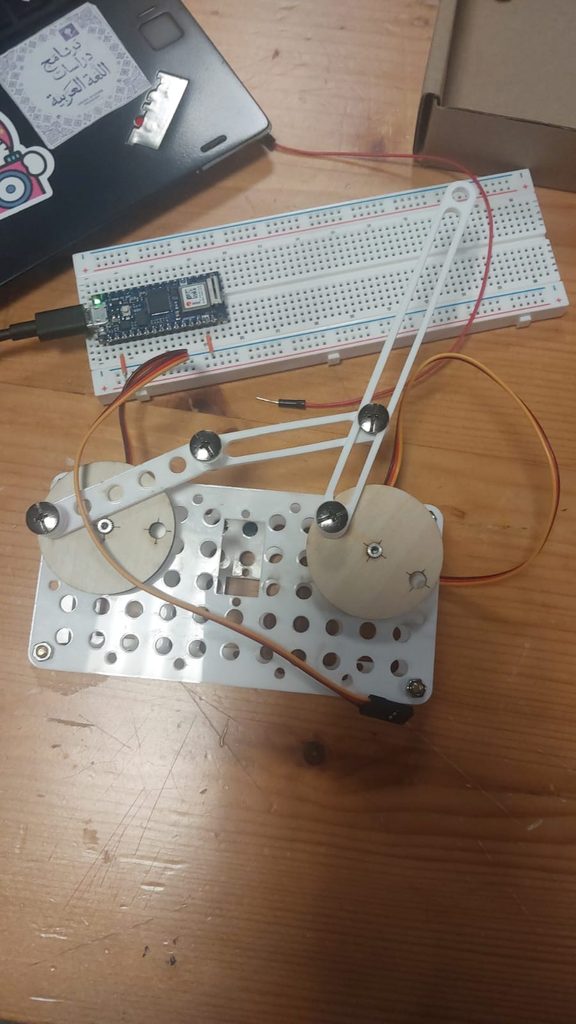
Meanwhile on the breadboard we connected the 3v3 pinout to the positive line, ground to ground and the servo’s PWM port to pin 3 on the Arduino. We did this for both servos.
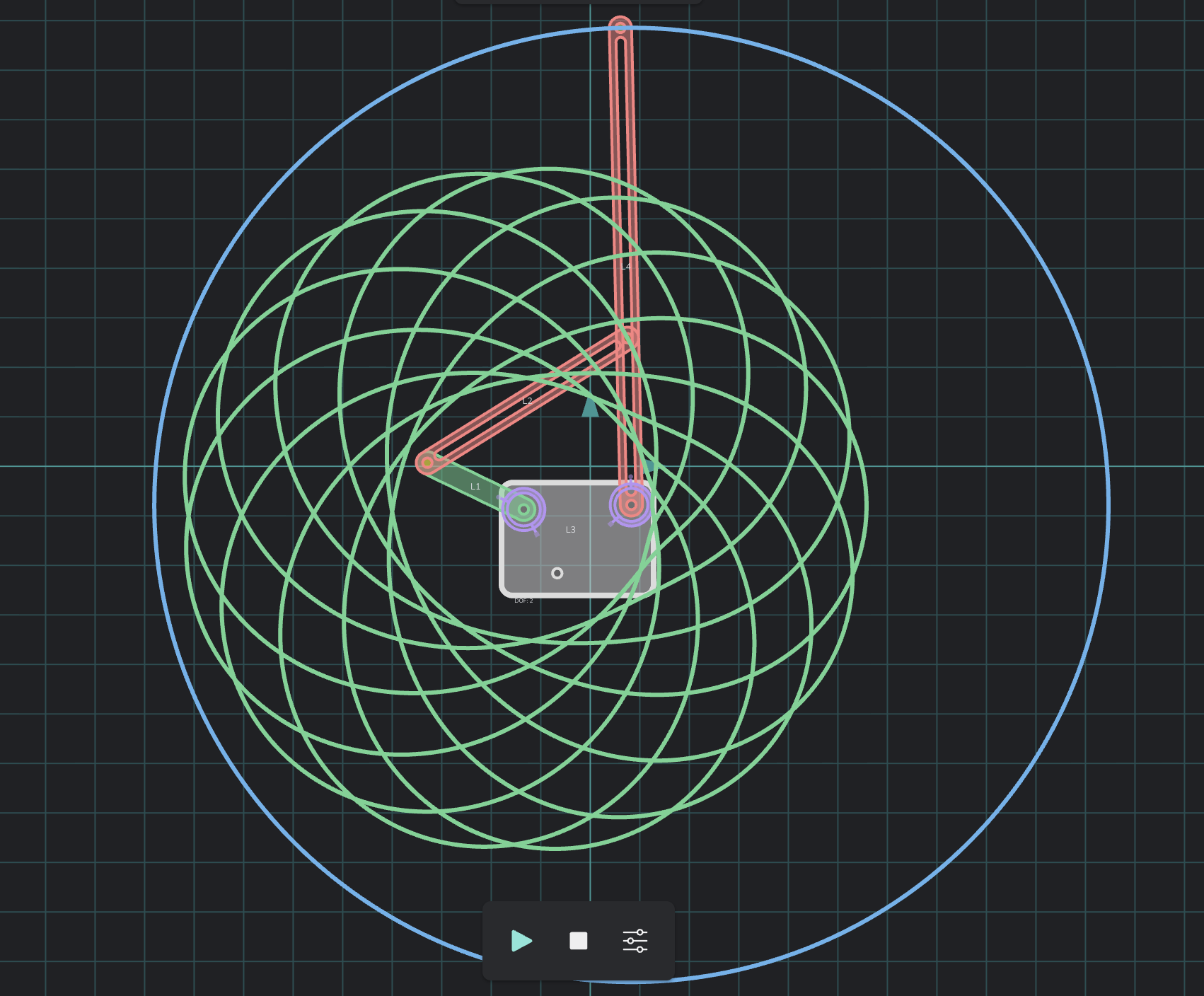
After some tinkering on MotionGen we decided to do the arrangement as seen in the screenshot above. The hope was to place the pen in the middle and get that spirographic pattern and if we placed a pen on the outside there’d be a circle. Neither happened.
Drawing outputs
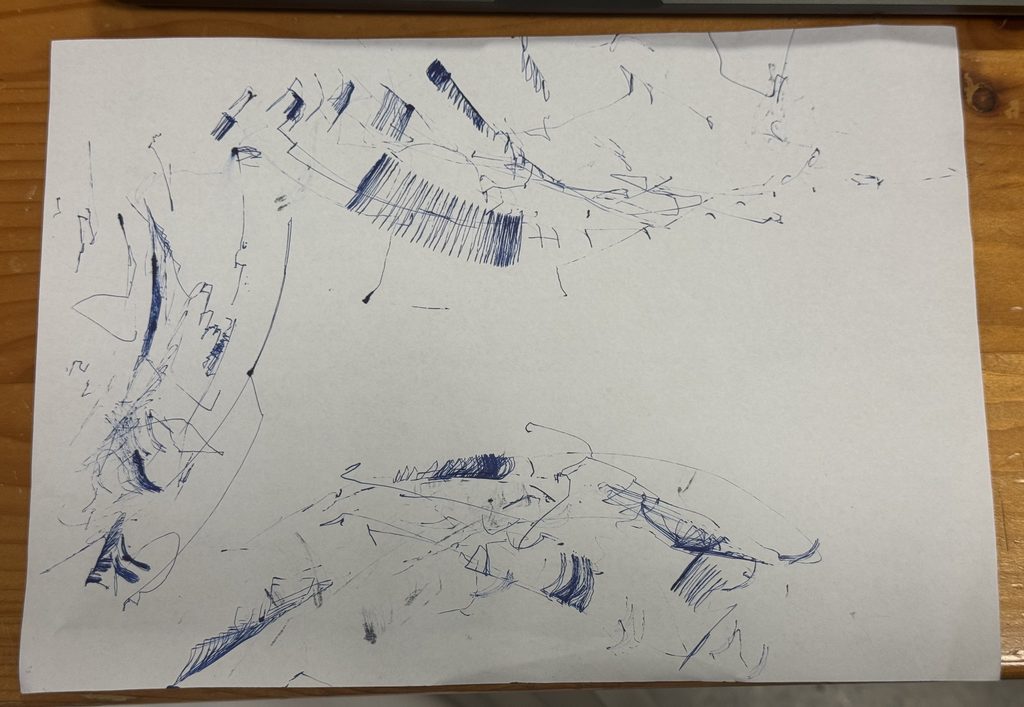
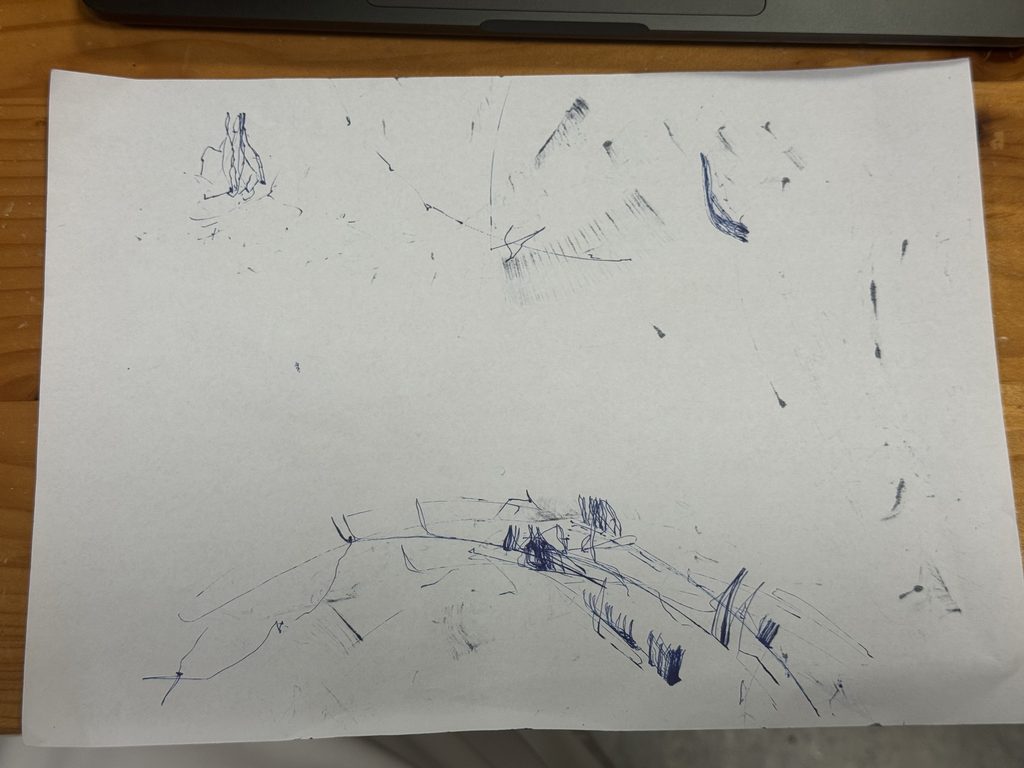
We later tried attaching the pen to the middle of the linkage as we saw on MotionGen but the results were worse. Ironically the chaos it produced is more interesting.
Reflection
Put simply, there was a lot of play in the system: The servos since they were wedged in place rather than screwed in place would move slightly creating inconsistencies, the screws to keep the linkages attached together had some play in it as well further creating inconsistencies, but most of all was the pen holder at the end which when a pen was attached would move around since it was attached to only one hole.
Rather than looking at the play as something negative it could also be seen as an artistic choice. The play in the system did mean that no two drawings were the same, you would get a slightly different output with every turn of the system.
Another thing which explains why result didn’t at all match what we had created in MotionGen were measurements, this should have been obvious. Naturally, when transferring from software to hardware you have to keep in mind the measurements: Distance between the servos, the radius of the turning circle, the length of the linkages, that the servos only turn 180 degrees etc. This led to the servos getting stuck at times. Where we expected the lines to be a smooth curve it wasn’t. In the future don’t forget to use a ruler.