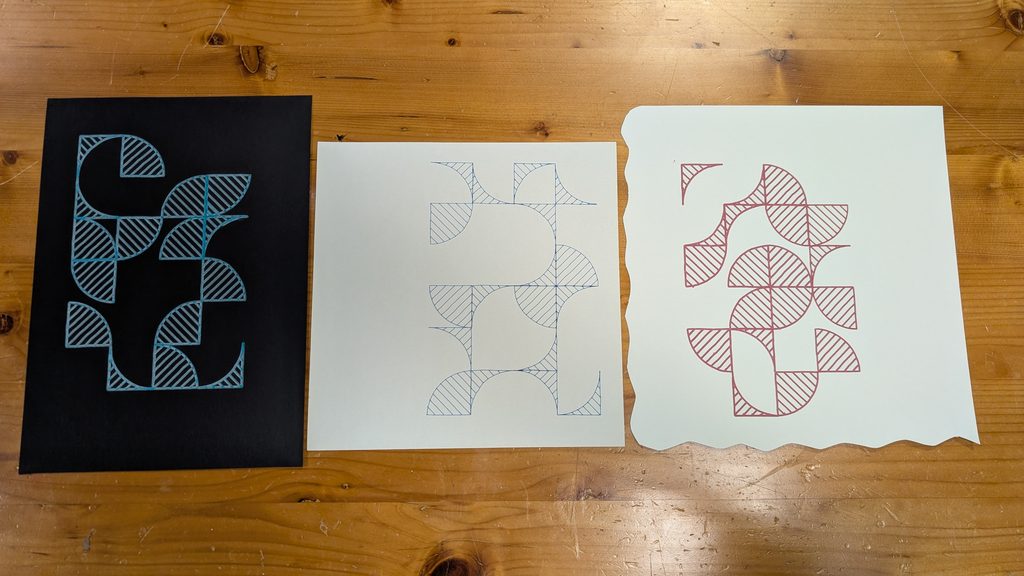
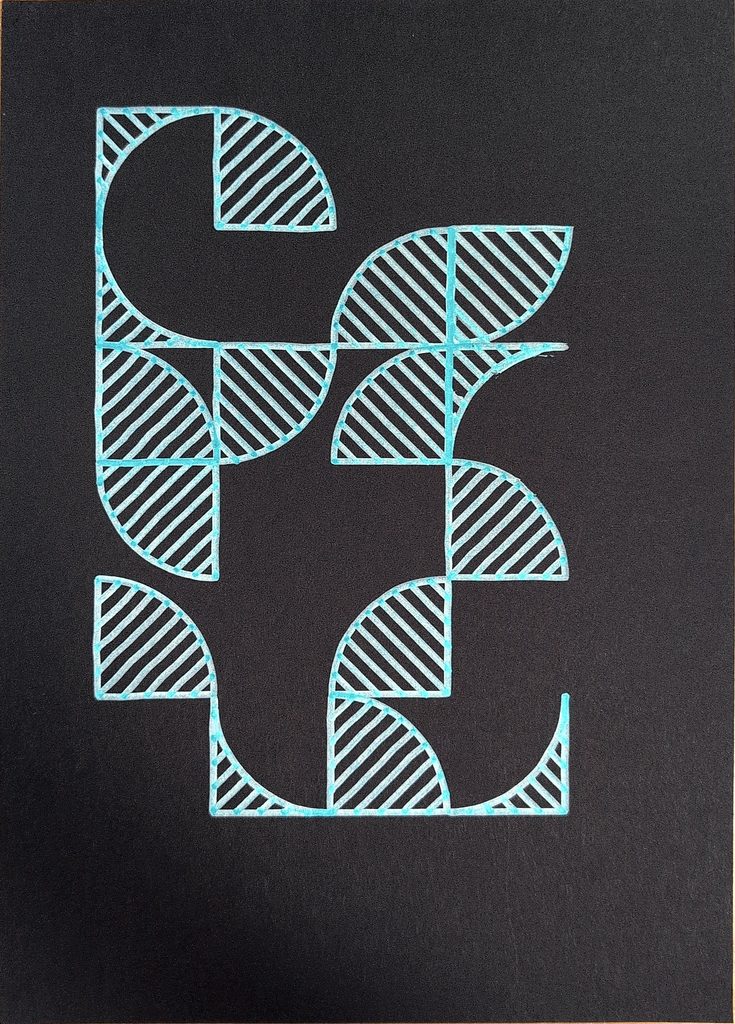
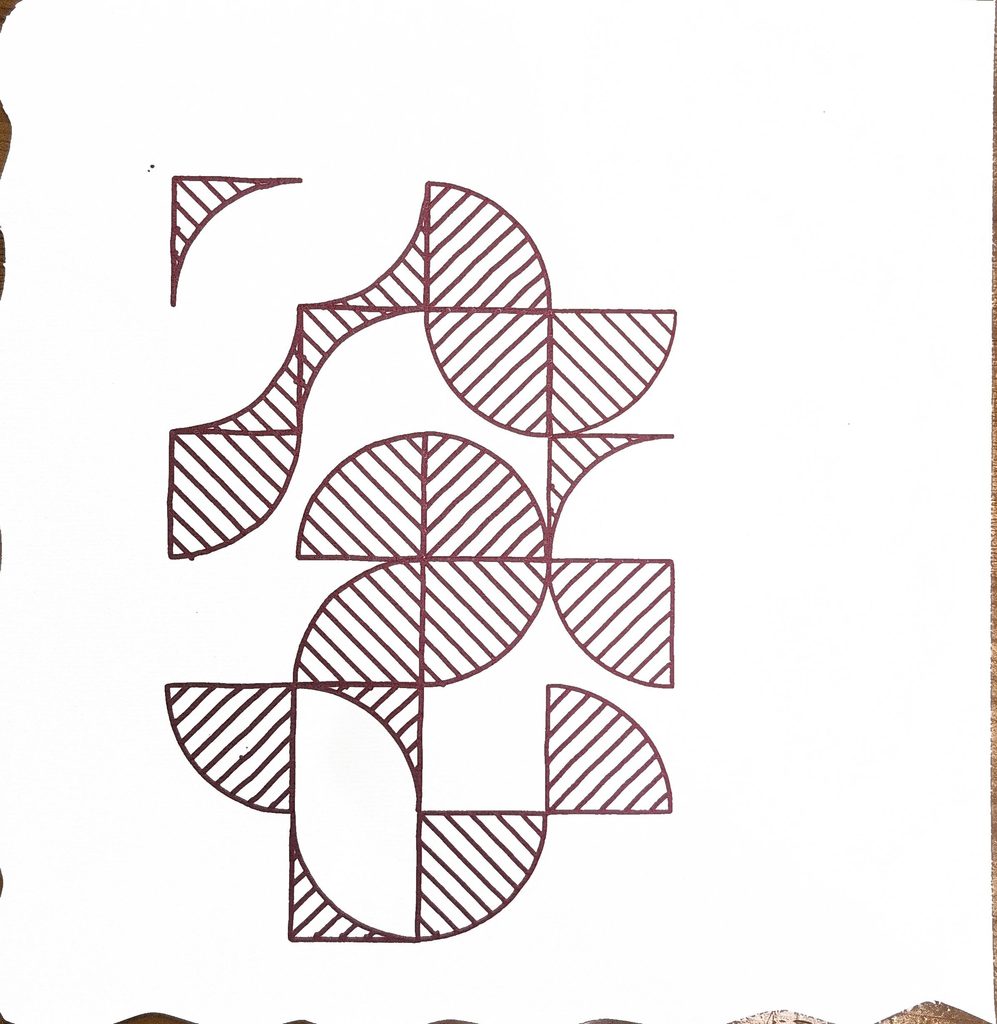
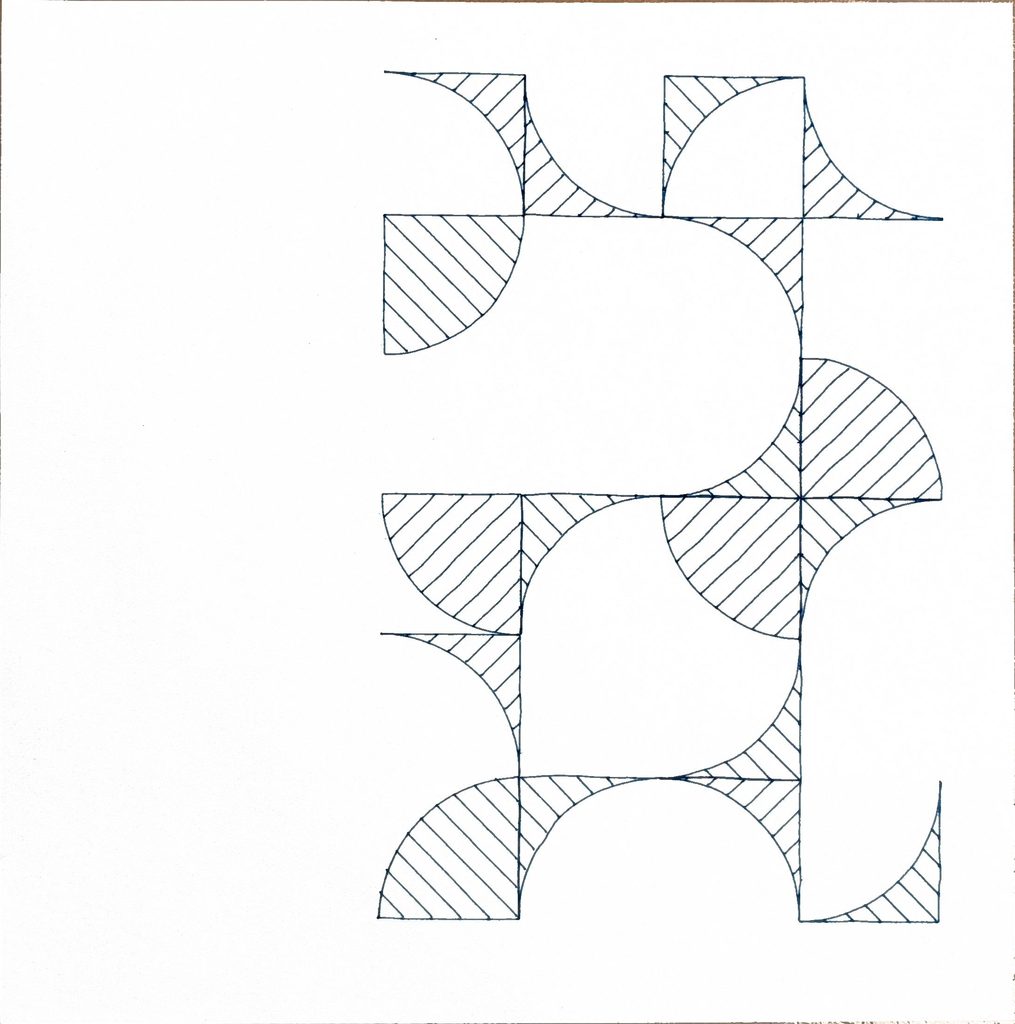
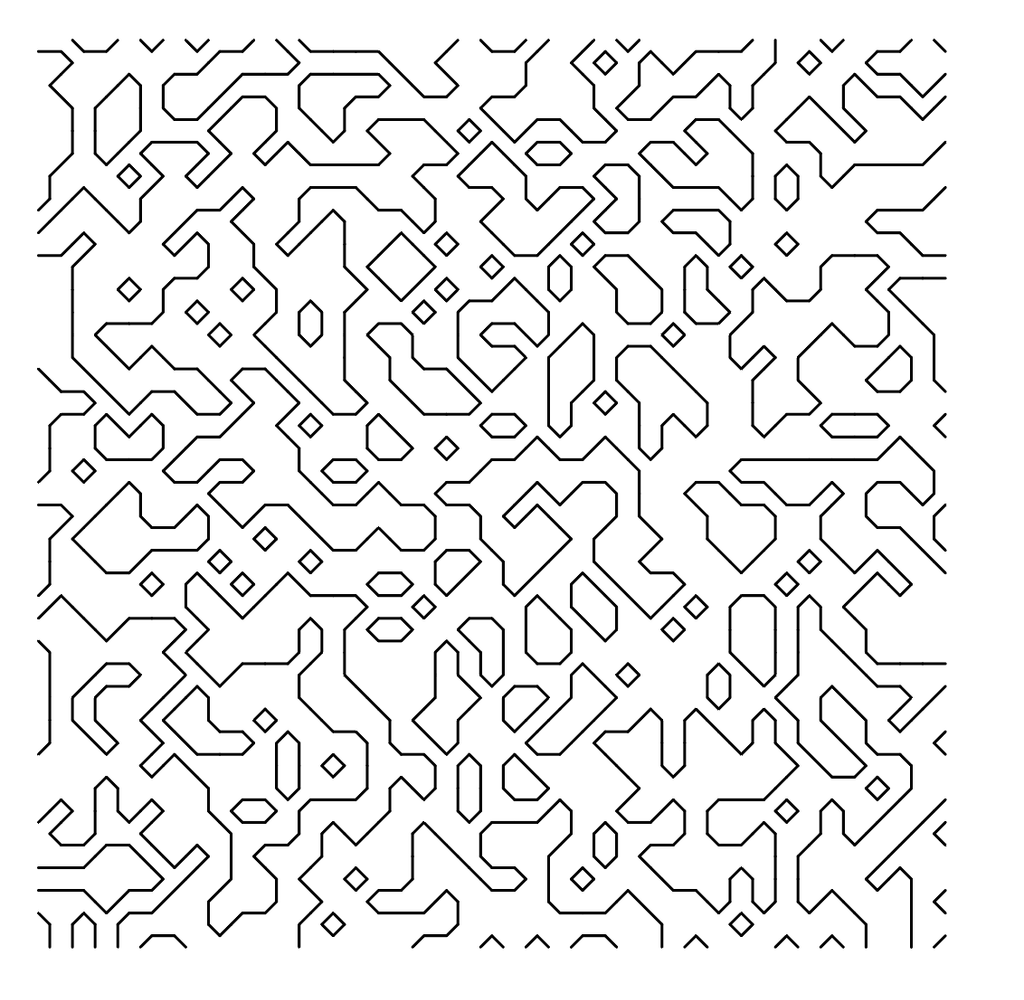
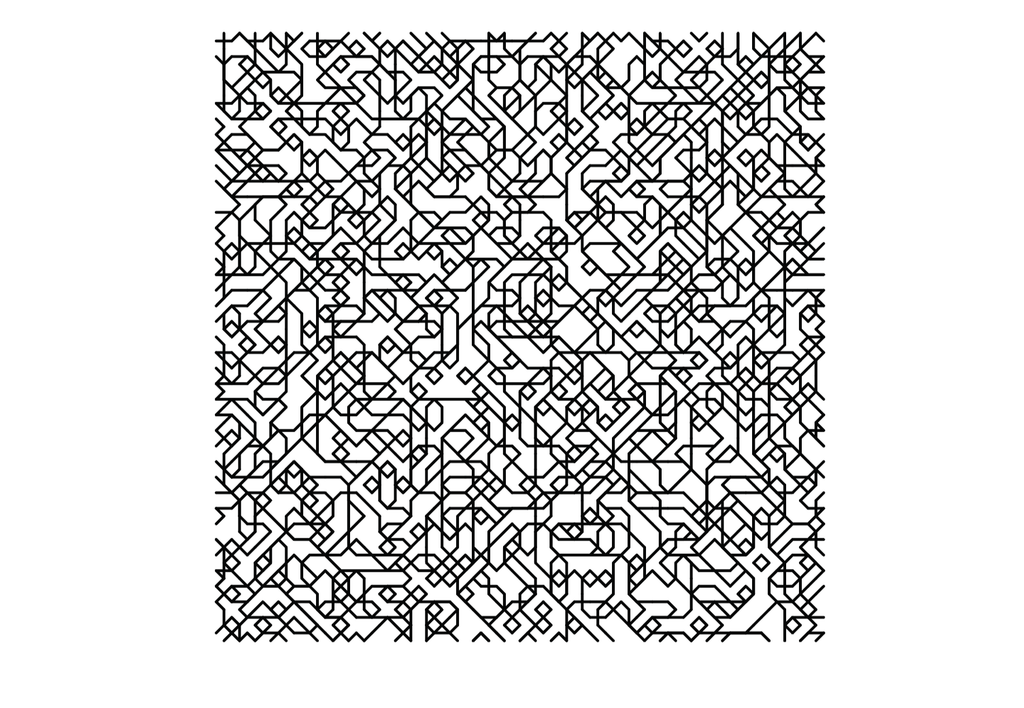
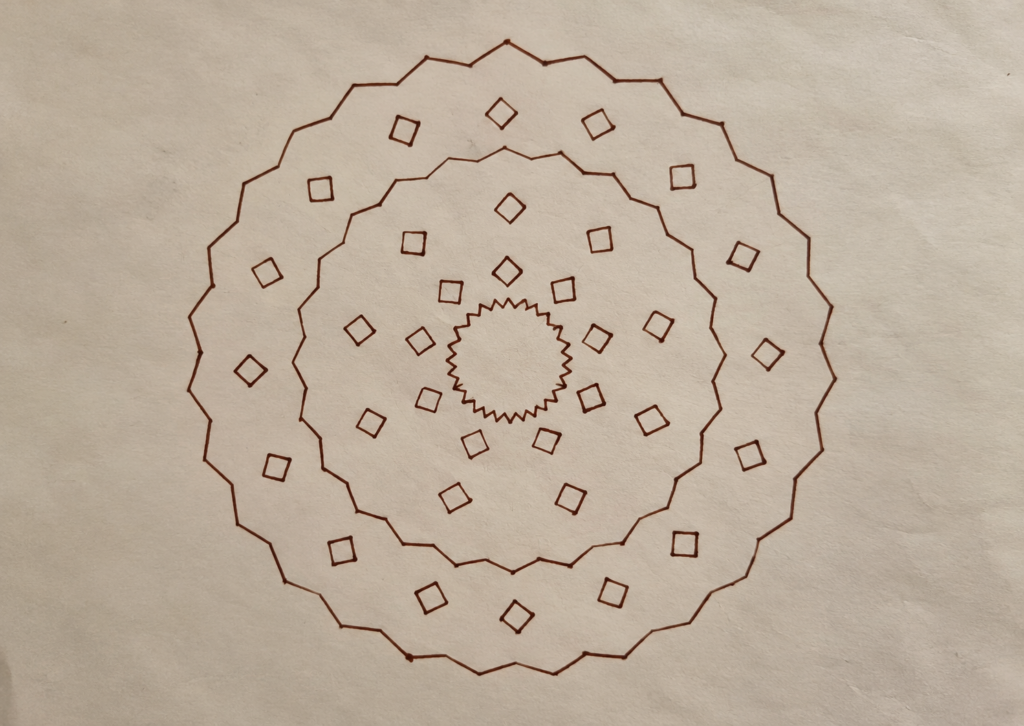
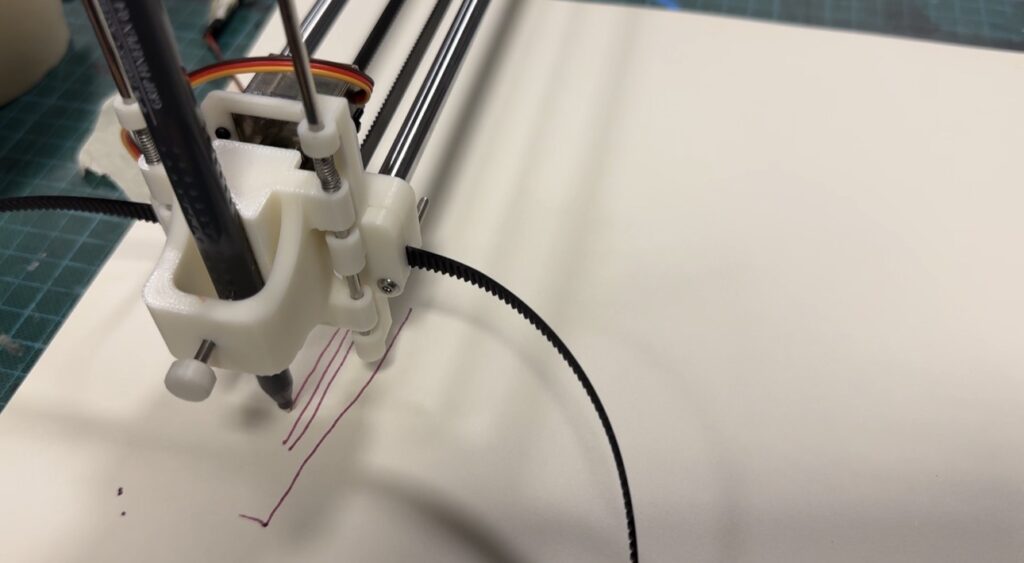
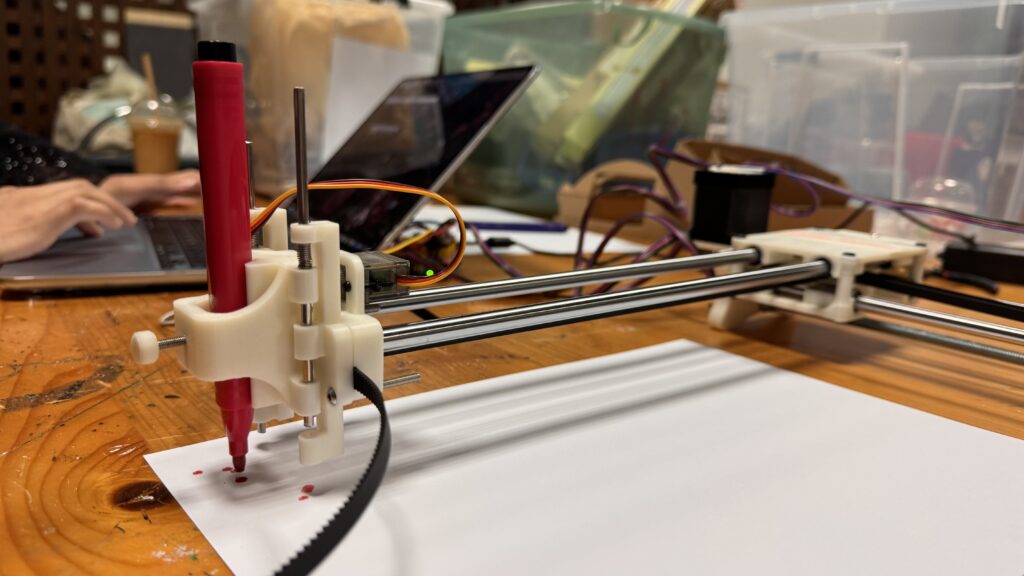
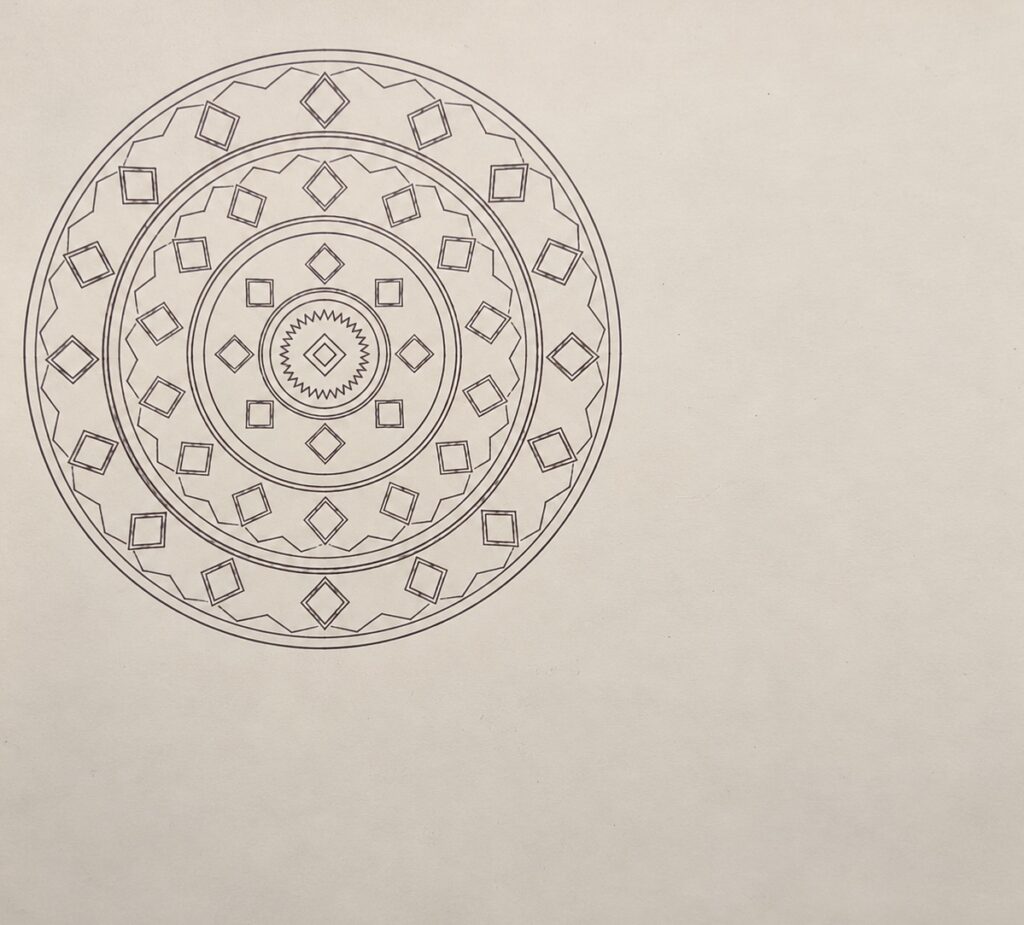
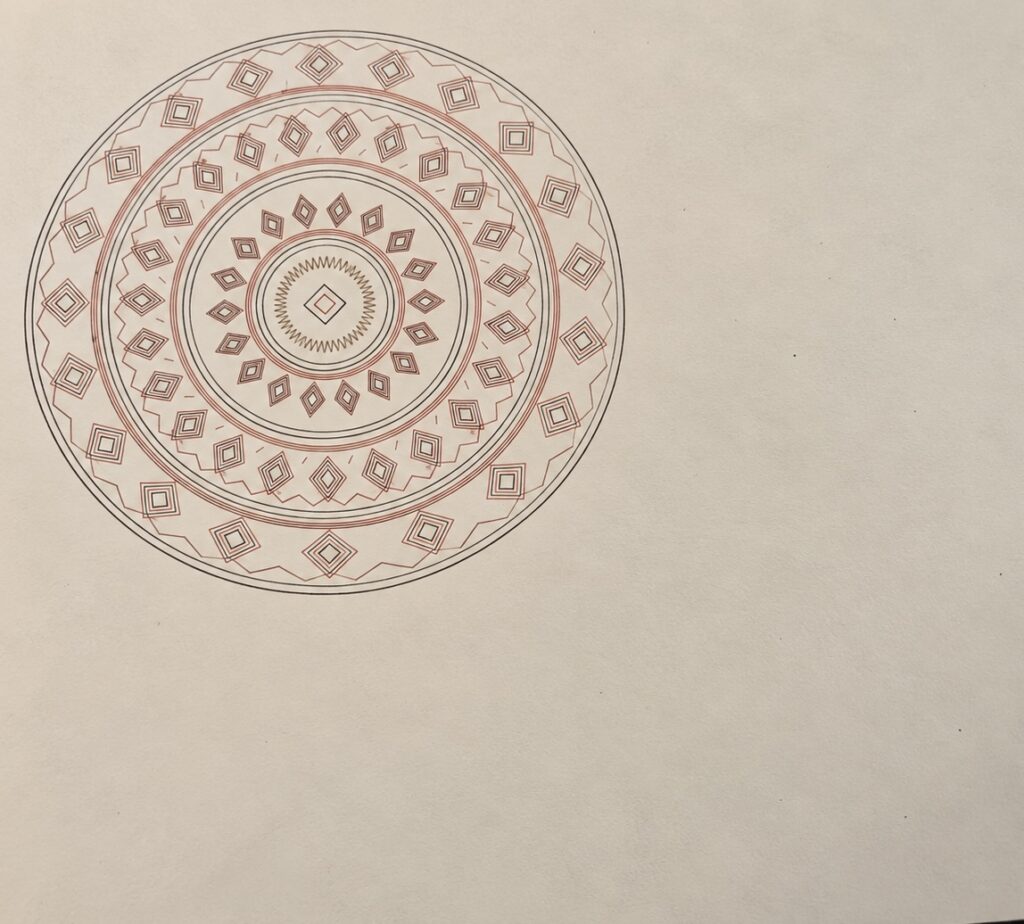
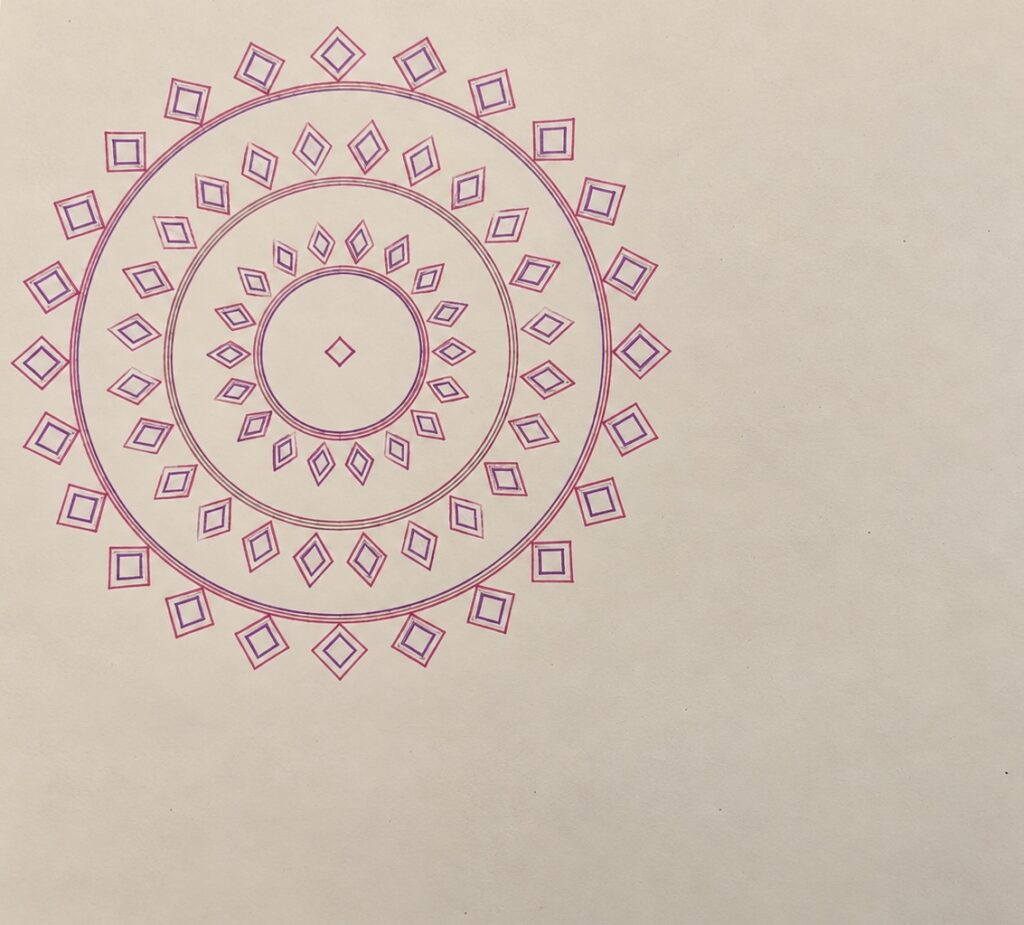
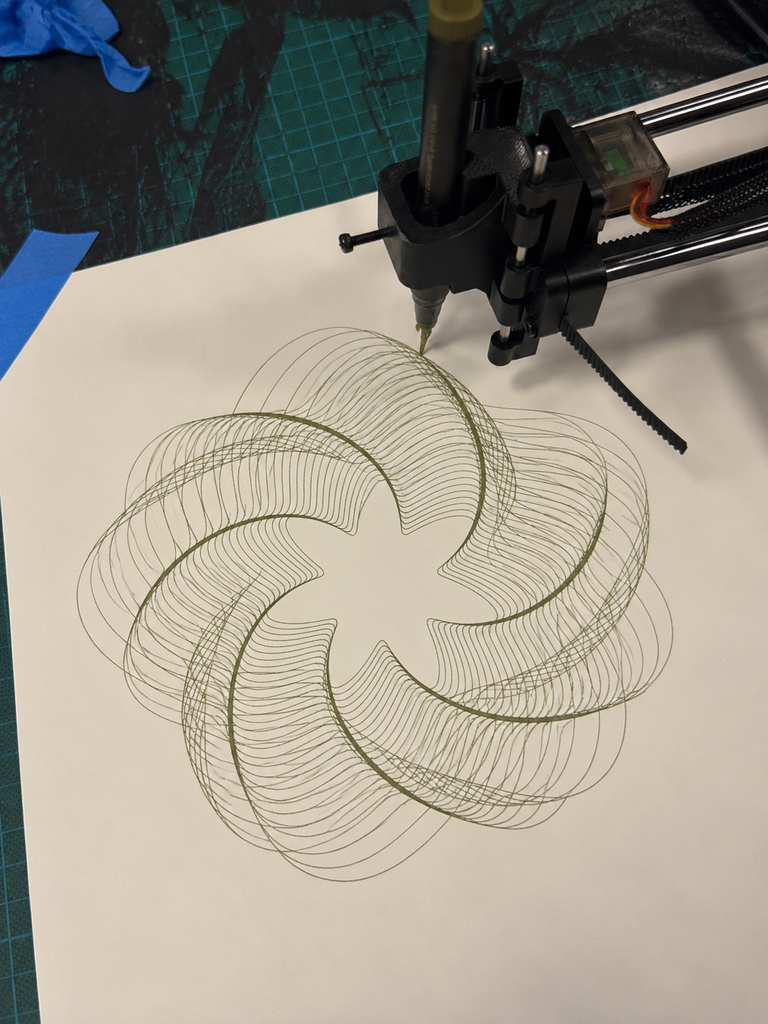
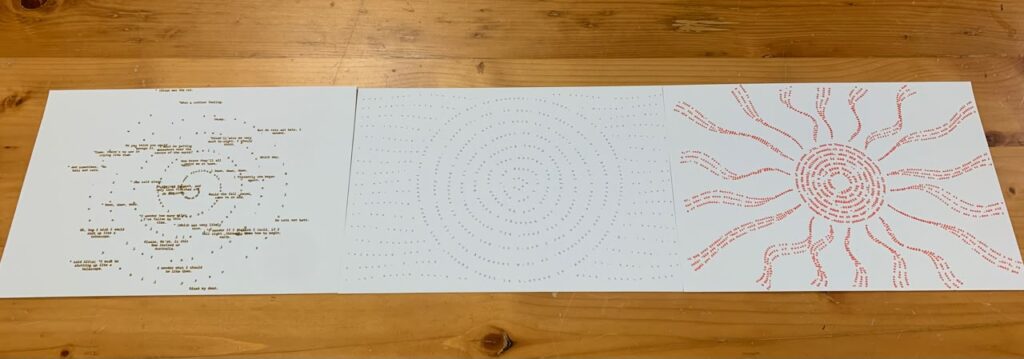
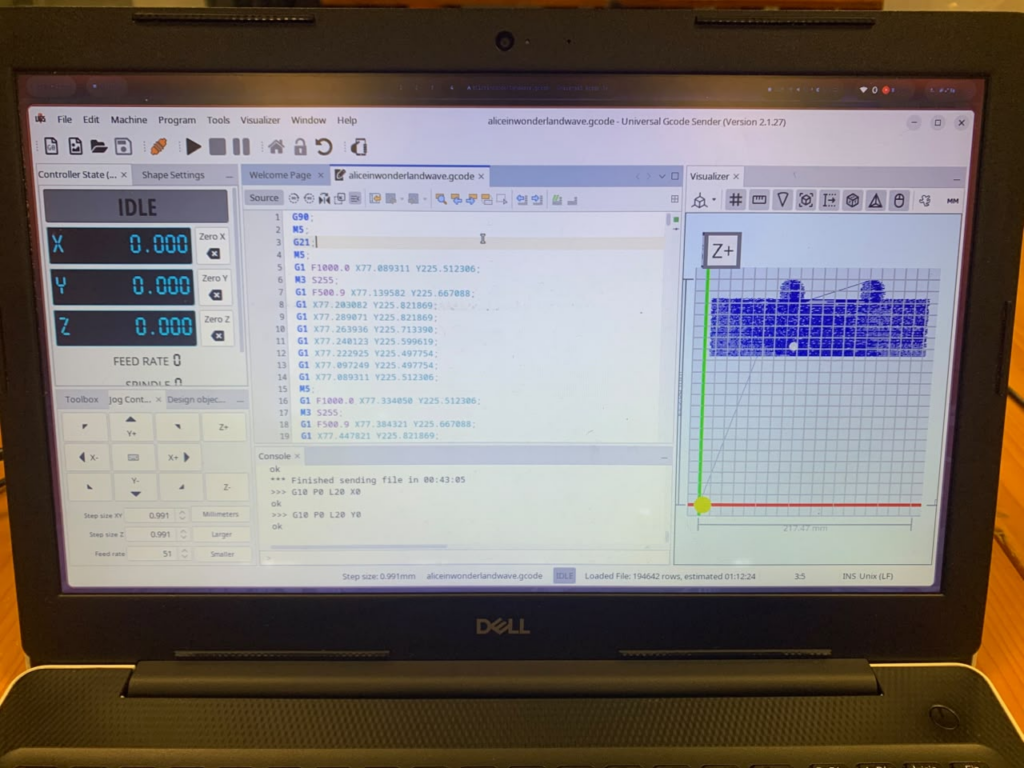
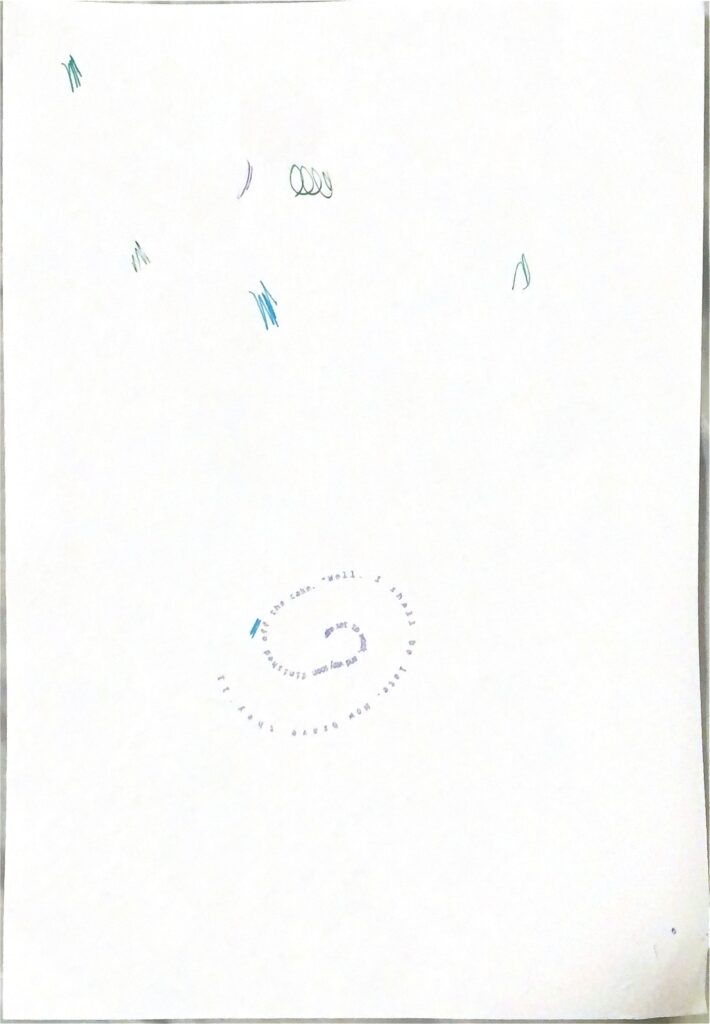
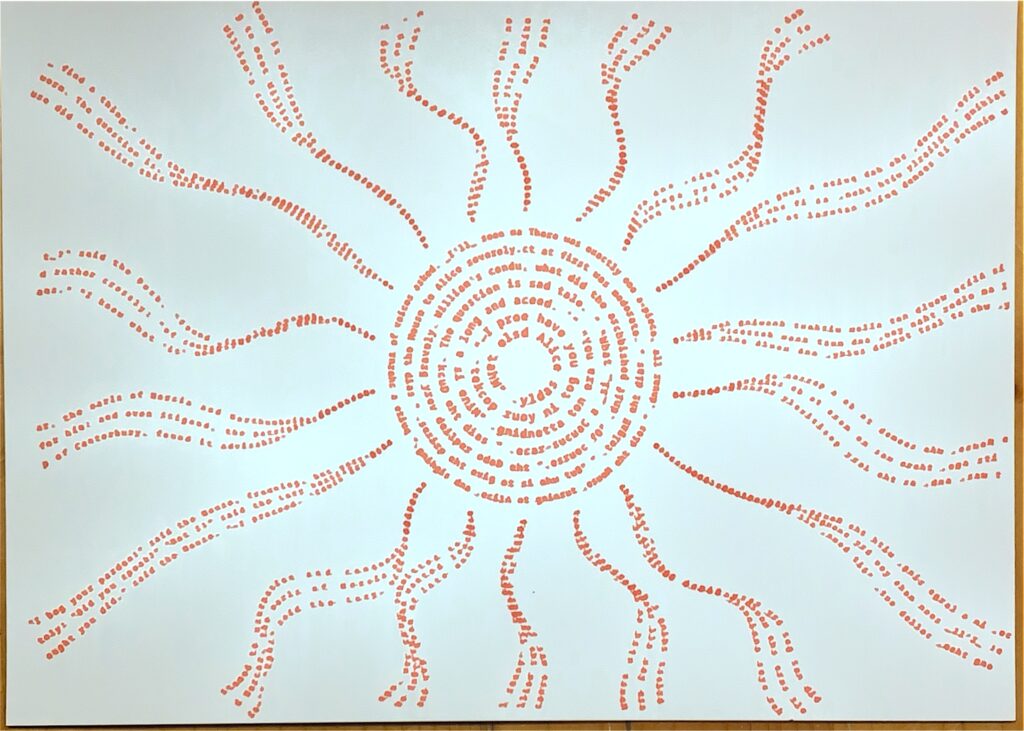
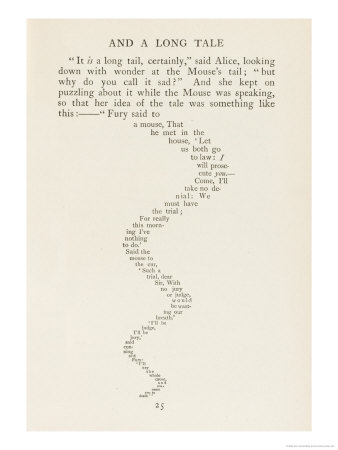
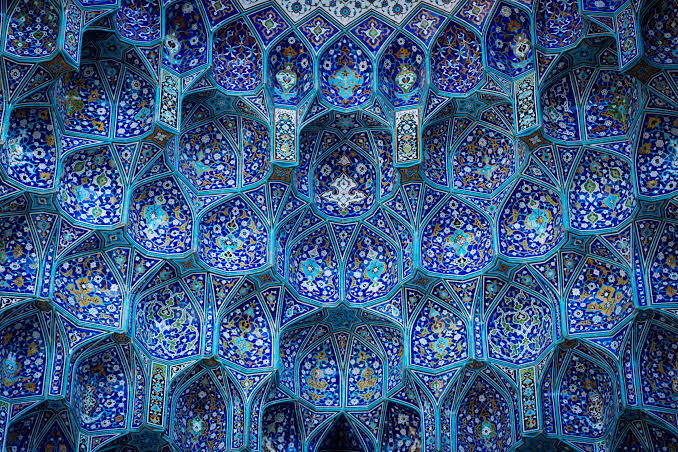
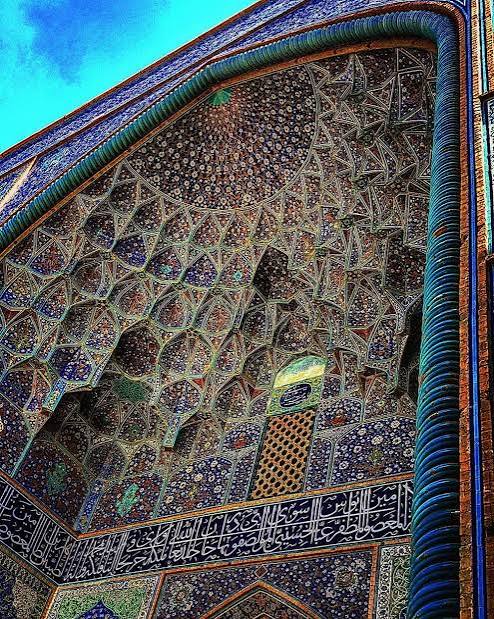
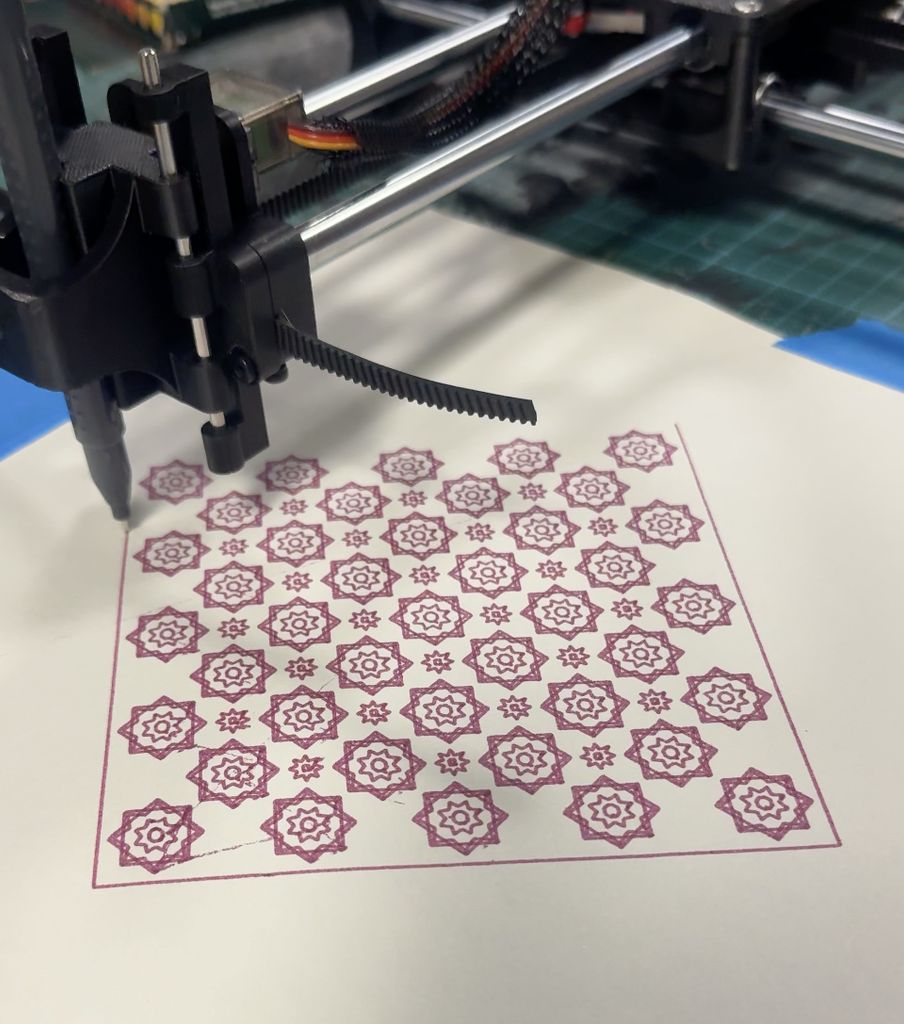
The primary concept at play here is the idea of creating 70s retro-inspired designs with an exclusively modern system—including an element of chance to the mix.
My motivating drive for this concept was because this game I’m developing right now with my friends involves combining Frank Baum’s “The Wizard of Oz” novel with the setting of a cyberpunk world. I wanted to play with this theme of a vision of the future using material from the past.
Brainstorming: My Original Concept
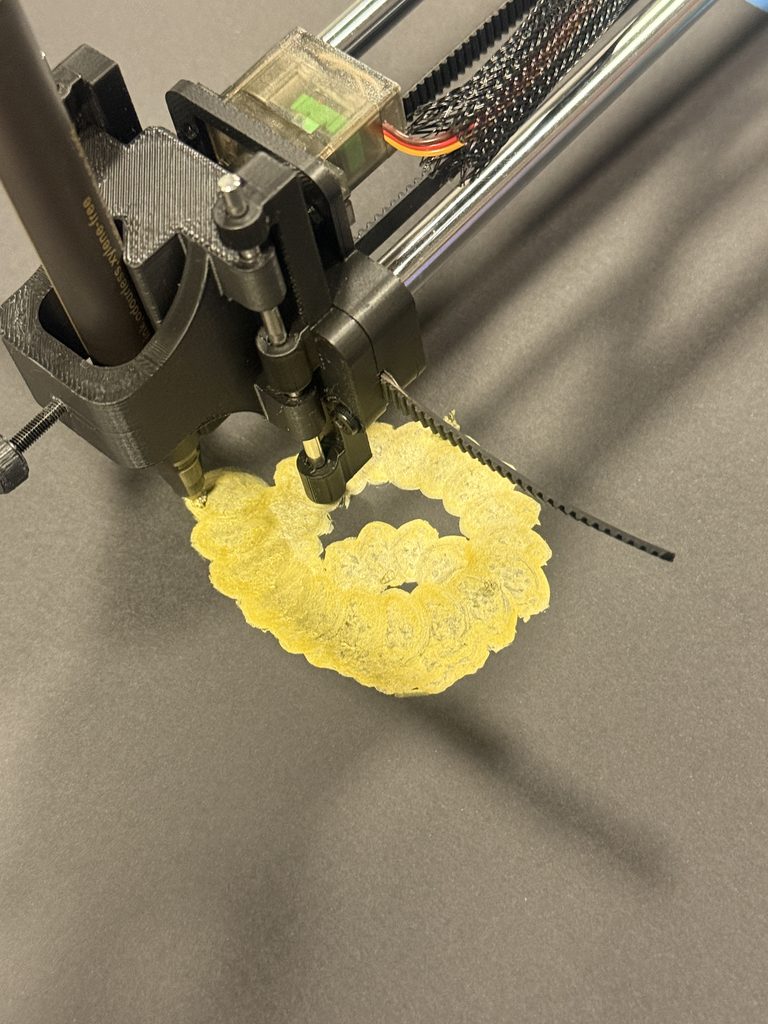
I originally wanted to visualize the feeling of a strong, lingering sense of emptiness within—a common symptom of depression. I’ve spent the past year writing a fictional story about navigating depression, much of it reflecting my own lived experiences. To say the least, depression is a very personally important topic for me. I spent a good while pondering how I could best convey that—and one of the themes I found very conceptually intriguing was visually representing a “void.” To create the “void” within my drawing I originally wanted to use an old circular candle dust cover I had lying around; the idea would be to place it on the paper the pen plotter was working on. I initially retired this idea sinceI didn’t want to risk damaging the machine in any way but then I thought this physical barrier would add an extra dimension to the drawing process by actively hindering it. I thought that— afterall, this physical barrier is sure to cause a disruption—much like how symptoms of depression disrupt your day-to-day life. I went online and searched for PHQ9 textual responses and created a left-to-right gradient.
I ended up scrapping this completely because the candle dust cover obstruction thing wasn’t working as I expected, and I was overall just unhappy with the visual result.
Process: Designing on p5
Learning from my mistake during the laser cutting assignment, I made sure to include a noLoop() to make sure the vector only has one layer on export. I don’t know if that truly made any difference this time around but better to be safe than sorry.
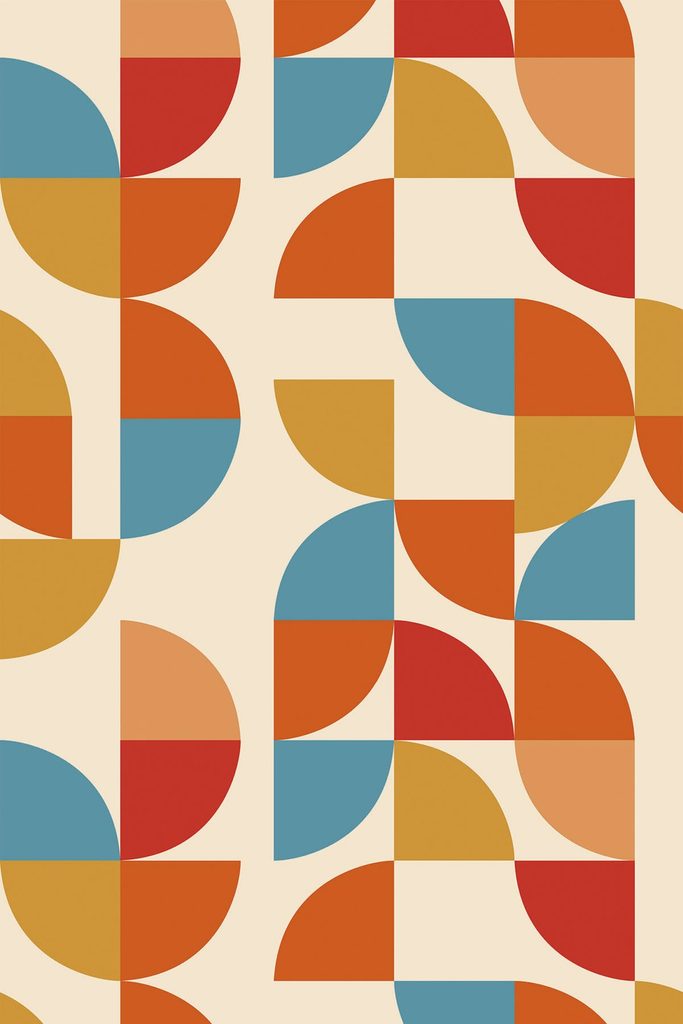
The particular design language I was referencing is very Bauhaus-like. This is an example here of a design that featured a tile-like pattern I can recreate.
Bauhaus Retro Design I found on Pintrest
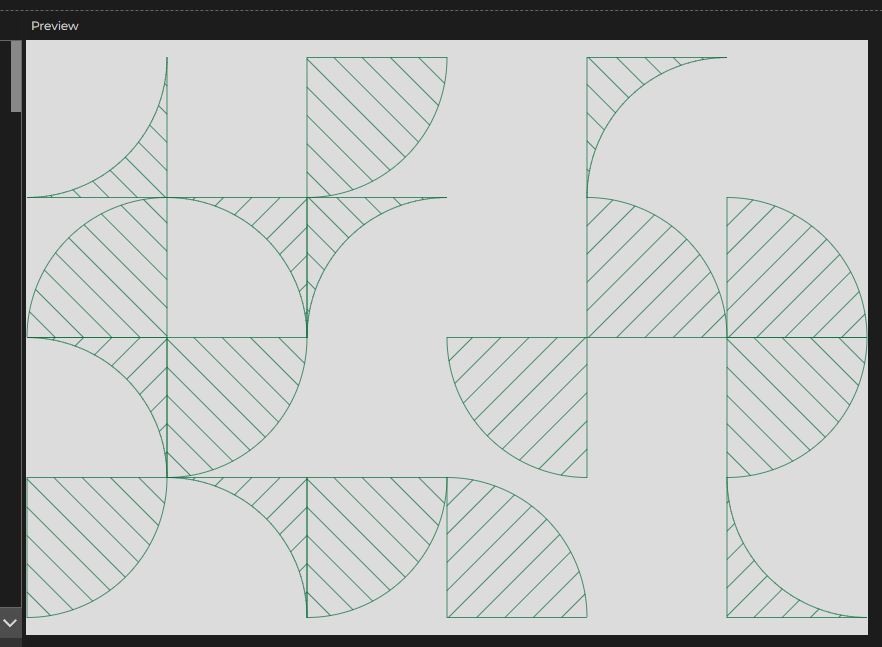
Originally I didn’t set the chance of each tile being a repeat of the previous orientation, or even the chance of it being empty. After the first few tests I recognized that I should manipulate the odds a little bit to make it look more interesting. I’m quite proud of how it turned out.
I must say, during this process where I was refreshing the generation to find something that looked aesthetically pleasing, I found it very amusing. I thought to myself this must be what self-proclaimed “AI artists” do all day with their midjourney-equivalent generative AI services—they just sit there and press restart until the computer poofs up something fun.
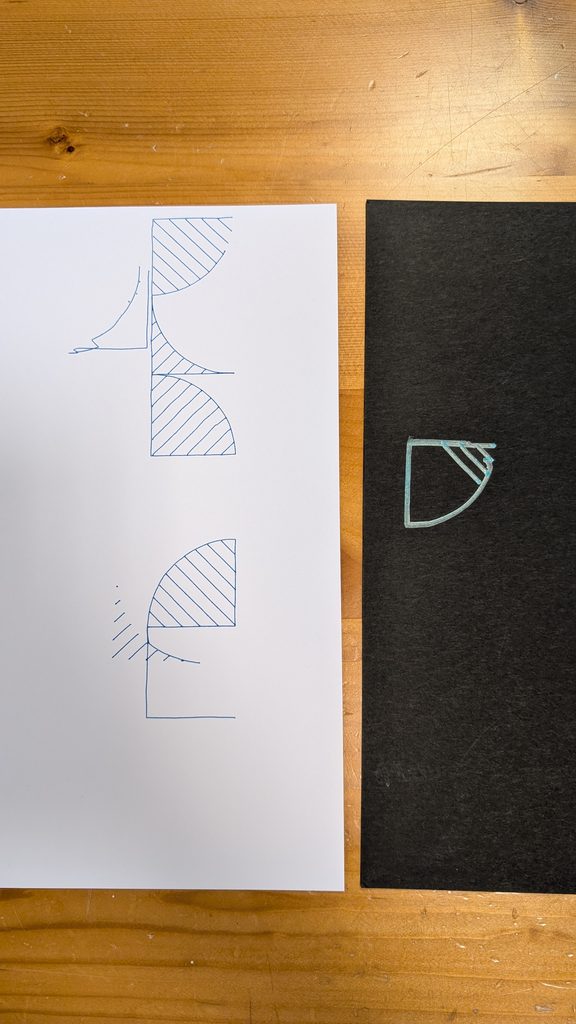
After receiving feedback from Professor Jack on Wednesday, I realized that I need to make the design more my own rather than just simply recreating it. I asked myself how I could make this design more interesting and I landed on creating another potential shape that could be included in the tile system. The second shape would be the inverse of the quarter circle shape—basically a square with the quarter circle cut out. You can see an example here:
Process: Pen Plotter
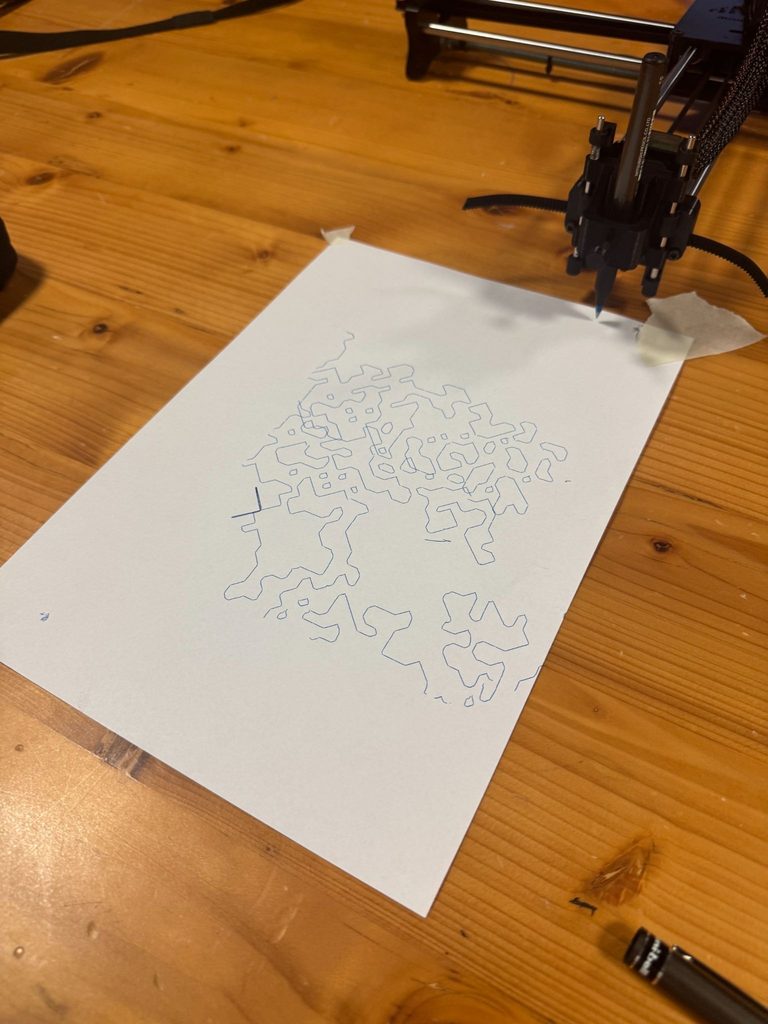
This step of the process was incredibly challenging because I continuously faced a “Connection Closed” error. This connection error seems to have meant the Arduino serial connection was severed somehow. It would usually happen around 3-4 minutes into the pen plotting process and reconnecting the Arduino would make the G-Code sender freeze and reset. Originally I suspected that perhaps my G-code file was too overwhelming in its size so I tried a different design with just the word ‘HELLO!” but it crashed before it even finished the letter E.
I tried isolating the issue by having Mariam plug in her Macbook into our pen plotter (successful) and having my Macbook plugged into Professor Jack’s pen plotter (unsuccessful); I also saw Marcos use the pen plotter just fine with his laptop so the only conclusion to make here was that it was something specific to my Macbook. I eventually figured out the USB-A dongle converter I borrowed from the IM lab was unstable and it worked perfectly when I used my own USB hub.
I think the final result turned out really great! Don’t think the photos capture it that great but I actually like them so much I’ve hung them up on my dorm wall.
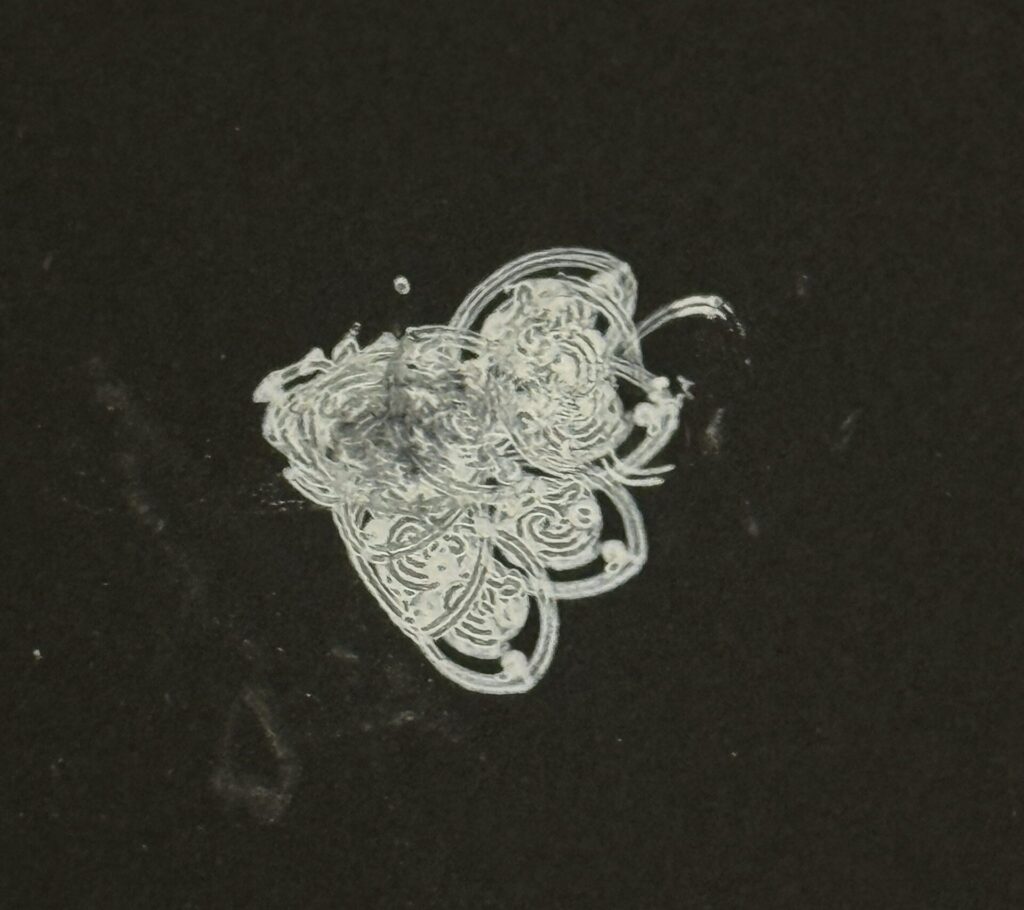
These were some of the experimental pieces I did; unfortunately I threw the rest away on Wednesday because I didn’t think to keep it for documentation.
I also want to recognize Marcos for being incredibly helpful in this process.
Going into this I made a mistake in how I managed my time and energy. Joud and I had been struggling to get our pen plotter to work ever since we first plugged it in. Unfortunately, we were never able to fix it but in hindsight I should have asked my peers to use theirs or especially Professor Du to use his. In the end I ended up using Professor Du’s plotter which worked without issue. During our troubleshooting I hoped at every moment that it would work so that I could use it as much as I wanted to but it wasn’t meant to be. I hope to make my own pen plotter over the fall break.
After a brief discussion with Professor Du I realized I had to think more deeply about the concept this time. In previous years I would focus almost exclusively on the technique beginning to end. The result would therefore be less meaningful than it could have been.
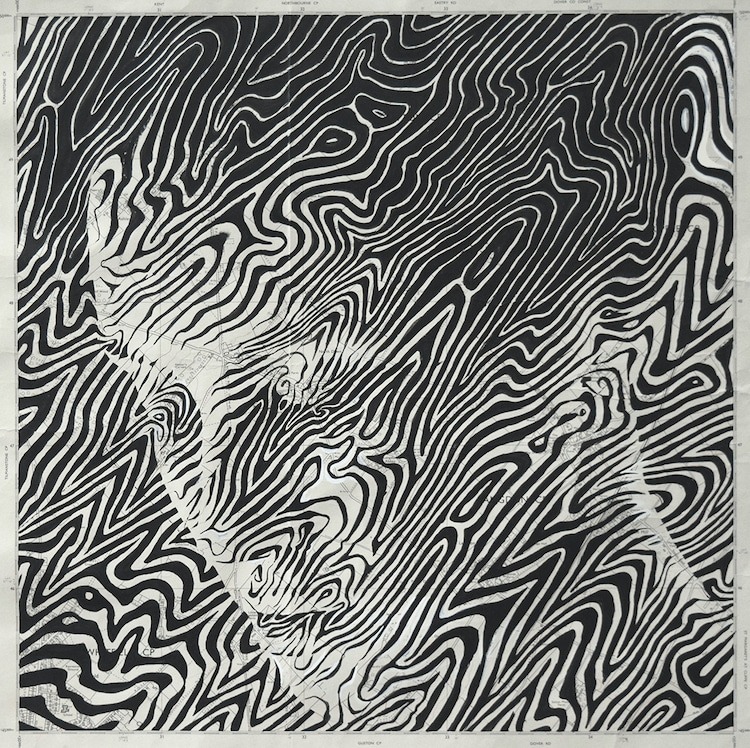
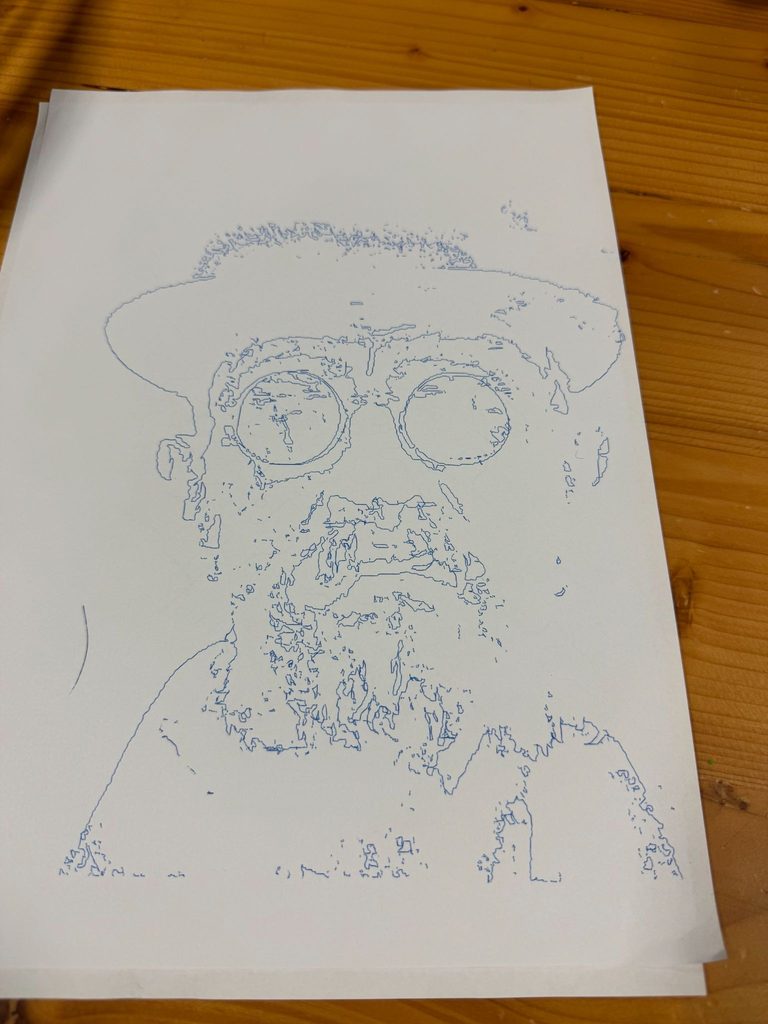
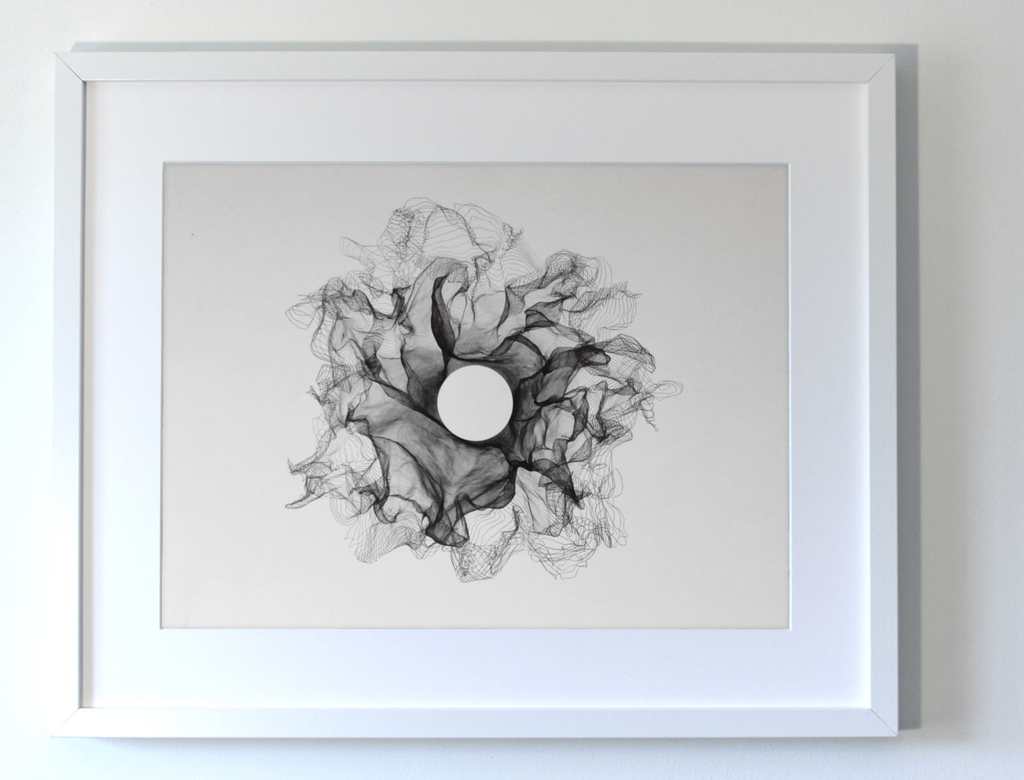
Seeing the picture of a topographic design overlayed someone caught my attention immediately. Amazingly the artist drew this by hand. Clearly they have an innate understanding of the curves and features of the human head that they could create this design and have it follow the natural curves and the thickness of some of the lines and frequency was done to create darker and brighter areas. I felt that this was something that could easily be made programmatically (foreshadowing) then created through a pen plotter.
I learned that the way to do this is through marching squares. I have used it in previous projects but haven’t looked into it very deeply and I only ever used it to create topographic lines but nothing more. Seeing the picture made me realize that I could use it for something more. I’ve been interested lately in depicting faces in interesting ways because as human beings we’re naturally programmed to see human faces even where there aren’t any.
Technical Implementation
I followed a Coding Train video by Daniel Shiffman on Marching Squares (https://youtu.be/0ZONMNUKTfU?si=pRFAoJ2crTdrO4af) to finally understand marching squares rather than copying the code of others. I created a simple sketch and got something that worked
Also by accident I got this above. I accidentally put the code in the draw loop and commented out the background. I cant seem to find the original svg for when I got this effect but it’s the same look.
However, I decided not to do linear interpolation because I liked the angular design. And I decided to continue with it for now.
Why not try curved lines? Then try depth mapping to create a design like what we saw on the inspiration? Part of me still wishes I did but I couldn’t make the same mistake again; putting all my attention into one thing preventing myself from making the next step.
Some of my experiments(See more at the end)
I went ahead and created some more or less random designs just to see how things would go. I learned to use vpype to optimize my drawings, and I became certain that I wanted to continue. I just needed to add crosshatching to improve the effect.
It was around this time that I had my discussion with the professor. At the end of it I realized what I would do next to make the final series of images.
I have some family pictures on my phone and some of my favorites are with me and my brother. Now that he’s in NYUAD with me I thought it would be fun to recreate some with the plotter. I would represent each of us with different colors. Whether others would like them I don’t know but within my family I know we would love to keep them maybe even hang them somewhere which was more than enough incentive for me.
I took images that I liked and I used Illustrator to separate the subject from the background or other parts. After separating I could bring it into my program and edit the cross hatching and resolution since the same settings for the entire image produced mixed results. Then I would create separate Gcodes for each and have the pen overlap the drawings.
Final Result
For personal reasons I’m not going to upload the original family pictures online so you won’t be able to see the reference image for the pen plotter.
I don’t know what to name this series but the theme is our relationship as we’ve grown. I also switched from a normal A4 paper to card paper which was also A4. This was to prevent any warping of the paper from having a lot of ink close together.
Picture 1
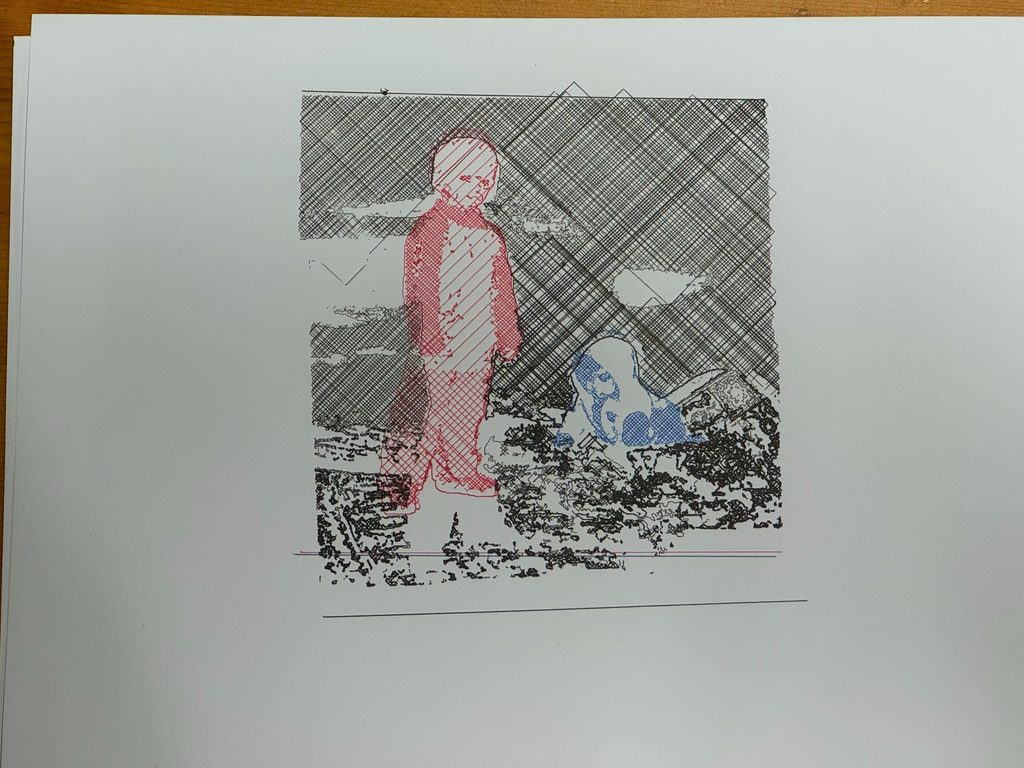
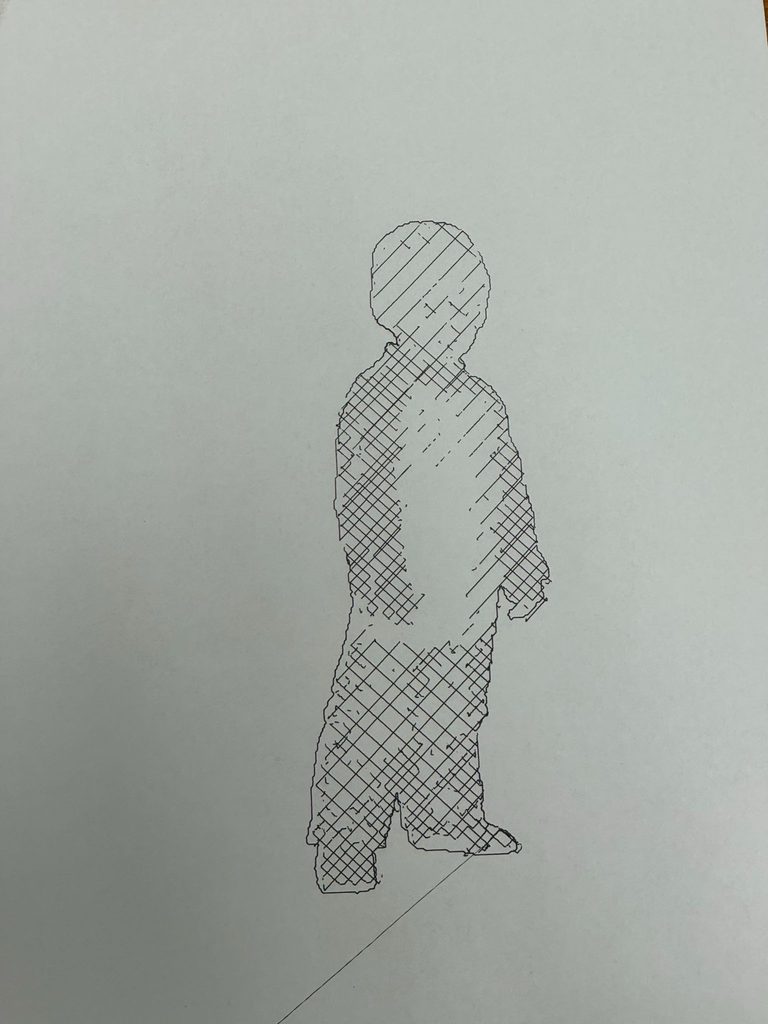
I’m in red, my brother is in blue. I chose these colors because those are the colors we were wearing in the original picture. Personally, red is my favorite color so that’s probably why I was wearing red.
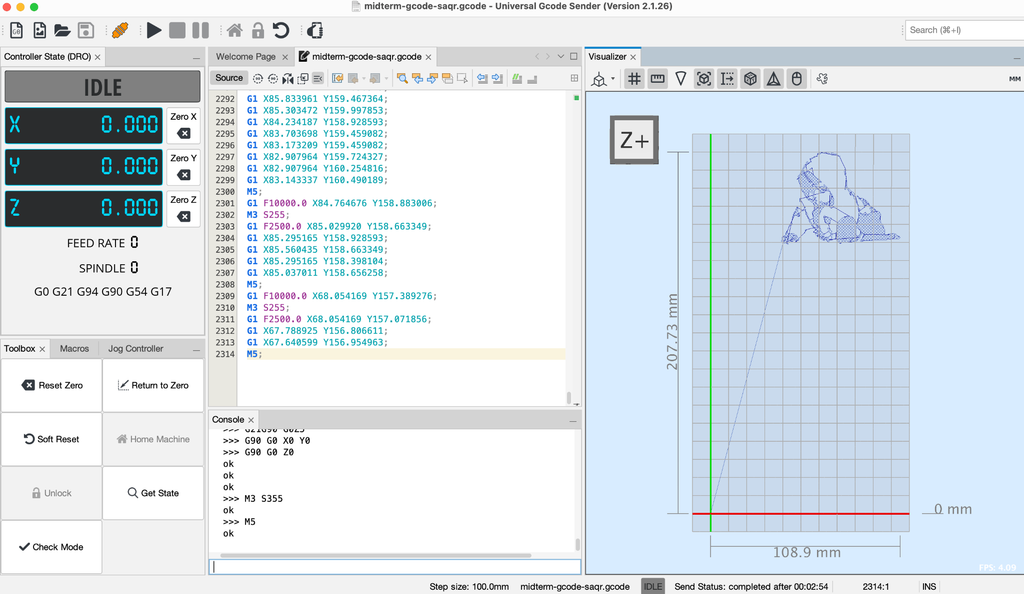
I tried to include the background but the plotter moved far too much and lost alignment. You can see what the alignment should look like based on the lines below the sketches. Moreover because of the density of the cross hatching it took WAY too long. I actually included the line after a couple failed attempts earlier but it draws that line at the end.
I’m not sure how to feel about the misalignment but it is certainly unique.
Picture 2
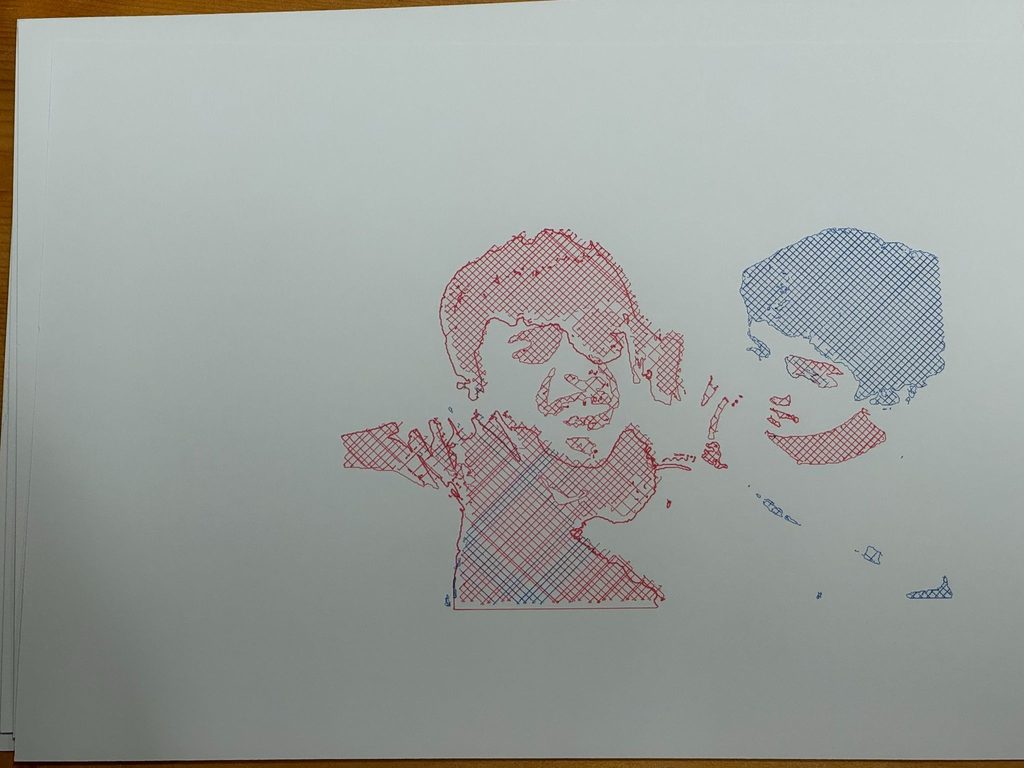
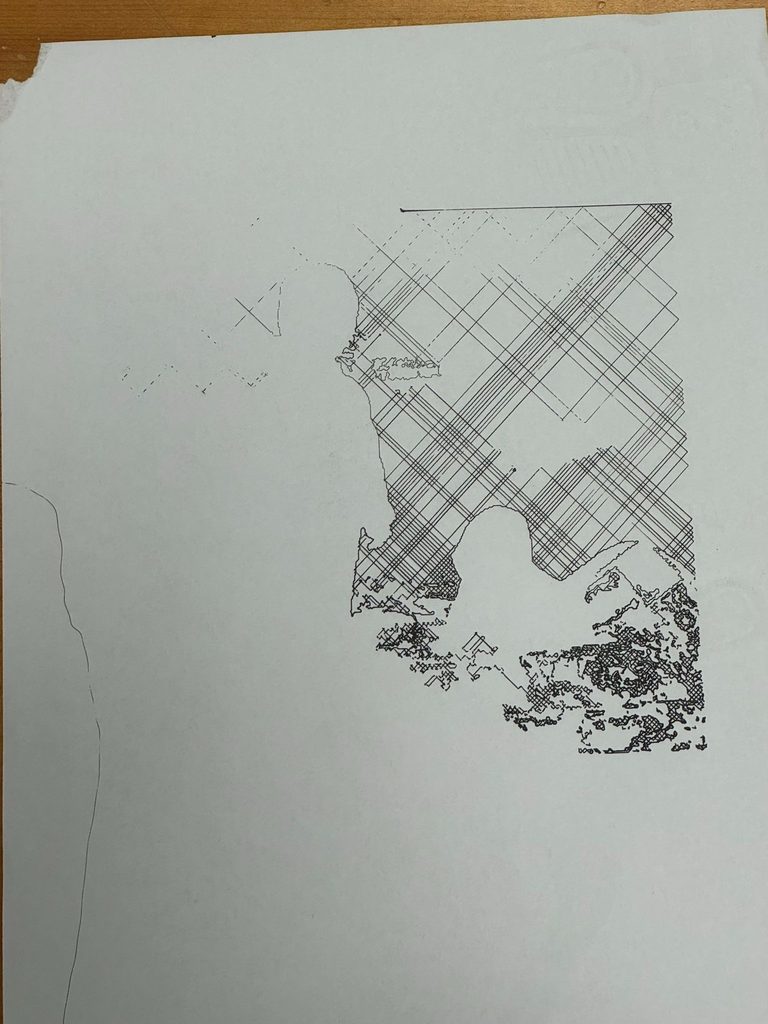
Having grown up we became closer to each other. Rather than limiting red to myself and blue to my brother I decided to mix it a bit more. I made the mistake of not swapping pens soon enough but regardless I think it’s an interesting result.
Picture 3
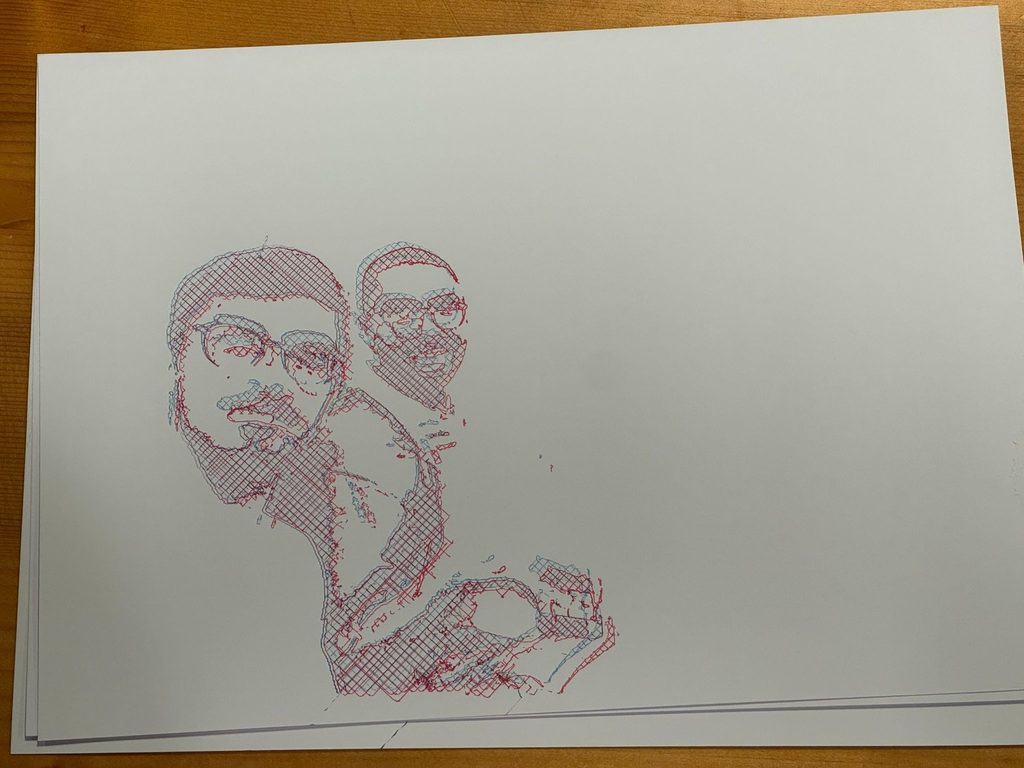
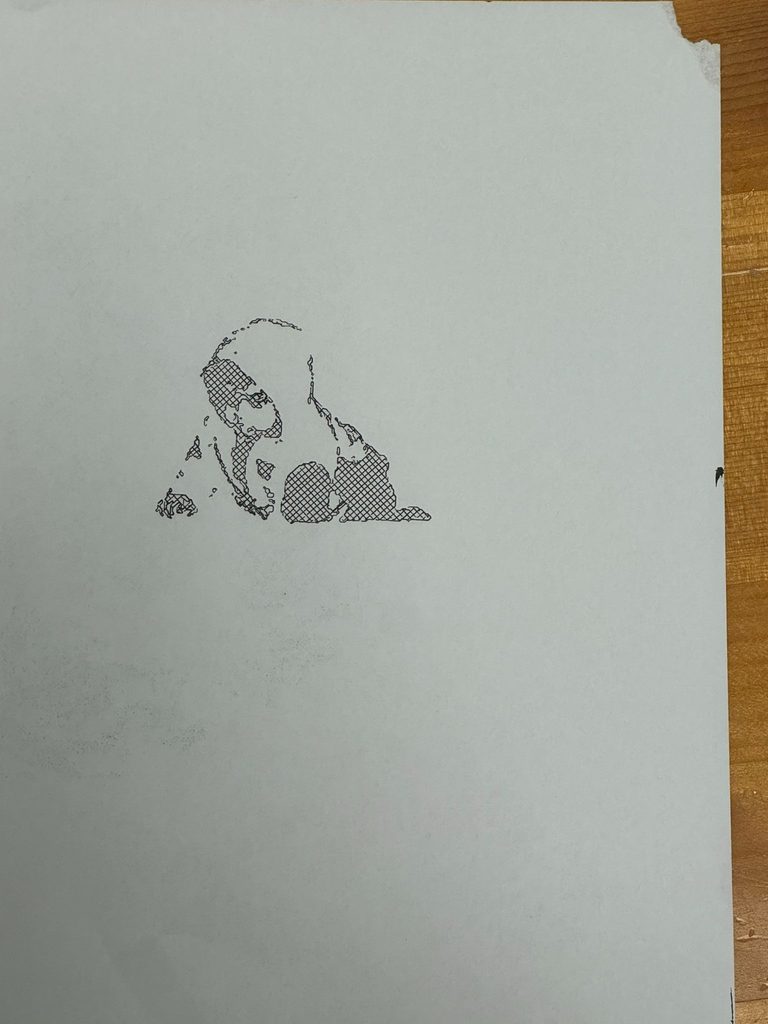
Most recently this summer we’ve travelled to London and this is one of the pictures we took together. I felt it only made sense to use both colors and it made this kind of 3D effect which I learned is called a 3D anaglyph. I did this by having the same Gcode but on the second pass I adjusted the plotter slightly so that the second pass would be slightly up and towards the left.
Overall I’m really happy with how the final images came out. I’m glad this time that I decided to do something different, something more personal, more meaningful to me.
Room for Improvement
Alignment As previously mentioned the issue with the first picture with the background was the alignment. The pen moving up and down caused a lot of shaking. This was because when screwing in the pen I had to make it lower than it would be normally so that it could press on the page but when it would retract then come back down it would almost push against the page moving seamlessly placing the pen on the page. I tried to mitigate this by using my hand and a little bit of tape to keep thing in place but only so much is possible.
3D objects rather than just 2D: Images feel flat In the future I would still love to try and make that marching squares effect on a 3D object this time rather than translating the brightness of pixels in an image to marching squares.
Pen switching I believe it’s possible but I don’t know how: Having the plotter stop at certain points waiting for you to switch pens then you can press a button and have it continue. Again, I don’t know how to do this but in the future I think this would be a way of speeding up the process.
Additional Images during the process
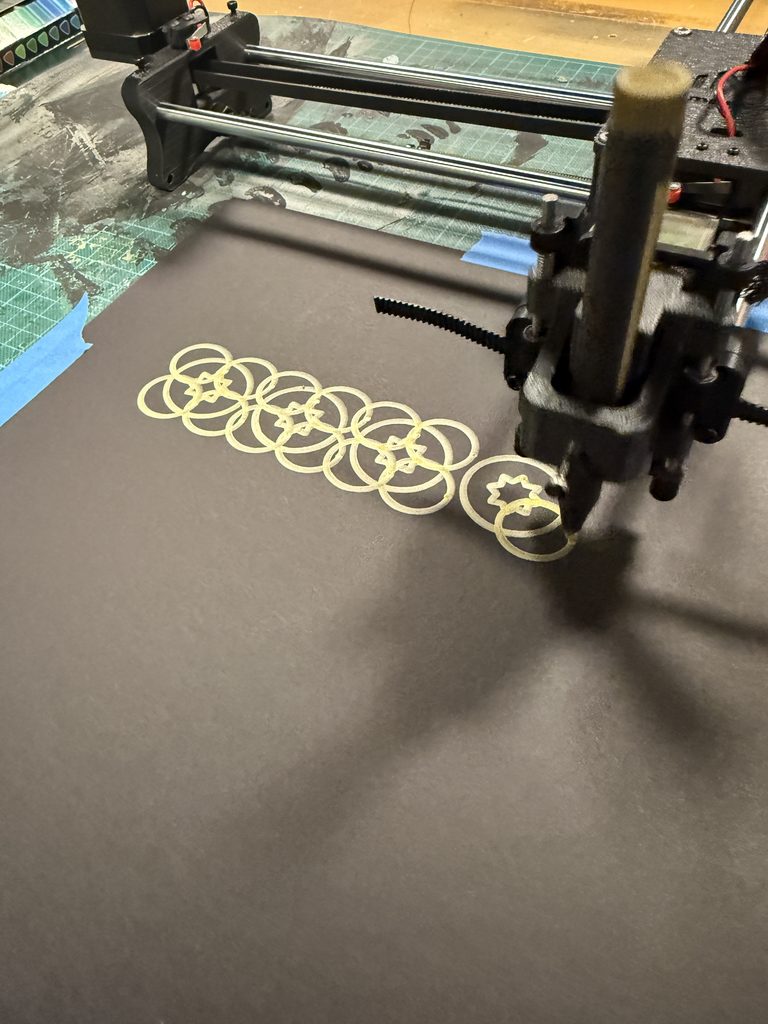
Before creating the first picture I plotted each element separately to get an estimate of how things should look afterwards.
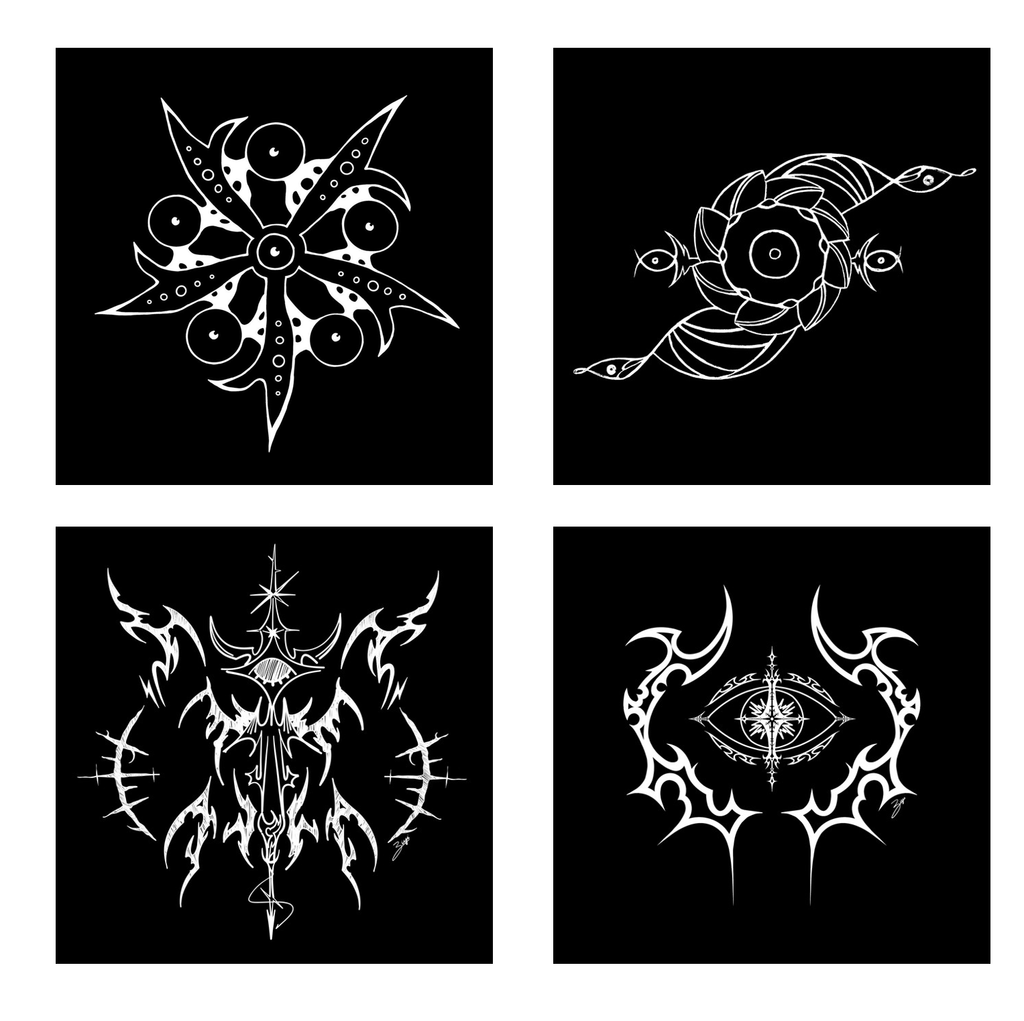
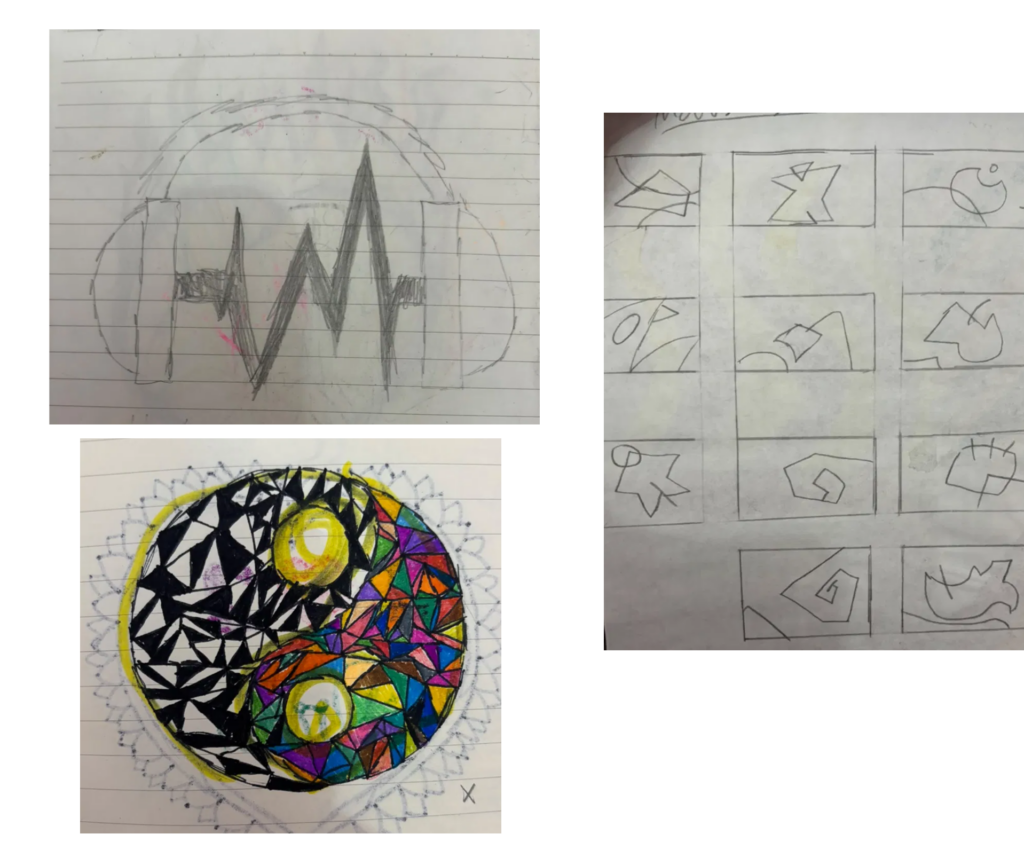
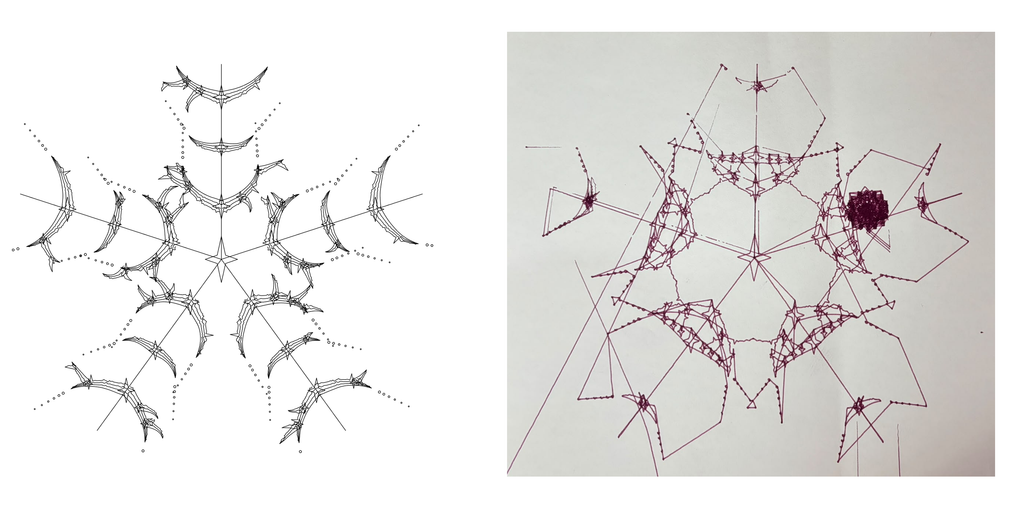
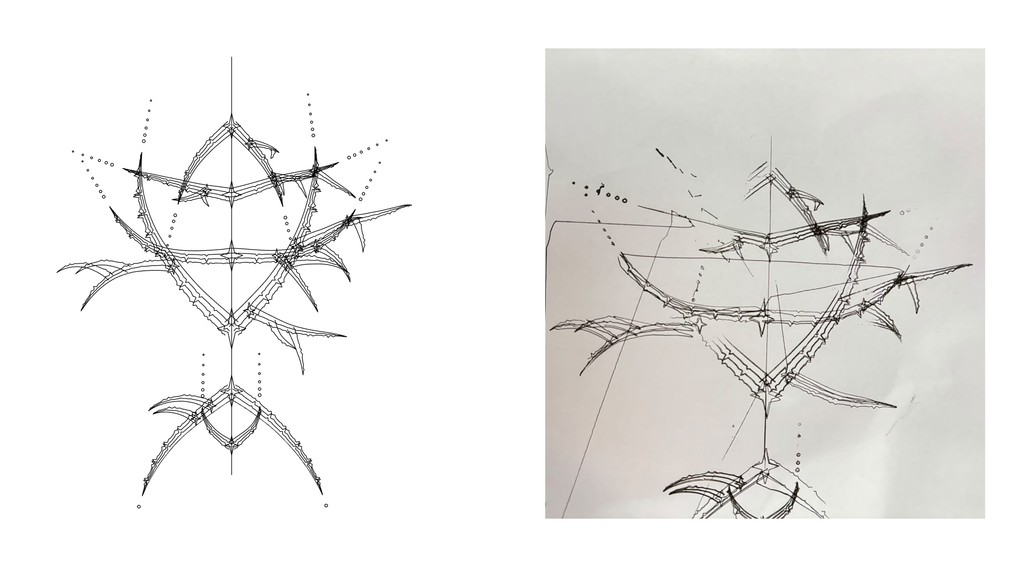
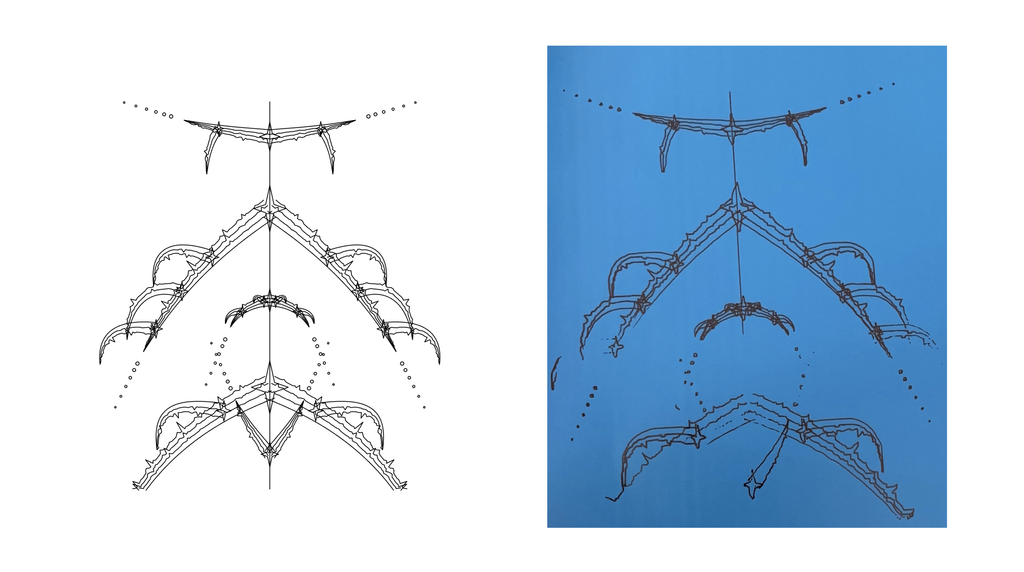
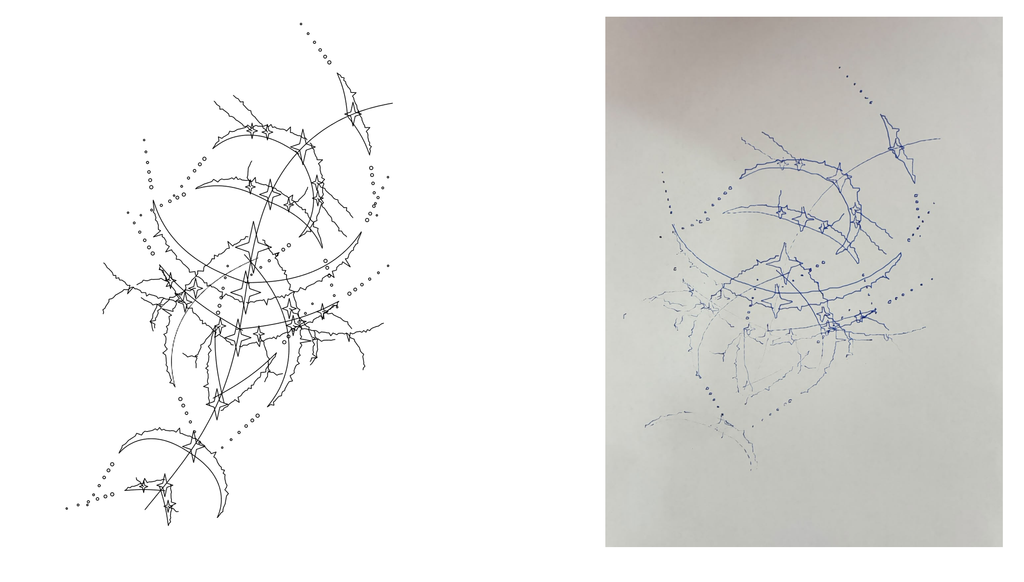
I was inspired by album covers by artists like Ptasinski and RJ Pasin, which use thin linework, mirrored symmetry, sparkles, and dotted chains. I was drawn to this style, so I compared it with my childhood drawings to see what I could make from it. My childhood drawings look nothing like those covers, since mine are round and colorful. But they have things in common: I always drew a main shape and surrounded it with smaller marks like dots, stars, and outlines, and some of my pages used zigzags and shards. I decided to turn that way of drawing into rules in p5.js.
Figure 1: Top Left, Bottom Left, and Bottom Right are album covers by Ptasinski, while Top Right is an Album cover by RJ Pasin
Figure 2: Old drawings from 2016-2018
Initial Brainstorming
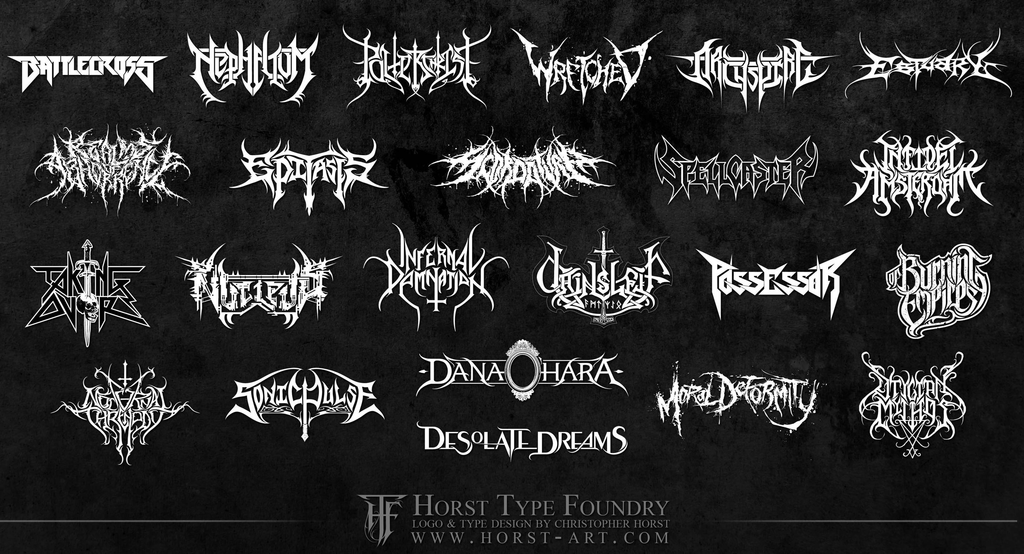
While brainstorming, I started with EKG traces and heavy metal logos and thought of combining them, since the most common thing between them was sharp spikes shooting up and down from a single line. I wasn’t sure which one to build on, so I tested a few versions in p5.js and dropped them.
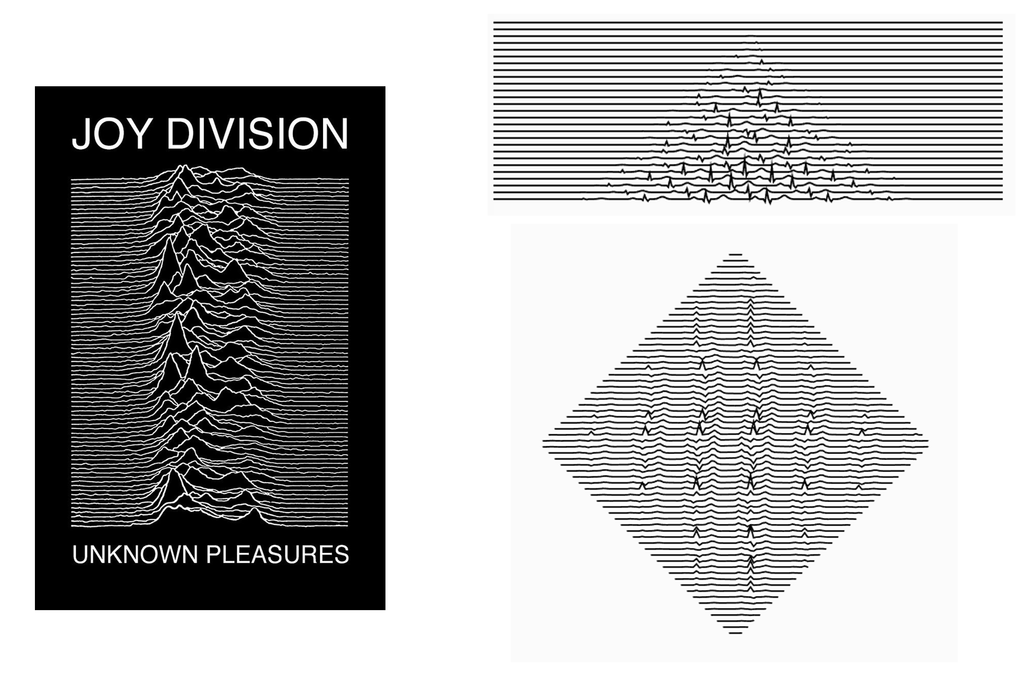
In the first versions tested on p5 (See below), each row is one straight line, and a small spike shape pushes the line up at random spots. The rows are stacked, and in the second version I cut them into a diamond. It looked too much like Unknown Pleasures by Joy Division, so I changed that idea and landed on the final concept
Figure 4: Left side is Unknown Pleasures, Right Side is code outputs
Workflow
I designed the drawings in p5.js. A seed number picks one of three forms (a vertical totem, a radial burst, or a bending vine) and all the rules, like strand count and branching chance. Each form is built around a main line, and the code picks random spots along that line to grow from, with a minimum gap so they don’t pile up. At each spot it grows two mirrored curved arms made of nested strands. The strands are pushed sideways into sharp spikes, and every spike can sprout a smaller arm through a function that calls itself, capped at 400 branches.
if (t > .1 && budget < 400 && roll < bProb * (1 - .5 * t)) {
  budget++;                       // count it, stop at 400
  let p = pts[idx];               // the spike's position
  branch(p.x, p.y, atan2(p.dy, p.dx) + ou * ang, cc, len * lf, gen + 1, side, nd);
}
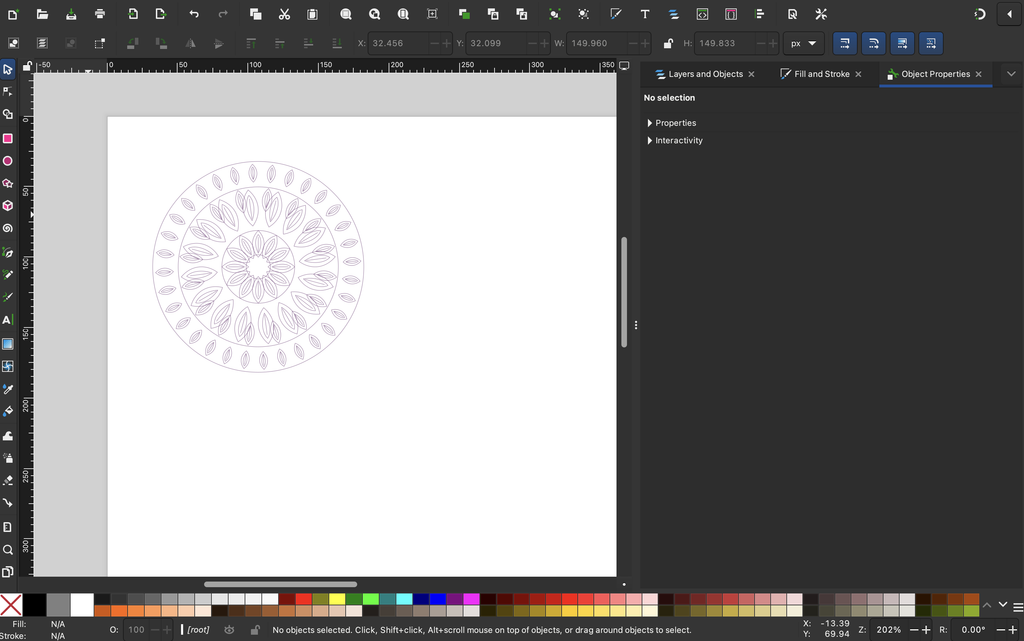
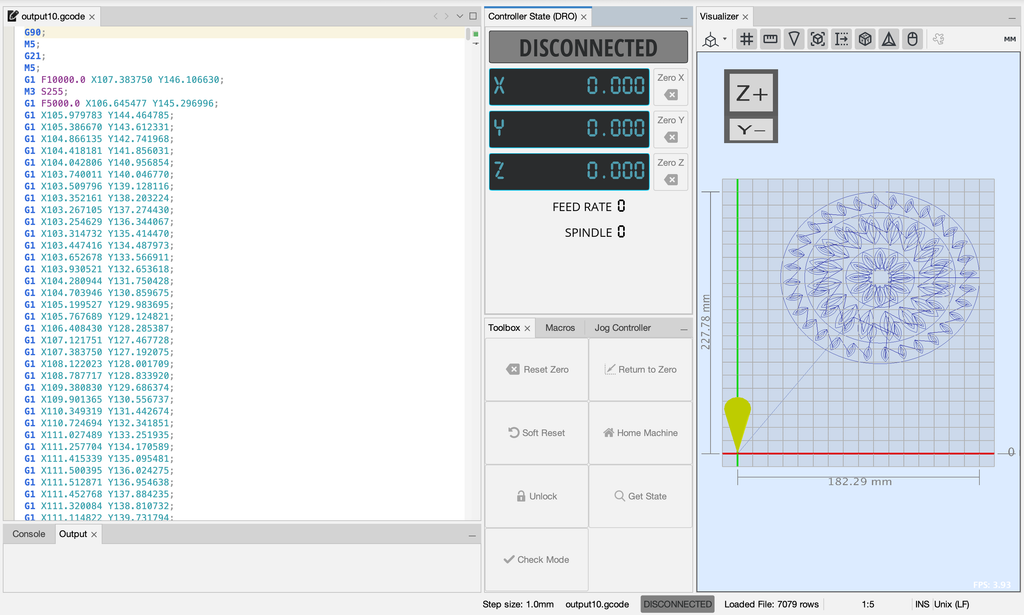
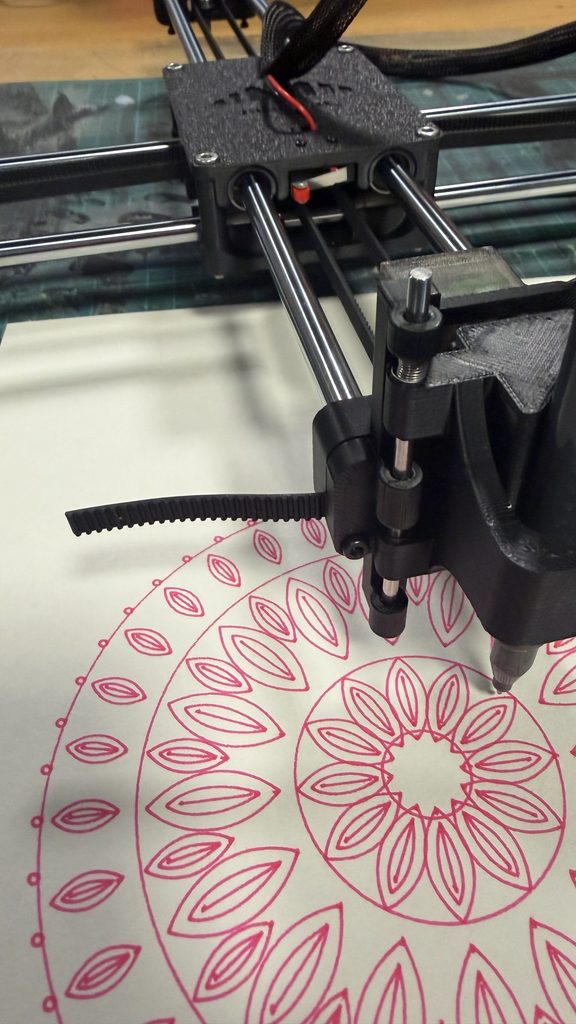
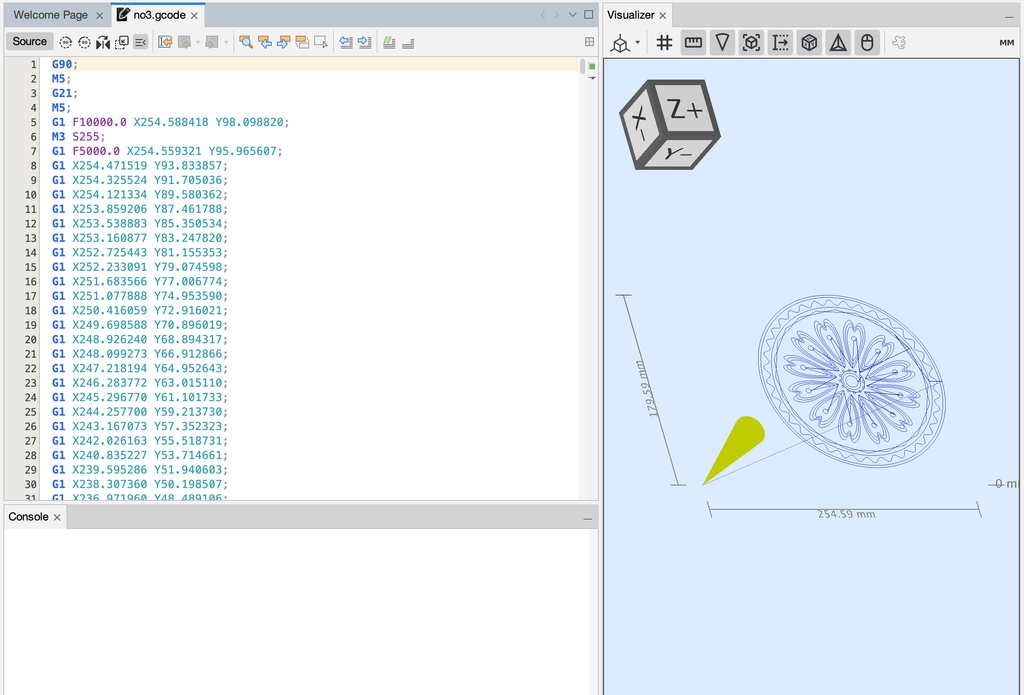
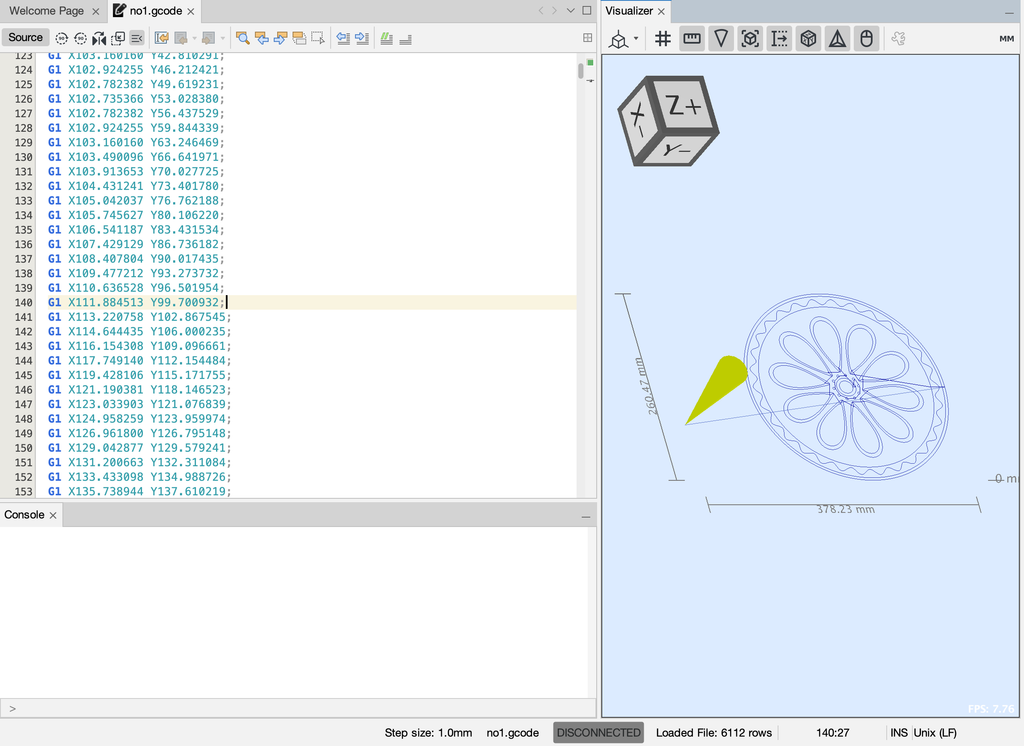
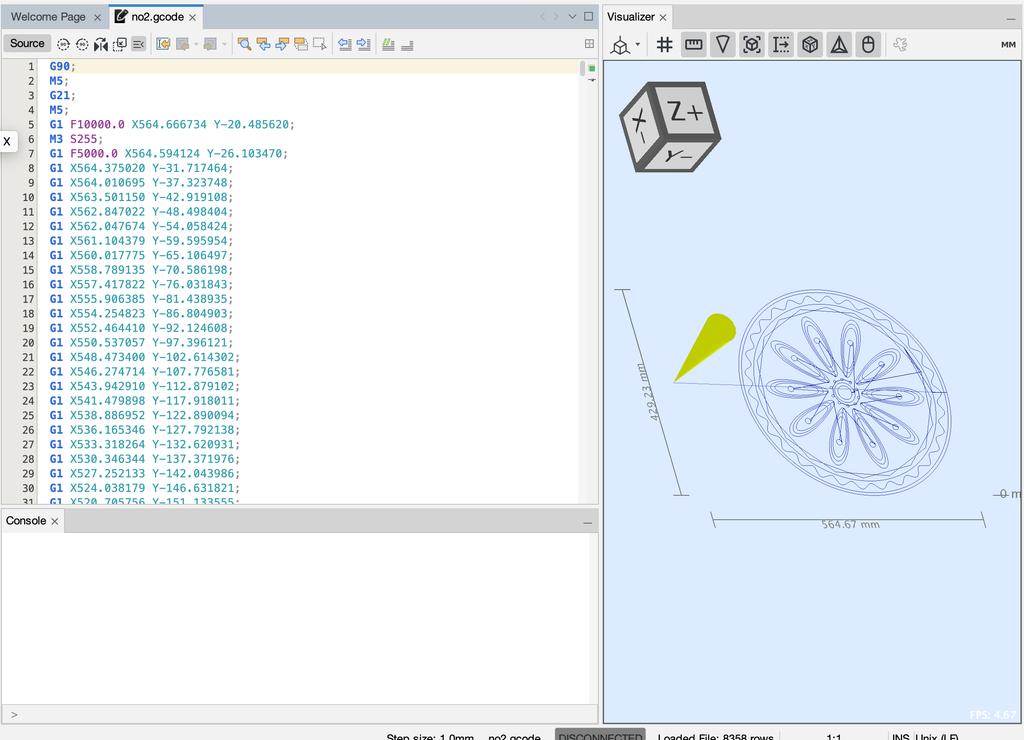
Every line is stored in a paths list. For the drawings I plotted, the lines were sorted so the pen travels less and written out as an SVG with exportSVG(). The linked code saves the same lines with the p5.js-svg library instead, which keeps the order the sketch draws them in. I then opened the SVG in Inkscape and generated the G-code. The G-code came out much too big for the paper, because the tool seemed to read pixels as millimeters, so I shrank the drawing and checked its size in the G-code viewer before plotting. Then I taped the paper down, did a dry run with no pen, and plotted.
I based the rules of my code on the drawing habits I developed as a kid. I always drew a main shape with smaller marks around it, like dots and stars. In the code, this is a main line with arms growing from it, with sparkles along the arms and dotted chains at their tips. For outlines, each arm is drawn as several parallel copies of itself, which are the nested strands. For zigzags and shards, the function spike() makes each spike by adding five bumps together: one tall bump that is the spike, with small dips and bumps on either side. Each spike can also grow a smaller arm. For the mirrored symmetry of the album covers, both arms at each spot get the same random numbers, so the two arms come out identical.
Typing a number into the seedline at the top of the sketch locks a drawing, so the same number always gives the same drawing.
The Three Forms
I added a rule that makes each drawing one of three forms, chosen by the seed. I used three because a main line can only stay straight, spread out from one point, or bend. Each one changes the layout of the whole drawing while the arms, spikes, and sparkles stay the same. The totem is one vertical line down the middle, with 5 to 18 growth spots along it. Its arms and the smaller arms sprouting from them can also drip downward by a random amount.
The burst is 5 to 10 straight lines going out from the center like spokes, each with 3 to 7 growth spots. Its arms are shorter than the totem’s, and it is the only form with a large sparkle at the center.
The vine is one line that bends from side to side, starting near the bottom of the page. Its direction follows a sine wave, so no two vines curve the same way. It has 6 to 16 growth spots, and its arms are medium length.
Process and Challenges
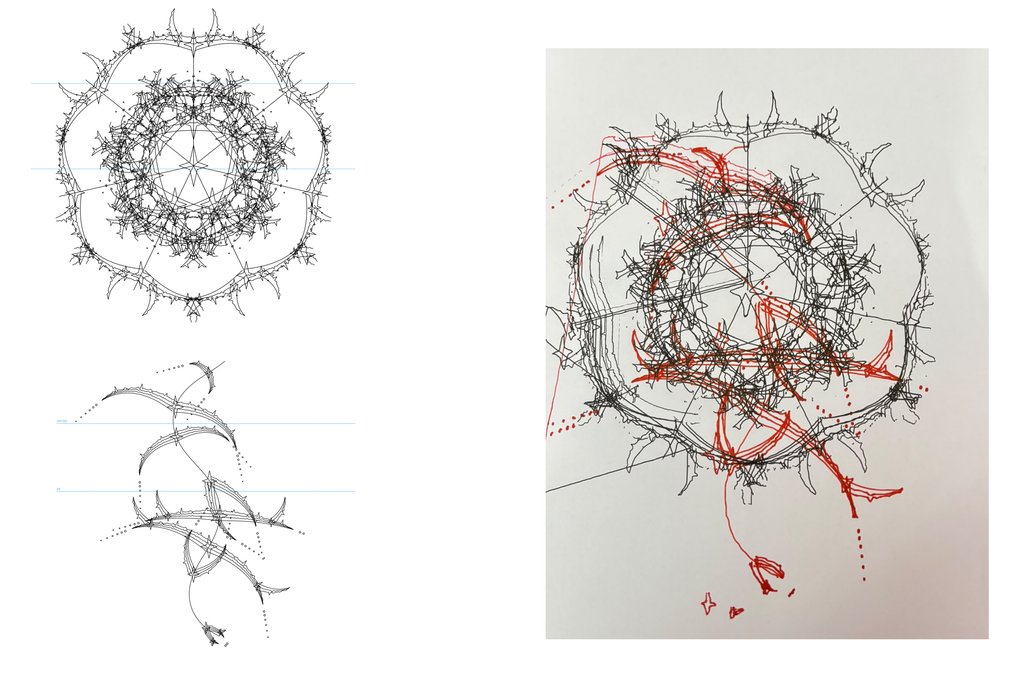
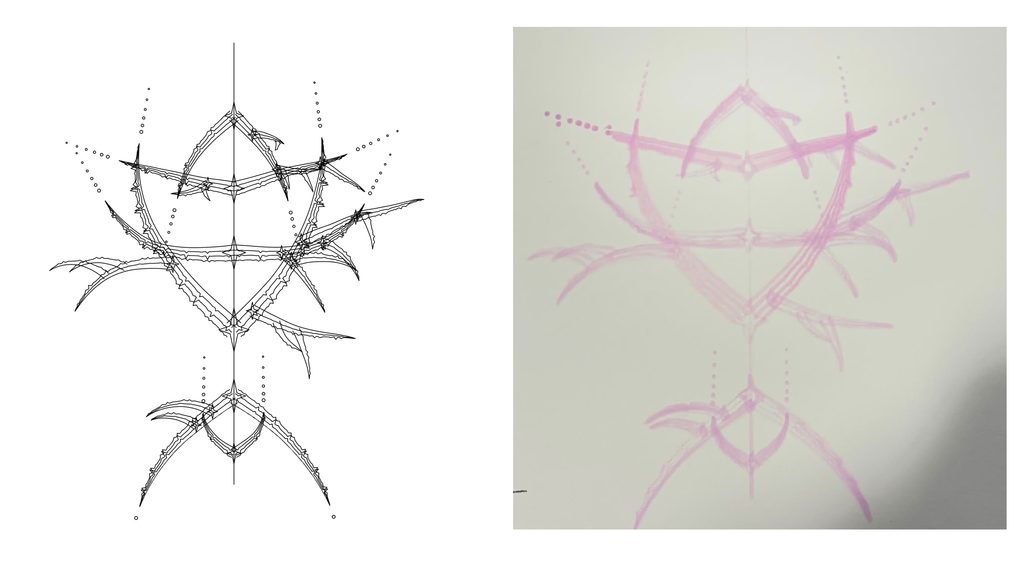
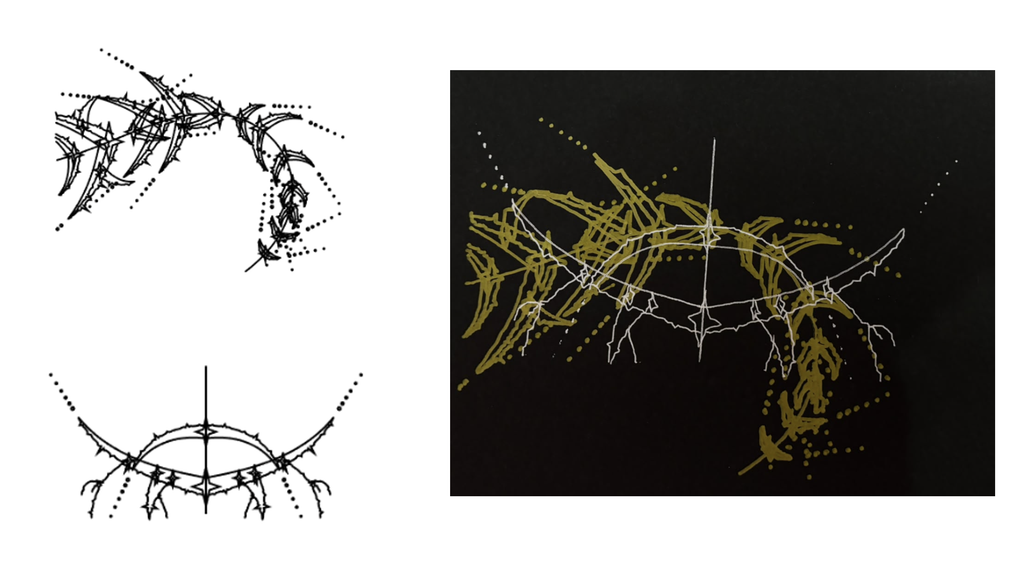
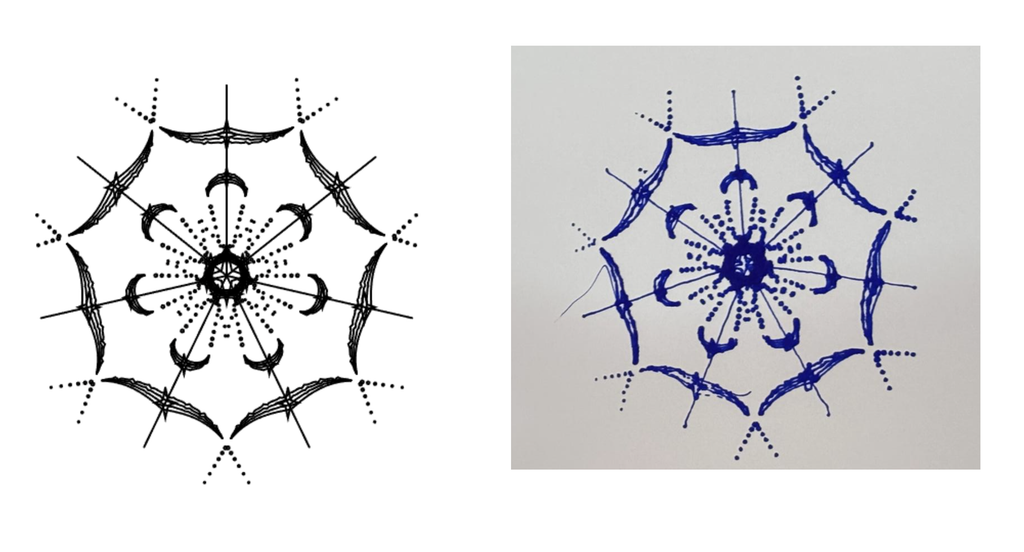
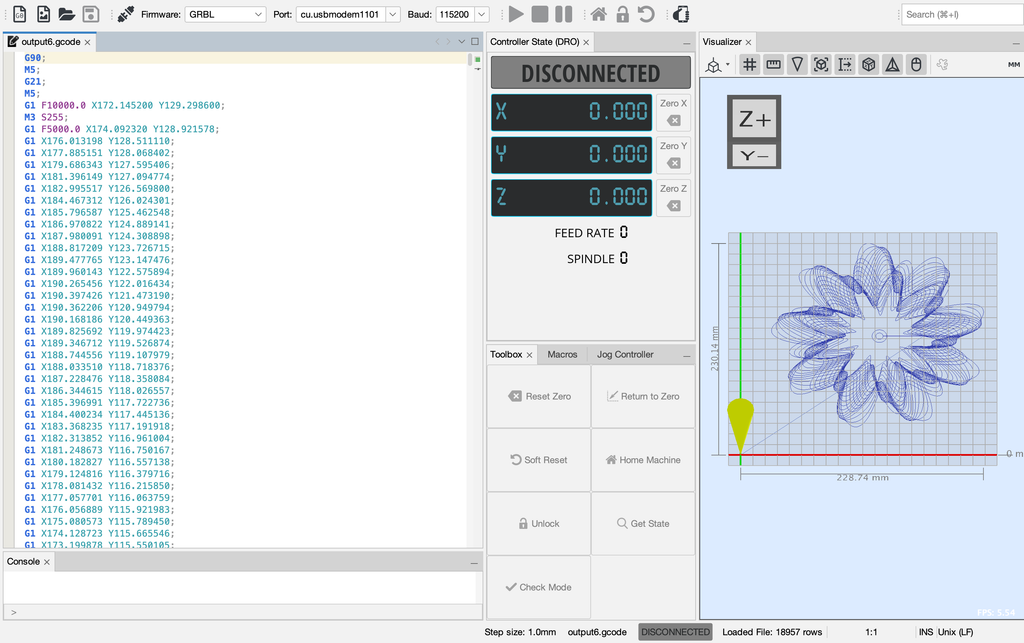
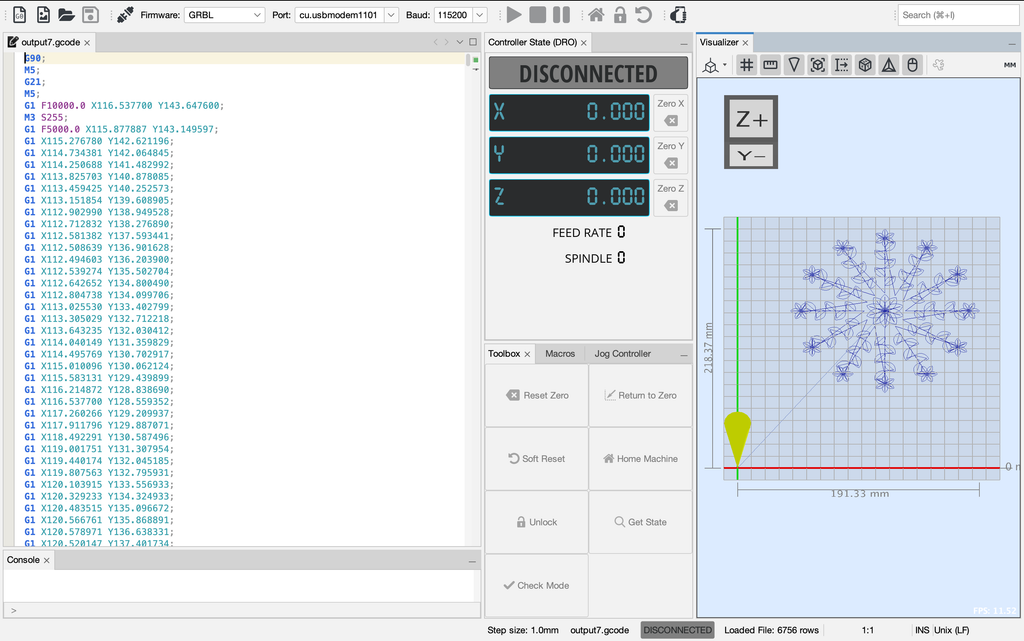
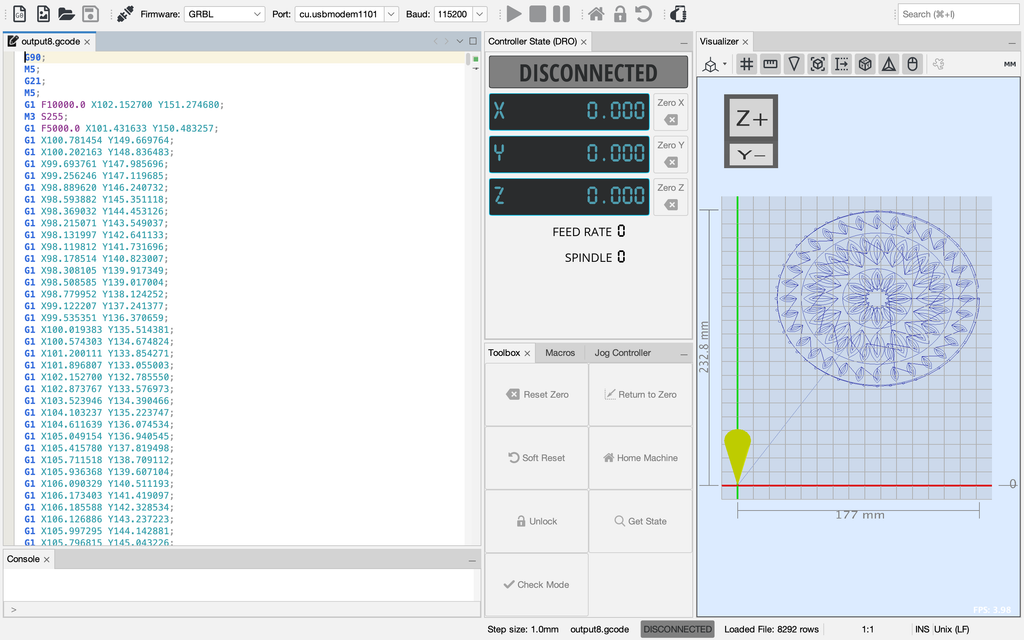
I plotted 8 trials, changing the pen, paper, layering, or workflow each time, and picked the 3 strongest (Trials 6, 7, and 8) as my final series.
G-Code straight from p5.js:
The assignment allowed exporting G-code directly from p5.js, so I wondered why the workflow usually goes through SVG and Inkscape. I was curious what would happen if I skipped that step, so I tried the direct route for two trials, with two different forms (a burst in Trial 1 and a totem in Trial 2). I didn’t know what the consequences would be. The G-code that p5.js exports uses different commands and settings from what my plotter and Universal G-code Sender expect, and the pen never lifted in either trial.
This is the export function I added to the sketch for Trials 1 and 2:
const SCALE = 0.9;
const AREA_W = 280, AREA_H = 260;      // paper or safe area in mm
const PEN_UP   = "G0 Z5";
const PEN_DOWN = "G1 Z0 F500";
const DRAW_F = 3000, TRAVEL_F = 6000;  // mm/min
const FLIP_Y = true;

function exportGcode() {
  const OX = (AREA_W - W * SCALE) / 2;
  const OY = (AREA_H - H * SCALE) / 2;
  const X = x => (x * SCALE + OX).toFixed(2);
  const Y = y => ((FLIP_Y ? H - y : y) * SCALE + OY).toFixed(2);

  let L = ["; sigil | form: " + form + " | seed: " + seed + " | scale: " + SCALE,
           "G21 ; mm", "G90 ; absolute", PEN_UP];
  for (let pa of sortPaths()) {
    L.push("G0 X" + X(pa[0][0]) + " Y" + Y(pa[0][1]) + " F" + TRAVEL_F);
    L.push(PEN_DOWN);
    for (let i = 1; i < pa.length; i++) L.push("G1 X" + X(pa[i][0]) + " Y" + Y(pa[i][1]) + " F" + DRAW_F);
    L.push(PEN_UP);
  }
  L.push("G0 X" + X(0) + " Y" + Y(H) + " ; park", "M2");
  saveStrings(L, "sigil_" + seed + "_s" + SCALE, "gcode");
}
Trial 1:
Form: burst
I used a purple fine tip on textured A3 test paper (not thick). The paper already had some lines and a dark blob at the top right before I plotted, so I took that into account while testing. The lines came out crisp, but the pen never lifted, so it drew long straight lines between every piece and covered the page in them.
I used a black gel pen on normal A3 paper. The pen again never lifted, so long lines ran across the page and down the left edge. Partway through, I switched to exporting an SVG and generating the G-code in Inkscape, and the pen started lifting and lowering correctly. Because I changed files mid-plot, some parts were drawn twice, so some lines look repeated. The nested strands and sparkles are clean, but some lines and dotted chains look faint or broken into dashes. I first thought the pen had run out of ink, but when I paused the plot in Universal G-code Sender and checked it, it still wrote smoothly. My guess is pen positioning: the more the holder lifts and lowers, the more the pen tilts and stops holding still.
After these two trials, I went back to SVG → Inkscape → G-code for everything else. The Inkscape settings fixed the main problem: the pen lifts and lowers when it should.
From p5.js to SVG (Inkscape):
Trial 3
Form: Totem
I placed the drawing too close to the edge of the page, so the pen went off the paper and part of the drawing didn’t land on it. In Inkscape, the closer a drawing sits to the edge of the Laser G-code border, the less of it gets plotted. This made me think about where a drawing should sit on the page. The pen lifted well, but partway through it stopped touching the paper, so I paused the plot and adjusted it by hand. That fixed most of it, but in other spots the pen lowered and still didn’t mark, so some lines are broken or missing.
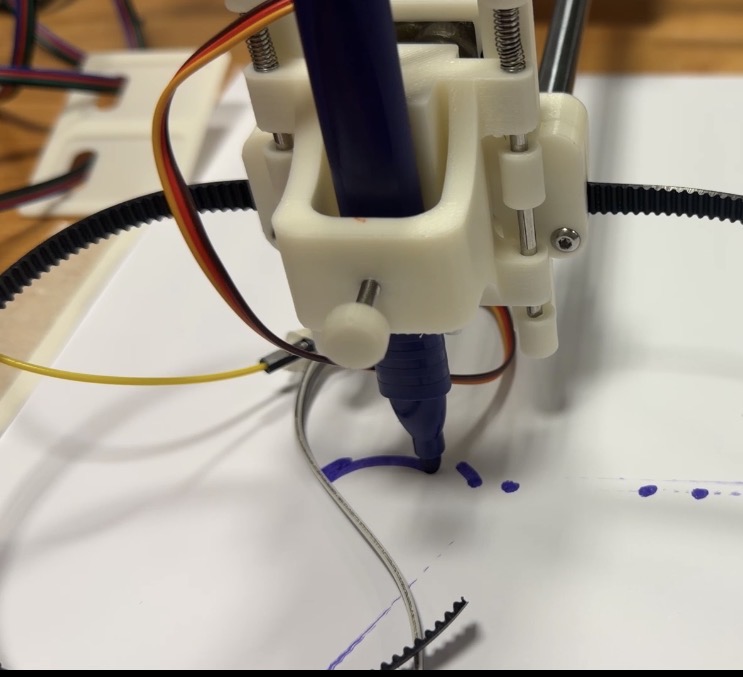
I used a blue gel pen on normal A4 paper. The sparkles and dotted chains came out clean, but parts of some lines looked faint or dashed, as if the pen had skipped. The ink ran out partway through, which made some strokes jagged, and the pen shifted around in the holder, so lines weren’t consistently crisp. To fix the shifting, I packed paper into the holder to wedge the pen in place, which helped somewhat.
I made two different designs, a burst for the black gel pen and a vine for the red Sharpie, and exported each as its own SVG. I plotted them one after the other on A4. The red layer didn’t line up with the black, and there were stray lines outside the main shape. With the pen set too low, it dragged across the paper during travel moves even when the plotter “lifted” it, which happened with the red pen too. Raising the pen height helped. The red also doesn’t stand out as much as the black, probably because the black layer is much denser and the red is sparse. This taught me that layers need the same position and size, and that the paper can’t move between passes.
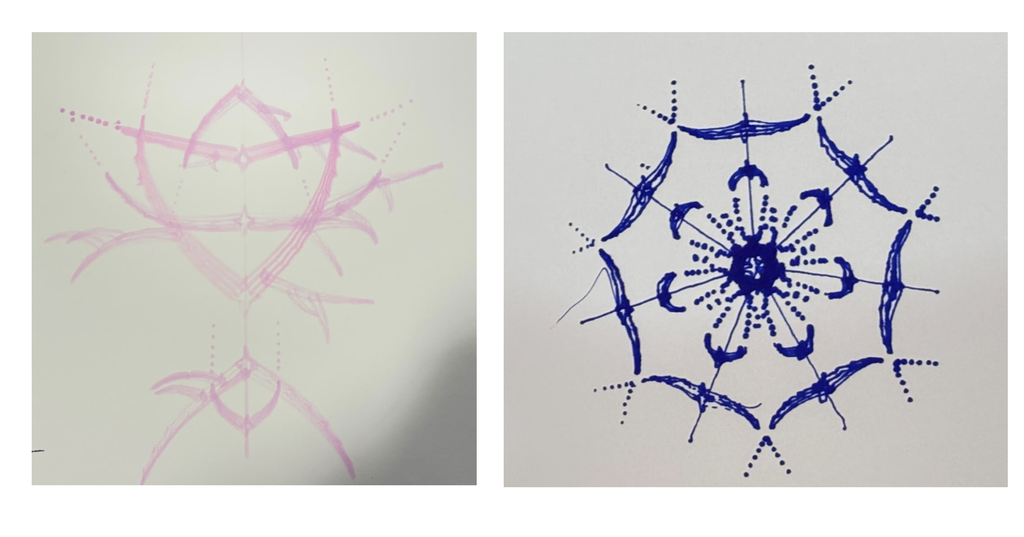
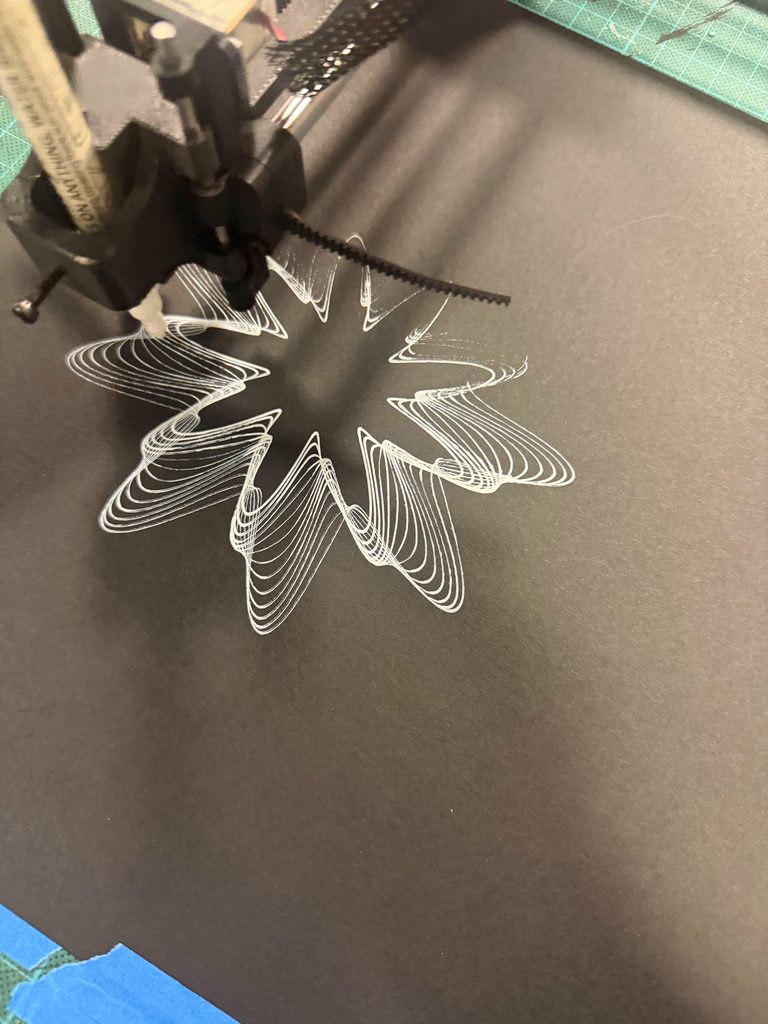
I used pink brush paint markers on thick sketchbook paper. Mechanically, this was the smoothest trial, and the pen lifted and lowered well. The marker itself was very streaky, which left dense patches, merged the nested strands into wide bands, and blunted the spikes. Line width varied across the drawing even though the height was fixed. When I did adjust the height slightly, it changed the pressure on the paper and thickened some areas further. I kept it for its soft, mirrored look.
I used a blue Sharpie on normal A4. This one had the fewest problems. The center merged into a dark knot where lines crowded together, while the outer arms stayed crisp. The one flaw is a loose thread of ink at the top left. The pen shook during the plot, so I had to readjust the paper packing in the holder, and the shaking caused the thread. I kept it for its sparse, radial look.
I used a blue Sharpie on normal A4. This one had the fewest problems. The center merged into a dark knot where lines crowded together, while the outer horns stayed crisp. The one flaw is a loose thread of ink at the top left. The pen shook during the plot, so I had to readjust the paper packing in the holder, and the shaking caused the thread. I kept it for its sparse, radial look.
Final Results
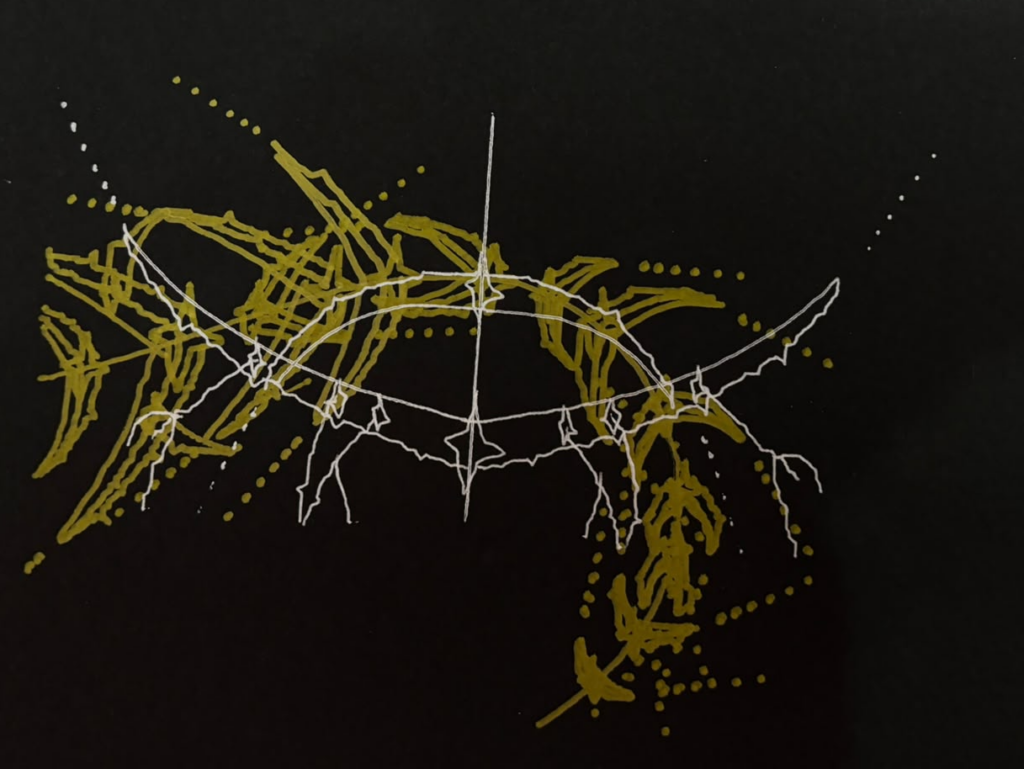
All three finals come from the same drawing system and are built from spikes, nested strands, sparkles, and dotted chains. The seed gave each one a different form (pink: totem, gold and silver: combination of totem and vine, blue: burst), and the pen and paper changed how the lines look. The pink one is soft and mirrored, the gold and silver one is dense and asymmetric, and the blue one is sparse and radial.
Left, Trial 6: pink brush paint markers on thick sketchbook paper (Totem, seed number (27854)). Right, Trial 8: blue Sharpie on normal A4 (Burst, seed (3613)).
Trial 7: gold marker and silver gel pen on black paper, two layers. Totem and vine, seeds (40027) and (66934). The thick gold and thin silver cross at the sparkles, and the contrast between them makes it work.
Reflection
Materials changed the drawing more than I expected. The drawing rules were the same in each case, but the ink decided how the lines read. The pink brush marker on sketchbook paper spread the nested strands into wide bands and blunted the spikes, which gave the first design its soft look. On black paper, the thick gold marker made a dense, streaky buildup, while the silver gel pen stayed thin and crisp, and that contrast is what makes the design work. The blue Sharpie made the outer arms stay crisp, though the center merged into a dark knot where the lines crowded together.
Layering and color depended on contrast. In Trial 5, the sparse red over the dense black got lost, and the layers didn’t line up. I learned they need the same position and size, and the paper can’t move between passes. In Trial 7 I aligned both designs in Inkscape first, and the thick gold with thin silver on black read clearly. Red on blue (Trial 3) had low contrast, while light metallic on black was clear. Contrast in value mattered more than the hue.
Pen stability and height affected every final. When the pen sat too low, it dragged during travel moves, and when it shook in the holder, it left stray marks. The loose thread at the top left of the blue Sharpie drawing came from that shaking. Packing paper into the pen holder helped, but I had to readjust it between plots. Adjusting the height also changed the pressure on the paper, which thickened some areas of the first design. In the future I’d try other ways to hold the pen in the plotter (such as a longer screw, or a flat 3D-printed piece that pushes the pen in and holds it firmly), which should keep pressure consistent without constant manual adjustment.
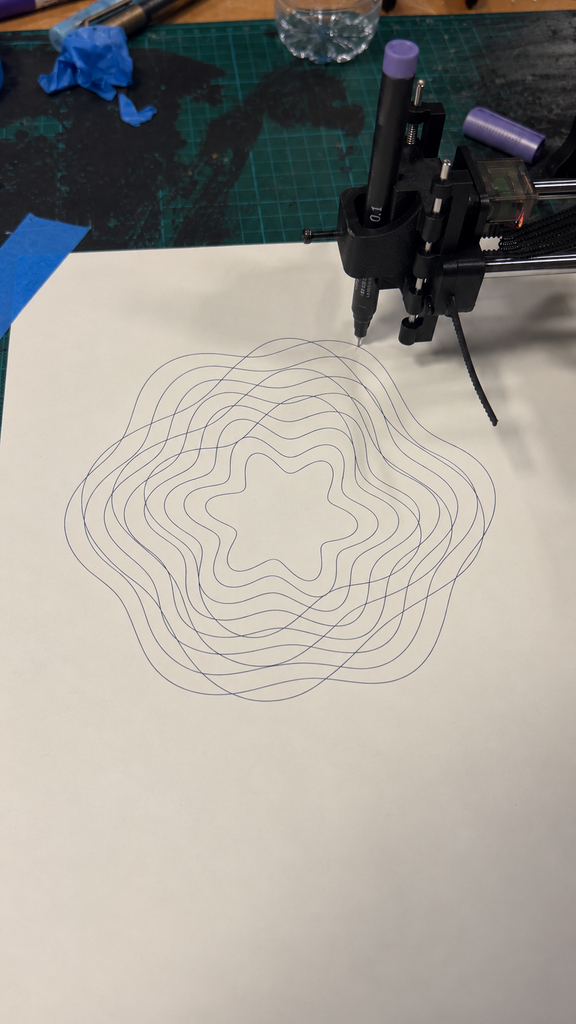
I’m either really spontaneous or really uptight. Sometimes I’m happy to see where something goes, and sometimes I need every single thing to go to plan. For this midterm, I wanted to explore those two sides through fluidity and rigidity, and also just experiment with what the pen plotter could do.
What would happen if the pen followed one continuous line? And what if the drawing was made entirely of separate straight lines? I liked that the same machine could make things that felt so different.
Fluidity
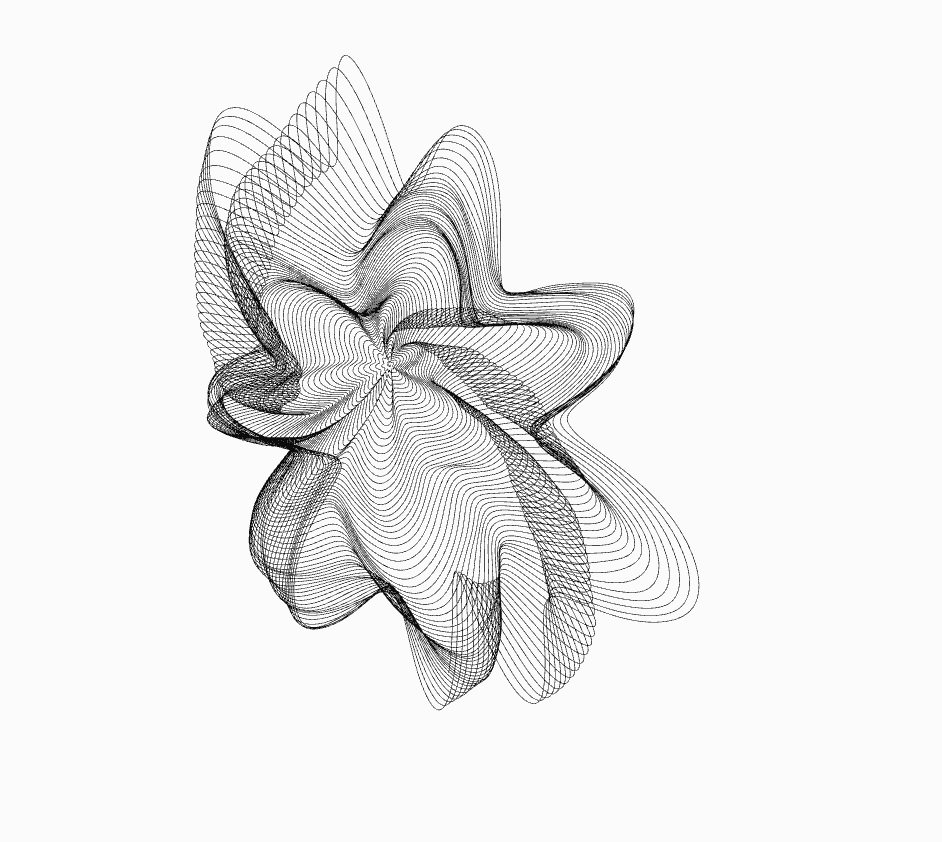
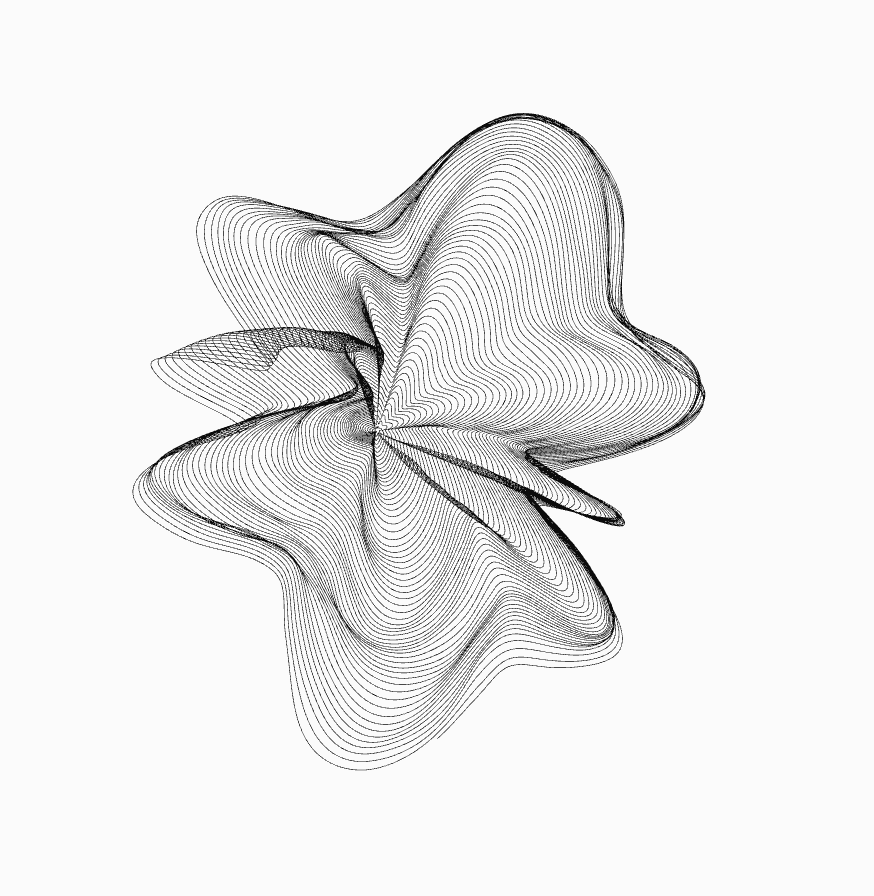
For my inspiration, I came across a reference where one continuous line spirals outwards and becomes increasingly affected by a noise field. I really liked how much could happen within that one line. It made me want to try something similar and see if I could make it feel like a flowing flower, with uneven petals and folds.
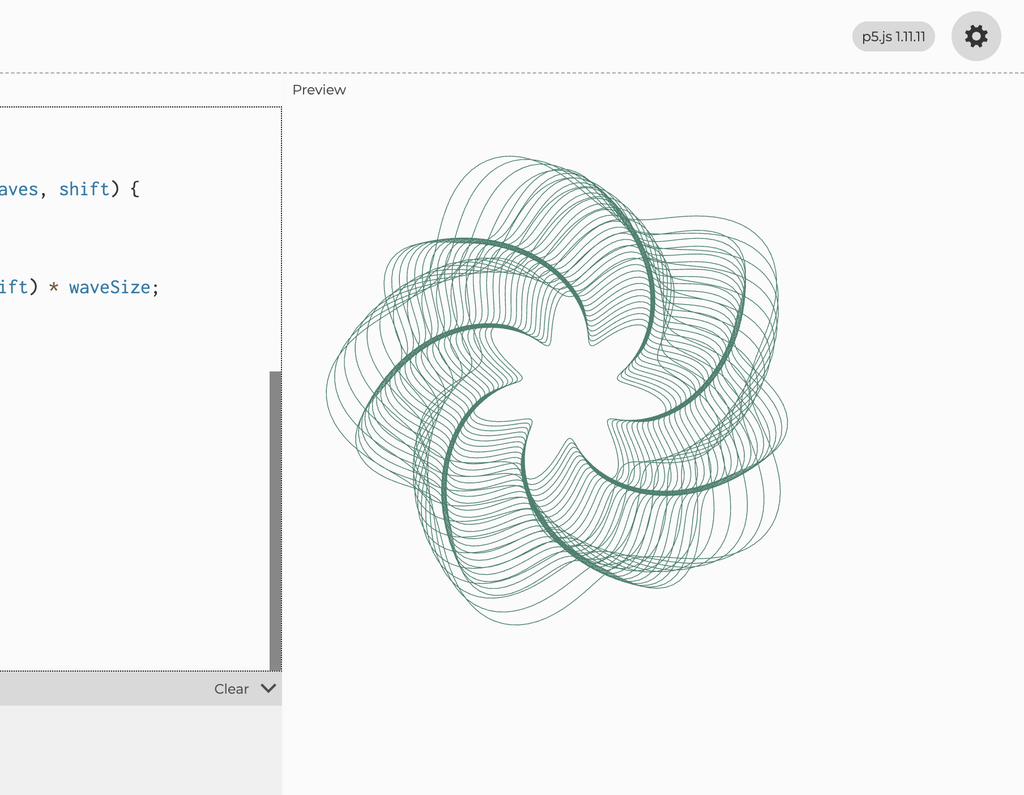
My flower starts as a spiral in p5.js. As the line goes around the centre, its radius gradually increases. Sine waves make it move in and out to create petals, and noise makes those petals uneven. The centre shifts slightly too, so the whole thing doesn’t stay perfectly symmetrical.
I experimented with the number of petals, the rotation, the twist and how much noise affected the shape. Every variation came from the same system, but some felt much more interesting than others. I could keep changing things and seeing what happened without having to redraw the whole thing myself.
I liked having that much room to experiment. Although I was still choosing which variations to keep, so I wasn’t exactly letting go of control completely hahahah.
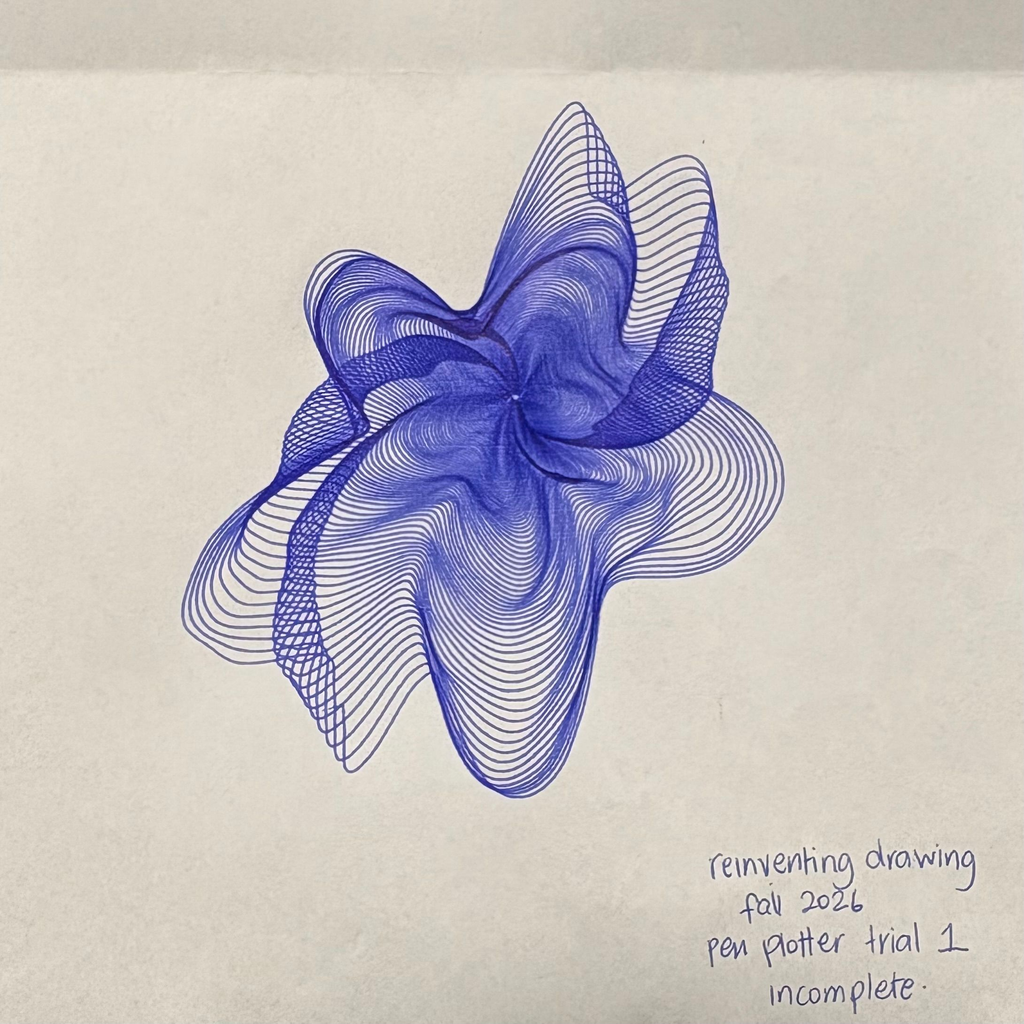
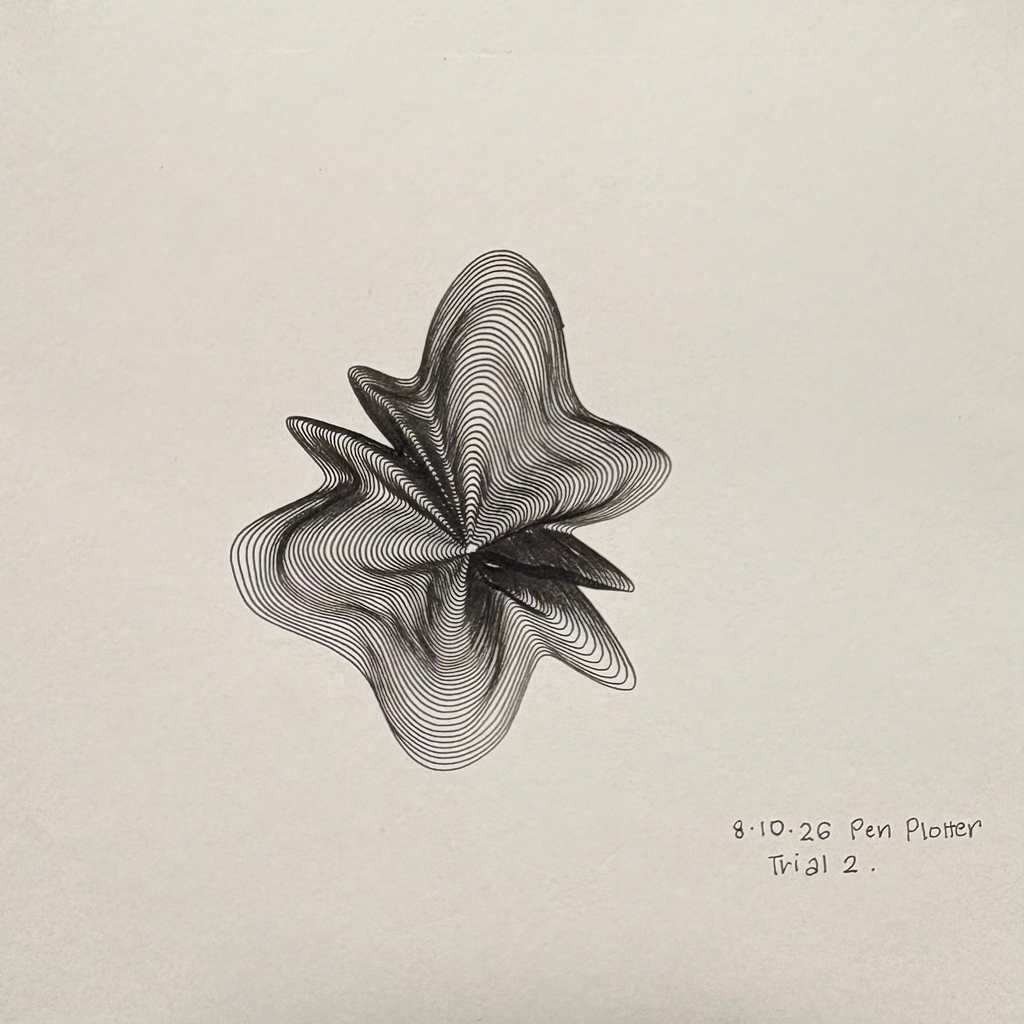
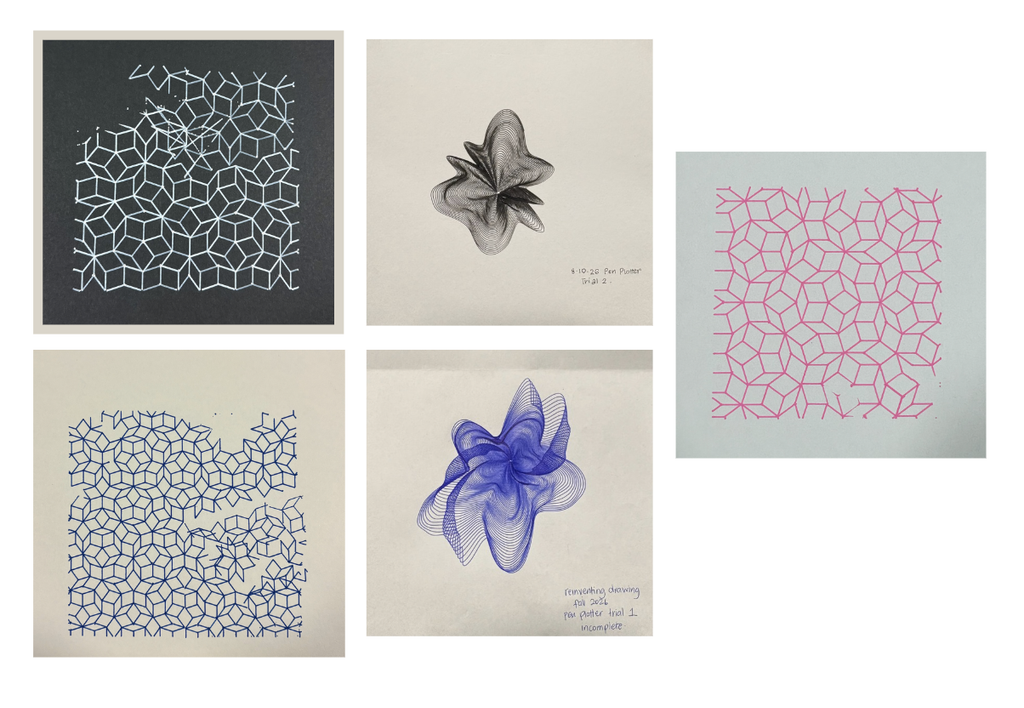
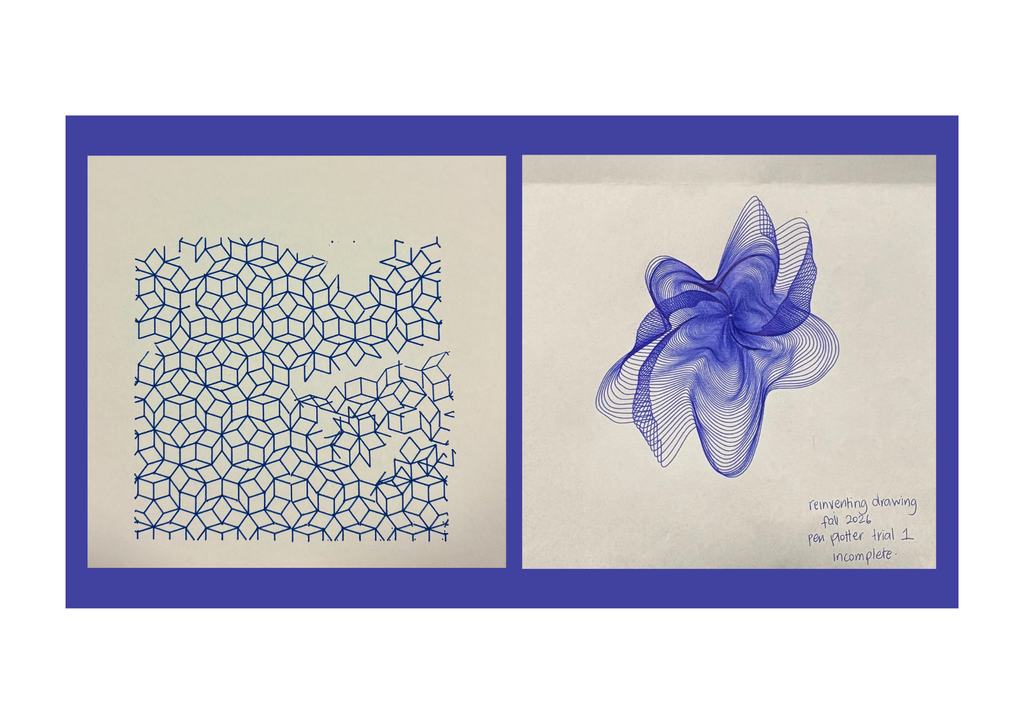
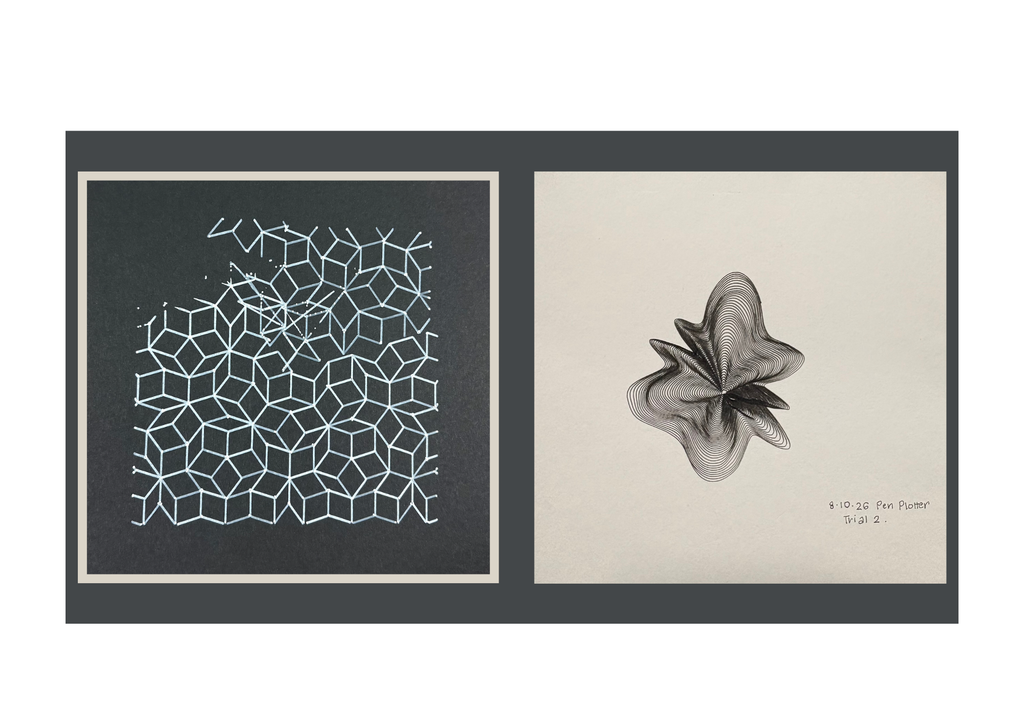
My flower trials were in blue and black. The blue one was incomplete, but it still helped me see how the lines would build up. I ended up keeping it as part of the collection.
The blue flower feels more open and stretched out to me. The black one feels tighter, with darker folds around the centre. I liked seeing how different they could look while still coming from the same approach.
It also made me realise that the pen matters more than I initially thought. A thin line on screen doesn’t necessarily stay delicate on paper. Once the lines get close together, the thickness of the ink changes how much space is left between them. Would a finer pen make the folds clearer? Or would I lose some of the darkness that makes them look 3D?
Rigidity
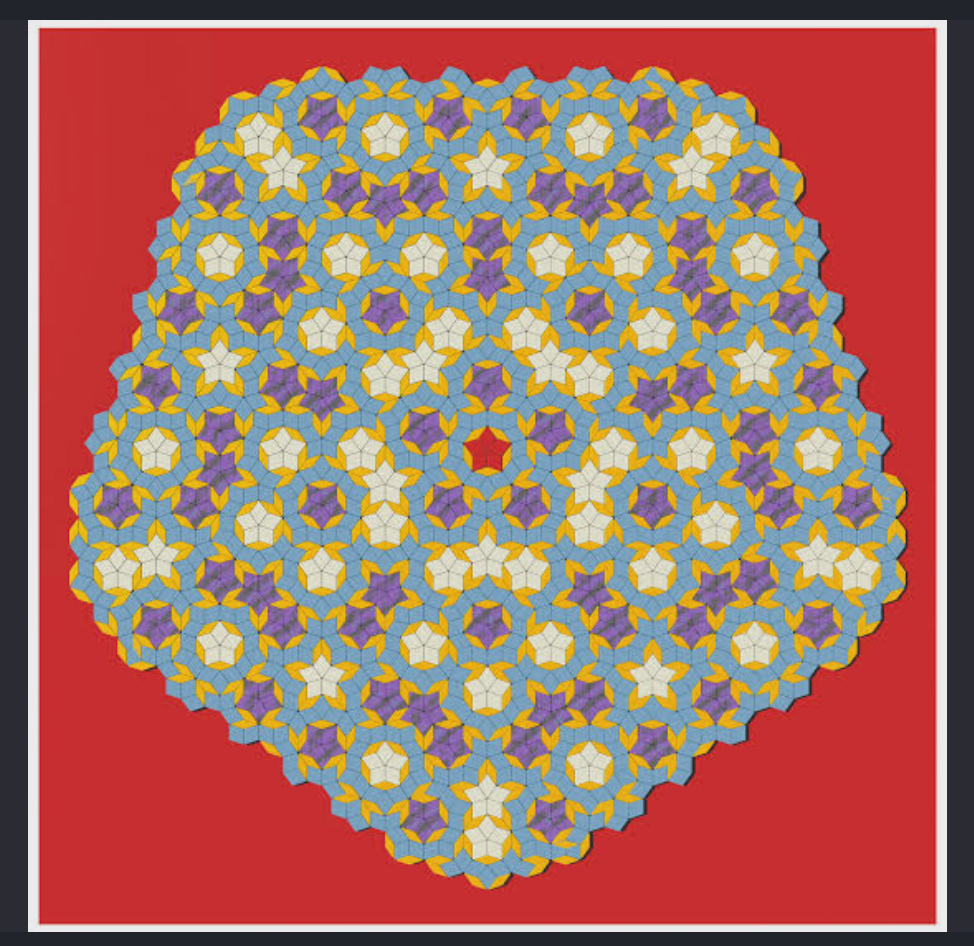
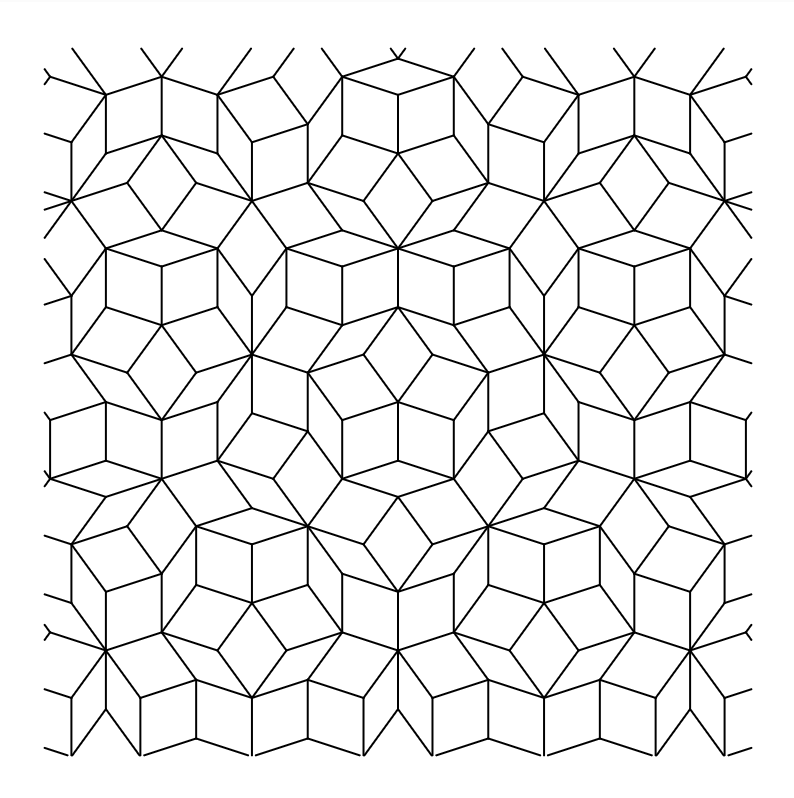
For rigidity, I explored Penrose tiling. I’ve been interested in geometric patterns since the laser-cutting assignment, and I wanted to return to that through a different tool.
A Penrose tiling is aperiodic, meaning that smaller shapes and arrangements recur, but the whole pattern doesn’t repeat at regular intervals like a grid. I liked that it looked so organised, but wasn’t as predictable as I first thought.
I followed the triangle-subdivision method in Jeff Preshing’sPenrose Tiling Explained, with the help of AI to implement it in p5.js. Basically, it starts with ten triangles around a centre and repeatedly divides them into smaller triangles using the golden ratio. Drawing only two sides of each triangle allows neighbouring triangles to form diamond-shaped tiles.
My sketch also removes duplicate edges so the same shared line isn’t drawn twice, crops the pattern into a square and exports it as an SVG.
Watching this plot felt quite different from the flower. The flower keeps going around itself, while the Penrose keeps stopping, lifting the pen and moving somewhere else. I could see the difference in how the machine was drawing, which was a really interesting observation.
Fails(?)
The Penrose drawings have missing sections, gaps and extra lines that weren’t in the digital design. Which is a little funny considering this was supposed to represent the part of me that wants everything under control.
I found the gaps frustrating, but they also made me look at the drawing differently and surprisingly I ended up liking it more than if it was finished perfectly.
From code to the plotter
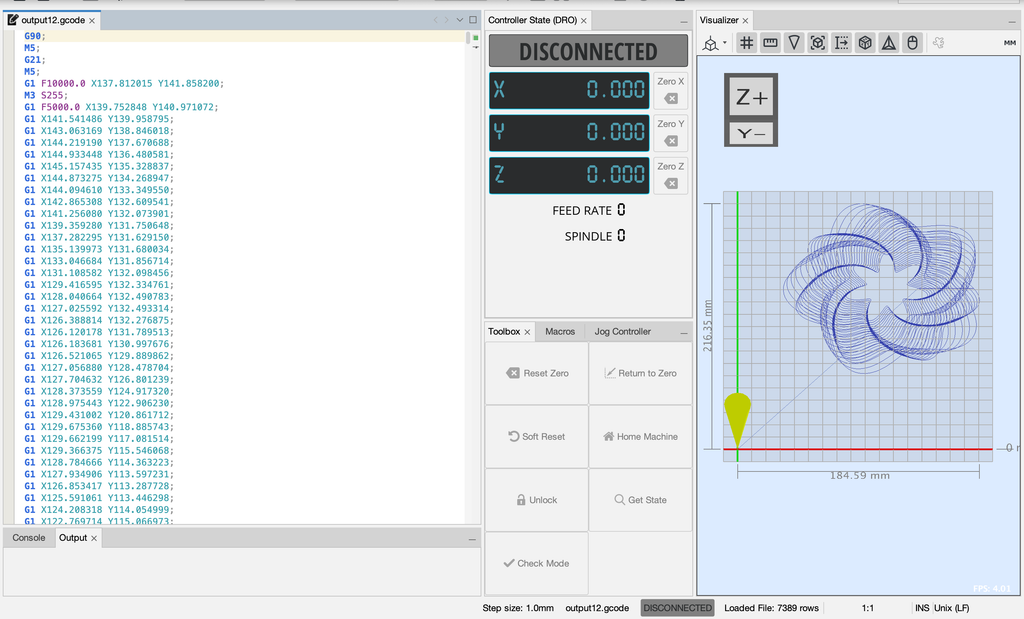
My workflow was p5.js → SVG → G-code → pen plotter.
I generated the designs in p5.js and exported them as SVGs. For the flower, the points are connected into one continuous polyline. For the Penrose, the file contains individual edges.
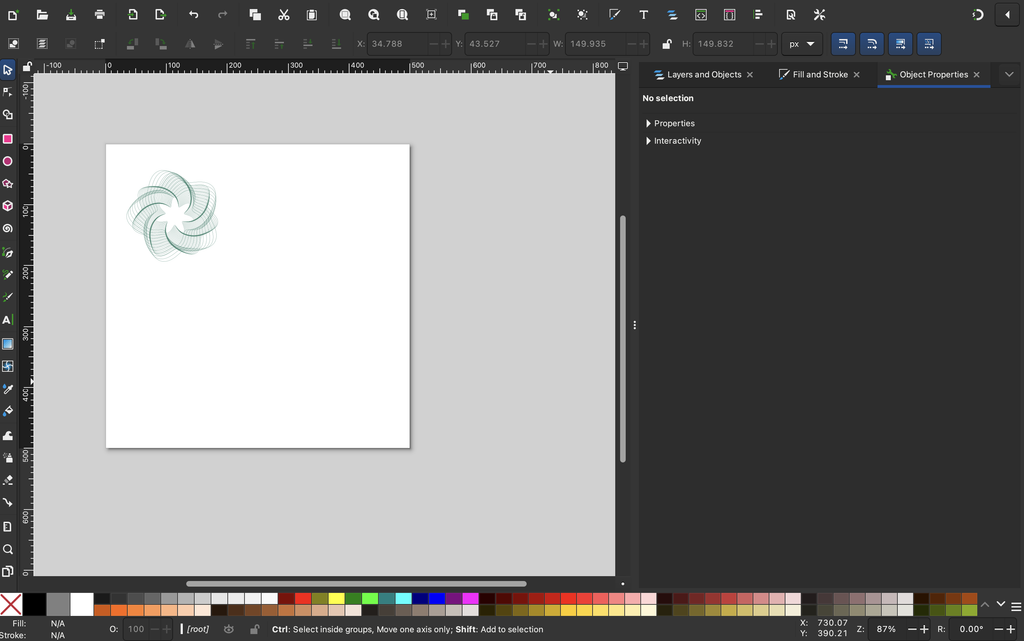
The SVG paths for the penrose design were then converted into G-code in inkscape. Getting the drawing to look right on screen was only one part of it. I still needed the physical tests to see whether it would actually draw the way I expected.
I started with the idea that the flowers would be fluid and the Penrose would be rigid. But the flowers need precise rules to look that loose, and the Penrose follows a strict system without regularly repeating or following a system.
I genuinely think every unexpected mark improved the final work. Some of the gaps interrupted things I wanted to keep, and I’d still like to understand what caused them but overall I’m in love with how the drawings turned out.
I wanted to experiment with control, and then found myself getting frustrated when I couldn’t control the result. Which feels fairly accurate to where I started from.
But I also like that the final collection tells a story. The incomplete blue flower, the broken geometry, the areas where the ink made random dots. Those became part of how I understood the drawings, the pen-plotter and in turn, myself.
A linkage arm plotter is a category of drawing machine that uses connected mechanical arms and rotating joints to guide a pen across a surface. Rather than moving a pen along horizontal and vertical rails, it positions the pen through the combined motion of its links. These machines can have different configurations, including a jointed arm resembling a human shoulder and elbow, or multiple linked arms working together.
In motorised versions, software translates points in a digital drawing into the joint angles needed to position the pen. The motors then move in coordination to trace lines, curves, and patterns. The lengths of the arms and the joints’ movement limits determine the drawing area, while the rigidity of the links and accuracy of the motors affect the quality of the marks.
What makes this category interesting is the relationship between the mechanism and the drawing it produces. Simple rotating movements can combine to create complex paths, making the drawing process visually engaging.
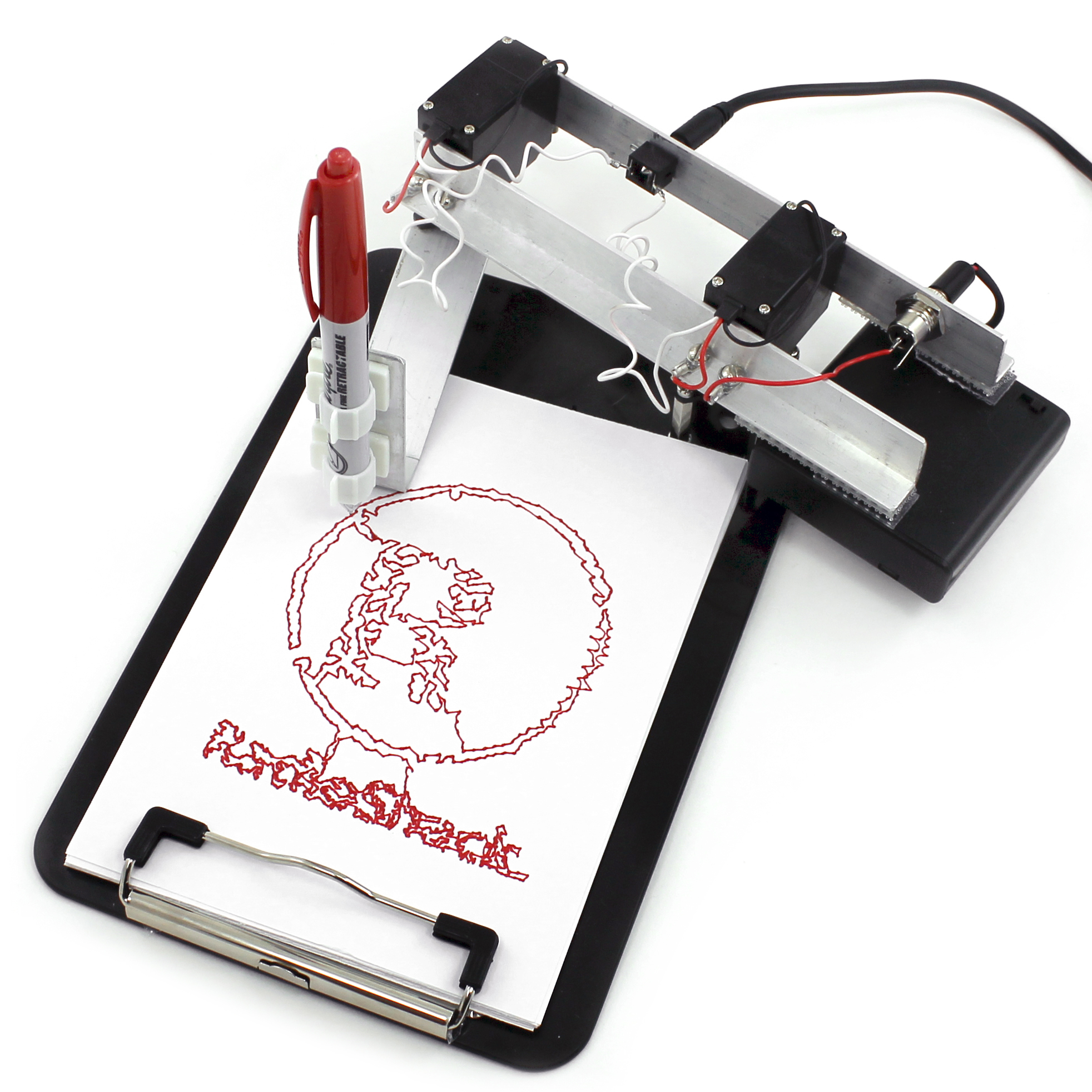
The TRS Drawbot belongs to this category: its shoulder and elbow servos move a pen through instructions encoded in audio. Other linkage arm plotters use different control systems and may include a pen-lifting mechanism similar to what we assembled in class, allowing them to draw separate lines as well as continuous paths.
What the machine is and how it draws
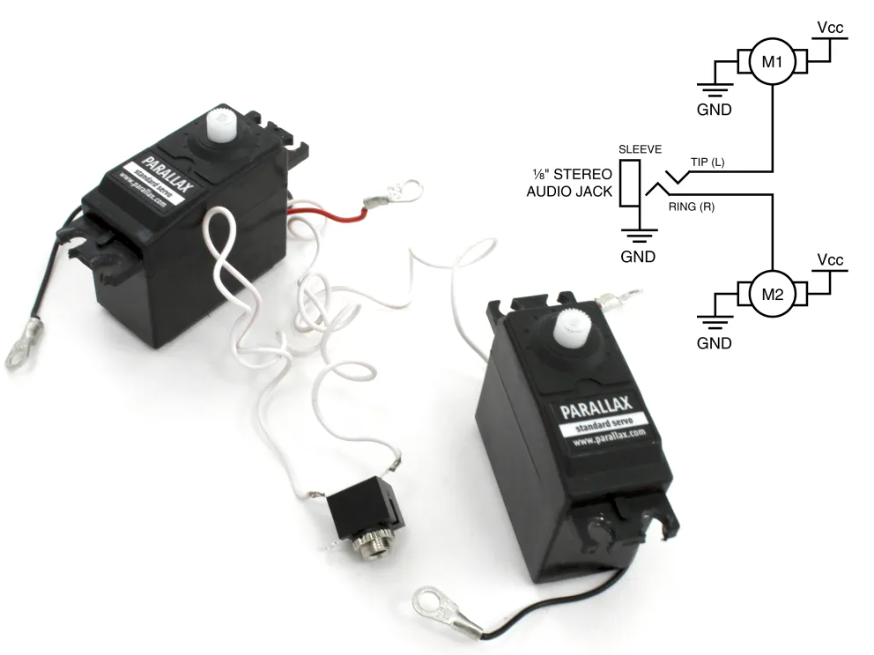
The TRS Drawbot is a drawing robot that uses a pen mounted on a mechanical arm to reproduce digital artwork on paper. Its arm has two joints, similar to a human shoulder and elbow, each controlled by a servo motor. By coordinating the angles of these joints, the robot moves the pen to different positions across the page. Its drawing instructions come from a specially generated WAV audio file. The Drawbot WAVE Synthesizer software reads points from an SVG drawing and calculates the motor angles needed to reach them, using the lengths of the arm segments. It then encodes these angles as electrical pulses in a stereo sound file. When played through a headphone jack, the left audio channel controls the shoulder motor and the right channel controls the elbow motor. A separate power source supplies electricity to the motors.
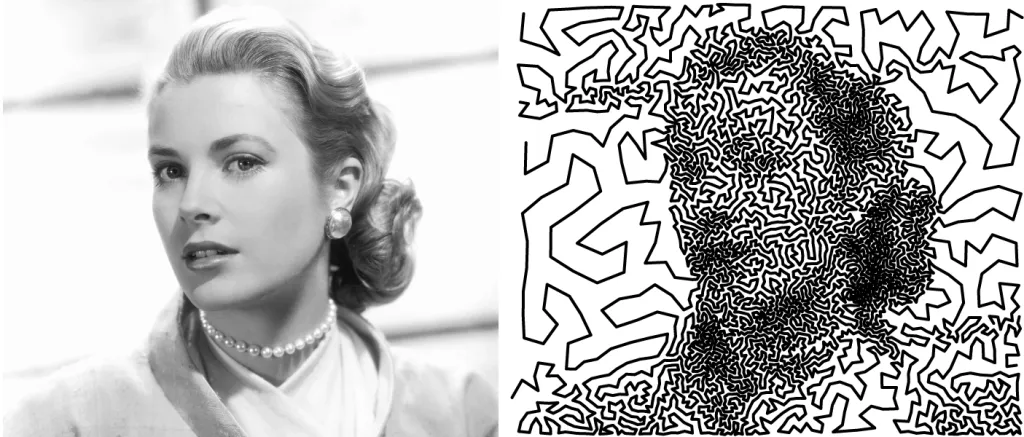
The most distinctive feature is its use of audio as a set of movement instructions. Instead of relying on an onboard microcontroller, the robot receives control signals directly from an audio player. This creates an unusual connection between sound and visual art: playing a sound file produces a physical drawing. However, it requires carefully generated control pulses rather than ordinary music. Its mechanical limitations also shape the artwork. Both stereo channels are needed to move the arm, leaving no channel for lifting the pen. Consequently, the drawing must follow a continuous path. One method converts an image into dots, then uses a Travelling Salesman Problem algorithm to connect them along a short route. The result is a recognisable image made from one unbroken line. Artistically, this makes the limitation productive: the machine’s structure helps determine the visual style of its drawings.
The essential mechanical, electronic, and software components needed to build it
The TRS Drawbot is very simple to build as it uses two servo motors and an audio signal instead of a regular microcontroller.
– Mechanical components: Two servo motors, aluminum arms to make the drawing mechanism, a clipboard to act as the base, a pen holder and screws and brackets to connect the parts.
– Electronics: a stereo TRS headphone jack, stereo audio cable, battery pack or 6V power supply, wiring to connect the servos. The motors are controlled independently by the two audio channels.
– Software: The Drawbot WAVE Synthesizer converts SVG drawings to WAV audio files. It translates the drawing coordinates to servo angles and encodes them in electrical pulses. The motors move the pen along the drawing path as the audio file is played on a computer or other compatible audio device.
The interesting thing about the system is that you do not need a microcontroller to interpret the drawing instructions. The audio file itself instead guides the movement of the machine.
Examples of drawings or artworks produced with it
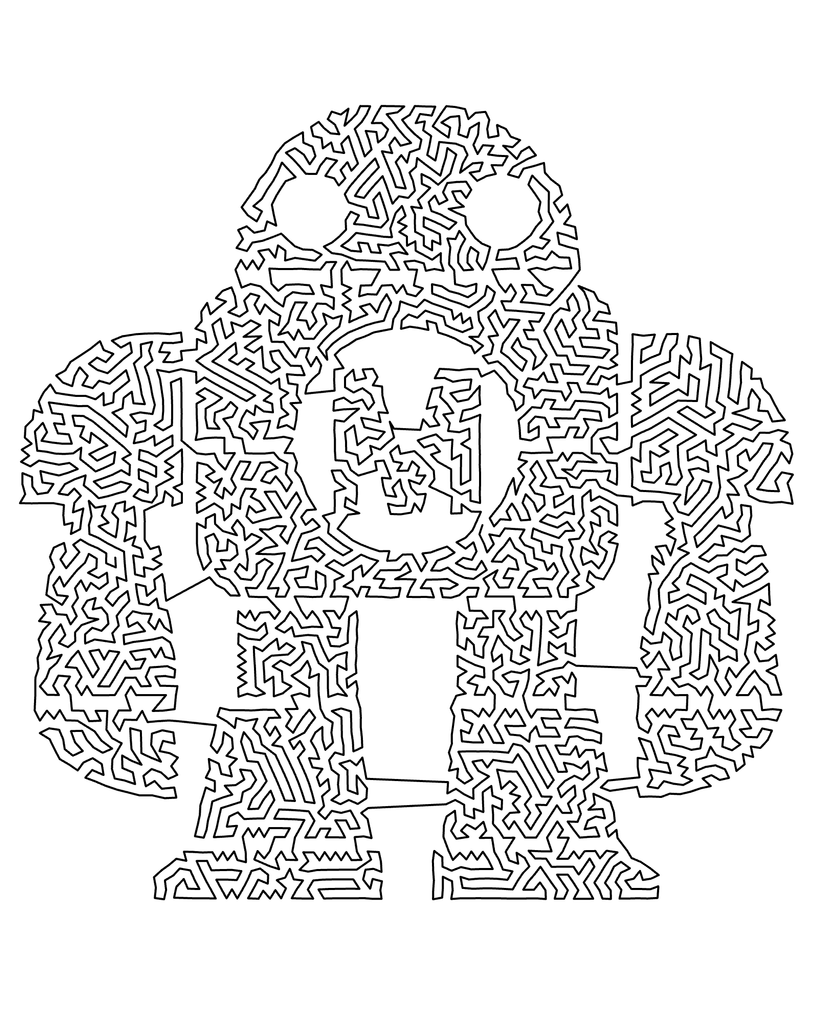
The TRS Drawbot is capable of producing various continuous-line drawings, from simple geometric figures to more intricate illustrations and portraits. The machine can not lift its pen automatically, hence the drawings need to be in a continuous path. Some examples from the original project were stars, the RadioShack logo, the Maker Faire mascot and a portrait created with the Traveling Salesman Problem (TSP) method.
The TSP drawings are particularly interesting to us because they demonstrate how a complex image can be reproduced by means of a single continuous line. First, the image is pixelated into dots and an algorithm finds a path between those dots. This enables the robot to create recognizable images within the mechanical constraints.
Relevant references, projects, or artists/designers who have explored similar systems
These references connect to the TRS Drawbot through robotic movement, algorithmic drawing, and the use of mechanical systems to make art.
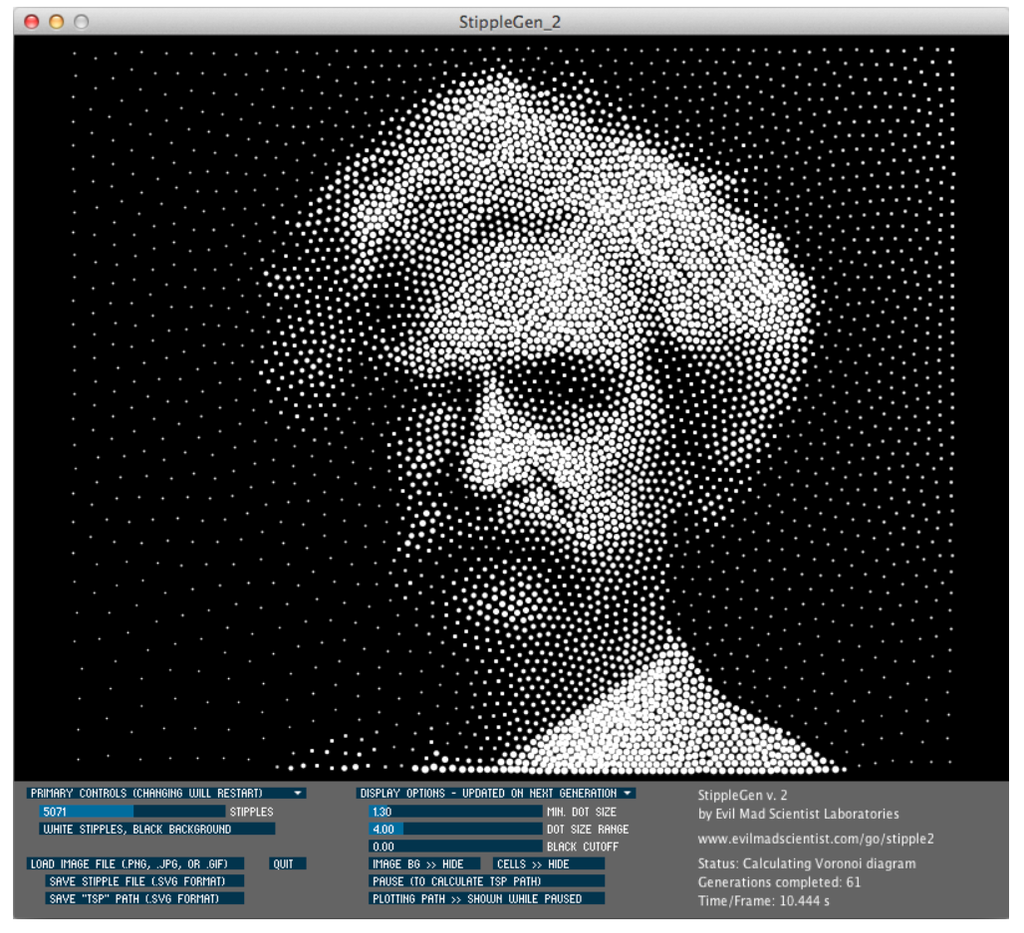
StippleGen: Evil Mad Scientist Laboratories StippleGen converts images into arrangements of dots and can connect them into a continuous path using a Travelling Salesman Problem algorithm. It is directly relevant because the TRS Drawbot tutorial uses this software to prepare its single-line artwork. It demonstrates how an algorithm can transform a photograph into a path a machine can draw.
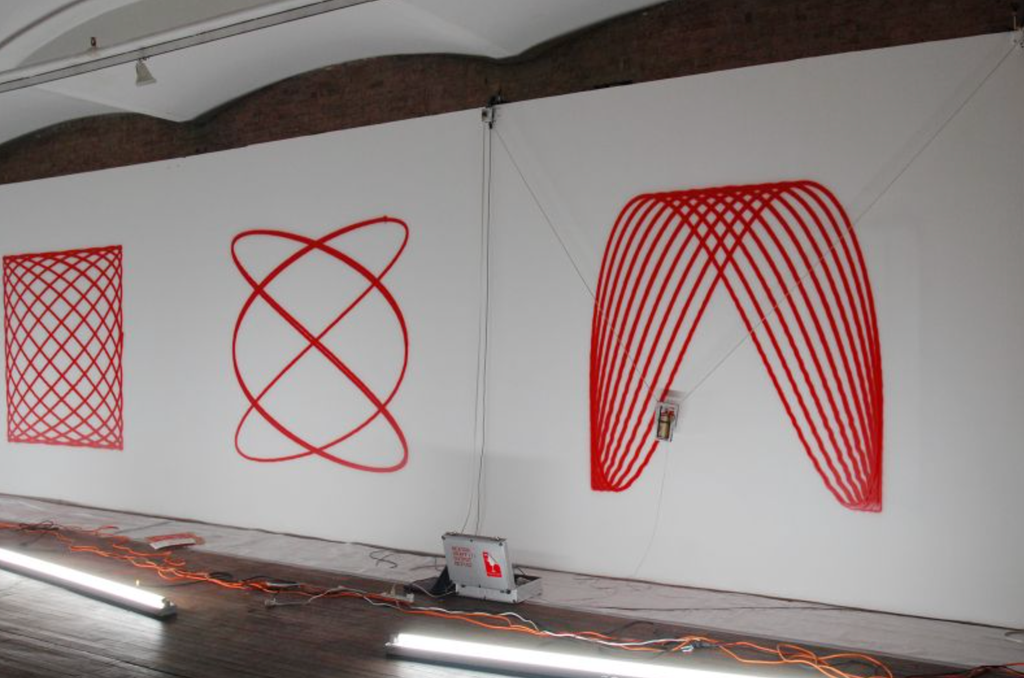
Hektor: Jürg Lehni and Uli Franke, 2002 Hektor is a computer-controlled drawing machine that moves a spray paint can using two motors and toothed belts. Its software translates digital paths into motor movements. Like the TRS Drawbot, it produces drawings through a simple mechanism, but uses a suspended spray can instead of a jointed pen arm. Its trembling and wobbling give the finished work a distinctive character, showing how mechanical imperfections can become part of an artwork’s aesthetic.
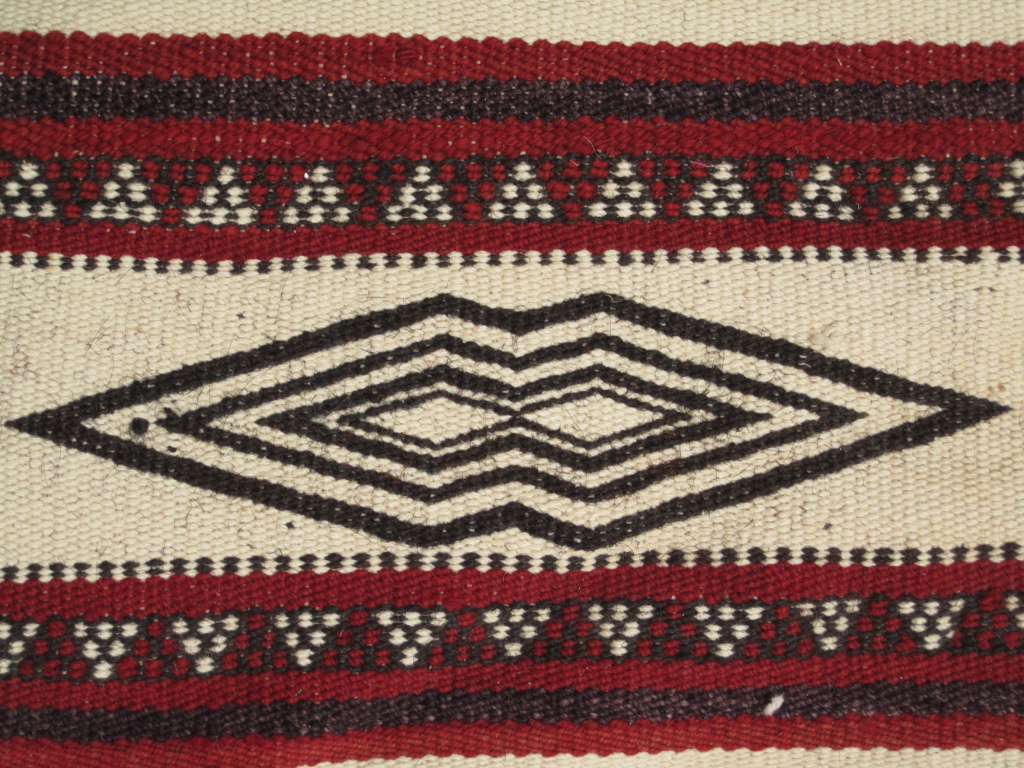
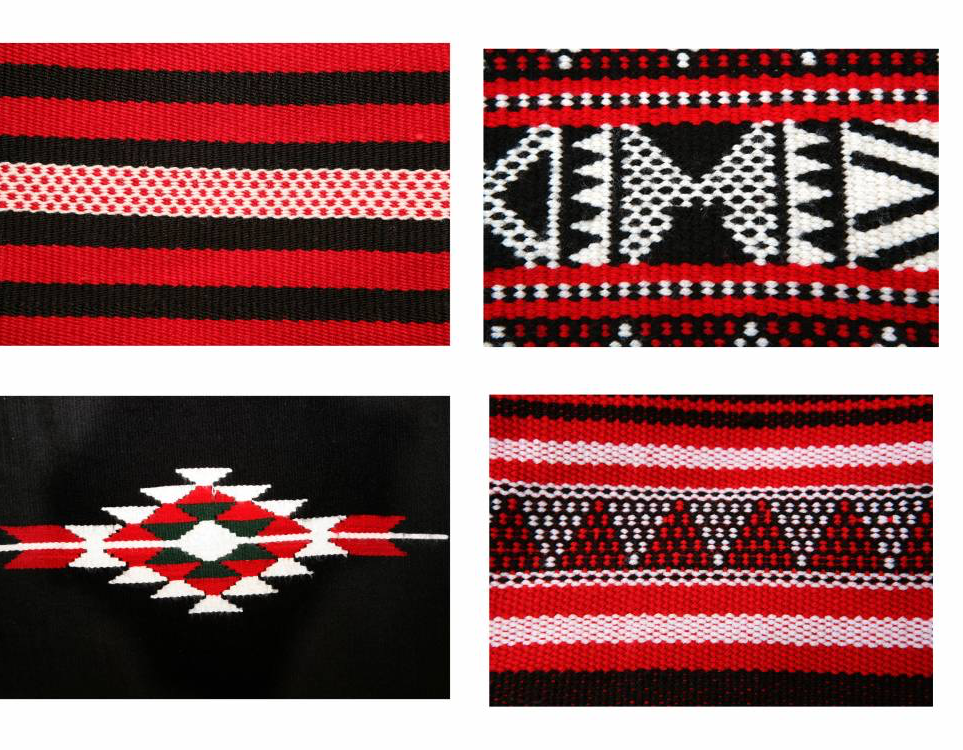
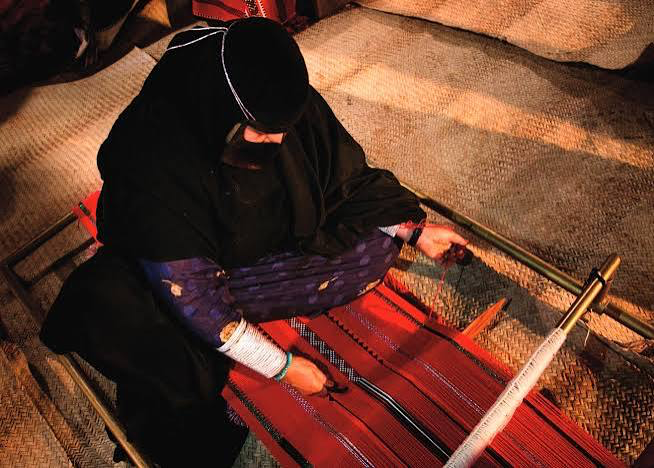
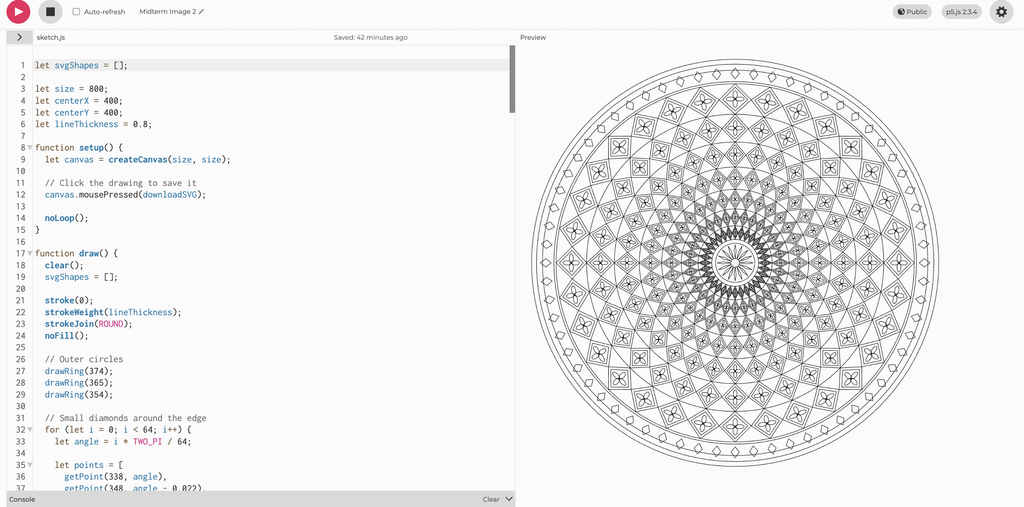
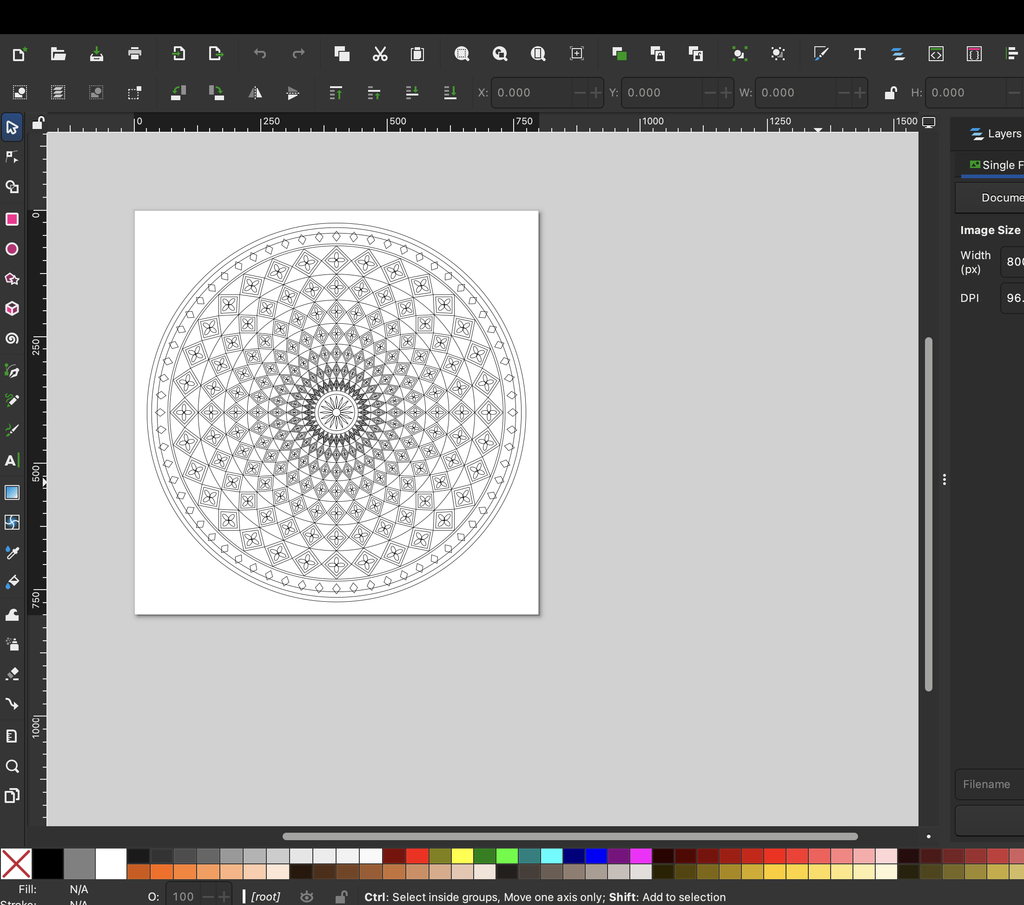
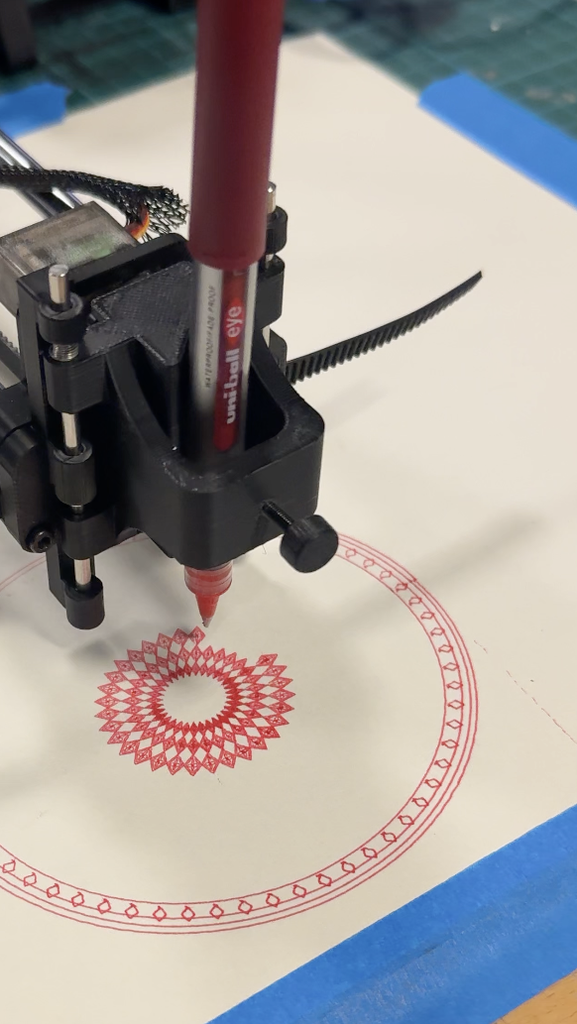
For my midterm, I developed a computational drawing system inspired by Emirati Al Sadu. I was drawn to its repeated geometric patterns and the way individual motifs are organized into bands. These relationships offered a starting point for a drawing system: I could define a small collection of shapes, establish rules for their repetition, and generate variations through code.
I also chose Al Sadu because I wanted to bring a traditional visual language into a physical computing project. Al Sadu has a long history as a material practice, while the pen plotter works through digital instructions, electronics, and controlled movement. Bringing them together allowed me to explore a contrast between an established cultural tradition and a contemporary method of making.
What interested me was that the connection was not only visual. Both processes involve repeated physical actions that gradually build a pattern. In weaving, the design emerges through the handling and organization of threads. In my project, it emerges through the movement of a pen following programmed paths. The processes are different, but repetition provides a connection between them.
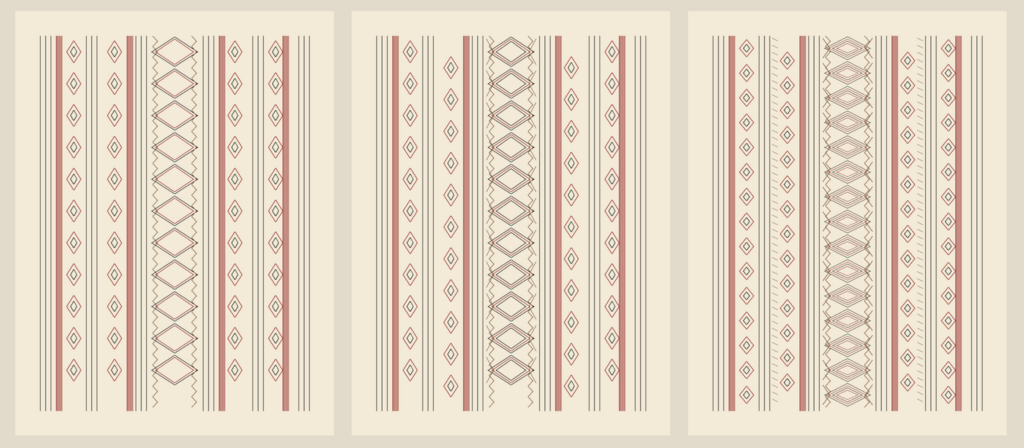
Rather than copying a particular textile, I worked with diamonds, nested outlines, zigzag borders, and parallel lines. I wanted to reinterpret the organization of Al Sadu through a new medium while keeping the cultural reference recognizable. The project does not reproduce weaving or claim that these circular arrangements are traditional Al Sadu designs. The circular format is my own compositional choice.
My guiding question was: How can a traditional geometric visual language be reinterpreted through physical computing, and what happens when its repeated patterns become machine controlled pen movements?
From Straight Bands to Circular Designs
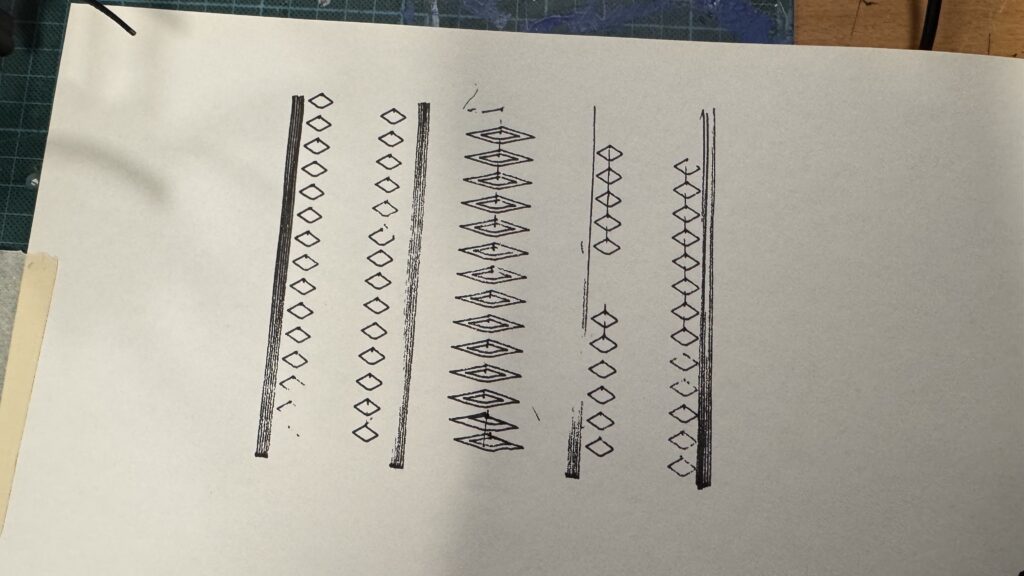
My first version arranged the patterns in straight bands. It included rows of small diamonds, a central band of nested diamonds, and closely spaced longitudinal lines. This established the visual elements of the project and stayed relatively close to the band structure that informed my reference.
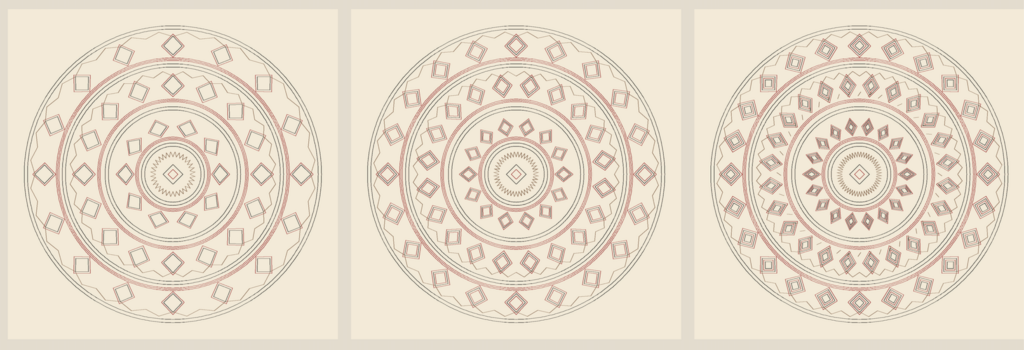
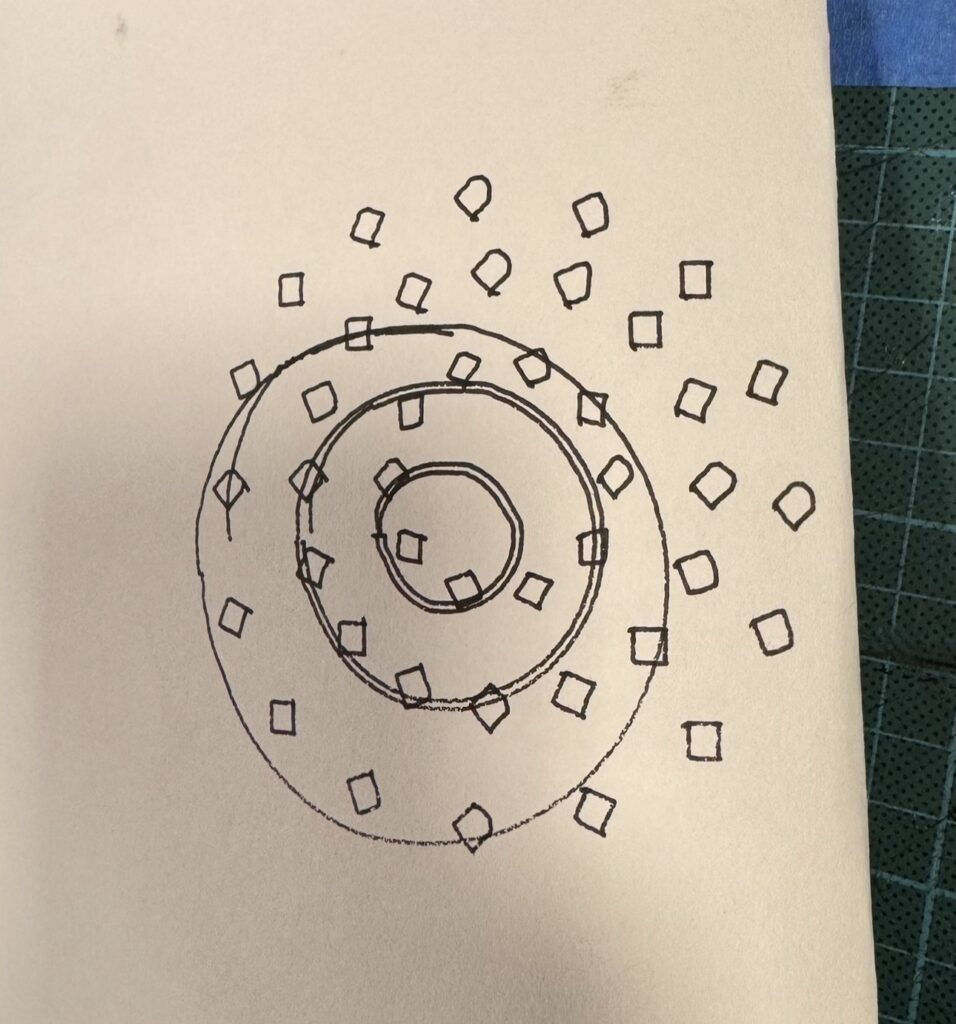
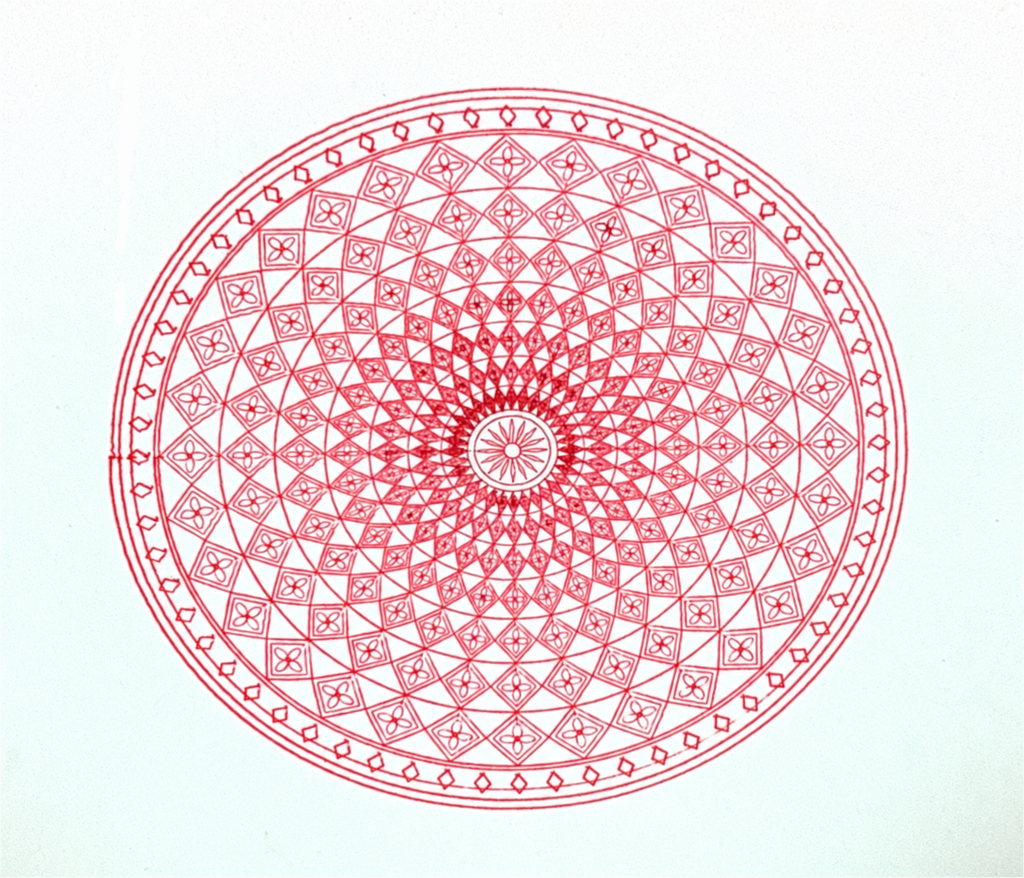
I later decided to make the final compositions circular. The bands remained separate, but they wrapped around a shared center instead of running vertically. This changed how the drawing could be read. The eye could follow a ring continuously or move outward from the middle and compare the different layers.
The circle also gave the series a consistent overall form. I could vary the motifs, density, and colors while maintaining a clear relationship between the drawings. I wanted each piece to feel complete individually, but also to look like it had developed from the same system.
Moving into a circular format introduced practical design decisions. The inner ring has a smaller circumference, so it cannot comfortably hold the same number of motifs as an outer ring. I used fewer repetitions in the inner band and adjusted motif width according to the space available. This helped maintain separation between shapes rather than crowding the center.
The change also affected the machine’s movement. Straight bands mainly relied on long strokes and repeated corners. The circular version required coordinated movement along both axes, alongside the direction changes needed for diamonds and zigzags. The composition became a way of investigating the plotter as well as developing the artwork.
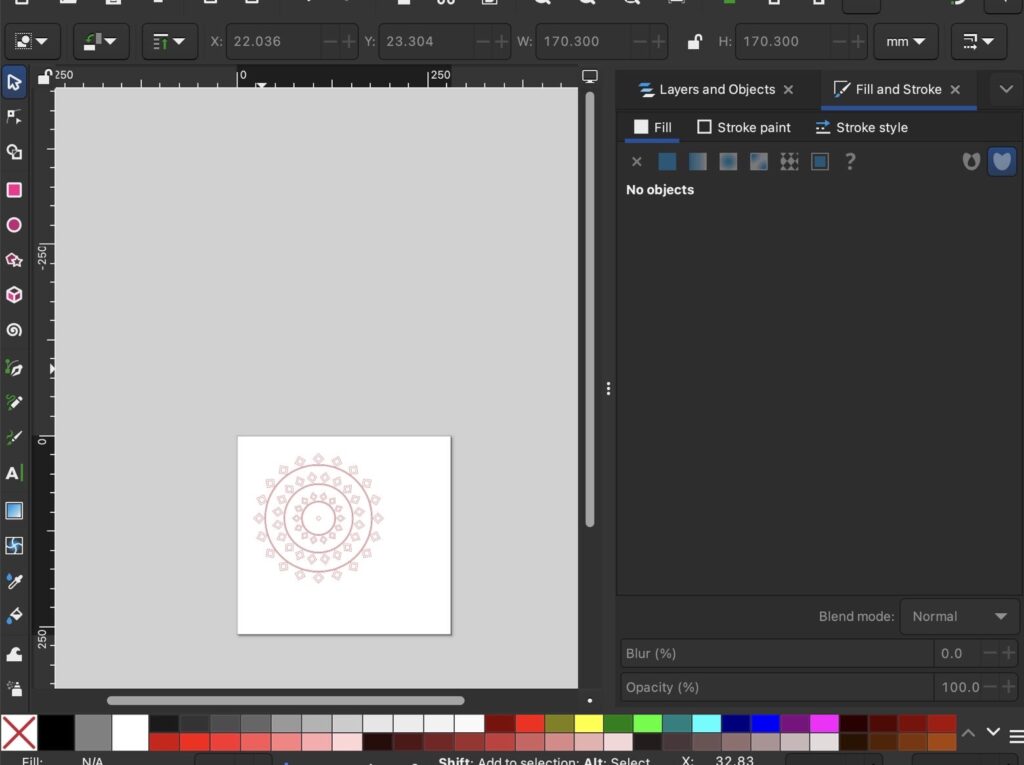
I built the drawing system in p5.js using geometry, repetition, rotation, symmetry, and adjustable parameters. Rather than positioning every shape separately, I defined rules that generated the composition.
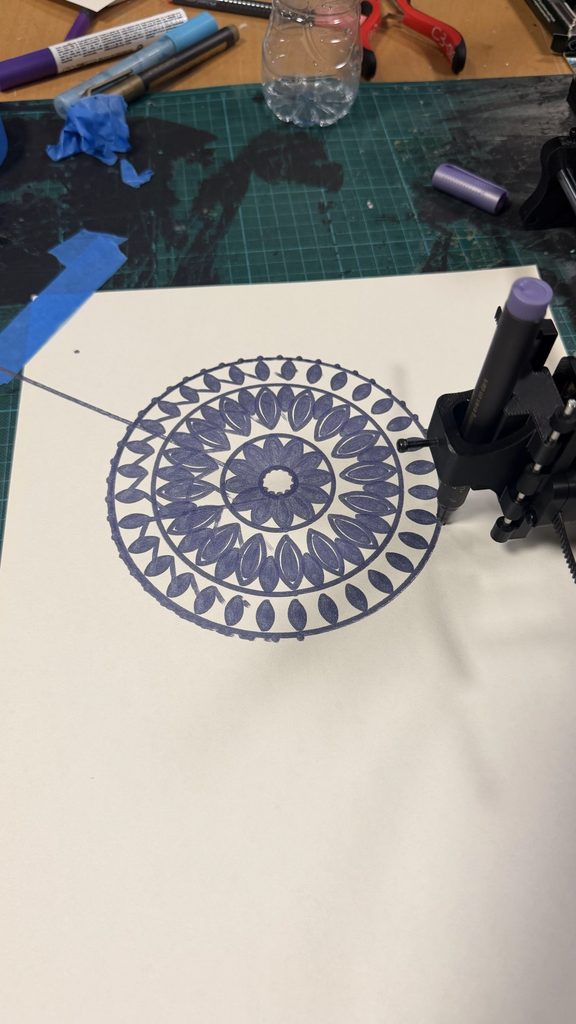
The main structure consists of three concentric motif bands, nested diamond outlines, groups of circular strands, and zigzag borders. The drawings share this structure, while changes in repetition, nesting, alignment, color, and selective removal create variations within the series.
The circular placement uses polar coordinates. Each position is calculated from a radius and an angle, then converted into an x and y position using sine and cosine. Dividing a full rotation by the number of motifs gives evenly spaced positions around the ring. This means that changing the repeat count automatically changes the arrangement.
Each diamond begins as a small set of local points. These points are mapped into the circular band using radial and tangential offsets. The width responds to the available space around the ring, while nested outlines repeat the construction at progressively smaller scales.
The circles are generated from many connected points around a circumference. The zigzags follow a different rule: their points alternate between slightly smaller and larger radii as the angle increases. Connecting them creates a sawtooth border that contrasts with the smooth circular strands.
The interface included controls for repetition and nesting. These allowed me to compare levels of detail without rebuilding the entire sketch. The original presets increased the main repetition count from 16 to 20 to 24, alongside increasing the number of nested outlines.
My system does not use randomness or noise. I chose controlled variation because the regular geometric rhythm was important to the concept. Identical settings produce identical digital coordinates. This also gave me a consistent basis for testing: differences in the physical output could be investigated separately from intentional changes in the design.
The final series developed beyond numerical variation alone. In the pink-and-purple drawing, I removed some enclosing elements and opened the center. This helped me explore how simplifying the system could change the composition while preserving its shared visual language.
SVG and G Code Workflow
I exported the generated drawings from p5.js as SVG files. The export used the same coordinates as the canvas preview, preserving the design as vector paths rather than turning it into a flat image.
The SVG contained outlines with no fill. The background color from the preview was not exported because the paper would provide that area physically. Paths were also separated into color groups, allowing me to inspect the full composition or export individual pen layers.
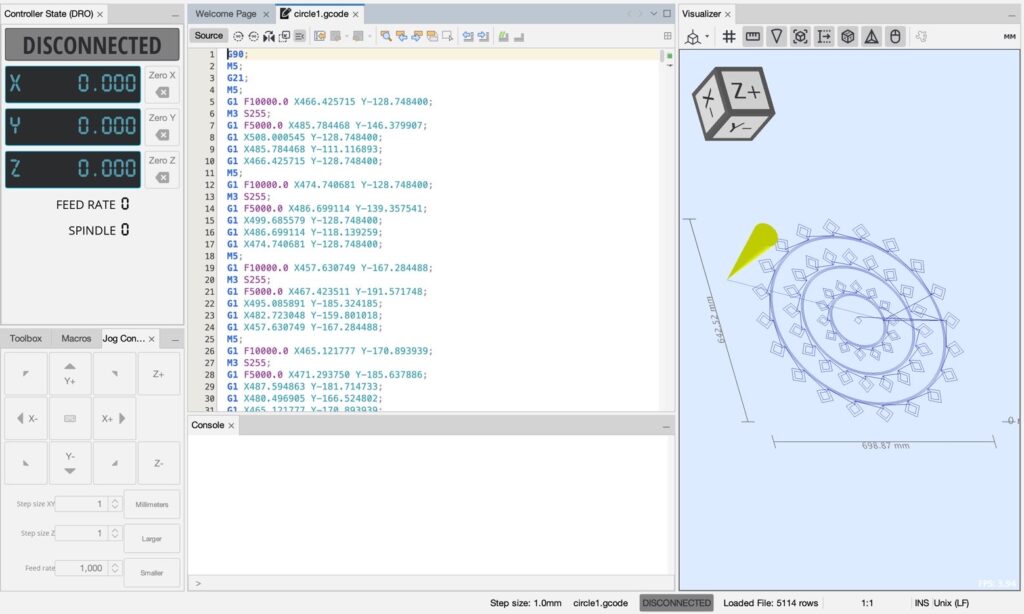
I opened the SVGs in Inkscape and used the J Tech Photonics Laser Tool extension provided through our professor’s GitHub resource to generate G-code. Although the extension includes “Laser Tool” in its name, it was used within our classroom pen-plotter workflow. The final marks were made with physical pens.
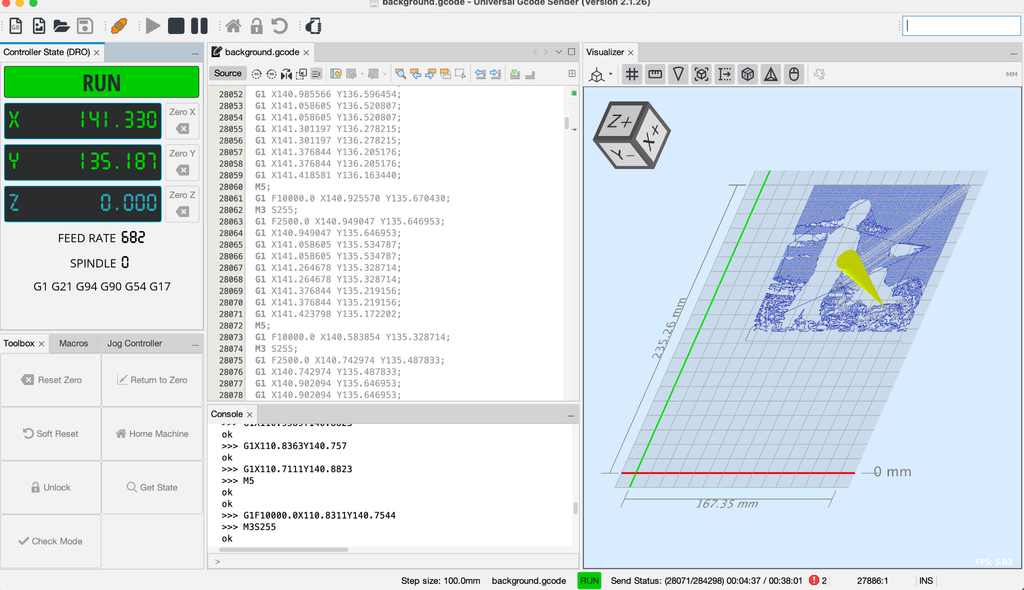
I then opened the converted files in Universal Gcode Sender and sent the instructions to the plotter. The classroom setup used an Arduino Uno with custom grbl-servo firmware. Pen-up and pen-down commands were particularly important because the design contained many separate outlines. The machine needed to travel between motifs without drawing unintended connecting lines.
This workflow involved more than changing file formats. The page size, drawing scale, template dimensions, machine origin, and pen behavior all affected the result. The circular design had to remain correctly positioned through each stage, and separate color layers needed to use consistent coordinates.
The course notes provided starting settings for conversion and plotting. These gave me a basis for preparing the files, but the physical tests still required investigation when the results did not match the preview.
Physical Tests and Troubleshooting
(expirements) (trigger warning: failed attempts)
The early tests made it clear that the drawing system depended on several connected parts working correctly.
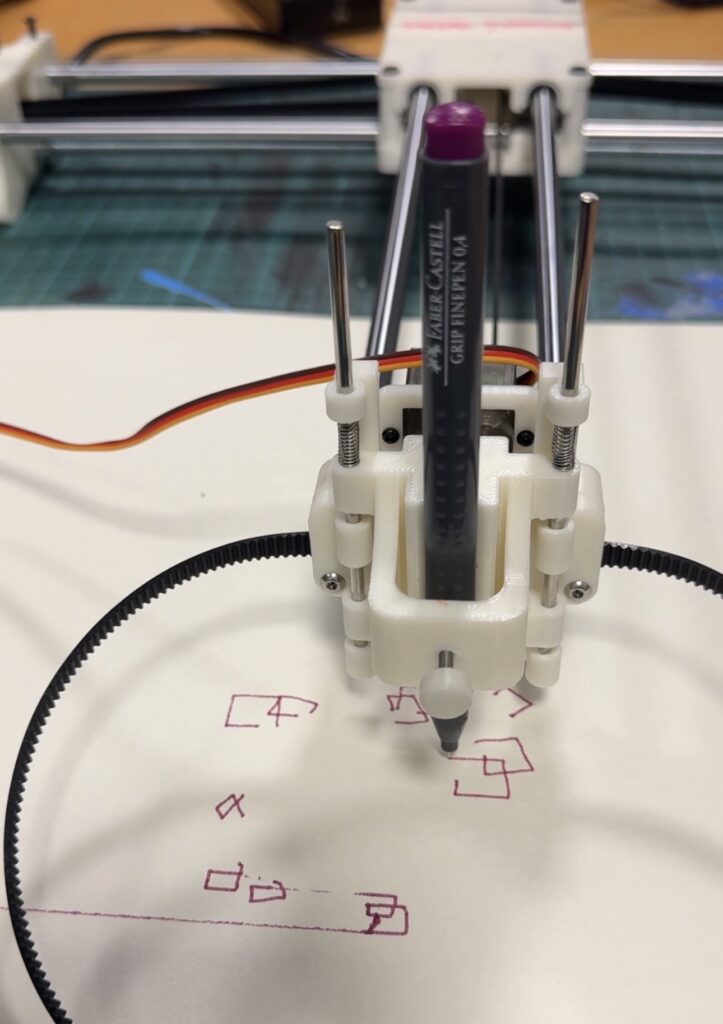
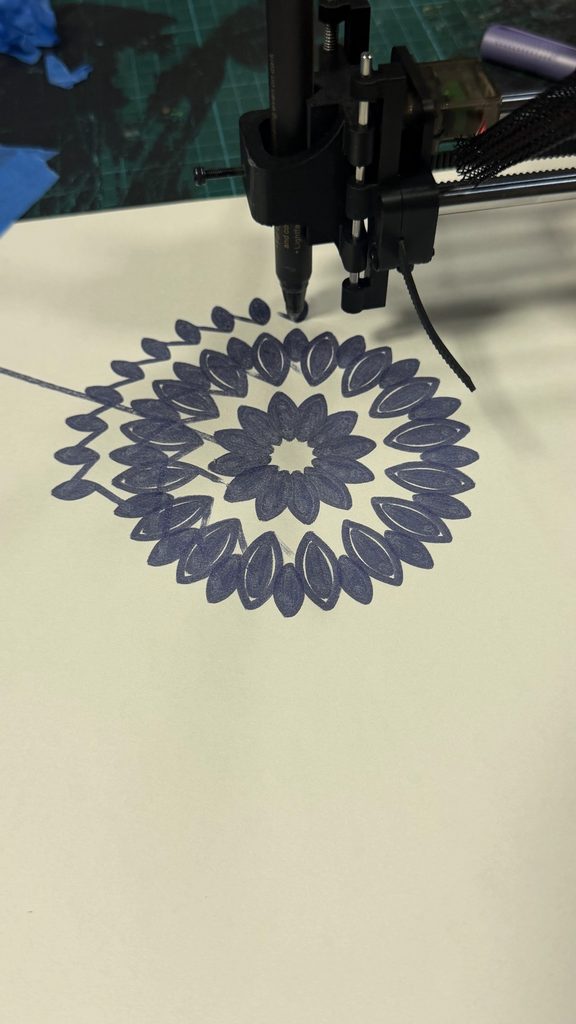
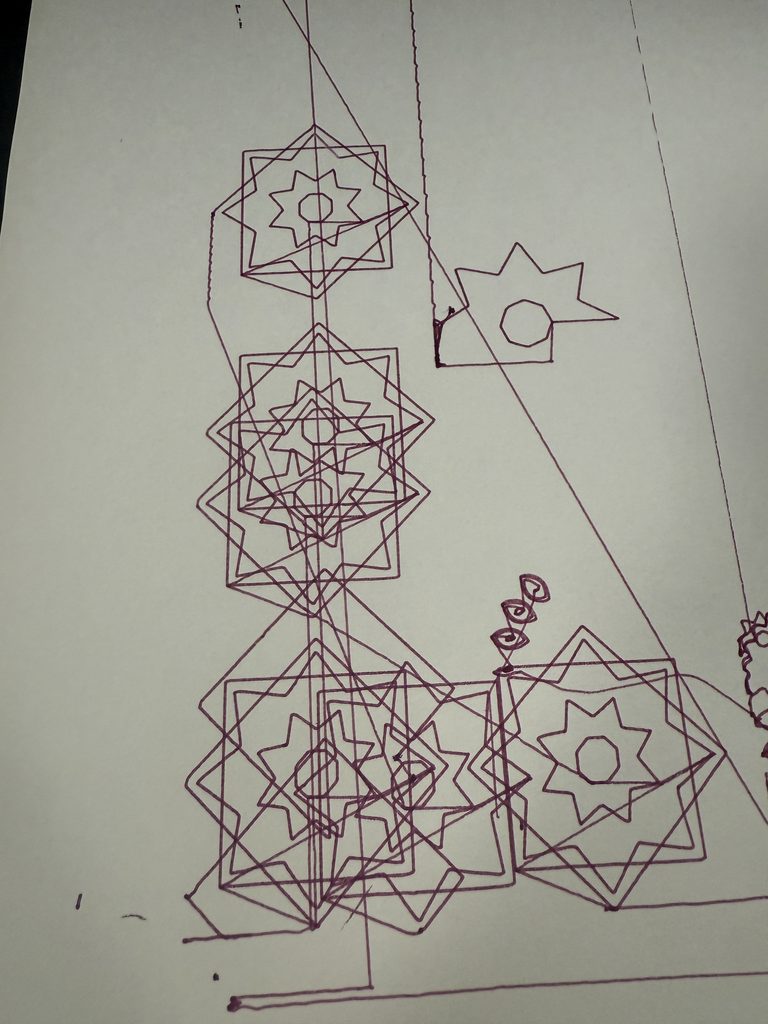
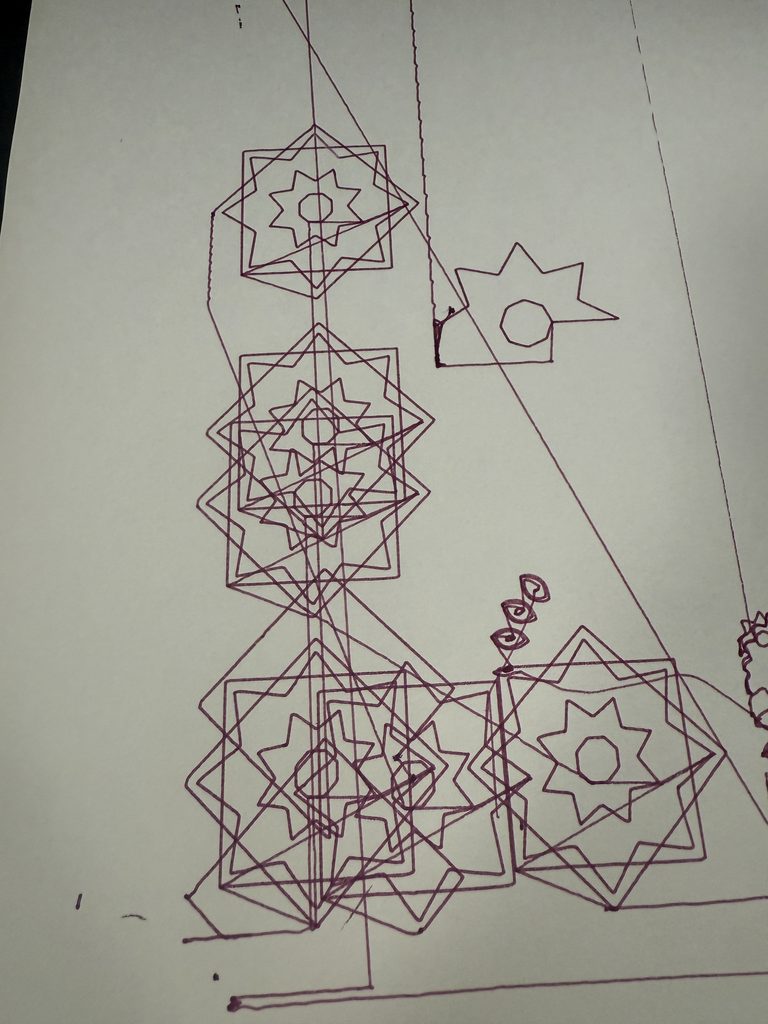
The straight-band test included incomplete diamonds, uneven line darkness, and extra strokes passing through parts of the pattern. In the early circular test, some circles were irregular and motifs appeared displaced from their intended bands. Other attempts produced open shapes and unwanted connecting marks.
The difficult part was that these problems did not always have the same cause. Sometimes the pen was positioned too high or too low in the holder. Its height affected whether it contacted the paper properly and whether it could lift clear of the surface during travel.
At other times, the issue involved the wiring between the Arduino and its shield. This meant that troubleshooting had to include the electronics, rather than focusing only on the drawing file or pen holder.
There were also problems with software settings and the sizing of the template or document in Inkscape. Even when the design looked correct in p5.js, the way it was prepared and converted could affect where and how it was plotted.
Because there were so many possible causes, it took time to work out which part needed attention. A poor result did not immediately tell us whether the problem was mechanical, electrical, or digital. We had to investigate the pen placement, wiring, settings, and file preparation rather than assume that one adjustment would fix everything.
This became an important part of the project. I learned to think about the workflow as a connected system. The geometry could be correct while the pen contact was wrong, or the machine could move while the sizing and positioning were incorrect.
The repeated patterns helped make inconsistencies visible. A missing corner stood out against neighboring diamonds, and a shifted circle disrupted the relationship between the bands. The structure of the design therefore became a way of examining the machine’s behavior.
I kept the unsuccessful tests because they explain the development of the final work. They show the investigation behind the drawings and why the plotter needed to be treated as part of the creative process.
Drawing Tools and Material Experiments
One of the most useful experiments was comparing markers with fineliners.
I initially tested markers because their stronger marks could make the patterns more visible. However, the thicker lines made the smaller details harder to distinguish. Nested outlines lost some of their separation, and closely spaced elements became visually heavier.
This mattered because the design depended on the spaces between lines. The smaller outlines inside each motif were part of its structure, rather than simply extra decoration. When the marks became too thick, those relationships were less clear and the pattern looked less intricate.
The tests showed me that a more prominent line was not necessarily a more effective line. I needed a tool that could preserve the detail generated by the algorithm.
I chose fineliners for all three final drawings because they maintained clearer separation between neighboring paths. This allowed density to build through repetition while keeping the individual shapes readable.
I also expirmented with different papers and paper thickness and found that normal paper doesnt really respond to tension and pressure of the plotter if it presses down to hard or goes to fast, so I found thicker art paper works the best for the pen plotter drawings.
The decision came from physical testing rather than from the digital preview. The screen could show thin outlines, but it could not fully predict how a particular pen would reproduce them on paper. The drawing tool directly shaped which version of the design could work successfully.
Color and Layering
Color allowed me to explore different readings of the shared geometric structure.
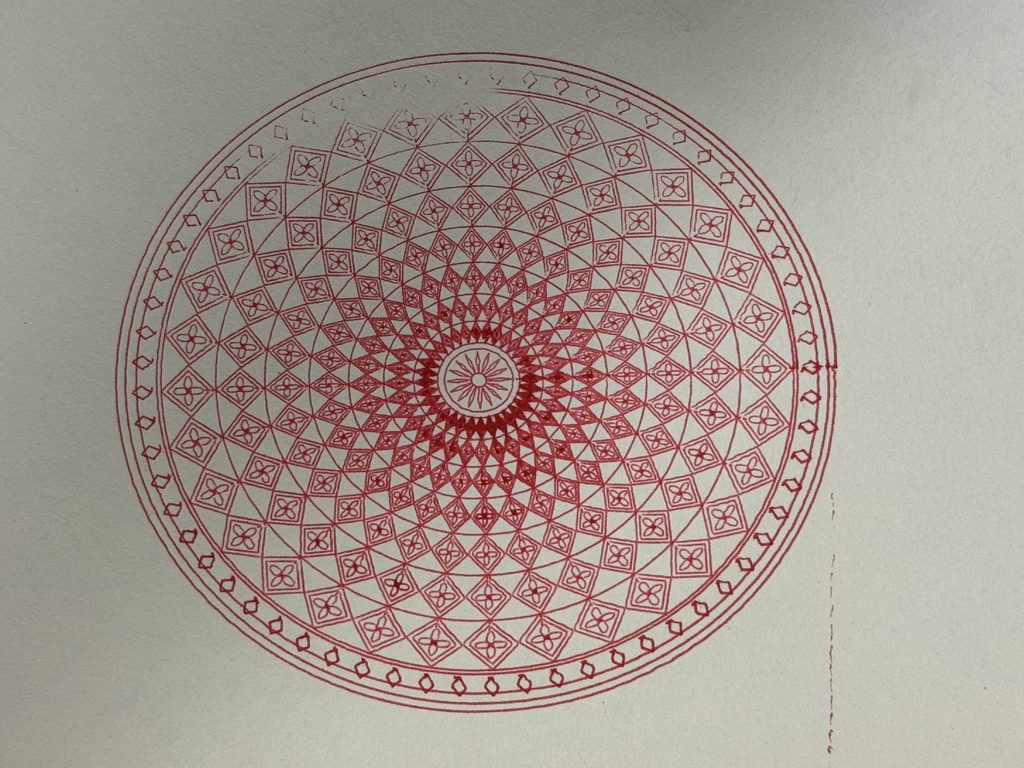
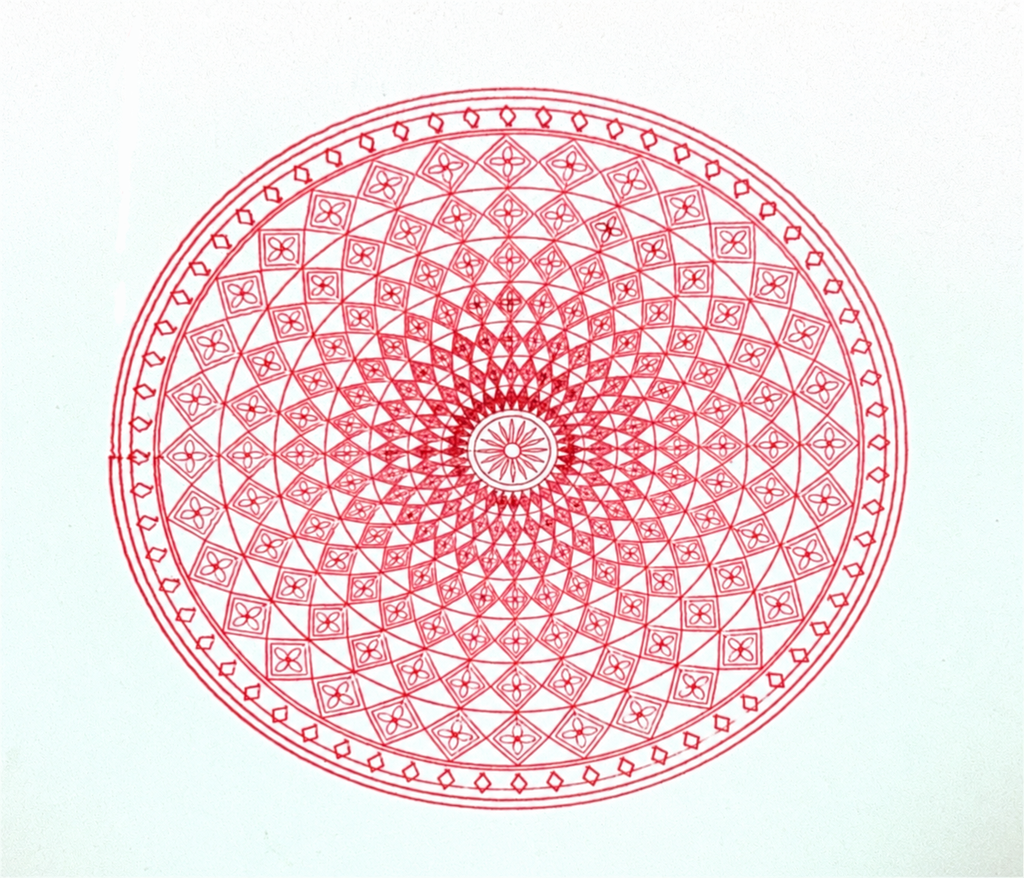
In the monochrome drawing, the elements came together as one continuous visual family. The warm-red version made the relationship between layers more apparent, while the pink-and-purple version gave the simplified composition a different character.
Physical layering also introduced practical considerations. Changing color meant replacing the pen and drawing another group of paths in the same coordinate space. The layers needed to remain aligned so that the nested outlines and circular strands retained their relationships.
This made color part of the fabrication process. It was not only a palette selected in p5.js; it involved physical tools, pen placement, and registration.
Keeping fineliners across the final series helped maintain a consistent emphasis on fine detail. I could vary the colors and compositions without losing the delicate line quality that the marker tests had shown was important.
The Final Series
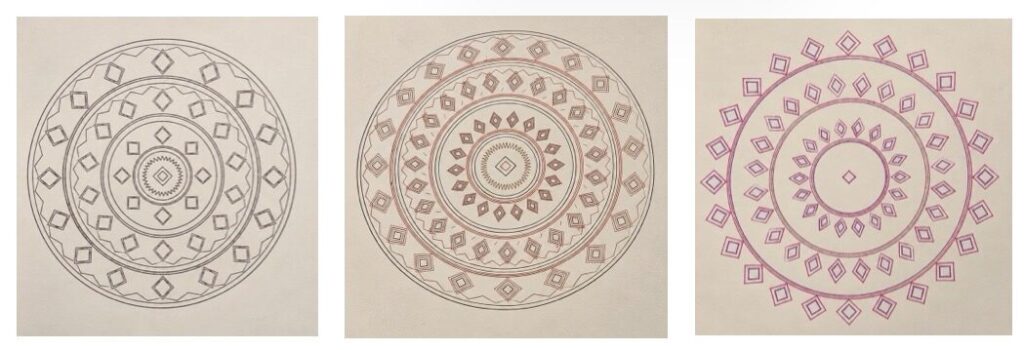
The final series consist of three physical circular drawings. They share repeated diamond like motifs, concentric organization, nested outlines, and an emphasis on line rather than fill. Their differences come from density, palette, and the amount of enclosing structure.
The first drawing uses a dark monochrome treatment. Its circles, diamonds, and zigzags read as parts of one structure. Closely spaced outlines create denser areas, while the gaps between bands keep the composition readable. This drawing establishes the visual grammar of the series without a strong color hierarchy.
The second drawing combines warm red with darker outlines. The contrasting colors make the patterned areas and parallel strands more distinct. Its denser detail creates more activity within the bands, while the fineliner marks preserve separation between the smaller outlines. This version shows how color can change the reading of a composition without replacing its underlying rules.
The third drawing uses pink and purple with a more open arrangement. I removed the sawtooth borders and some enclosing elements, allowing the motifs to carry more of the structure. The center has more empty space, and the outer diamonds are less contained.
This variation helped me see that developing a series does not always mean adding complexity. Removing elements gave the existing shapes a different role. The paper became more visible, and the composition felt more open while still belonging to the same system.
Bonus piece (not apart of final series)
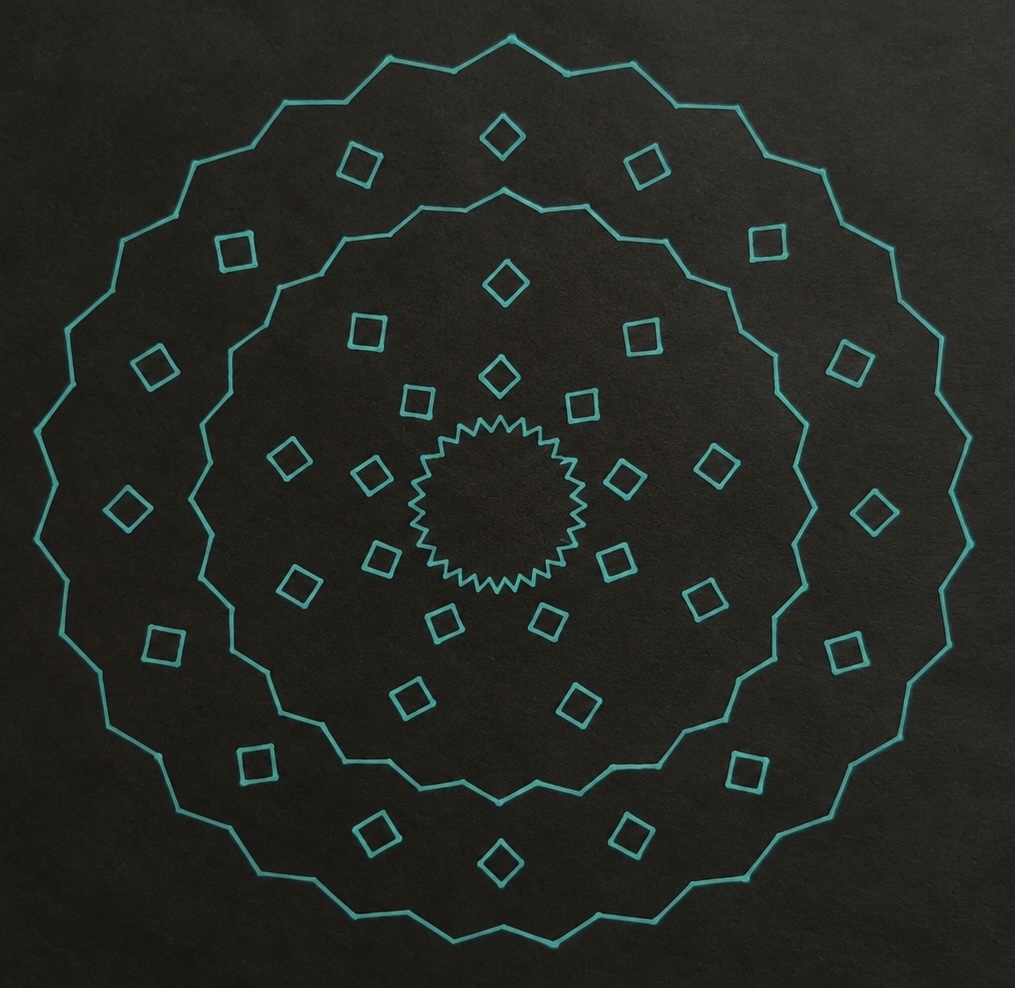
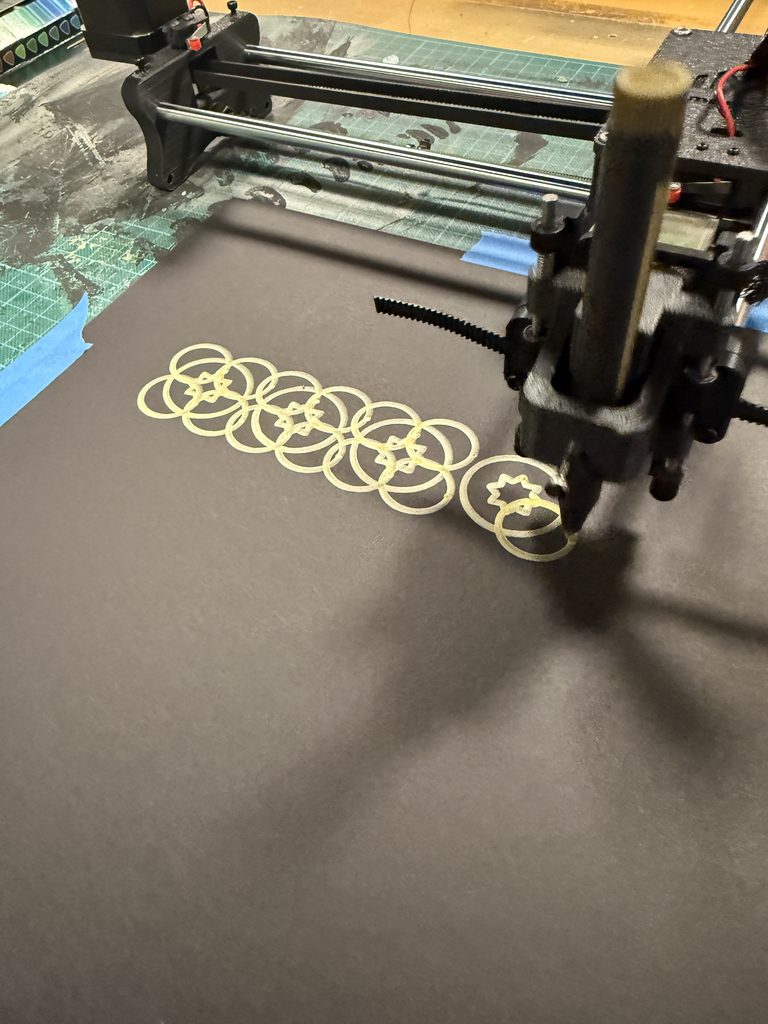
I experimented with black paper and bright teal ink because I wanted to give the traditional Emirati-inspired patterns a more futuristic, almost AI appearance. The contrast makes the geometric shapes look like they are glowing, almost like a digital design on a screen rather than a physical drawing. I liked how changing just the colors could make a pattern inspired by cultural heritage feel modern and technological.
Critical Reflection
The most important lesson from this project was the difference between specifying a path and producing a mark.
In p5.js, a circle is a predictable sequence of coordinates. On paper, it becomes ink deposited through movement and contact. The tests showed that a repeatable digital instruction could still produce uneven, incomplete, or displaced marks when another part of the process was not working consistently.
The troubleshooting made the idea of physical computing much more concrete for me. Code did not act on its own. It depended on the Arduino and shield, the machine’s movement, the pen holder, the conversion settings, and the drawing surface. Investigating those connections became part of understanding how the artwork was made.
The marker experiments were especially important because they connected the algorithm to the material. The code could generate detailed nested outlines, but the tool determined whether that detail remained visible. Selecting fineliners was therefore a design decision as much as a practical one.
The paper also played a role because the drawings were built from outlines. It remained visible inside the motifs and between the bands. Those open areas helped organize the density and made the intricate geometry easier to read. The simplified third drawing brought this relationship forward by giving empty space a larger role.
Returning to the theme, I found the contrast between Al Sadu and physical computing more interesting after working with the machine. At first, I was thinking mainly about bringing a traditional pattern into a contemporary process. During production, I became more aware that both processes depend on material actions and knowledge.
The plotter follows numerical instructions, but those instructions still need a physical setup that works. Al Sadu develops through a different kind of skilled material practice. My project does not equate the two, but it creates a space to consider how repetition connects them and how changing the medium changes the result.
If I continued the project, I would record the settings and adjustments for each test more systematically. This would help me connect individual changes to particular improvements. I would also investigate the relationship between pen width and motif spacing more closely, since that comparison had a clear effect on the final series.
Circular Threads developed through geometric rules, failed attempts, troubleshooting, and material choices. The circular format gave the drawings a shared structure, the fineliners preserved their intricacy, and color and simplification allowed each work to offer a different interpretation of the same system. The final pieces reflect both the computational design and the physical process required to make it.
AI Disclosure
I used ChatGPT to assist with revising the p5.js code and organizing the documentation.
References
UNESCO. “Al Sadu, Traditional Weaving Skills in the United Arab Emirates.”
How much control do we really have over the process of becoming who we are?
For this project, I wanted to create a series of patterns that were visually interesting but also had a meaning behind them. I’ve always liked floral patterns and mandalas, especially how repeating simple shapes can create something much more detailed.
While experimenting with different patterns in p5.js, I started thinking about how repetition and change could relate to personal growth. We all have certain routines, plans, and expectations, but things don’t always happen the way we imagine. Different experiences can change our direction and shape who we become.
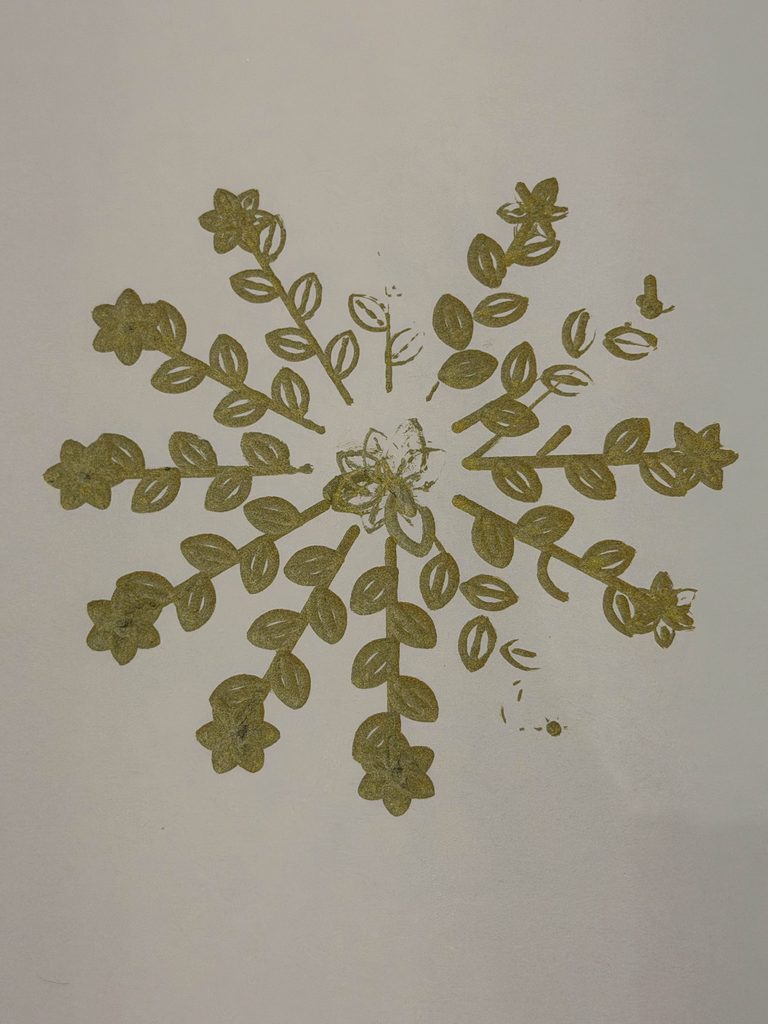
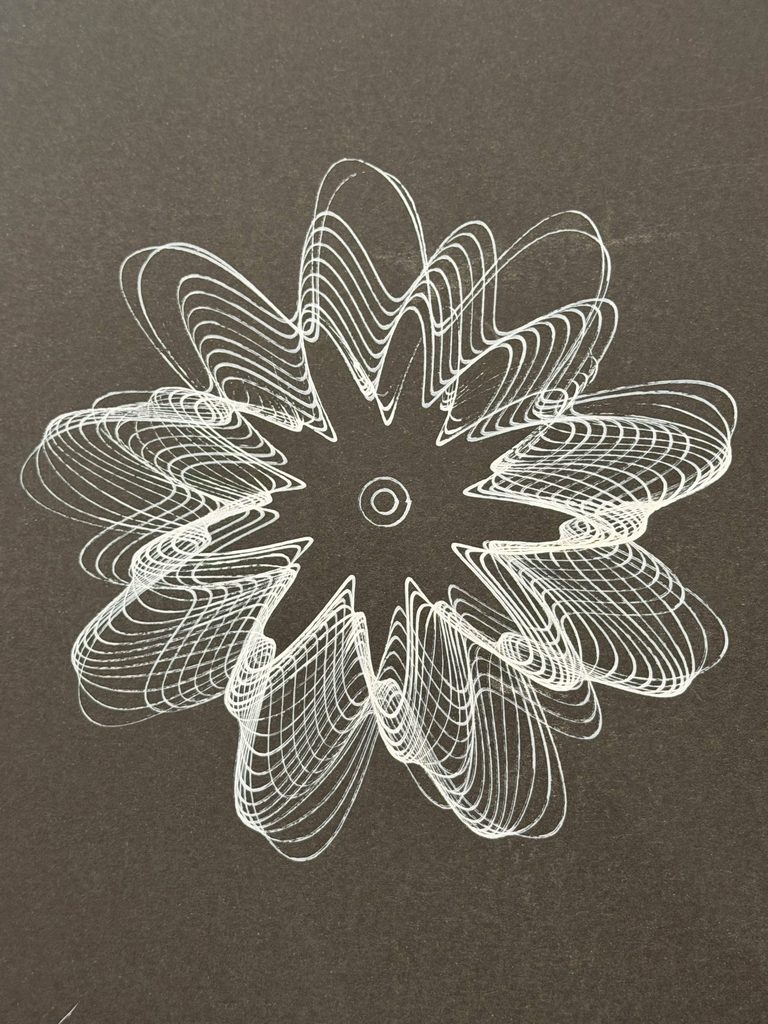
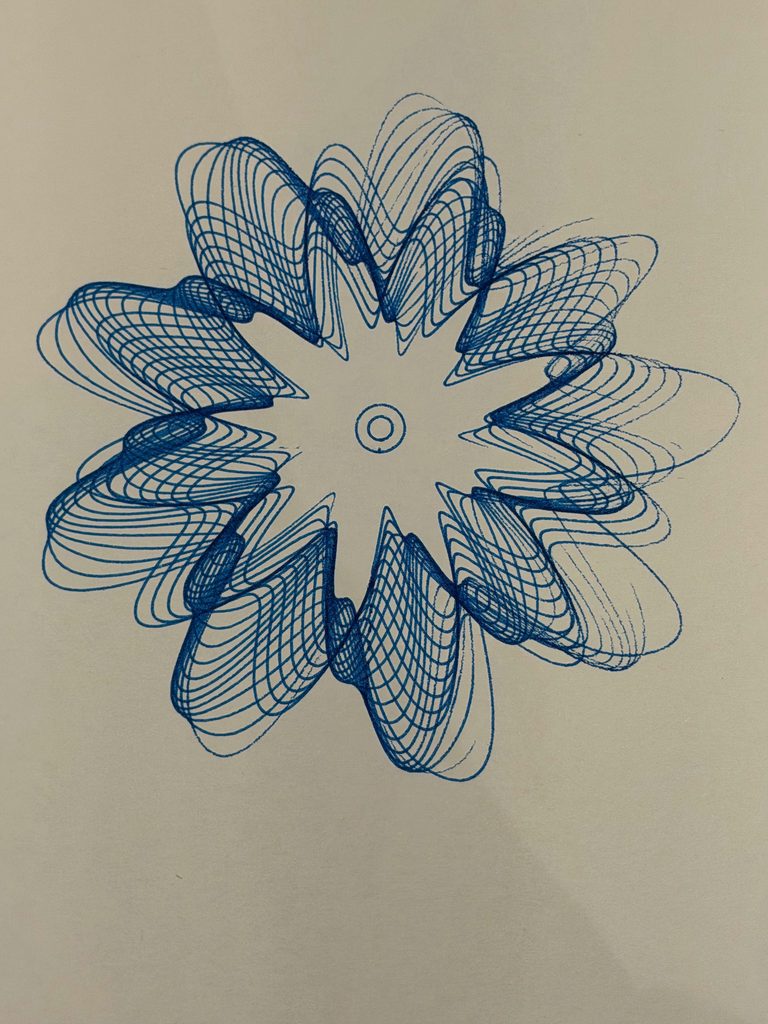
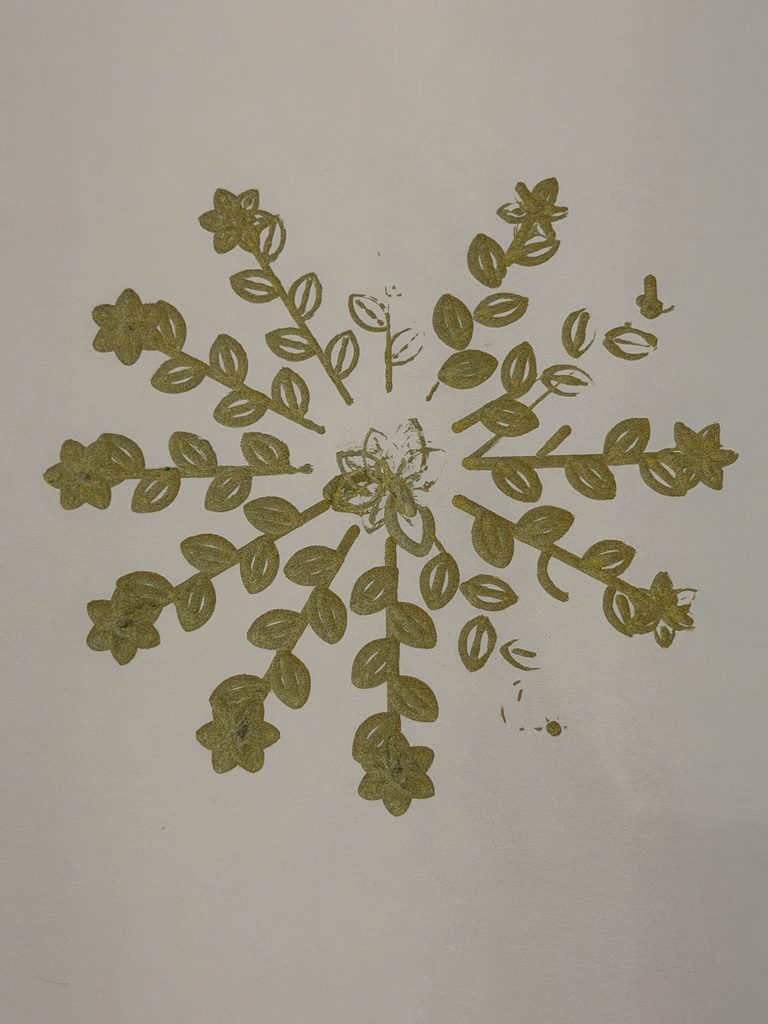
That’s where the idea for Patterns of Becoming came from. I decided to create three drawings, each representing a different part of that process.
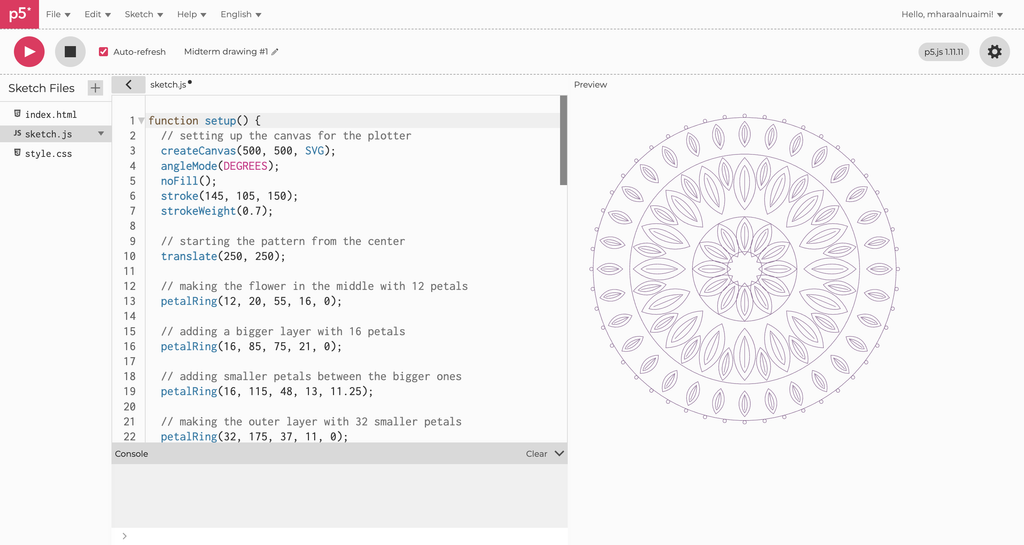
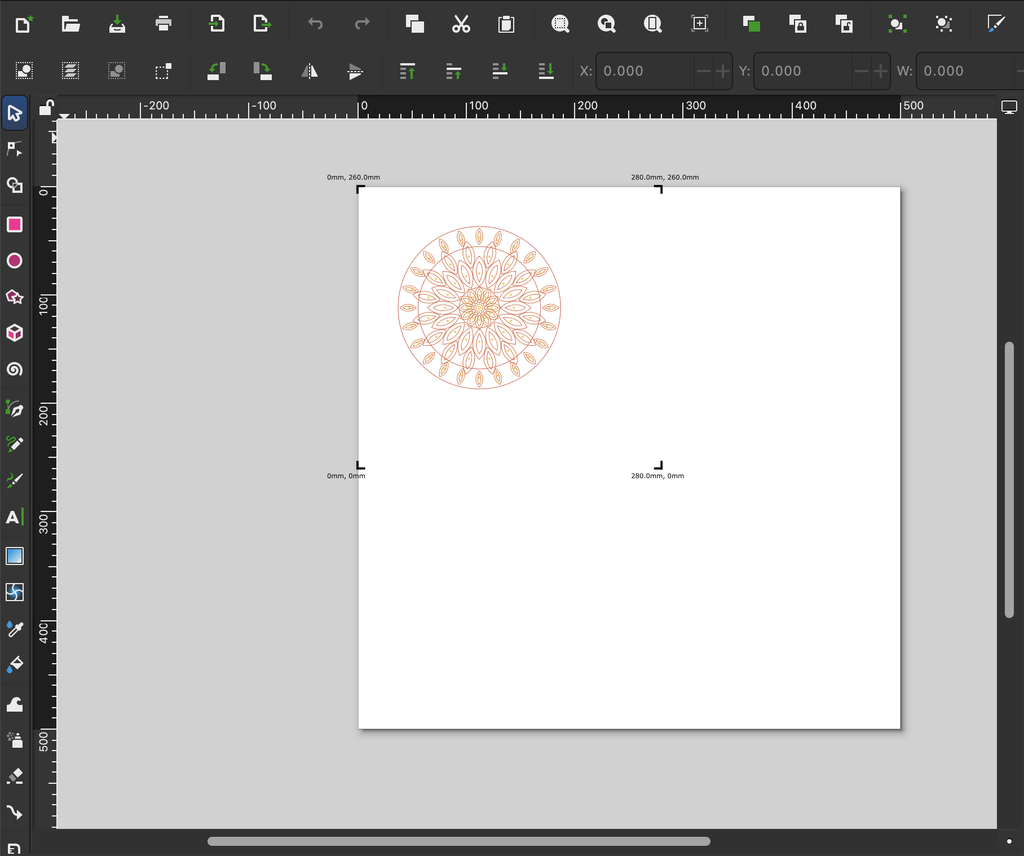
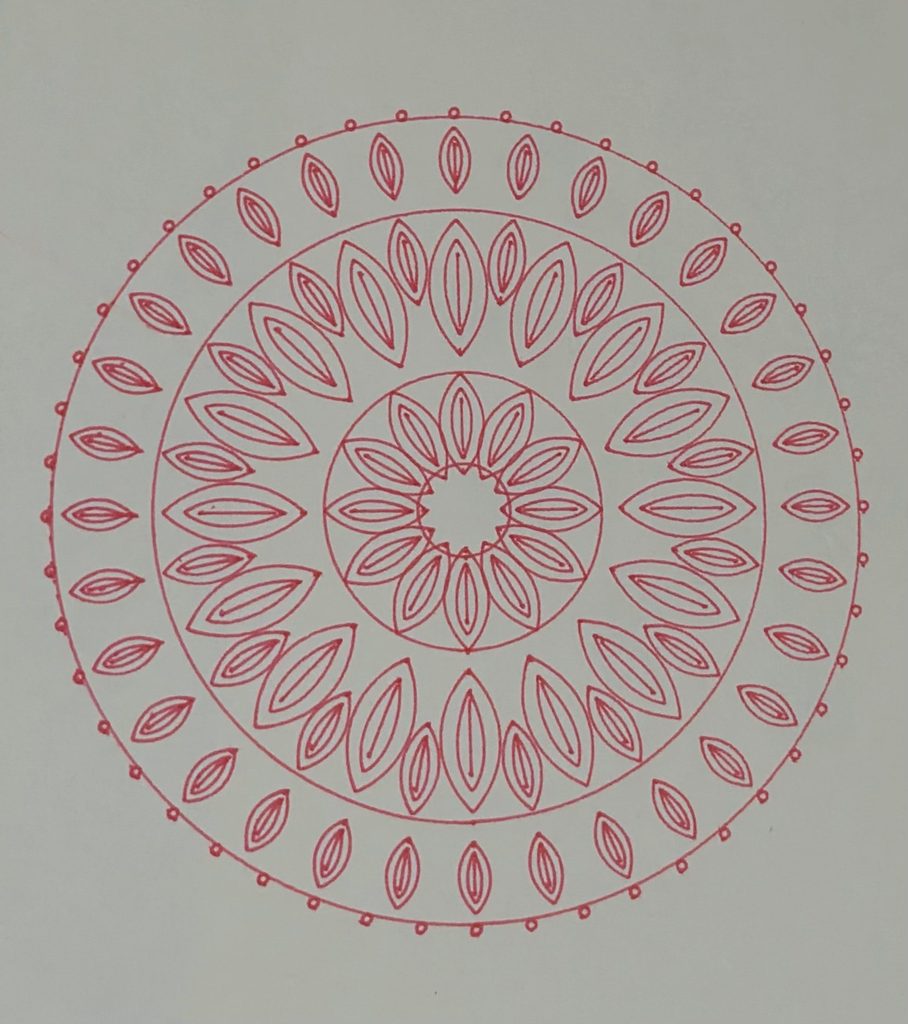
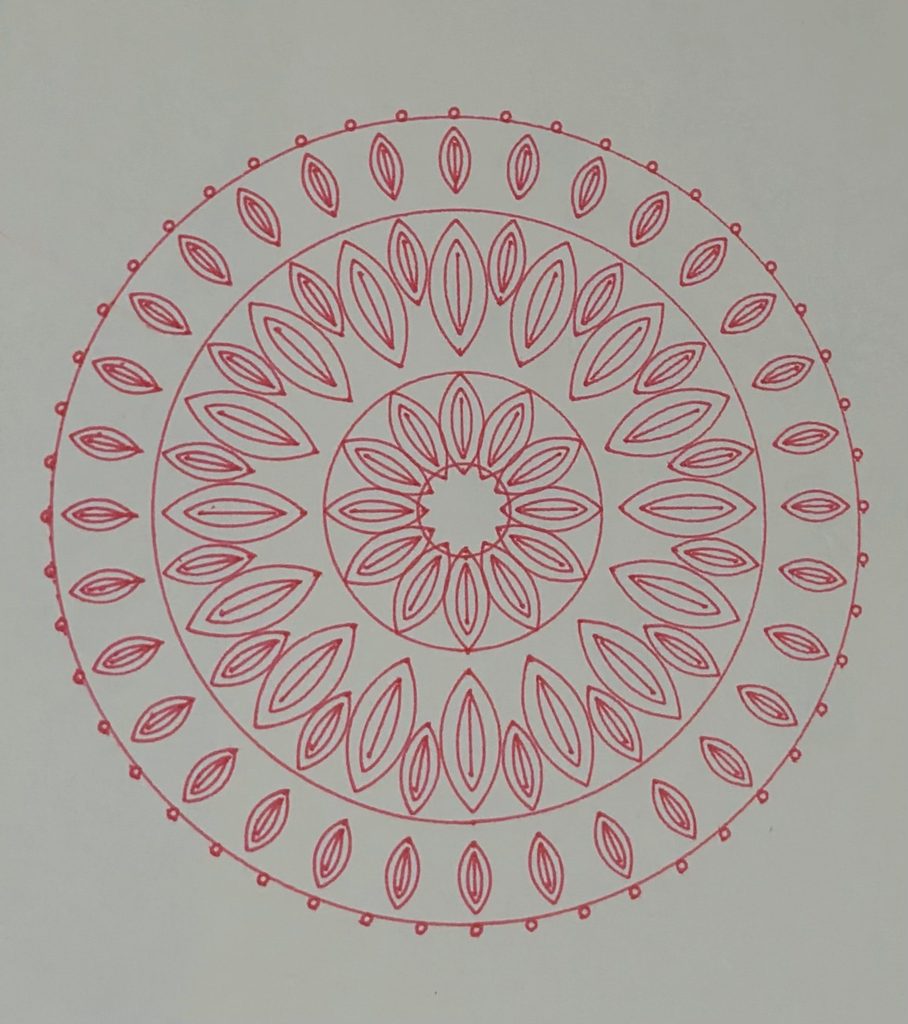
Balance represents stability and the sense of control we try to maintain. Its symmetrical arrangement reflects order and consistency.
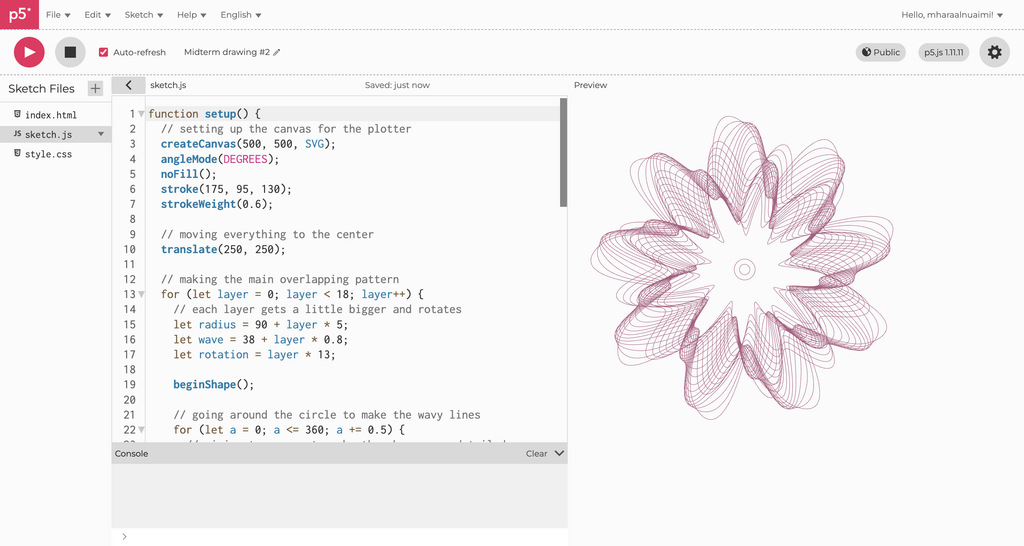
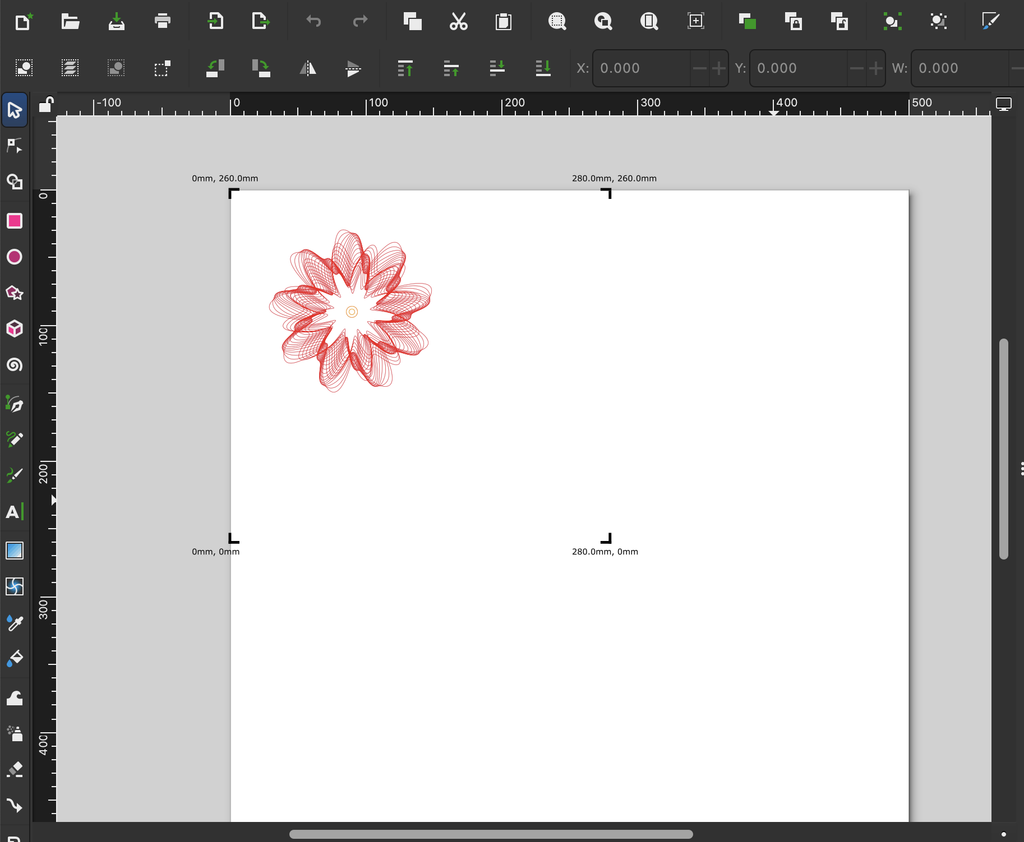
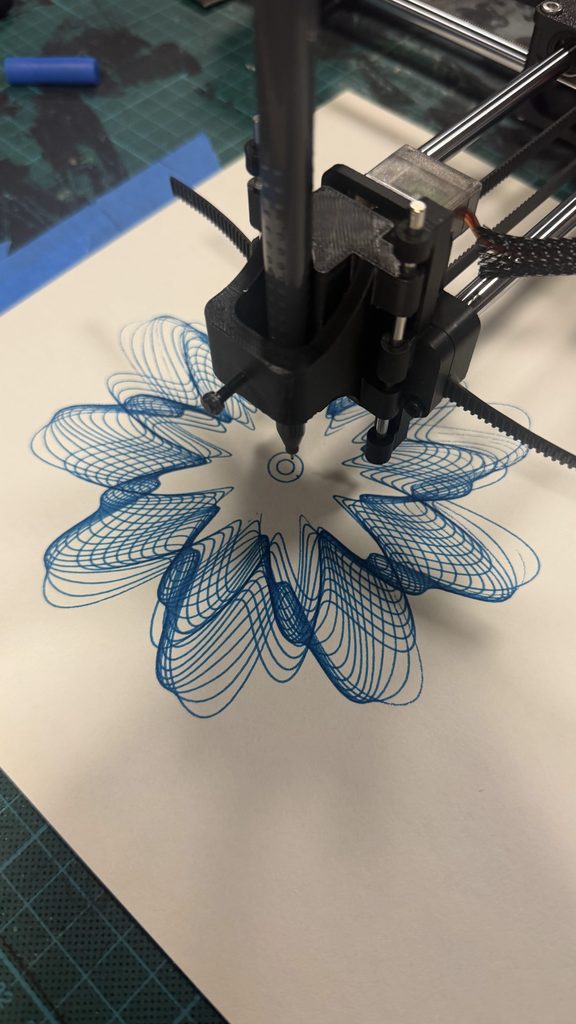
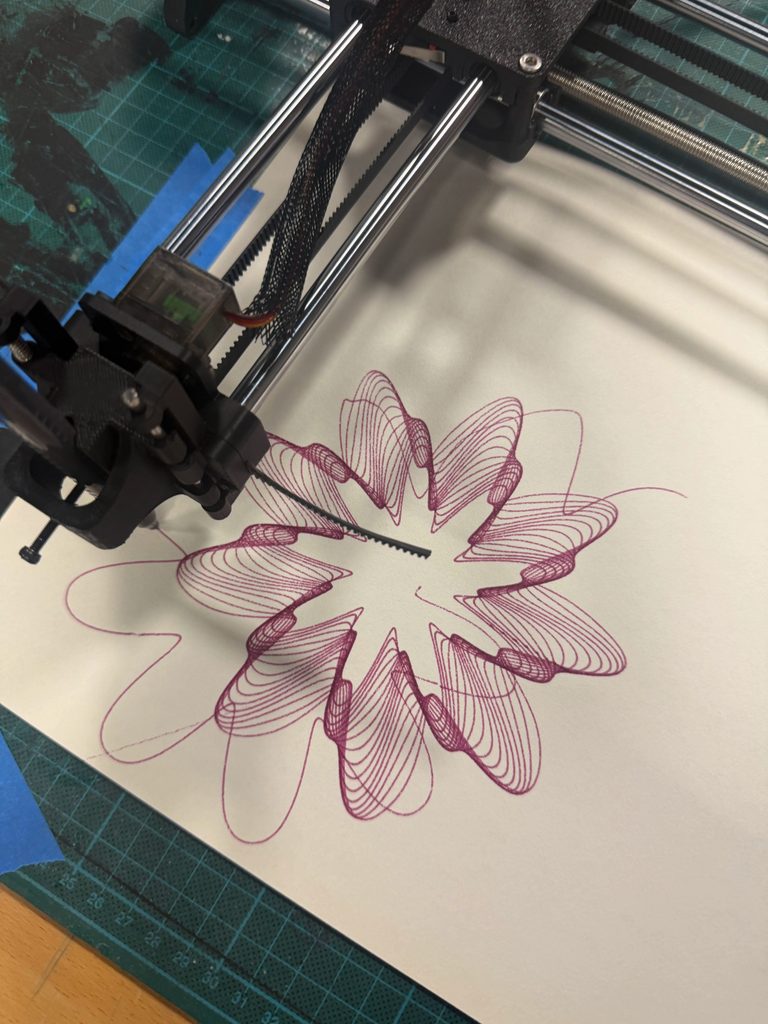
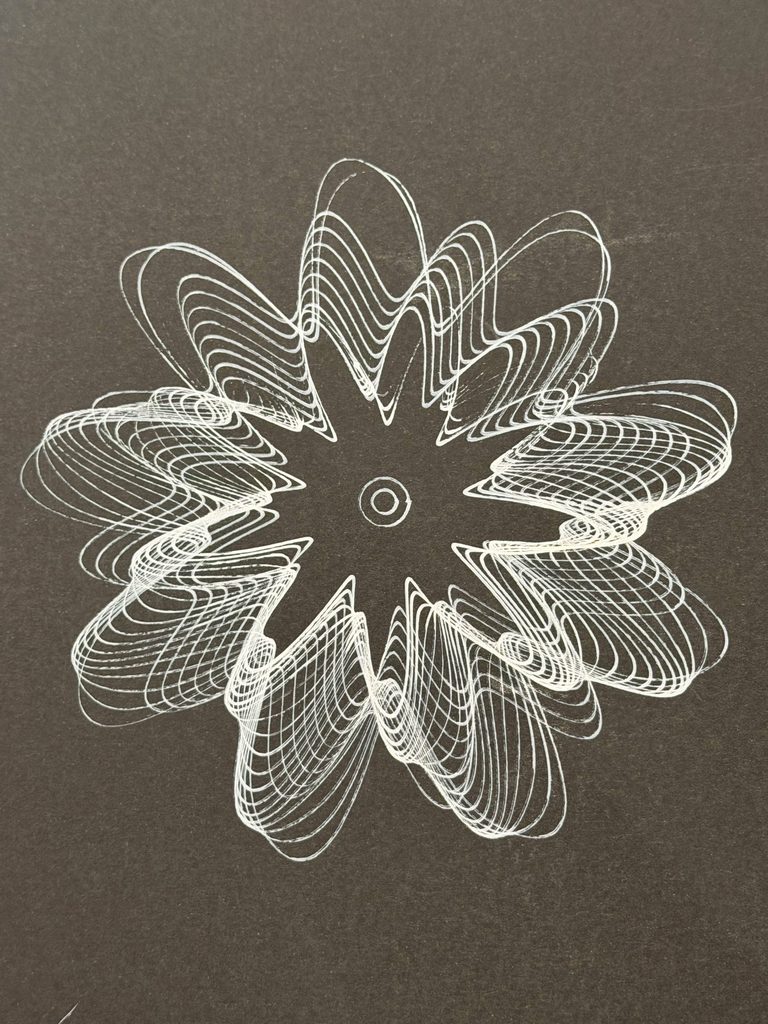
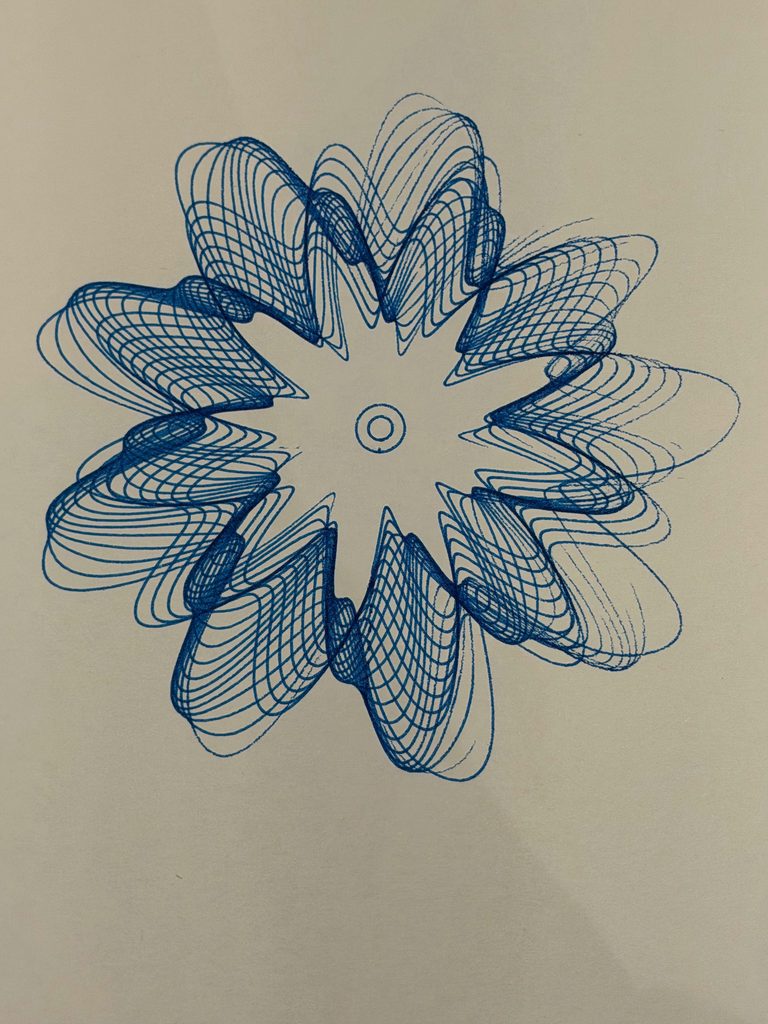
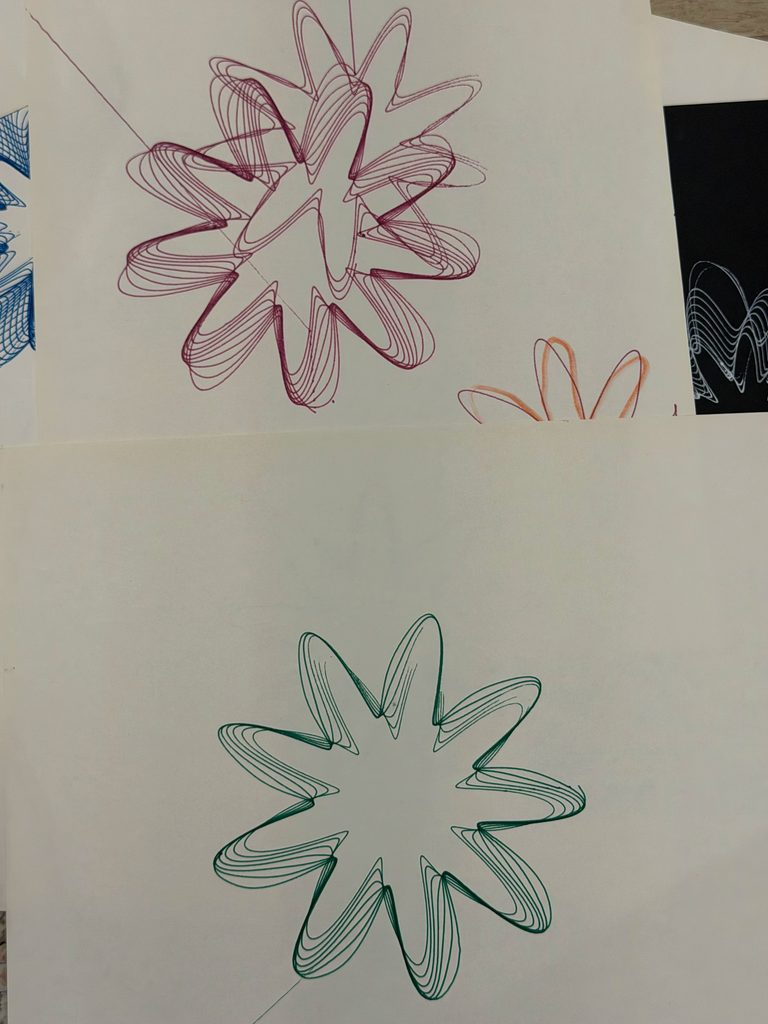
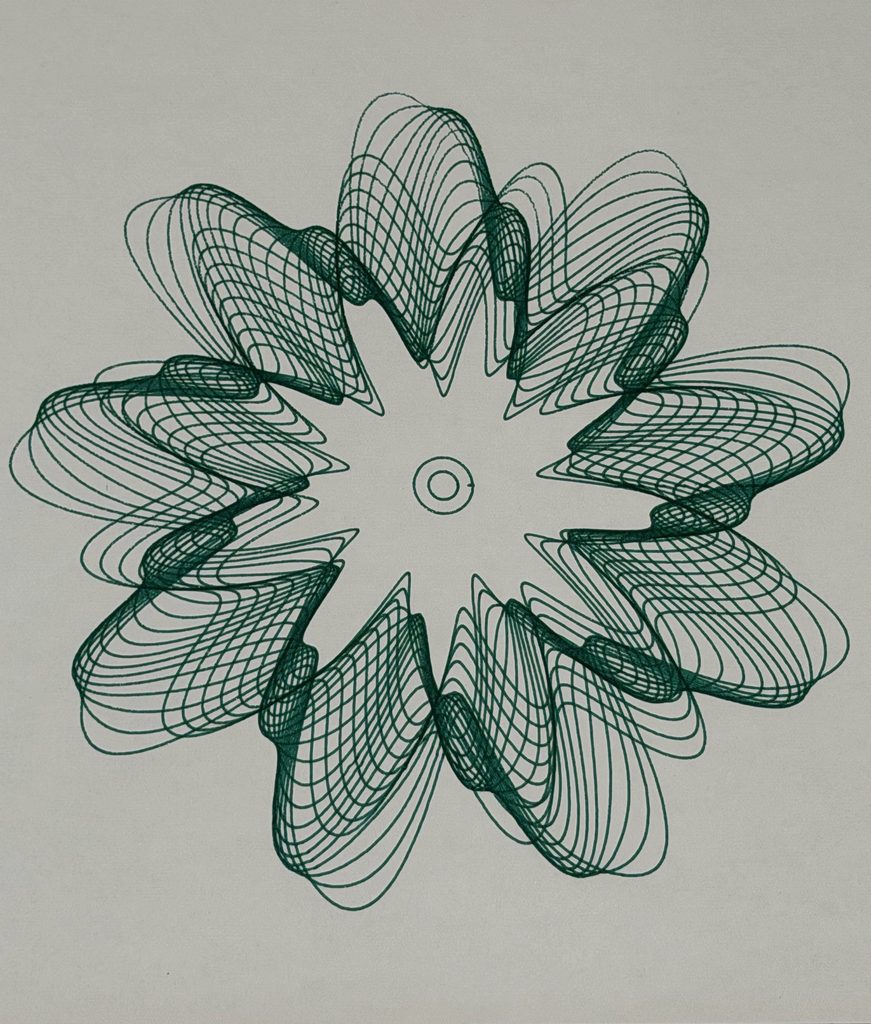
Transformation represents change and how different experiences can overlap and influence one another. The intersecting curves create a more complicated pattern, even though they follow mathematical rules.
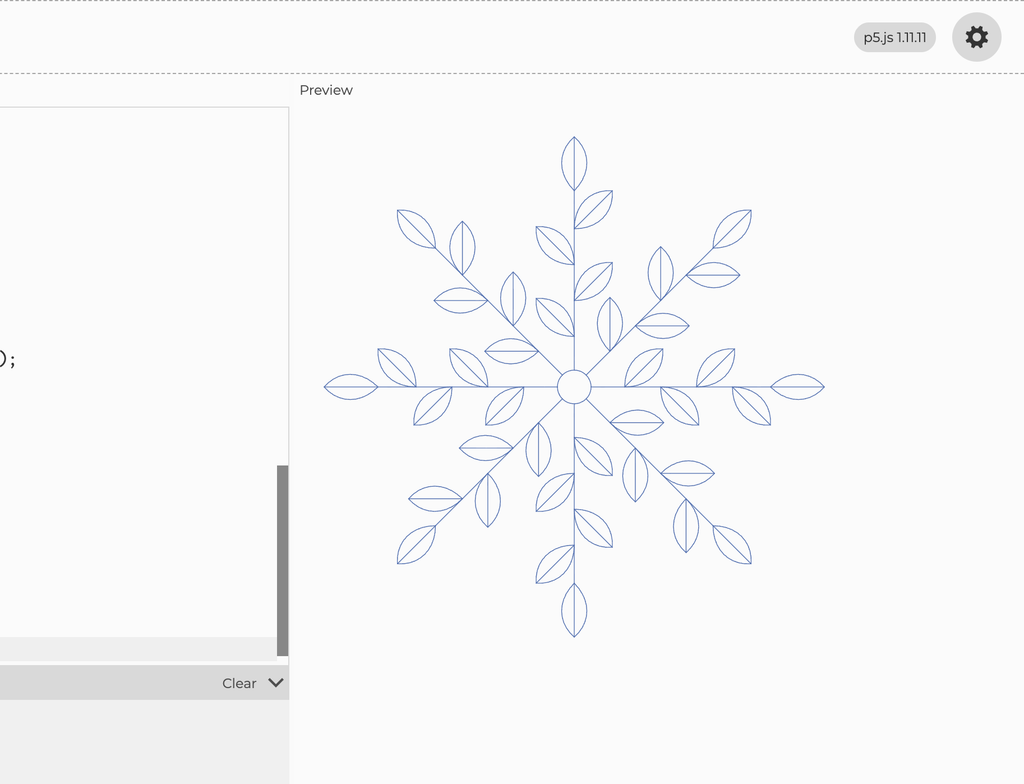
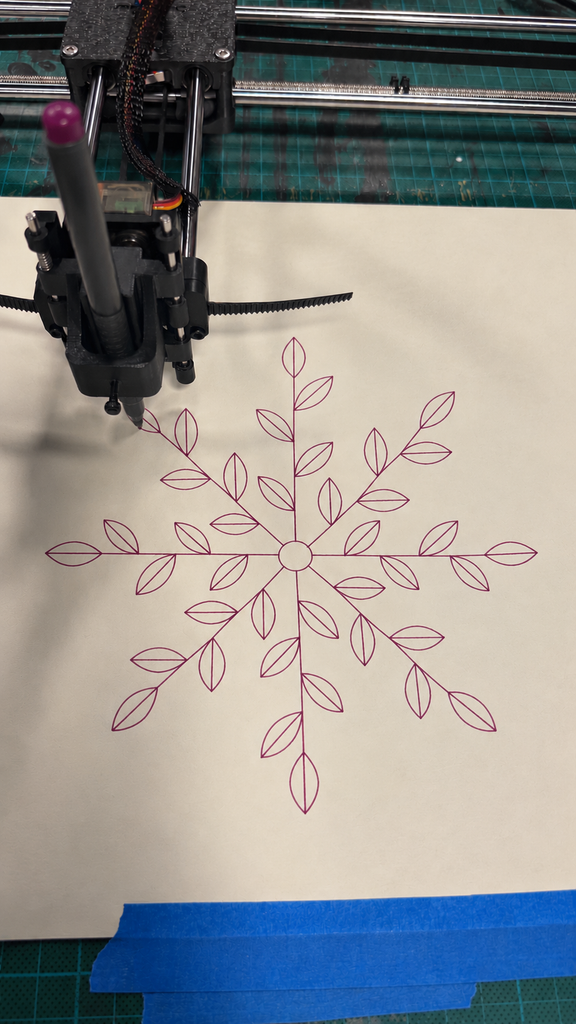
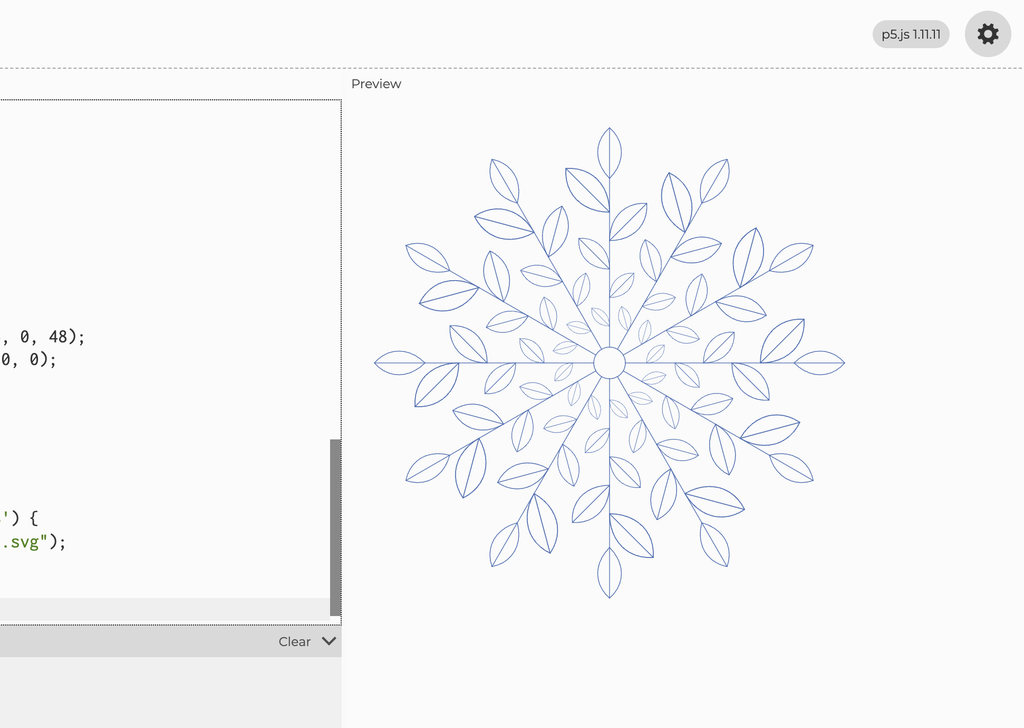
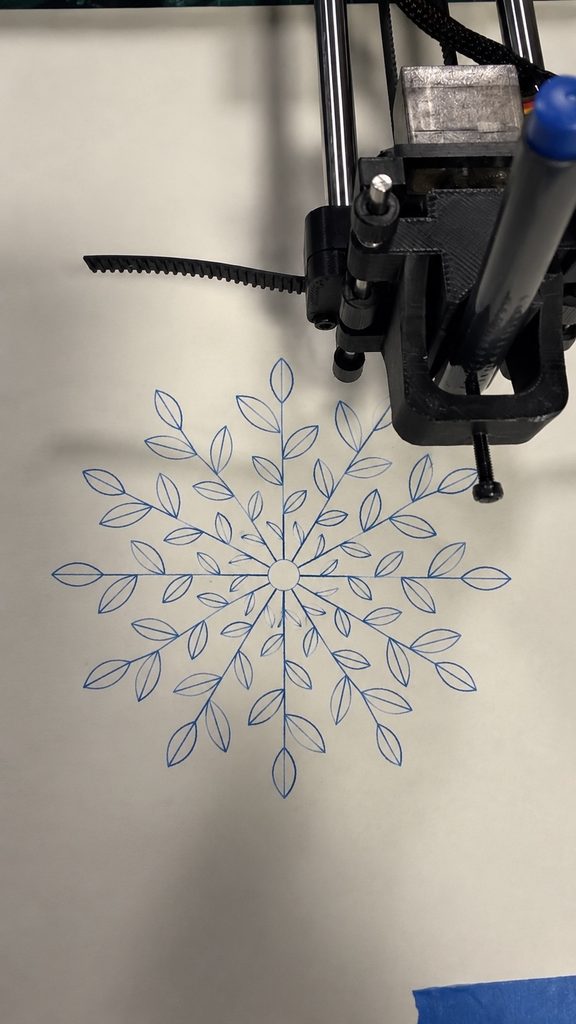
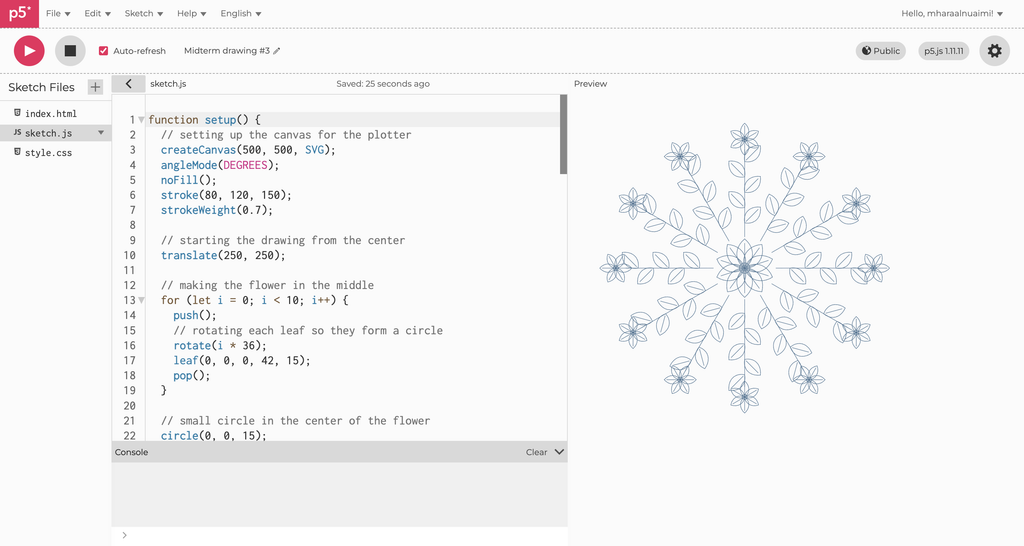
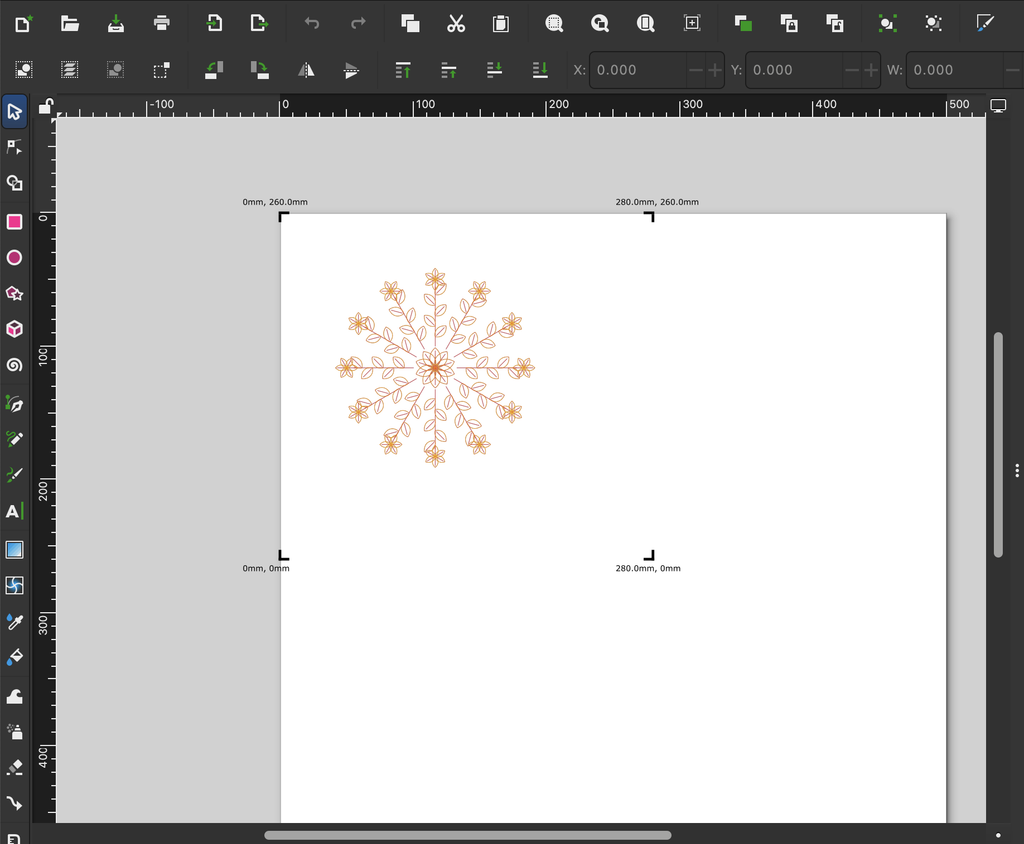
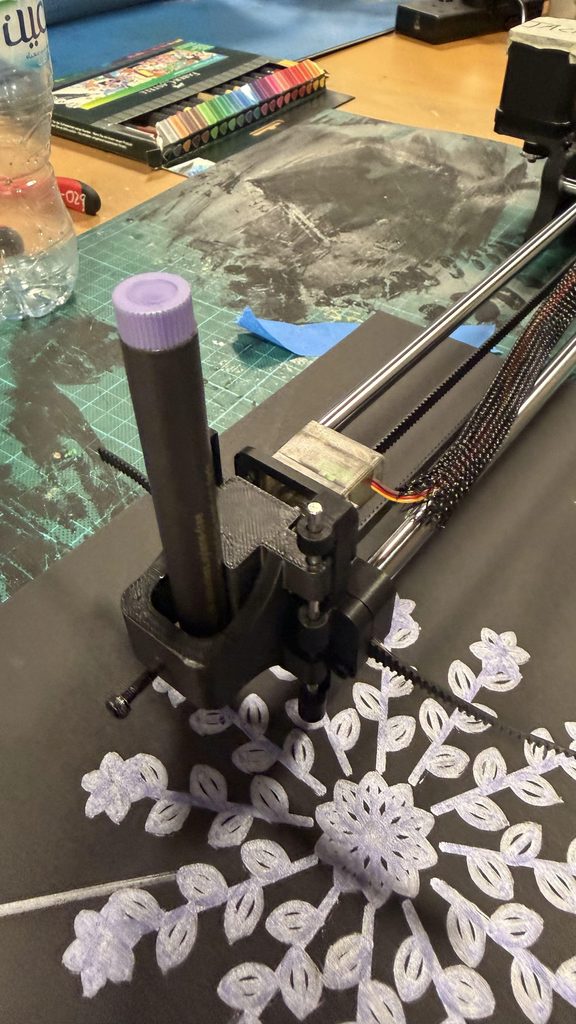
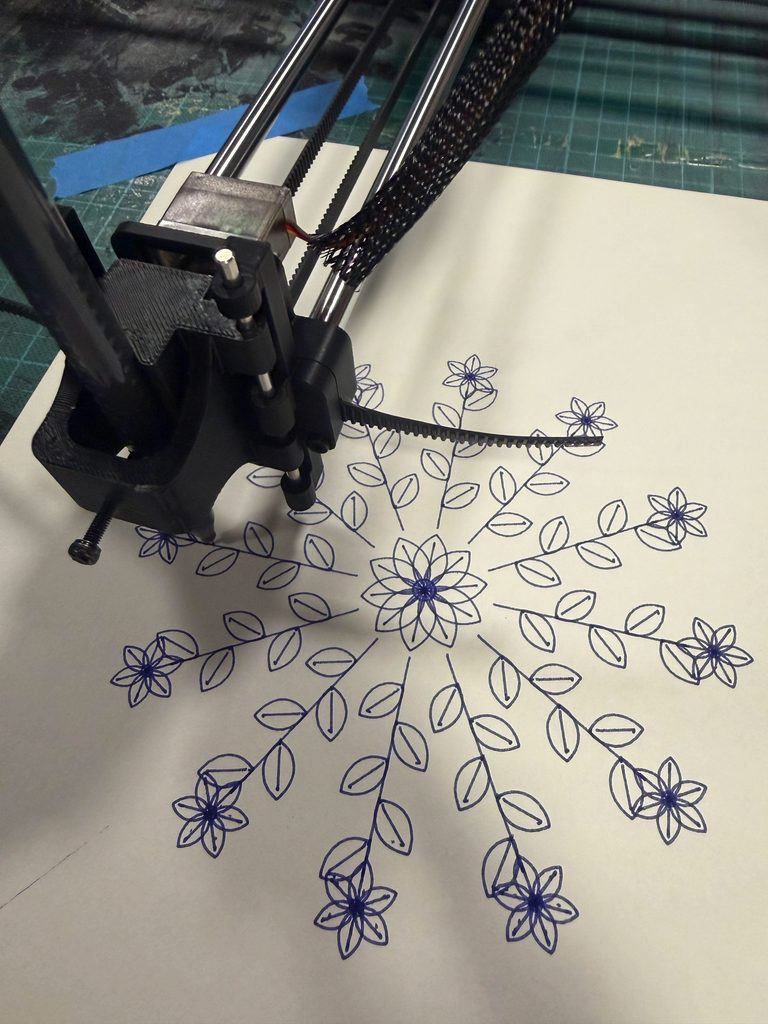
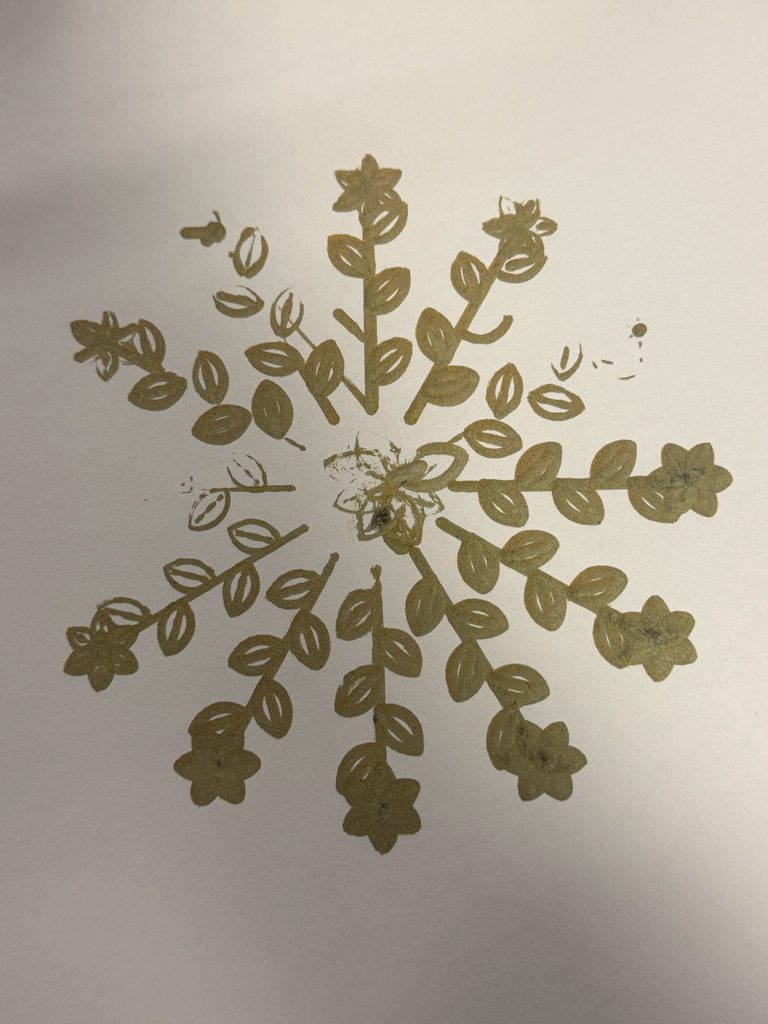
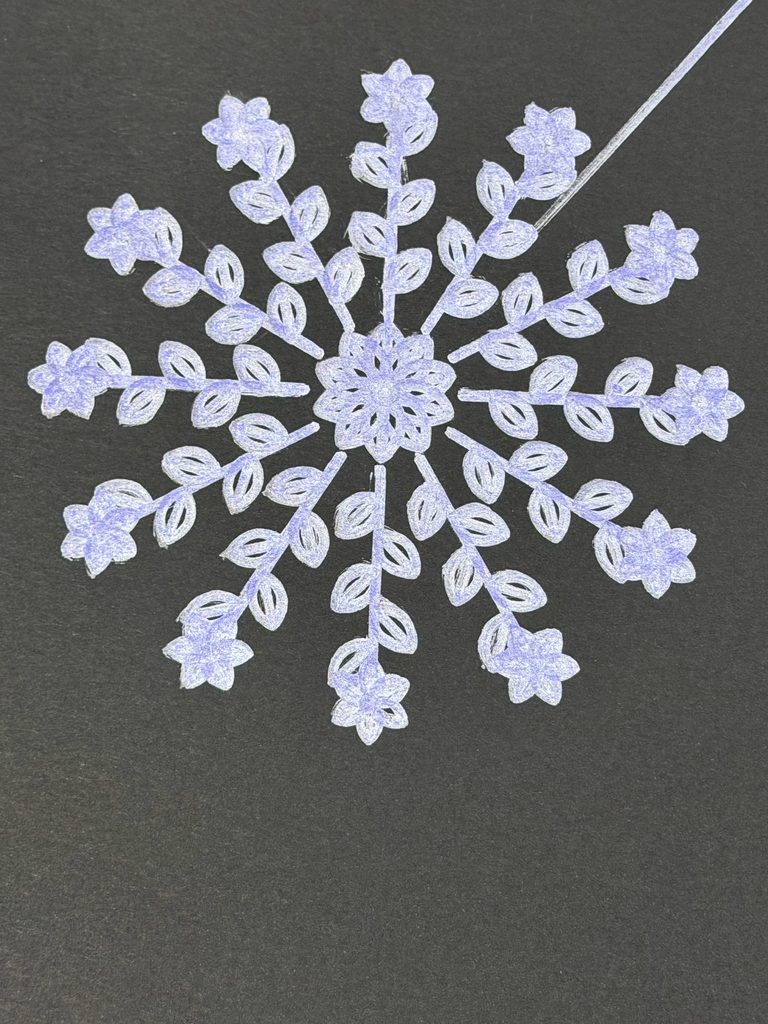
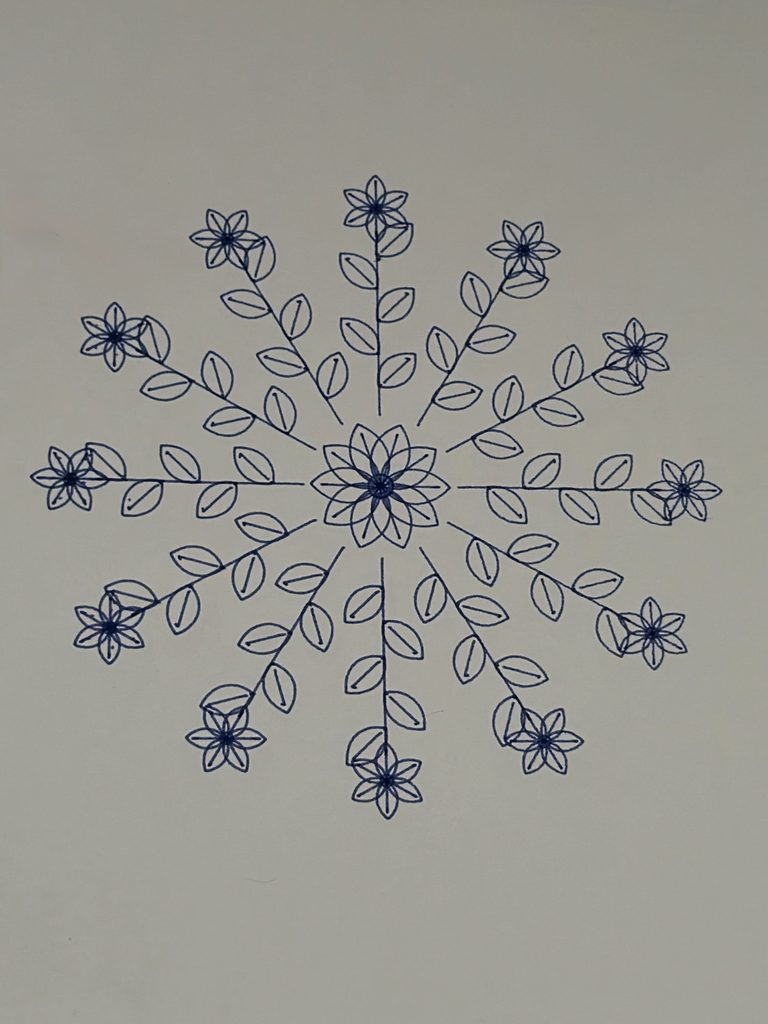
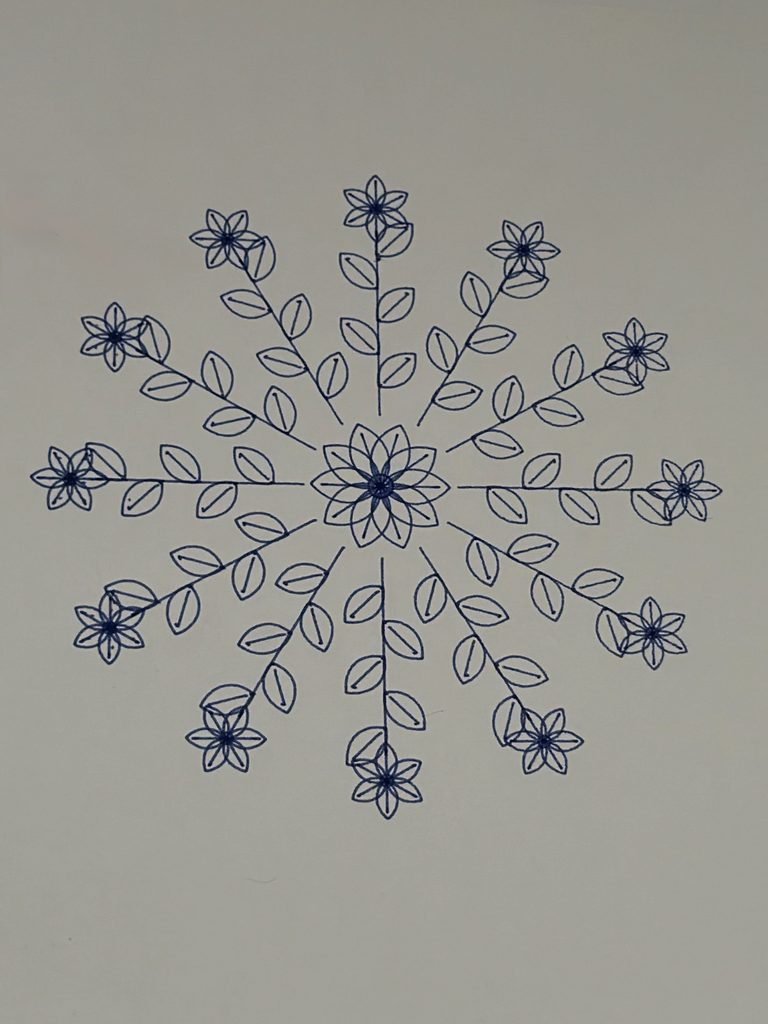
Growth represents moving forward and developing in new directions. The repeated leaves and branches extend outward from a shared center, almost like a plant continuing to grow.
What interested me was that all three drawings follow specific rules, yet each produces a completely different result. I liked how this connected to my original question. We can have plans and routines that give our lives structure, but we can’t always predict how things will turn out.
I also wanted to explore this idea through the pen plotter, where even a carefully planned digital drawing might turn out differently once it’s drawn on paper.
Visual Inspiration
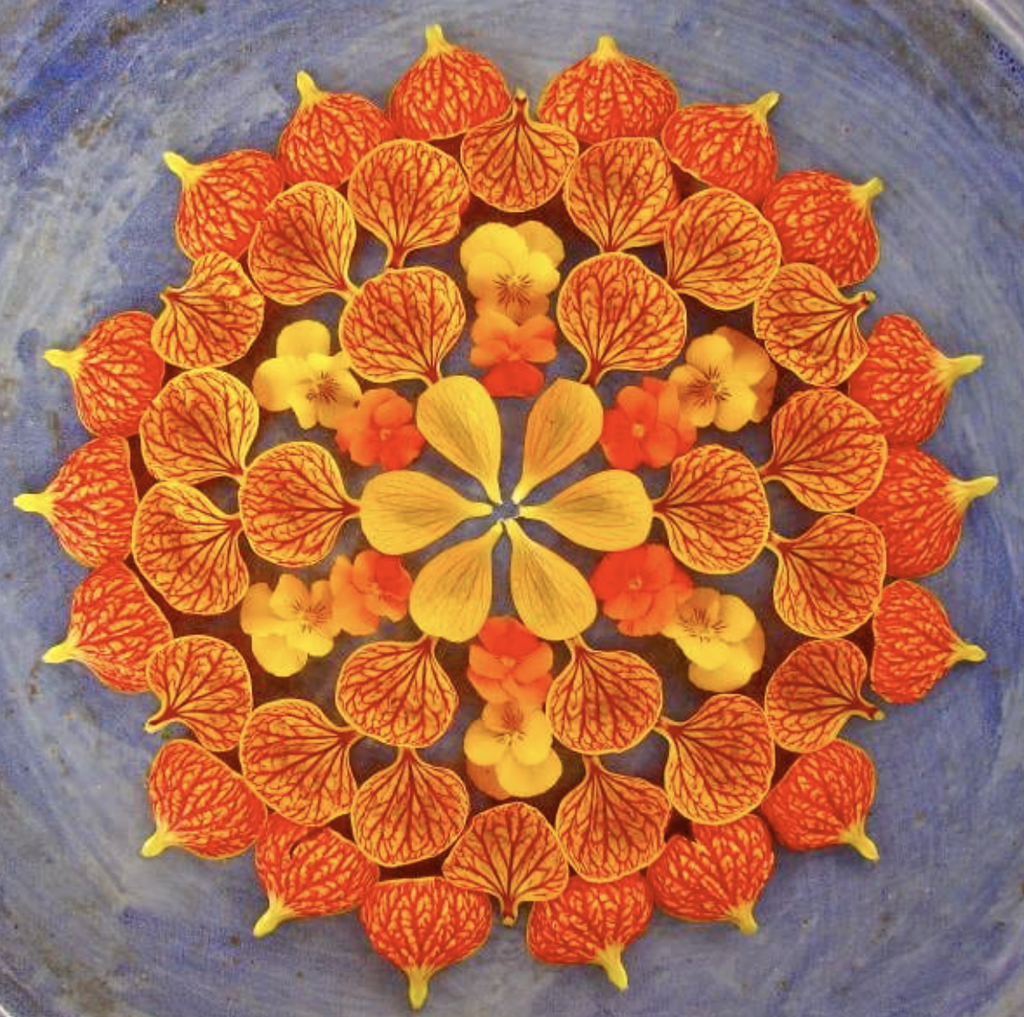
For Balance, I was inspired by the symmetry of lotus flowers and mandala patterns, especially how petals repeat around a central point. I came across Kathy Klein’s flower mandalas, where she arranges natural materials into detailed circular patterns. I liked how she used repetition and symmetry to create something visually balanced, which connected to the direction I wanted to take with my first drawing.
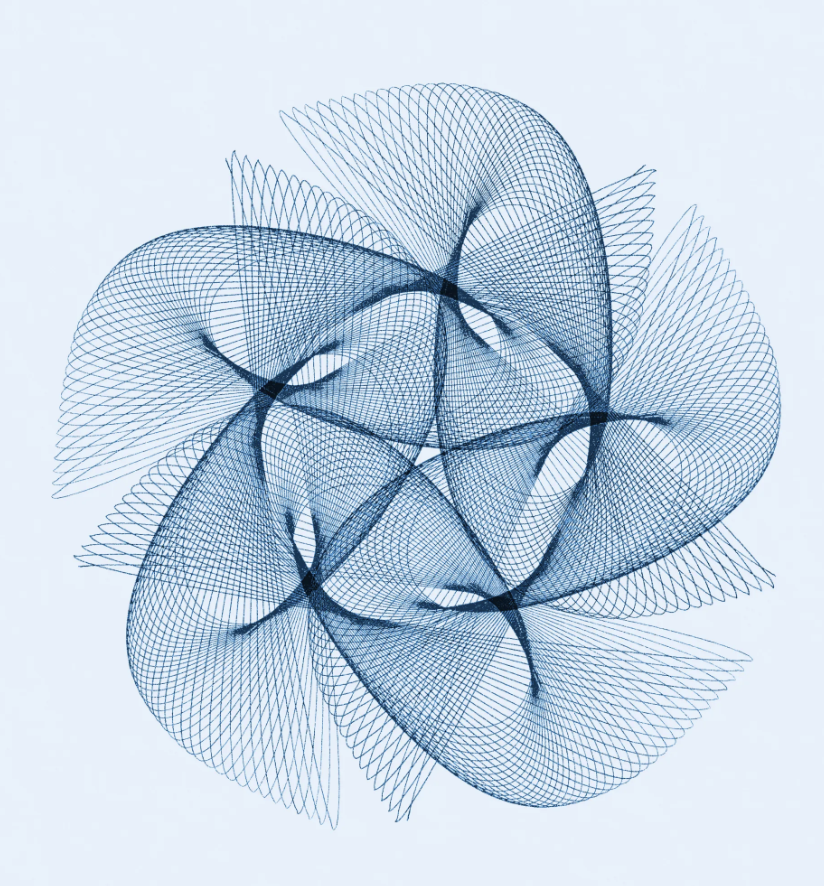
For Transformation, I was interested in Spirograph and harmonograph drawings, particularly how mathematical movements create overlapping curves. I found Anita Chowdry’s Harmonograph Project (2013), where she uses a pendulum-based drawing machine to create intricate patterns. I liked how the repeated movements produced complex overlapping lines, which reminded me of the mathematical curves in my own design.
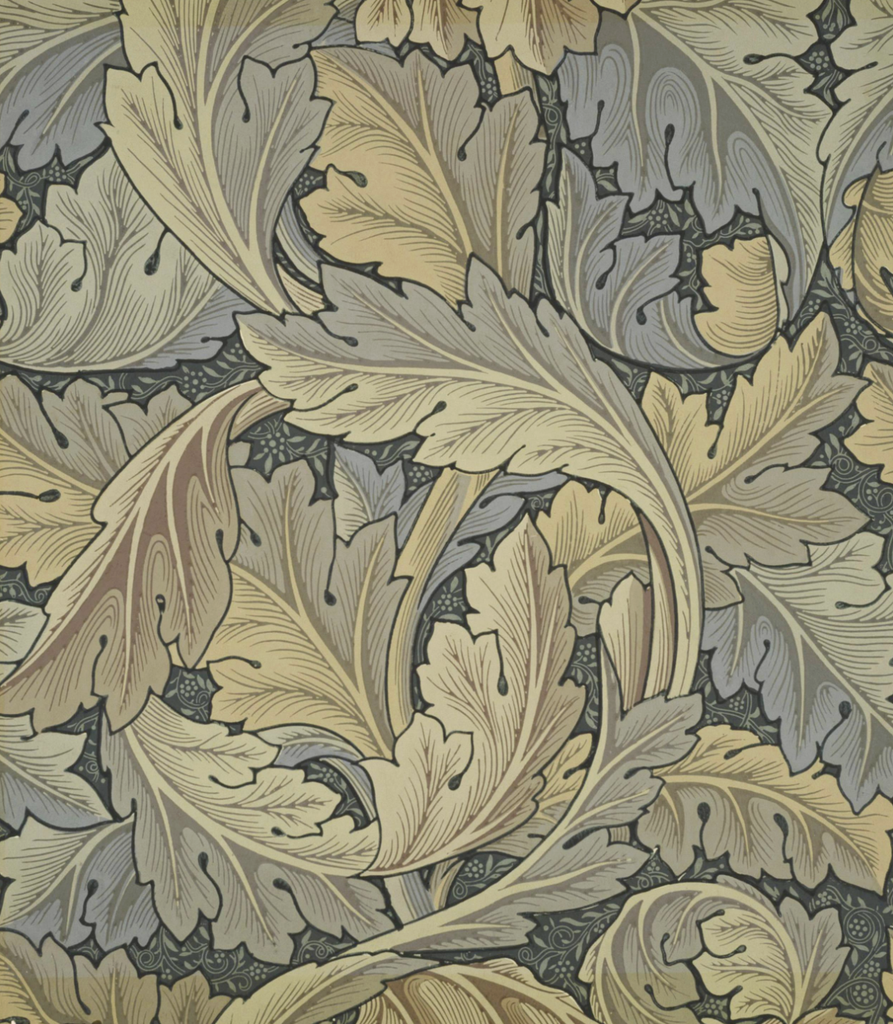
For Growth, I looked at botanical patterns, especially how leaves and flowers repeat along branches. William Morris’s Acanthus wallpaper caught my attention because of its flowing leaves and repeated plant forms. Although my drawing is more geometric, I liked how the botanical shapes extend and connect to create a larger composition.
These artworks helped me explore different ways of using repetition in my designs. Rather than copying their patterns, I used them as visual references while developing my own algorithms.
2. Developing the Algorithms
I created my drawings in p5.js using a 500 × 500 canvas and the SVG renderer. Throughout the project, I experimented with different shapes, repetition, rotation, and mathematical functions. My ideas changed quite a bit from what I originally planned, and I didn’t immediately know what I wanted my final series to look like.
Initial Experiment: Butterfly Pattern
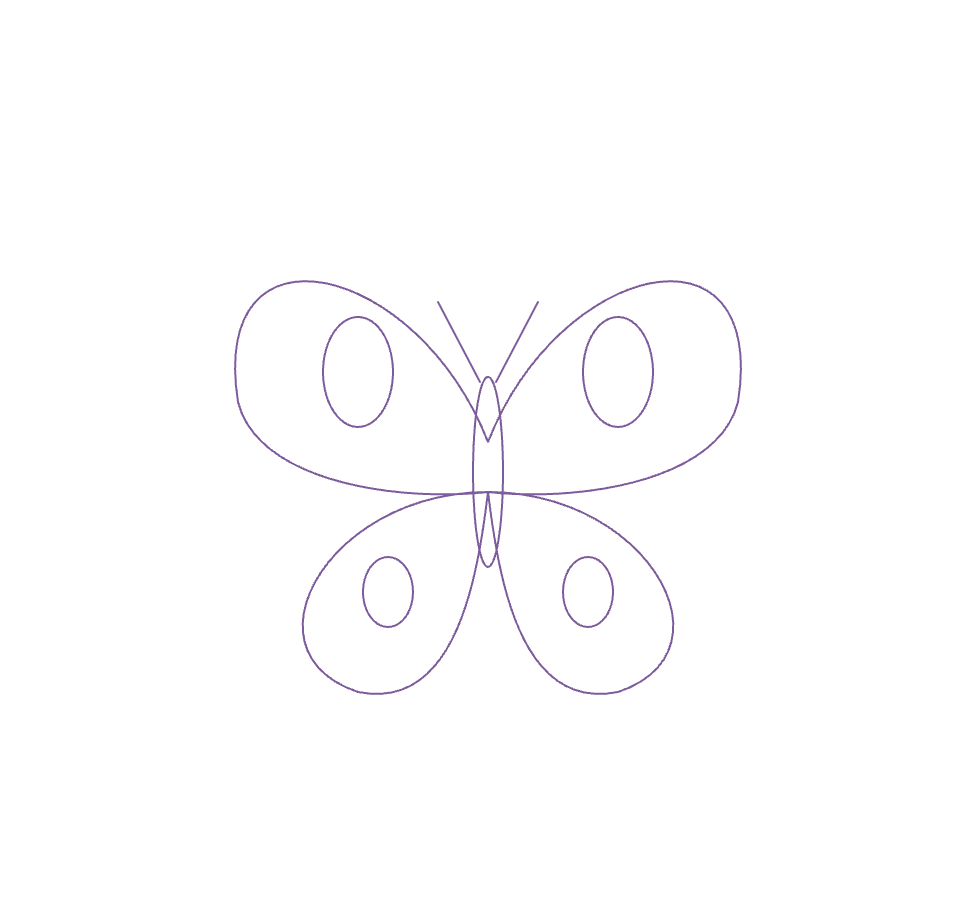
My first idea was actually to create a butterfly-inspired pattern. I liked butterflies because they are often associated with transformation and change.
I started experimenting with this idea in p5.js, but after seeing the digital result, I felt that the drawing was too simple. I also wasn’t completely satisfied with the concept because I wanted to explore something beyond the usual idea of a butterfly representing transformation.
Although I decided not to continue with this design, it helped me realize that I wanted to explore patterns that could develop through repetition and variation.
Second Experiment: Lotus Pattern
After moving away from the butterfly idea, I started experimenting with lotus flowers and mandalas. I’ve always liked floral patterns, and I thought they would give me more opportunities to explore symmetry and repetition.
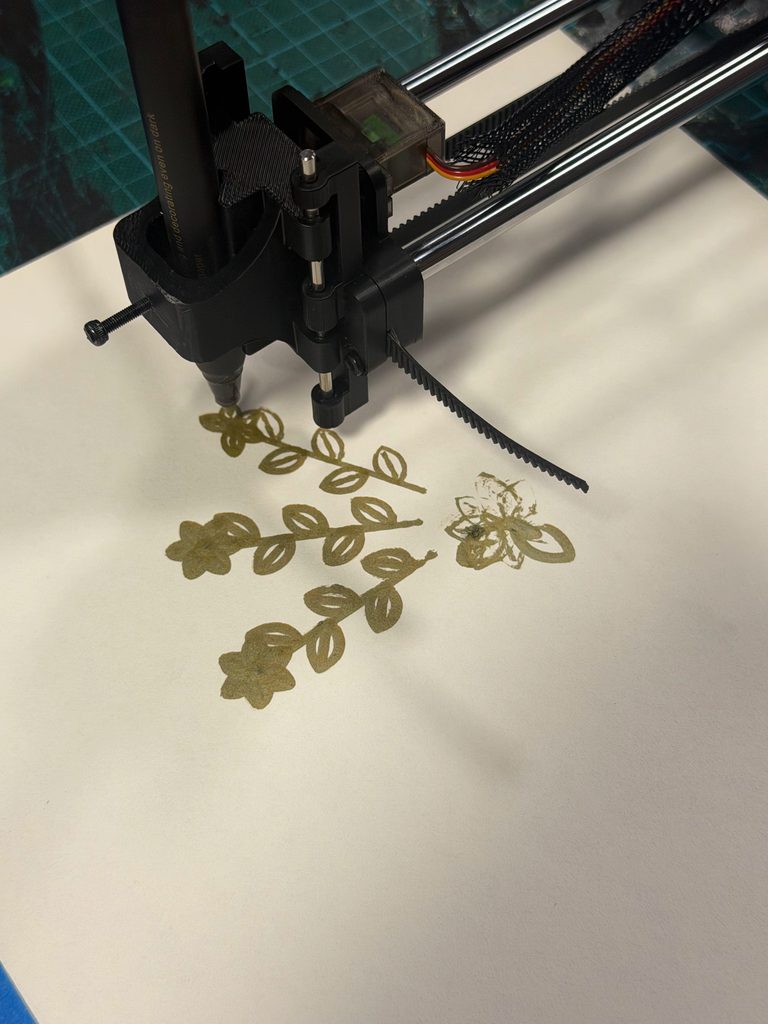
I created a function called lotusPetal() using Bézier curves and repeated the petals around a central point. I experimented with different sizes, positions, and layers, and tested the design using purple and green pens on the pen plotter.
Although I liked how the drawing turned out, I felt that some of the layers looked too similar. I wanted the pattern to have more variation while keeping its symmetry.
Instead of keeping this as my final drawing, I decided to revise the algorithm and develop a more detailed version.
Further Mandala Experiments
After receiving feedback, I went back to my three drawing algorithms and created six additional experiments. Instead of only changing pens and colors, I wanted to see how changing the code itself would affect the drawings. I tested two different versions of each pattern and compared them with my final designs.
I wanted to compare a simpler version with fewer petals and layers against a denser version with more repeated shapes. This would help me understand whether adding detail necessarily made the drawing more interesting, or whether it could make the pattern too crowded.
I also wanted to experiment with changing the rotation of certain layers to see how that affected the overall symmetry.
Experiment 1 – Simple Mandala
For my first experiment, I made the Balance drawing simpler by reducing the number of petal rings from four to two. I also used fewer petals to see how the drawing would look with less detail.
I plotted this version using a green pen. The petals were easier to see because there was less overlapping. However, I felt that the drawing looked a little too empty. I preferred my final Balance design because the extra layers made it look more complete.
Experiment 2 – Shifted Mandala
For my second experiment, I changed the rotation of some of the petal layers to see how their positions would affect the pattern.
I plotted this version using a blue pen. I noticed that some petals overlapped more, especially in the middle. I found it interesting that changing just a few numbers in the code could make the drawing look different. However, I preferred my final Balance design because the petals were more evenly arranged.
What I learned
These experiments helped me see how small changes in the code can affect the final drawing. The simple version had more space between the petals, while the shifted version had more overlapping. I realized that I wanted my final Balance drawing to have enough detail without looking too crowded.
Experiment 3 – Simplified Transformation
For my first Transformation experiment, I reduced the number of wave layers to see how the drawing would look with fewer overlapping lines.
I plotted this version using a purple pen. I noticed that the individual curves were easier to see and there was more empty space between them. However, I felt that the drawing looked too simple compared to my final Transformation design. I preferred the final version because the extra layers made the pattern more detailed and interesting.
Experiment 4 – More Overlapping Waves
For my second experiment, I did the opposite and increased the number of wave layers. I wanted to see what would happen if I added more lines and made them overlap.
I plotted this version using a green pen. The drawing became much more detailed, and some areas looked darker because so many lines crossed each other. I liked how the curves created a flower-like shape, but I felt that certain areas were too crowded. I preferred my final Transformation drawing because it had a better balance between the lines and the empty spaces.
What I learned
These experiments showed me how changing the number of layers can completely change a drawing. The simpler version had fewer overlaps, while the second version had much more detail. I realized that adding more lines doesn’t always make a drawing better, and that the spacing between them is just as important.
Experiment 5 – Simplified Growth
For my first Growth experiment, I reduced the number of branches from 12 to 8 and used fewer leaves. I wanted to see how the drawing would look with more space between the branches.
I plotted this version using a pink pen. I noticed that the leaves were easier to see because there was less overlapping, and the pattern looked more open. However, I felt that it looked a little too empty compared to my final Growth drawing. I preferred the final version because the extra branches made it look fuller and more detailed.
Experiment 6 – Different Leaf Sizes
For my second experiment, I kept the 12 branches but changed the sizes of the leaves. I made the leaves smaller near the center and larger toward the outside to see how this would affect the pattern.
I plotted this version using a blue pen. I liked how the different leaf sizes made the drawing look more natural, but I noticed that some of the smaller leaves near the center were harder to see. I preferred my final Growth drawing because the leaves looked more consistent and the pattern felt more balanced.
What I learned
These experiments showed me how changing the number of branches and the size of the leaves could make a big difference. I realized that I preferred a fuller pattern, but I also needed to think about spacing so the smaller details would still be visible when plotted.
Developing Balance
My final Balance drawing developed from the original lotus experiment.
I created a new function called petalRing() that allowed me to control the different layers separately. By adjusting the number of petals, their sizes, and their positions, I could create more variation while keeping the pattern symmetrical.
The final design includes four main petal rings, along with concentric circles and smaller circles around the outside.
Compared to my original lotus pattern, I felt that this version had more variation and that the different layers worked better together.
I also liked how the symmetry connected to my concept of Balance, representing stability and the sense of control we try to maintain.
Developing Transformation
Once I had developed Balance, I started thinking about how I could create a second drawing that looked different but still connected to my overall concept.
I wanted to move away from symmetrical petals and explore something less structured, so I experimented with sine and cosine functions to create overlapping circular waves.
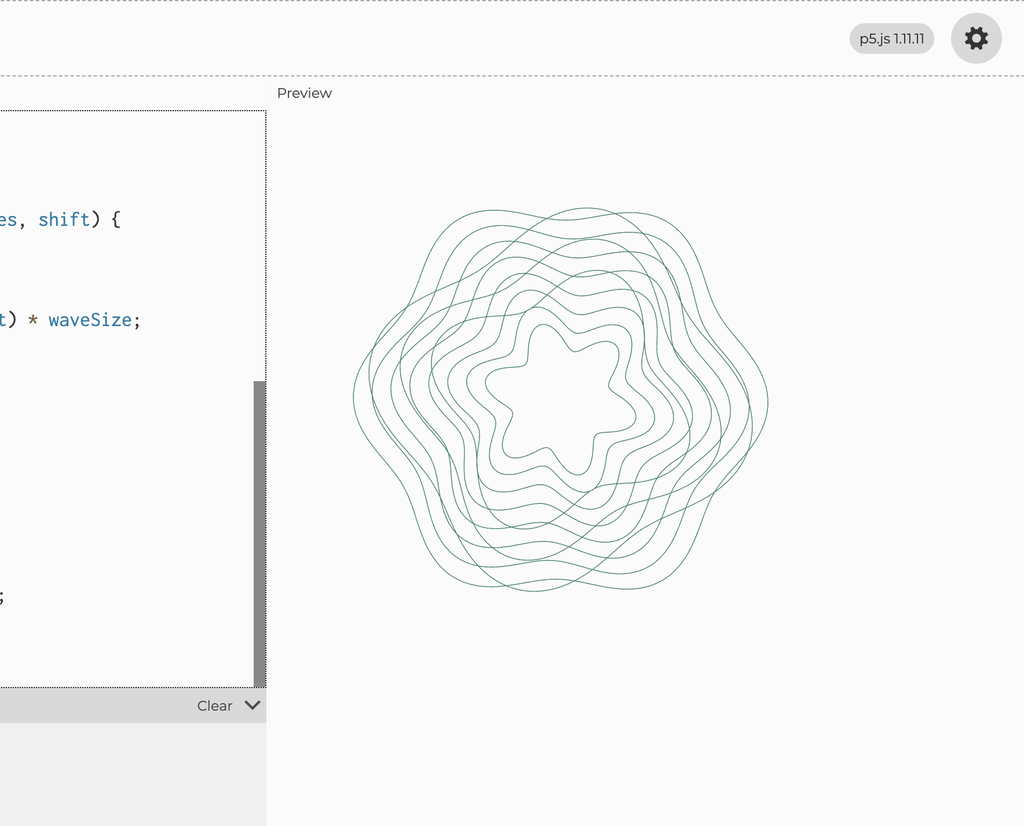
The final design uses 18 main layers and another 8 layers with different wave patterns. By adjusting the radius, wave size, and rotation, I could change how the curves interacted.
What interested me was how individual lines followed mathematical rules, but together they created something much more complicated.
This became Transformation because the overlapping curves reminded me of how different experiences can influence one another and change the direction we take.
Developing Growth
For my third drawing, I wanted to return to floral shapes, but I didn’t want to create another circular mandala similar to Balance.
Instead, I experimented with repeating leaves and branches that extended outward from a shared center.
I used Bézier curves to create the leaves and repeated them along 12 branches, with smaller flowers at the ends.
I liked how this created a pattern that resembled a plant growing in different directions. This eventually became Growth, representing how we continue developing and moving forward.
Looking back, my project changed from a butterfly-inspired drawing into a series of three different patterns.
The butterfly experiment made me realize that I wanted a stronger concept, while the lotus experiments helped me explore repetition and symmetry in more detail. Revising the lotus into Balance also showed me that I didn’t have to settle for my first design.
Working with the pen plotter introduced another challenge because some details that looked clear digitally didn’t always appear the same way on paper. For example, thicker markers made certain areas harder to distinguish, while poor pen contact sometimes caused missing lines.
These experiences made me think more carefully about how the complexity of a drawing affects its physical result. I realized that experimentation isn’t only about changing materials, but also about questioning whether the design itself could work better.
3. From p5.js to the Pen Plotter
Once I was satisfied with the digital designs, I exported them as SVG files using the SVG renderer in p5.js. I also added a keyboard command that allowed me to save each drawing by pressing S.
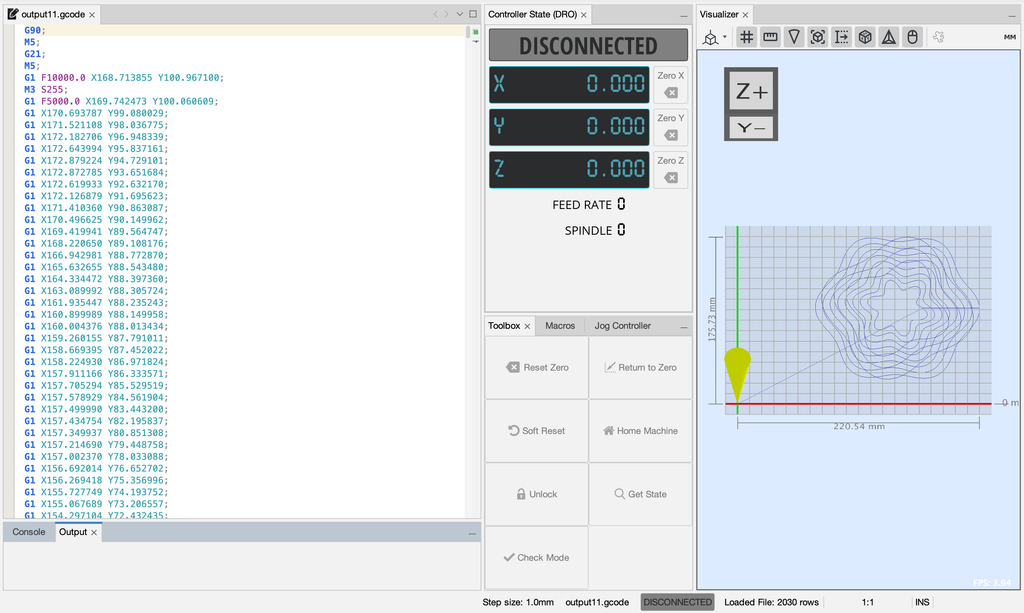
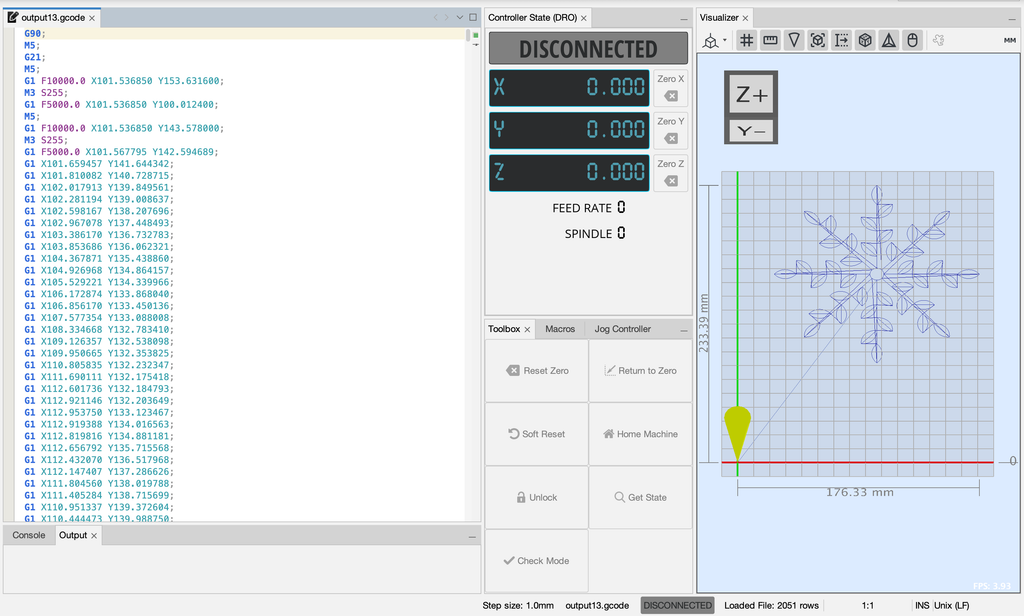
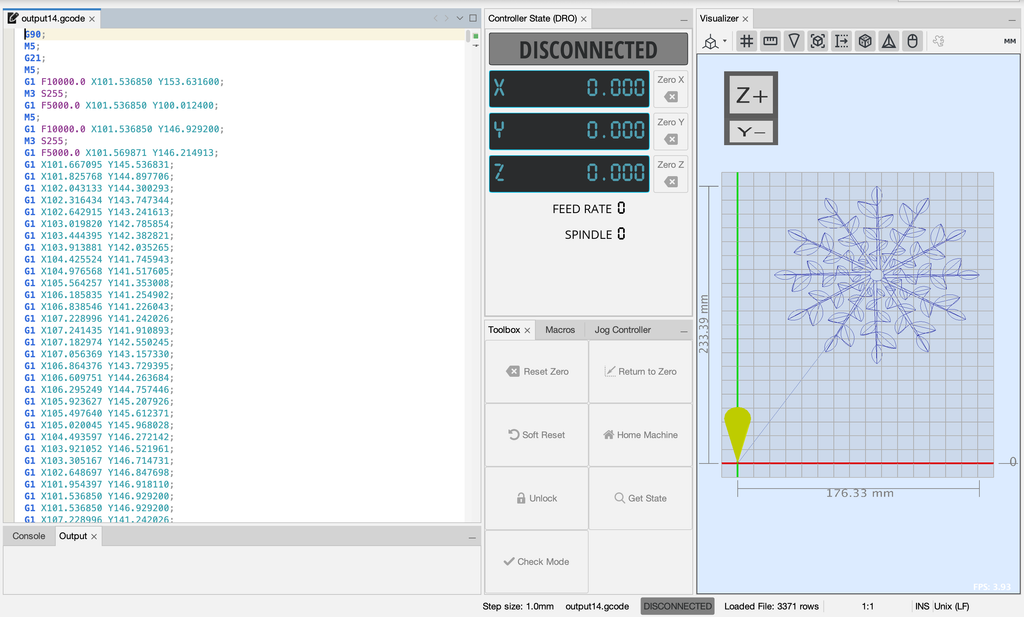
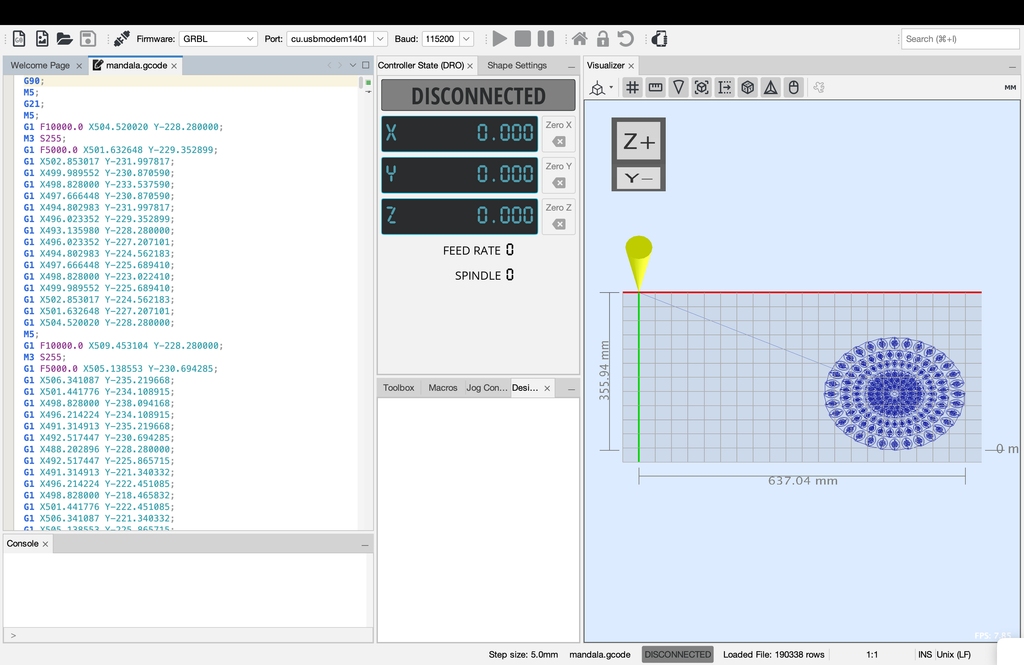
I then converted the SVG files into G-code and opened them in Universal Gcode Sender (UGS), which sent the instructions to the pen plotter.
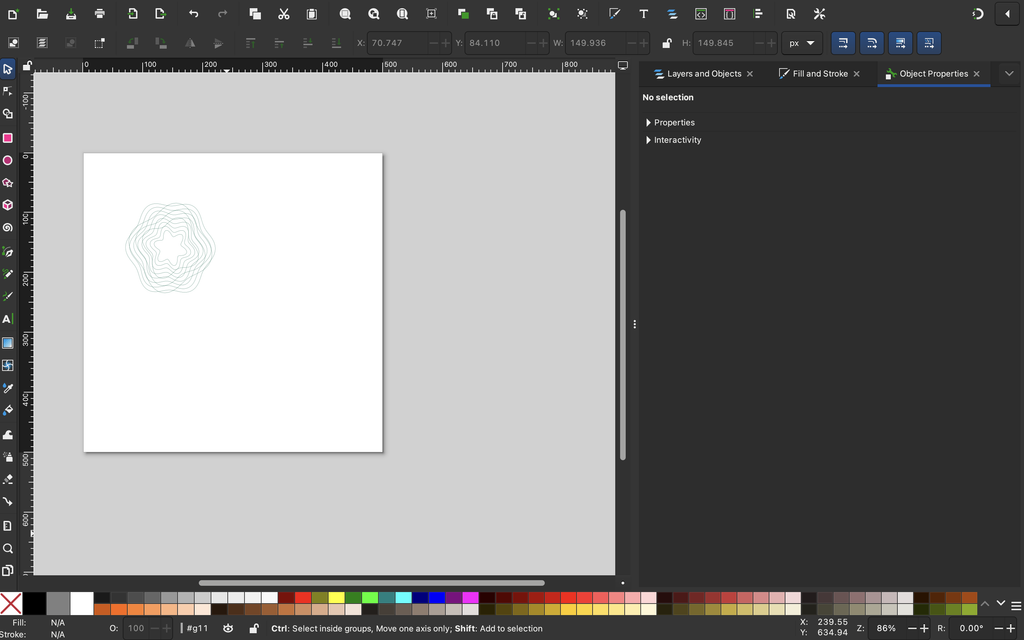
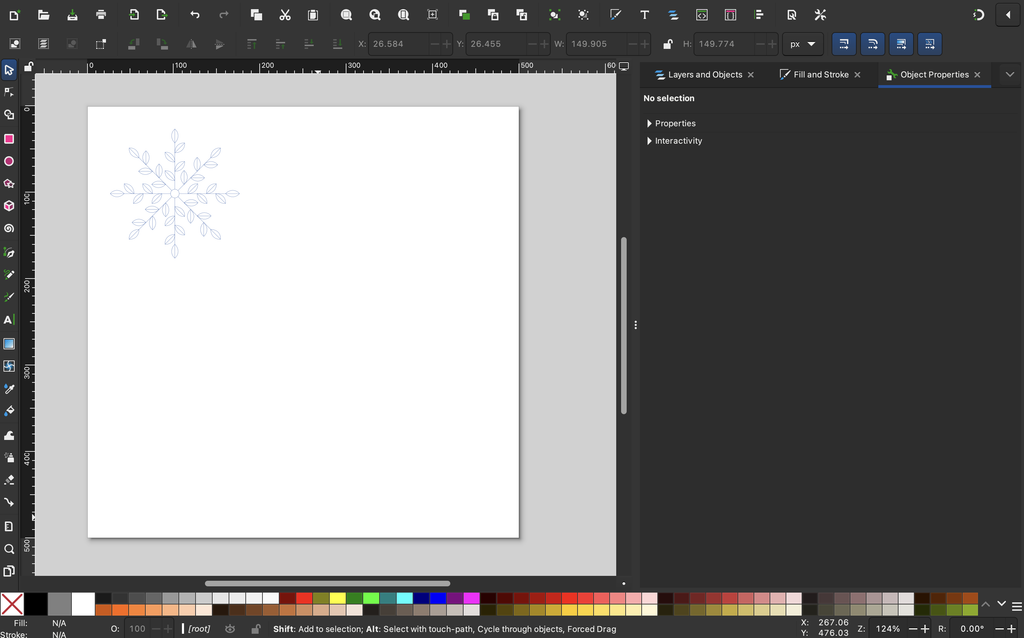
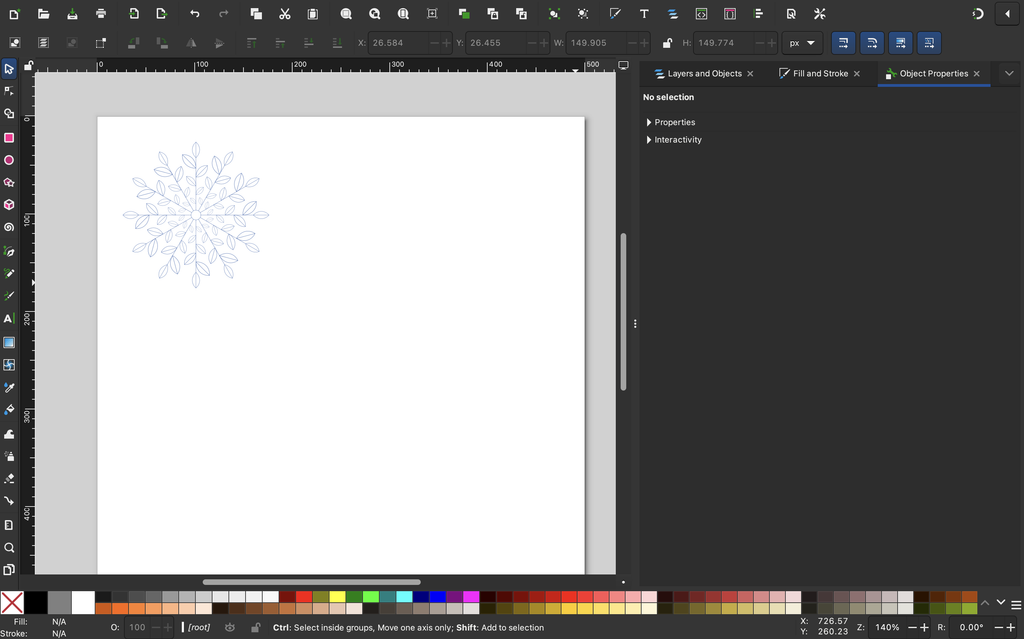
My workflow was to create the drawings in p5.js, export them as SVG files, and open them in Inkscape to convert them into G-code. I then loaded the G-code into Universal Gcode Sender, connected the pen plotter, and started drawing.
One thing I quickly realized was that a drawing looking good on the screen didn’t guarantee that it would turn out the same way on paper.
The plotter had to physically follow each path, and the final result depended on the pen, paper, and machine movement.
Universal G-code Sender:
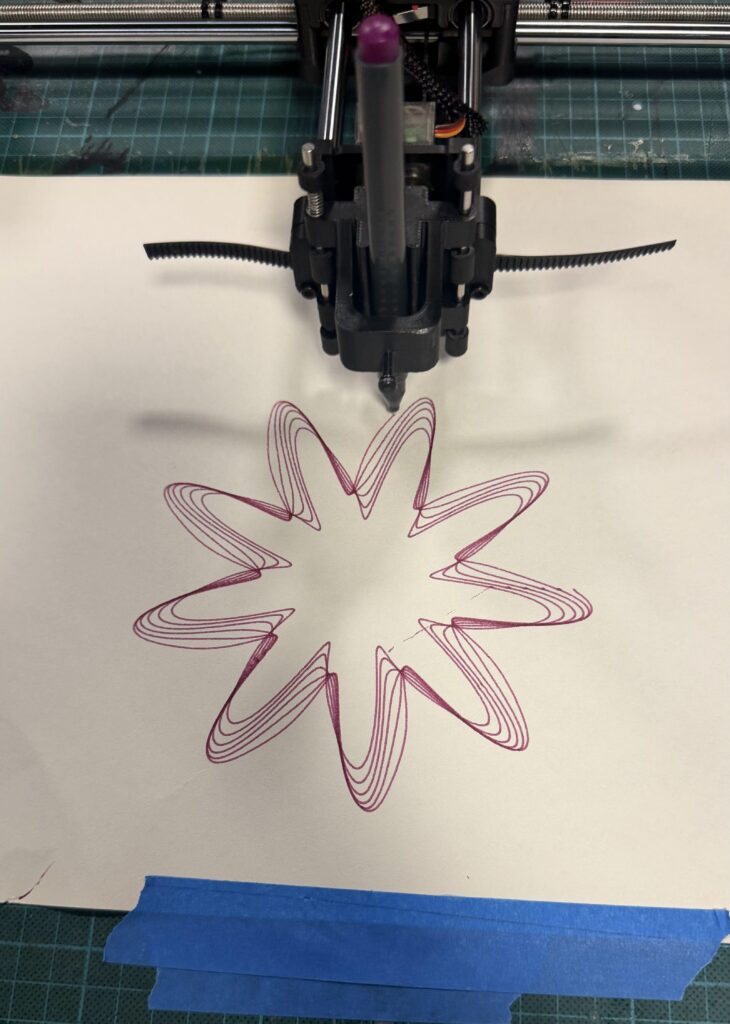
Video of the Pen Plotter:
4. Experiments and Iterations
I experimented with different colors, pens, paper, and plotting conditions to see how these choices affected the final drawings.
Experiment 1: Pen Colors
I tested purple, pink, green, blue, and gold pens.
I noticed that lighter colors gave the floral patterns a softer appearance, while darker colors made the lines more visible.
For example, I liked the pink pen for Balance because it complemented the delicate petals. The darker green worked well for Transformation because the overlapping curves remained visible.
It was interesting how changing only the pen color could make the same design feel different.
Experiment 2: White and Black Paper
I also experimented with drawing on black paper using lighter-colored markers.
The contrast gave the patterns a different appearance, but some details were less visible depending on the pen.
I eventually preferred white paper for my final drawings because the smaller details were clearer, especially in the more complicated designs.
Experiment 3: Thin Pens vs. Thick Markers
This experiment made one of the biggest differences.
Thin pens preserved the individual lines and smaller details, while thicker markers made some areas look crowded, especially where shapes overlapped.
For example, I tried plotting Growth using a thick gold marker. Although I liked the color, the leaves and flowers became heavier, and some details were difficult to distinguish.
I noticed something similar when comparing thicker-marker versions of Balance with the pink fine-line version.
This made me realize that pen thickness was something I needed to consider while designing the patterns, not just when plotting them.
Experiment 4: Overlapping Lines and Unexpected Marks
I also noticed how overlapping lines behaved differently on paper.
This was especially visible in Transformation, where many curves cross each other. Some areas became darker because the pen passed through several nearby lines, which added more variation to the drawing.
However, some tests also had unwanted connecting lines that weren’t part of my intended design.
Although I couldn’t identify the exact cause of every mark, these experiments showed me how the physical drawing process could produce unexpected results.
5. Challenges
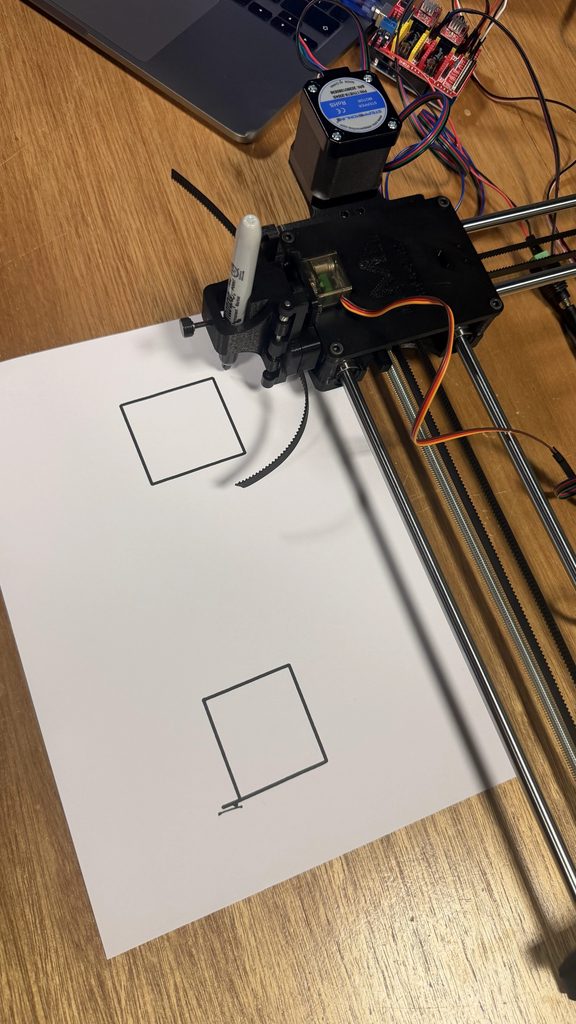
One of the biggest challenges was that some of the pen plotters weren’t working properly. My classmates also experienced issues, including a machine that would start plotting but stop after around 30 seconds. However, if it was a simple shape like a square or something that takes less than 30 seconds it would draw it out.
We eventually borrowed Professor Jack’s pen plotter, which allowed me to continue experimenting and complete my drawings.
Another problem was that the pen sometimes lifted too much or didn’t make enough contact with the paper. This caused some lines to appear faint or disappear completely.
It was frustrating because the digital designs looked complete, but the physical drawings sometimes had missing sections.
I had to compare different tests and choose the versions where the lines were more complete. I also became more careful about which pens I used, since thicker markers sometimes made the details harder to see.
6. Final Series
After testing different versions, I selected the three drawings that I felt worked best.
My decisions were based on how complete the lines were, how clearly the details appeared, and which colors I preferred.
Some earlier drawings had missing or faint lines because of the pen contact issues, so I chose the versions that best preserved the original designs.
Balance – Pink
I chose the pink version because I liked how the color complemented the floral pattern. The thin lines also made the different petal layers and small circles easier to see.
Compared with the thicker-marker experiments, this version looked more detailed and organized, which suited the idea of Balance.
Transformation – Green
I selected the green version because I liked the contrast between the darker overlapping areas and the individual curves.
Even though the design has many intersecting lines, the shapes remain visible. I felt this version showed the complexity of Transformation without becoming too crowded.
Growth – Blue
For Growth, I chose the dark blue version because the leaves, branches, and flowers were clearer than in some of my thicker-marker experiments.
I especially preferred it over the gold version because the individual botanical details were easier to distinguish.
The Three Drawings Together
I wanted the three drawings to feel connected without looking exactly the same.
Balance begins with a structured, symmetrical design. Transformation introduces more complexity through overlapping curves, while Growth uses repeated shapes to create something that extends outward.
Although the three drawings look different, they are connected through repetition and mathematical rules. Balance uses symmetry to represent stability, Transformation uses overlapping curves to represent change, and Growth uses branches extending outward to represent development. I wanted the series to show how these ideas are connected rather than treating them as separate stages. What I found especially interesting was that the process of creating the drawings reflected the same idea. I started with a plan, experimented with different possibilities, and had to adapt when things did not turn out as expected.
7. Critical Reflection
Before starting this project, I mainly focused on using code to create detailed patterns. I wanted the drawings to look interesting and was excited to experiment with different shapes.
However, working with the pen plotter made me realize that the physical process was just as important as the digital design.
Changing something as simple as the pen could completely affect the result. Thin pens preserved the details, while thicker markers sometimes made the patterns too crowded. The paper also influenced how clearly the drawings appeared.
I also learned the importance of revising my ideas. My original lotus pattern was a good starting point, but I wasn’t completely satisfied with it. Instead of keeping the first version, I changed the algorithm until I created a design I preferred.
The technical problems were another important part of the process. I had to deal with machines that weren’t working properly, missing lines, and drawings that didn’t always turn out as expected.
What I found interesting was how these experiences connected back to my original concept. I started with clear rules and expectations, but I still had to adapt along the way. Even though I controlled the code, I couldn’t completely control how the final drawings would turn out.
What I Would Improve
If I had more time, I would experiment with adjusting the spacing between lines, especially where the patterns become too dense.
I would also like to use multiple pen colors within a single drawing by separating different parts of the design into layers.
Another improvement would be checking the pen height and contact with the paper more carefully before plotting, to reduce the chances of missing lines.
I would also like to experiment with the order in which the plotter follows different paths to see whether that could reduce unwanted connecting lines.
Overall, I enjoyed seeing my designs move from code on a screen to actual drawings on paper. The process involved more trial and error than I expected, but that was also what made it interesting.
I started this project wanting to explore balance, transformation, and growth through patterns. Looking back, I realized that I experienced all three while making the drawings. I began with a clear idea, changed my designs through experimentation, and learned from the problems I faced along the way.
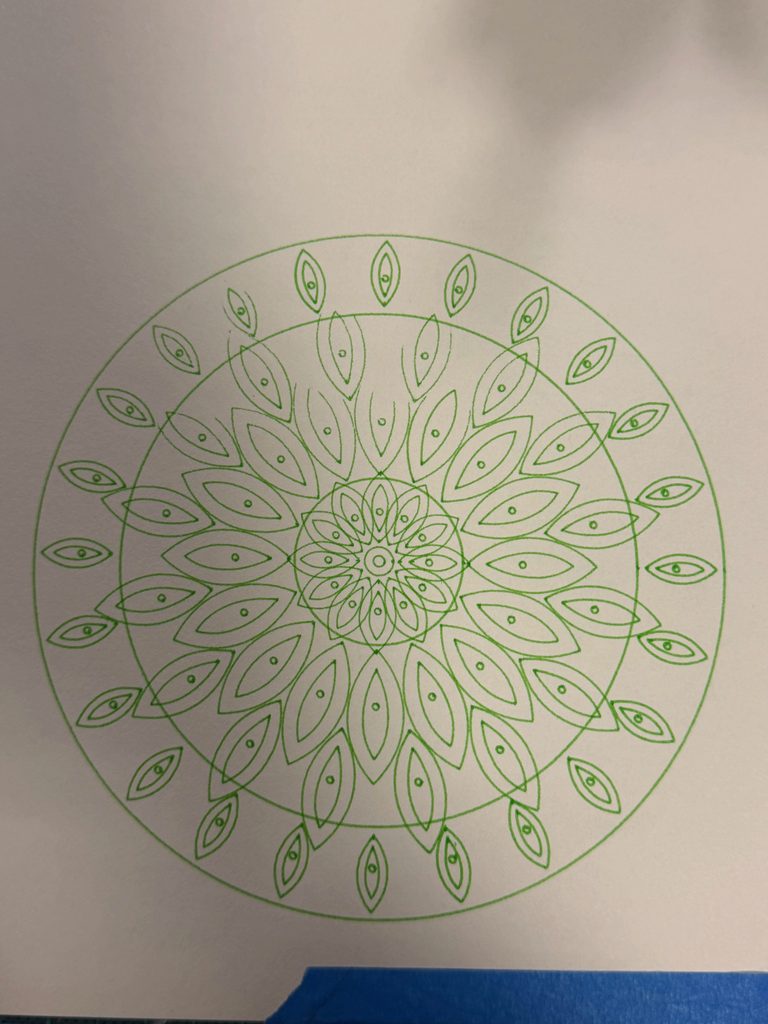
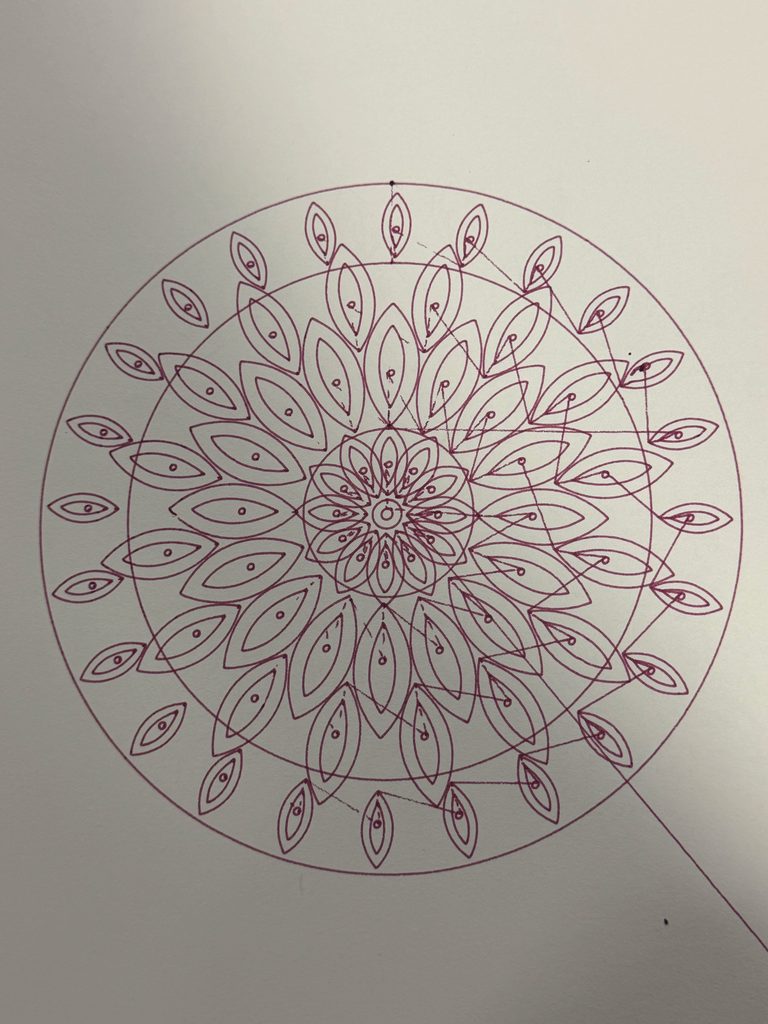
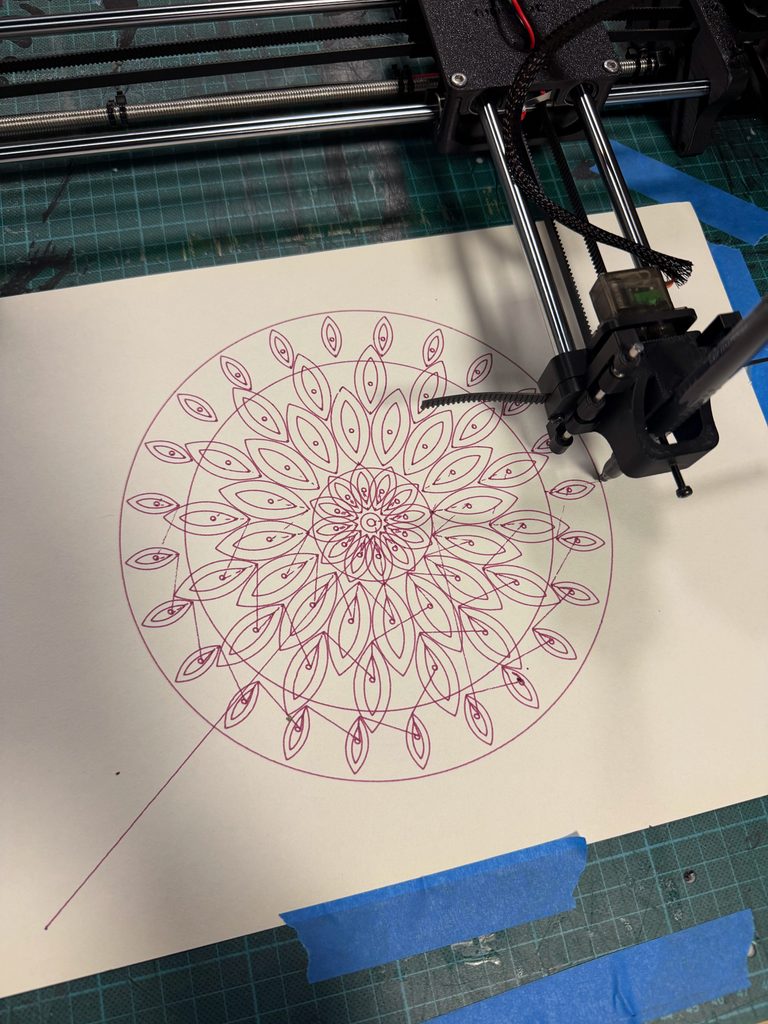
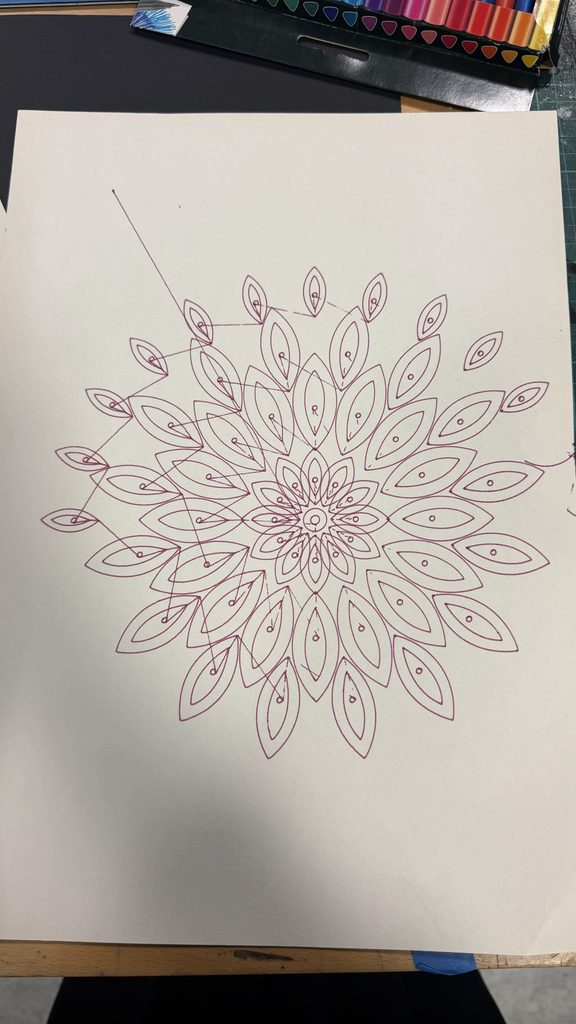
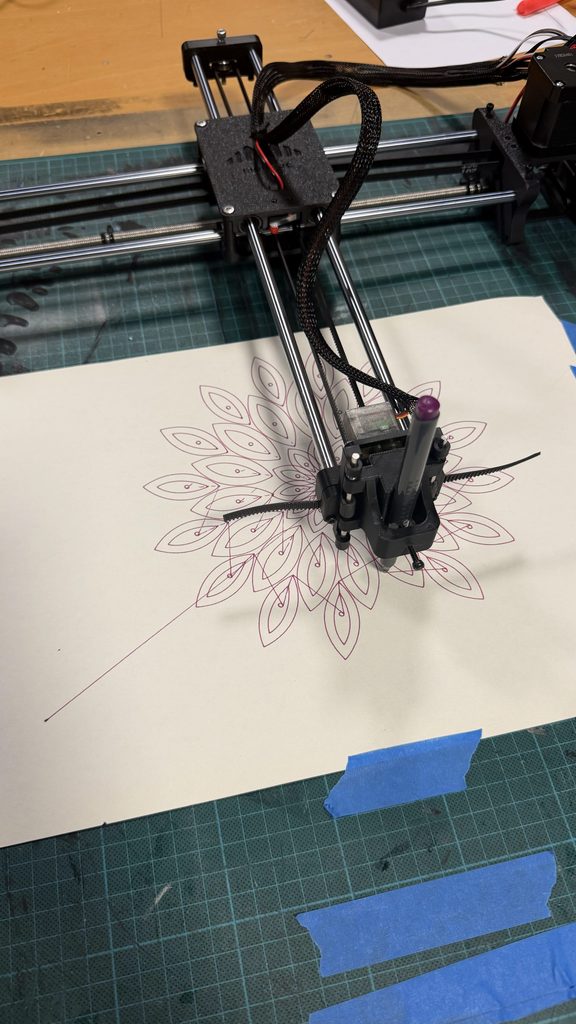
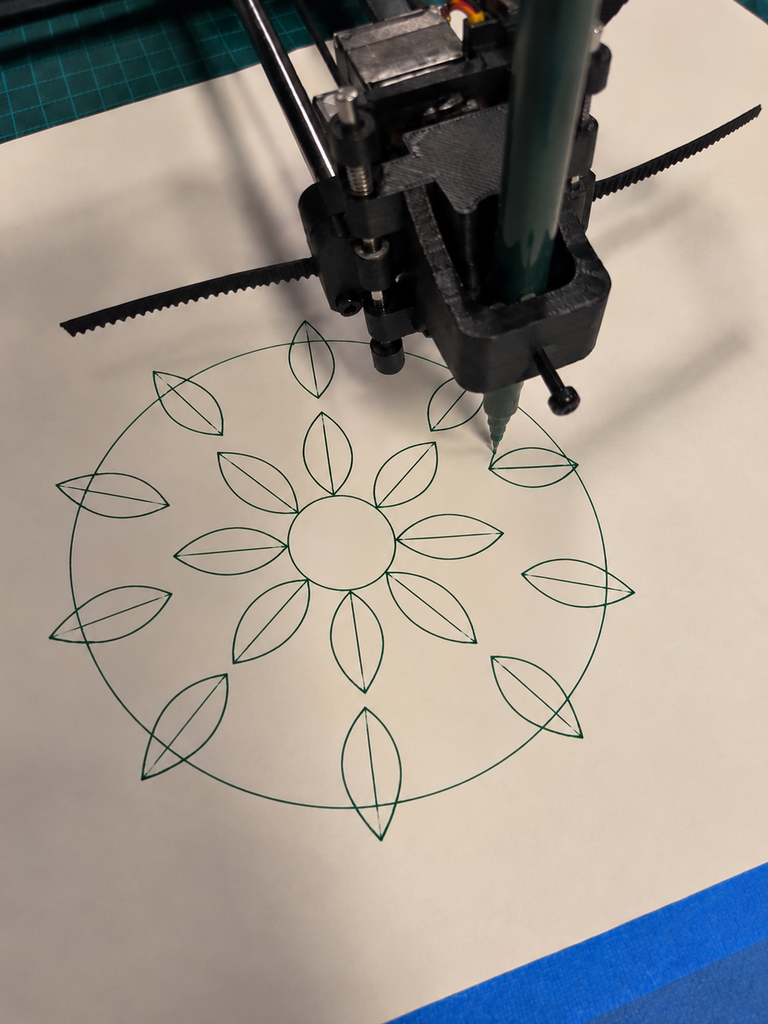
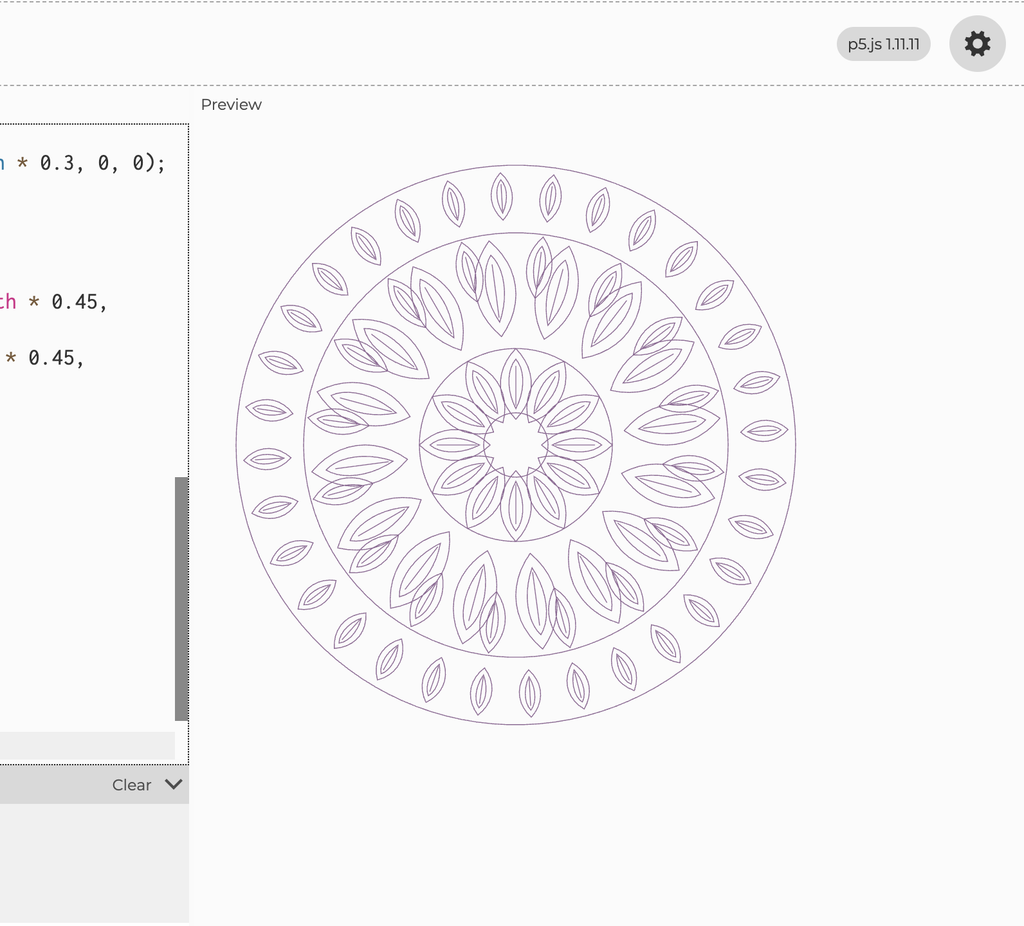
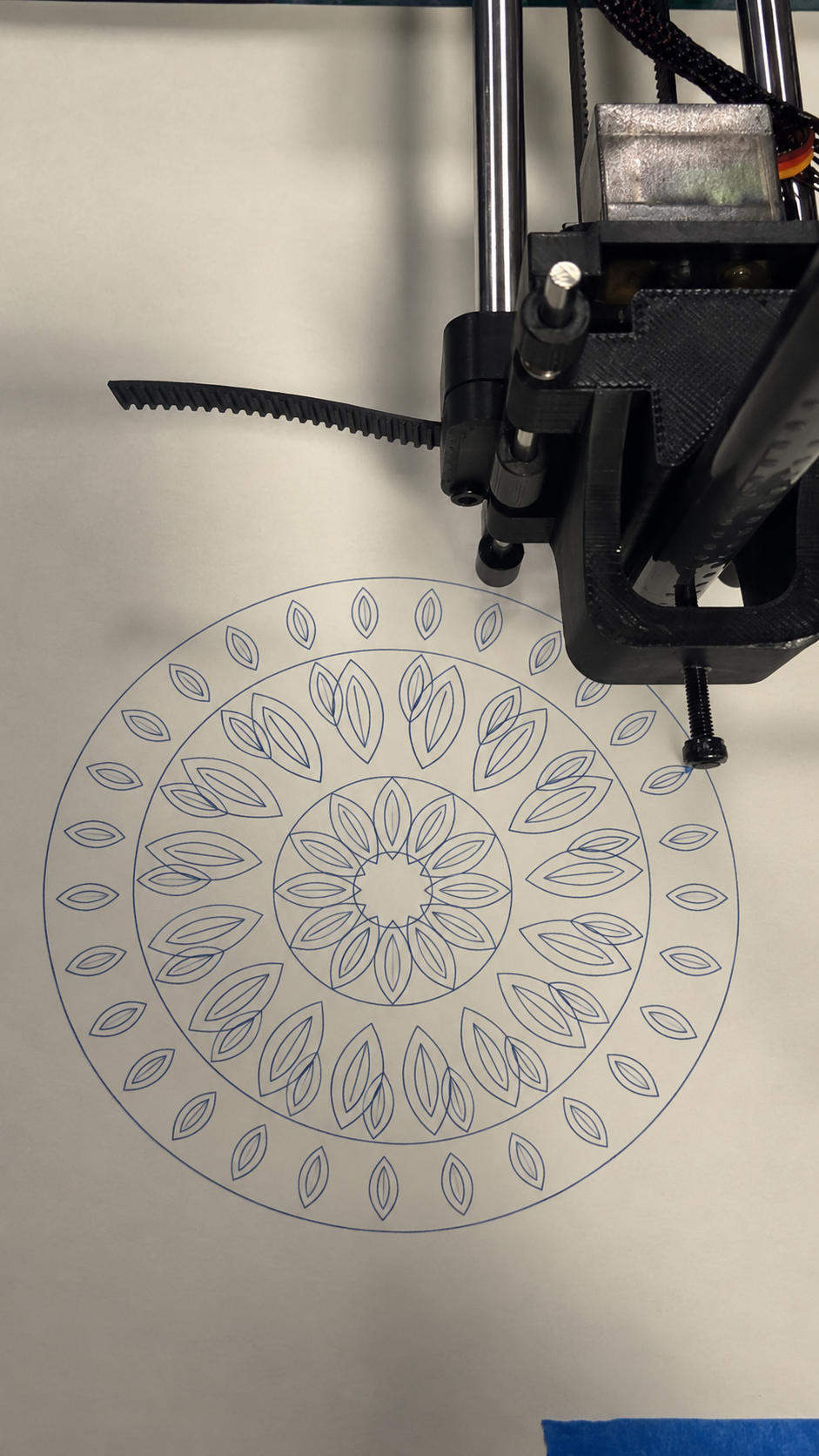
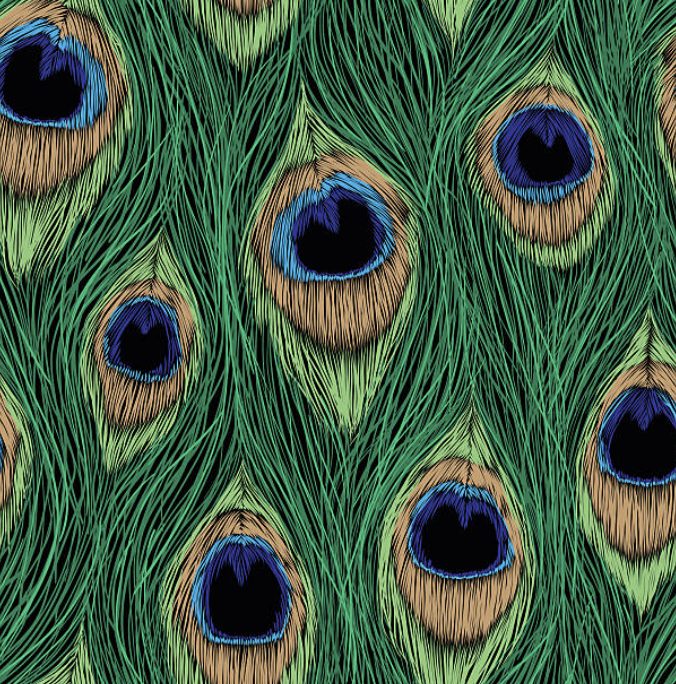
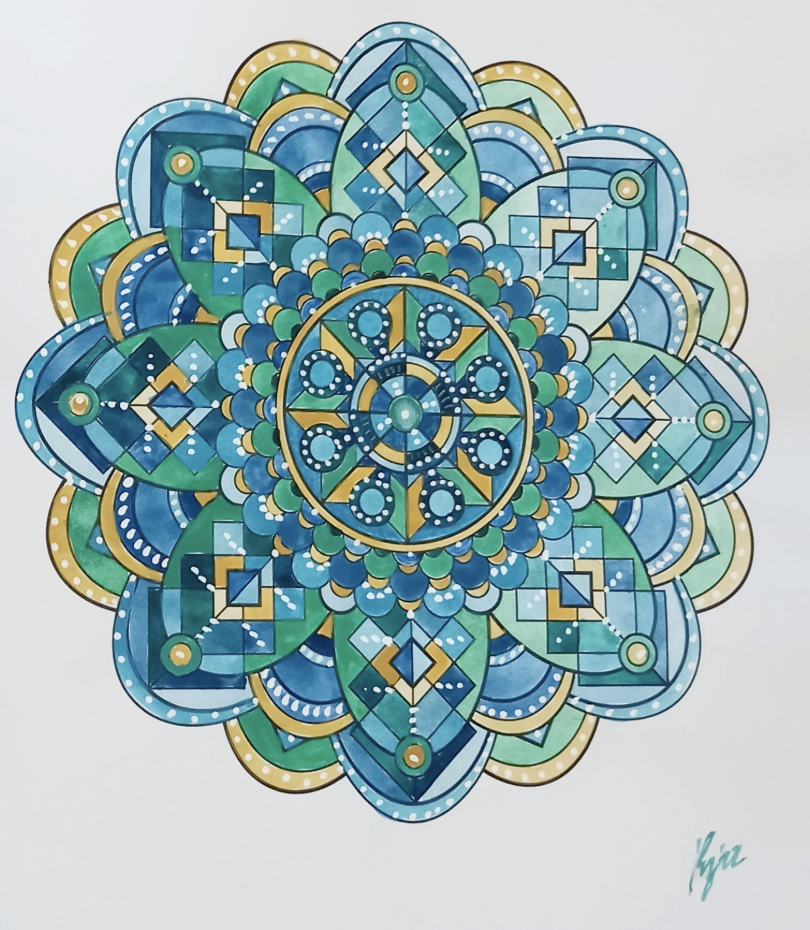
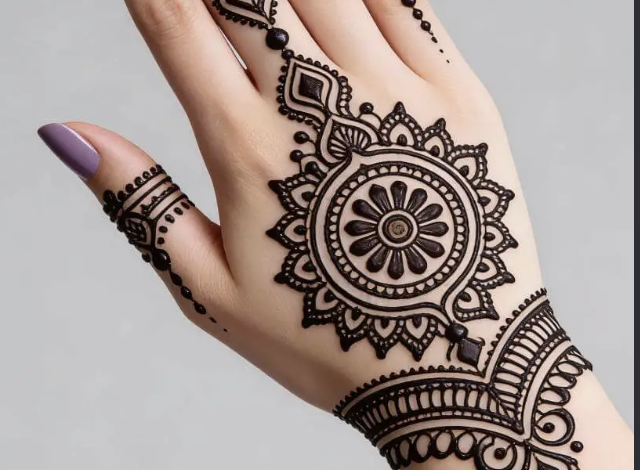
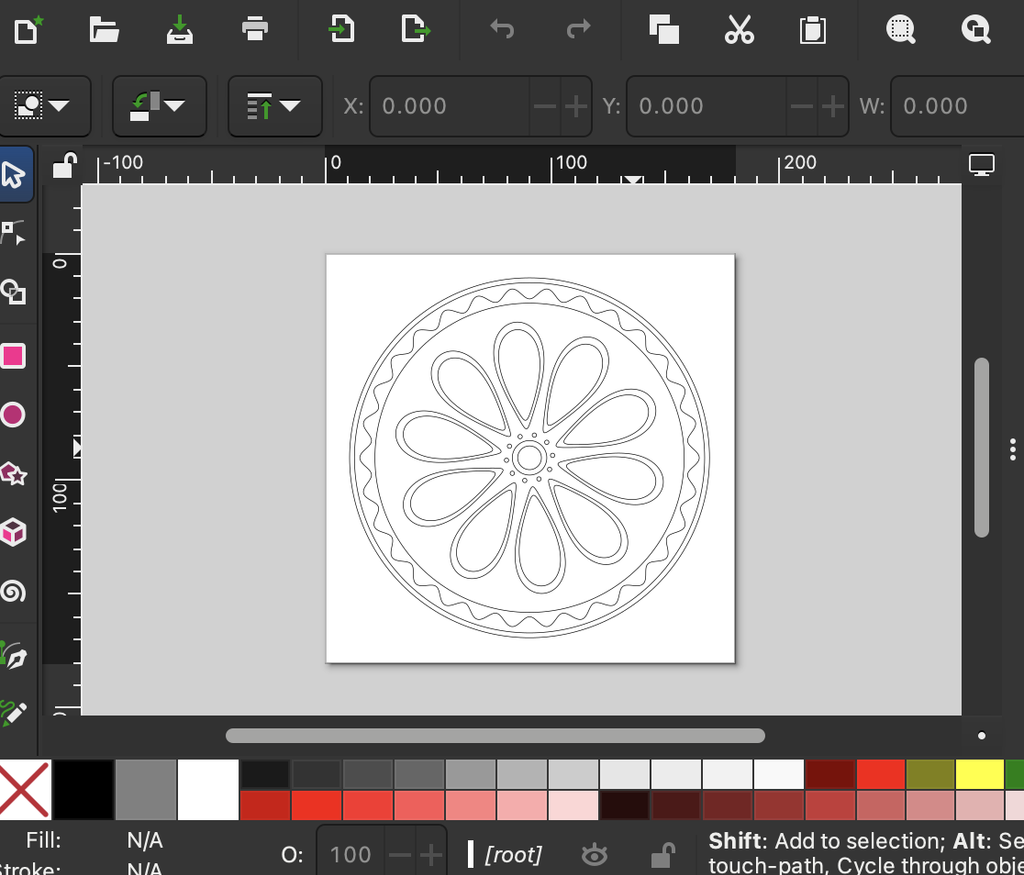
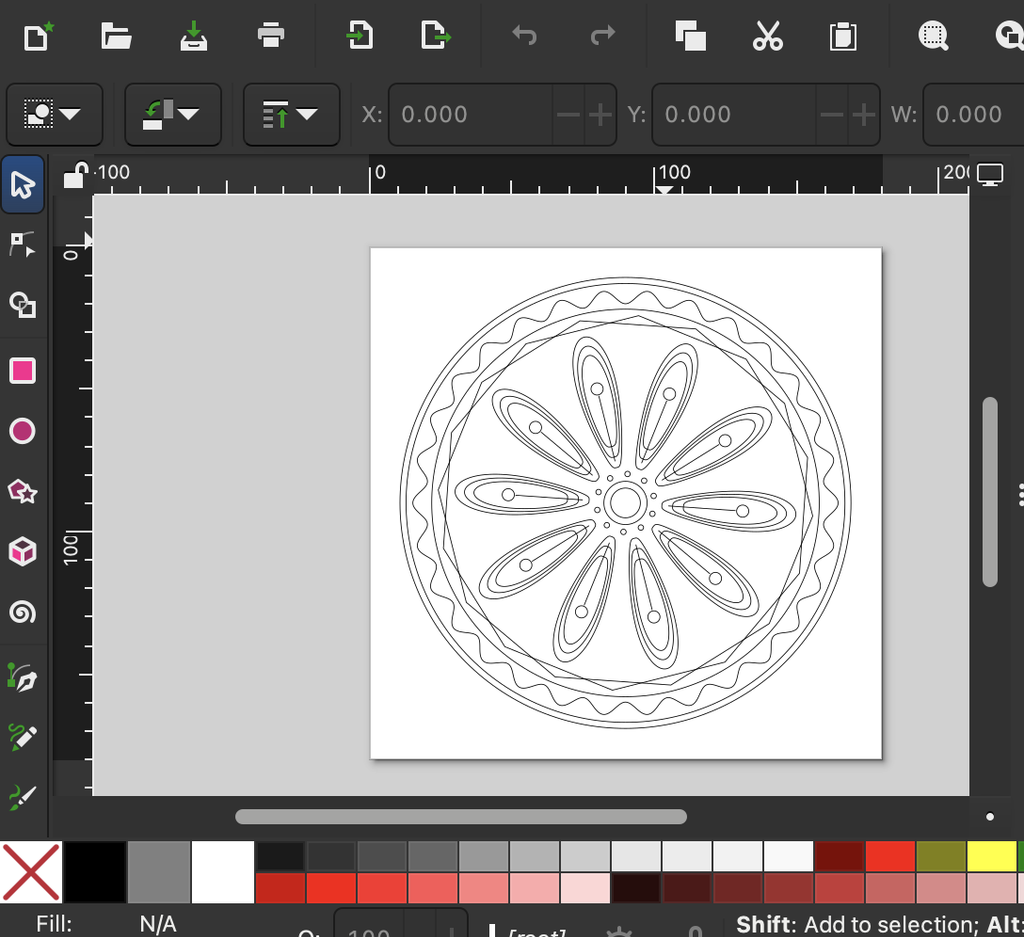
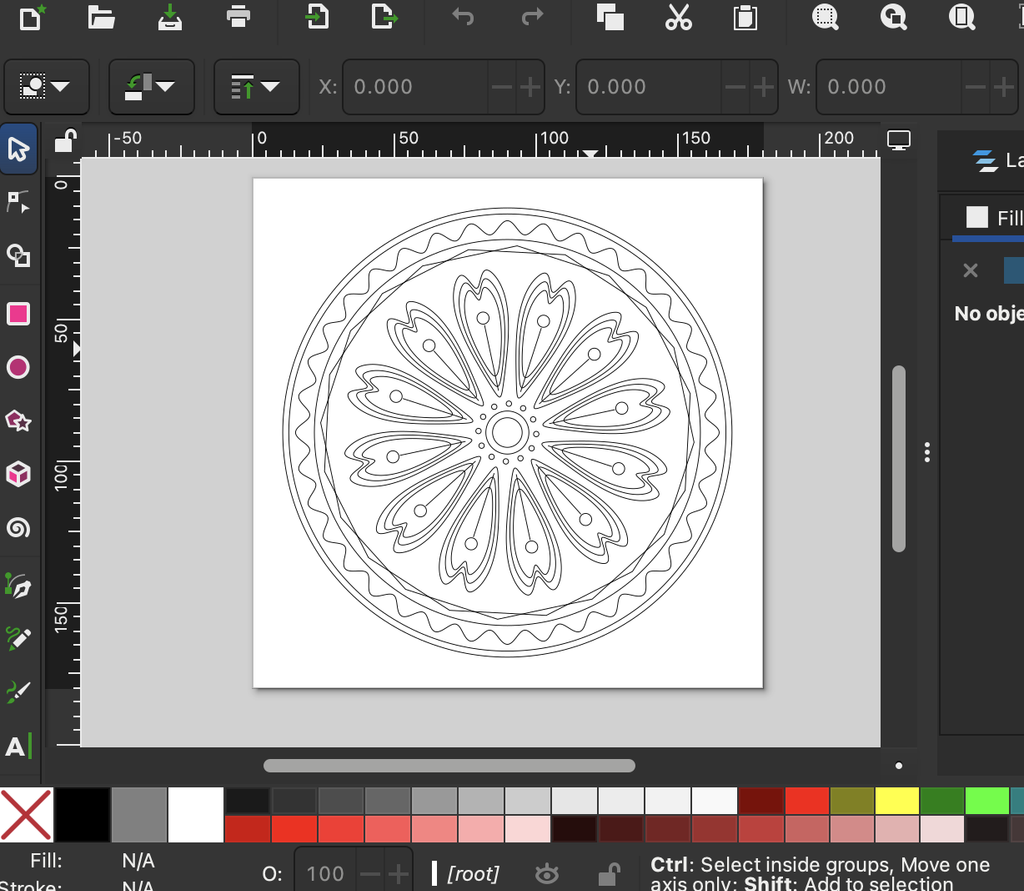
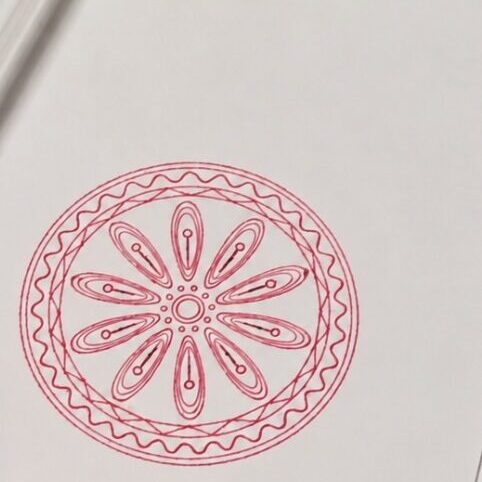
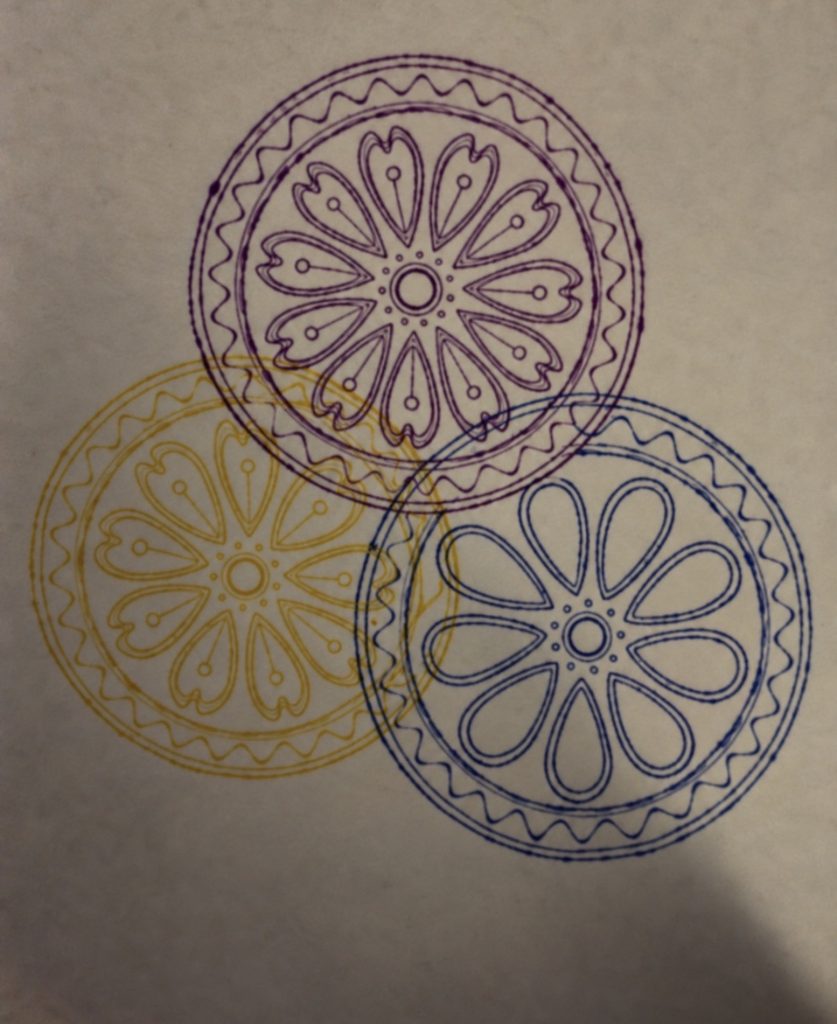
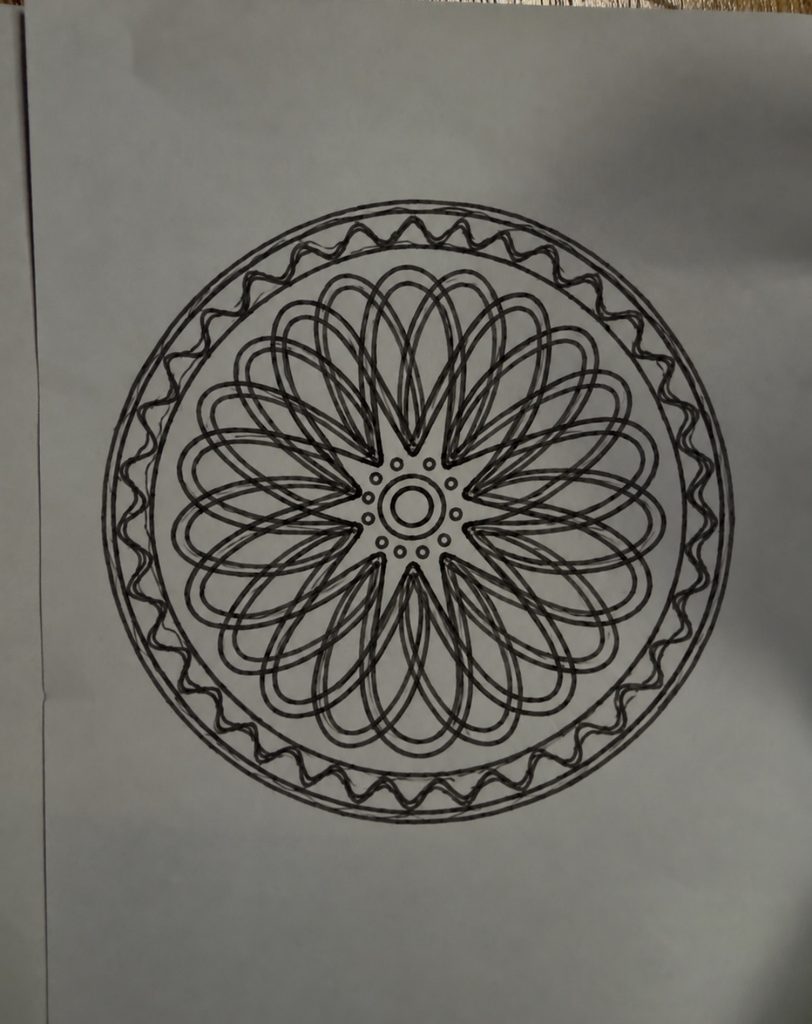
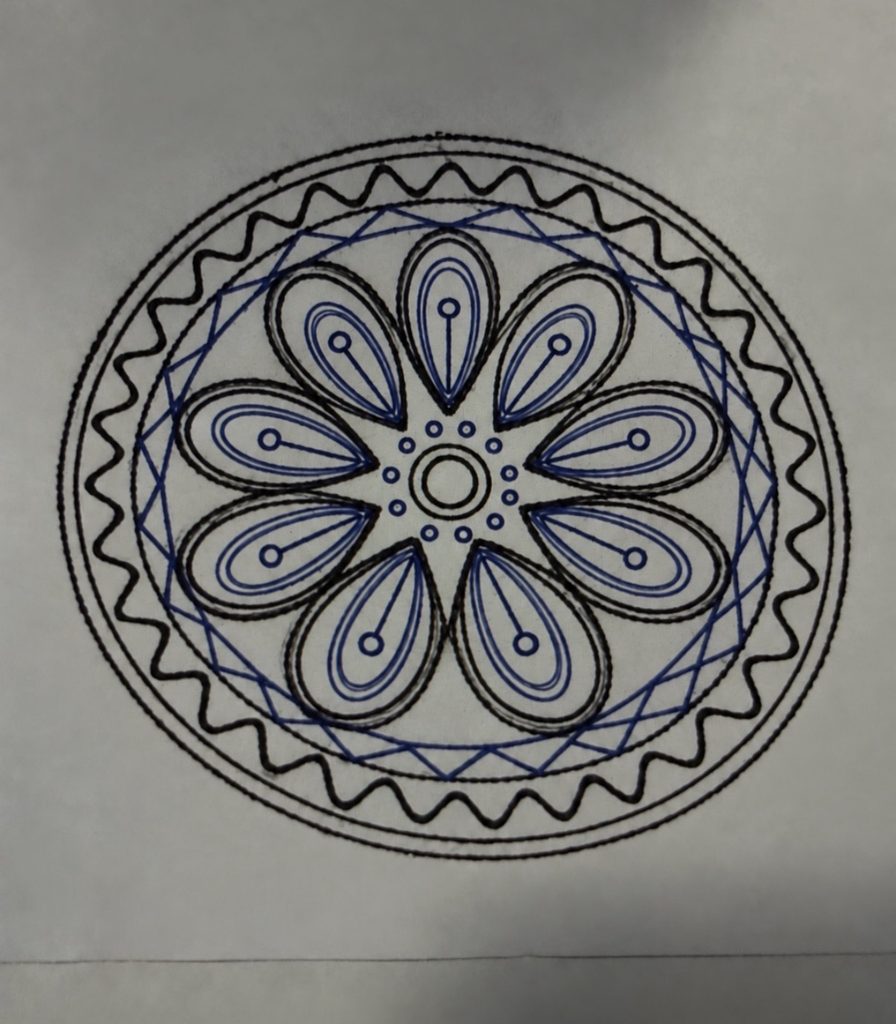
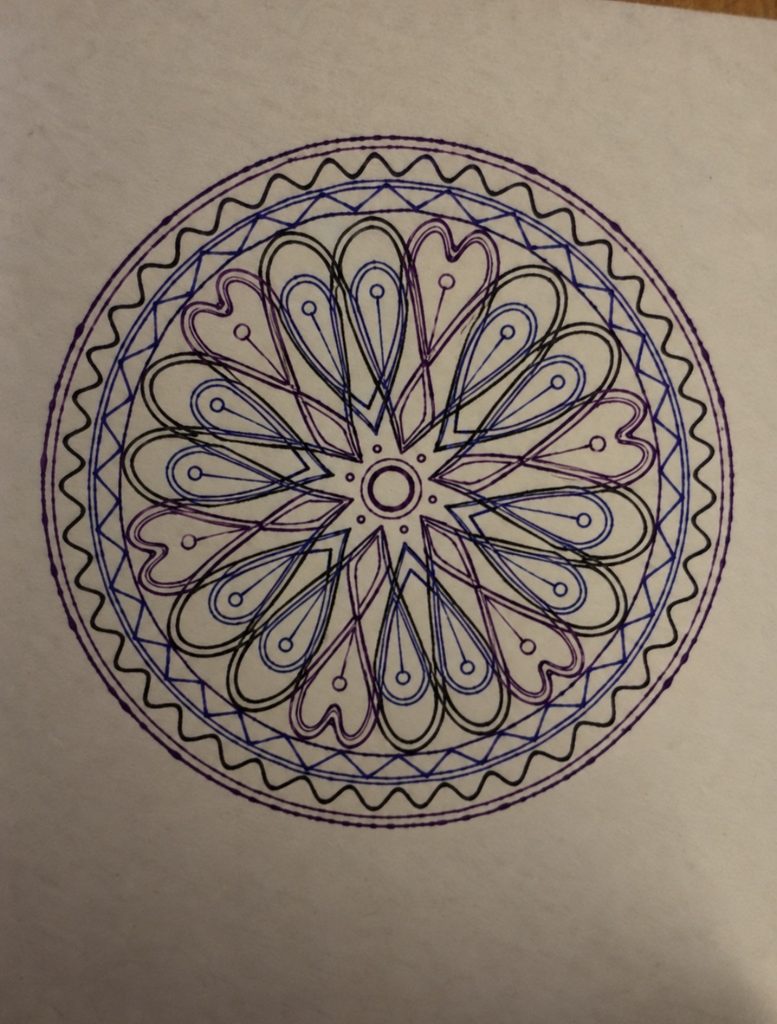
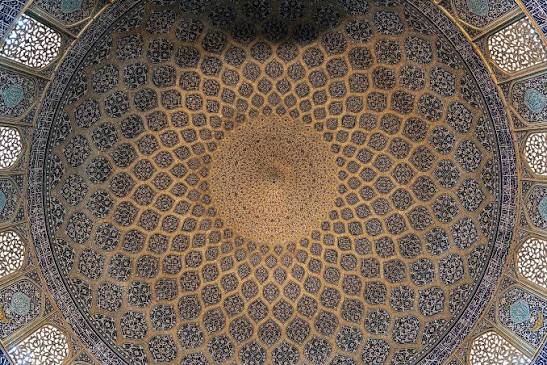
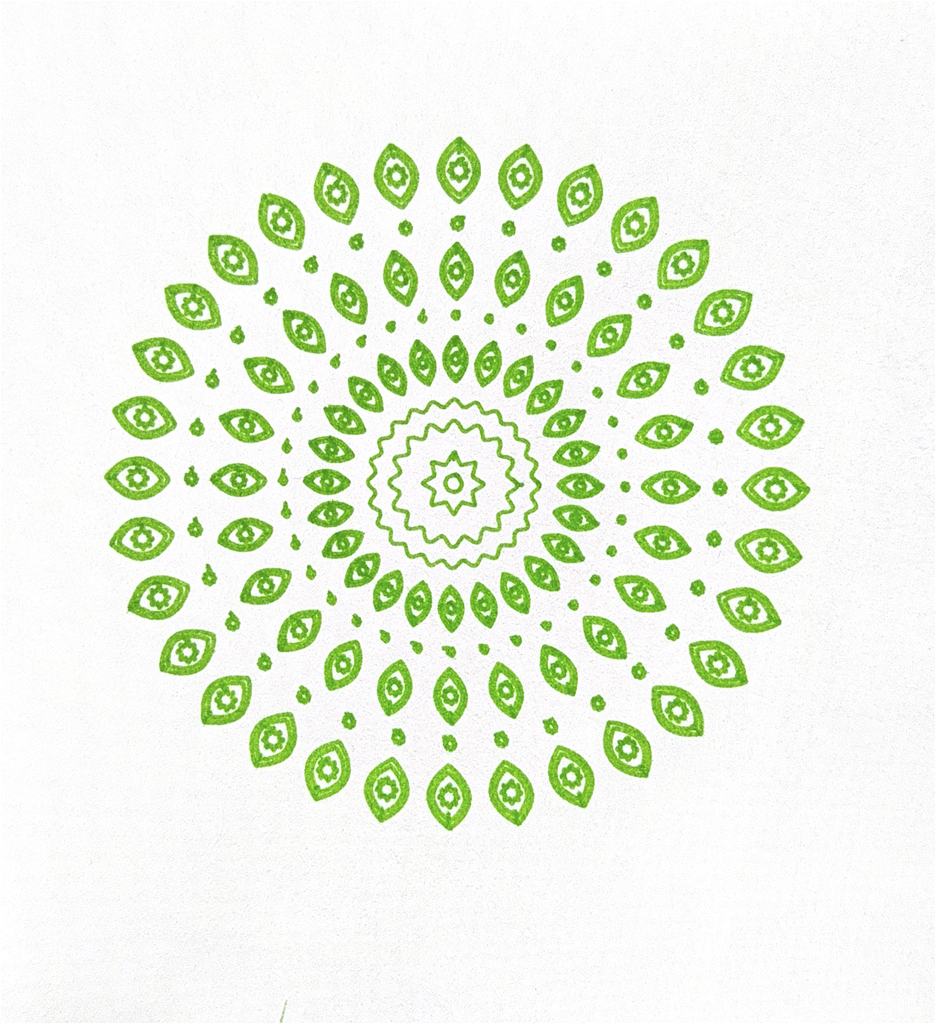
My concept is inspired by the circular composition of mandalas and traditional henna and the layered, eye like details of peacock feathers. I was interested in how both bring many smaller elements together to create a balanced and detailed whole. In my design, curved feather like shapes repeat around a central point, while circles and overlapping polygons give the composition a clear structure. The contrast between the soft curves and sharper geometric lines allows me to explore the relationship between organic forms and mathematical order. Repetition creates a visual rhythm, guiding the viewer’s eye around the circle and between the different layers. Through code, I can vary the number of repeated shapes, their proportions, and the details within them while maintaining the overall circular symmetry. These changes allow each version to develop its own character, with some appearing more open and delicate and others becoming dense and complex. The variation is therefore an important part of the concept because it shows how a shared set of rules can produce different outcomes. Using a pen plotter also adds another layer to this idea, as forms inspired by nature are translated into precise instructions and then drawn through mechanical movement. The project explores how nature, geometry, and technology can come together to create patterns that feel both structured and expressive.
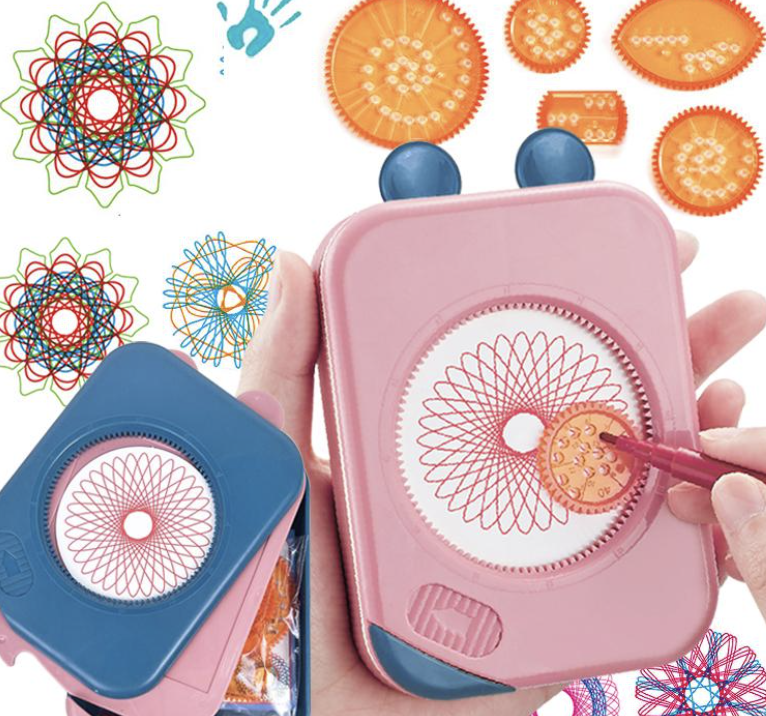
Another layer of inspiration for this project comes from the geometric drawing toys many of us used as kids, such as Spirograph wheels and circular stencils. These toys were simple, but they revealed how repeating a basic motion around a center could generate surprisingly intricate patterns. They taught a kind of playful geometry where curves, loops, and rotations created complex designs without needing to understand the math behind them. When working with the pen plotter, I realized it operates on a similar principle, but with far more precision and control. The plotter can lift the pen, change colors, and build layers in ways those toys never could. Bringing this childhood experience into the project allowed me to connect nostalgic, hands on pattern making with algorithmic drawing. It highlights how early intuitive play with geometry can evolve into structured, computational design, and how both approaches rely on repetition, rotation, and symmetry to create visually rich patterns.
Algorithm
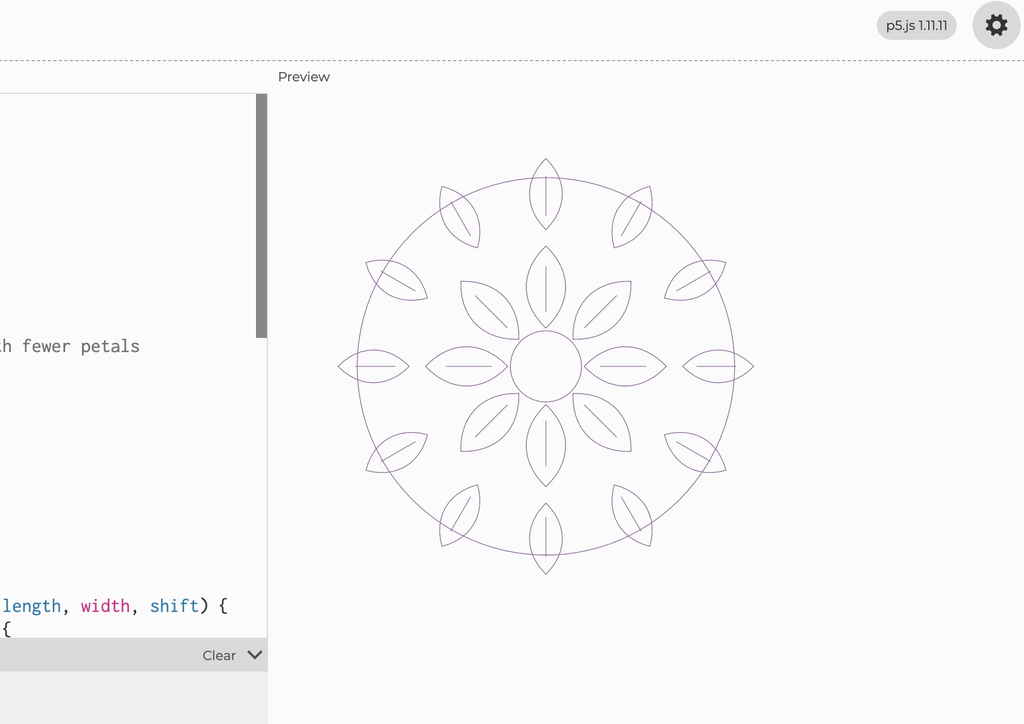
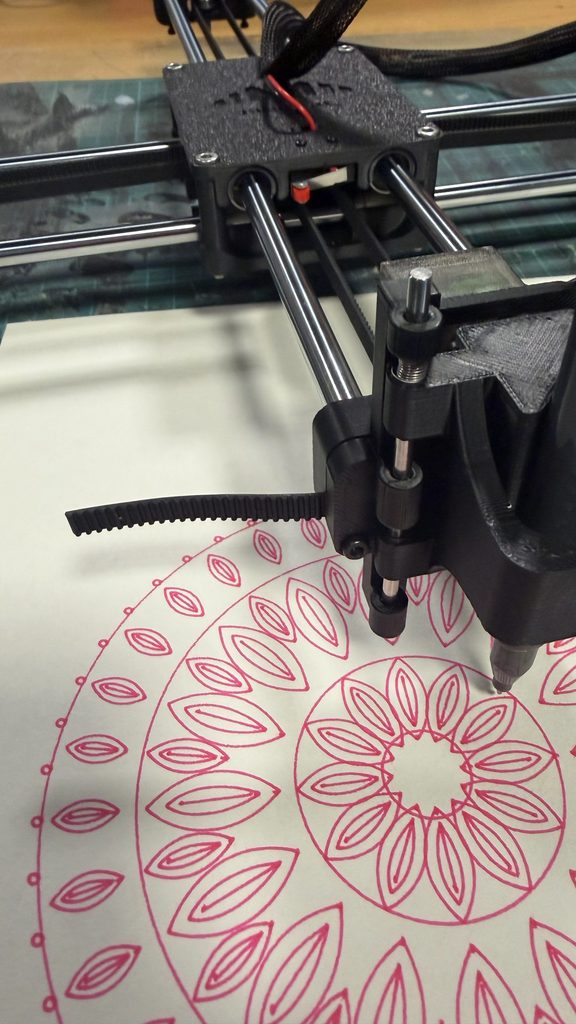
My algorithm builds the pattern by repeating a shape around a central point. It divides a full circle by the number of petals to space them evenly, then rotates each shape into position. Smaller outlines inside the petals add detail, while circles and repeating waves form the border. Changing values such as the petal count, shape, size, and number of layers creates different designs while keeping the circular symmetry.
I used code because the entire structure of my drawing depends on precise repetition, rotation, and symmetry. The pattern is built by dividing a circle into exact angles, repeating shapes at perfect intervals, and layering curves with consistent spacing. Doing that by hand would never be as accurate or as flexible. With code, I can change one variable like the number of petals or the size of the inner shapes and instantly generate a new, perfectly balanced version. The drawing isn’t just a picture, it’s a system of rules, and code is the only way to execute those rules with the precision the design needs.
Before creating the final drawings, I went through several rounds of testing to understand how the pen plotter behaved with different pens, sizes, and materials. The first tests were mainly about the markers themselves. Some felt tip pens released too much ink, causing splotches, bleeding, or thick patches where the pen paused. Others were too dry, which made the lines break or fade. I had to adjust the pen pressure and experiment with different markers until I found one that produced clean, consistent strokes. Eventually, I switched to a less ink, smoother pen for the early tests, which helped me see the structure clearly without messy overlaps.
Resizing the pattern also became part of the iteration process. When the design was too small, the lines overlapped or became cramped, especially in the detailed inner shapes. The plotter’s precision made these overlaps very noticeable. Increasing the size solved this problem and gave the black marker room to show the crisp geometry. The larger version felt cleaner and more intentional, which is why I chose that scale for the final black drawing.
I also had to deal with physical issues during plotting. At one point, the paper shifted slightly, which caused the lines to misalign. I retaped the paper securely and made sure the entire surface was completely flat before running the plot again. Even small bumps or loose tape affected the accuracy, so preparing the workspace became an important part of the process.
During these tests, I also tried a smooth red ink marker. It handled the plotter’s movement well and didn’t bleed as much as the blue felt tip pen. The bold red color looked visually striking, so I decided to use it for one of the final versions. It added a different mood to the same algorithmic structure and showed how color can change the character of the pattern.
These iterations testing markers, adjusting settings, resizing the design, securing the paper, and experimenting with color were essential to achieving a clean final result. The process revealed how much the physical setup influences the outcome, even when the underlying design is generated through precise code.
I used this experiment to explore how different colors and overlapping patterns work together. The purple, blue, and yellow helped separate the designs while showing how their lines create new shapes where they cross. I developed these ideas in my final three designs, using rotation, overlapping outlines, and color to make each piece different while keeping them connected
The final series of at least three drawings
Final three flow
My three final designs explore repetition, rotation, and layering. The shapes inside are inspired by peacock feathers, especially their curved outlines and eye like centers. The decorative details also draw from henna, while the circular arrangement and repeated shapes are inspired by mandalas.
In the first design, I focused on repeating and rotating one shape in black. The overlapping lines create a dense pattern and a sense of movement. In the second, the feather shapes become more distinct. Blue and black help separate the details, making the peacock inspiration clearer.
The third design brings these ideas together by layering different shapes in black, blue, and purple around the same center. Their outlines cross to create new shapes and a more complex composition. This progression shows why a pen plotter suits my idea and it allows precise repetition and controlled changes in rotation, while the pen and paper still introduce small imperfections.
Critical reflection on how the pen plotter, color, layering, and physical materials shaped the final work.
The physical process of working with the pen plotter had a major impact on how my final pieces developed. Even though the algorithm defines the structure and symmetry, the machine and materials introduced their own challenges that shaped the outcome. During the early trials, I had to adjust the plotter settings, fix the pen pressure, and test different markers because some were too dry, too splotchy, or produced inconsistent lines. These tests were essential they showed me that the plotter is not just a neutral tool but something that requires calibration and care. Choosing the right pen became part of the creative decision making. I ended up using a bold black marker for most of the final work because it produced clean, confident lines that emphasized the geometry and made the pattern feel more intentional.
Color also played a surprising role. Although my concept wasn’t originally focused on color variation, the physical tests pushed me to experiment. I tried a smooth red ink marker and found that it created a striking contrast compared to the black. The dark blue and purple lines felt more vibrant and expressive, and the bold color made the circular pattern stand out in a different way. I decided to use it for one of the final versions because it added a new dimension to the design it showed how the same algorithmic structure can shift emotionally depending on the color and material.
Layering wasn’t part of my conceptual plan, but it appeared naturally in the smaller test plots.They also highlighted how the machine interprets the algorithm through real movement, where even tiny shifts in alignment or pen pressure can change the final look. But for the final this was revised and the layering can be seen with the lines overlapping to create the desired output.
Material choice was another important factor. Using card paper made the drawings cleaner and more durable compared to regular thin paper. The smooth surface handled the ink better, prevented bleeding, and supported the pen pressure without warping. This helped maintain the accuracy of the circular symmetry and kept the details sharp. The sturdiness of the card paper also made the final pieces feel more finished and professional.
Overall, the pen plotter, the trials and adjustments, the choice of pens and colors, the accidental layering, and the physical materials all shaped the final work in ways that go beyond the algorithm. The project became a collaboration between digital rules and physical realities testing, correcting, choosing, and adapting. These elements enriched the concept by showing how structured geometry interacts with the imperfections and possibilities of real tools and materials.
When I sit down at my computer to work on assignments, I put on my headphones and listen to chill music, usually synthwave. Two things inspired me to create drawings based on Alice in Wonderland. The first was a song by Memorex Memories called “Curious Alice.” The second was my work in Introduction to Digital Humanities, a class where we analyze data from texts. When we were introduced to Project Gutenberg, I thought, “Hey, why not do something with the text of Alice in Wonderland?” And that’s how Alice in Textland came about: a series of illustrations depicting key moments from the story, each shaped from the text of its corresponding chapter.
Figure 1. Finalplots in one figure.
Algorithm and p5.js code
Note: Copilot helped me program since there were things I did not know how to do it.
The overall algorithm for this works in the following way:
First, we load the three-chapter text files. These text files come from a single source (click me for the source!). Although, to be able to get clean text that makes sense according to the specific figure that will be drawn into the SVG, I had to manually copy this text three times. On each text file, I cleaned it so that the text that it contains is specific to its chapter. Also, an important note, since p5.js v2.0, it is necessary to use function async setup().
After it loads the text files, it will randomly select one chapter.
After it selects the chapter, it will clean the selected text by removing extra spaces and line breaks. This is essential because we do not want some kind of extra noise in the text. It should be ideally just cohesive written text.
Then, it will choose one of the three visual styles based on the selected chapter: Chapter 1 becomes a spiral. Chapter 2 becomes a lake. Chapter 3 becomes a dodo.
Then, it will place letters from the book text at calculated positions.
It will create the drawing under the function async setup() with createCanvas(resolutionX,resolutionY, SVG) as an SVG so that it can be used for the pen plotter.
After all of this, it is just a matter of clicking anywhere to save the .SVG file!
For more details of the code, please check the p5.js sketch.
SVG/G-Code workflow
This part took me some significant time, why? Well because for some reason, the dimensions in Inkscape when generating the G-Code always end up being weird. For example, I tried to set up the program to keep in mind the dimensions for an A4 Paper, and I made sure to also have the correct settings on the extension itself. But again, did not work and I had to resort to come up with some dimensions that actually in good dimensions without causing chaos.
Figure 2. The gcode for the letter lake is just way too past to the top.
In this example, you can see that in some of my tests, the pen plotter tried to draw the G-code far above the intended position. I eventually found that placing the SVG in the bottom-left corner of a 230 × 200 mm page in Inkscape allowed it to draw properly without errors.
I’m sure there was a better way to set it up. I checked the example files provided in our class’s Google Drive folder and tried to replicate their settings, but they still didn’t work reliably with A4 paper. The pen plotter almost always tried to draw beyond the edge of the page.
Update: There was indeed a way! The solution to have the plots be correctly plotted was to set up the page dimensions in Inkscape to be exactly those of a A4 paper in landscape mode. As well as making sure the settings on the plotting extension are similar to the ones in the document properties. The final iterations will show how nicely they look once all the paper is used.
Test Drawings and Iterations
Before proceeding to make the final 3 pen plots, I had to first test some settings as well as general aesthethics.
Figure 3. First test.
The intention of this test was to actually draw one final iteration, but what I noticed is that the drawing was going to be too big for the A4 paper to contain, so I had to stop it. After this, I went to configure some settings to test again.
Figure 4. Second test.
The second test went nicely, but if you notice, it is located to the very bottom-left. I tried to make it center, but it proved to be difficult for whatever reason, as if I tried to do that, the pen plotter dimensions would go away from the A4 paper. Not only that, but it is also very small.
Figure 5. Third test.
After plotting this one, I had a better idea of what worked and what did not.
The 3 initial results
After testing out, I felt confident in that the final iterations will look good. However, if you notice on these 3 first results, none of them are consistent
Figure 6. Spiralling into Wonderland.From the first chapter of the book: Alice falls into the rabbit hole.
Figure 7. The Pool of Tears.From the second chapter of the book: Alice and a mouse swim on it (represented as two circles).
Figure 8. Dodo. From the third chapter of the book: There is a dodo that Alice meets.
There are a lot of inconsistencies when it came to pen plotting these. Even though they are in chronological order with the contents of the book, they could be improved aesthetically. Therefore, I decided to plot 3 more with a focus on making circles and spirals.
Figure 9. The test iterations. Intended to be final but it could improve!
The Final 3 iterations
The final 3 iterations try to look as similar as possible: There is almost some kind of visual trick happening with the circumference in the middle of the page.
Figure 10.Spiralling into Wonderland.From the first chapter of the book: Alice falls into the rabbit hole.Final.
When Alice falls into the rabbit hole, generally on media representations of this is represented as some sort of spiral. Therefore, I wanted to communicate this idea of Alice going into wonderland with a spiral.
Figure 11. The Pool of Tears. From the second chapter of the book: Alice and a mouse swim on it (represented as two circles). Final.
During chapter 2, Alice travels on the lake with a mouse. I wanted to showcase this idea with some sort of water ripple that leaves a wave in the middle.
Figure 12. The race. From the third chapter of the book: There is a race that happens and these trails represent the flow of movement.
During chapter 3, there is some sort of race going on, but if you notice, there are some patterns that are emerging from the sides of the page. These are inspired by these kinds of lines that are visible in the book:
Figure 13. How these lines look in the third chapter of the book.
I am happy with the final results of these pen plots. I believe that the only way I could see the potential in this was through feedback. And I am happy I did get feedback. Also, pen plotting these was easier now that I figured out the settings on.
Reflection
This midterm project was fun, painful and time-consuming (especially when building the pen-plotter), but still fun. I learned so many new things about DIY Arduino that did not imagine before, as well as build up a bit more of persistence when debugging problems.
Using this machine made me think differently of my plotting. Of course as with previous assignments, I was conscious that I had to make a design under certain limitations, but this time, these limitations were very hidden, and I honestly did not know what and where to look for them. The only way to notice these limitations was through testing: I had to check whether the pen was appropriate for drawing small letters, whether the speed was appropriate and if the decision to use A4 paper was the ideal one (at the end I ended up using something with similar dimensions but a bit more thick).
There are some changes and experimentation that I would have to equally try, for example, making the pen plotter draw quicker with a pen to see what kind of results it produces. Or try to plot something that can take up to 2 hours. This at least I did not try to do since it was risky and time-consuming.
But well, answering the question of how the pen plotter, color, layering, and physical materials shaped the final work, it did ultimately shape how it looks. If I happened to use a very precise pen, then the letters would have been more visible, but I found that it would have a texture that is not very appealing. And also, if I happened to use the A4 paper that I was using at first, I noticed that again, the results were not as appealing, and the letters did not stand out much. So there were many factors at play that again, for me the only way to notice was through testing.
I wish and expect that, for future plotting that I do, I try to do more complicated designs instead of playing “safe” for saving time. Of course, there are some realistic expectations to keep in mind, but that is, a wish and an expectation that I hope it comes into fruition.
Extra: Video of a plotting
This is just a small video of the process of plotting the gcode for the spiral (test plot result #1).
And this one below is from the final plot #3 from the third chapter of the book.
For my midterm project, I explored how Islamic inspired geometric patterns could be created through code and translated into physical pen drawings. I was interested in how simple shapes could become complex compositions through repetition, rotation, and symmetry. My three p5.js sketches use these rules in different ways: one repeats circles and stars across a grid, another arranges diamond bands and floral details around a central point, and the third repeats layered star pattern within a diamond shaped composition. I used loops to repeat the shapes and sine and cosine to calculate points around circles and position rotated details. By changing the spacing, sizes, speed of the plotter and number of repetitions, I could adjust the complexity while keeping the patterns organised. Together, the drawings explore the relationship between Islamic geometric art, computational rules, and machine controlled drawing through the pen plotter we built in class.
Inspiration:
These patterns are inspired by geometric designs found in mosques and Islamic art, where repeated stars, circles, and interlocking shapes decorate tiles, carved wood, screens, walls, and ceilings. Their symmetry and repetition create intricate compositions that can appear to extend beyond their borders. In my project, I explored these visual qualities through code, using the pen plotter to translate geometric rules into ink on paper.
The Drawing Process: Pens and Paper
Choosing the pens and paper became an important part of designing the work. I experimented with regular white A4 paper, thicker beige A3 paper and thick A3 black paper. Also I tested out thin and thick pens, several vibrant, matte, and metallic colours. White paper allowed the finer coloured lines to remain visible, which suited the detailed mandala and star patterns but using thicker paper was better because it held the ink better. Black paper gave the metallic ink a stronger contrast and made the larger circular pattern stand out. However, I found that a thick metallic pen could obscure small shapes and curves, so I had to match the scale of the design to the width of the pen. I also checked how the pen sat in the holder and whether it maintained even contact with the paper. These decisions showed me that selecting materials was part of developing the drawing system, because the same code could produce very different results depending on the pen and surface.
SVG/G-code Workflow
For the three final designs, I created the geometric art in p5.js and downloaded them as SVG files. The repeating circular pattern used stars, circles, and small curved shapes; the mandala used concentric circles, repeated diamonds, and four-petal details; and the diamond composition used rotated polygons and eight-point stars. The sketches exported outlines without a background, allowing the paper itself to become the background of each artwork. I opened the SVG files in Inkscape, prepared their size and placement, and converted them into G-code, which I then loaded into Universal G-code Sender to operate the plotter. This process required attention to scale, orientation, and pen-up movements between separate shapes. My tests showed that a drawing looking correct in p5.js did not automatically mean it would plot correctly, so the conversion and physical setup needed to be checked as well.
Experimentation: Test Drawings and Iterations
I initially experimented with stippling an artform created purely by dots. I managed to create a face using dots, but the results were inconsistent. In my test, the dots were so densely packed that the image became almost solid rectangle, which helped me understand the importance of spacing and dor density. Leaving white space for the facial features to appear was an important detail I also missed the first time. The plotter also had to lift and lower the pen hundreds of times, making each drawing take around an hour, and thicker pens made the dots merge together. I then completely changed my idea towards Islamic geometric patterns, beginning with a simpler green circular mandala before developing more detailed compositions. My first detailed red mandala faded across part of the page because the plotter was unbalanced; applying pressure to one point of the plotter while it worked on that area improved the contact and the result. The purple star test revealed problems with scale, orientation, and pen height, with the pen dragging across the paper and creating unwanted connecting lines. On black paper, thick gold ink worked well for larger patterns but turned fine details into a dense gold patch, while the thin white pen produced uneven ink and smudging. I also found that, with the materials and pressure I was using, repeatedly passing over the same area more than about five times could damage the paper causing it to rip . These experiments helped me balance detail, spacing, ink flow, and physical pressure.
Below is a breakdown of each experiment and how I revised the experiment to improve my results:
Experiment 1: Stippling: Dots Too Close Together
Experiment: My first stippling test had dots packed so closely together that the face became a nearly solid blue rectangle.
Revision: I increased the spacing and slowed the speed down, also I allowed more white to be visible in the space so the facial features could appear clearly.
Experiment 2: Developing a More Detailed Mandala
Experiment: I started with a simpler green circular pattern to explore repeated shapes and radial symmetry.
Revision: I developed a denser composition with diamond bands, floral details, and a decorative border. I added more repetition which made the overall design more complex and interesting.
Experiment 3: Plotter Imbalance and Faded Lines
Experiment: When I tried out a more complicated pattern the mandala faded across the lower section because the plotter did not maintain even contact with the paper.
Revision: I applied pressure to one point of the plotter while it worked on that area, which improved the contact. I also slowed the speed down to 3000 to be as precise as possible when plotting the design.
Experiment 4: Drawing Size, Orientation, and Pen Height
Experiment: The purple star test was too large and incorrectly oriented. The pen also sat too close to the paper, leaving unwanted lines between shapes.
Revision: I corrected the scale, orientation, and pen position before producing the final star composition. I also played with rotation by adding squares on top of each other to make a star shape. Also, instead of creating this in a normal square I rotated it to make a diamond shape and added more details in between the stars.
Experiment 5: Thick Metallic Ink on Black Paper
Experiment: I tried a detailed pattern with a thick gold pen on black paper. The ink covered the small shapes and curves and hid all the details. This created a dense gold blob which is not the outcome I was expecting.
Revision: I used the thicker metallic pen for a larger, more open circular pattern which worked successfully.
Experiment 6: Thin White Ink on Black Paper
Experiment: The thin white pen did not release ink smoothly on the black paper, producing uneven marks and smudging.
Revision: I moved away from that pen and paper combination and selected materials that produced more consistent lines instead.
Challenges and How I Overcame Them
The main challenge was getting the physical drawings to match the designs on screen. My stippling tests were too dense, so I increased the spacing and left more white space to make the face visible. However, the repeated pen lifts made this process slow and inconsistent, which led me to explore geometric patterns instead. I also encountered problems with the plotter’s balance, drawing size, orientation, and pen height. When part of the red mandala appeared faded, applying pressure to one point of the plotter improved the pen’s contact with the paper. Other tests helped me recognise that thicker pens needed larger shapes and that excessive overlaps damage the paper and causes too much ink to gather in one place and the paper eventually rips. I used these observations to simplify crowded areas and choose pens that suited each design.
My pen plotter did not work reliably because of both software and hardware issues, including a broken Arduino. As a result, I carried out most of my experimentation on Professor Jack’s plotter. Although this limited my access to my own machine, I was still able to test different patterns, pens, and papers and use those experiments to develop my final drawings.
What Went Well
The strongest part of the project was turning simple shapes into detailed patterns through repetition and symmetry. Once I found a suitable combination of design scale, pen, and paper, the plotter produced intricate drawings with clearly defined details. The metallic ink on black paper was especially successful because the contrast made the circular pattern stand out, while finer coloured pens on white paper worked well for the mandala and star composition. Developing the three drawings also allowed me to explore different arrangements while maintaining a cohesive Islamic inspired theme. The experiments helped me make more informed choices, and seeing the patterns move from code to physical drawings was rewarding.
Final Series
My final series consists of three drawings connected by repetition, symmetry, and Islamic-inspired geometric art. The first is is a detailed red circular mandala on white paper, built from concentric bands of diamonds, floral details, and a central flower. The second is a diamond-shaped arrangement of small stars made up of squares in purple ink on white paper, with smaller stars filling the spaces between the larger motifs . The third is a repeating pattern of interlocking circles and squares in metallic gold ink on black paper. Each drawing uses a different structure, but the series remains cohesive through its shared geometric approach, while the changes in colour, paper, and density demonstrate different possibilities of the pen plotter as a drawing medium.
This project changed how I understood the pen plotter. I began by expecting it to reproduce the digital drawing accurately, but the experiments showed that ink flow, pen width, pressure, balance, and paper resistance all influence the final work. Layering added complexity, but excessive overlap could obscure the geometry or damage the surface. Colour also changed how the patterns were perceived: fine coloured lines on white paper emphasised detail, while metallic ink on black paper made the larger shapes more prominent. Applying pressure during the red mandala helped me complete the drawing, but it also showed that the machine still required my observation and intervention; a more stable setup would make future results more consistent. I learned to design for the physical behaviour of the plotter rather than only for the screen. The final drawings therefore reflect both the precision of computational rules and the variations introduced by working with real pens and paper.