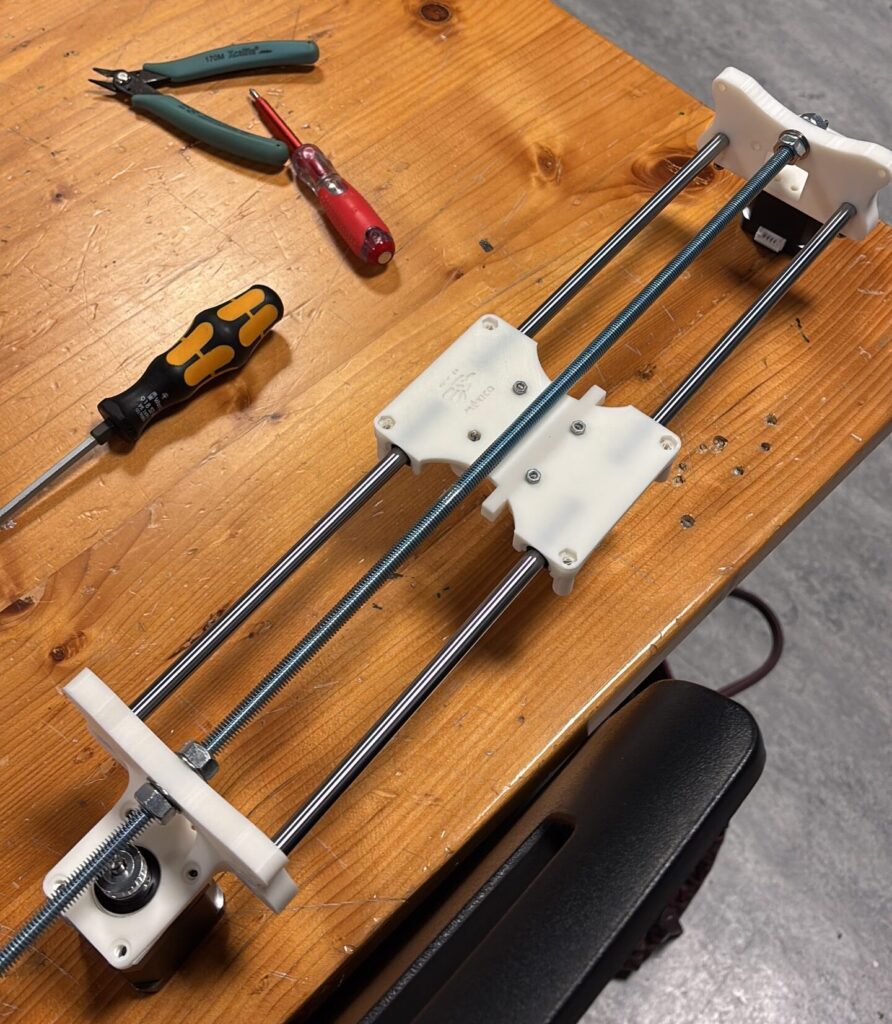
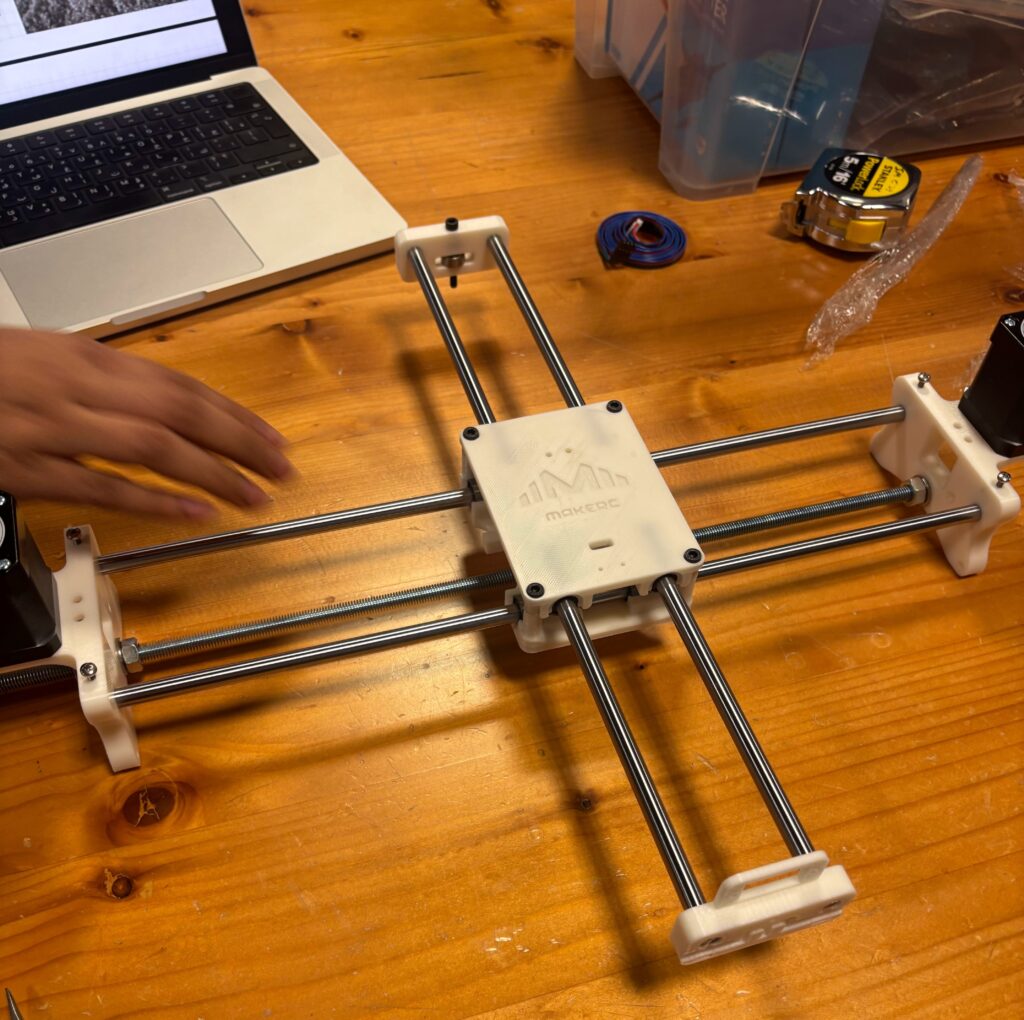
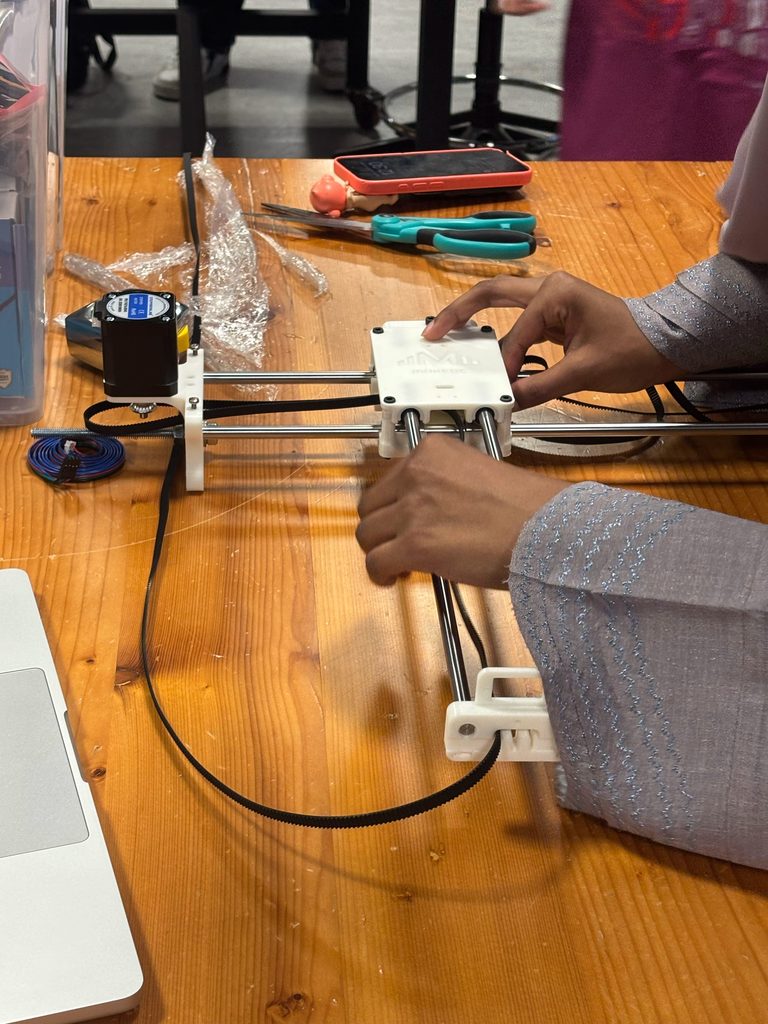
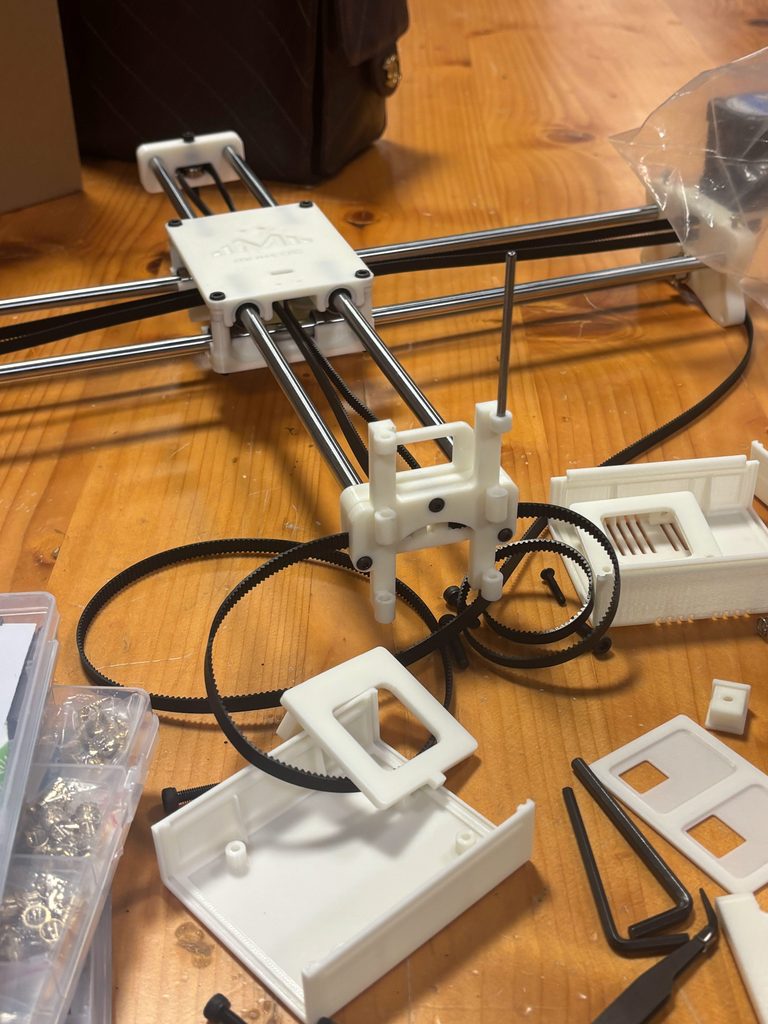
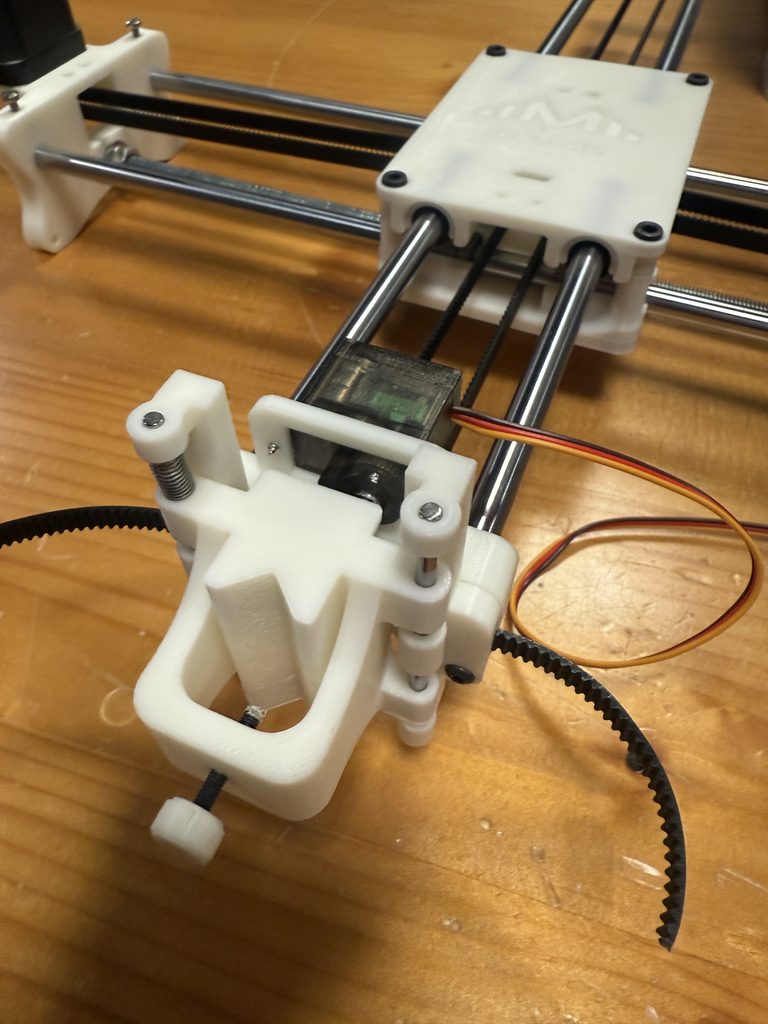
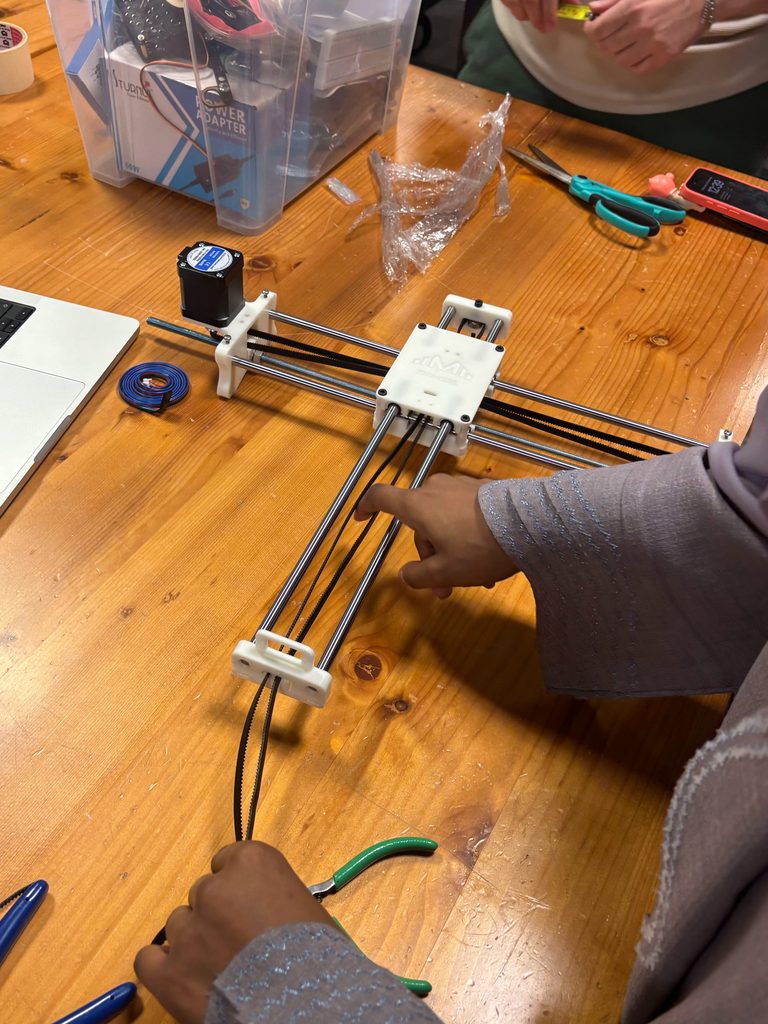
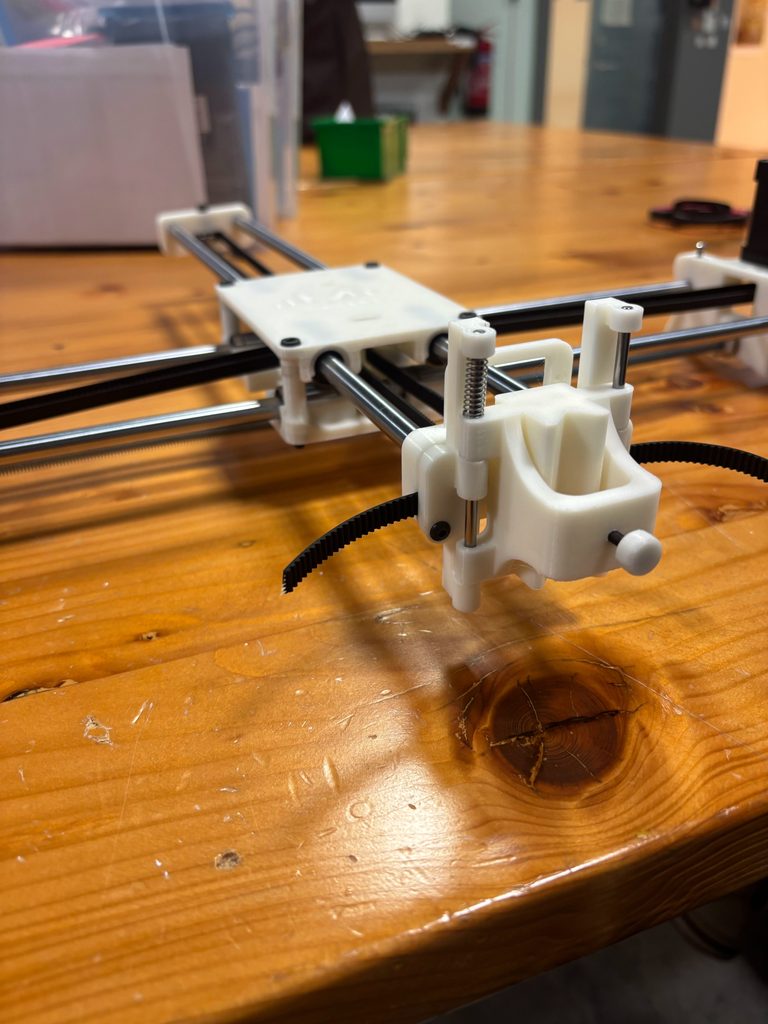
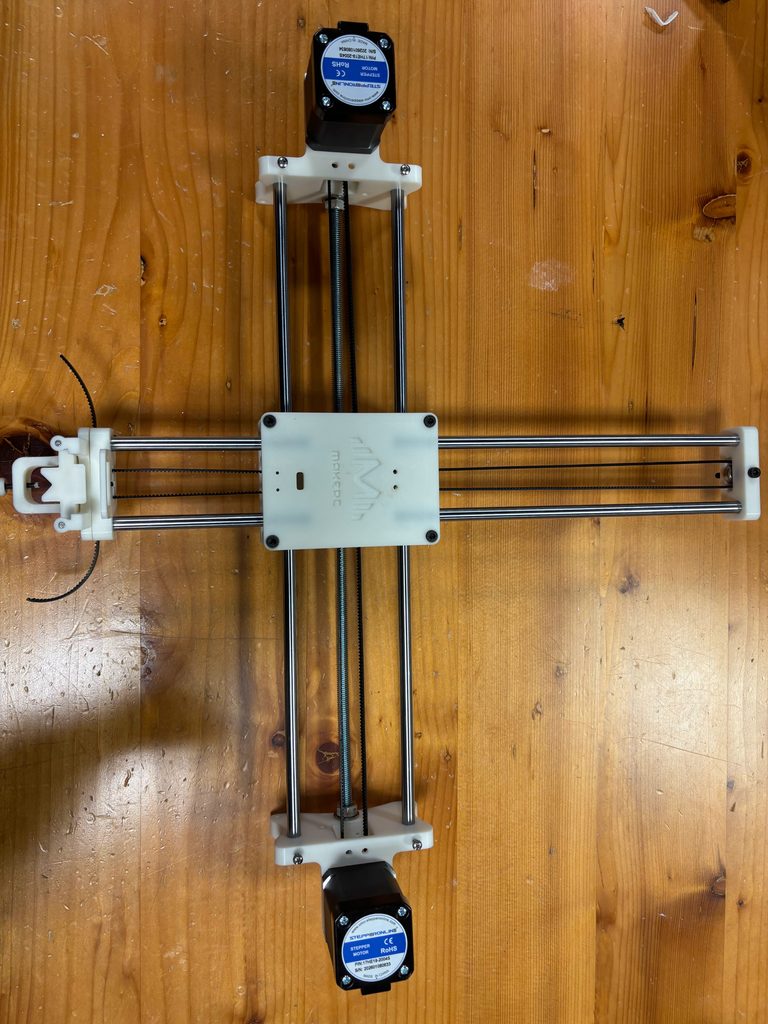
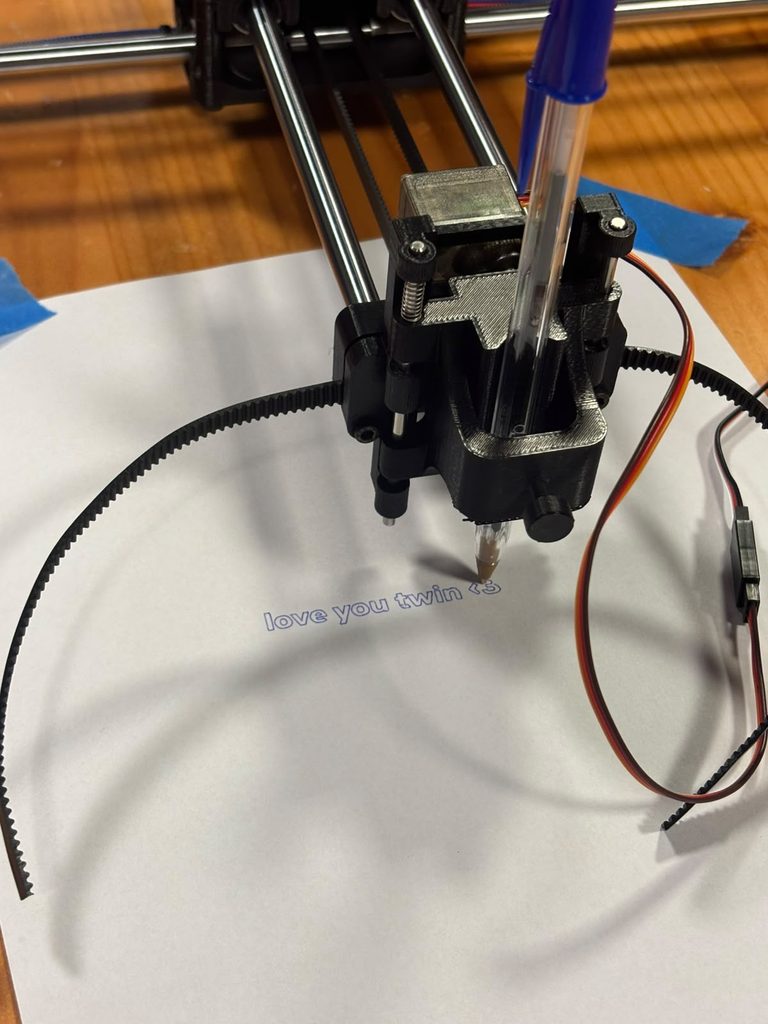
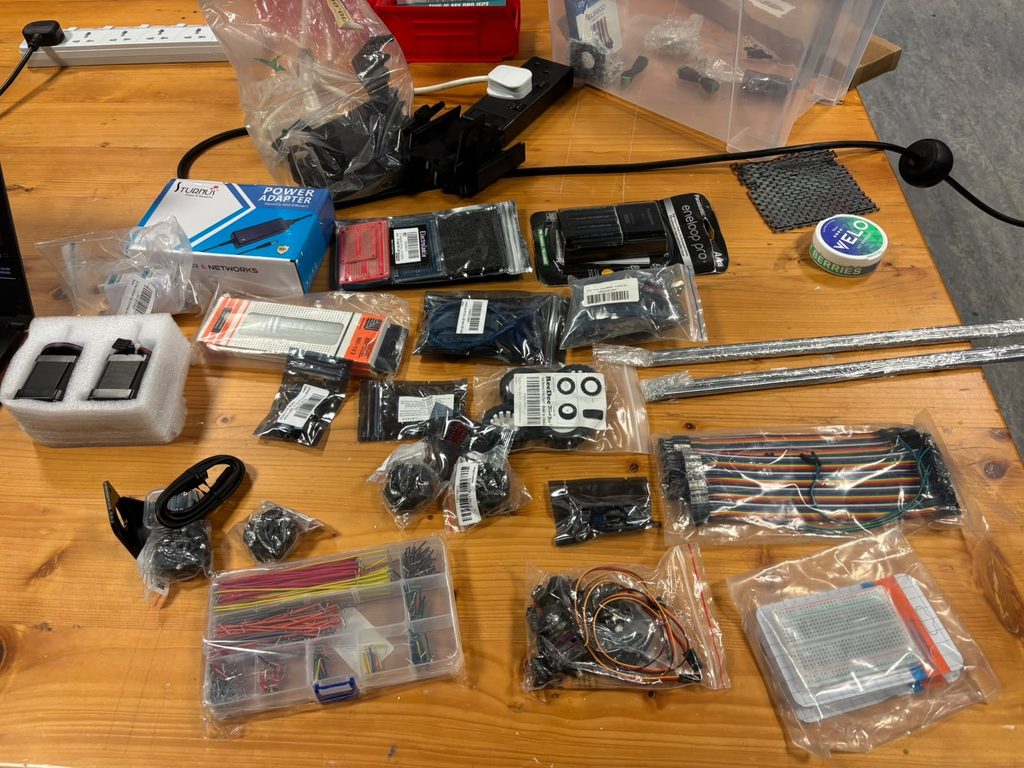
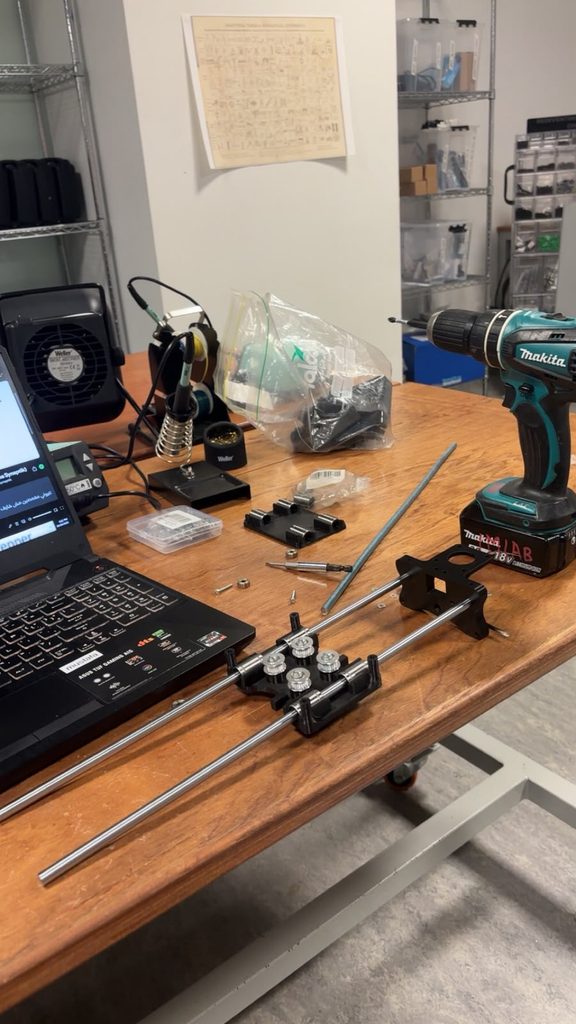
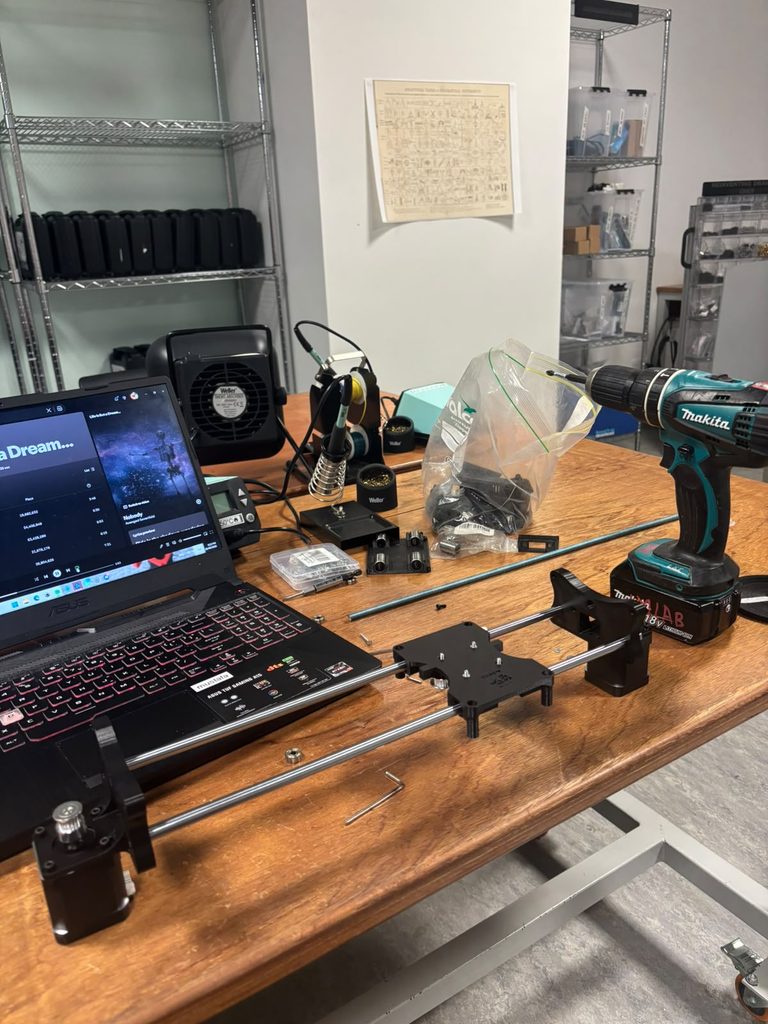
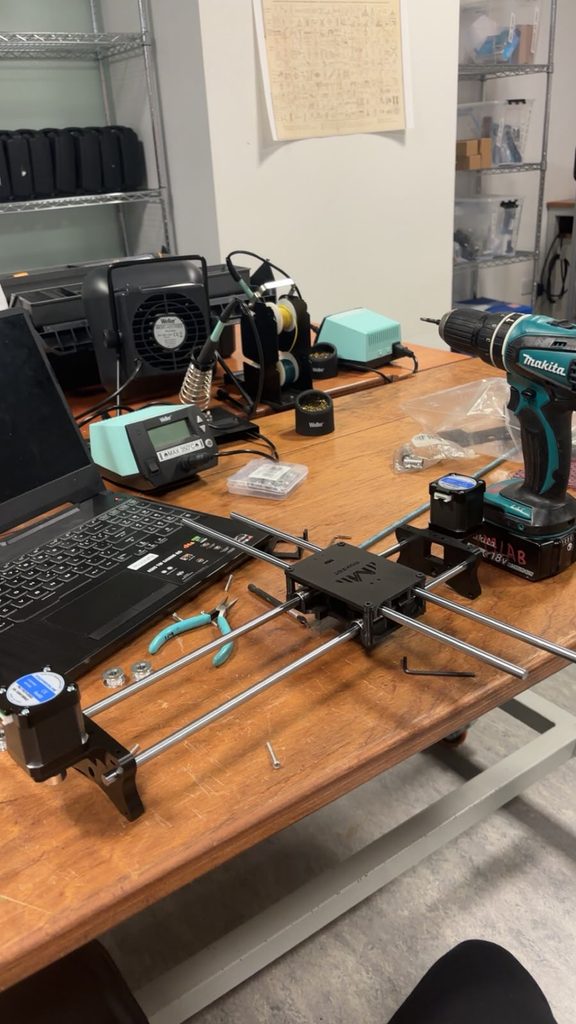
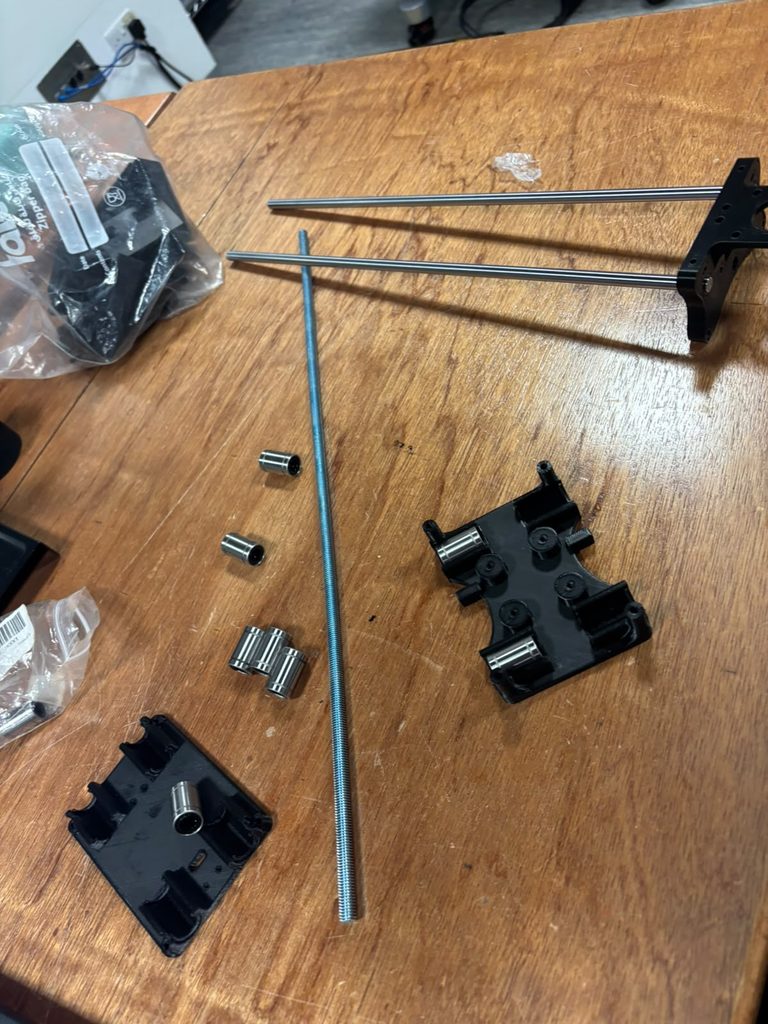
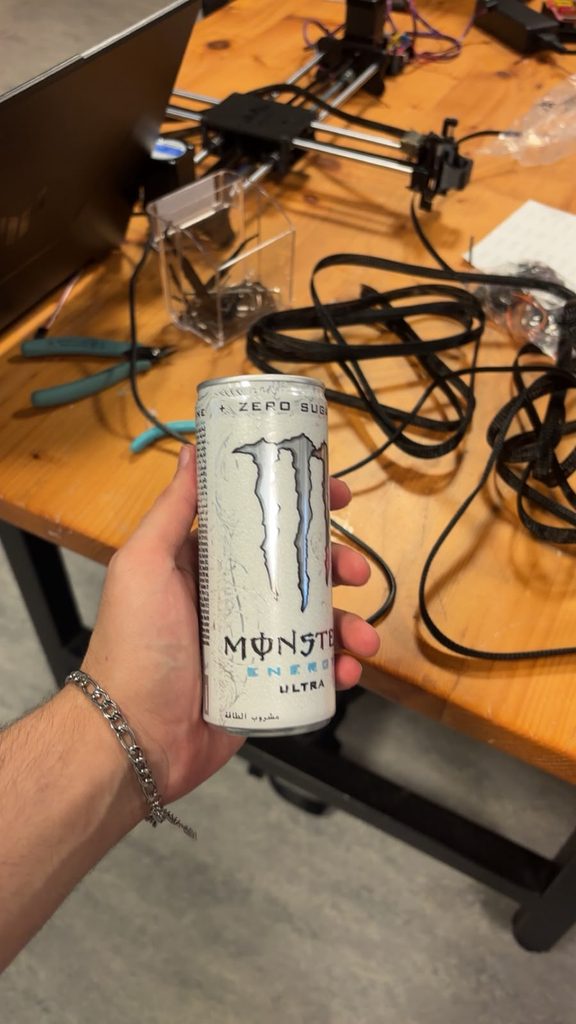
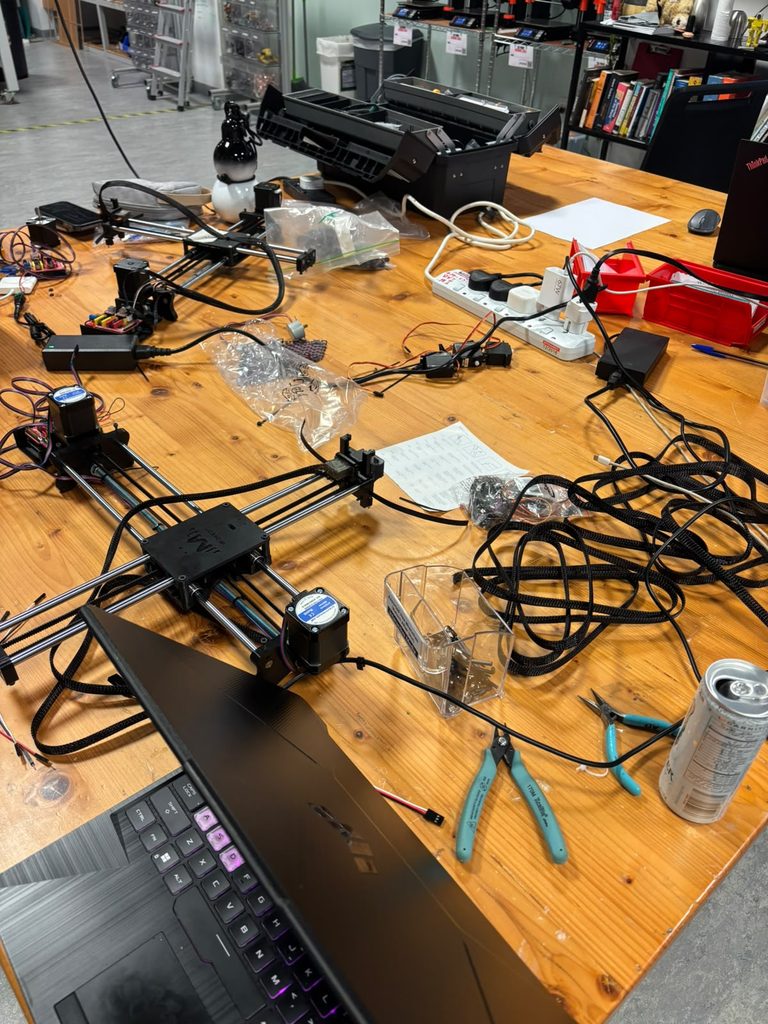
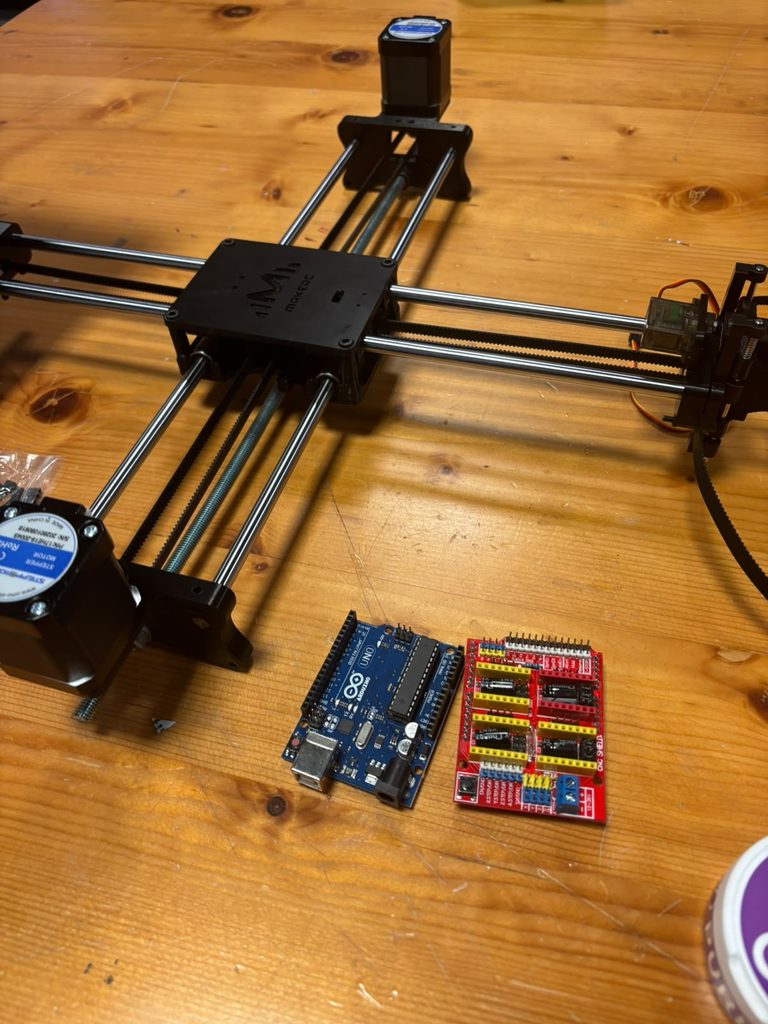
For this assignment, we assembled a pen plotter using 3D-printed parts, metal rods, bearings, stepper motors, and a timing belt. We followed the provided instructions and referred to the accompanying images whenever we were unsure about a step.
Stage 1: (x-axis)
Stage 2:(y-axis)
Stage 3: (looping the belt)
Stage 4:(attaching the pen holder)
Stage 5:(adding the servo)
What Went Well
We worked well as a team and knew where to find most of the parts, which helped the assembly process run smoothly. We coordinated lab hours that worked for both of us and completed the entire plotter in approximately four and a half hours, much faster than we had expected. The supports were easy to remove from the 3D-printed parts, and the bearings were straightforward to work with. The rods also slid through the bearings without any issues.
Process and Challenges
We began by removing the support material from the printed parts. We then fitted the rods, linear bearings, and threaded rod into the Y-axis assembly and mounted the first stepper motor. Although we followed the instructions closely, some steps were unclear and required us to check the images carefully.
During the early stages, we used regular screws instead of the required hex, or Allen, screws, so we had to unscrew and reassemble the base twice. We also needed to replace the longer threaded rod with a shorter one. Since we live in different emirates, coordinating our time in the lab was sometimes difficult. However, starting early gave us enough time to complete most of the assembly without rushing.
Installing the belt was the most tedious part of the process. Feeding it around the loops and making sure the teeth faced the correct direction required patience. We had to loosen the screws on the Y-axis base to adjust the belt, then tighten both sides carefully to keep the parts aligned. At one point, the belt slipped off a loop after the base had already been assembled and parts of the belt were under tension, making it difficult to reattach. We also realised that we had forgotten to include a spring in the Y-axis base and had to return to that step to install it.
How We Overcame the Challenges
We corrected the screw issue early in the assembly by replacing the regular screws with hex screws. To manage the belt, we used pliers to get a better grip and feed it through the opening. This also helped us reattach it when it slipped off the loop. The mallet helped us fit parts into place, making the assembly process quicker. Throughout the process, we checked the instructions and images together and adjusted parts as needed.
Final Assembly and Reflection
Overall, this assignment taught us the importance of building a strong, well-aligned base and checking each component before moving to the next step. We completed the plotter successfully, but several mistakes required us to undo and repeat parts of the assembly. Next time, we would read the instructions more carefully before beginning, confirm which screws and components are needed at each stage, and make sure all support material has been removed properly. These checks would help us work more efficiently and reduce unnecessary reassembly.
Genuinely speaking though, I have learned A LOT while doing this. The best skill I’ve learned is identifying sizes of like screws and wrenches much better than before just by seeing them.
The assembly process also gave me good senses to when we should brute force thnigs with a mallet for example and when we have to be gentle and actually screw things in lol.
The hardest part about all of this was the belt, undoubtedly. it was so hard I couldnt have done it without the professor. So thank you prof Jack!
Debugging random issues was fun too, like steppers not working, not finding M8 nuts, metal rod being too long I had to saw it, not finding the right length dowels, 3D printed parts had supports inside of screw holes, figuring out which stepper motor horn we should use, everything was but apart from the belt.
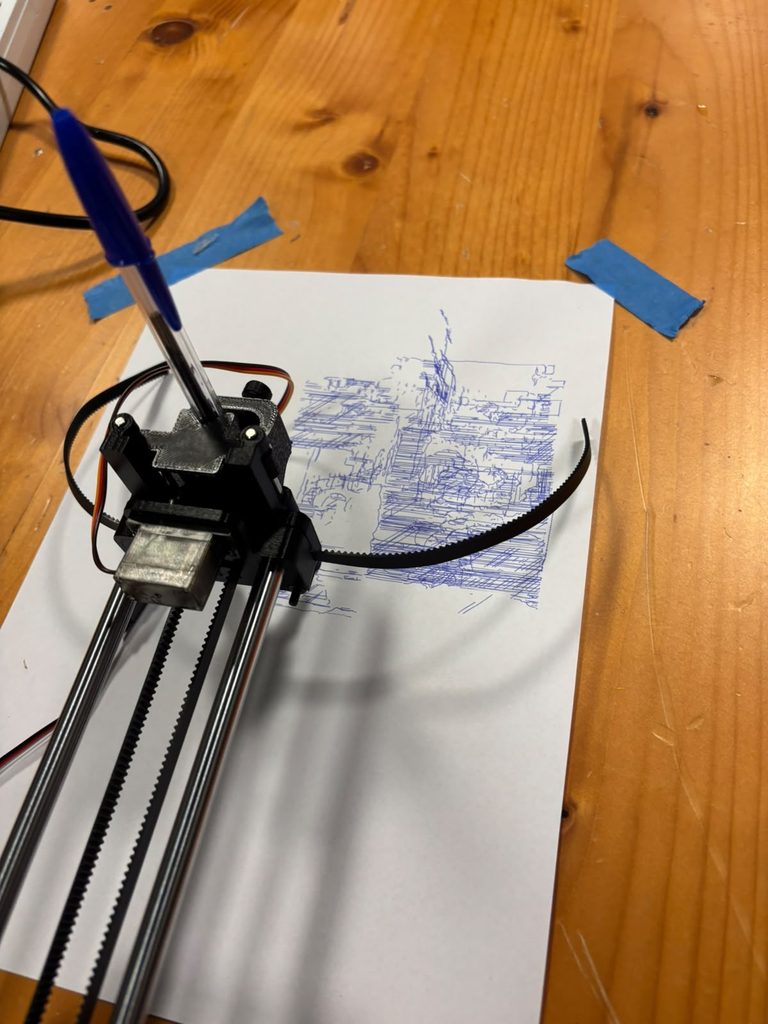
Here are some outputs and the process! (for now thats all I have I don’t have time to draw more lol sorry)
Before I talk about what I made, I had some experience in 3D printing and modelling but only ever using Fusion Autodesk. I never made something programmatically. Most of the time I’ve made things that have some functional use of real life rather than purely aesthetics. I would have never known that you could use p5.js to create models which could be exported as STL’s or Obj’s.
For this project going into it I had the idea of doing something biological. I wasn’t sure what just yet, but one of my favorite ideas was to create a DNA strand like the ones you see online. I felt it was a shape which would be hard to create manually and using a 3D printer would be perfect. I don’t know whether they look like that in real life.
Implementation
Step 1
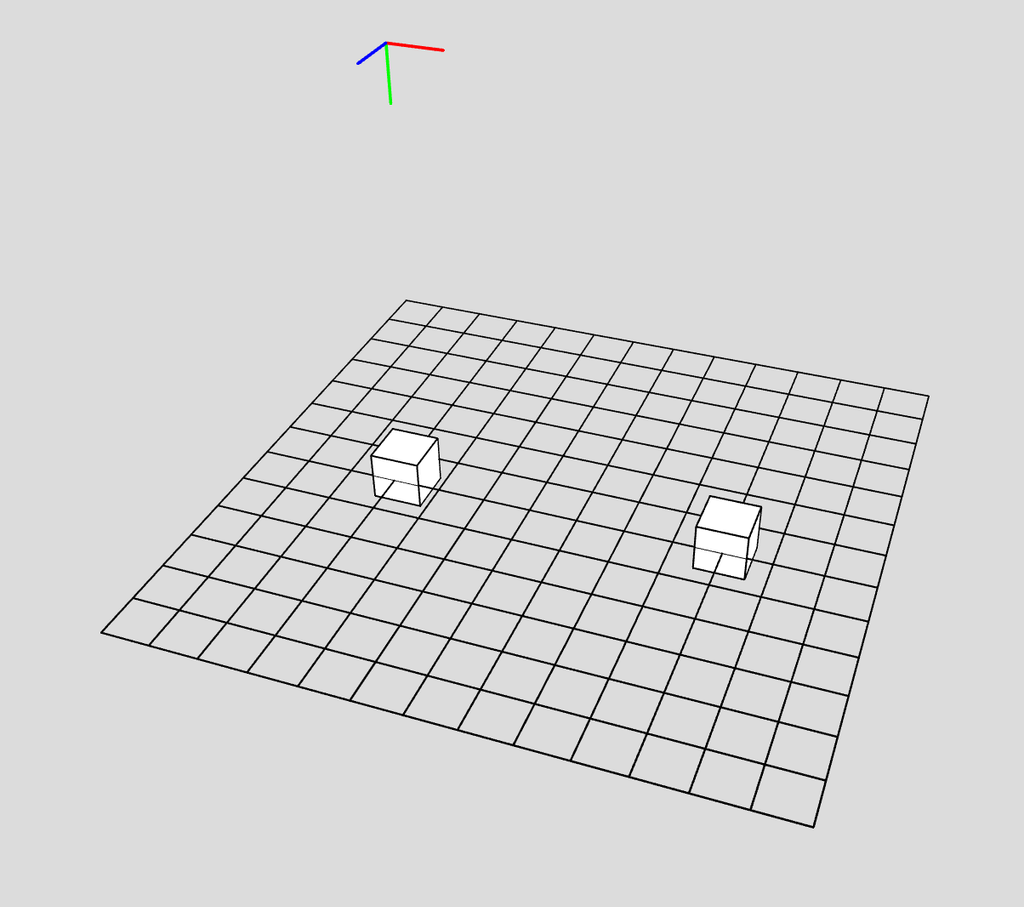
I started by creating two boxes with a gap in the middle. It took some getting used to having to use translate more often and starting from the center. I haven’t programmed in WEBGL in a while
Step 2
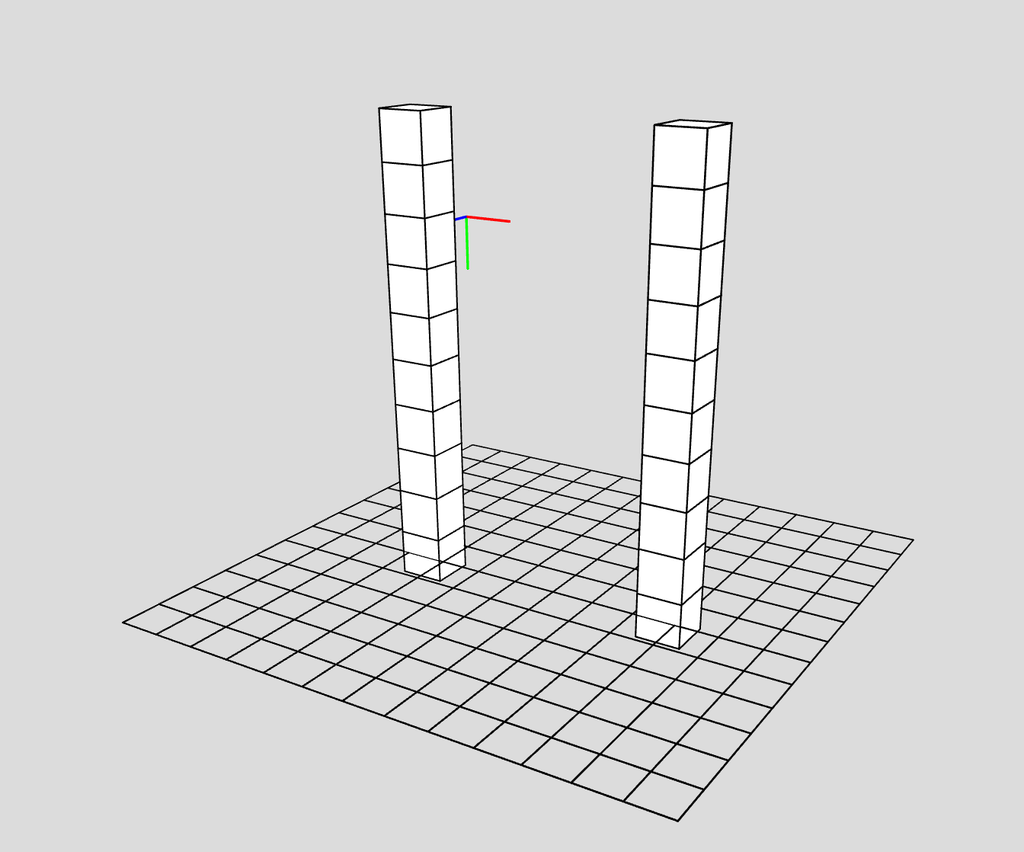
I then started by stacking them on top of each other. The way I did it I don’t think was what we had done in class exactly. Rather than decide the height and the height of each rows are mapped to be evenly spaced to fit in the height (which leaves gaps). I instead had each row stack on the previous one.
Step 3
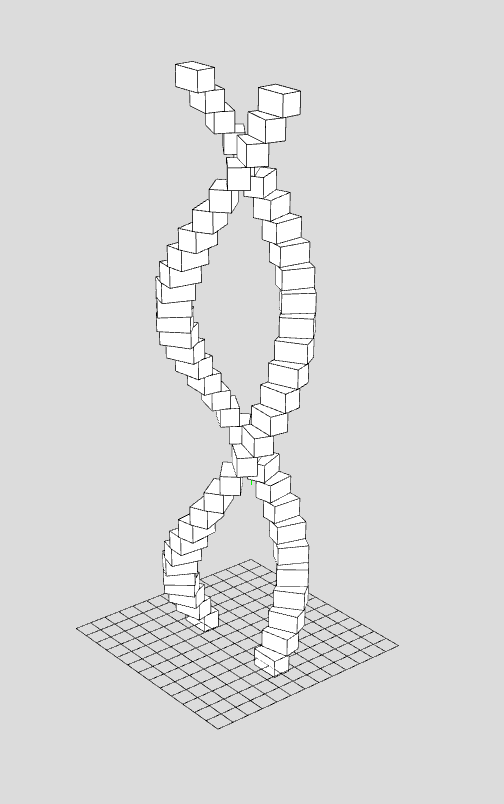
Then to program the rotation of each row I originally thought I may need to use a sin wave somehow and do some complicated math but it was far easier than that. I made a rotation variable which mapped the index (which goes from 0 to rows-1) to 0 to TWO_PI. I tried just PI at the beginning which made one twist of the strand which looked interesting but I wanted more.
Step 4
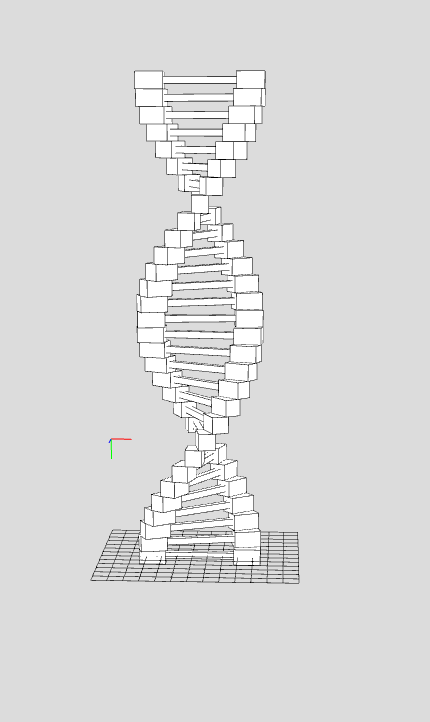
After creating the helical shape I had to create the line that connects across from one side to the other in each row. This was fairly straightforward, I created a box with a width that fits the gap. I originally thought I might have to center the box somehow but I forgot that the boxes are moved and translated from the center point and not from a corner like I got used to.
Step 5
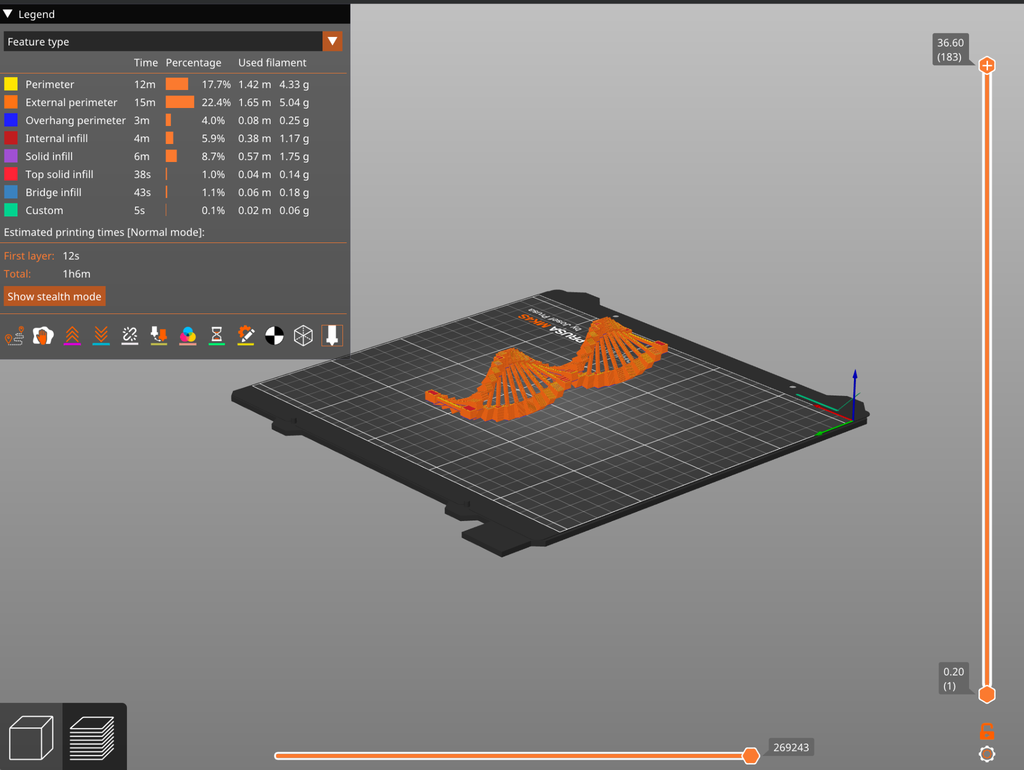
After this I made the function keypressed and had it such that when you press a key it saves the model. The reason I used keypressed was because I liked using orbitControl a lot and viewing the model from different angles, but that meant clicking the screen a lot. After saving the model I took it into PrusaSlicer. For whatever reason STL didn’t work so I had to use Obj.
End Product
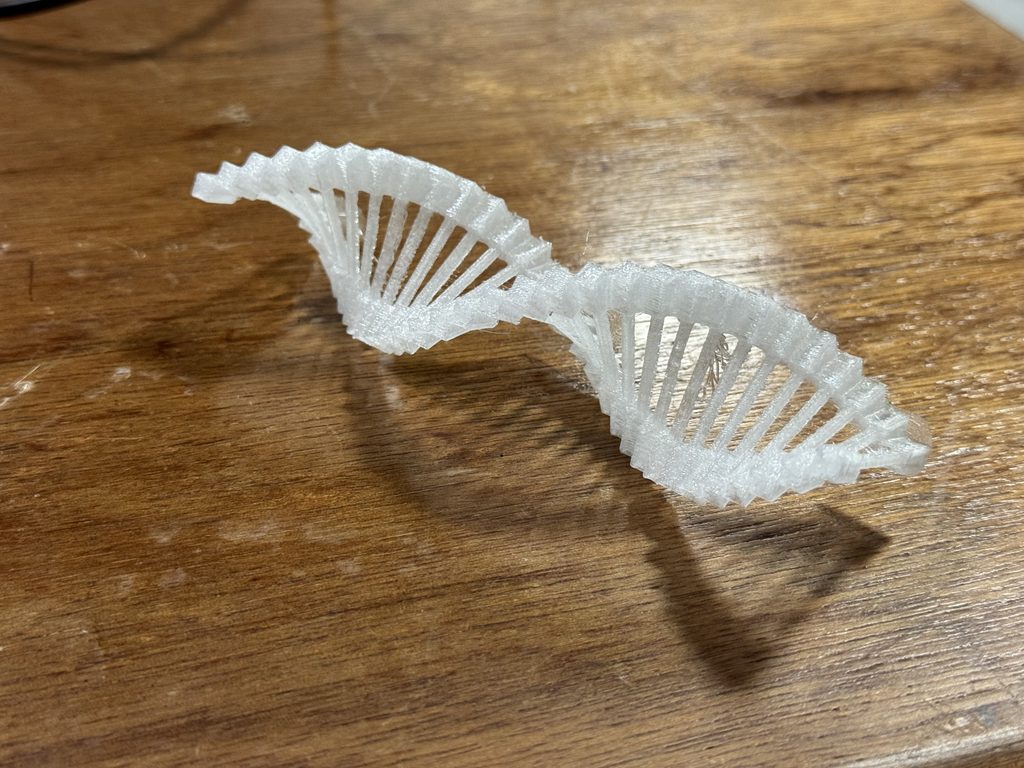
When putting the STL into PrusaSlicer I learned that it had to be placed on its side to have the lowest print time. I originally thought that there may be no difference. I can’t explain why exactly but I assume it’s partly because there didn’t need to be any support.
Conclusion
I’m happy with how everything turned out but in the future I would like to continue the biological theme. Maybe I’ll try something related to the brain next time. I was worried that because I was using boxes in WEBGL that it may not print well. I thought there may have to be smooth transitions but it came out feeling solid.
The filament I used wasn’t as good as I thought it might be. it’s a transparent filament but it looked foggy. I hoped that maybe it may look crystal clear or at least clearer than what it ended up being. I guess because some parts of the print are thicker than others. I would like to try other filaments in the future.
It’s nice to have a project that goes well the first time every so often but that’s probably a sign that I’m not experimenting enough. In the future I’d also like to create models that are thinner/slimmer and use other shapes than boxes.
For this project, I wanted to explore how repetition and variation in p5.js could create a three dimensional object that would be difficult to design manually. I also wanted the final object to have some kind of function rather than being completely decorative.
I experimented with a few different ideas before reaching my final design. My first idea was a small mug, and after that I experimented with a more abstract form. Through these tests, I eventually developed the final vase.
For the vase, I used repeated layers to gradually build the form vertically. The dimensions of the layers change as they move upward, creating the rounded body and narrower neck. The repeated horizontal layers also became a visible part of the final aesthetic, which I really liked because they show how the form was generated rather than hiding the computational process.
I also wanted to push the vase beyond the basic requirement of creating a printable 3D form. Rather than using one repeated shape at a constant size, I used repetition together with gradual variation to control the entire silhouette. The form continuously expands, contracts, and changes as it moves upward, creating the rounded body, narrow transition, and opening at the top while still remaining one connected structure. This meant I had to think about the vase as both an algorithm and a physical object at the same time. I also intentionally kept the repeated ridges visible instead of trying to make the surface completely smooth, because they reveal how the form was constructed and give the final object its own texture and visual rhythm. Making it hollow and functional added another level of difficulty, since I had to consider the interior space, wall thickness, stability, and printability alongside the exterior appearance. For me, going further with this project meant not just generating an unusual shape, but using the algorithm to control structure, function, texture, and form all at once, while making sure the final result could successfully exist outside the screen.
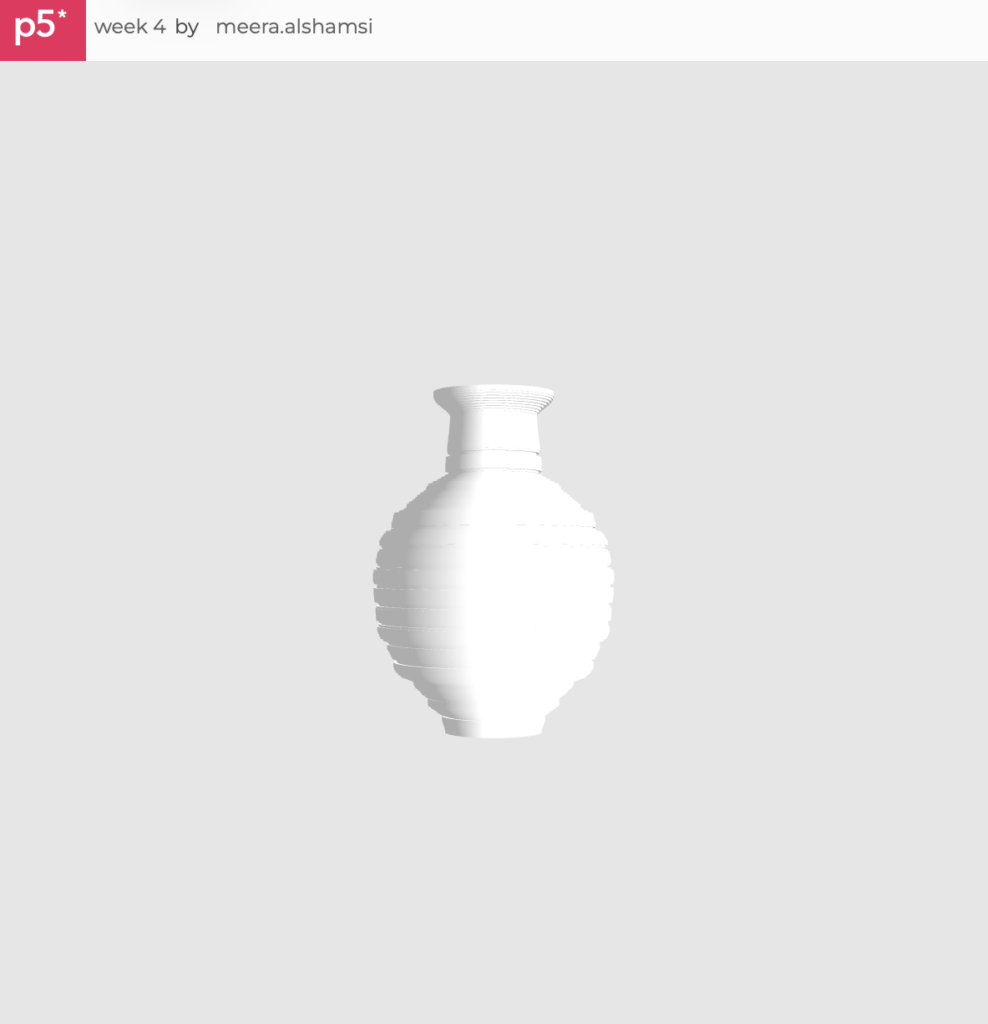
I developed the form using p5.js in WEBGL. Instead of modeling the vase manually, I used code to control its overall structure and generate the repeated layers.
The main elements I experimented with were the number of layers, height, width, rotation, and how much the form expanded or contracted at different points. Small changes to these values could completely change the silhouette.
This was one of my favorite parts of the project because I could keep changing the algorithm and immediately see different versions of the same basic idea.
3D Design and Workflow
My workflow was much more experimental than I originally expected.
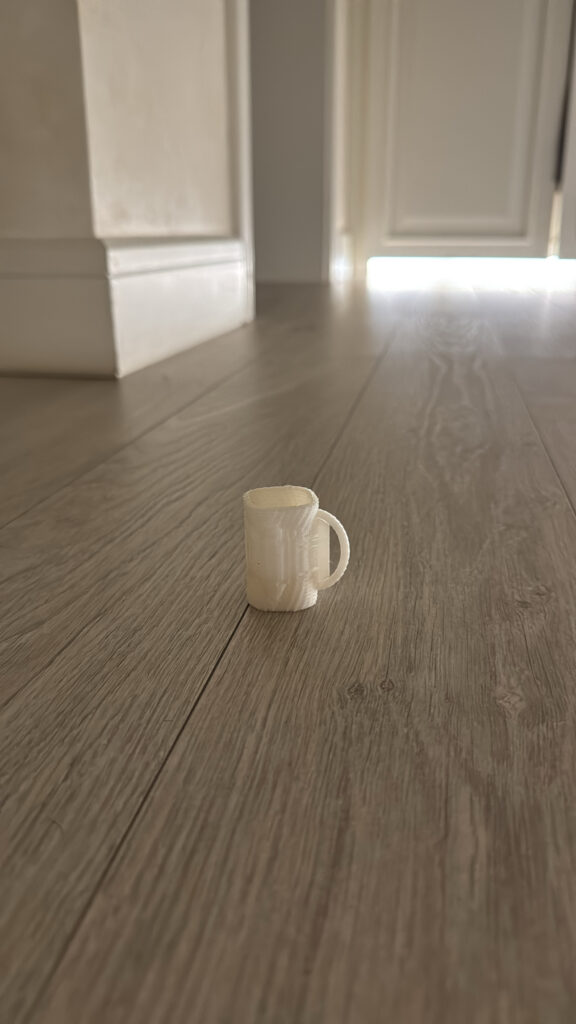
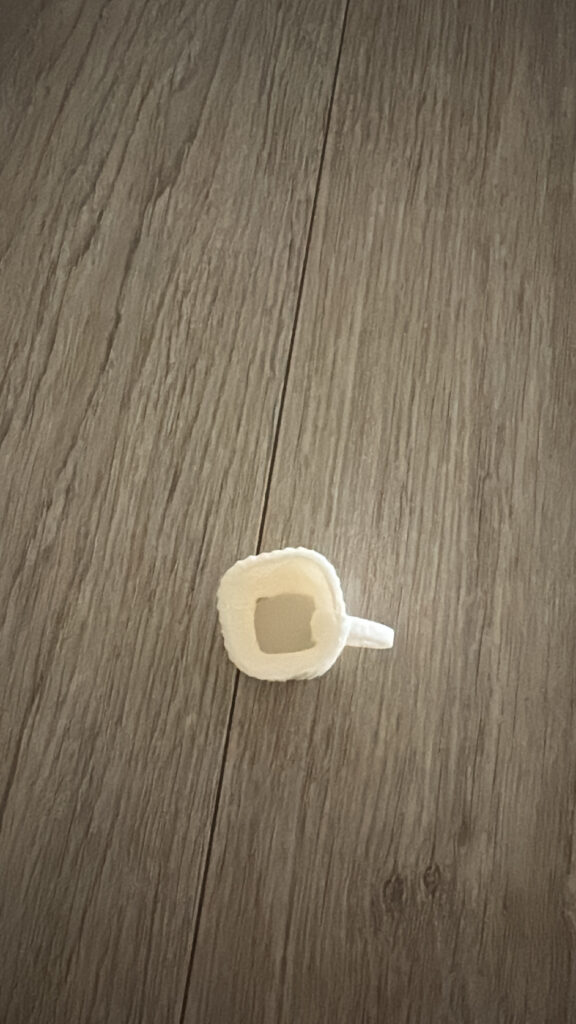
I began by testing a mug because I wanted to create a recognizable and usable object. The mug did successfully print, including the handle and hollow interior, but it came out much smaller than I intended. I was having trouble understanding how the scale of my digital model would translate into the final print.
After the mug, I decided to experiment with a more abstract algorithmic form. I wanted to push the design further and create something less predictable using repeated geometry.
However, this test stopped printing partway through because there were problems with the design itself. Some parts of the geometry were not suitable for the printer, so the printer could not successfully continue building the object.
At first this was frustrating, but it became one of the most useful tests because it showed me that creating an interesting 3D form on a screen is very different from creating an interesting form that can actually exist physically.
After these experiments, I redesigned the form as a vase. For this version, I paid much more attention to making the geometry continuous and connected while still keeping the algorithmic qualities I wanted.
Final 3D Print – Vase
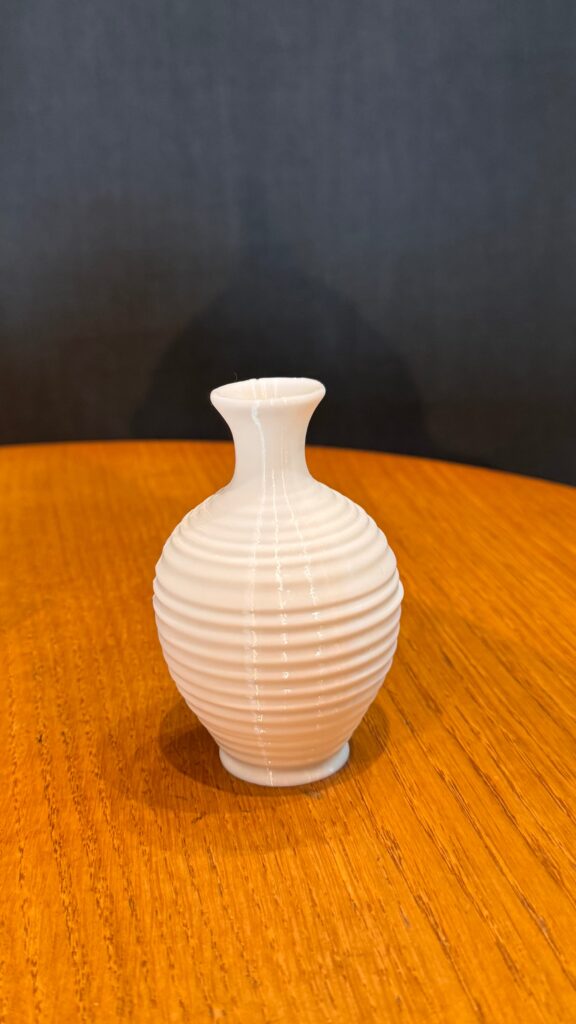
My final piece is the vase.
The vase uses repetition throughout its structure, but the repeated layers gradually vary in size to create the overall silhouette. The lower section expands outward into a rounded body before gradually becoming narrower toward the neck and opening again slightly at the top.
What I especially like about the final print is that the repetition is still visible. The horizontal ridges give the vase texture and make the process of building the form layer by layer noticeable in the physical object.
Compared with my earlier tests, the vase also feels much more resolved. It is still clearly an algorithmically generated object, but it has a recognizable and practical function.
Process and Challenges
The biggest challenge throughout this project was learning that a 3D model that looks correct on the screen is not necessarily suitable for 3D printing.
I ran into this problem several times. My first mug successfully printed, but it was much smaller than expected because I was struggling with scaling the model correctly. This taught me that dimensions have to be considered much earlier in the process instead of only when I am ready to print.
My second experiment created a different problem. I tried making a more abstract object, but the print stopped because of an issue with the geometry. Parts of my design worked digitally but were not structured correctly for fabrication. This made me go back into the design and think much more carefully about connections, thickness, openings, and whether the printer could physically build each part.
Making the vase required several adjustments for exactly this reason. There were many moments where I liked how something looked digitally but had to change it because it would not print successfully. I eventually learned to think about the printer while I was coding instead of treating printing as something that only happens after the design is finished.
Another challenge was time. Every failed print meant going back to the design, changing something, exporting it again, preparing it for printing, and testing it again. Because 3D printing itself takes time, even a small design problem could slow down the entire process.
Reflection
This project probably taught me more through the things that went wrong than through the things that immediately worked.
At the beginning, I was mainly asking myself, “Does this look good in p5.js?” By the end, I was also asking, “Can this actually be printed?”
That completely changed the way I approached computational design. The small mug taught me about scale. The failed abstract piece taught me about geometry and printability. The vase brought those lessons together because I had to create something that was visually interesting, algorithmic, connected, and physically printable at the same time.
I also realized that 3D printing places limitations on computational design, but those limitations can actually improve the design. I had to simplify certain ideas, strengthen connections, think about wall thickness, and make sure the form worked as one continuous object. Instead of seeing those limitations only as problems, I started using them as design decisions.
My final vase is very different from where I started, and I think that progression is an important part of the project. I did not simply create a digital object and send it to the printer. The failures of the physical prints changed the code and ultimately shaped what the final object became.
That was probably my biggest takeaway from this assignment that computational design and fabrication are not two separate stages at all, they directly affect each other.
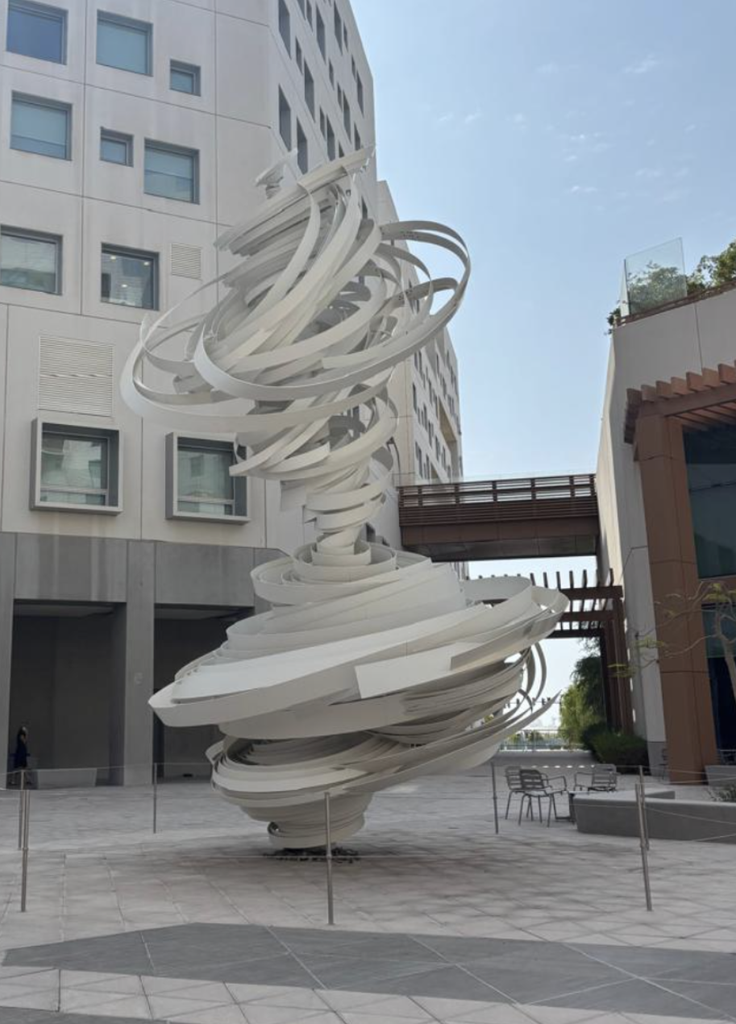
I was walking towards D1 and kept seeing this large-scale sculpture outside, and I remember when I first visited this campus seeing this, I had this first impression that it reminds me of rings or ribbons forming a pattern in rhythmic gymnastics. Now seeing this, because these shapes differ in sizes and tilts, I wanted to translate this, using this idea of repetition with imperfection into an algorithmic 3D design in p5.js.
As I made notes, I was thinking about what direction each idea could go in:
Stack of rings, with each ring independently sized, rotated, and tilted as the loop travels upwards along the Y axis, creating rings that will never stack together perfectly in alignment or spacing.
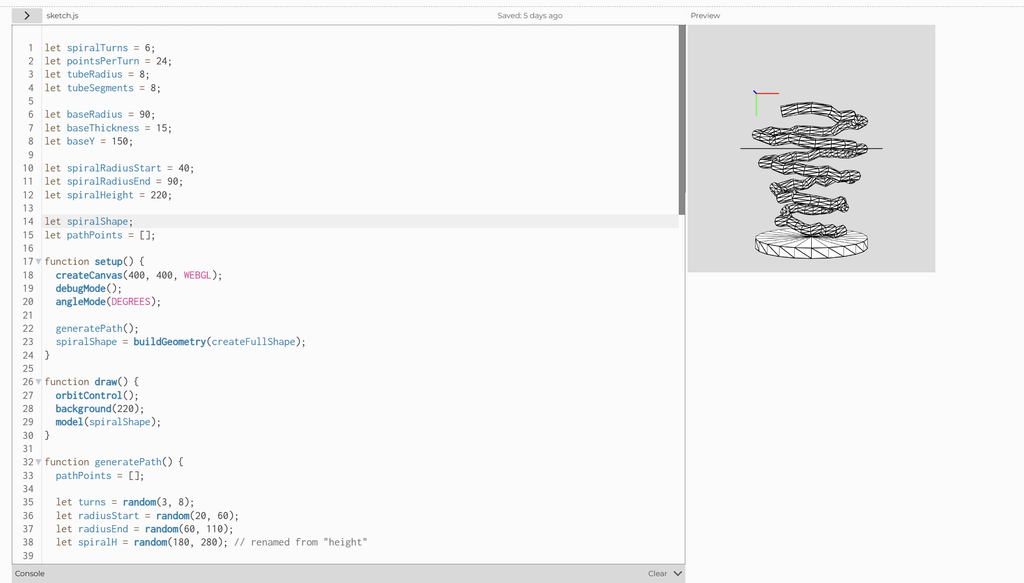
Tube swept along a spiral path, which is basically the same concept but instead it uses one shape continuously.
Workflow
I designed both directions in p5.js using buildGeometry() to combine primitives (cylinders and tori) into a single mesh, with random() values controlling each layer’s size, rotation, tilt, and offset. I exported the mesh as an .obj with saveObj(), then changed the size and orientation in TInkerCAD, then opened it in PrusaSlicer to scale it and add supports, and printed it on the Prusa.
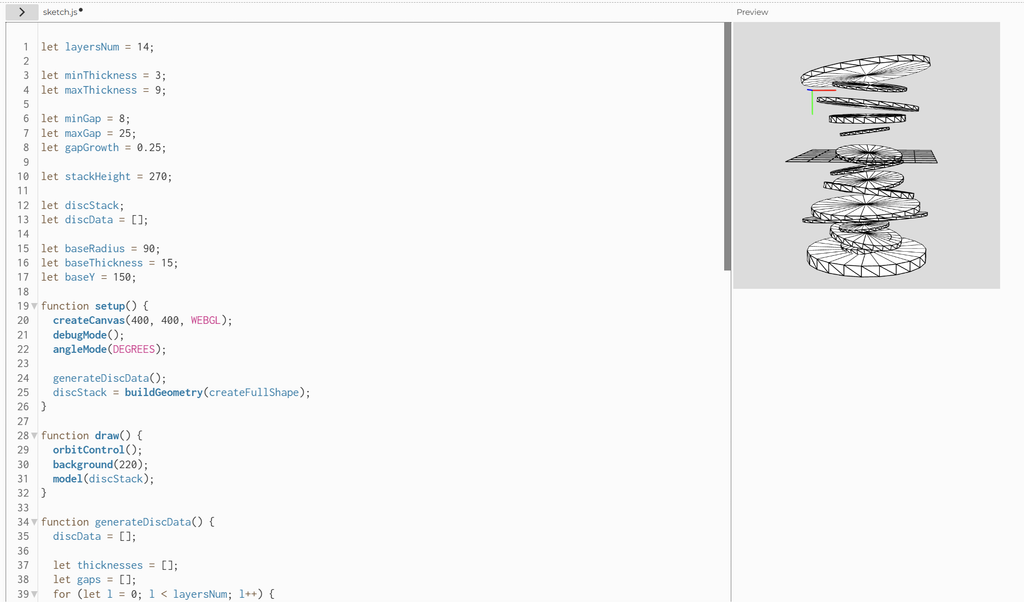
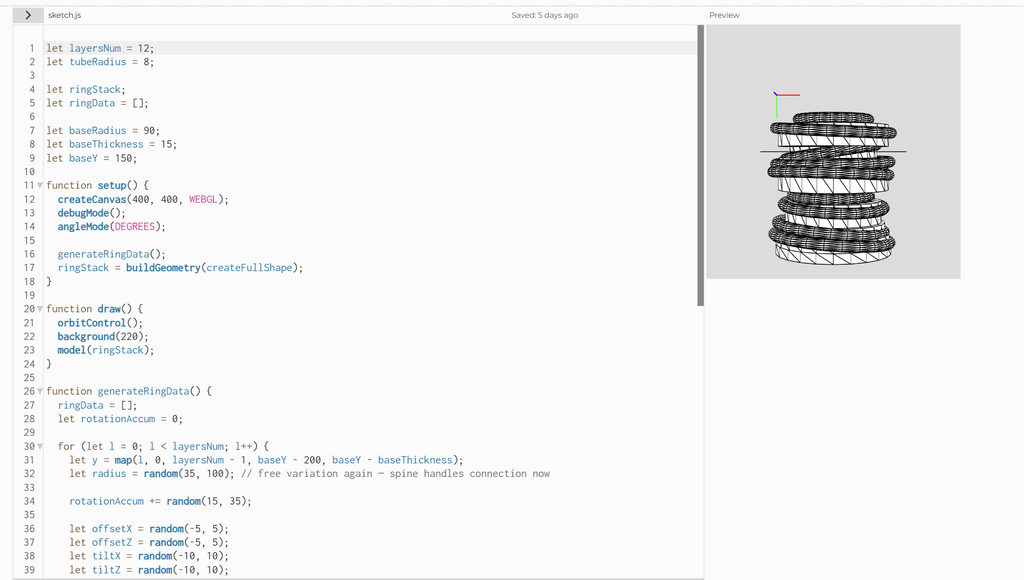
My first version stacked tilted discs of varying thickness with gaps that grew upward. It closely matched my reference, but I knew it couldn’t print: every disc floated with nothing connecting it to the base or its neighbors.
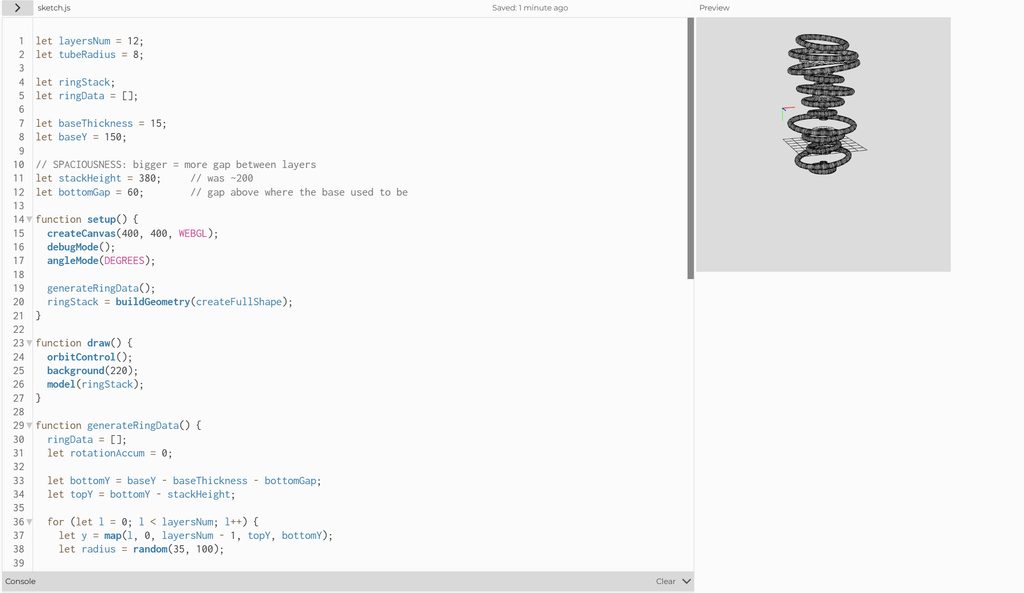
My first fix was to switch to torus rings and slot thin discs between them, hoping to hold the stack together. It failed. The discs were smaller than the ring holes and the stack was stretched to 380 units, so they touched nothing. I had also removed the base, so the piece went from 14 loose parts to 23.
The working fix was a central spine: one cylinder per ring, sized to reach into the ring’s solid tube and overlapping its neighbors vertically, plus the base. This kept each ring’s random radius, tilt, and offset, but joined everything into one body. A side effect was that the spine filled the rings in, so they became solid discs with rounded rims, which brought the form back close to my original discs.
Second Direction (Tube coil swept along a spiral path)
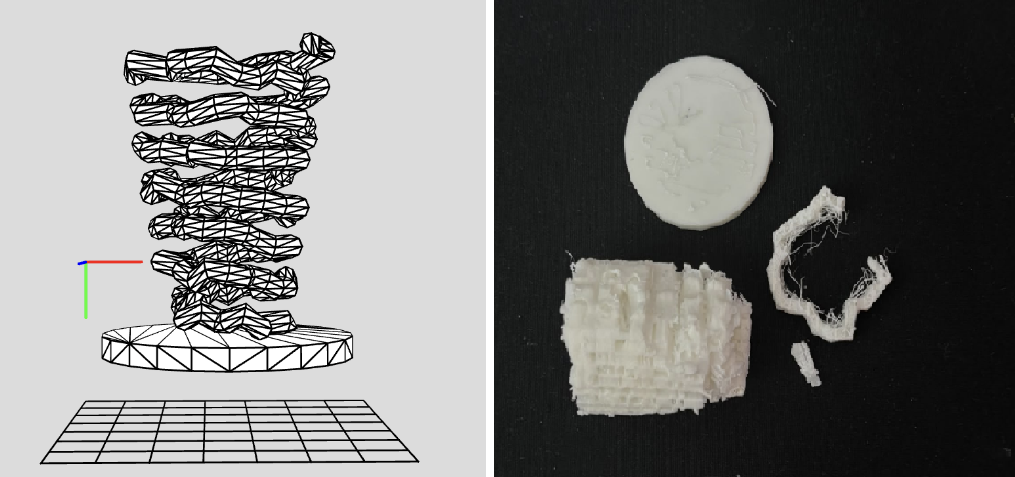
Alongside the rings, I built a continuous tube swept along a spiral path, with the number of turns, radius, and height randomized so every run gave a different coil. I wanted to see whether the same twisting, uneven idea would read differently as one unbroken form instead of stacked pieces. On screen it worked: it looked like a loose, organic spring.
The print didn’t. Every loop of the coil overhangs the one below it, so the slicer needed supports. I chose “supports everywhere,” assuming supports are easy to remove. They weren’t. The coils are small and tightly spaced, so the support material filled the gaps between them. Since the supports and the model were the same white plastic, I couldn’t tell which was which, and the thin tube snapped while I was trying to pull them away. After a tedious attempt at cleaning it up, I gave up.
That failure decided my direction. The rings stack layer on top of layer, so their overhangs are shorter and the piece could survive the print. The ring stack became my final piece because I redesigned the form around what the printer could do, not just what looked good on screen.
Final Prints: Ring Stack
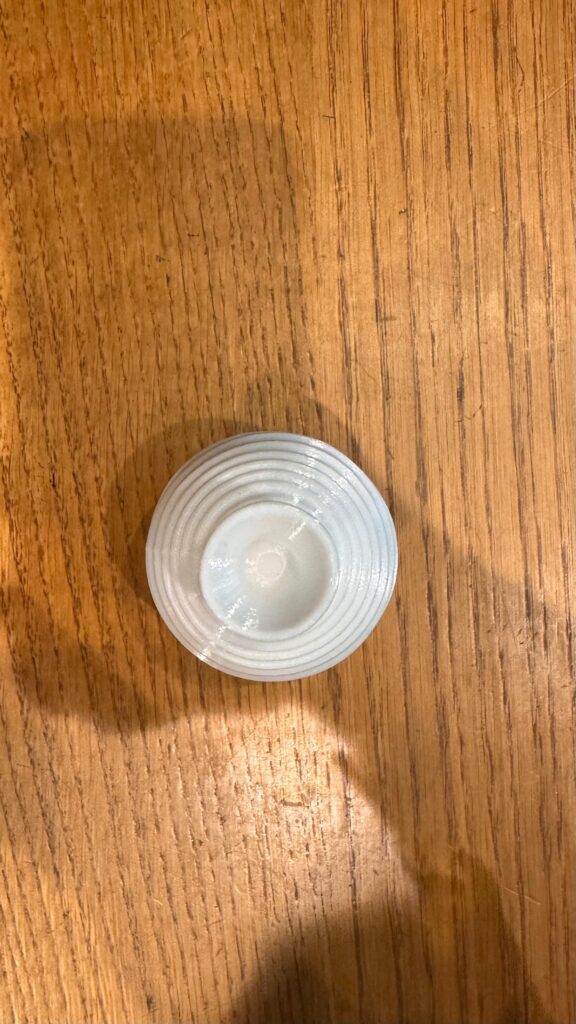
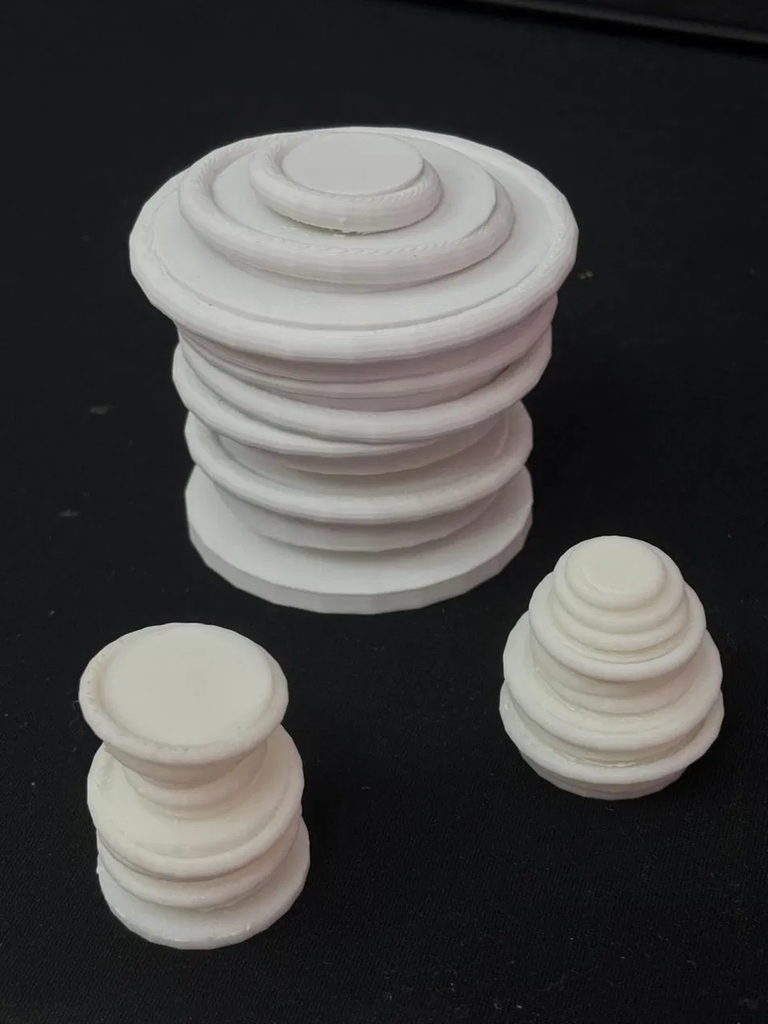
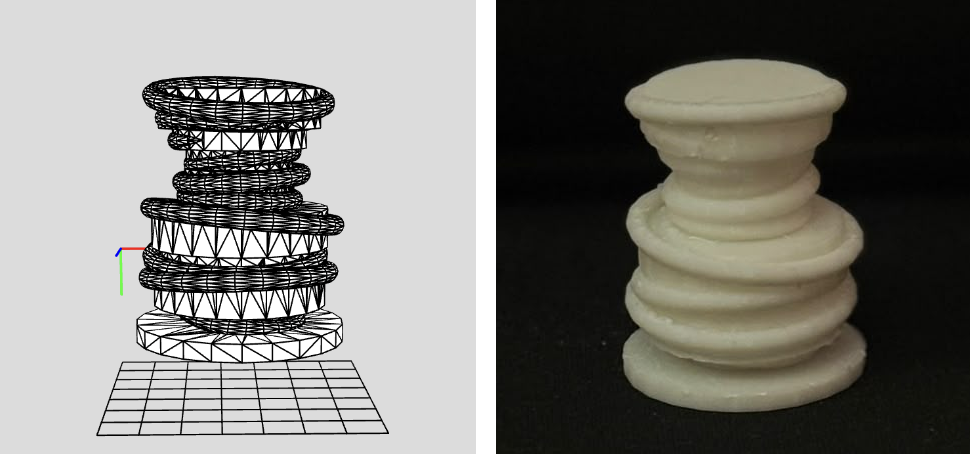
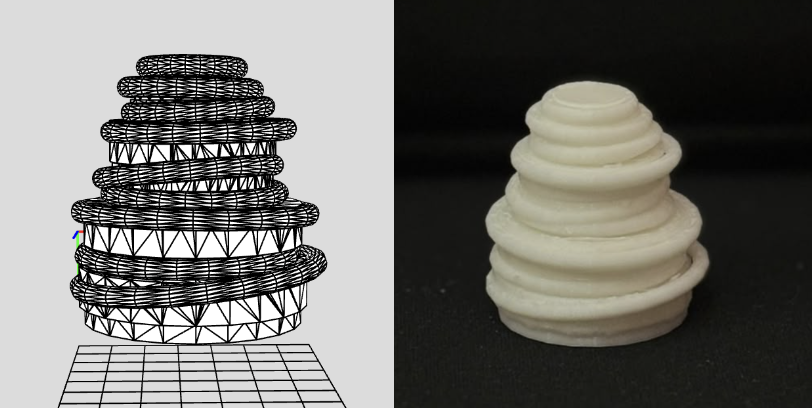
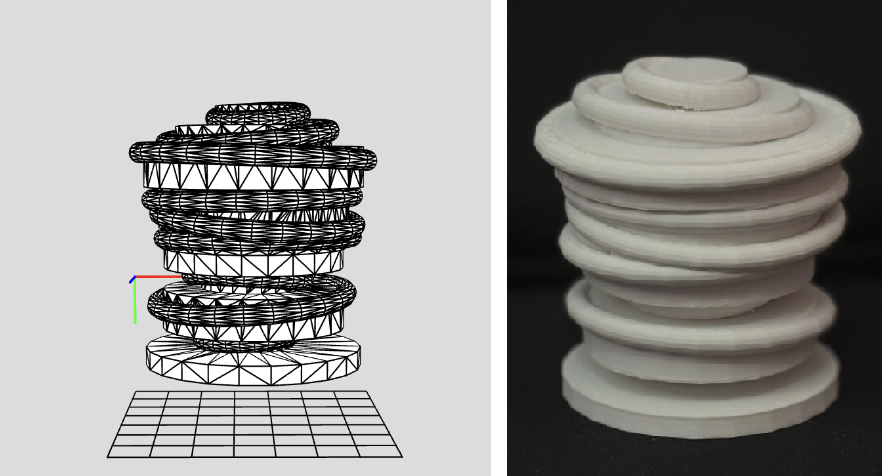
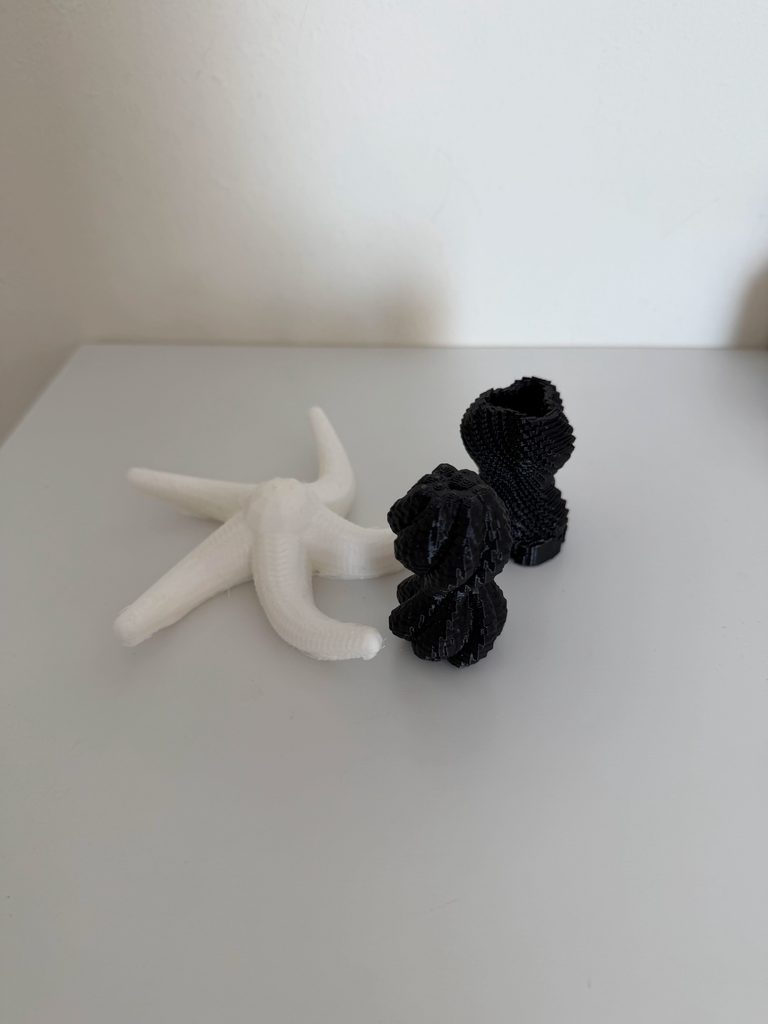
I printed three final pieces at different sizes: one large and two smaller. Every piece came from the same algorithm but a different random run, so each has its own silhouette. The large one shows the full stacking of tilted, offset layers, while the smaller two came out as a bowl-topped column and a tapering cone. I chose which outputs to print instead of designing them by hand.
Scale mattered more than I expected. On the small prints, the tilted rims and joins approach the printer’s nozzle and layer resolution, so edges look softer and some layers blend together. The supports were also tedious to remove: they sit in tiny gaps between layers, and I had to cut away each small piece by hand. The large print kept sharp, rippled edges, and its supports were far easier to reach and clean up. In the future I’d try tree (organic) supports, which touch the model at fewer points and come off much more easily than the default grid supports.
Trial 1 (Small Scale), where it looks like there is a the bowl on top of a column. Sketch (left) and print (right).
Trial 2 (Small Scale): Looks like a tapering cone, like a beehive. Sketch (left) and print (right).
Trial 3 (Large Scale): Looks like a wide stack of tilted, offset layers with a small disc on top. Sketch (left) and print (right).
Reflection
When thinking about it in 3D, I had to understand how things are on-screen versus when printing them, because unexpected things can happen (like supports and scale). So, printing forced me to think of the piece as a physical object that has to hold itself up. With that in mind, I added a base and a central spine, which changed the form itself, turning open rings into solid, rounded discs. Printing also decided which direction I took since the coil looked most interesting on screen but was the least printable, so I dropped it after the supports fused to it.
In p5.js, each run of the sketch is just a new preview, but once printed, each variation became a permanent object, so choosing which one to make became part of the design. Scale taught me a similar lesson of this idea that the same algorithm behaves differently at different sizes, because the nozzle, layer height, and support removal don’t shrink with the model. When doing this in the future, I would design with overhangs and support access in mind from the start, use tree supports, and lock a random seed so I can compare sizes directly.
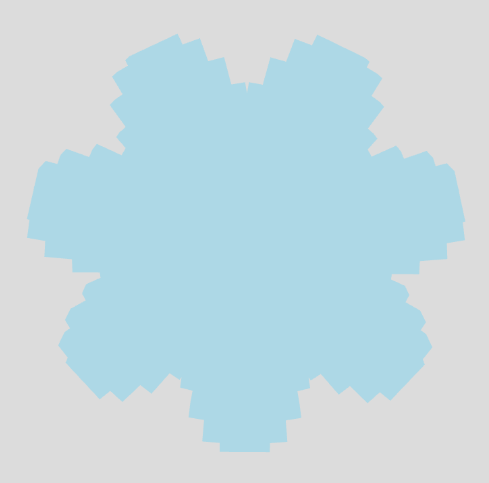
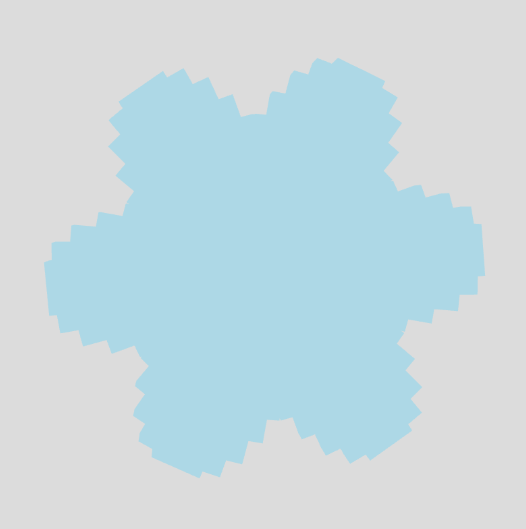
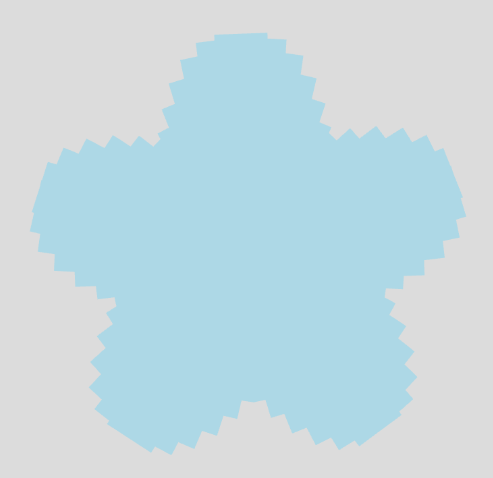
My design is based on how a simple rule can create an organic-looking form. I started with the basic idea of a snowflake (or a flower, idk :)) and represented each spike as a repeated rectangular block arranged radially around a central point. Instead of making all the spikes identical, I used a mathematical function to change the radius and height of each spike. This creates controlled variation, making the snowflake look less mechanical and more natural.
I also wanted to add some kind of random element into this assignment, which serves the concept well because randomness is a part of how nature works. The code also randomly generates the number of spikes, ranging from 3 to 7, so each version of the design can be slightly different. As a result, the final object sits somewhere between natural growth and structure.
I was particularly interested in exploring how I can depict the difference between natural imperfections and computer-generated repetition. I tried to recreate this idea computationally rather than manually designing every spike.
The random function was used to determine the number of spikes/petals of the object. I set it to be between 3 and 8.
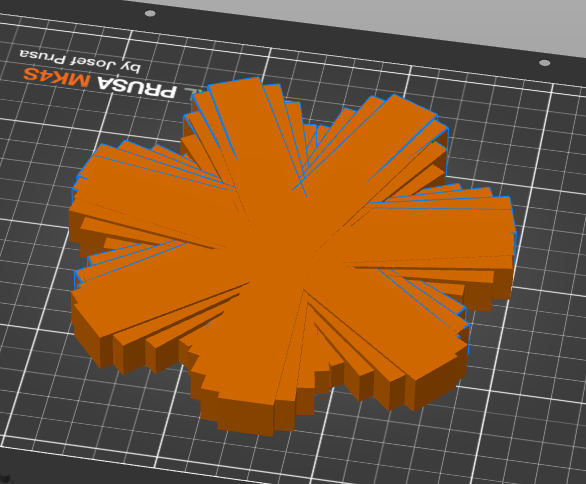
Prusa Slicer
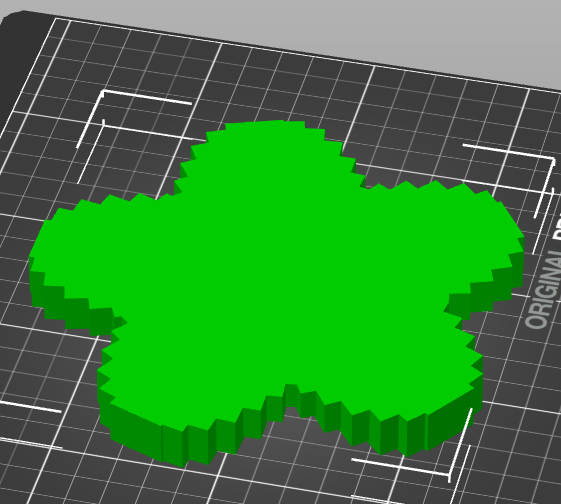
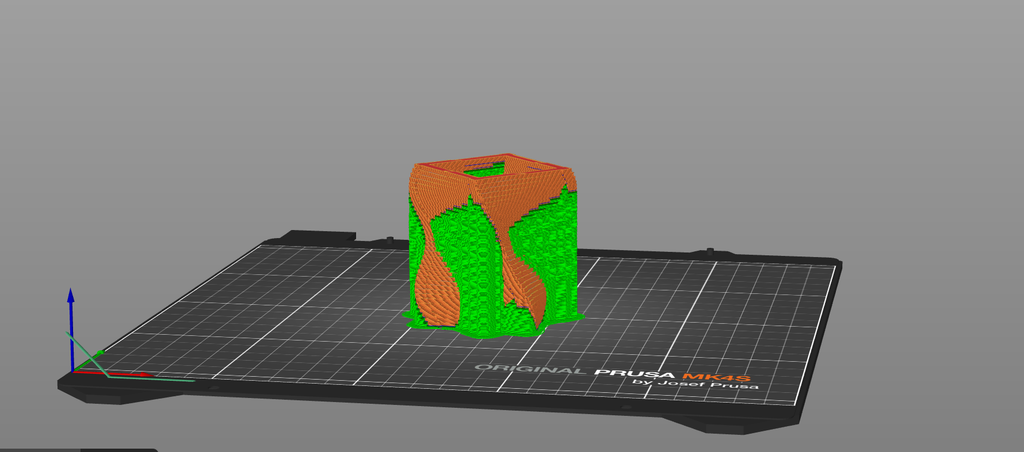
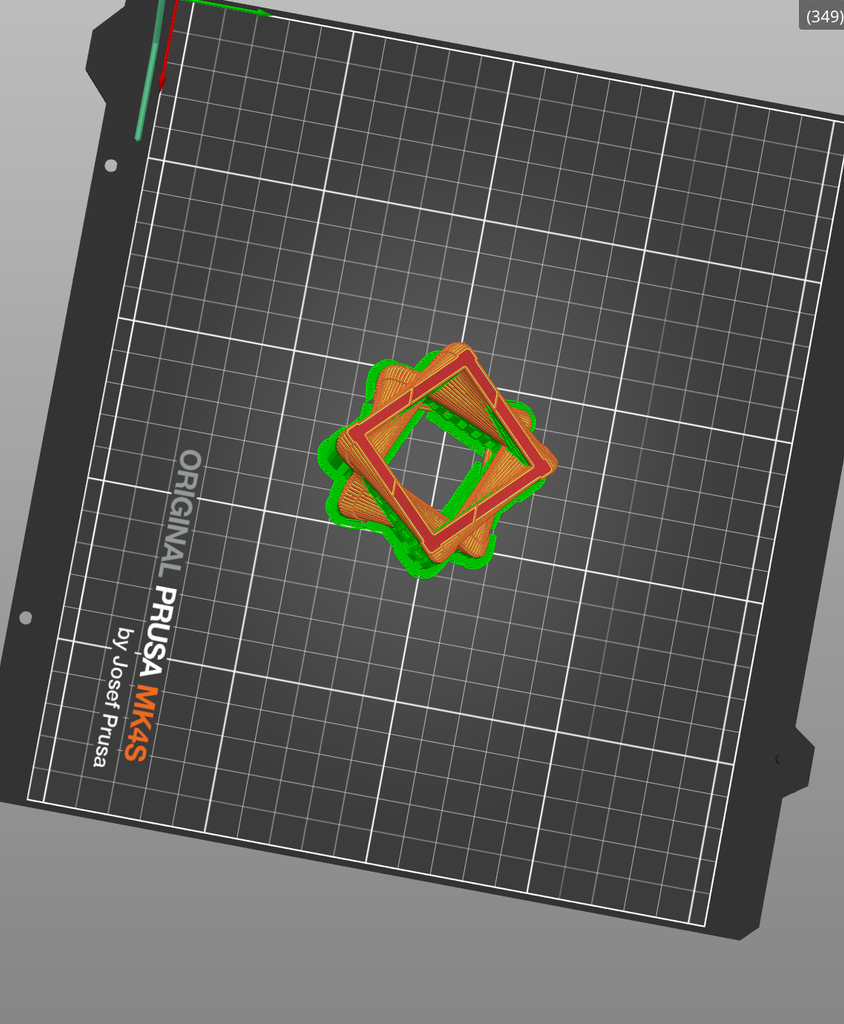
The object after slicing on Prusa Slicer
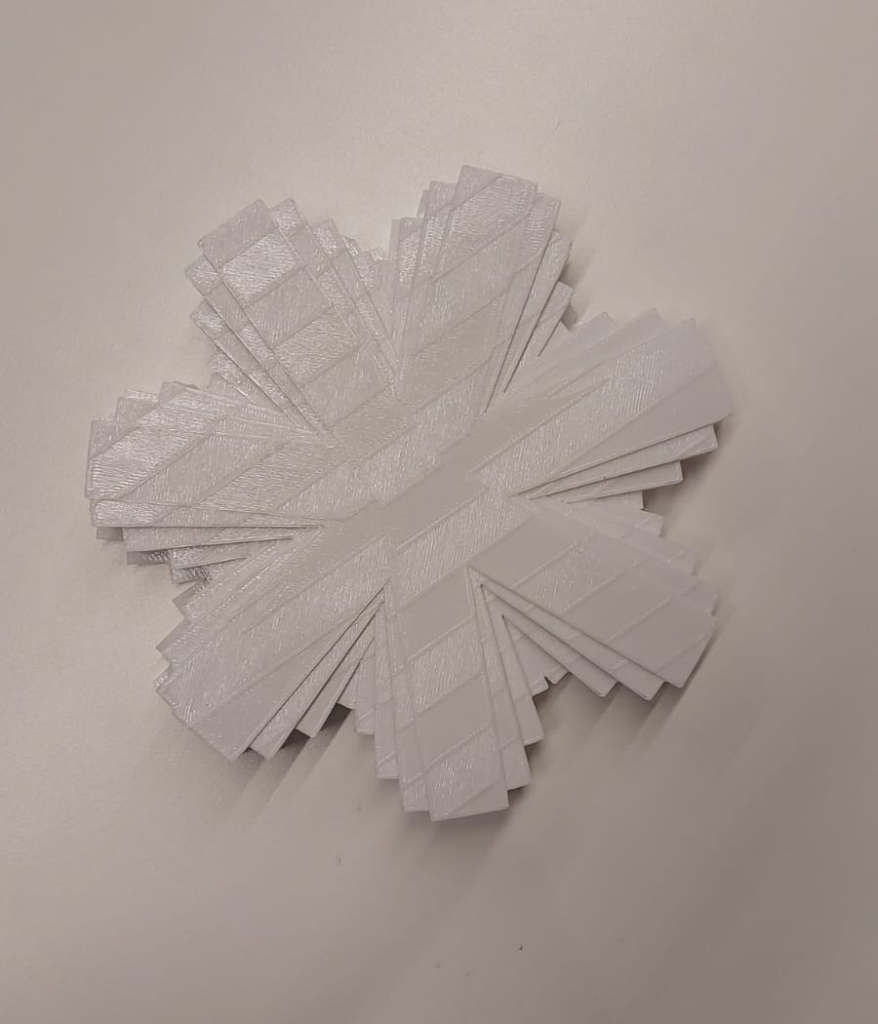
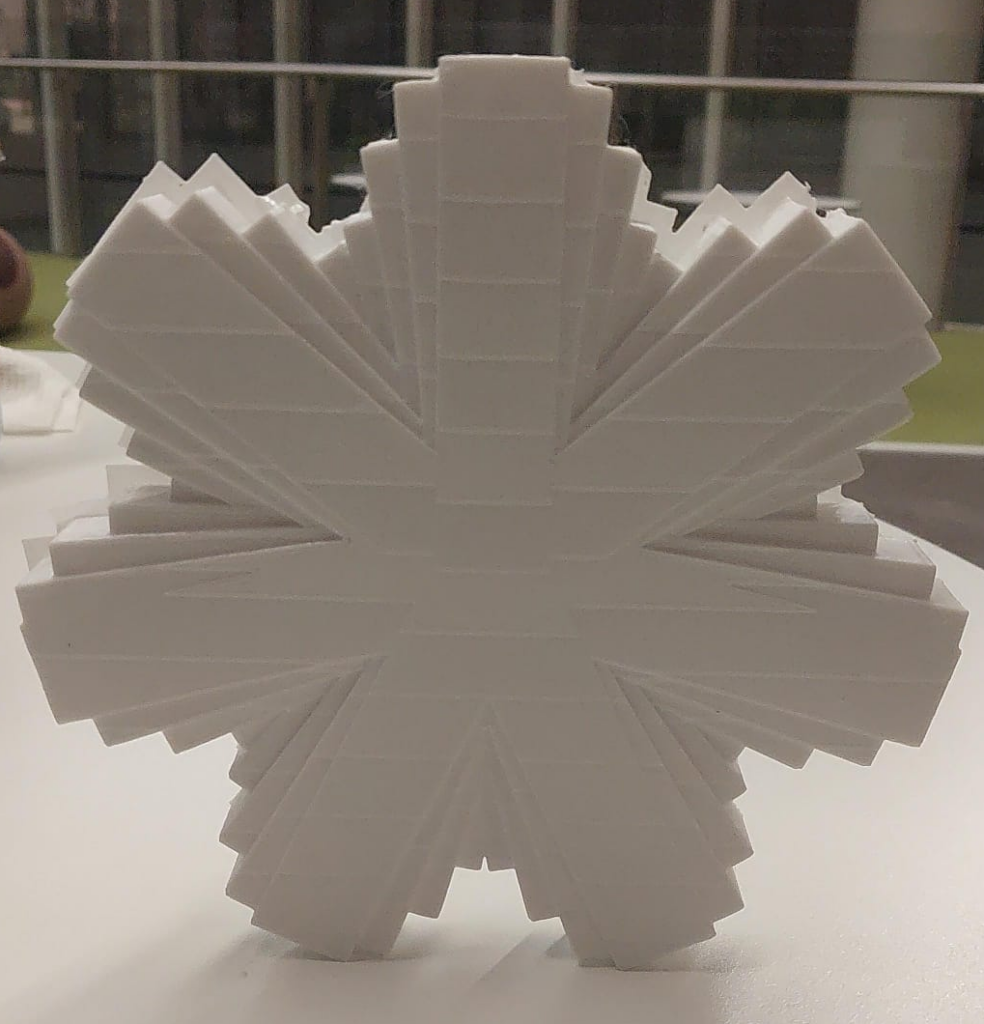
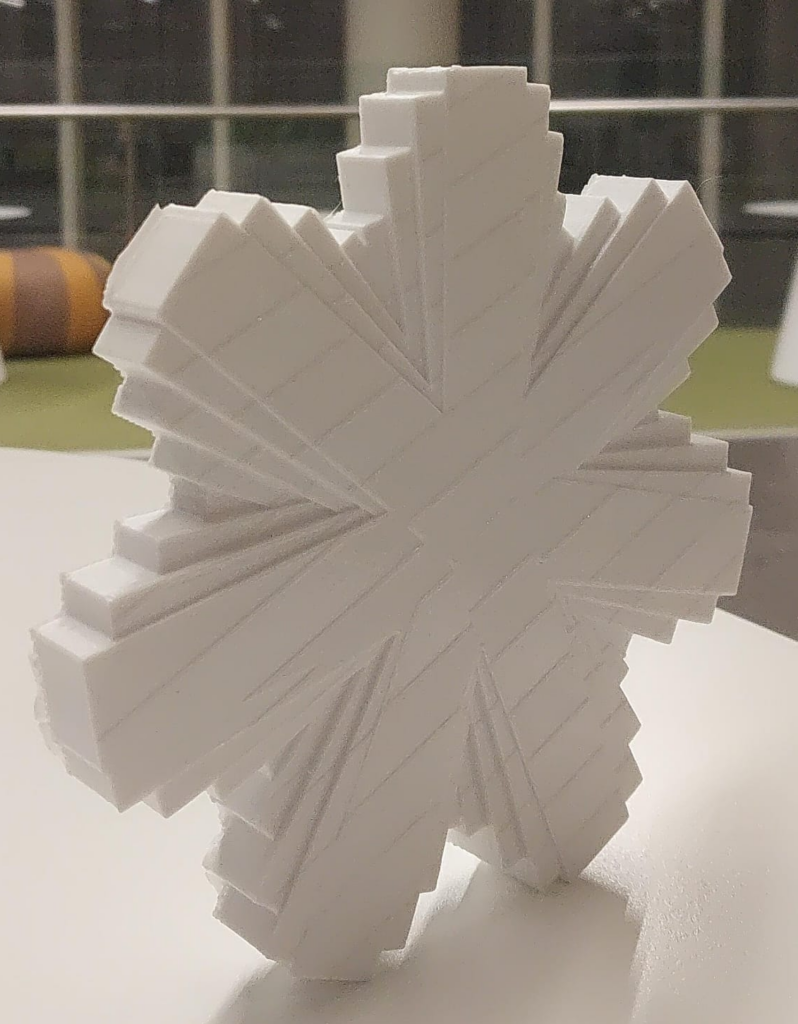
Final physical result
In p5.js, I first created the flower shape using repeated petals, rotation, and some mathematical variation. At this stage, it was mainly about getting the overall pattern and shape that I wanted.
When I imported it into PrusaSlicer, I could see how the design would actually work as a 3D object. It was the step to check for any errors in terms of connectivity, edges, etc. After editing, the shape became more solid, and I could see the thickness and the way the spikes would be printed layer by layer. There was initially a problem with open edges, but it got resolved
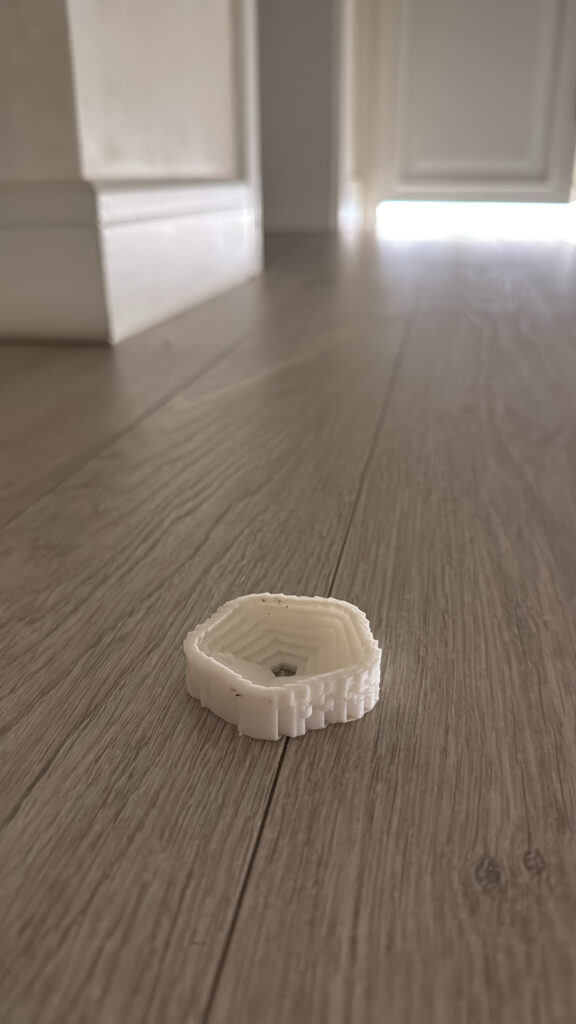
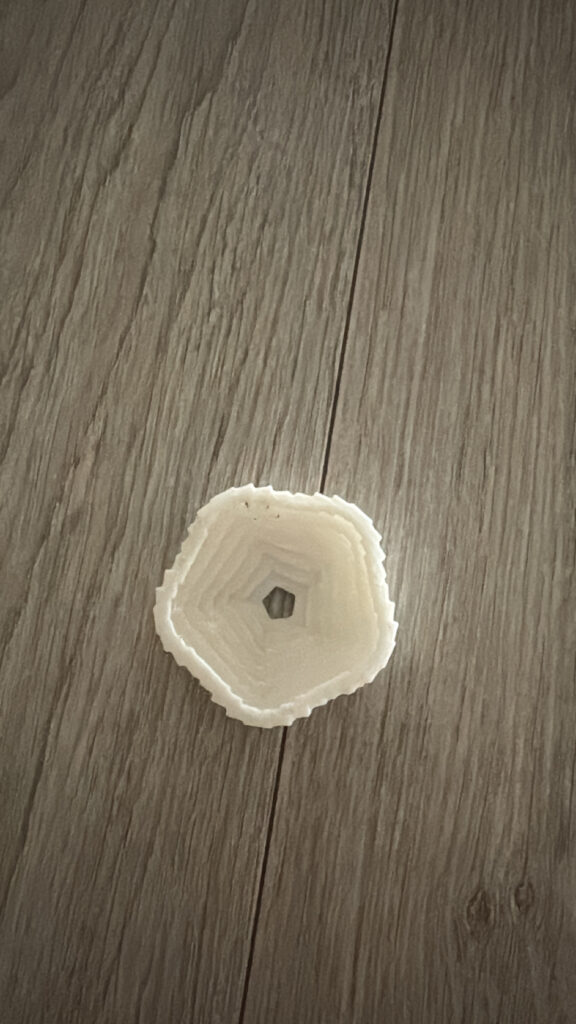
The final 3D print ended up being very similar to the PrusaSlicer preview. There were only small differences from the physical printing process, but the details of the shape stayed the same. This was useful because it showed me that the design I created digitally translated quite well into the actual object.
I also found that each stage showed something different. p5.js was just for creating the pattern, PrusaSlicer was for preparing it for printing and running to see if it has any problems, and the final print showed how the design actually worked as a physical object.
Reflection
never tried designing 3D objects with code before, so even though it was challenging at the beginning, it was a fun project to work on. I learned how to use different techniques in p5.js to get a specific shape that I wanted. I used sine waves to control the size and height of the petals and make the design change more smoothly. I also learned that creating something digitally and turning it into a physical object are two different steps. Seeing the design in PrusaSlicer and then as an actual 3D print helped me understand how the code and the physical printing process connect. Overall, this project helped me become more comfortable with using code as a way to create and experiment with 3D forms.
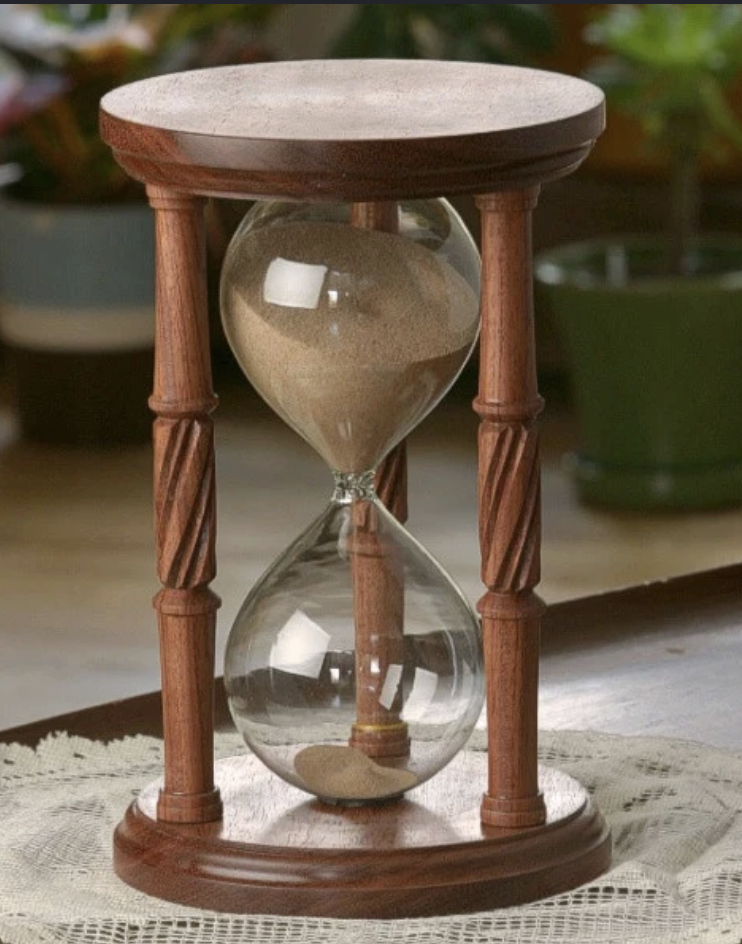
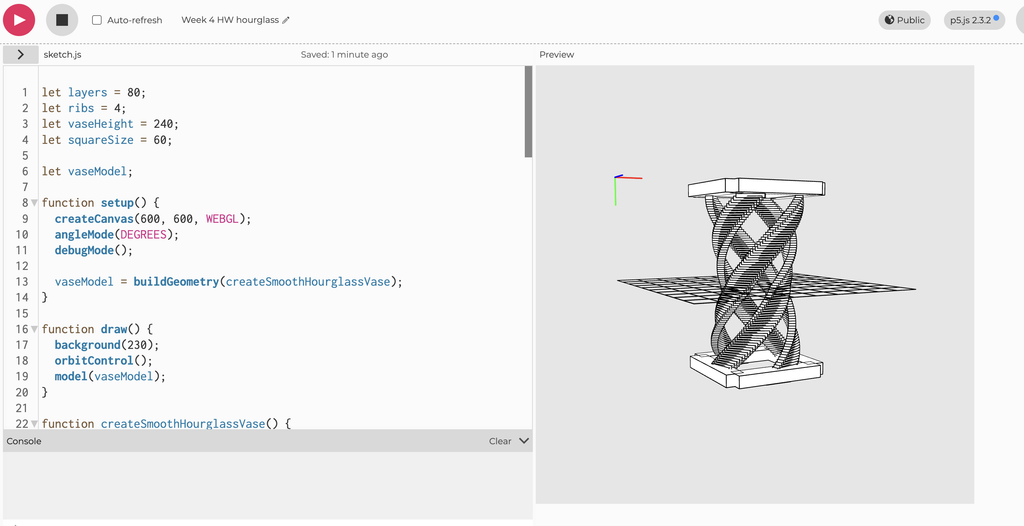
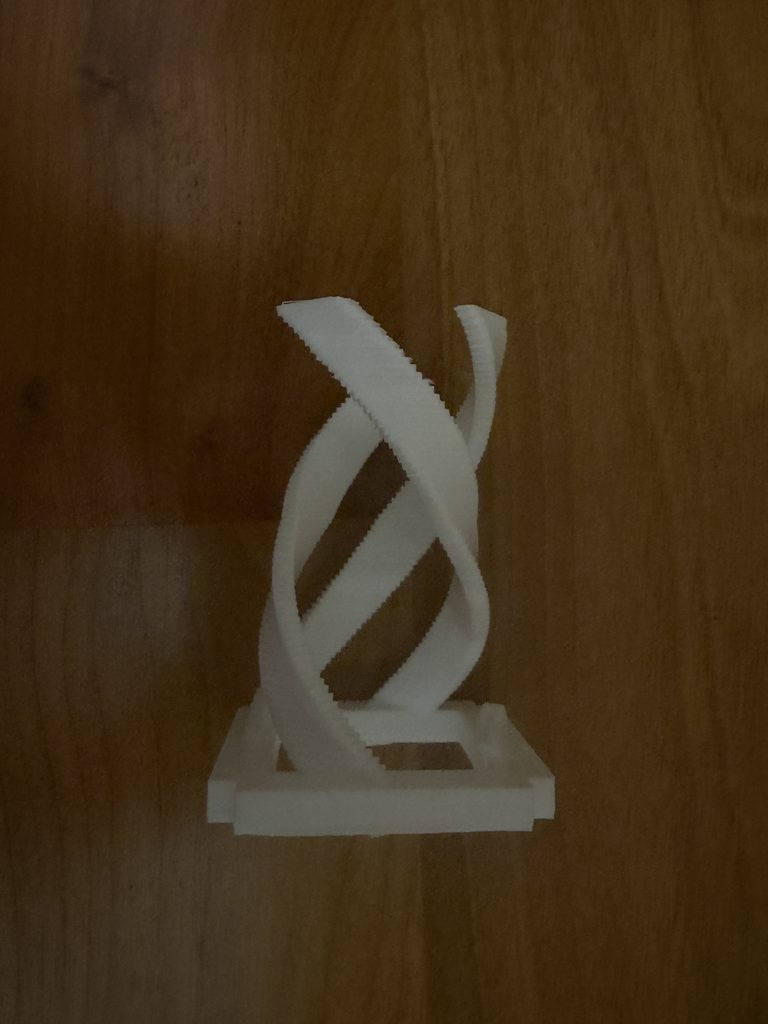
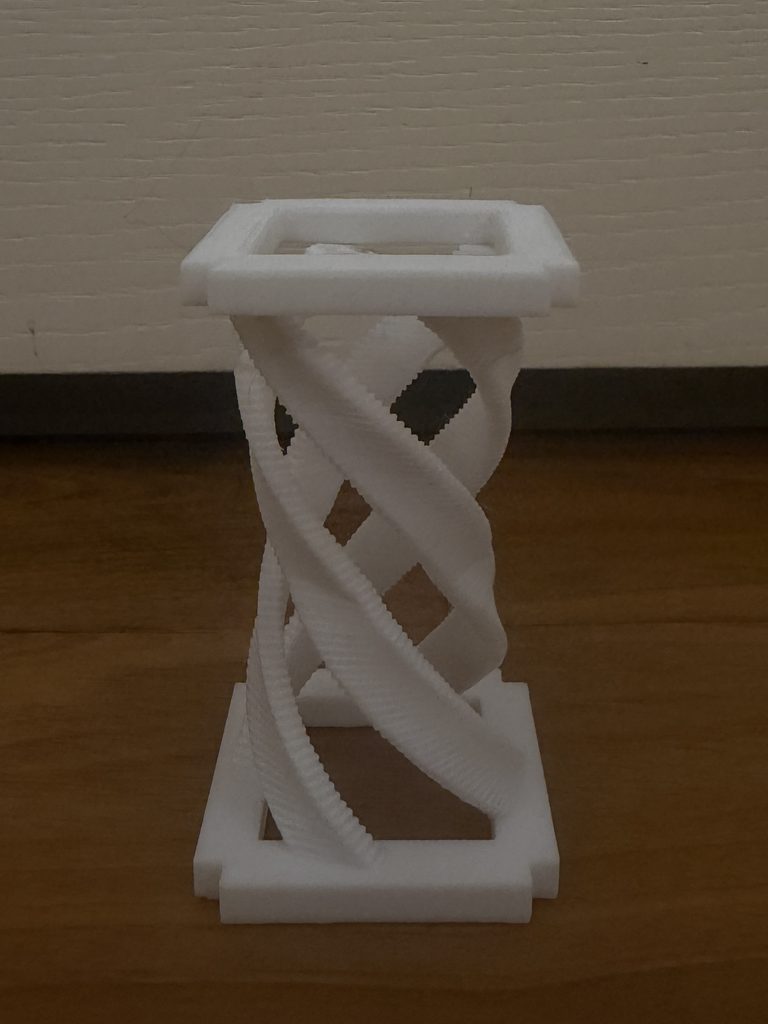
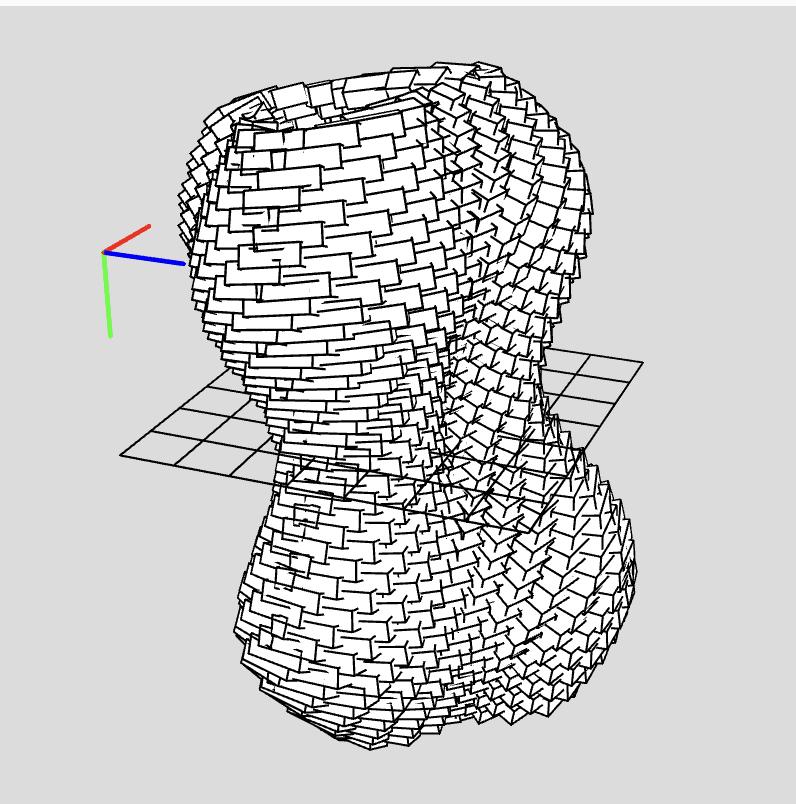
Concept My concept was inspired by an hourglass shape combined with a spiral pattern. I wanted the form to twist as it moves upward while still keeping the overall shape of an hourglass. I used code to repeat and rotate the geometry to create the spiral. I also added a square shape at the top and bottom of the code. This helped frame the spiral, made the hourglass shape more clear, and gave the design more support.
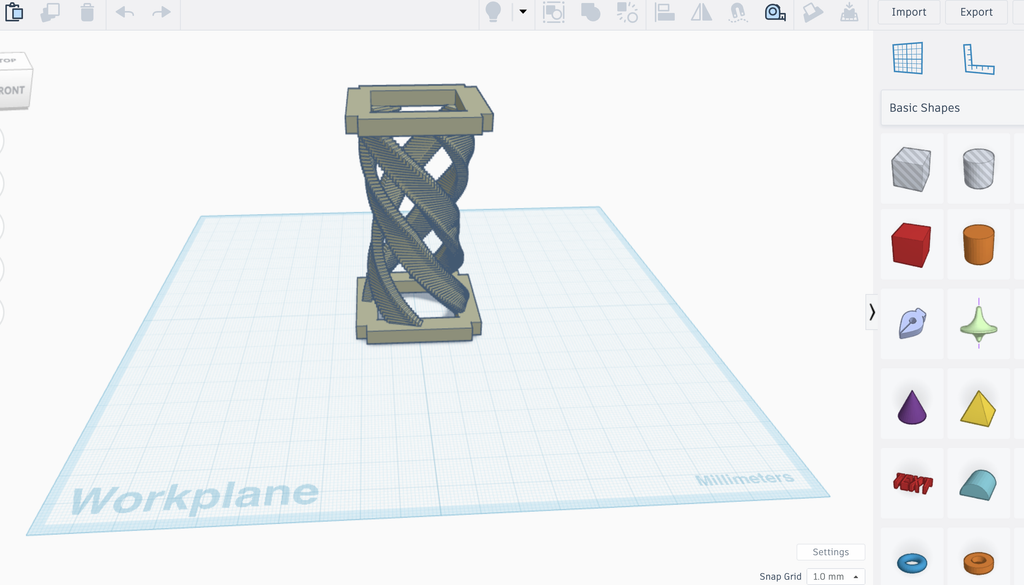
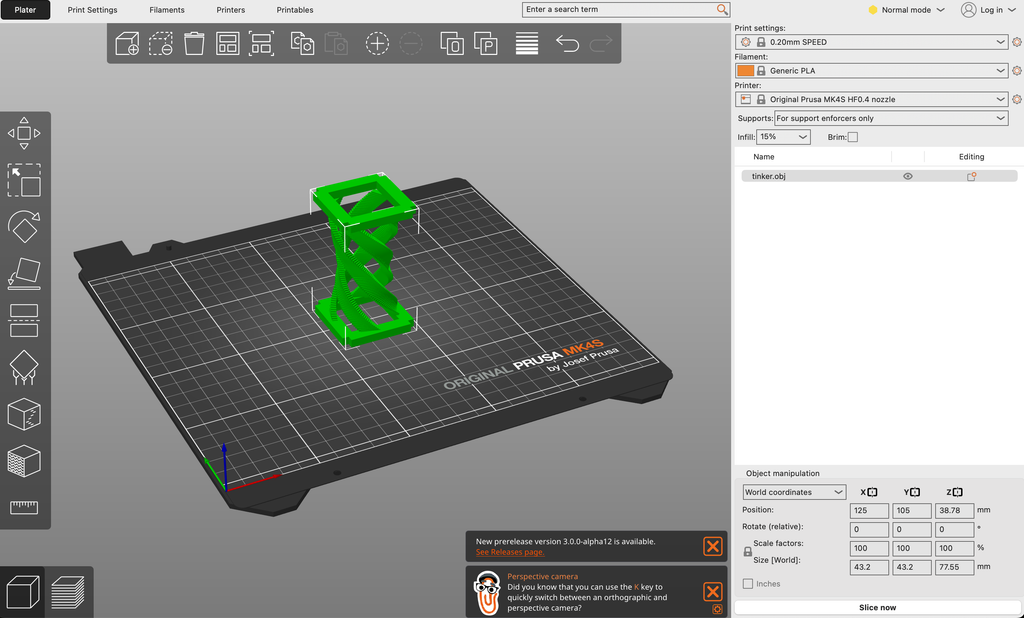
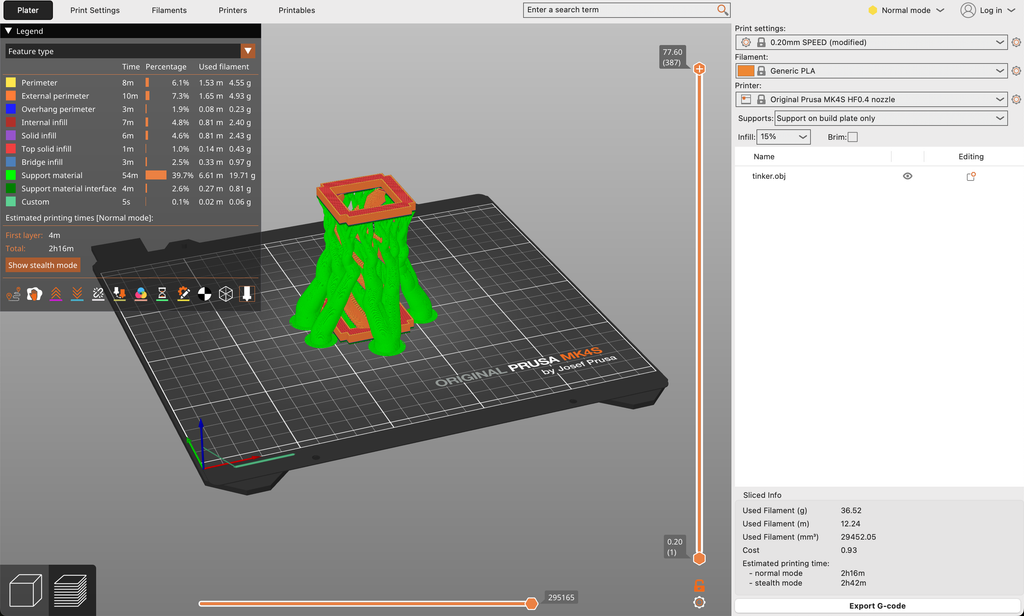
One of my main challenges was getting the code to create a model that could actually be 3D printed. Some parts were too thin or not fully connected, which caused problems when preparing it for printing. To fix this, I added the square base and square top so the spiral had stronger support and stayed connected. I also resized parts of the model, adjusted the code, and added printing supports so the full shape could print properly.
Reflection on how 3D printing changed or shaped your computational design
3D printing changed my computational design because I had to think about more than how the model looked on the screen. I had to consider whether the form could physically stand and print successfully. The square top and bottom were originally added for support, but they also made the design look more like an hourglass. I had to resize the model, add support, and change parts of the code so the design could be printed completely. This showed me how turning a digital design into a physical object can change and improve the original idea.
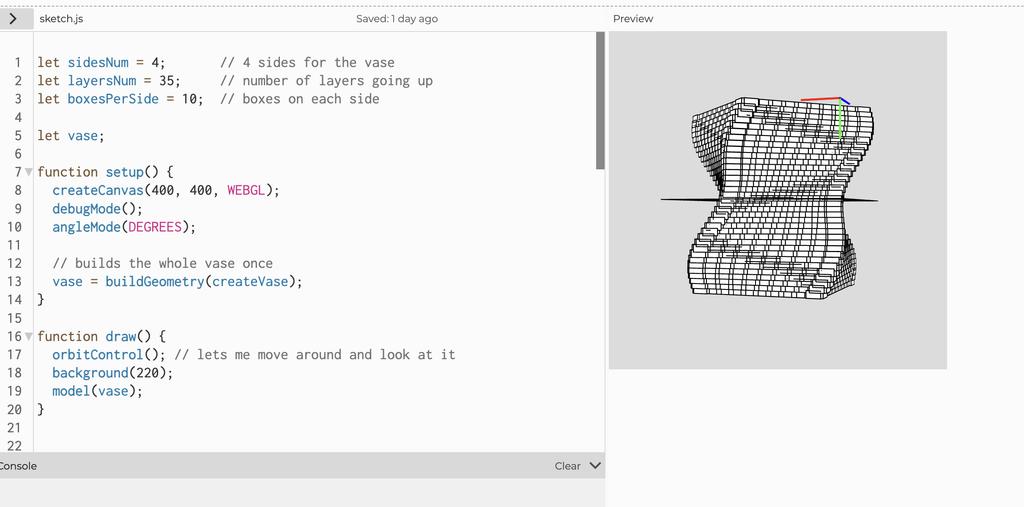
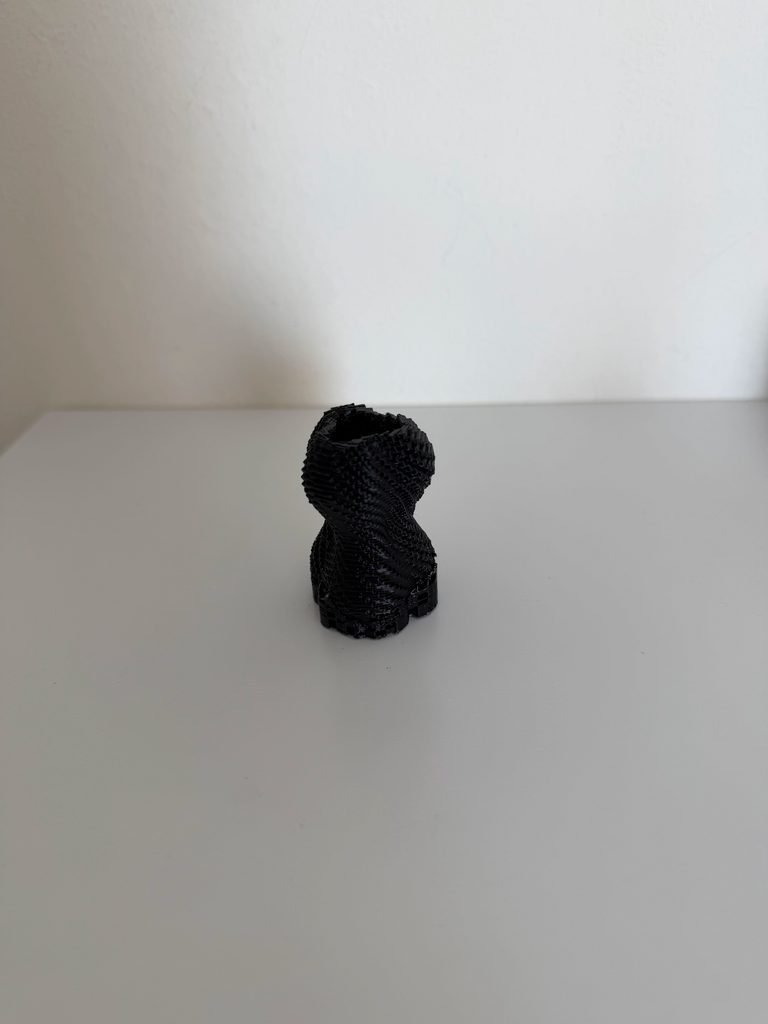
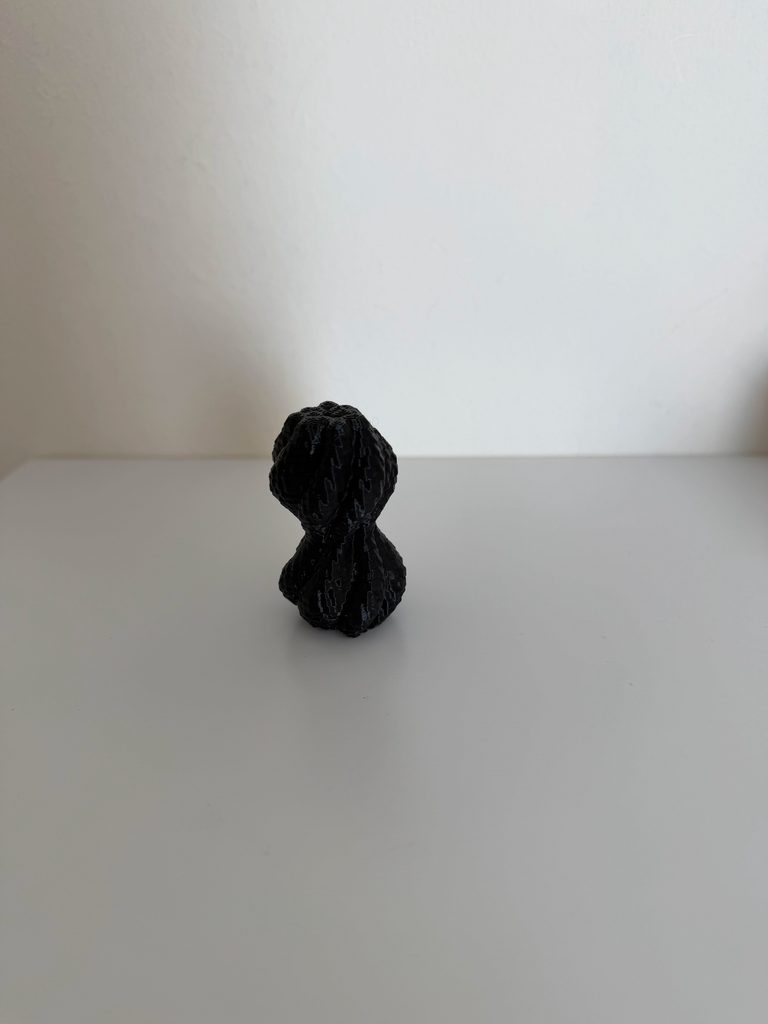
For this assignment, I wanted to create a vase-like sculptural form using repetition and twisting. I didn’t want to make a normal smooth shape, so I used small boxes repeated around four sides and stacked them in layers. As the layers move upward, they slowly rotate, which creates the twisted form.
I also changed the size slightly throughout the layers using a sine function. This makes the sides curve in and out instead of staying completely straight. The object is open at both the top and bottom, so my focus was more on the shape and structure rather than making a functional vase. I liked how the form looks different depending on which angle you view it from, especially because you can look through it and see the twisting structure inside.
My first attempt at printing did not work. I had booked a 3D printing session, but when I tried to prepare my design, there was a problem with the file and the printer was not able to recognize it properly. Because of this, the print never actually started and a lab assistant sent me an email stating it did not work out and that I had to book another session. So, I later did that.
When I came back for my second session, the lab assistant helped me properly prepare the file and set everything up for the printer. This time it worked, and the print started successfully. I was a little worried that I might have another issue, but thankfully the printing process went smoothly and the final object came out successfully.
One challenge I didn’t expect was removing the supports after the print was finished. Because my design twists and has open spaces inside, there were supports inside the form that were difficult to reach and remove. The lab assistant gave me a tool that helped, but it still required a lot more strength and patience than I expected. I also had to be careful while removing them because I didn’t want to accidentally damage the actual print.
Even though I didn’t make a separate physical test print, the failed first session helped me understand that preparing the digital file correctly is just as important as the design itself. After fixing that issue, I was really glad that I didn’t have any other major problems and that my final print came out successfully.
Prototype:
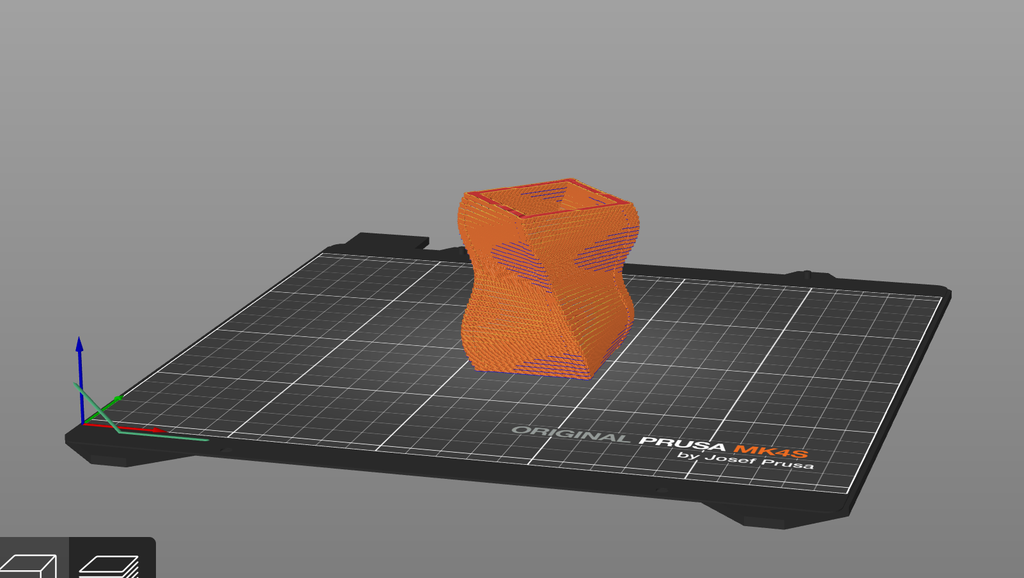
On Prusa Slicer:
With Supports:
Final Result
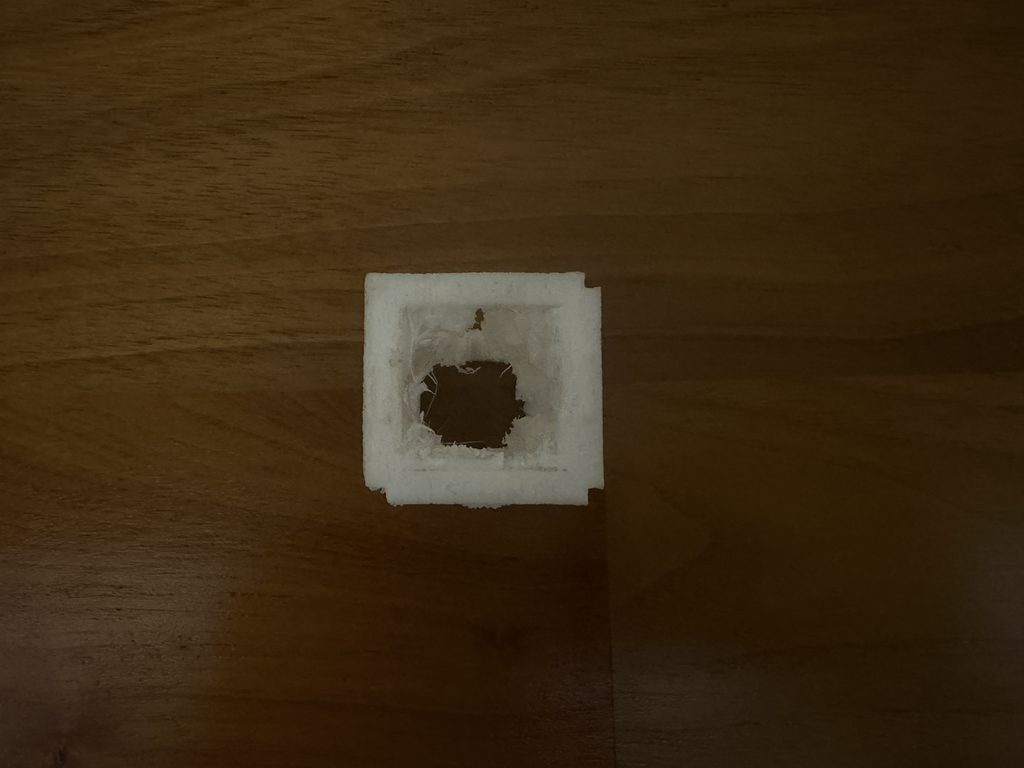
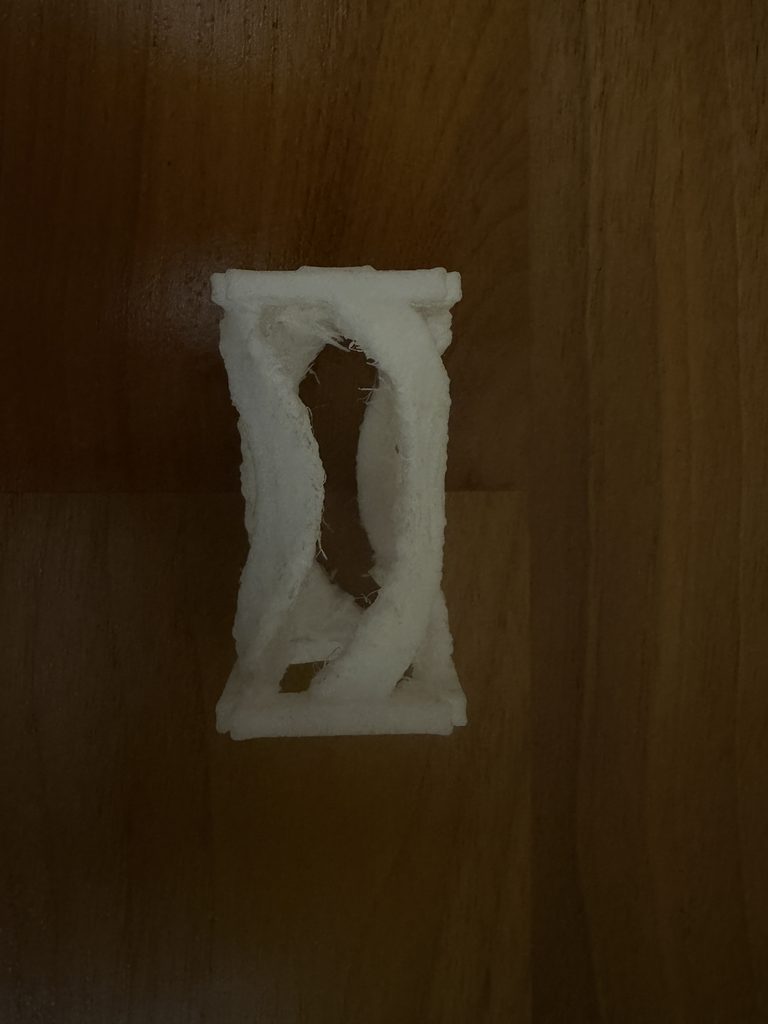
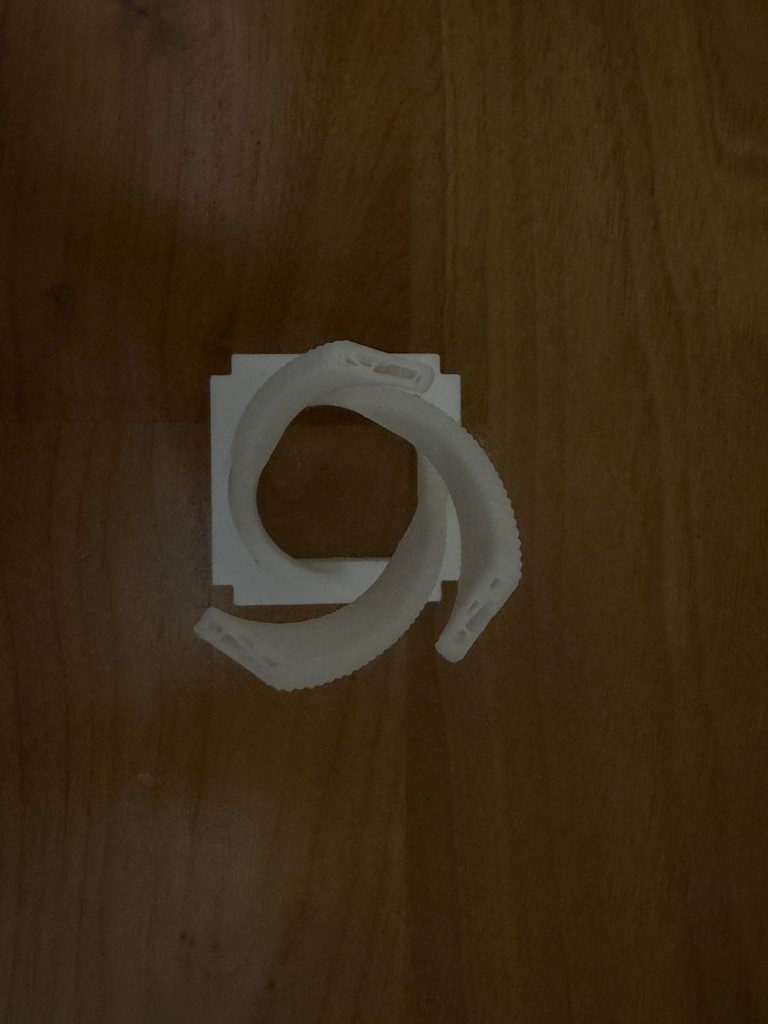
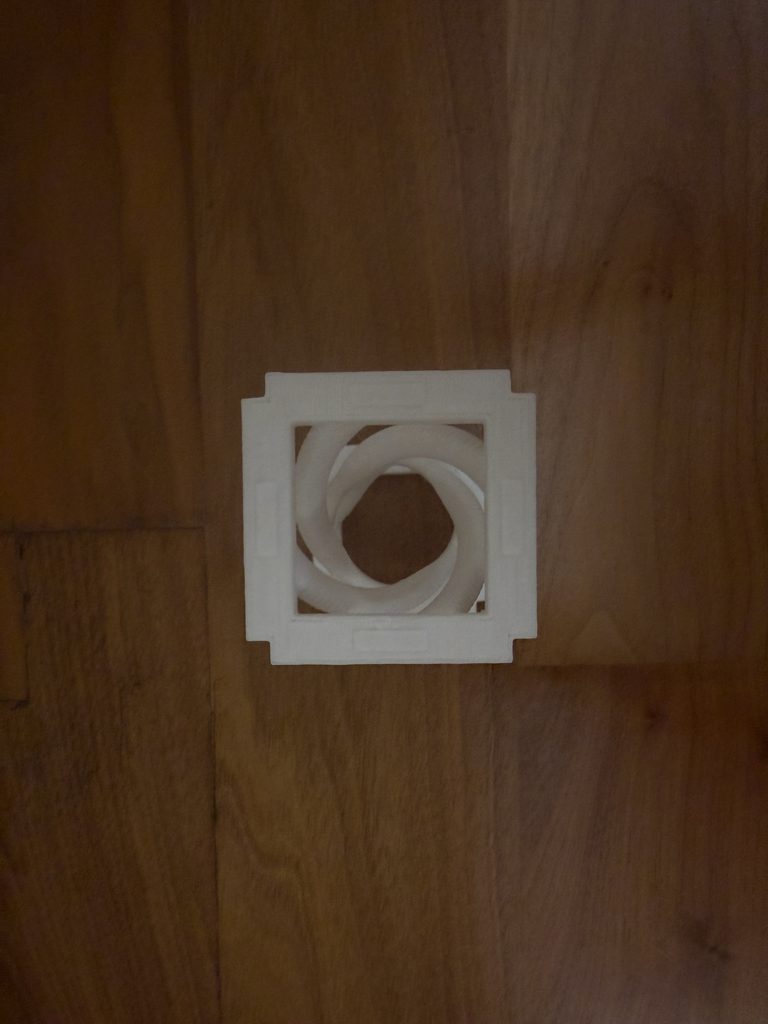
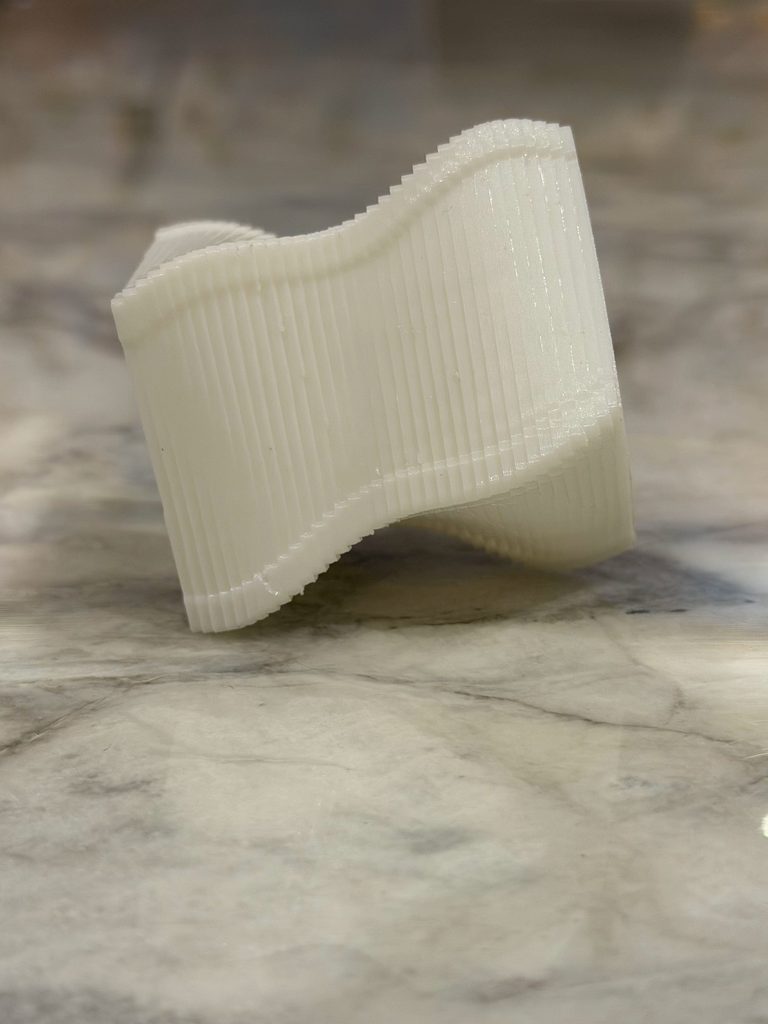
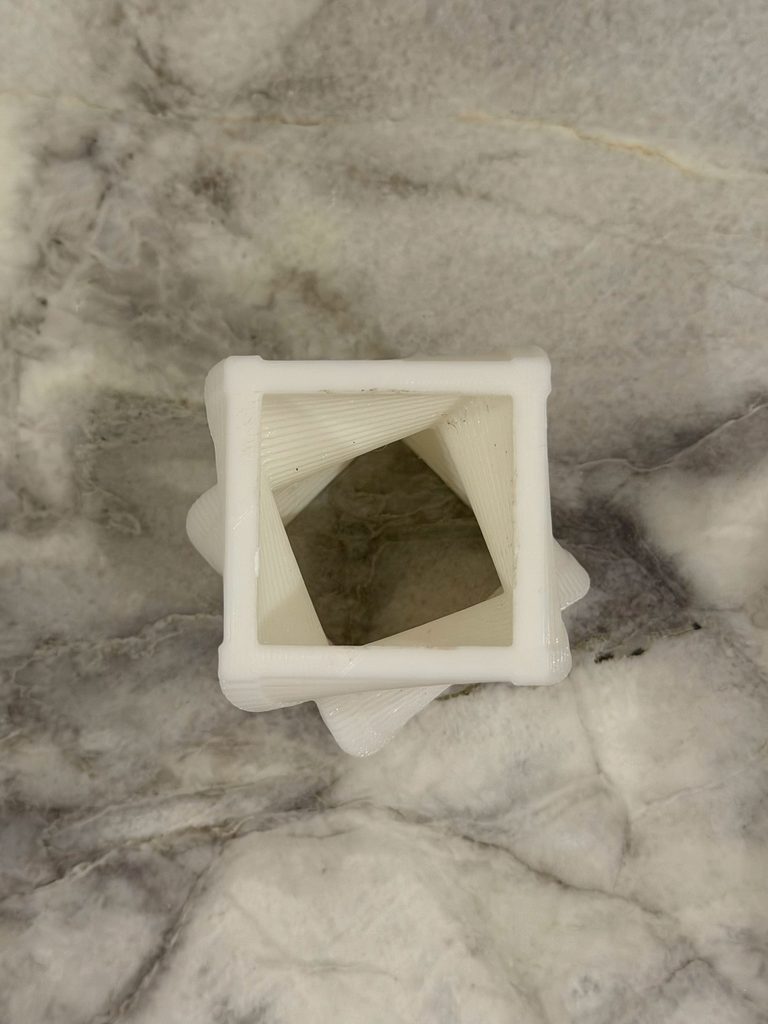
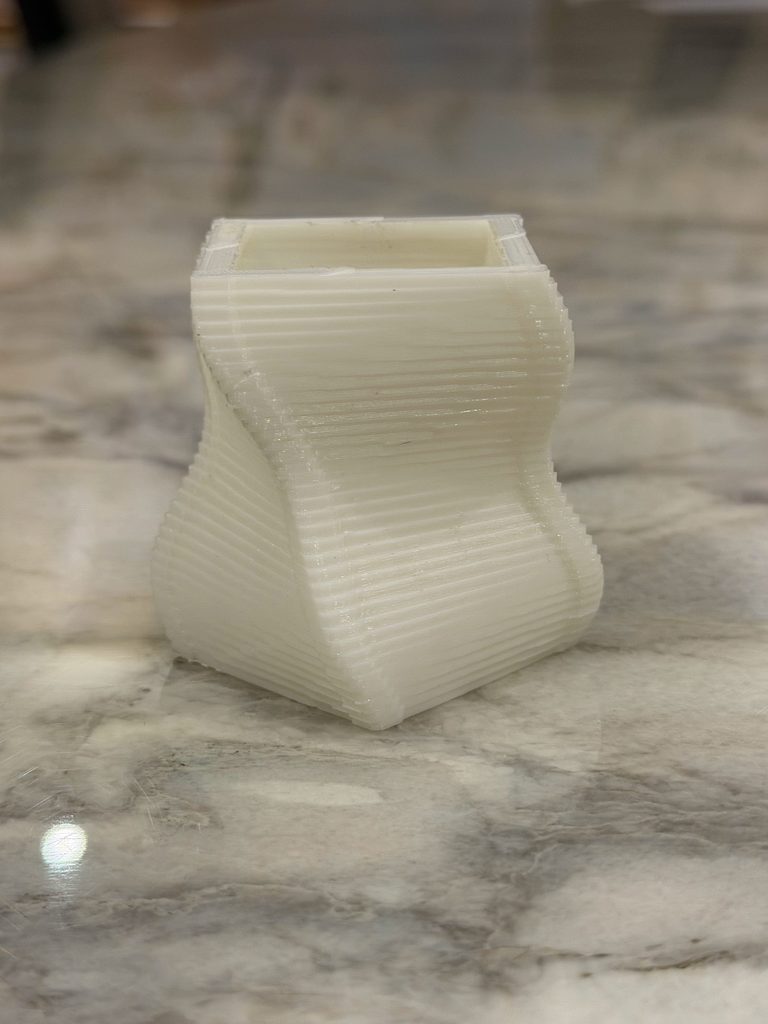
I was really happy with how the final print came out. The twisting effect from the code is very visible in the physical object, especially from the sides. From the top, you can also see how the square opening gradually rotates through the object.
Something I also noticed after printing was the layer lines. On the computer, the design looked much smoother, but in the physical print you can clearly see the layers that built the object. I actually like this because it shows how the object was made and makes the repetition in my code visible in a different way.
The object also looks quite different depending on the angle. From the side, it looks more like a curved and twisted vase, while from the top you can see the square geometry and the rotation much more clearly.
Reflection
This assignment made me realize that designing something digitally and actually 3D printing it are very different. When I was working in p5.js, I was mainly thinking about what the shape looked like on the screen. Once I had to print it, I had to think more about whether the geometry could actually exist physically and how the printer would build it.
The supports were probably the biggest example of this. I didn’t really think about them while coding, but once the object was printed, they became an important part of the process because I had to remove them without damaging the actual design.
I also think the physical result made the algorithm easier to understand. The repeated boxes, changing size, and gradual rotation are things I created through code, but in the final object they become actual curves, layers, and textures that I can hold and look at from different angles.
Overall, I’m glad that after the problem with my first printing session, the second attempt worked without any major issues. It also made me more comfortable with the process of taking something from p5.js and turning it into an actual 3D-printed object.
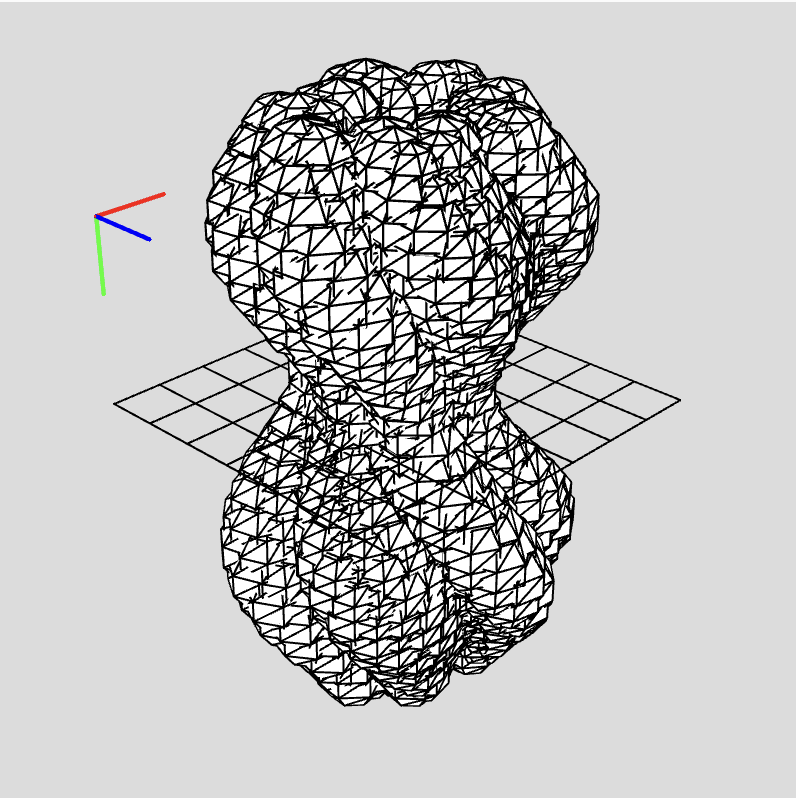
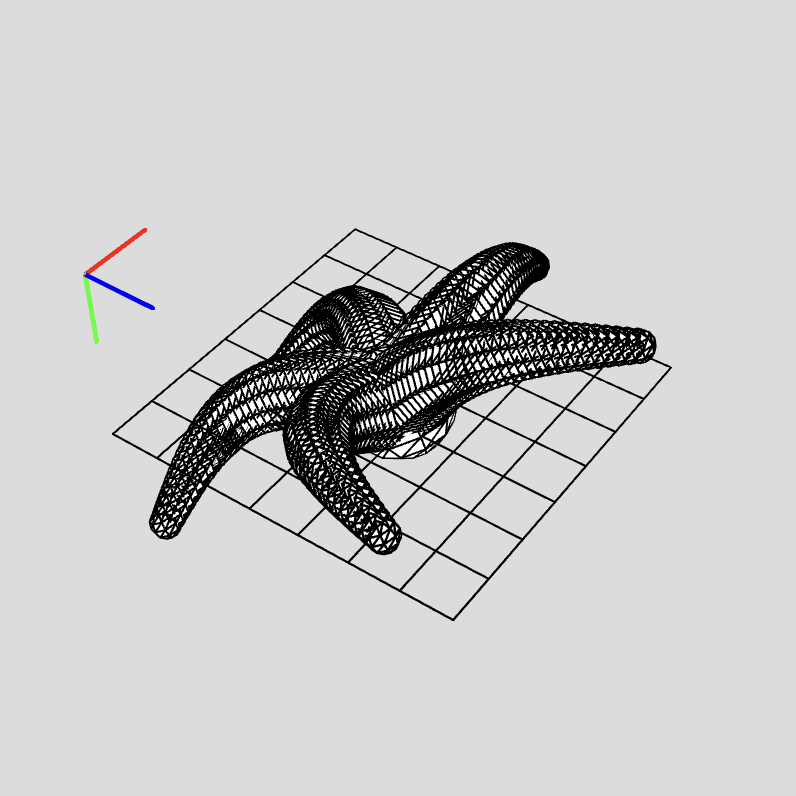
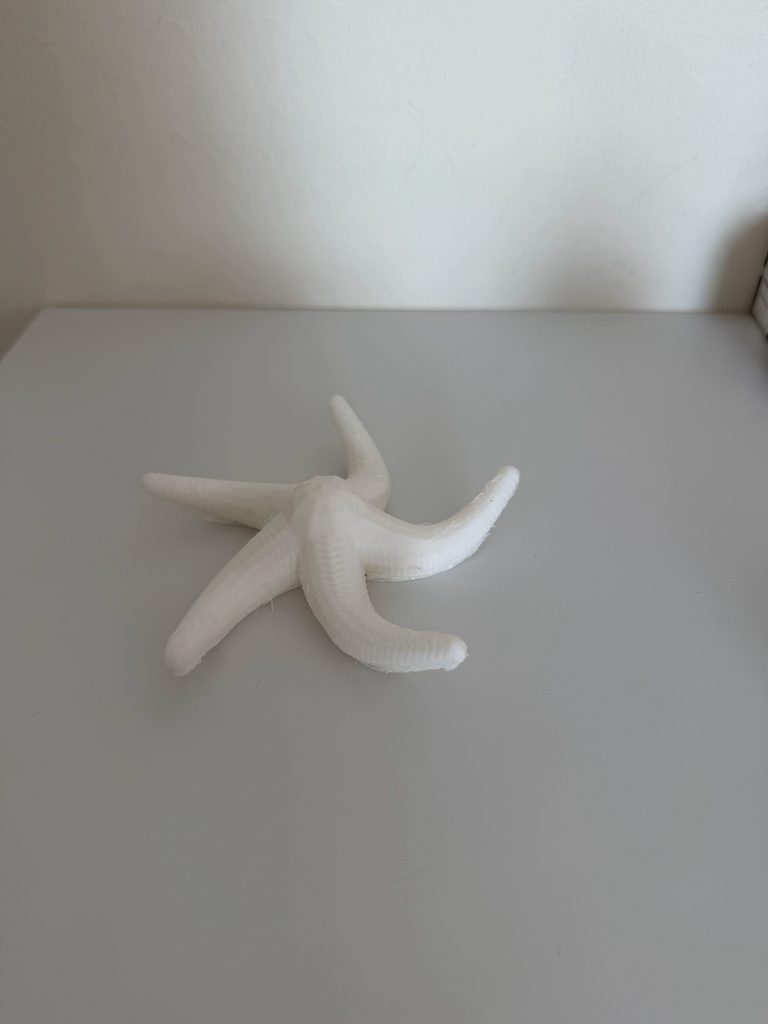
Concept For this assignment I wanted to explore how simple repeating shapes could be used to create more complex 3D forms. I began with rules about repetition, rotation, size and movement, rather than starting with a specific object. I made three distinct designs using boxes and spheres, changing variables such as the number of layers, radius, rotation and size of each repeated shape. The first design I did is a repetition of boxes layered to create a form that twists and has waves. The second design is based on spheres of different sizes and positions which create a more organic and irregular shape. For my third design I moved away from the vertical forms and experimented with radial growth. Five curved arms growing out from a central point, gradually becoming smaller toward the ends. And I wanted to see how some mathematical rules could totally change the overall shape of a 3D design with these experiments.
Process and Challenges I started by playing with simple repeated shapes because I wanted to see how small changes in the code could impact the whole 3D form. One of the big things I experimented with was the relation between repetition and variation. When I used the same size and position for all repeated shapes, the designs looked too regular. The forms became more dynamic with sin(), map(), rotation and changing sizes. Another challenge was thinking of the designs as physical objects and not just looking at how they look on screen. There are some shapes that look good in the digital world, but have tiny gaps or parts that don’t connect well enough to be 3D printed. This meant that I had to think about the spacing, size and overlap of the repeated shapes when thinking about what design could be a physical object. I also experimented with different numbers of layers and repeating parts. Increasing these values led to more dense forms while decreasing them opened up the structure. Testing these variations has shown me how much the overall design can vary with only a few variables changed.
Reflection This assignment changed the way I thought about computational design because I had to consider how the code would become a real physical object. When working only on the screen, I was mostly focused on whether the form looked interesting. When I started thinking about 3D printing, the thickness, spacing, connection, and scale became more important. I also noticed that very small changes in the code could have a big impact on the final form. Changing the number of pieces that repeat, the amount of rotation or the values inside a sine wave could completely change the shape . This made the process more experimental, since I could make different versions by changing a few variables. The difference between designing digitally and designing for 3D printing was that the end product had to work visually and physically. I started to really think a lot more carefully about the connection of the repeated shapes and how the object would exist as a structure. Overall, 3D printing made computational design feel more tied to material and physical constraints.
So in Taiwanese/Han culture we welcome the Lunar New Year with “chun lian”, long pieces of bright red paper, on our door frames. I believe they’re officially called spring festival couplets in English but I’ve never called them that before; their purpose is to ward off misfortune and bring in good vibes for the upcoming year.
We write short poems/sayings on these long rectangular pieces of red paper with black or gold ink and usually put one or two next to our doors; however, there’s a few characters that we write on squares by themselves as well.
So ever since I moved out, I’ve forgotten to buy chunlian for the new year 3 years in a row. For this week I decided to create a laser-cut chunlian by myself; this way when Lunar New Year approaches, I’ll have a physical reminder to buy some chunlian this year and in the worst case scenario I’ll still have this.
Vector Design
The specific character I wanted to create was 福, which signifies fortune and wellbeing. I think my life’s been lacking in the fortune and wellbeing department recently because of three continuous years of forgetting to ward off the bad spirits.
You can find my code in the embed sketch I attached; I don’t want to take up all the space here.
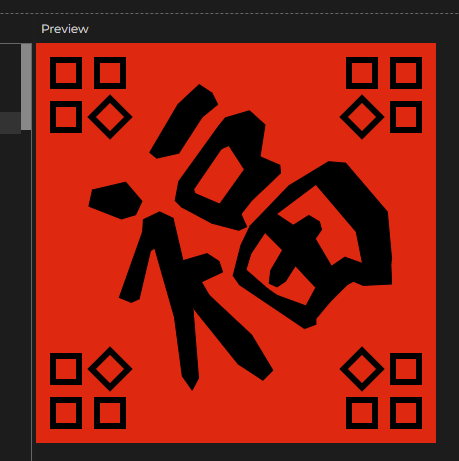
Final Design with the red background for contrast
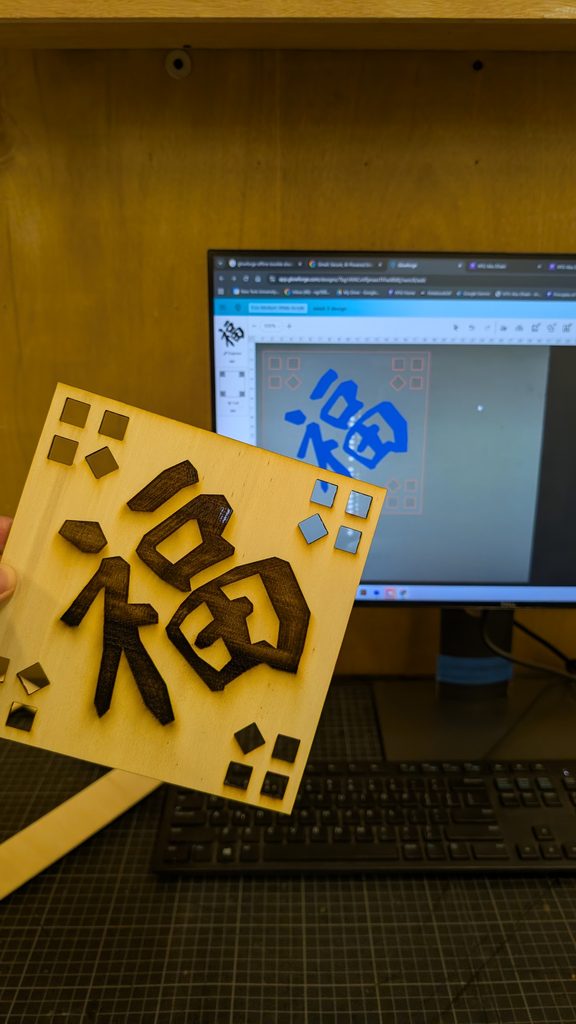
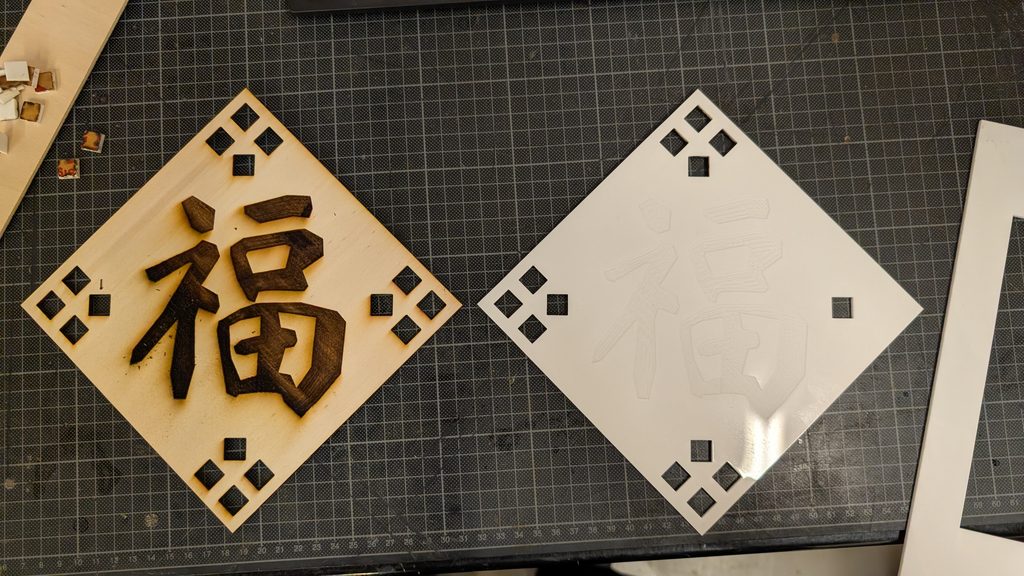
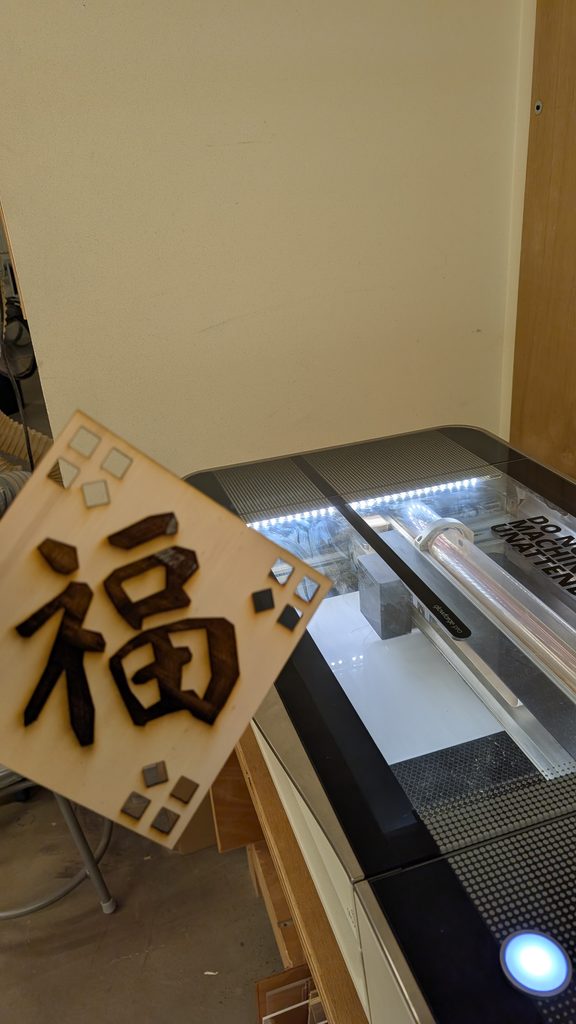
Photos of Final Fabricated Result
The acrylic one didn’t turn out very legible
Process and challenges
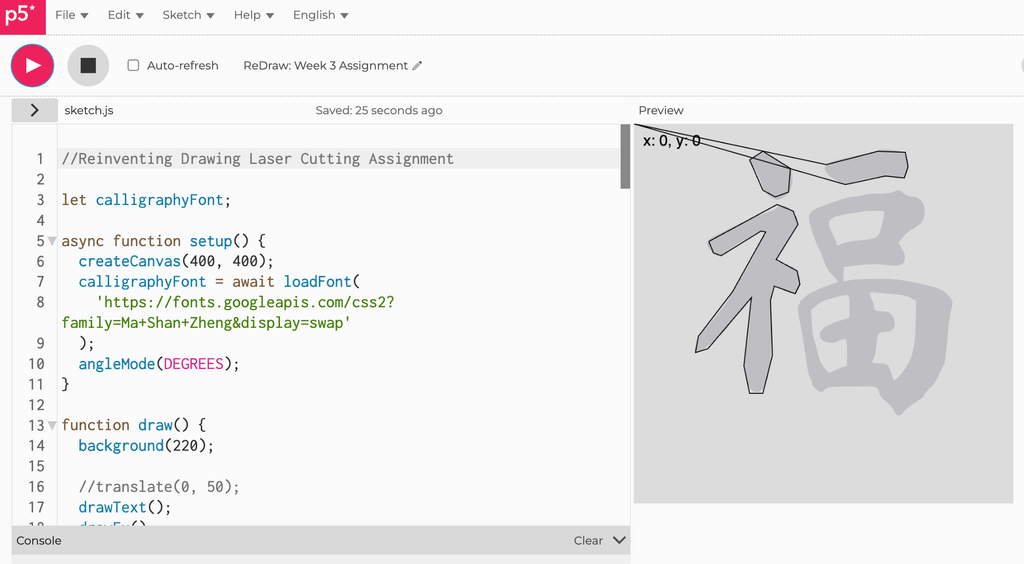
So I knew this was going to be rather difficult even before I started but Chinese calligraphy is pretty hard to recreate using vector points. It was a bit frustrating to just draw it by memory I had a nice idea to load up a real calligraphy font with the text() function to put 福 there. I would then display the mouse position coordinates to draw using the beginShape() function.
Matching Mouse Coordinates to the point I wanted to draw
Once I had the character there in the center, I could decorate the negative space around it. While I was thinking of how to decorate it, I was inspired by the draggable windows file explorer handle on the bottom right corner. That’s how I got the ideas for the corner designs.
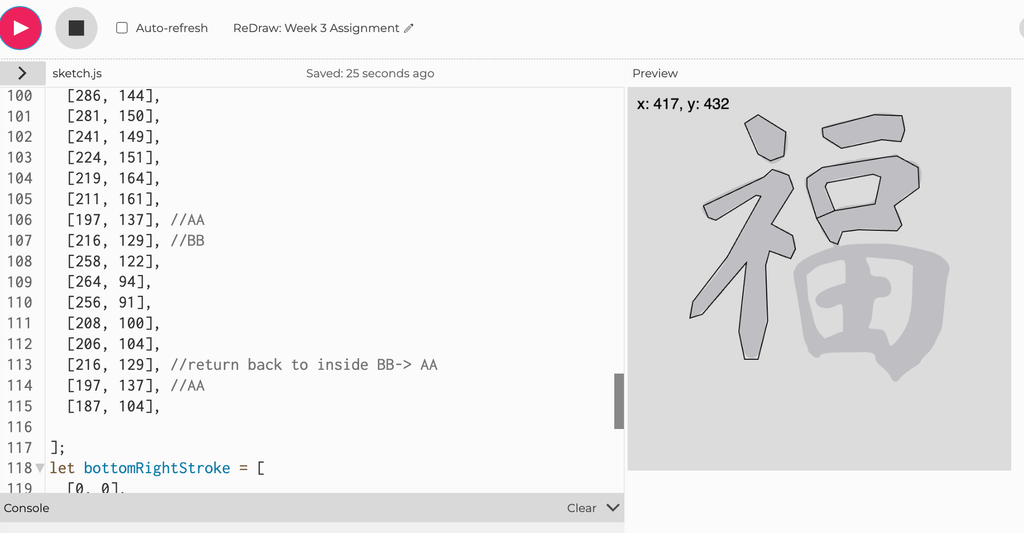
When I started doing the vector for the 口 (kǒu) stroke on the right hand side, I realized I’m going to have to do something tricky by “weaving” the vector outline inside the character because the character has negative space inside. I did the same thing again for 田 (tián) but thankfully in calligraphy form there’s only two “gaps” for me to weave in and out of.
A glimpse of the array for the 口 (kǒu) part, where I had to weave the line in to keep it all one shape.
Reflection on how laser fabrication shaped my computational design.
I was initially wary of the precision the laser cutting was capable of but I was told by my peers that they were surprised by how accurate and intricate the laser cutter was. However, a difficulty that remained for me was getting the character to look “flowy” like it was written using a calligraphy brush; I thought perhaps changing my function to use splineVertex() instead of vertex() would approach the effect I desired but it just looked kinda off.
So as you can see, I ended up sticking with the hard vertices I started with, I think there’s a unique quality to it being a vector drawing I did point by point. I might actually hang it up somewhere once the laser cutter is operational again.
During the laser cutting process, Dustin realized that the reason why my laser cutting process was taking such a long time (nearly 40 minutes each) was because the vector file I had exported from p5.js had at least thirty “layers” so it would trace each cut over thirty times before moving onto the next one.
Since this was my first time laser cutting I thought all laser cutters are very thorough, let’s say; however, it turns out the vector file was just incredibly unoptimized. It’s completely unnoticeable until you reach the laser cutting software. My theory is that the svg export from p5.js didn’t take just one snapshot of the canvas but multiple frames based on draw() function’s framerate.
The engraving ended up very burnt and it cut very deeply into the plywood but I think it actually looks pretty good.